change wheel BMW 528I 2014 User Guide
[x] Cancel search | Manufacturer: BMW, Model Year: 2014, Model line: 528I, Model: BMW 528I 2014Pages: 267, PDF Size: 5.88 MB
Page 124 of 267
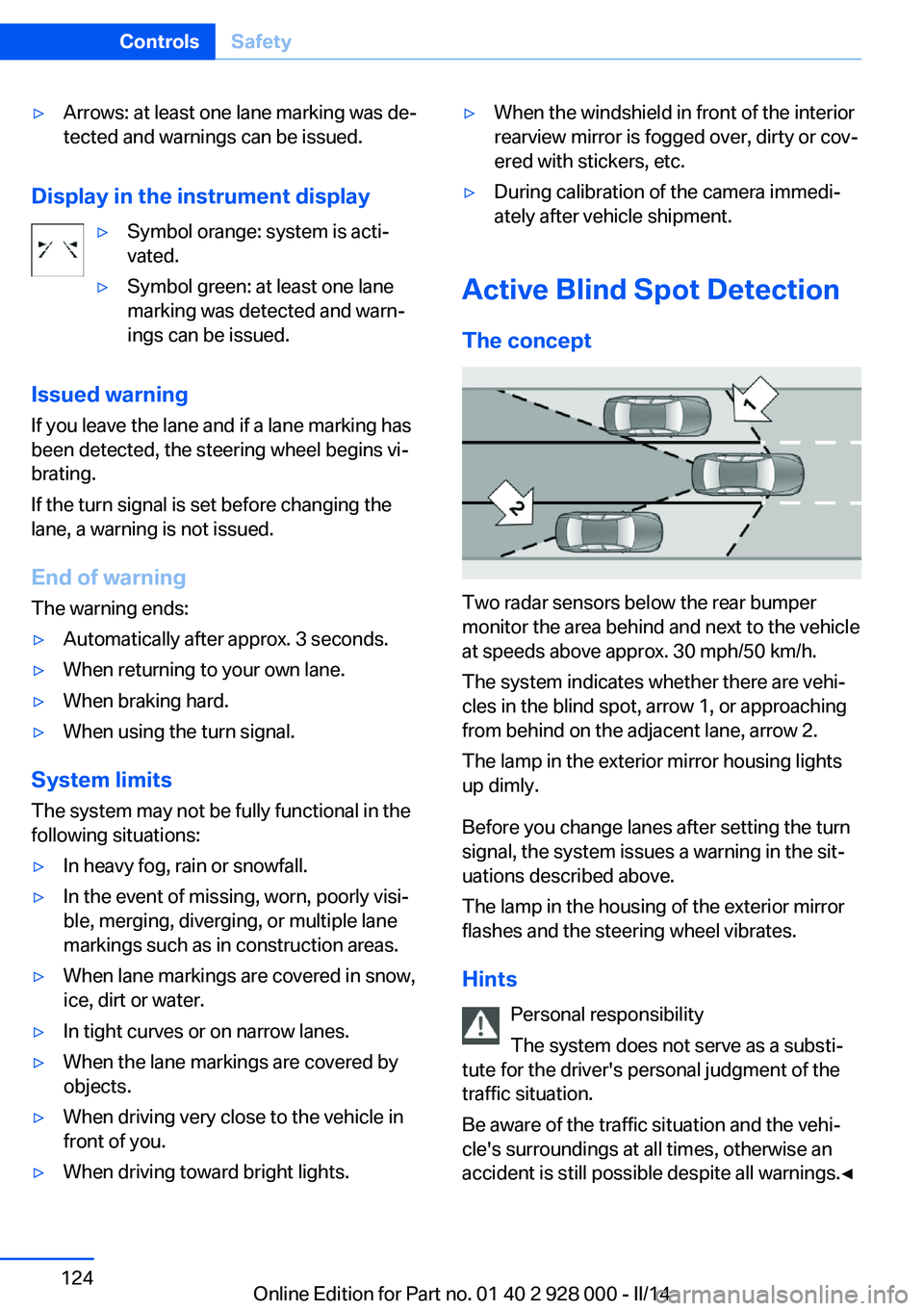
▷Arrows: at least one lane marking was de‐
tected and warnings can be issued.
Display in the instrument display
▷Symbol orange: system is acti‐
vated.▷Symbol green: at least one lane
marking was detected and warn‐
ings can be issued.
Issued warning
If you leave the lane and if a lane marking has
been detected, the steering wheel begins vi‐
brating.
If the turn signal is set before changing the
lane, a warning is not issued.
End of warning
The warning ends:
▷Automatically after approx. 3 seconds.▷When returning to your own lane.▷When braking hard.▷When using the turn signal.
System limits
The system may not be fully functional in the
following situations:
▷In heavy fog, rain or snowfall.▷In the event of missing, worn, poorly visi‐
ble, merging, diverging, or multiple lane
markings such as in construction areas.▷When lane markings are covered in snow,
ice, dirt or water.▷In tight curves or on narrow lanes.▷When the lane markings are covered by
objects.▷When driving very close to the vehicle in
front of you.▷When driving toward bright lights.▷When the windshield in front of the interior
rearview mirror is fogged over, dirty or cov‐
ered with stickers, etc.▷During calibration of the camera immedi‐
ately after vehicle shipment.
Active Blind Spot Detection
The concept
Two radar sensors below the rear bumper
monitor the area behind and next to the vehicle
at speeds above approx. 30 mph/50 km/h.
The system indicates whether there are vehi‐
cles in the blind spot, arrow 1, or approaching
from behind on the adjacent lane, arrow 2.
The lamp in the exterior mirror housing lights
up dimly.
Before you change lanes after setting the turn
signal, the system issues a warning in the sit‐
uations described above.
The lamp in the housing of the exterior mirror
flashes and the steering wheel vibrates.
Hints Personal responsibility
The system does not serve as a substi‐
tute for the driver's personal judgment of the
traffic situation.
Be aware of the traffic situation and the vehi‐
cle's surroundings at all times, otherwise an
accident is still possible despite all warnings.◀
Seite 124ControlsSafety124
Online Edition for Part no. 01 40 2 928 000 - II/14
Page 131 of 267
Deactivating DTCPress the button again.
TRACTION and the DSC OFF indica‐
tor lamp go out.
Indicator/warning lamps When DTC is activated, TRACTION is dis‐
played in the tachometer.
The indicator lamp lights up: DTC Dy‐
namic Traction Control is activated.
xDrive
xDrive is the all-wheel-drive system of your ve‐
hicle. Concerted action by the xDrive and DSC
further optimize traction and driving dynamics.
The xDrive all-wheel-drive system variably dis‐
tributes the drive forces to the front and rear
axles as demanded by the driving situation and
road surface.
HDC Hill Descent Control
The concept HDC is a downhill driving assistant that auto‐
matically controls vehicle speed on steep
downhill gradients. Without applying the
brakes, the vehicle moves at slightly more than
walking speed.
Hill Descent Control can be activated at
speeds below approx. 22 mph/35 km/h. When
driving downhill, the vehicle reduces its speed
to approx. walking speed and then keeps its
speed constant.
As long as there is active braking, the system
is on standby. The system does not brake the
vehicle during this time.
Only use HDC in low gears or in selector lever
position D or R.Increasing or decreasing vehicle
speed
Specify desired speed in the range from ap‐
prox. 4 mph/6 km/h to approx. 15 mph/25 km/h
using the rocker switch of the cruise control on
the steering wheel. Vehicle speed can be
changed by lightly accelerating.▷Press up the rocker switch to the point of
resistance: the speed increases gradually.▷Press up the rocker switch past the point
of resistance: the speed increases while
the rocker switch is pressed.▷Press down the rocker switch to the point
of resistance: the speed decreases gradu‐
ally.▷Press down the rocker switch past the
point of resistance: when driving forward,
the speed decreases to approx.
6 mph/10 km/h; when reversing, the speed
decreases to approx. 4 mph/6 km/h.
Activating HDC
Press the button; the LED above the but‐
ton lights up.
Seite 131Driving stability control systemsControls131
Online Edition for Part no. 01 40 2 928 000 - II/14
Page 137 of 267
At a glance
Buttons on the steering wheelPress the
buttonFunctionCruise control on/off, interrupt,
refer to page 137Store/maintain speed, refer to
page 138Resume speed, refer to
page 139Reduce distance, refer to
page 139Increase distance, refer to
page 139With Traffic Jam Assist: Adjust
distance, refer to page 139Rocker switch:
Change/maintain speed, refer to
page 138Traffic Jam Assist: Traffic Jam
Assist on/off, interrupting, refer
to page 143
The arrangement of the buttons varies accord‐
ing to the how the vehicle is equipped or coun‐
try-specific variants.
Radar sensor
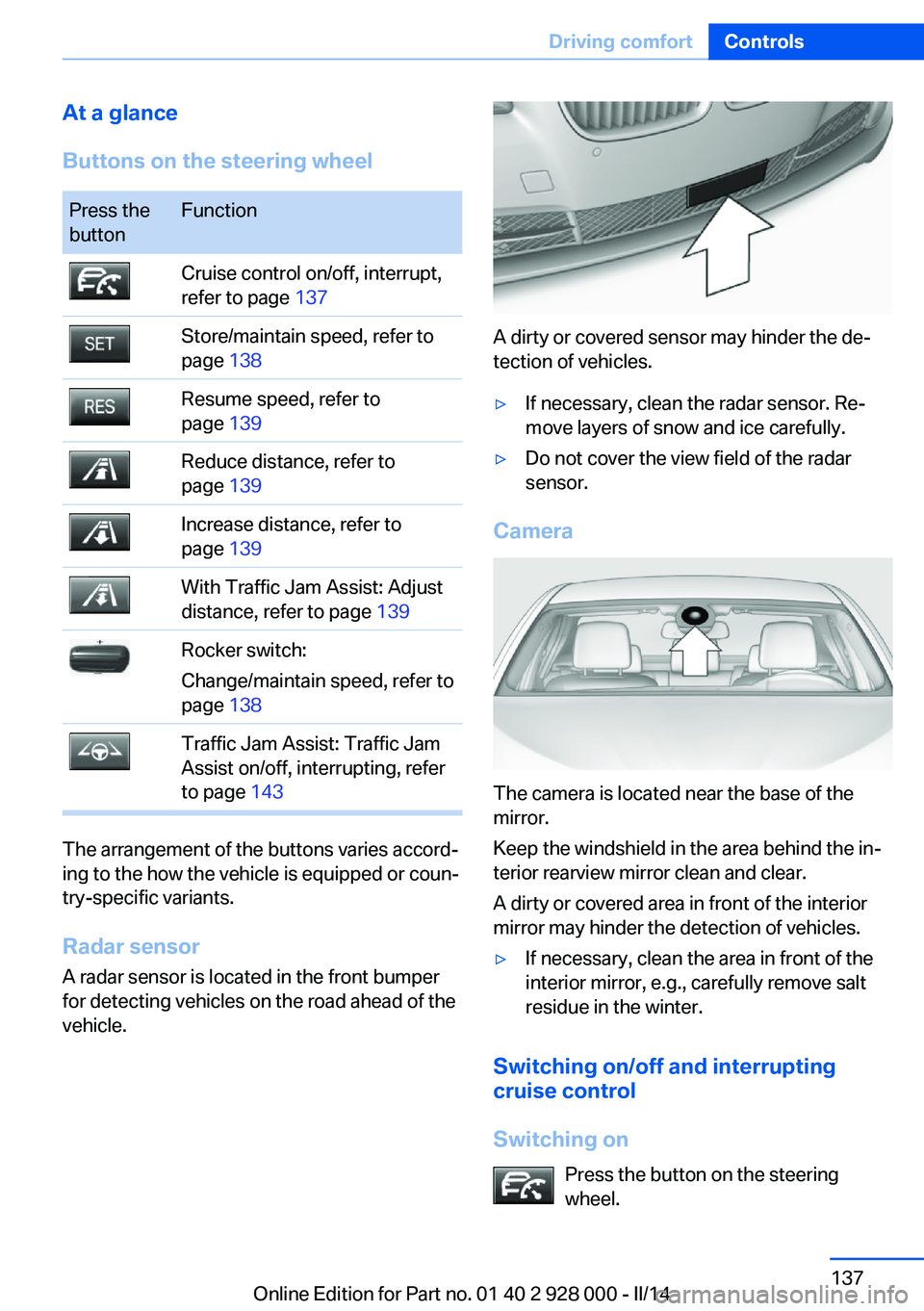
A radar sensor is located in the front bumper
for detecting vehicles on the road ahead of the
vehicle.
A dirty or covered sensor may hinder the de‐
tection of vehicles.
▷If necessary, clean the radar sensor. Re‐
move layers of snow and ice carefully.▷Do not cover the view field of the radar
sensor.
Camera
The camera is located near the base of the
mirror.
Keep the windshield in the area behind the in‐
terior rearview mirror clean and clear.
A dirty or covered area in front of the interior
mirror may hinder the detection of vehicles.
▷If necessary, clean the area in front of the
interior mirror, e.g., carefully remove salt
residue in the winter.
Switching on/off and interrupting cruise control
Switching on Press the button on the steering
wheel.
Seite 137Driving comfortControls137
Online Edition for Part no. 01 40 2 928 000 - II/14
Page 144 of 267
At a glance
Buttons on the steering wheelPress the
buttonFunctionCongestion Assistant ON/OFF,
Pause, refer to page 144.Rocker switch:
Store, change/maintain speed,
refer to page 138.Maintain, store speed, refer to
page 138.Resume speed, refer to
page 139.Adjust distance, refer to
page 139.
Radar sensor
A radar sensor is located in the front bumper
for detecting vehicles on the road ahead of the
vehicle.
A dirty or covered sensor may hinder the de‐
tection of vehicles.
▷If necessary, clean the radar sensor. Re‐
move layers of snow and ice carefully.▷Do not cover the view field of the radar
sensor.Camera
The camera is located near the base of the
mirror.
Keep the windshield in the area behind the in‐
terior rearview mirror clean and clear.
A dirty or covered area in front of the interior
mirror may hinder the detection of vehicles.
▷If necessary, clean the area in front of the
interior mirror, e.g., carefully remove salt
residue in the winter.
Switching on/off and pausing
Switching on Press the button.
▷Prepare system: press once.▷Activate system:
If the ACC is not activated: press rocker.
With ACC activated: system is ready.
Drive in the center of the lane.
The system is automatically activated be‐
low 25 mph/40 km/h.
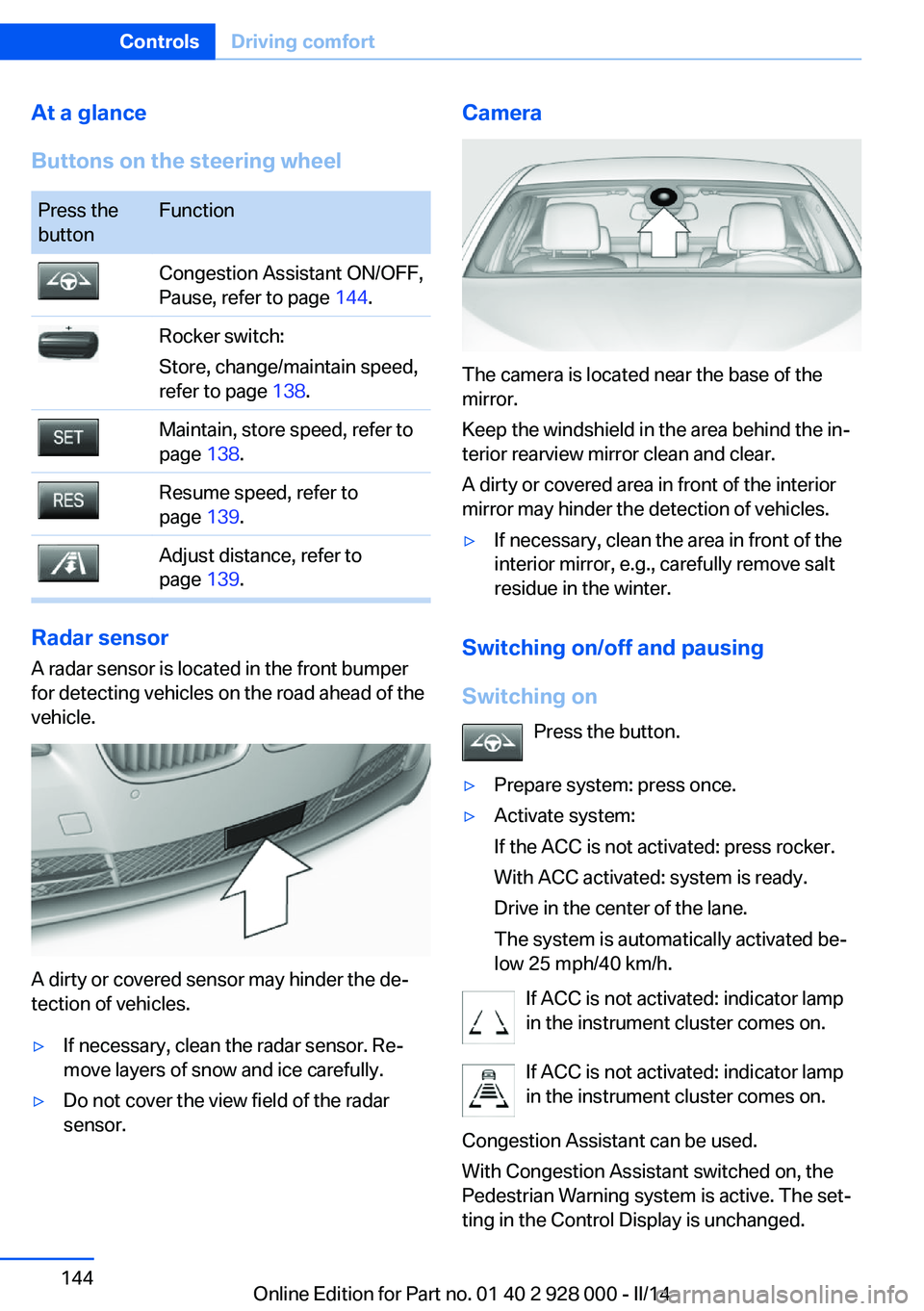
If ACC is not activated: indicator lamp
in the instrument cluster comes on.
If ACC is not activated: indicator lamp
in the instrument cluster comes on.
Congestion Assistant can be used.
With Congestion Assistant switched on, the
Pedestrian Warning system is active. The set‐
ting in the Control Display is unchanged.
Seite 144ControlsDriving comfort144
Online Edition for Part no. 01 40 2 928 000 - II/14
Page 146 of 267
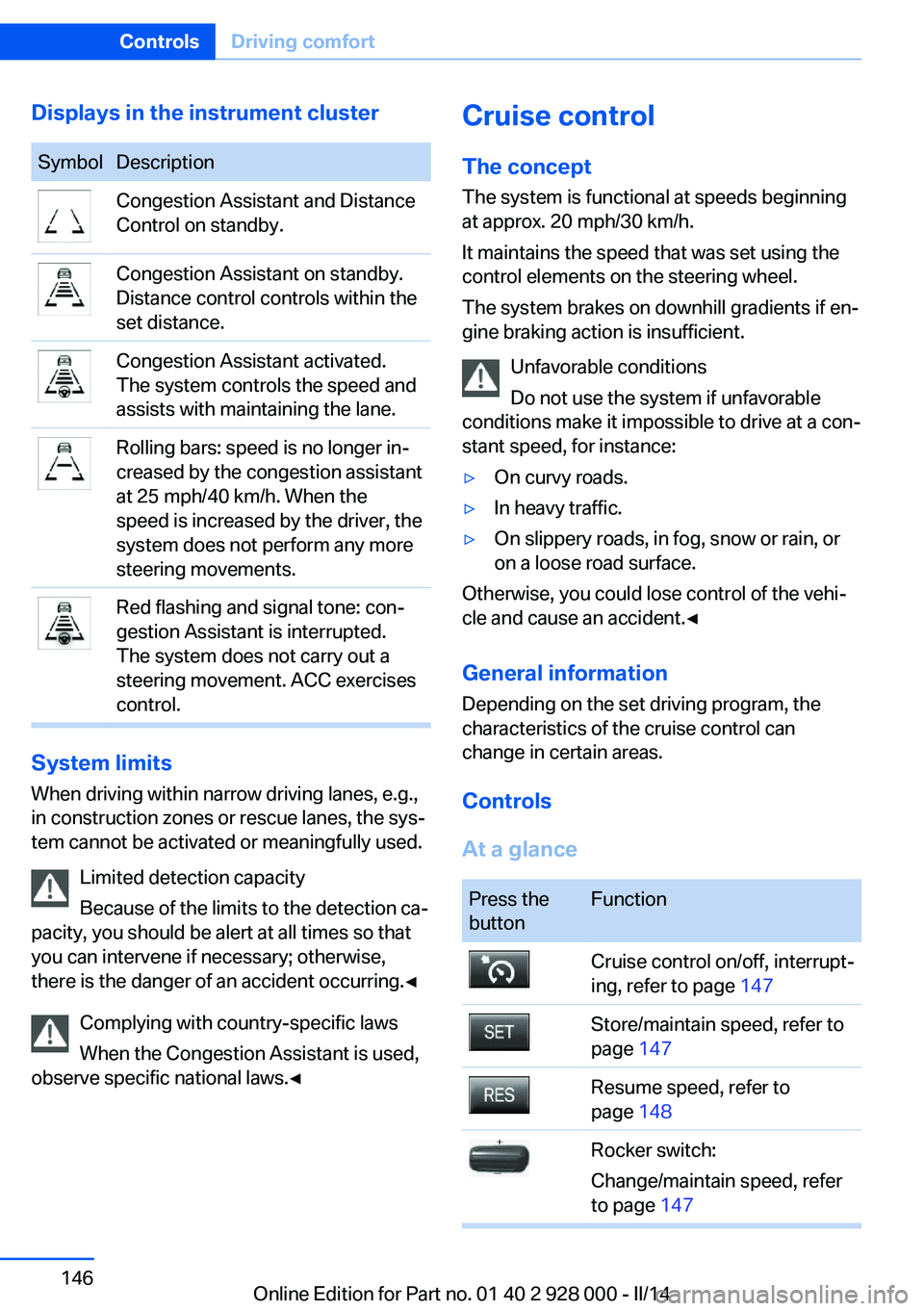
Displays in the instrument clusterSymbolDescriptionCongestion Assistant and Distance
Control on standby.Congestion Assistant on standby.
Distance control controls within the
set distance.Congestion Assistant activated.
The system controls the speed and
assists with maintaining the lane.Rolling bars: speed is no longer in‐
creased by the congestion assistant
at 25 mph/40 km/h. When the
speed is increased by the driver, the
system does not perform any more
steering movements.Red flashing and signal tone: con‐
gestion Assistant is interrupted.
The system does not carry out a
steering movement. ACC exercises
control.
System limits
When driving within narrow driving lanes, e.g.,
in construction zones or rescue lanes, the sys‐
tem cannot be activated or meaningfully used.
Limited detection capacity
Because of the limits to the detection ca‐
pacity, you should be alert at all times so that
you can intervene if necessary; otherwise,
there is the danger of an accident occurring.◀
Complying with country-specific laws
When the Congestion Assistant is used,
observe specific national laws.◀
Cruise control
The concept The system is functional at speeds beginning
at approx. 20 mph/30 km/h.
It maintains the speed that was set using the
control elements on the steering wheel.
The system brakes on downhill gradients if en‐
gine braking action is insufficient.
Unfavorable conditions
Do not use the system if unfavorable
conditions make it impossible to drive at a con‐
stant speed, for instance:▷On curvy roads.▷In heavy traffic.▷On slippery roads, in fog, snow or rain, or
on a loose road surface.
Otherwise, you could lose control of the vehi‐
cle and cause an accident.◀
General information
Depending on the set driving program, the
characteristics of the cruise control can
change in certain areas.
Controls
At a glance
Press the
buttonFunctionCruise control on/off, interrupt‐
ing, refer to page 147Store/maintain speed, refer to
page 147Resume speed, refer to
page 148Rocker switch:
Change/maintain speed, refer
to page 147Seite 146ControlsDriving comfort146
Online Edition for Part no. 01 40 2 928 000 - II/14
Page 157 of 267
Parking assistantThe concept
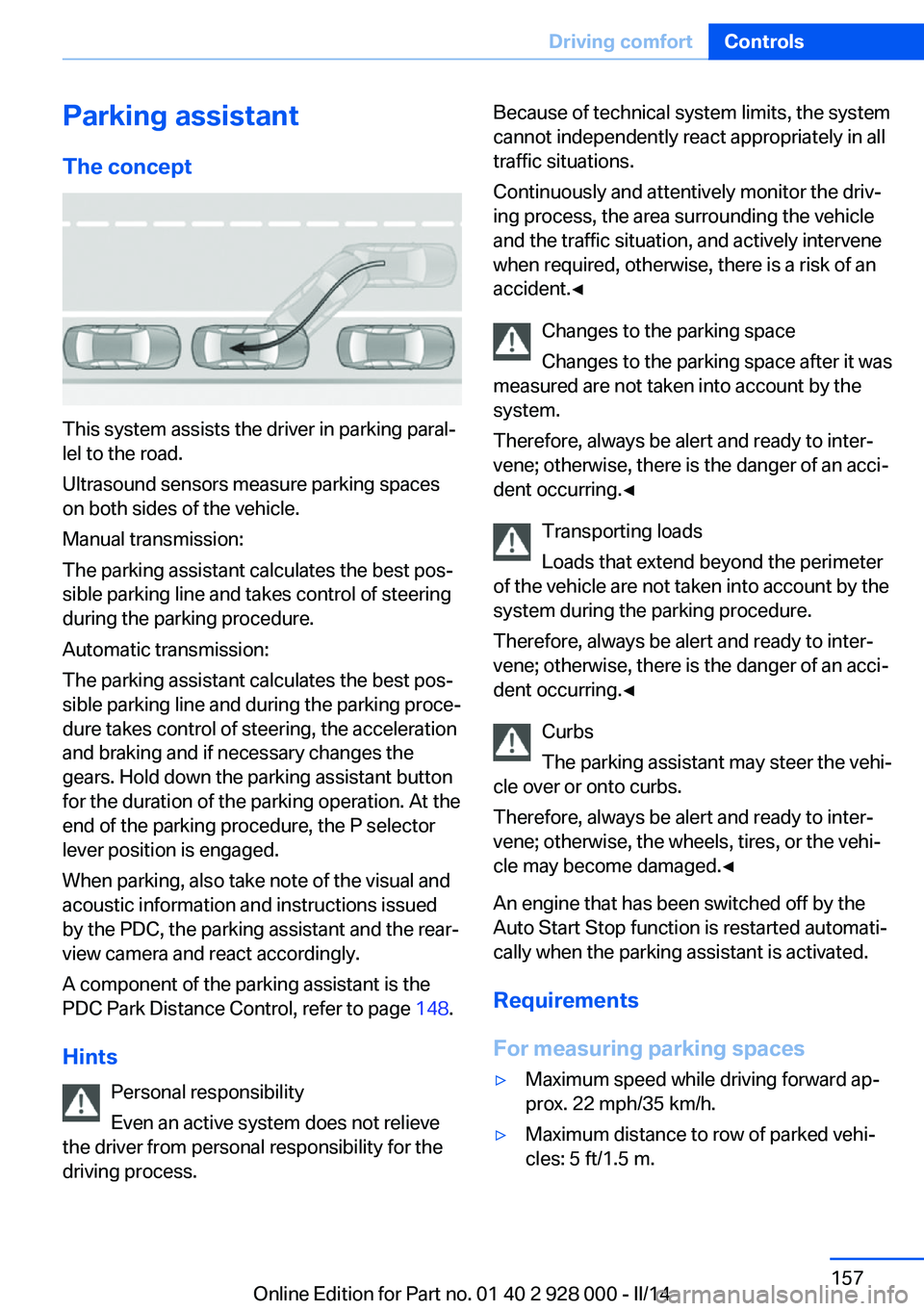
This system assists the driver in parking paral‐
lel to the road.
Ultrasound sensors measure parking spaces
on both sides of the vehicle.
Manual transmission:
The parking assistant calculates the best pos‐
sible parking line and takes control of steering
during the parking procedure.
Automatic transmission:
The parking assistant calculates the best pos‐
sible parking line and during the parking proce‐
dure takes control of steering, the acceleration
and braking and if necessary changes the
gears. Hold down the parking assistant button
for the duration of the parking operation. At the
end of the parking procedure, the P selector
lever position is engaged.
When parking, also take note of the visual and
acoustic information and instructions issued
by the PDC, the parking assistant and the rear‐
view camera and react accordingly.
A component of the parking assistant is the
PDC Park Distance Control, refer to page 148.
Hints Personal responsibility
Even an active system does not relieve
the driver from personal responsibility for the
driving process.
Because of technical system limits, the system
cannot independently react appropriately in all
traffic situations.
Continuously and attentively monitor the driv‐
ing process, the area surrounding the vehicle
and the traffic situation, and actively intervene
when required, otherwise, there is a risk of an
accident.◀
Changes to the parking space
Changes to the parking space after it was
measured are not taken into account by the
system.
Therefore, always be alert and ready to inter‐
vene; otherwise, there is the danger of an acci‐
dent occurring.◀
Transporting loads
Loads that extend beyond the perimeter
of the vehicle are not taken into account by the
system during the parking procedure.
Therefore, always be alert and ready to inter‐
vene; otherwise, there is the danger of an acci‐
dent occurring.◀
Curbs
The parking assistant may steer the vehi‐
cle over or onto curbs.
Therefore, always be alert and ready to inter‐
vene; otherwise, the wheels, tires, or the vehi‐
cle may become damaged.◀
An engine that has been switched off by the
Auto Start Stop function is restarted automati‐
cally when the parking assistant is activated.
Requirements
For measuring parking spaces▷Maximum speed while driving forward ap‐
prox. 22 mph/35 km/h.▷Maximum distance to row of parked vehi‐
cles: 5 ft/1.5 m.Seite 157Driving comfortControls157
Online Edition for Part no. 01 40 2 928 000 - II/14
Page 160 of 267
activated. When the system is deactivated,
the displays on the Control Display are
shown in gray.
Parking using the parking assistant
Check the traffic situation as well
Loud sounds outside and within the vehi‐
cle can drown out the signal tones of the park‐
ing assistant and PDC.
Check the traffic situation around the vehicle
with your own eyes; otherwise, there is the
danger of an accident.◀
1.Switch on the parking assistant and acti‐
vate it if necessary.
The status of the parking space search is
indicated on the Control Display.2.Follow the instructions on the Control Dis‐
play.
To achieve the best possible parking posi‐
tion, wait for the automatic steering wheel
movement after the gear change when the
vehicle is stationary.
The end of the parking procedure is indi‐
cated on the Control Display.3.Adjust the parking position yourself if nec‐
essary.
Interrupting manually
The parking assistant can be interrupted at any
time:
▷ "Parking Assistant"▷Press the button.
Interrupting automatically
The system is interrupted automatically in the
following situations:
▷If the driver grasps the steering wheel or if
he takes over steering.▷If a gear is selected that does not match
the instruction on the Control Display.▷If the vehicle speed exceeds approx.
6 mph/10 km/h.▷On snow-covered or slippery road surfaces
if necessary.▷When there are obstacles that are hard to
overcome, such as curbs.▷If the Park Distance Control PDC displays
clearances that are too small.▷If a maximum number of parking attempts
or the time taken for parking is exceeded.▷When switching to another function on the
Control Display.
Automatic transmission:
▷When the button is released.▷If the trunk lid is open.▷If doors are open.▷When setting the parking brake.▷During acceleration.▷When braking.▷When unfastening the driver's seat belt.
A Check Control message is displayed.
Resume An interrupted parking procedure can be con‐
tinued if necessary.
Follow the instructions on the Control Display
to do this.
System limits
No parking assistance
The parking assistant does not offer assis‐
tance in the following situations:
▷In tight curves.
Functional limitations
The system may not be fully functional in the
following situations:
▷On bumpy road surfaces such as gravel
roads.Seite 160ControlsDriving comfort160
Online Edition for Part no. 01 40 2 928 000 - II/14
Page 238 of 267
Changing wheels
Hints
The vehicle equipment does not include a
spare tire.
When using run-flat tires or tire sealants, a tire
does not need to be changed immediately in
the event of pressure loss due to a flat tire.
The tools for changing wheels are available as
accessories from your service center.
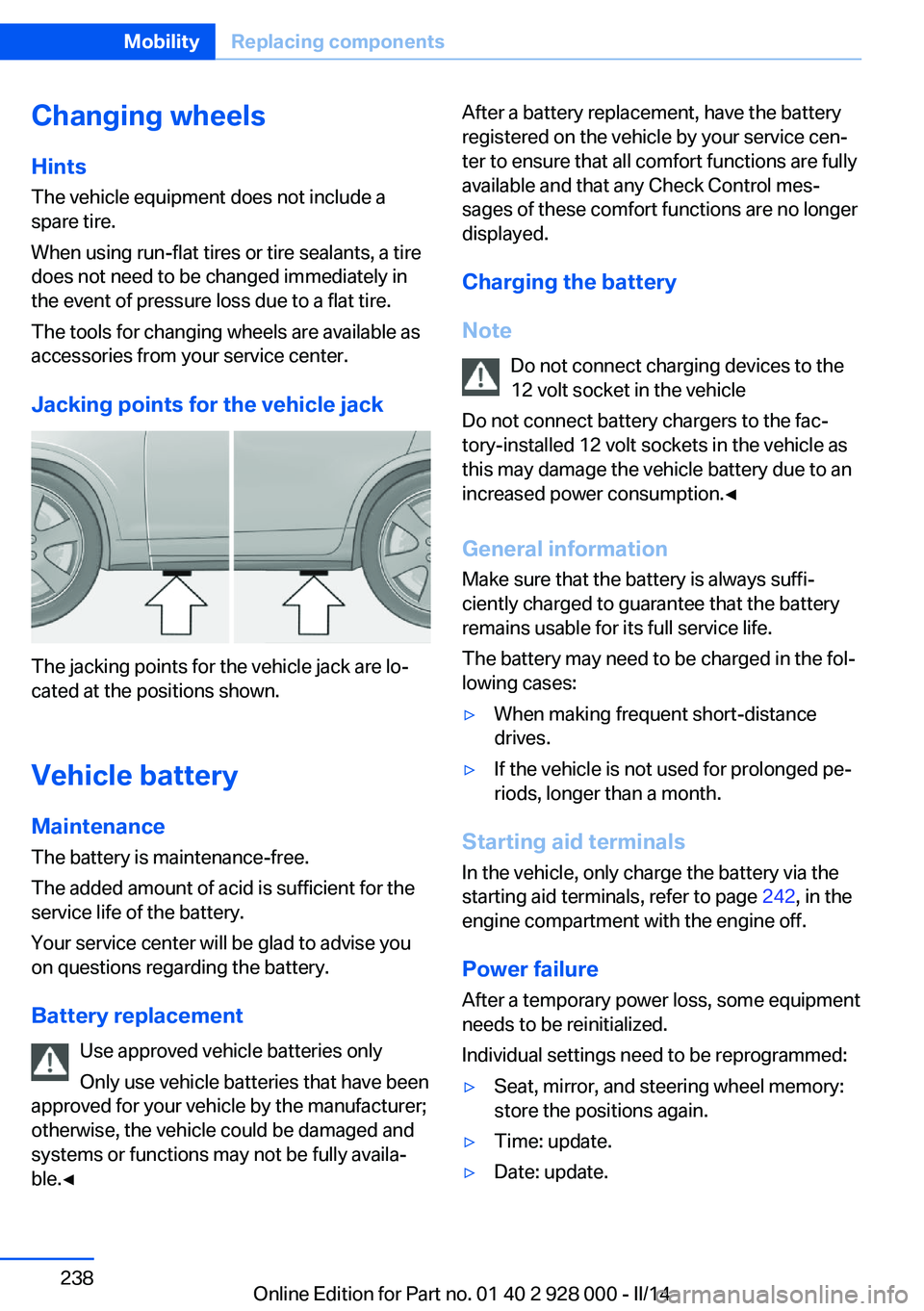
Jacking points for the vehicle jack
The jacking points for the vehicle jack are lo‐
cated at the positions shown.
Vehicle battery Maintenance
The battery is maintenance-free.
The added amount of acid is sufficient for the
service life of the battery.
Your service center will be glad to advise you
on questions regarding the battery.
Battery replacement Use approved vehicle batteries only
Only use vehicle batteries that have been
approved for your vehicle by the manufacturer;
otherwise, the vehicle could be damaged and
systems or functions may not be fully availa‐
ble.◀
After a battery replacement, have the battery
registered on the vehicle by your service cen‐
ter to ensure that all comfort functions are fully
available and that any Check Control mes‐
sages of these comfort functions are no longer
displayed.
Charging the battery
Note Do not connect charging devices to the12 volt socket in the vehicle
Do not connect battery chargers to the fac‐
tory-installed 12 volt sockets in the vehicle as
this may damage the vehicle battery due to an
increased power consumption.◀
General information Make sure that the battery is always suffi‐
ciently charged to guarantee that the battery
remains usable for its full service life.
The battery may need to be charged in the fol‐
lowing cases:▷When making frequent short-distance
drives.▷If the vehicle is not used for prolonged pe‐
riods, longer than a month.
Starting aid terminals
In the vehicle, only charge the battery via the
starting aid terminals, refer to page 242, in the
engine compartment with the engine off.
Power failure After a temporary power loss, some equipment
needs to be reinitialized.
Individual settings need to be reprogrammed:
▷Seat, mirror, and steering wheel memory:
store the positions again.▷Time: update.▷Date: update.Seite 238MobilityReplacing components238
Online Edition for Part no. 01 40 2 928 000 - II/14
Page 257 of 267
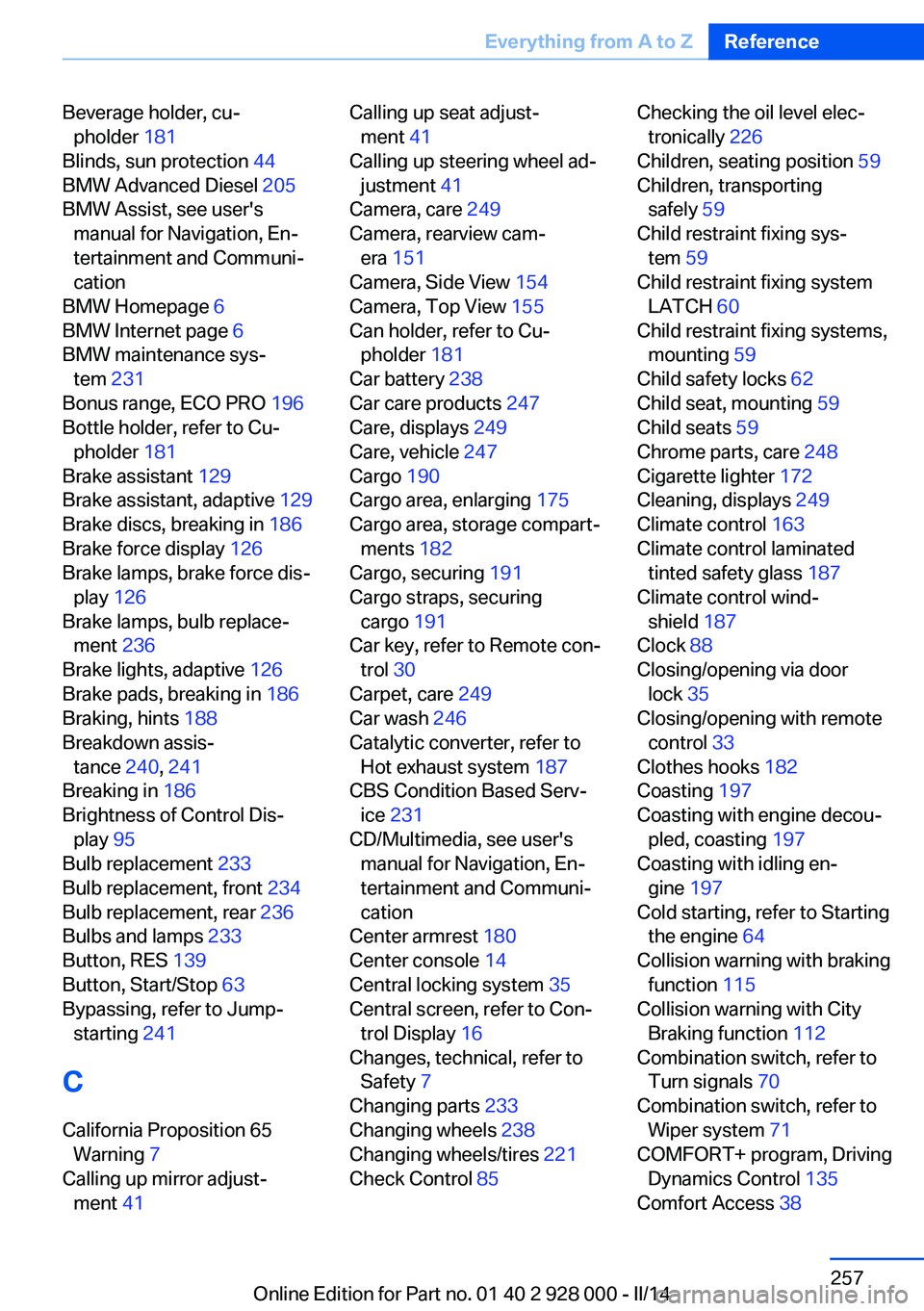
Beverage holder, cu‐pholder 181
Blinds, sun protection 44
BMW Advanced Diesel 205
BMW Assist, see user's manual for Navigation, En‐
tertainment and Communi‐
cation
BMW Homepage 6
BMW Internet page 6
BMW maintenance sys‐ tem 231
Bonus range, ECO PRO 196
Bottle holder, refer to Cu‐ pholder 181
Brake assistant 129
Brake assistant, adaptive 129
Brake discs, breaking in 186
Brake force display 126
Brake lamps, brake force dis‐ play 126
Brake lamps, bulb replace‐ ment 236
Brake lights, adaptive 126
Brake pads, breaking in 186
Braking, hints 188
Breakdown assis‐ tance 240, 241
Breaking in 186
Brightness of Control Dis‐ play 95
Bulb replacement 233
Bulb replacement, front 234
Bulb replacement, rear 236
Bulbs and lamps 233
Button, RES 139
Button, Start/Stop 63
Bypassing, refer to Jump- starting 241
C
California Proposition 65 Warning 7
Calling up mirror adjust‐ ment 41 Calling up seat adjust‐
ment 41
Calling up steering wheel ad‐ justment 41
Camera, care 249
Camera, rearview cam‐ era 151
Camera, Side View 154
Camera, Top View 155
Can holder, refer to Cu‐ pholder 181
Car battery 238
Car care products 247
Care, displays 249
Care, vehicle 247
Cargo 190
Cargo area, enlarging 175
Cargo area, storage compart‐ ments 182
Cargo, securing 191
Cargo straps, securing cargo 191
Car key, refer to Remote con‐ trol 30
Carpet, care 249
Car wash 246
Catalytic converter, refer to Hot exhaust system 187
CBS Condition Based Serv‐ ice 231
CD/Multimedia, see user's manual for Navigation, En‐
tertainment and Communi‐
cation
Center armrest 180
Center console 14
Central locking system 35
Central screen, refer to Con‐ trol Display 16
Changes, technical, refer to Safety 7
Changing parts 233
Changing wheels 238
Changing wheels/tires 221
Check Control 85 Checking the oil level elec‐
tronically 226
Children, seating position 59
Children, transporting safely 59
Child restraint fixing sys‐ tem 59
Child restraint fixing system LATCH 60
Child restraint fixing systems, mounting 59
Child safety locks 62
Child seat, mounting 59
Child seats 59
Chrome parts, care 248
Cigarette lighter 172
Cleaning, displays 249
Climate control 163
Climate control laminated tinted safety glass 187
Climate control wind‐ shield 187
Clock 88
Closing/opening via door lock 35
Closing/opening with remote control 33
Clothes hooks 182
Coasting 197
Coasting with engine decou‐ pled, coasting 197
Coasting with idling en‐ gine 197
Cold starting, refer to Starting the engine 64
Collision warning with braking function 115
Collision warning with City Braking function 112
Combination switch, refer to Turn signals 70
Combination switch, refer to Wiper system 71
COMFORT+ program, Driving Dynamics Control 135
Comfort Access 38 Seite 257Everything from A to ZReference257
Online Edition for Part no. 01 40 2 928 000 - II/14
Page 259 of 267
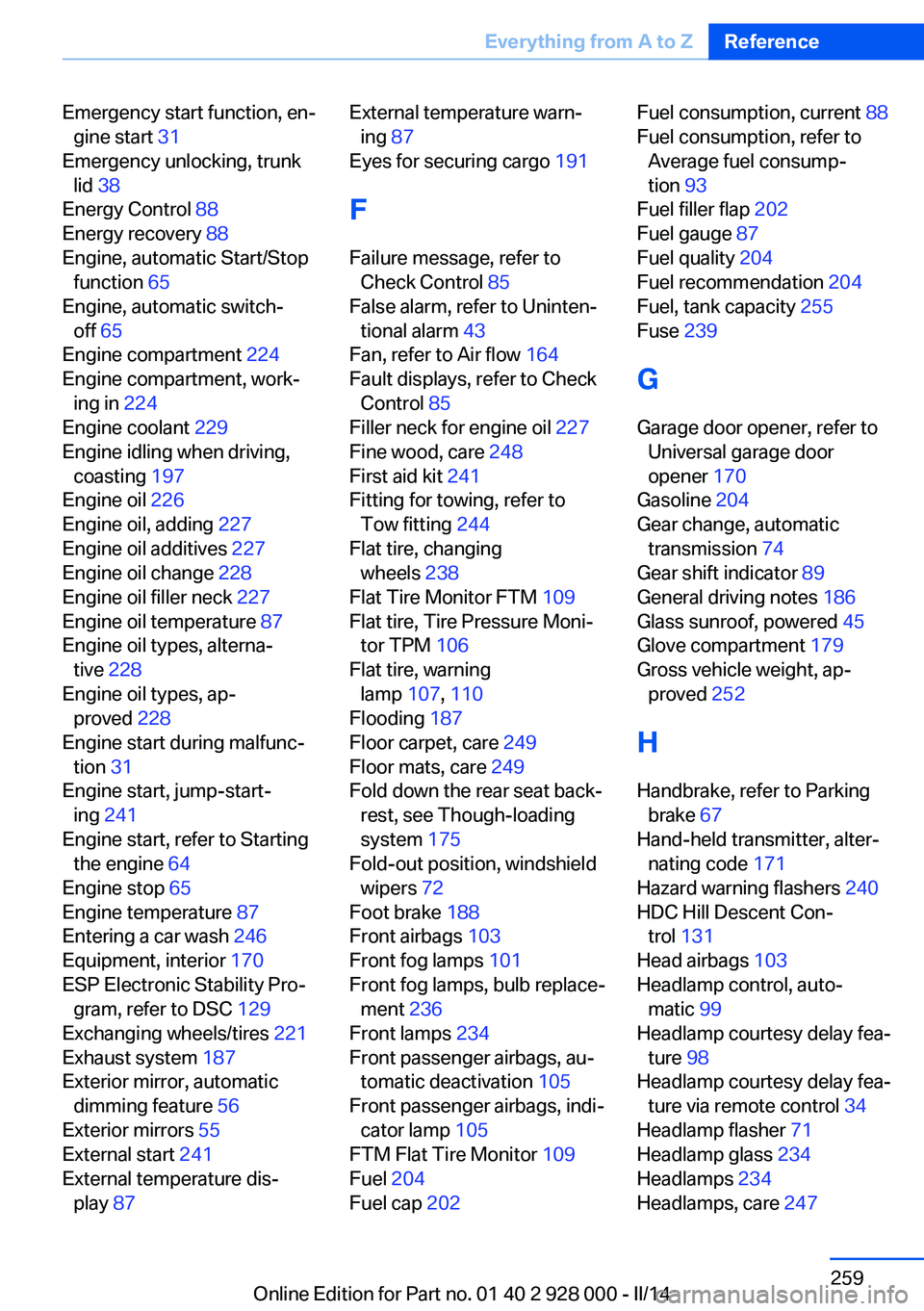
Emergency start function, en‐gine start 31
Emergency unlocking, trunk lid 38
Energy Control 88
Energy recovery 88
Engine, automatic Start/Stop function 65
Engine, automatic switch- off 65
Engine compartment 224
Engine compartment, work‐ ing in 224
Engine coolant 229
Engine idling when driving, coasting 197
Engine oil 226
Engine oil, adding 227
Engine oil additives 227
Engine oil change 228
Engine oil filler neck 227
Engine oil temperature 87
Engine oil types, alterna‐ tive 228
Engine oil types, ap‐ proved 228
Engine start during malfunc‐ tion 31
Engine start, jump-start‐ ing 241
Engine start, refer to Starting the engine 64
Engine stop 65
Engine temperature 87
Entering a car wash 246
Equipment, interior 170
ESP Electronic Stability Pro‐ gram, refer to DSC 129
Exchanging wheels/tires 221
Exhaust system 187
Exterior mirror, automatic dimming feature 56
Exterior mirrors 55
External start 241
External temperature dis‐ play 87 External temperature warn‐
ing 87
Eyes for securing cargo 191
F
Failure message, refer to Check Control 85
False alarm, refer to Uninten‐ tional alarm 43
Fan, refer to Air flow 164
Fault displays, refer to Check Control 85
Filler neck for engine oil 227
Fine wood, care 248
First aid kit 241
Fitting for towing, refer to Tow fitting 244
Flat tire, changing wheels 238
Flat Tire Monitor FTM 109
Flat tire, Tire Pressure Moni‐ tor TPM 106
Flat tire, warning lamp 107, 110
Flooding 187
Floor carpet, care 249
Floor mats, care 249
Fold down the rear seat back‐ rest, see Though-loading
system 175
Fold-out position, windshield wipers 72
Foot brake 188
Front airbags 103
Front fog lamps 101
Front fog lamps, bulb replace‐ ment 236
Front lamps 234
Front passenger airbags, au‐ tomatic deactivation 105
Front passenger airbags, indi‐ cator lamp 105
FTM Flat Tire Monitor 109
Fuel 204
Fuel cap 202 Fuel consumption, current 88
Fuel consumption, refer to Average fuel consump‐
tion 93
Fuel filler flap 202
Fuel gauge 87
Fuel quality 204
Fuel recommendation 204
Fuel, tank capacity 255
Fuse 239
G
Garage door opener, refer to Universal garage door
opener 170
Gasoline 204
Gear change, automatic transmission 74
Gear shift indicator 89
General driving notes 186
Glass sunroof, powered 45
Glove compartment 179
Gross vehicle weight, ap‐ proved 252
H
Handbrake, refer to Parking brake 67
Hand-held transmitter, alter‐ nating code 171
Hazard warning flashers 240
HDC Hill Descent Con‐ trol 131
Head airbags 103
Headlamp control, auto‐ matic 99
Headlamp courtesy delay fea‐ ture 98
Headlamp courtesy delay fea‐ ture via remote control 34
Headlamp flasher 71
Headlamp glass 234
Headlamps 234
Headlamps, care 247 Seite 259Everything from A to ZReference259
Online Edition for Part no. 01 40 2 928 000 - II/14