buttons BMW 528I 2014 Owner's Manual
[x] Cancel search | Manufacturer: BMW, Model Year: 2014, Model line: 528I, Model: BMW 528I 2014Pages: 267, PDF Size: 5.88 MB
Page 171 of 267
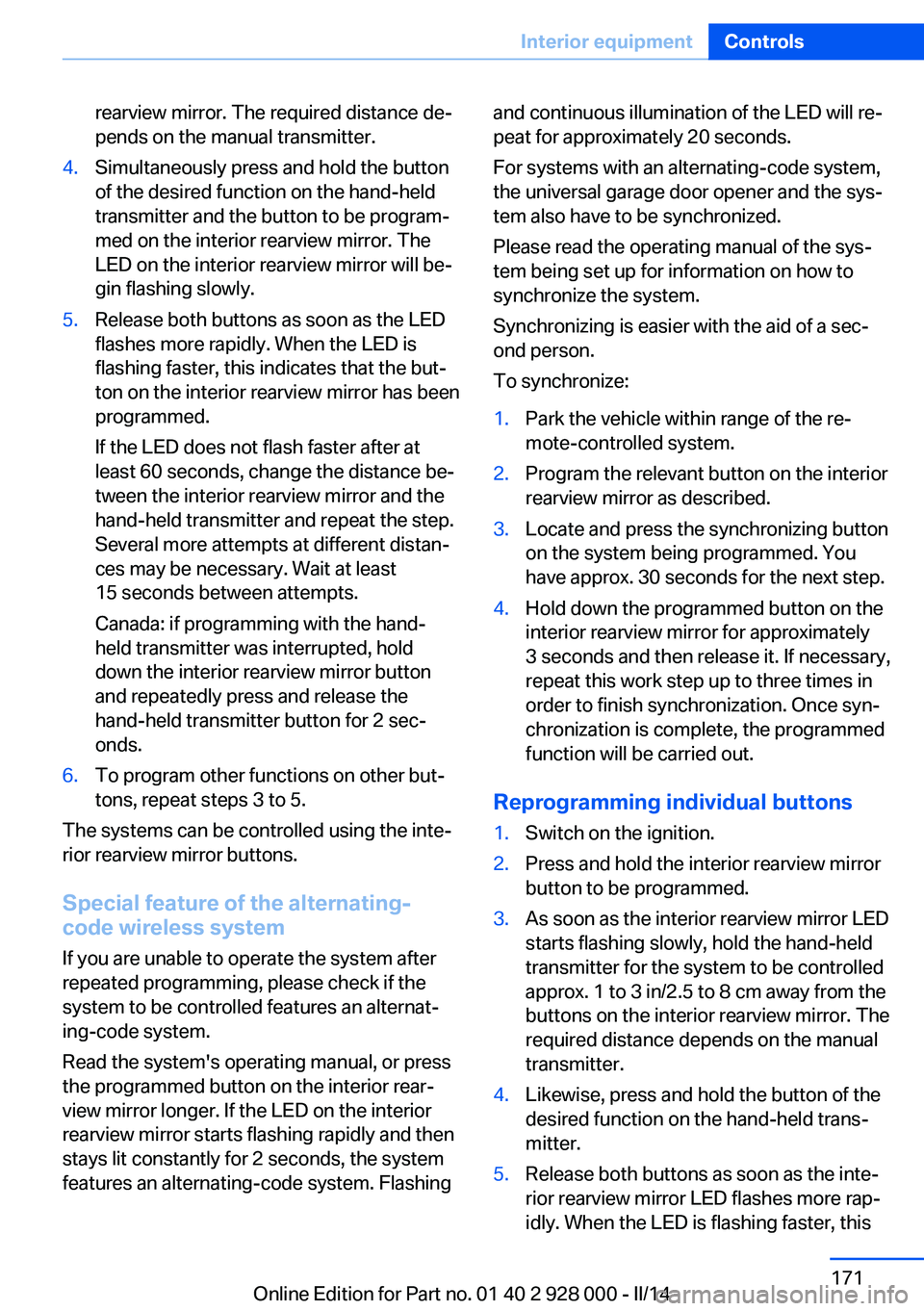
rearview mirror. The required distance de‐
pends on the manual transmitter.4.Simultaneously press and hold the button
of the desired function on the hand-held
transmitter and the button to be program‐
med on the interior rearview mirror. The
LED on the interior rearview mirror will be‐
gin flashing slowly.5.Release both buttons as soon as the LED
flashes more rapidly. When the LED is
flashing faster, this indicates that the but‐
ton on the interior rearview mirror has been
programmed.
If the LED does not flash faster after at
least 60 seconds, change the distance be‐
tween the interior rearview mirror and the
hand-held transmitter and repeat the step.
Several more attempts at different distan‐
ces may be necessary. Wait at least
15 seconds between attempts.
Canada: if programming with the hand-
held transmitter was interrupted, hold
down the interior rearview mirror button
and repeatedly press and release the
hand-held transmitter button for 2 sec‐
onds.6.To program other functions on other but‐
tons, repeat steps 3 to 5.
The systems can be controlled using the inte‐
rior rearview mirror buttons.
Special feature of the alternating-
code wireless system
If you are unable to operate the system after
repeated programming, please check if the
system to be controlled features an alternat‐
ing-code system.
Read the system's operating manual, or press
the programmed button on the interior rear‐
view mirror longer. If the LED on the interior
rearview mirror starts flashing rapidly and then
stays lit constantly for 2 seconds, the system
features an alternating-code system. Flashing
and continuous illumination of the LED will re‐
peat for approximately 20 seconds.
For systems with an alternating-code system,
the universal garage door opener and the sys‐
tem also have to be synchronized.
Please read the operating manual of the sys‐
tem being set up for information on how to
synchronize the system.
Synchronizing is easier with the aid of a sec‐
ond person.
To synchronize:1.Park the vehicle within range of the re‐
mote-controlled system.2.Program the relevant button on the interior
rearview mirror as described.3.Locate and press the synchronizing button
on the system being programmed. You
have approx. 30 seconds for the next step.4.Hold down the programmed button on the
interior rearview mirror for approximately
3 seconds and then release it. If necessary,
repeat this work step up to three times in
order to finish synchronization. Once syn‐
chronization is complete, the programmed
function will be carried out.
Reprogramming individual buttons
1.Switch on the ignition.2.Press and hold the interior rearview mirror
button to be programmed.3.As soon as the interior rearview mirror LED
starts flashing slowly, hold the hand-held
transmitter for the system to be controlled
approx. 1 to 3 in/2.5 to 8 cm away from the
buttons on the interior rearview mirror. The
required distance depends on the manual
transmitter.4.Likewise, press and hold the button of the
desired function on the hand-held trans‐
mitter.5.Release both buttons as soon as the inte‐
rior rearview mirror LED flashes more rap‐
idly. When the LED is flashing faster, thisSeite 171Interior equipmentControls171
Online Edition for Part no. 01 40 2 928 000 - II/14
Page 261 of 267
License plate lamp, bulb re‐placement 236
Light alloy wheels, care 248
Light control 99
Light-emitting diodes, LEDs 234
Lighter, front 172, 173
Lighter, rear 173
Lighting 98
Lighting, speaker 102
Lighting via remote con‐ trol 34
Light switch 98
Load 191
Loading 190
Lock, door 35
Locking/unlocking via door lock 35
Locking/unlocking with re‐ mote control 33
Locking, automatic 41
Locking, settings 41
Locking via trunk lid 36
Lock, power window 44
Locks, doors, and win‐ dows 62
Low beams 98
Low beams, automatic, refer to High-beam Assistant 100
Lower back support 49
Low-Sulfur Diesel 205
Luggage rack, refer to Roof- mounted luggage rack 191
Lumbar support 49
M
Maintenance 231
Maintenance require‐ ments 231
Maintenance, service require‐ ments 88
Maintenance system, BMW 231
Malfunction displays, refer to Check Control 85 Manual air distribution 164
Manual air flow 164
Manual brake, refer to Parking brake 67
Manual mode, transmis‐ sion 75
Manual operation, backup camera 152
Manual operation, door lock 35
Manual operation, exterior mirrors 56
Manual operation, fuel filler flap 202
Manual operation, Park Dis‐ tance Control PDC 149
Manual operation, Side View 154
Manual operation, Top View 156
Manual transmission 73
Marking on approved tires 221
Marking, run-flat tires 222
Massage seat, front 50
Master key, refer to Remote control 30
Maximum cooling 165
Maximum speed, display 90
Maximum speed, winter tires 222
Measure, units of 95
Medical kit 241
Memory for seat, mirrors, steering wheel 54
Menu, EfficientDynamics 197
Menu in instrument clus‐ ter 91
Menus, operating, iDrive 16
Menus, refer to iDrive operat‐ ing concept 17
Messages, refer to Check Control 85
Microfilter 166
Minimum tread, tires 220
Mirror 55 Mirror memory 54
Mobile communication devi‐ ces in the vehicle 187
Modifications, technical, refer to Safety 7
Moisture in headlamp 234
Monitor, refer to Control Dis‐ play 16
Mounting of child restraint fix‐ ing systems 59
Multifunctional instrument display 81
Multifunction steering wheel, buttons 12
N Navigation, see user's manual for Navigation, Entertain‐
ment and Communication
Neck restraints, front, refer to Head restraints 52
Neck restraints, rear, refer to Head restraints 53
Neutral cleaner, see wheel cleaner 248
New wheels and tires 221
Night Vision 120
Night Vision device, see Night Vision 120
No Passing Information 90
Nylon rope for tow-starting/ towing 244
O OBD Onboard Diagnosis 231
OBD, see OBD Onboard Di‐ agnosis 231
Object detection, see Night Vision 120
Obstacle marking, rearview camera 153
Octane rating, refer to Rec‐ ommended fuel grade 204
Odometer 87 Seite 261Everything from A to ZReference261
Online Edition for Part no. 01 40 2 928 000 - II/14