software update BMW 528I SEDAN 2012 Owners Manual
[x] Cancel search | Manufacturer: BMW, Model Year: 2012, Model line: 528I SEDAN, Model: BMW 528I SEDAN 2012Pages: 335, PDF Size: 13.16 MB
Page 218 of 335
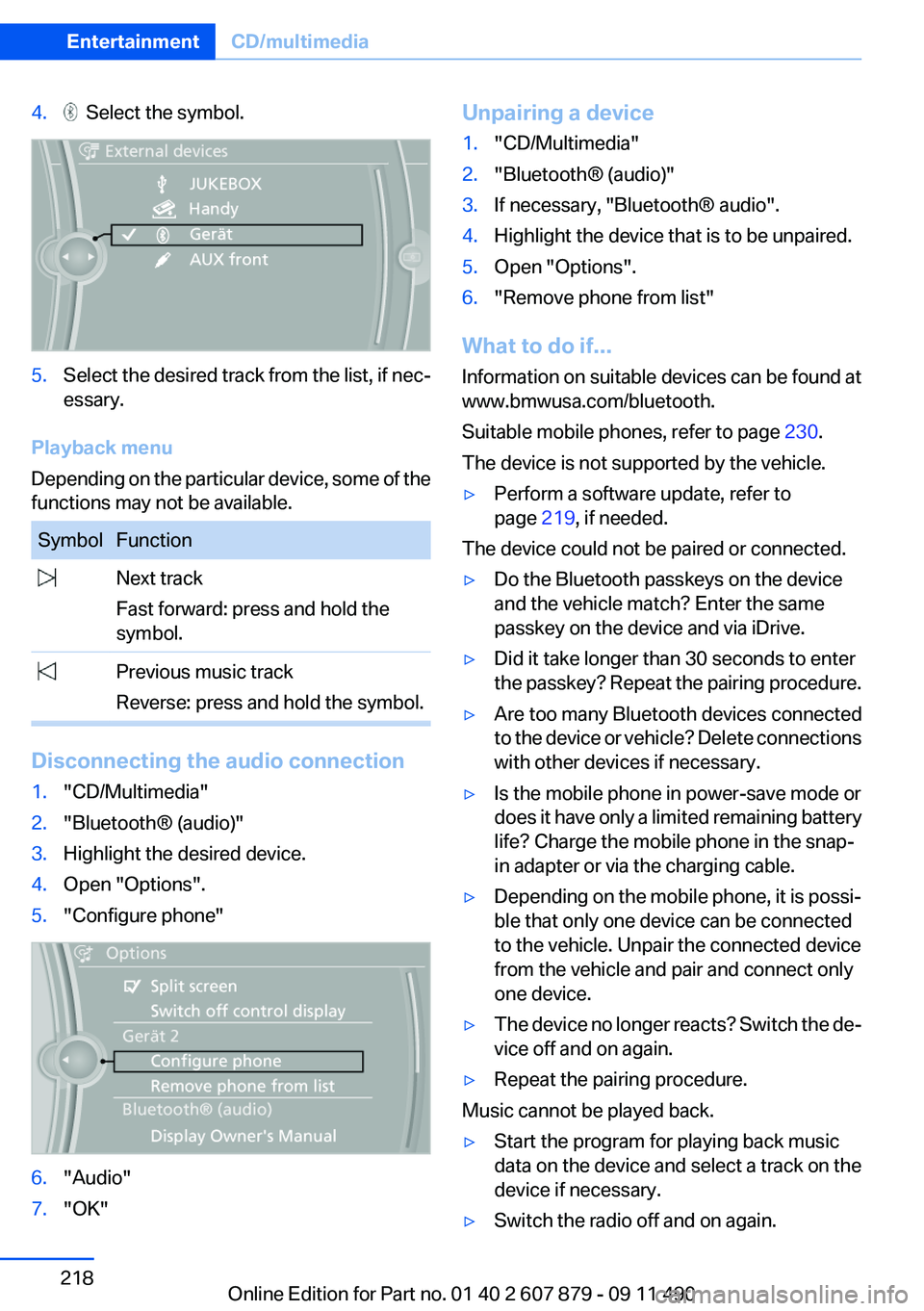
4. Select the symbol.5.Select the desired track from the list, if nec‐
essary.
Playback menu
Depending on the particular device, some of the
functions may not be available.
SymbolFunction Next track
Fast forward: press and hold the
symbol. Previous music track
Reverse: press and hold the symbol.
Disconnecting the audio connection
1."CD/Multimedia"2."Bluetooth® (audio)"3.Highlight the desired device.4.Open "Options".5."Configure phone"6."Audio"7."OK"Unpairing a device1."CD/Multimedia"2."Bluetooth® (audio)"3.If necessary, "Bluetooth® audio".4.Highlight the device that is to be unpaired.5.Open "Options".6."Remove phone from list"
What to do if...
Information on suitable devices can be found at
www.bmwusa.com/bluetooth.
Suitable mobile phones, refer to page 230.
The device is not supported by the vehicle.
▷Perform a software update, refer to
page 219, if needed.
The device could not be paired or connected.
▷Do the Bluetooth passkeys on the device
and the vehicle match? Enter the same
passkey on the device and via iDrive.▷Did it take longer than 30 seconds to enter
the passkey? Repeat the pairing procedure.▷Are too many Bluetooth devices connected
to the device or vehicle? Delete connections
with other devices if necessary.▷Is the mobile phone in power-save mode or
does it have only a limited remaining battery
life? Charge the mobile phone in the snap-
in adapter or via the charging cable.▷Depending on the mobile phone, it is possi‐
ble that only one device can be connected
to the vehicle. Unpair the connected device
from the vehicle and pair and connect only
one device.▷The device no longer reacts? Switch the de‐
vice off and on again.▷Repeat the pairing procedure.
Music cannot be played back.
▷Start the program for playing back music
data on the device and select a track on the
device if necessary.▷Switch the radio off and on again.Seite 218EntertainmentCD/multimedia218
Online Edition for Part no. 01 40 2 607 879 - 09 11 490
Page 219 of 335
Music files can only be played back softly.▷Adjust the volume settings on the device.
Playback is disturbed when buttons are pressed
or by other messages on the device.
▷Switch off the button tones and other signal
tones on the device.
Playback is interrupted by a telephone call or
traffic bulletin and is not resumed automatically.
▷Switch the radio off and on again.
Playback is not possible if the mobile phone is
connected both via Bluetooth Audio and via the
extended connectivity of the music player in the
mobile phone.
▷Disconnect one of the two connections; for
example, disconnect the audio connection,
refer to page 218, and restart playback.
If all points in this list have been checked and the
required function is still not available, please
contact the hotline or service center.
Software Update
The vehicle supports various external devices
depending on the current software version. With
a software update, the vehicle can support new
cell phones or new external devices.
The updating of the software is done via:
▷USB.
Updates and related current information is
available at www.bmw.com/update.
Displaying the current version
The currently installed software is displayed.
1."Settings"2."Software update"3."Show current version"
SelectDesired version to displayAdditional in‐
formation.
Updating software via USB
The software may only be updated when the ve‐
hicle is stationary.1.Store the file for the software-update in the
main director of a USB flash drive.2.Insert the USB flash drive into the USB in‐
terface of the USB audio interface in the
center armrest. An update via the USB in‐
terface in the glove compartment is not pos‐
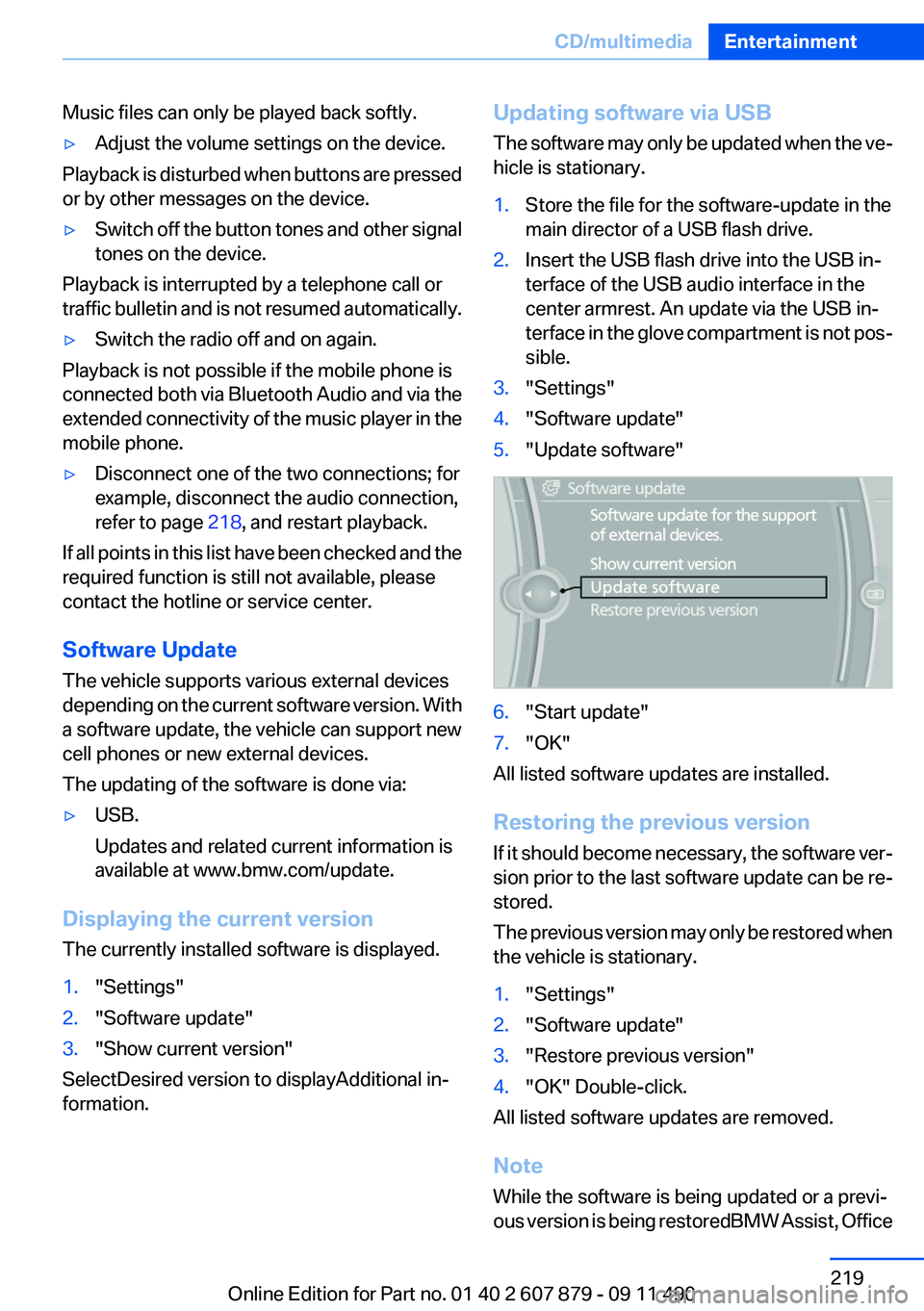
sible.3."Settings"4."Software update"5."Update software"6."Start update"7."OK"
All listed software updates are installed.
Restoring the previous version
If it should become necessary, the software ver‐
sion prior to the last software update can be re‐
stored.
The previous version may only be restored when
the vehicle is stationary.
1."Settings"2."Software update"3."Restore previous version"4."OK" Double-click.
All listed software updates are removed.
Note
While the software is being updated or a previ‐
ous version is being restoredBMW Assist, Office
Seite 219CD/multimediaEntertainment219
Online Edition for Part no. 01 40 2 607 879 - 09 11 490
Page 230 of 335
TelephoneVehicle equipment
All standard, country-specific and optional
equipment that is offered in the model series is
described in this chapter. Therefore, equipment
is also described that is not available in a vehicle,
e. g., because of the selected optional equip‐
ment or country variant. This also applies for
safety-related functions and systems.
At a glance
The concept
Mobile phones or other external devices such as
audio players can be connected to the vehicle
via Bluetooth.
After these devices are paired once, they are
recognized automatically when the ignition is
switched on as soon as they are inside the ve‐
hicle and can be operated via iDrive, the buttons
on the steering wheel, and via voice activation.
Depending on their functionality, external devi‐
ces can be used via the vehicle as a telephone
or as an audio source.
The telephone functions are described in the
following. Operation of the audio functions, refer
to page 216.
Up to four external devices can be paired.
Certain functions may need to be enabled by the
mobile phone provider or service provider.
Using the mobile phone while driving
Make entries only when traffic and road
conditions allow. Do not hold the mobile phone
in your hand while you are driving; use the
hands-free system instead. If you do not ob‐
serve this precaution, you can endanger the ve‐
hicle occupants and other road users.◀Snap-in adapter
The snap-in adapter is used to:▷Hold the mobile phone.▷Recharge the battery.▷Connect the mobile phone to an outside an‐
tenna of the vehicle.
This provides for better network reception
and consistent sound quality.
Approved mobile phones
Details on which mobile phones and external
devices with a Bluetooth interface are sup‐
ported by the mobile phone preparation pack‐
age can be obtained at www.bmwusa.com/blue‐
tooth.
Displaying the vehicle identification
number and software part number
The vehicle identification number and software
part number are needed to determine which mo‐
bile phones are supported by the mobile phone
preparation package. The software version of
the mobile phone may also be required.
1."Telephone"2.Open "Options".3."Bluetooth® info"4."Display system information"
These approved mobile phones with a certain
software version, support the vehicle functions
described below.
Malfunctions may occur with other mobile
phones or software versions.
Do not operate a mobile phone that is connected
to the vehicle on the mobile phone keypad, as
this may lead to a malfunction.
A software update can be performed if neces‐
sary.
Seite 230CommunicationTelephone230
Online Edition for Part no. 01 40 2 607 879 - 09 11 490
Page 331 of 335
RSC Runflat System Compo‐nent, refer to Run-flat
tires 280
Rubber components, care 306
Run-flat tires 280
S
Safe braking 161
Safety 6
Safety belt reminder 52
Safety belts 51
Safety belts, care 306
Safety Package, refer to Active Protection 106
Safety switch, windows 44
Safety systems, airbags 94
Satellite radio 194
Saving fuel 166
Scale, changing during navi‐ gation 183
Screen, refer to Control Dis‐ play 16
Screwdriver 290
Screw thread for tow fit‐ ting 302
Search, refer to BMW Search 255
Seat belts, refer to Safety belts 51
Seat heating, front 50
Seat heating, rear 50
Seating position for chil‐ dren 58
Seat, mirror, and steering wheel memory 54
Seats 47
Seat ventilation, front 50
Selection list in instrument cluster 83
Selector lever, automatic transmission 72
Sensors, care 307
Service and warranty 7 Service requirements, Condi‐
tion Based Service CBS 288
Service requirements, dis‐ play 82
Service, Roadside Assis‐ tance 299
Settings on Control Dis‐ play 86
Settings, storing for seat, mir‐ rors, steering wheel 54
Shifting, automatic transmis‐ sion 72
Shifting, manual transmis‐ sion 71
Shift paddles on steering wheel 73
Short commands 314
Shoulder support 49
Side airbags 94
Side View 130
Signaling, horn 12
Signals when unlocking 35
Sitting safely 47
Size 310
Ski bag 151
Slide/tilt glass roof 45
Smallest turning circle 311
Smoker's package 148
Snap-in adapter, mobile phone 240
Snow chains 280
Socket 149
Socket, OBD Onboard Diag‐ nostics 289
Software applications, iPhone 258
Software update 219
Spare fuse 297
Special destinations, naviga‐ tion 175
Specified engine oil types 285
Speed, average 84
Speed limit, setting 85
Speed Volume, volume equal‐ ization 191 Split screen 20
Split screen map settings 184
Spoken instructions, naviga‐ tion 182
SPORT+ program, Dynamic Driving Control 112
Sport automatic transmis‐ sion 73
SPORT program, Dynamic Driving Control 112
Sport program, transmis‐ sion 73
Stability control systems 107
Start/stop, automatic func‐ tion 64
Start/Stop button 62
Start function during malfunc‐ tion 31
Starting aid 299
Starting the engine 63
State/province, selecting for navigation 172
Stations, stored 198
Station, storing 192
Status display, tires 97
Status information, iDrive 19
Status of Owner's Manual 6
Steering, Integral Active Steering 110
Steering wheel, adjusting 57
Steering wheel heating 57
Steering wheel memory 54
Steptronic, automatic trans‐ mission 72
Stopping the engine 63
Storage compartment, remote control 156
Storage compartments 153
Storage compartments, loca‐ tions 153
Storage, tires 279
Storing the vehicle 307
Street, entering for naviga‐ tion 173
Summer tires, tread 277 Seite 331Everything from A to ZReference331
Online Edition for Part no. 01 40 2 607 879 - 09 11 490
Page 332 of 335
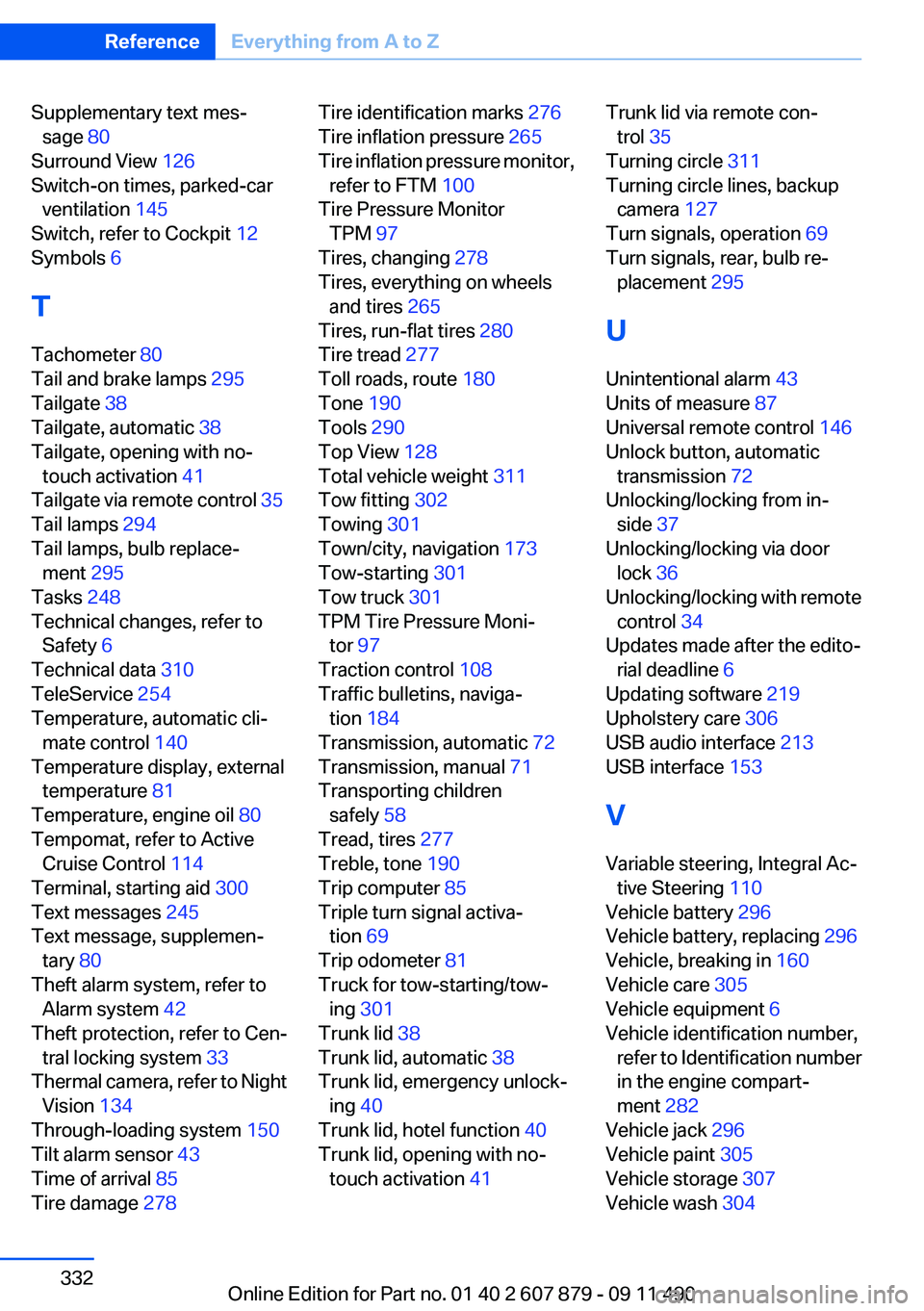
Supplementary text mes‐sage 80
Surround View 126
Switch-on times, parked-car ventilation 145
Switch, refer to Cockpit 12
Symbols 6
T
Tachometer 80
Tail and brake lamps 295
Tailgate 38
Tailgate, automatic 38
Tailgate, opening with no- touch activation 41
Tailgate via remote control 35
Tail lamps 294
Tail lamps, bulb replace‐ ment 295
Tasks 248
Technical changes, refer to Safety 6
Technical data 310
TeleService 254
Temperature, automatic cli‐ mate control 140
Temperature display, external temperature 81
Temperature, engine oil 80
Tempomat, refer to Active Cruise Control 114
Terminal, starting aid 300
Text messages 245
Text message, supplemen‐ tary 80
Theft alarm system, refer to Alarm system 42
Theft protection, refer to Cen‐ tral locking system 33
Thermal camera, refer to Night Vision 134
Through-loading system 150
Tilt alarm sensor 43
Time of arrival 85
Tire damage 278 Tire identification marks 276
Tire inflation pressure 265
Tire inflation pressure monitor, refer to FTM 100
Tire Pressure Monitor TPM 97
Tires, changing 278
Tires, everything on wheels and tires 265
Tires, run-flat tires 280
Tire tread 277
Toll roads, route 180
Tone 190
Tools 290
Top View 128
Total vehicle weight 311
Tow fitting 302
Towing 301
Town/city, navigation 173
Tow-starting 301
Tow truck 301
TPM Tire Pressure Moni‐ tor 97
Traction control 108
Traffic bulletins, naviga‐ tion 184
Transmission, automatic 72
Transmission, manual 71
Transporting children safely 58
Tread, tires 277
Treble, tone 190
Trip computer 85
Triple turn signal activa‐ tion 69
Trip odometer 81
Truck for tow-starting/tow‐ ing 301
Trunk lid 38
Trunk lid, automatic 38
Trunk lid, emergency unlock‐ ing 40
Trunk lid, hotel function 40
Trunk lid, opening with no- touch activation 41 Trunk lid via remote con‐
trol 35
Turning circle 311
Turning circle lines, backup camera 127
Turn signals, operation 69
Turn signals, rear, bulb re‐ placement 295
U
Unintentional alarm 43
Units of measure 87
Universal remote control 146
Unlock button, automatic transmission 72
Unlocking/locking from in‐ side 37
Unlocking/locking via door lock 36
Unlocking/locking with remote control 34
Updates made after the edito‐ rial deadline 6
Updating software 219
Upholstery care 306
USB audio interface 213
USB interface 153
V
Variable steering, Integral Ac‐ tive Steering 110
Vehicle battery 296
Vehicle battery, replacing 296
Vehicle, breaking in 160
Vehicle care 305
Vehicle equipment 6
Vehicle identification number, refer to Identification number
in the engine compart‐
ment 282
Vehicle jack 296
Vehicle paint 305
Vehicle storage 307
Vehicle wash 304 Seite 332ReferenceEverything from A to Z332
Online Edition for Part no. 01 40 2 607 879 - 09 11 490