start stop button BMW 528I XDRIVE 2013 User Guide
[x] Cancel search | Manufacturer: BMW, Model Year: 2013, Model line: 528I XDRIVE, Model: BMW 528I XDRIVE 2013Pages: 246, PDF Size: 5.39 MB
Page 68 of 246
Leaving the vehicle with the engine run‐
ning
Before leaving the vehicle with the engine run‐
ning, engage position P of the automatic trans‐
mission and ensure that the parking brake is set.
Otherwise, the vehicle may begin to roll.◀
Activating
This function can be activated when the driver's
door is closed and the safety belt is fastened,
and while driving.
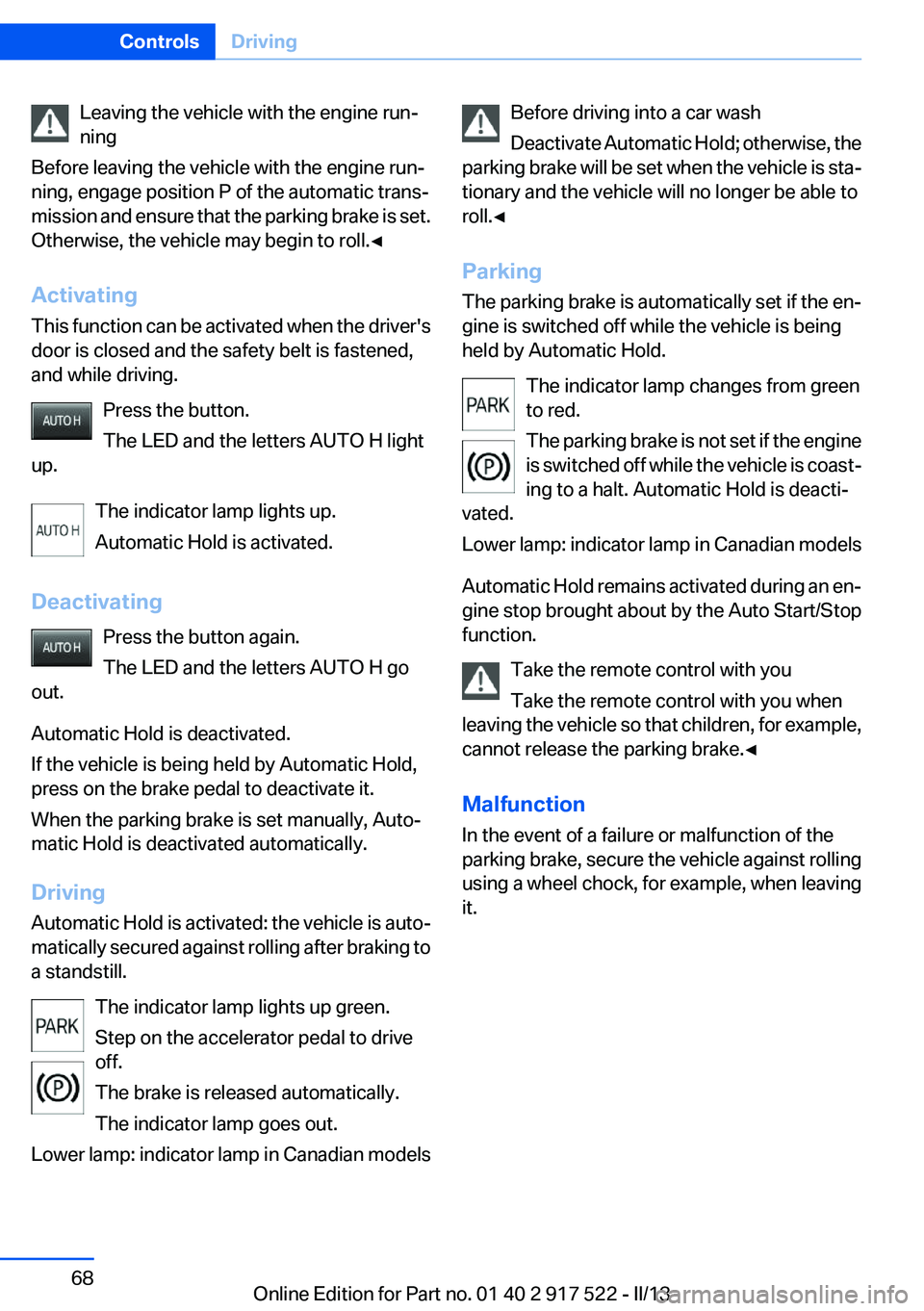
Press the button.
The LED and the letters AUTO H light
up.
The indicator lamp lights up.
Automatic Hold is activated.
Deactivating Press the button again.
The LED and the letters AUTO H go
out.
Automatic Hold is deactivated.
If the vehicle is being held by Automatic Hold,
press on the brake pedal to deactivate it.
When the parking brake is set manually, Auto‐
matic Hold is deactivated automatically.
Driving
Automatic Hold is activated: the vehicle is auto‐
matically secured against rolling after braking to
a standstill.
The indicator lamp lights up green.
Step on the accelerator pedal to drive
off.
The brake is released automatically.
The indicator lamp goes out.
Lower lamp: indicator lamp in Canadian modelsBefore driving into a car wash
Deactivate Automatic Hold; otherwise, the
parking brake will be set when the vehicle is sta‐
tionary and the vehicle will no longer be able to
roll.◀
Parking
The parking brake is automatically set if the en‐
gine is switched off while the vehicle is being
held by Automatic Hold.
The indicator lamp changes from green
to red.
The parking brake is not set if the engine
is switched off while the vehicle is coast‐
ing to a halt. Automatic Hold is deacti‐
vated.
Lower lamp: indicator lamp in Canadian models
Automatic Hold remains activated during an en‐
gine stop brought about by the Auto Start/Stop
function.
Take the remote control with you
Take the remote control with you when
leaving the vehicle so that children, for example,
cannot release the parking brake.◀
Malfunction
In the event of a failure or malfunction of the
parking brake, secure the vehicle against rolling
using a wheel chock, for example, when leaving
it.Seite 68ControlsDriving68
Online Edition for Part no. 01 40 2 917 522 - II/13
Page 89 of 246
Calling up information on the info
display
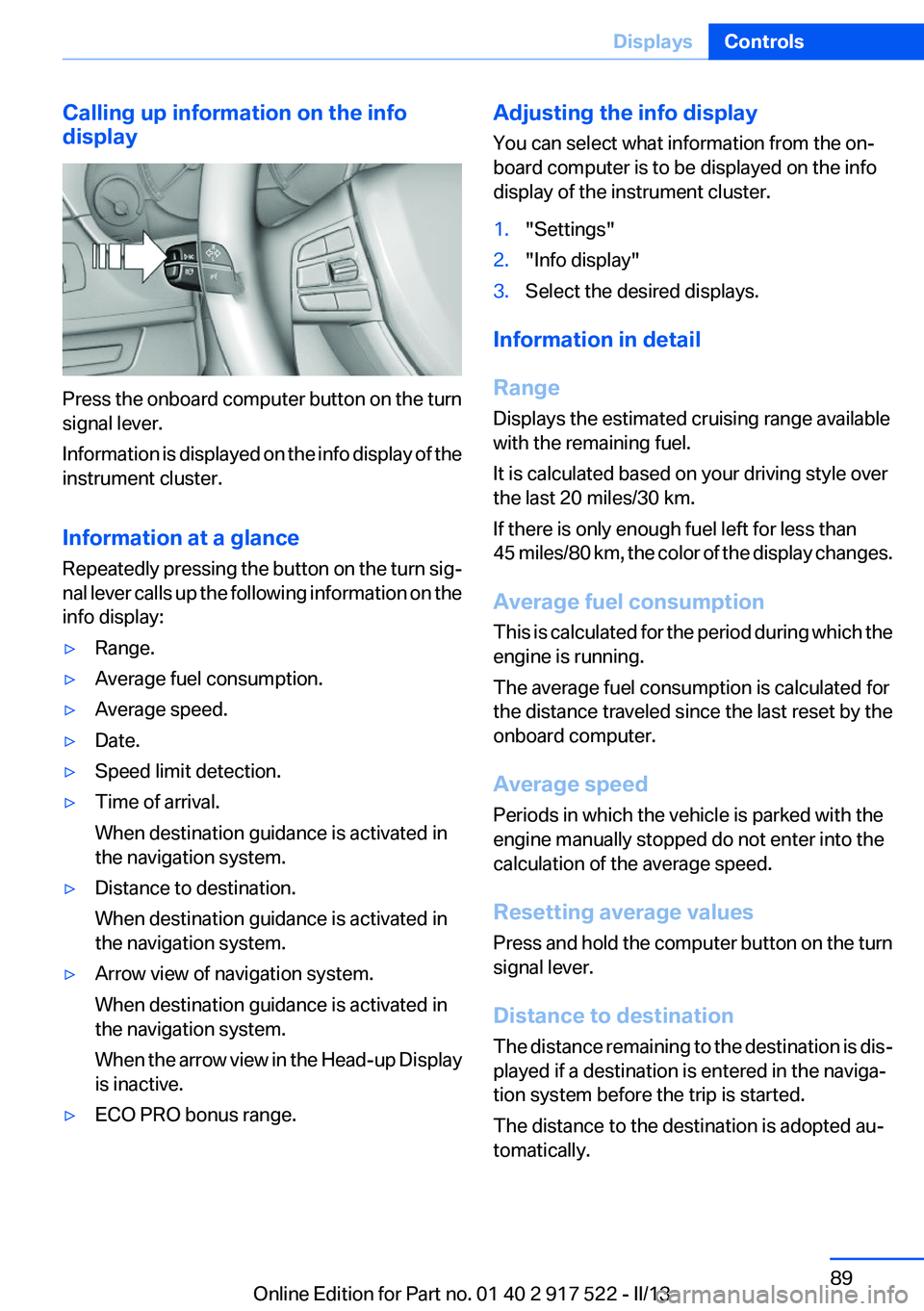
Press the onboard computer button on the turn
signal lever.
Information is displayed on the info display of the
instrument cluster.
Information at a glance
Repeatedly pressing the button on the turn sig‐
nal lever calls up the following information on the
info display:
▷Range.▷Average fuel consumption.▷Average speed.▷Date.▷Speed limit detection.▷Time of arrival.
When destination guidance is activated in
the navigation system.▷Distance to destination.
When destination guidance is activated in
the navigation system.▷Arrow view of navigation system.
When destination guidance is activated in
the navigation system.
When the arrow view in the Head-up Display
is inactive.▷ECO PRO bonus range.Adjusting the info display
You can select what information from the on‐
board computer is to be displayed on the info
display of the instrument cluster.1."Settings"2."Info display"3.Select the desired displays.
Information in detail
Range
Displays the estimated cruising range available
with the remaining fuel.
It is calculated based on your driving style over
the last 20 miles/30 km.
If there is only enough fuel left for less than
45 miles/80 km, the color of the display changes.
Average fuel consumption
This is calculated for the period during which the
engine is running.
The average fuel consumption is calculated for
the distance traveled since the last reset by the
onboard computer.
Average speed
Periods in which the vehicle is parked with the
engine manually stopped do not enter into the
calculation of the average speed.
Resetting average values
Press and hold the computer button on the turn
signal lever.
Distance to destination
The distance remaining to the destination is dis‐
played if a destination is entered in the naviga‐
tion system before the trip is started.
The distance to the destination is adopted au‐
tomatically.
Seite 89DisplaysControls89
Online Edition for Part no. 01 40 2 917 522 - II/13
Page 143 of 246
Transporting loads
Loads that extend beyond the perimeter
of the vehicle are not taken into account by the
system during the parking procedure.
Therefore, always be alert and ready to inter‐
vene; otherwise, there is the danger of an acci‐
dent occurring.◀
Curbs
The parking assistant may steer the vehi‐
cle over or onto curbs.
Therefore, always be alert and ready to inter‐
vene; otherwise, the wheels, tires, or the vehicle
may become damaged.◀
An engine that has been switched off by the
Auto Start Stop function is restarted automati‐
cally when the parking assistant is activated.
Requirements
For measuring parking spaces▷Maximum speed while driving forward ap‐
prox. 22 mph/35 km/h.▷Maximum distance to row of parked vehi‐
cles: 5 ft/1.5 m.▷When parking in parking spaces on the driv‐
er's side, the corresponding turn signal must
be set.
Suitable parking space
▷Gap between two objects with a minimum
length of approx. 5 ft/1.5 m.▷Minimum length of the gap: own vehicle's
length plus approx 4 ft/1.2 m.▷Minimum depth: approx. 5 ft/1.5 m.
For parking procedure
Closed doors.
At a glance
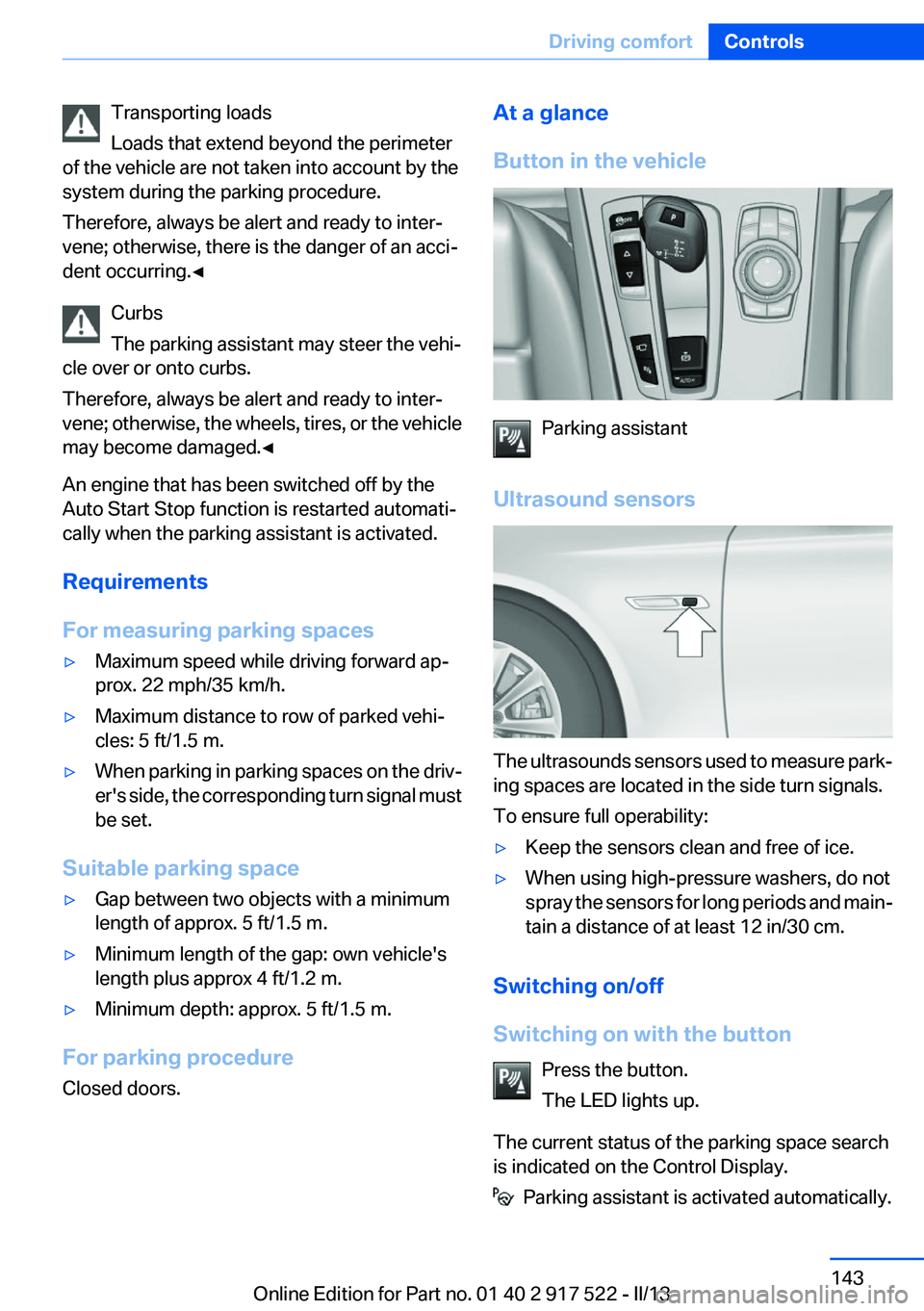
Button in the vehicle
Parking assistant
Ultrasound sensors
The ultrasounds sensors used to measure park‐
ing spaces are located in the side turn signals.
To ensure full operability:
▷Keep the sensors clean and free of ice.▷When using high-pressure washers, do not
spray the sensors for long periods and main‐
tain a distance of at least 12 in/30 cm.
Switching on/off
Switching on with the button Press the button.
The LED lights up.
The current status of the parking space search
is indicated on the Control Display.
Parking assistant is activated automatically.
Seite 143Driving comfortControls143
Online Edition for Part no. 01 40 2 917 522 - II/13
Page 236 of 246
Everything from A to Z
IndexA
ABS, Antilock Brake Sys‐ tem 119
ACC, Active Cruise Control with Stop & Go 126
Activated-charcoal filter 151
Active Blind Spot Detec‐ tion 115
Active Cruise Control with Stop & Go, ACC 126
Active Protection 117
Active seat, front 49
Active seat ventilation, front 50
Active Steering, integral 122
Adaptive brake assistant 119
Adaptive brake lights, refer to Brake force display 117
Adaptive drive 122
Adaptive light control 96
Additives, oil 207
Adjustments, seats/head re‐ straints 47
After washing vehicle 227
Airbags 99
Airbags, indicator/warning light 100
Air circulation, refer to Recir‐ culated-air mode 150
Air, dehumidifying, refer to Cooling function 150
Air distribution, manual 149
Air flow, automatic climate control 149
Air pressure, tires 189
Air vents, refer to Ventila‐ tion 151
Alarm system 42
Alarm, unintentional 43 All around the center con‐
sole 14
All around the headliner 15
All around the steering wheel 12
ALL program, automatic cli‐ mate control 150
All-season tires, refer to Win‐ ter tires 201
All-wheel-drive 121
Alternating-code hand-held transmitter 156
Alternative oil types 207
Ambient light 98
Antifreeze, washer fluid 71
Antilock Brake System, ABS 119
Anti-slip control, refer to DSC 119
Approved axle load 233
Approved engine oils 207
Armrest, refer to Center arm‐ rest 165
Arrival time 90
Ashtray 157
Ashtray, front 157, 158
Ashtray, rear 158
Assistance, Roadside Assis‐ tance 221
Assistance when driving off 119
AUTO H button, refer to Auto‐ matic Hold 67
AUTO intensity 149
Automatic car wash 226
Automatic climate con‐ trol 148
Automatic Cruise Control with Stop & Go 126
Automatic Curb Monitor 56 Automatic deactivation, front
passenger airbags 101
Automatic headlamp con‐ trol 95
Automatic Hold 67
Automatic locking 37
Automatic recirculated-air control 150
Automatic Soft Closing, doors 37
Automatic tailgate 38
Automatic transmission with Steptronic 72
AUTO program, automatic cli‐ mate control 149
AUTO program, intensity 149
Auto Start/Stop function 64
Average fuel consumption 89
Average speed 89
Axle loads, weights 233
B
Backrest curvature, refer to Lumbar support 49
Backup camera 136
Band-aids, refer to First aid kit 221
Bar for tow-starting/tow‐ ing 224
Battery replacement, vehicle battery 218
Battery replacement, vehicle remote control 30
Battery, vehicle 218
Belts, safety belts 51
Beverage holder, cu‐ pholder 166
Blinds, sun protection 44
BMW Assist, see user's manual for Navigation, Enter‐Seite 236ReferenceEverything from A to Z236
Online Edition for Part no. 01 40 2 917 522 - II/13
Page 237 of 246
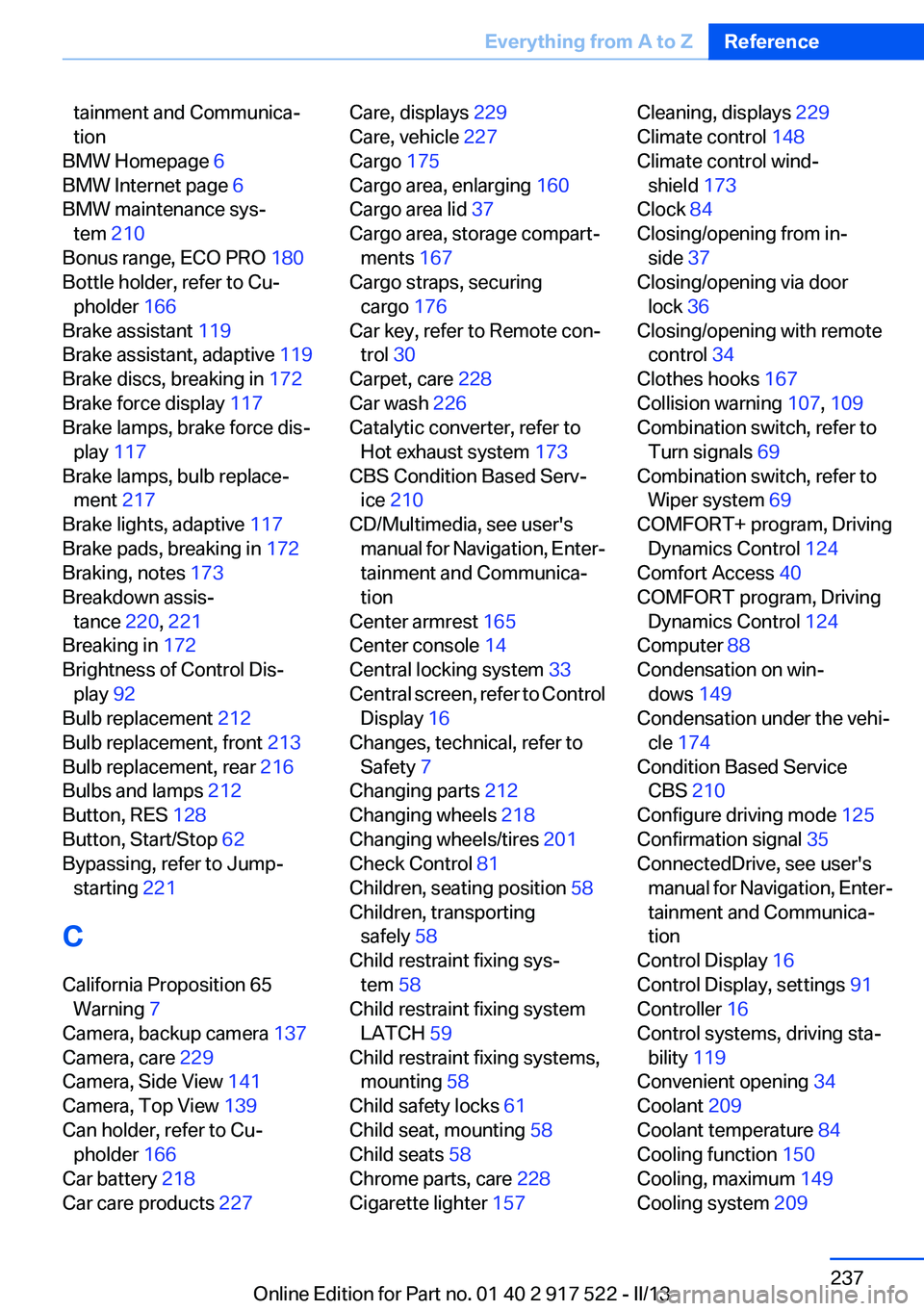
tainment and Communica‐
tion
BMW Homepage 6
BMW Internet page 6
BMW maintenance sys‐ tem 210
Bonus range, ECO PRO 180
Bottle holder, refer to Cu‐ pholder 166
Brake assistant 119
Brake assistant, adaptive 119
Brake discs, breaking in 172
Brake force display 117
Brake lamps, brake force dis‐ play 117
Brake lamps, bulb replace‐ ment 217
Brake lights, adaptive 117
Brake pads, breaking in 172
Braking, notes 173
Breakdown assis‐ tance 220, 221
Breaking in 172
Brightness of Control Dis‐ play 92
Bulb replacement 212
Bulb replacement, front 213
Bulb replacement, rear 216
Bulbs and lamps 212
Button, RES 128
Button, Start/Stop 62
Bypassing, refer to Jump- starting 221
C
California Proposition 65 Warning 7
Camera, backup camera 137
Camera, care 229
Camera, Side View 141
Camera, Top View 139
Can holder, refer to Cu‐ pholder 166
Car battery 218
Car care products 227 Care, displays 229
Care, vehicle 227
Cargo 175
Cargo area, enlarging 160
Cargo area lid 37
Cargo area, storage compart‐ ments 167
Cargo straps, securing cargo 176
Car key, refer to Remote con‐ trol 30
Carpet, care 228
Car wash 226
Catalytic converter, refer to Hot exhaust system 173
CBS Condition Based Serv‐ ice 210
CD/Multimedia, see user's manual for Navigation, Enter‐
tainment and Communica‐
tion
Center armrest 165
Center console 14
Central locking system 33
Central screen, refer to Control Display 16
Changes, technical, refer to Safety 7
Changing parts 212
Changing wheels 218
Changing wheels/tires 201
Check Control 81
Children, seating position 58
Children, transporting safely 58
Child restraint fixing sys‐ tem 58
Child restraint fixing system LATCH 59
Child restraint fixing systems, mounting 58
Child safety locks 61
Child seat, mounting 58
Child seats 58
Chrome parts, care 228
Cigarette lighter 157 Cleaning, displays 229
Climate control 148
Climate control wind‐ shield 173
Clock 84
Closing/opening from in‐ side 37
Closing/opening via door lock 36
Closing/opening with remote control 34
Clothes hooks 167
Collision warning 107, 109
Combination switch, refer to Turn signals 69
Combination switch, refer to Wiper system 69
COMFORT+ program, Driving Dynamics Control 124
Comfort Access 40
COMFORT program, Driving Dynamics Control 124
Computer 88
Condensation on win‐ dows 149
Condensation under the vehi‐ cle 174
Condition Based Service CBS 210
Configure driving mode 125
Confirmation signal 35
ConnectedDrive, see user's manual for Navigation, Enter‐
tainment and Communica‐
tion
Control Display 16
Control Display, settings 91
Controller 16
Control systems, driving sta‐ bility 119
Convenient opening 34
Coolant 209
Coolant temperature 84
Cooling function 150
Cooling, maximum 149
Cooling system 209 Seite 237Everything from A to ZReference237
Online Edition for Part no. 01 40 2 917 522 - II/13
Page 243 of 246
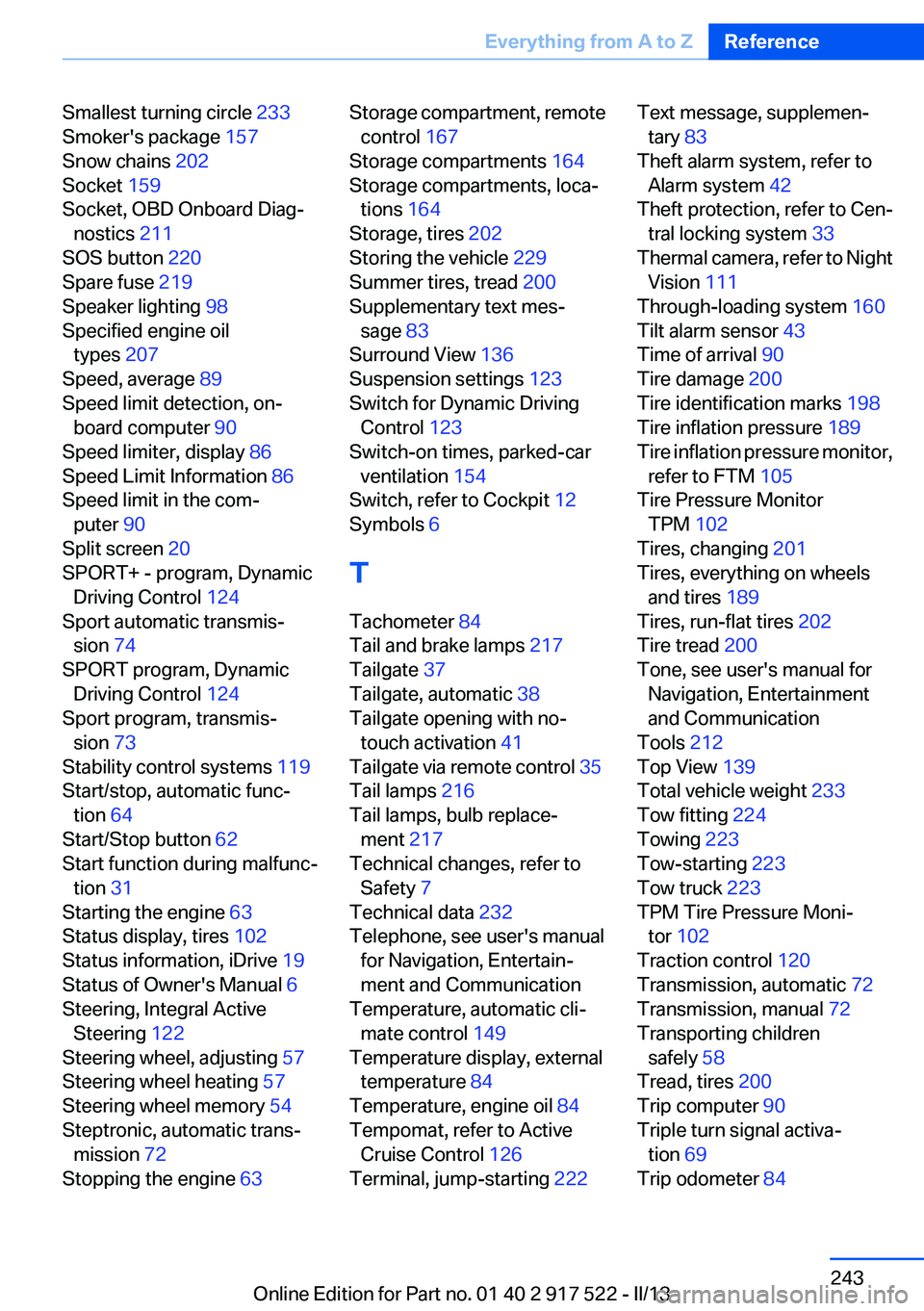
Smallest turning circle 233
Smoker's package 157
Snow chains 202
Socket 159
Socket, OBD Onboard Diag‐ nostics 211
SOS button 220
Spare fuse 219
Speaker lighting 98
Specified engine oil types 207
Speed, average 89
Speed limit detection, on‐ board computer 90
Speed limiter, display 86
Speed Limit Information 86
Speed limit in the com‐ puter 90
Split screen 20
SPORT+ - program, Dynamic Driving Control 124
Sport automatic transmis‐ sion 74
SPORT program, Dynamic Driving Control 124
Sport program, transmis‐ sion 73
Stability control systems 119
Start/stop, automatic func‐ tion 64
Start/Stop button 62
Start function during malfunc‐ tion 31
Starting the engine 63
Status display, tires 102
Status information, iDrive 19
Status of Owner's Manual 6
Steering, Integral Active Steering 122
Steering wheel, adjusting 57
Steering wheel heating 57
Steering wheel memory 54
Steptronic, automatic trans‐ mission 72
Stopping the engine 63 Storage compartment, remote
control 167
Storage compartments 164
Storage compartments, loca‐ tions 164
Storage, tires 202
Storing the vehicle 229
Summer tires, tread 200
Supplementary text mes‐ sage 83
Surround View 136
Suspension settings 123
Switch for Dynamic Driving Control 123
Switch-on times, parked-car ventilation 154
Switch, refer to Cockpit 12
Symbols 6
T
Tachometer 84
Tail and brake lamps 217
Tailgate 37
Tailgate, automatic 38
Tailgate opening with no- touch activation 41
Tailgate via remote control 35
Tail lamps 216
Tail lamps, bulb replace‐ ment 217
Technical changes, refer to Safety 7
Technical data 232
Telephone, see user's manual for Navigation, Entertain‐
ment and Communication
Temperature, automatic cli‐ mate control 149
Temperature display, external temperature 84
Temperature, engine oil 84
Tempomat, refer to Active Cruise Control 126
Terminal, jump-starting 222 Text message, supplemen‐
tary 83
Theft alarm system, refer to Alarm system 42
Theft protection, refer to Cen‐ tral locking system 33
Thermal camera, refer to Night Vision 111
Through-loading system 160
Tilt alarm sensor 43
Time of arrival 90
Tire damage 200
Tire identification marks 198
Tire inflation pressure 189
Tire inflation pressure monitor, refer to FTM 105
Tire Pressure Monitor TPM 102
Tires, changing 201
Tires, everything on wheels and tires 189
Tires, run-flat tires 202
Tire tread 200
Tone, see user's manual for Navigation, Entertainment
and Communication
Tools 212
Top View 139
Total vehicle weight 233
Tow fitting 224
Towing 223
Tow-starting 223
Tow truck 223
TPM Tire Pressure Moni‐ tor 102
Traction control 120
Transmission, automatic 72
Transmission, manual 72
Transporting children safely 58
Tread, tires 200
Trip computer 90
Triple turn signal activa‐ tion 69
Trip odometer 84 Seite 243Everything from A to ZReference243
Online Edition for Part no. 01 40 2 917 522 - II/13