Index BMW 535D 2014 Owners Manual
[x] Cancel search | Manufacturer: BMW, Model Year: 2014, Model line: 535D, Model: BMW 535D 2014Pages: 267, PDF Size: 5.88 MB
Page 5 of 267
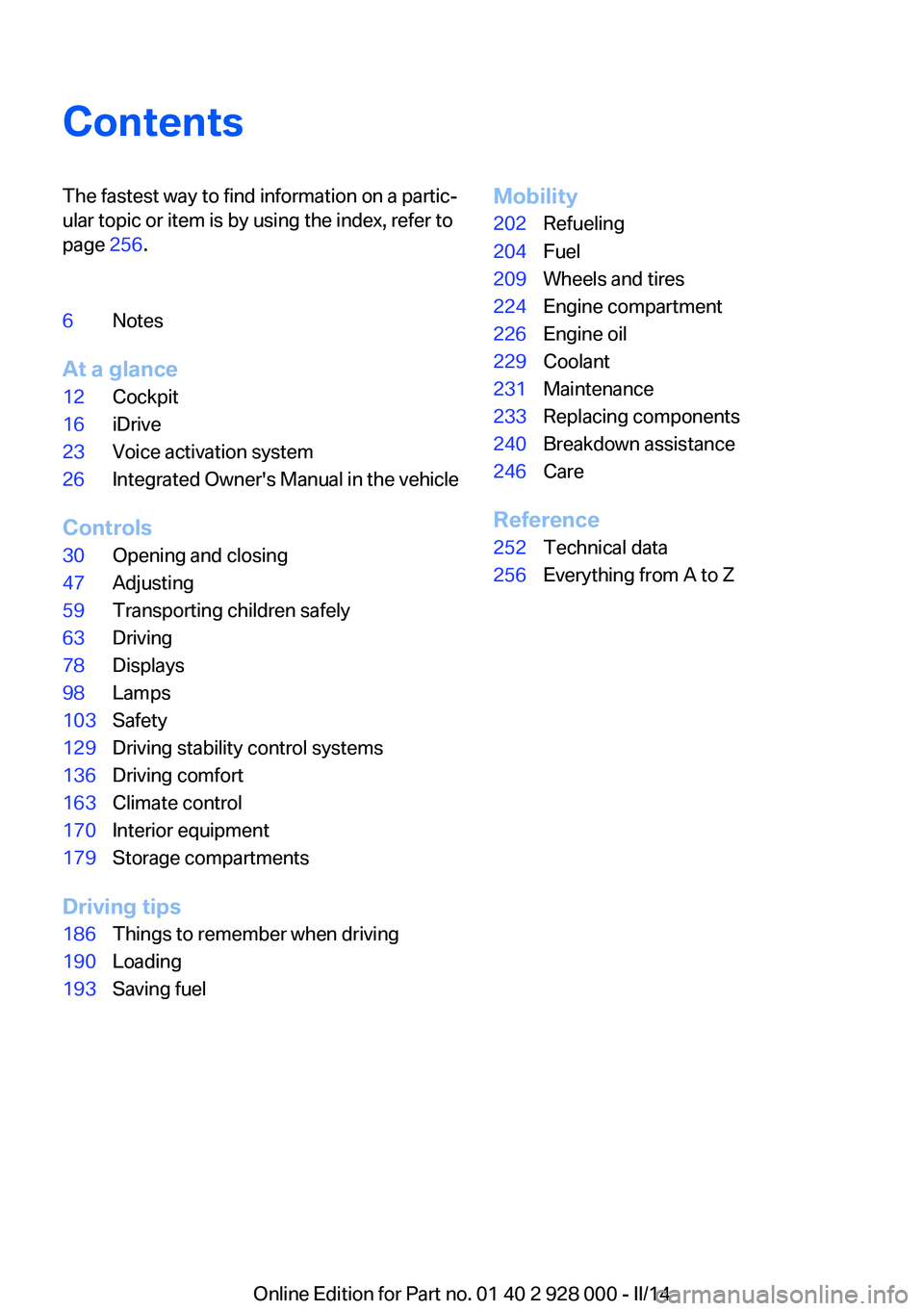
ContentsThe fastest way to find information on a partic‐
ular topic or item is by using the index, refer to
page 256.6Notes
At a glance
12Cockpit16iDrive23Voice activation system26Integrated Owner's Manual in the vehicle
Controls
30Opening and closing47Adjusting59Transporting children safely63Driving78Displays98Lamps103Safety129Driving stability control systems136Driving comfort163Climate control170Interior equipment179Storage compartments
Driving tips
186Things to remember when driving190Loading193Saving fuelMobility202Refueling204Fuel209Wheels and tires224Engine compartment226Engine oil229Coolant231Maintenance233Replacing components240Breakdown assistance246Care
Reference
252Technical data256Everything from A to Z
Online Edition for Part no. 01 40 2 928 000 - II/14
Page 6 of 267
NotesUsing this Owner's Manual
Orientation
The fastest way to find information on a partic‐
ular topic is by using the index.
An initial overview of the vehicle is provided in
the first chapter.
Updates made after the editorial
deadline
Any updates made after the editorial deadline
for the Owner's Manuals are located in the ap‐
pendix of the printed quick reference for the
vehicle.
User's manual for Navigation,
Entertainment, Communication
The topics of Navigation, Entertainment, Com‐
munication and the short commands of the
voice activation system are described in a sep‐
arate user's manual, which is also included
with the onboard literature.
Additional sources of information
The service center will be happy to answer any
other questions you may have.
Information on BMW, e.g., on technology, is
available on the Internet: www.bmwusa.com.
Symbols in the Owner'sManual
Indicates precautions that must be followed
precisely in order to avoid the possibility of
personal injury and serious damage to the ve‐
hicle.
◄ Marks the end of a specific item of
information.
"..." Identifies Control Display texts used to
select individual functions.
›...‹ Verbal instructions to use with the voice
activation system.
››...‹‹ Identifies the answers generated by the
voice activation system.
Refers to measures that can be taken to
help protect the environment.
Symbols on vehicle components
Indicates that you should consult the
relevant section of this Owner's Manual for
information on a particular part or assembly.
Vehicle equipment
This Owner's Manual describes all models and
all standard, country-specific and optional
equipment that is offered in the model series.
Therefore, in this Owner's Manual, equipment
is also described and illustrated that is not
available in your vehicle, e.g., because of the
selected optional equipment or the country-
specific variants.
This also applies for safety-related functions
and systems.
For any options and equipment not described
in this Owner's Handbook, refer to the Supple‐
mentary Owner's Handbooks.
On right-hand drive vehicles, some control ele‐
ments are arranged differently than shown in
the illustrations.
Status of the Owner's
Manual
Basic information
The manufacturer of your vehicle pursues a
policy of constant development that is con‐
ceived to ensure that our vehicles continue to
embody the highest quality and safety stan‐
Seite 6Notes6
Online Edition for Part no. 01 40 2 928 000 - II/14
Page 26 of 267
Integrated Owner's Manual in the vehicleVehicle equipmentAll standard, country-specific and optional
equipment that is offered in the model series is
described in this chapter. Therefore, equip‐
ment is also described that is not available in a
vehicle, e. g., because of the selected optional
equipment or country variant. This also applies
for safety-related functions and systems.
Integrated Owner's Manual
in the vehicle
The Integrated Owner's Manual can be dis‐
played on the Control Display. The equipment
and functions that are in the vehicle are descri‐
bed therein.
Components of the Integrated
Owner's Manual
The Integrated Owner's Manual consists of
three parts, which offer various levels of infor‐
mation or access possibilities.
Quick Reference Guide Located in the Quick Reference is important
information for the operation of the vehicle, the
operation of basic vehicle functions or for what
to do in the event of a flat tire. This information
can also be displayed during driving.
Search by pictures
Information and descriptions based on illustra‐
tions can be searched via search by pictures.
This is helpful, for example, if the description of
an outfitting package that cannot be named is
needed.
Owner's Manual
Information and descriptions can be searched
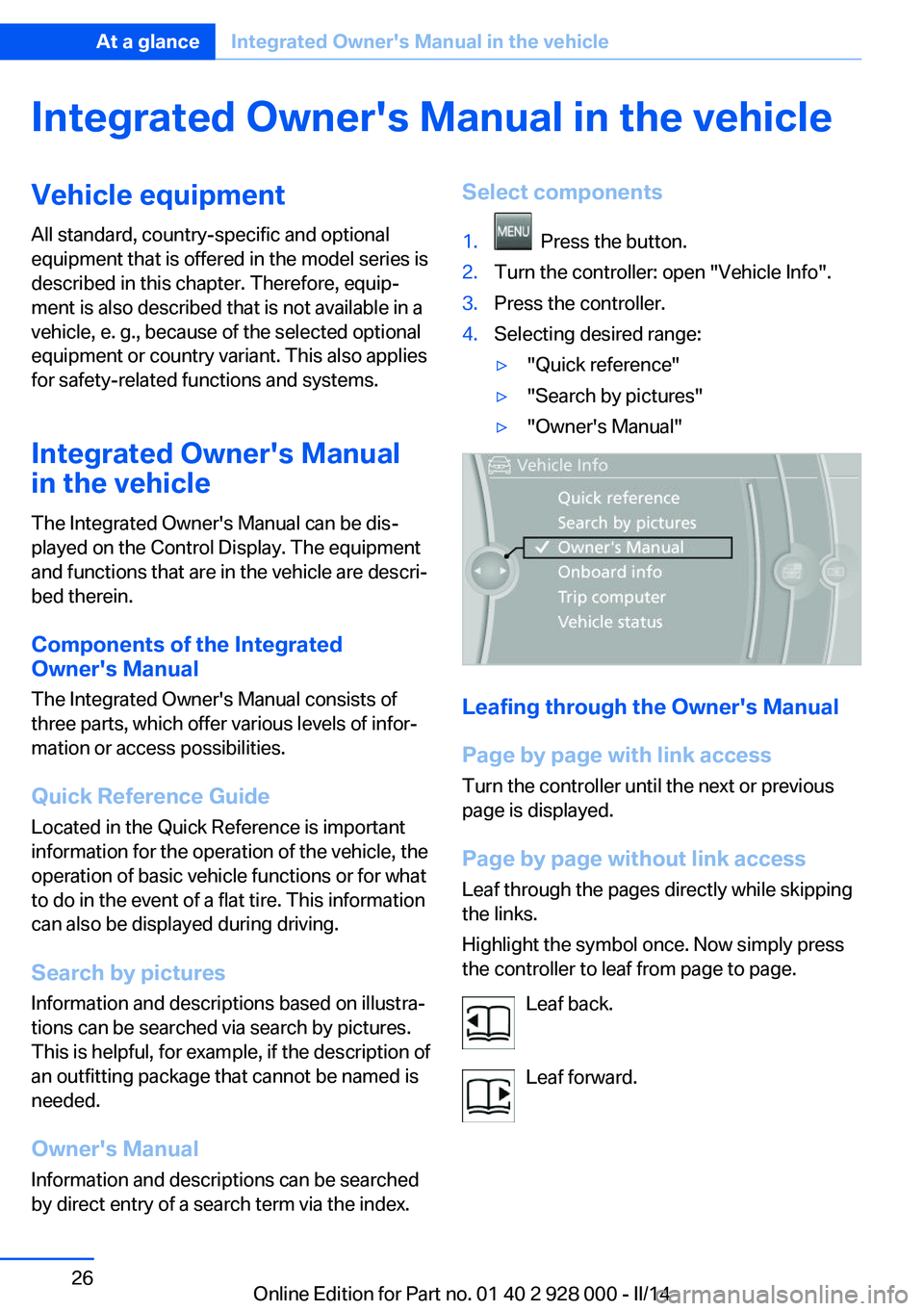
by direct entry of a search term via the index.Select components1. Press the button.2.Turn the controller: open "Vehicle Info".3.Press the controller.4.Selecting desired range:▷"Quick reference"▷"Search by pictures"▷"Owner's Manual"
Leafing through the Owner's Manual
Page by page with link access
Turn the controller until the next or previous
page is displayed.
Page by page without link access
Leaf through the pages directly while skipping
the links.
Highlight the symbol once. Now simply press
the controller to leaf from page to page.
Leaf back.
Leaf forward.
Seite 26At a glanceIntegrated Owner's Manual in the vehicle26
Online Edition for Part no. 01 40 2 928 000 - II/14
Page 251 of 267
Reference
This chapter contains the technical data and an
index that will quickly take you to the information you need.Online Edition for Part no. 01 40 2 928 000 - II/14
Page 256 of 267
Everything from A to Z
IndexA ABS, Antilock Brake Sys‐ tem 129
ACC, Active Cruise Control with Stop & Go 136
Acceleration Assistant, refer to Launch Control 76
Accessories and parts 7
Activated-charcoal filter 166
Active Blind Spot Detec‐ tion 124
Active Cruise Control with Stop & Go, ACC 136
Active Protection 126
Active seat, front 50
Active seat ventilation, front 51
Active Steering, integral 133
Adaptive brake assistant 129
Adaptive brake lights, refer to Brake force display 126
Adaptive drive 132
Adaptive light control 99
Additives, oil 227
Adjustments, seats/head re‐ straints 47
After washing vehicle 247
Airbags 103
Airbags, indicator/warning light 104
Air circulation, refer to Recir‐ culated-air mode 165
Air, dehumidifying, refer to Cooling function 165
Air distribution, manual 164
Air flow, automatic climate control 164
Air pressure, tires 209
Air vents, refer to Ventila‐ tion 166 Alarm system 41
Alarm, unintentional 43
All around the center con‐ sole 14
All around the headliner 15
All around the steering wheel 12
All-season tires, refer to Win‐ ter tires 222
All-wheel-drive 131
Alternating-code hand-held transmitter 171
Alternative oil types 228
Ambient light 102
Animal detection, see Night Vision 120
Antifreeze, washer fluid 73
Antilock Brake System, ABS 129
Anti-slip control, refer to DSC 129
Approved axle load 252
Approved engine oils 228
Armrest, refer to Center arm‐ rest 180
Arrival time 93
Ashtray 172
Ashtray, front 172, 173
Ashtray, rear 173
Assistance, Roadside Assis‐ tance 241
Assistance when driving off 129
Attentiveness assistant 126
AUTO H button, refer to Au‐ tomatic Hold 68
AUTO intensity 164
Automatic car wash 246
Automatic climate con‐ trol 163 Automatic Cruise Control
with Stop & Go 136
Automatic Curb Monitor 56
Automatic deactivation, front passenger airbags 105
Automatic headlamp con‐ trol 99
Automatic Hold 68
Automatic locking 41
Automatic recirculated-air control 165
Automatic Soft Closing, doors 36
Automatic transmission with Steptronic 74
Automatic trunk lid 37
AUTO program, automatic cli‐ mate control 164
AUTO program, intensity 164
Auto Start/Stop function 65
Average fuel consumption 93
Average speed 93
Axle loads, weights 252
B Backrest curvature, refer to Lumbar support 49
Backrest, width 49
Backup camera 151
Band-aids, refer to First aid kit 241
Bar for tow-starting/ towing 244
Battery replacement, vehicle battery 238
Battery replacement, vehicle remote control 30
Battery, vehicle 238
Belts, safety belts 51 Seite 256ReferenceEverything from A to Z256
Online Edition for Part no. 01 40 2 928 000 - II/14