page 85 BMW 550I 2013 Manual PDF
[x] Cancel search | Manufacturer: BMW, Model Year: 2013, Model line: 550I, Model: BMW 550I 2013Pages: 246, PDF Size: 5.39 MB
Page 226 of 246
CareVehicle equipment
All standard, country-specific and optional
equipment that is offered in the model series is
described in this chapter. Therefore, equipment
is also described that is not available in a vehicle,
e. g., because of the selected optional equip‐
ment or country variant. This also applies for
safety-related functions and systems.
Car washes
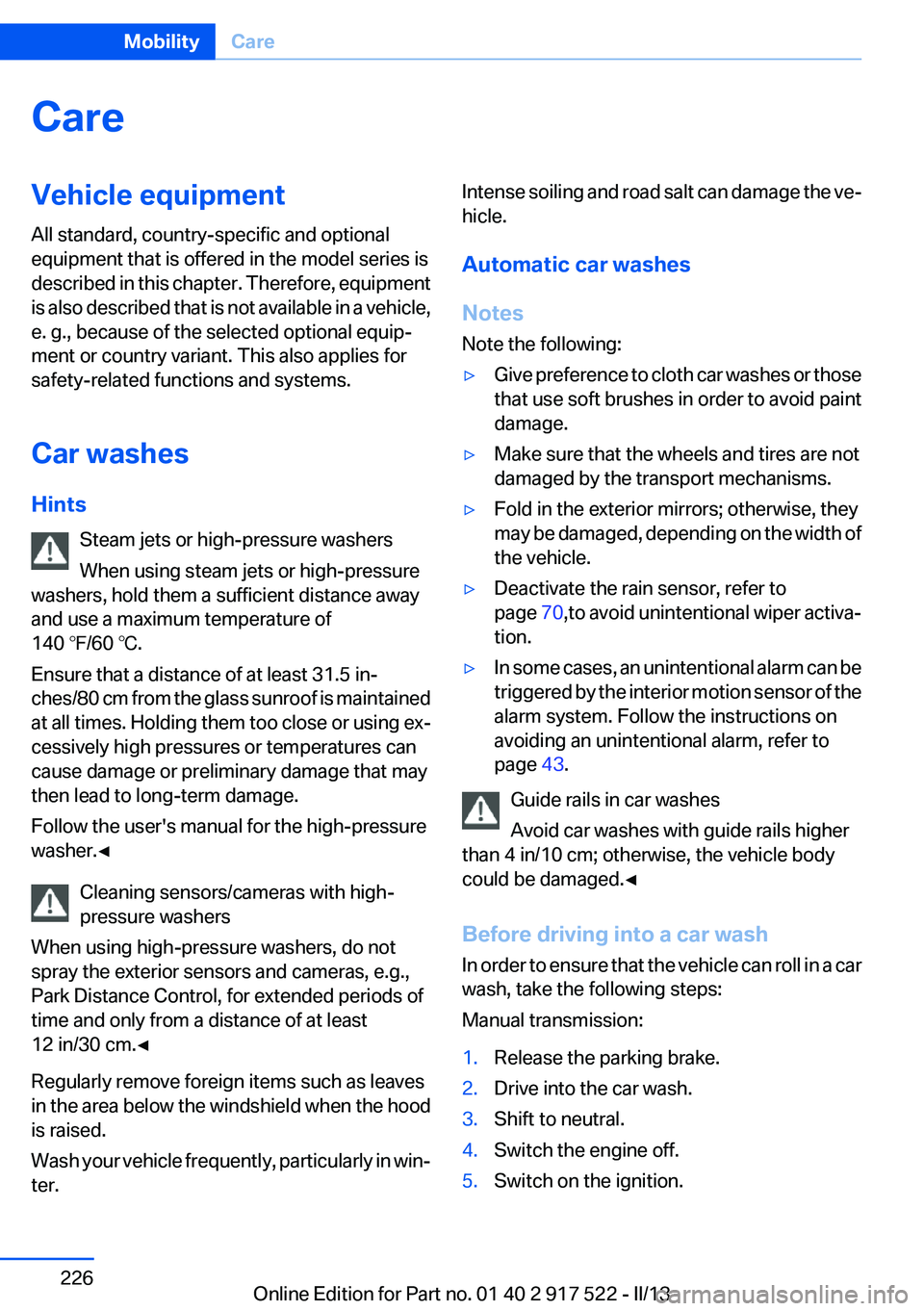
Hints Steam jets or high-pressure washers
When using steam jets or high-pressure
washers, hold them a sufficient distance away
and use a maximum temperature of
140 ℉/60 ℃.
Ensure that a distance of at least 31.5 in‐
ches/80 cm from the glass sunroof is maintained
at all times. Holding them too close or using ex‐
cessively high pressures or temperatures can
cause damage or preliminary damage that may
then lead to long-term damage.
Follow the user's manual for the high-pressure
washer.◀
Cleaning sensors/cameras with high-
pressure washers
When using high-pressure washers, do not
spray the exterior sensors and cameras, e.g.,
Park Distance Control, for extended periods of
time and only from a distance of at least
12 in/30 cm.◀
Regularly remove foreign items such as leaves
in the area below the windshield when the hood
is raised.
Wash your vehicle frequently, particularly in win‐
ter.Intense soiling and road salt can damage the ve‐
hicle.
Automatic car washes
Notes
Note the following:▷Give preference to cloth car washes or those
that use soft brushes in order to avoid paint
damage.▷Make sure that the wheels and tires are not
damaged by the transport mechanisms.▷Fold in the exterior mirrors; otherwise, they
may be damaged, depending on the width of
the vehicle.▷Deactivate the rain sensor, refer to
page 70,to avoid unintentional wiper activa‐
tion.▷In some cases, an unintentional alarm can be
triggered by the interior motion sensor of the
alarm system. Follow the instructions on
avoiding an unintentional alarm, refer to
page 43.
Guide rails in car washes
Avoid car washes with guide rails higher
than 4 in/10 cm; otherwise, the vehicle body
could be damaged.◀
Before driving into a car wash
In order to ensure that the vehicle can roll in a car
wash, take the following steps:
Manual transmission:
1.Release the parking brake.2.Drive into the car wash.3.Shift to neutral.4.Switch the engine off.5.Switch on the ignition.Seite 226MobilityCare226
Online Edition for Part no. 01 40 2 917 522 - II/13
Page 227 of 246
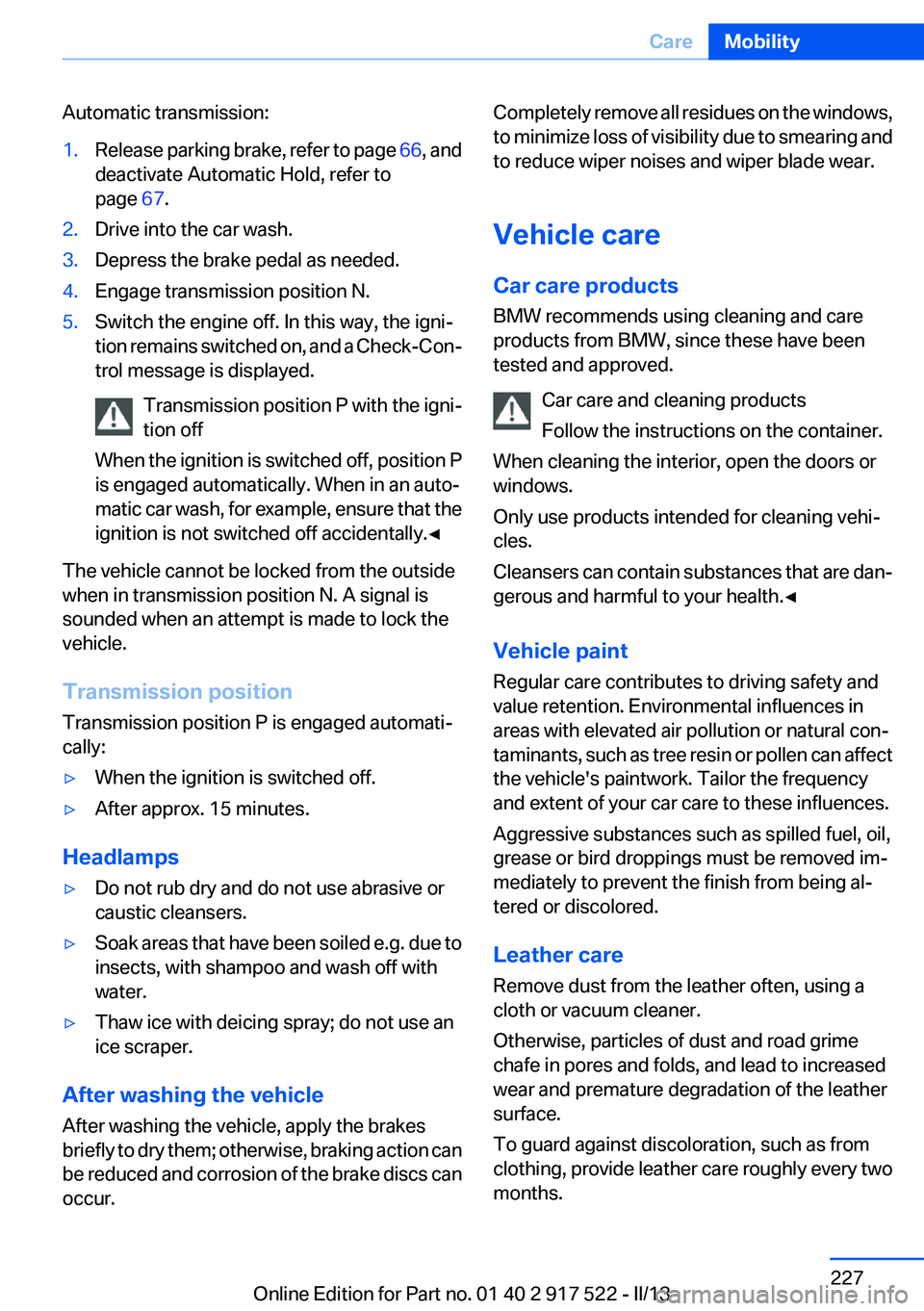
Automatic transmission:1.Release parking brake, refer to page 66, and
deactivate Automatic Hold, refer to
page 67.2.Drive into the car wash.3.Depress the brake pedal as needed.4.Engage transmission position N.5.Switch the engine off. In this way, the igni‐
tion remains switched on, and a Check-Con‐
trol message is displayed.
Transmission position P with the igni‐
tion off
When the ignition is switched off, position P
is engaged automatically. When in an auto‐
matic car wash, for example, ensure that the
ignition is not switched off accidentally.◀
The vehicle cannot be locked from the outside
when in transmission position N. A signal is
sounded when an attempt is made to lock the
vehicle.
Transmission position
Transmission position P is engaged automati‐
cally:
▷When the ignition is switched off.▷After approx. 15 minutes.
Headlamps
▷Do not rub dry and do not use abrasive or
caustic cleansers.▷Soak areas that have been soiled e.g. due to
insects, with shampoo and wash off with
water.▷Thaw ice with deicing spray; do not use an
ice scraper.
After washing the vehicle
After washing the vehicle, apply the brakes
briefly to dry them; otherwise, braking action can
be reduced and corrosion of the brake discs can
occur.
Completely remove all residues on the windows,
to minimize loss of visibility due to smearing and
to reduce wiper noises and wiper blade wear.
Vehicle care
Car care products
BMW recommends using cleaning and care
products from BMW, since these have been
tested and approved.
Car care and cleaning products
Follow the instructions on the container.
When cleaning the interior, open the doors or
windows.
Only use products intended for cleaning vehi‐
cles.
Cleansers can contain substances that are dan‐
gerous and harmful to your health.◀
Vehicle paint
Regular care contributes to driving safety and
value retention. Environmental influences in
areas with elevated air pollution or natural con‐
taminants, such as tree resin or pollen can affect
the vehicle's paintwork. Tailor the frequency
and extent of your car care to these influences.
Aggressive substances such as spilled fuel, oil,
grease or bird droppings must be removed im‐
mediately to prevent the finish from being al‐
tered or discolored.
Leather care
Remove dust from the leather often, using a
cloth or vacuum cleaner.
Otherwise, particles of dust and road grime
chafe in pores and folds, and lead to increased
wear and premature degradation of the leather
surface.
To guard against discoloration, such as from
clothing, provide leather care roughly every two
months.Seite 227CareMobility227
Online Edition for Part no. 01 40 2 917 522 - II/13
Page 235 of 246
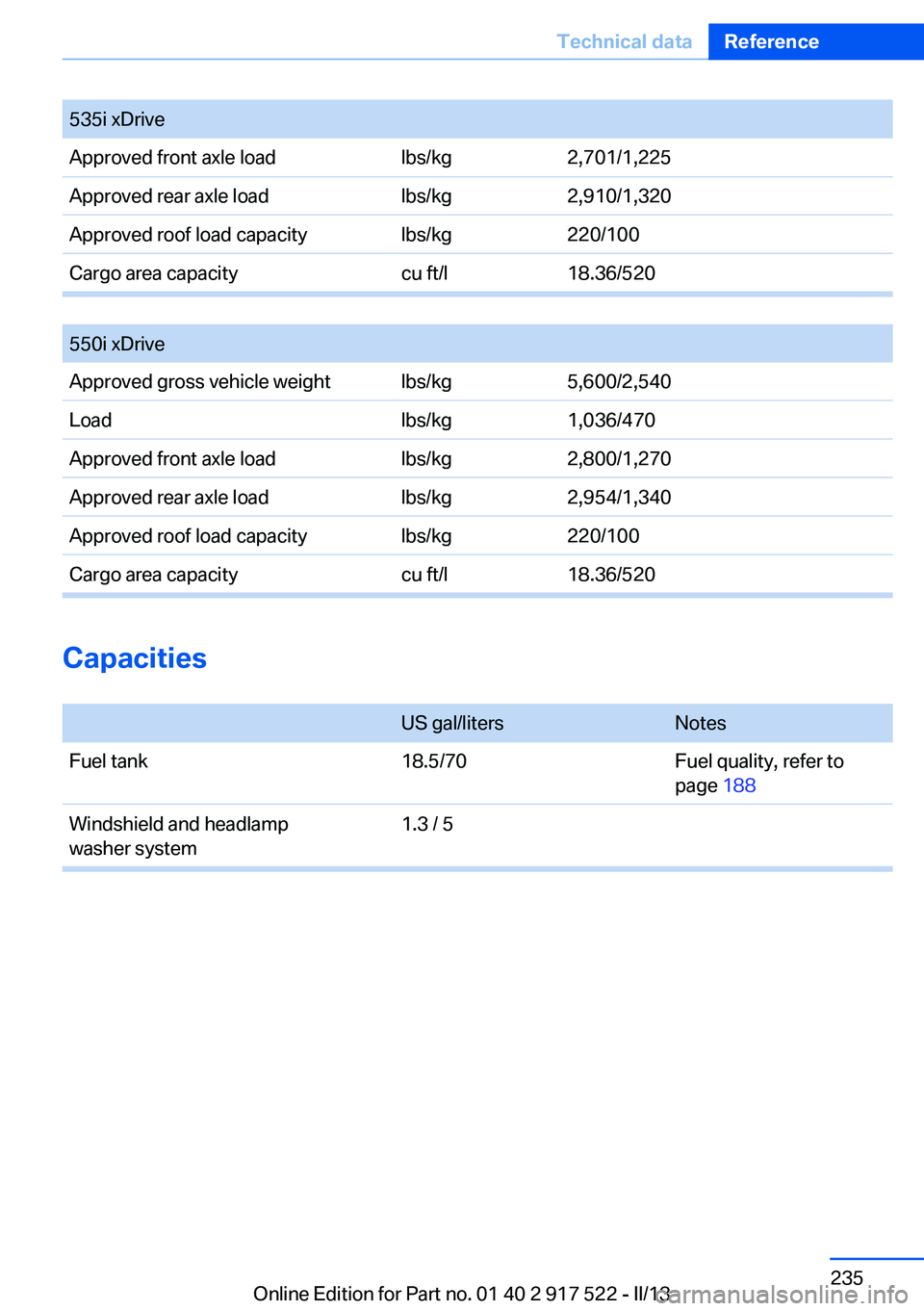
535i xDriveApproved front axle loadlbs/kg2,701/1,225Approved rear axle loadlbs/kg2,910/1,320Approved roof load capacitylbs/kg220/100Cargo area capacitycu ft/l18.36/520
550i xDriveApproved gross vehicle weightlbs/kg5,600/2,540Loadlbs/kg1,036/470Approved front axle loadlbs/kg2,800/1,270Approved rear axle loadlbs/kg2,954/1,340Approved roof load capacitylbs/kg220/100Cargo area capacitycu ft/l18.36/520
Capacities
US gal/litersNotesFuel tank18.5/70Fuel quality, refer to
page 188Windshield and headlamp
washer system1.3 / 5Seite 235Technical dataReference235
Online Edition for Part no. 01 40 2 917 522 - II/13
Page 237 of 246
tainment and Communica‐
tion
BMW Homepage 6
BMW Internet page 6
BMW maintenance sys‐ tem 210
Bonus range, ECO PRO 180
Bottle holder, refer to Cu‐ pholder 166
Brake assistant 119
Brake assistant, adaptive 119
Brake discs, breaking in 172
Brake force display 117
Brake lamps, brake force dis‐ play 117
Brake lamps, bulb replace‐ ment 217
Brake lights, adaptive 117
Brake pads, breaking in 172
Braking, notes 173
Breakdown assis‐ tance 220, 221
Breaking in 172
Brightness of Control Dis‐ play 92
Bulb replacement 212
Bulb replacement, front 213
Bulb replacement, rear 216
Bulbs and lamps 212
Button, RES 128
Button, Start/Stop 62
Bypassing, refer to Jump- starting 221
C
California Proposition 65 Warning 7
Camera, backup camera 137
Camera, care 229
Camera, Side View 141
Camera, Top View 139
Can holder, refer to Cu‐ pholder 166
Car battery 218
Car care products 227 Care, displays 229
Care, vehicle 227
Cargo 175
Cargo area, enlarging 160
Cargo area lid 37
Cargo area, storage compart‐ ments 167
Cargo straps, securing cargo 176
Car key, refer to Remote con‐ trol 30
Carpet, care 228
Car wash 226
Catalytic converter, refer to Hot exhaust system 173
CBS Condition Based Serv‐ ice 210
CD/Multimedia, see user's manual for Navigation, Enter‐
tainment and Communica‐
tion
Center armrest 165
Center console 14
Central locking system 33
Central screen, refer to Control Display 16
Changes, technical, refer to Safety 7
Changing parts 212
Changing wheels 218
Changing wheels/tires 201
Check Control 81
Children, seating position 58
Children, transporting safely 58
Child restraint fixing sys‐ tem 58
Child restraint fixing system LATCH 59
Child restraint fixing systems, mounting 58
Child safety locks 61
Child seat, mounting 58
Child seats 58
Chrome parts, care 228
Cigarette lighter 157 Cleaning, displays 229
Climate control 148
Climate control wind‐ shield 173
Clock 84
Closing/opening from in‐ side 37
Closing/opening via door lock 36
Closing/opening with remote control 34
Clothes hooks 167
Collision warning 107, 109
Combination switch, refer to Turn signals 69
Combination switch, refer to Wiper system 69
COMFORT+ program, Driving Dynamics Control 124
Comfort Access 40
COMFORT program, Driving Dynamics Control 124
Computer 88
Condensation on win‐ dows 149
Condensation under the vehi‐ cle 174
Condition Based Service CBS 210
Configure driving mode 125
Confirmation signal 35
ConnectedDrive, see user's manual for Navigation, Enter‐
tainment and Communica‐
tion
Control Display 16
Control Display, settings 91
Controller 16
Control systems, driving sta‐ bility 119
Convenient opening 34
Coolant 209
Coolant temperature 84
Cooling function 150
Cooling, maximum 149
Cooling system 209 Seite 237Everything from A to ZReference237
Online Edition for Part no. 01 40 2 917 522 - II/13
Page 239 of 246
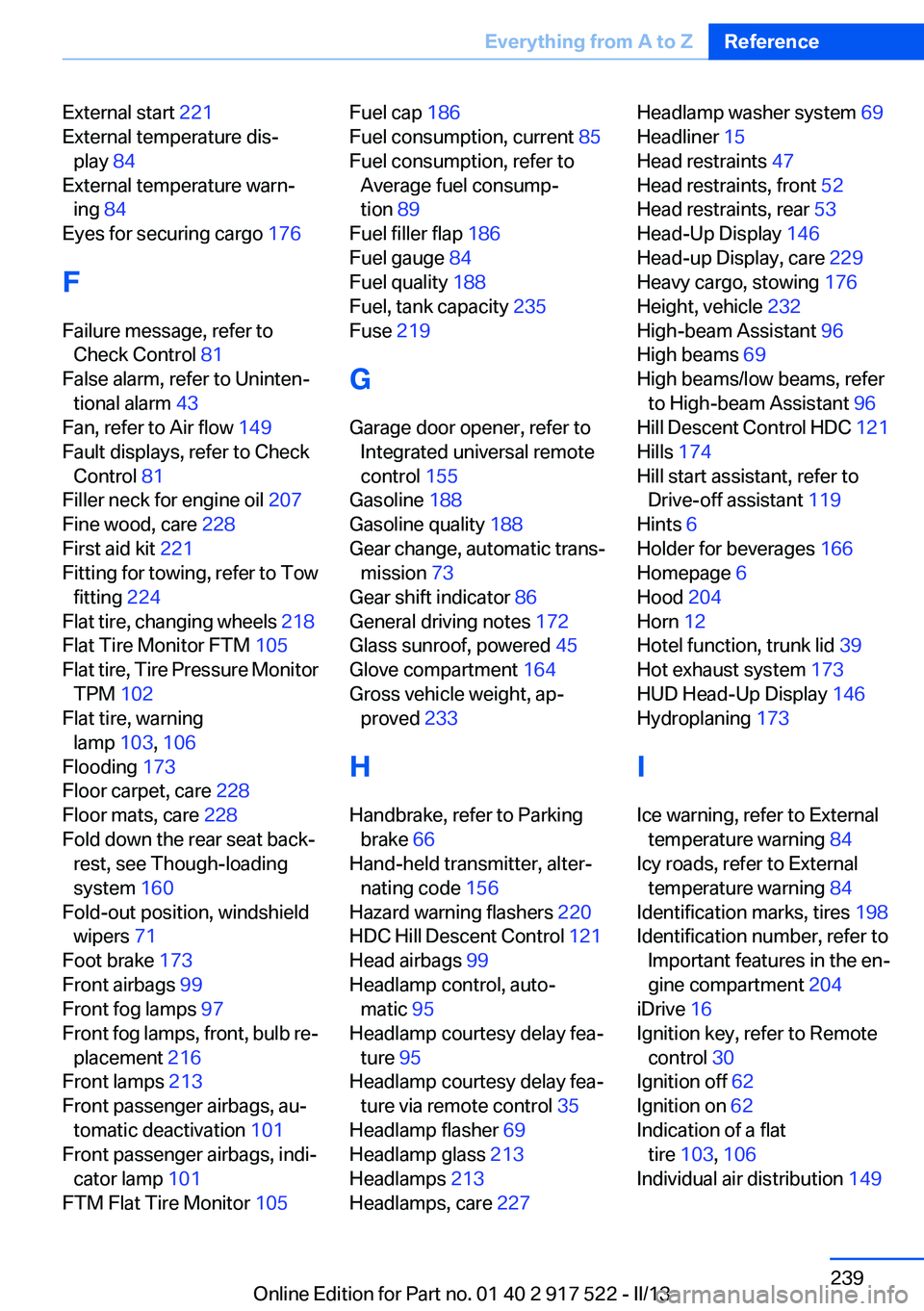
External start 221
External temperature dis‐ play 84
External temperature warn‐ ing 84
Eyes for securing cargo 176
F
Failure message, refer to Check Control 81
False alarm, refer to Uninten‐ tional alarm 43
Fan, refer to Air flow 149
Fault displays, refer to Check Control 81
Filler neck for engine oil 207
Fine wood, care 228
First aid kit 221
Fitting for towing, refer to Tow fitting 224
Flat tire, changing wheels 218
Flat Tire Monitor FTM 105
Flat tire, Tire Pressure Monitor TPM 102
Flat tire, warning lamp 103, 106
Flooding 173
Floor carpet, care 228
Floor mats, care 228
Fold down the rear seat back‐ rest, see Though-loading
system 160
Fold-out position, windshield wipers 71
Foot brake 173
Front airbags 99
Front fog lamps 97
Front fog lamps, front, bulb re‐ placement 216
Front lamps 213
Front passenger airbags, au‐ tomatic deactivation 101
Front passenger airbags, indi‐ cator lamp 101
FTM Flat Tire Monitor 105 Fuel cap 186
Fuel consumption, current 85
Fuel consumption, refer to Average fuel consump‐
tion 89
Fuel filler flap 186
Fuel gauge 84
Fuel quality 188
Fuel, tank capacity 235
Fuse 219
G
Garage door opener, refer to Integrated universal remote
control 155
Gasoline 188
Gasoline quality 188
Gear change, automatic trans‐ mission 73
Gear shift indicator 86
General driving notes 172
Glass sunroof, powered 45
Glove compartment 164
Gross vehicle weight, ap‐ proved 233
H
Handbrake, refer to Parking brake 66
Hand-held transmitter, alter‐ nating code 156
Hazard warning flashers 220
HDC Hill Descent Control 121
Head airbags 99
Headlamp control, auto‐ matic 95
Headlamp courtesy delay fea‐ ture 95
Headlamp courtesy delay fea‐ ture via remote control 35
Headlamp flasher 69
Headlamp glass 213
Headlamps 213
Headlamps, care 227 Headlamp washer system 69
Headliner 15
Head restraints 47
Head restraints, front 52
Head restraints, rear 53
Head-Up Display 146
Head-up Display, care 229
Heavy cargo, stowing 176
Height, vehicle 232
High-beam Assistant 96
High beams 69
High beams/low beams, refer to High-beam Assistant 96
Hill Descent Control HDC 121
Hills 174
Hill start assistant, refer to Drive-off assistant 119
Hints 6
Holder for beverages 166
Homepage 6
Hood 204
Horn 12
Hotel function, trunk lid 39
Hot exhaust system 173
HUD Head-Up Display 146
Hydroplaning 173
I
Ice warning, refer to External temperature warning 84
Icy roads, refer to External temperature warning 84
Identification marks, tires 198
Identification number, refer to Important features in the en‐
gine compartment 204
iDrive 16
Ignition key, refer to Remote control 30
Ignition off 62
Ignition on 62
Indication of a flat tire 103 , 106
Individual air distribution 149 Seite 239Everything from A to ZReference239
Online Edition for Part no. 01 40 2 917 522 - II/13
Page 240 of 246
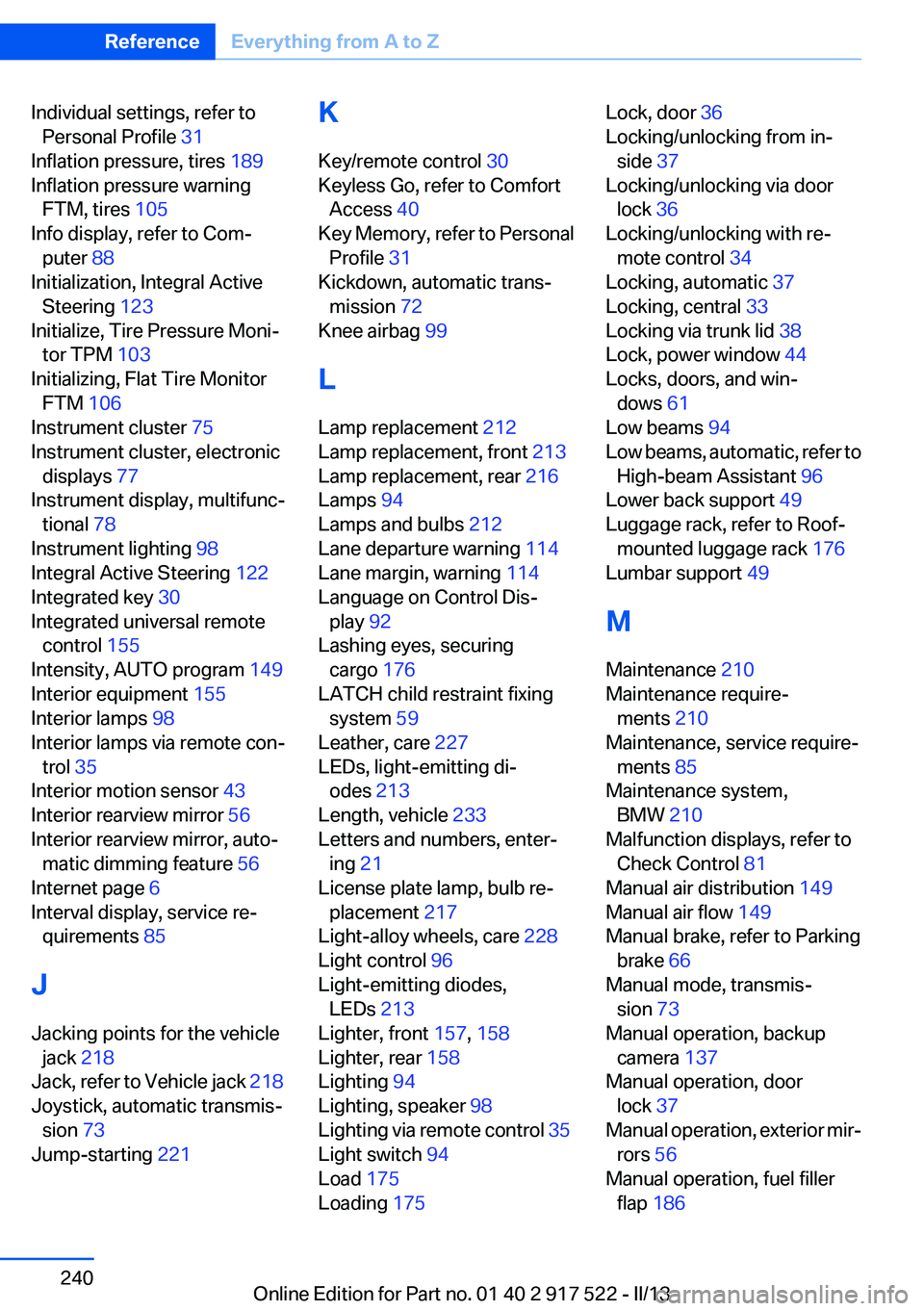
Individual settings, refer toPersonal Profile 31
Inflation pressure, tires 189
Inflation pressure warning FTM, tires 105
Info display, refer to Com‐ puter 88
Initialization, Integral Active Steering 123
Initialize, Tire Pressure Moni‐ tor TPM 103
Initializing, Flat Tire Monitor FTM 106
Instrument cluster 75
Instrument cluster, electronic displays 77
Instrument display, multifunc‐ tional 78
Instrument lighting 98
Integral Active Steering 122
Integrated key 30
Integrated universal remote control 155
Intensity, AUTO program 149
Interior equipment 155
Interior lamps 98
Interior lamps via remote con‐ trol 35
Interior motion sensor 43
Interior rearview mirror 56
Interior rearview mirror, auto‐ matic dimming feature 56
Internet page 6
Interval display, service re‐ quirements 85
J
Jacking points for the vehicle jack 218
Jack, refer to Vehicle jack 218
Joystick, automatic transmis‐ sion 73
Jump-starting 221 K
Key/remote control 30
Keyless Go, refer to Comfort Access 40
Key Memory, refer to Personal Profile 31
Kickdown, automatic trans‐ mission 72
Knee airbag 99
L
Lamp replacement 212
Lamp replacement, front 213
Lamp replacement, rear 216
Lamps 94
Lamps and bulbs 212
Lane departure warning 114
Lane margin, warning 114
Language on Control Dis‐ play 92
Lashing eyes, securing cargo 176
LATCH child restraint fixing system 59
Leather, care 227
LEDs, light-emitting di‐ odes 213
Length, vehicle 233
Letters and numbers, enter‐ ing 21
License plate lamp, bulb re‐ placement 217
Light-alloy wheels, care 228
Light control 96
Light-emitting diodes, LEDs 213
Lighter, front 157, 158
Lighter, rear 158
Lighting 94
Lighting, speaker 98
Lighting via remote control 35
Light switch 94
Load 175
Loading 175 Lock, door 36
Locking/unlocking from in‐ side 37
Locking/unlocking via door lock 36
Locking/unlocking with re‐ mote control 34
Locking, automatic 37
Locking, central 33
Locking via trunk lid 38
Lock, power window 44
Locks, doors, and win‐ dows 61
Low beams 94
Low beams, automatic, refer to High-beam Assistant 96
Lower back support 49
Luggage rack, refer to Roof- mounted luggage rack 176
Lumbar support 49
M
Maintenance 210
Maintenance require‐ ments 210
Maintenance, service require‐ ments 85
Maintenance system, BMW 210
Malfunction displays, refer to Check Control 81
Manual air distribution 149
Manual air flow 149
Manual brake, refer to Parking brake 66
Manual mode, transmis‐ sion 73
Manual operation, backup camera 137
Manual operation, door lock 37
Manual operation, exterior mir‐ rors 56
Manual operation, fuel filler flap 186 Seite 240ReferenceEverything from A to Z240
Online Edition for Part no. 01 40 2 917 522 - II/13