key BMW 6 SERIES GRAN COUPE 2017 Owners Manual
[x] Cancel search | Manufacturer: BMW, Model Year: 2017, Model line: 6 SERIES GRAN COUPE, Model: BMW 6 SERIES GRAN COUPE 2017Pages: 261, PDF Size: 5.24 MB
Page 24 of 261
2. Press and hold the desired button,
until a signal sounds.
Running a function
Press button.
The function will work immediately.
This means, for example, that the number is di‐
aled when a phone number is selected.
Displaying the button assignment
Touch buttons with bare fingers. Do not wear
gloves or use objects.
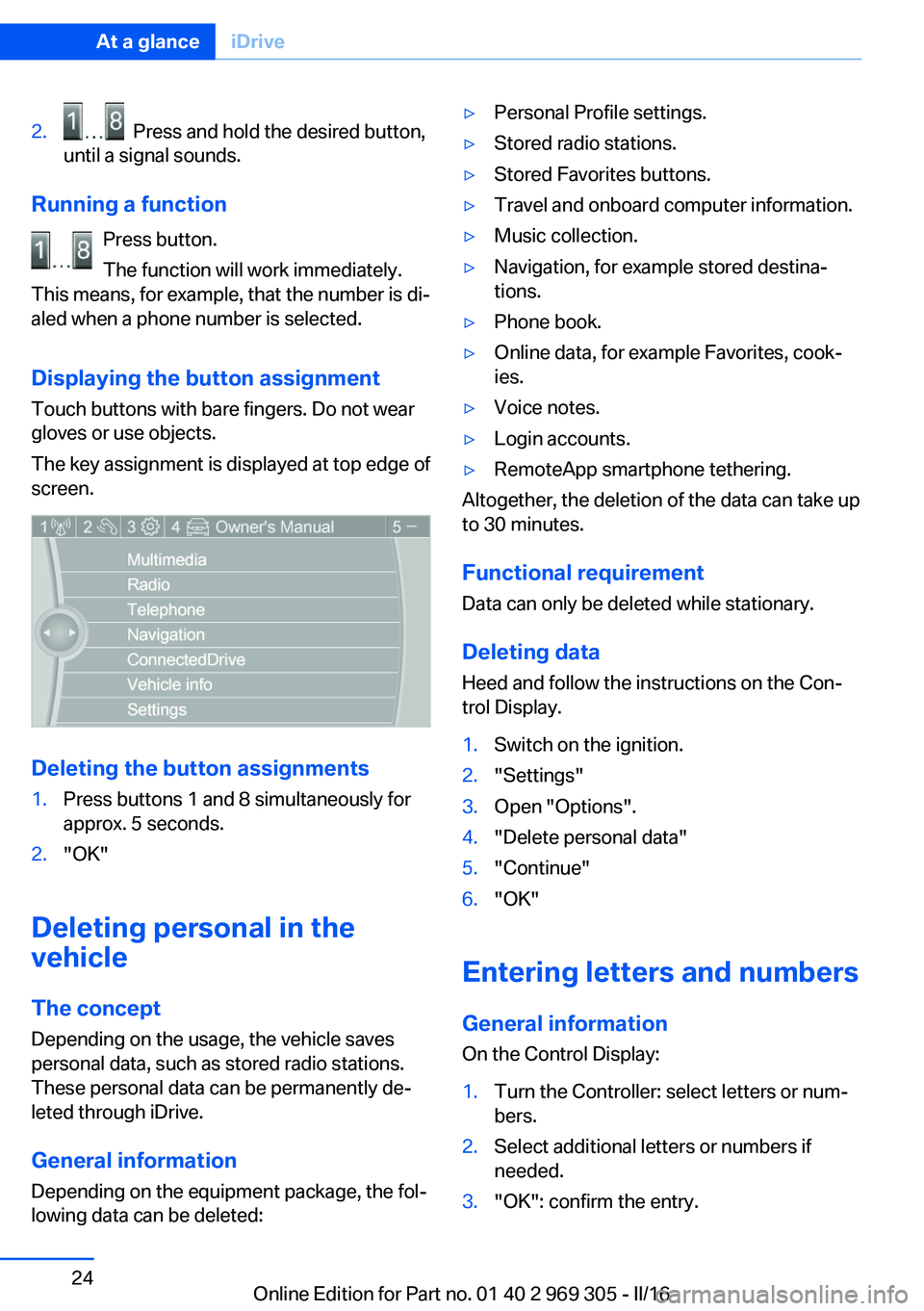
The key assignment is displayed at top edge of
screen.
Deleting the button assignments
1.Press buttons 1 and 8 simultaneously for
approx. 5 seconds.2."OK"
Deleting personal in the
vehicle
The concept
Depending on the usage, the vehicle saves
personal data, such as stored radio stations.
These personal data can be permanently de‐
leted through iDrive.
General information
Depending on the equipment package, the fol‐
lowing data can be deleted:
▷Personal Profile settings.▷Stored radio stations.▷Stored Favorites buttons.▷Travel and onboard computer information.▷Music collection.▷Navigation, for example stored destina‐
tions.▷Phone book.▷Online data, for example Favorites, cook‐
ies.▷Voice notes.▷Login accounts.▷RemoteApp smartphone tethering.
Altogether, the deletion of the data can take up
to 30 minutes.
Functional requirement Data can only be deleted while stationary.
Deleting data Heed and follow the instructions on the Con‐
trol Display.
1.Switch on the ignition.2."Settings"3.Open "Options".4."Delete personal data"5."Continue"6."OK"
Entering letters and numbers
General information
On the Control Display:
1.Turn the Controller: select letters or num‐
bers.2.Select additional letters or numbers if
needed.3."OK": confirm the entry.Seite 24At a glanceiDrive24
Online Edition for Part no. 01 40 2 969 305 - II/16
Page 34 of 261
Opening and closingVehicle features and options
This chapter describes all standard, country-
specific and optional features offered with the
series. It also describes features that are not
necessarily available in your car, e. g., due to
the selected options or country versions. This
also applies to safety-related functions and
systems. The respectively applicable country
provisions must be observed when using the
respective features and systems.
Remote control/key General information
The vehicle is supplied with two remote con‐
trols with integrated key.
Every remote control holds a replaceable bat‐
tery.
You may set the key functions depending on
the optional features and country-specific ver‐
sion. For Settings, refer to page 44.
The vehicle stores personal settings for every
remote control. Personal Profile, refer to
page 36.
The remote controls hold information on re‐
quired maintenance. Service data in the re‐
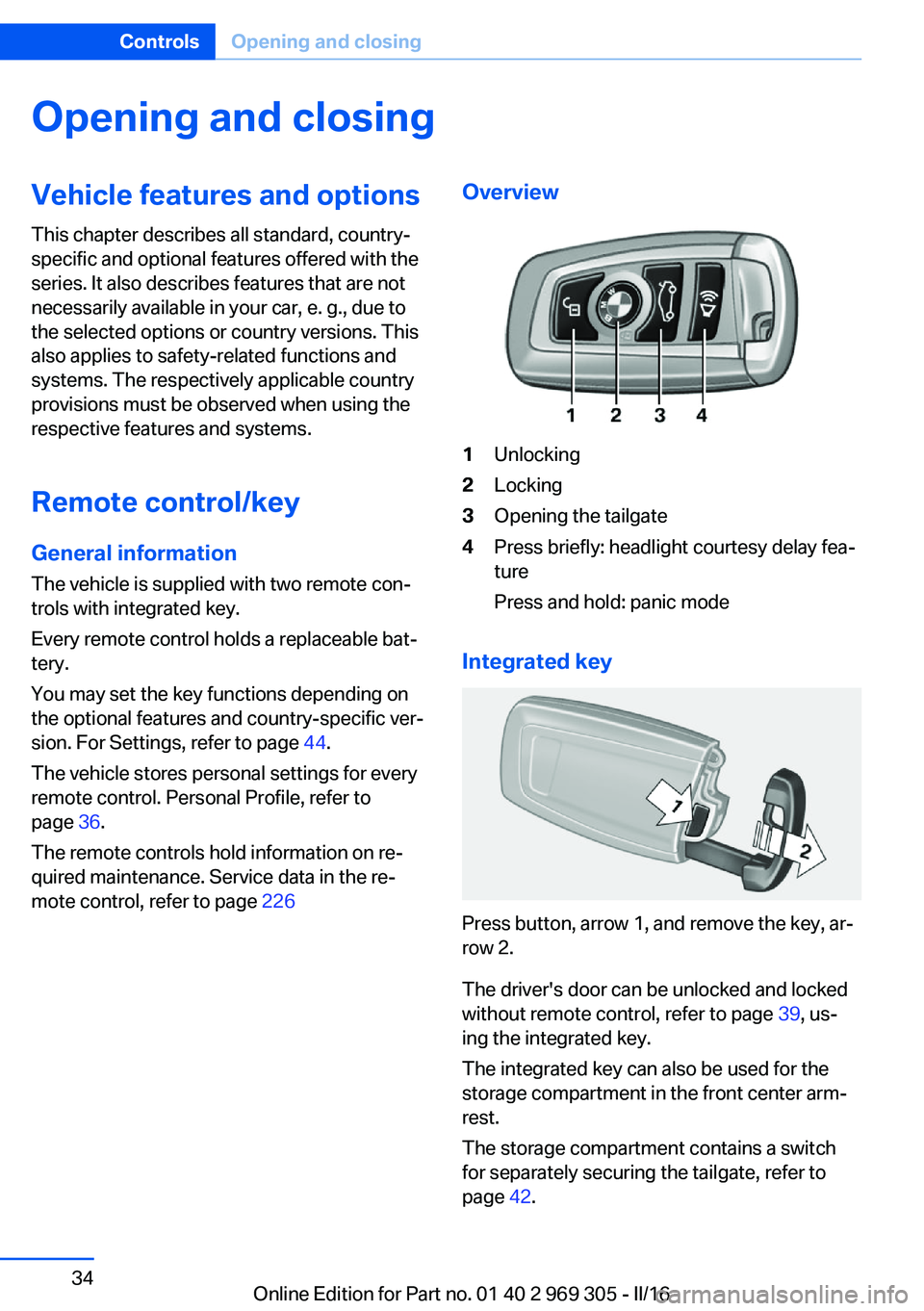
mote control, refer to page 226Overview1Unlocking2Locking3Opening the tailgate4Press briefly: headlight courtesy delay fea‐
ture
Press and hold: panic mode
Integrated key
Press button, arrow 1, and remove the key, ar‐
row 2.
The driver's door can be unlocked and locked
without remote control, refer to page 39, us‐
ing the integrated key.
The integrated key can also be used for the
storage compartment in the front center arm‐
rest.
The storage compartment contains a switch
for separately securing the tailgate, refer to
page 42.
Seite 34ControlsOpening and closing34
Online Edition for Part no. 01 40 2 969 305 - II/16
Page 35 of 261
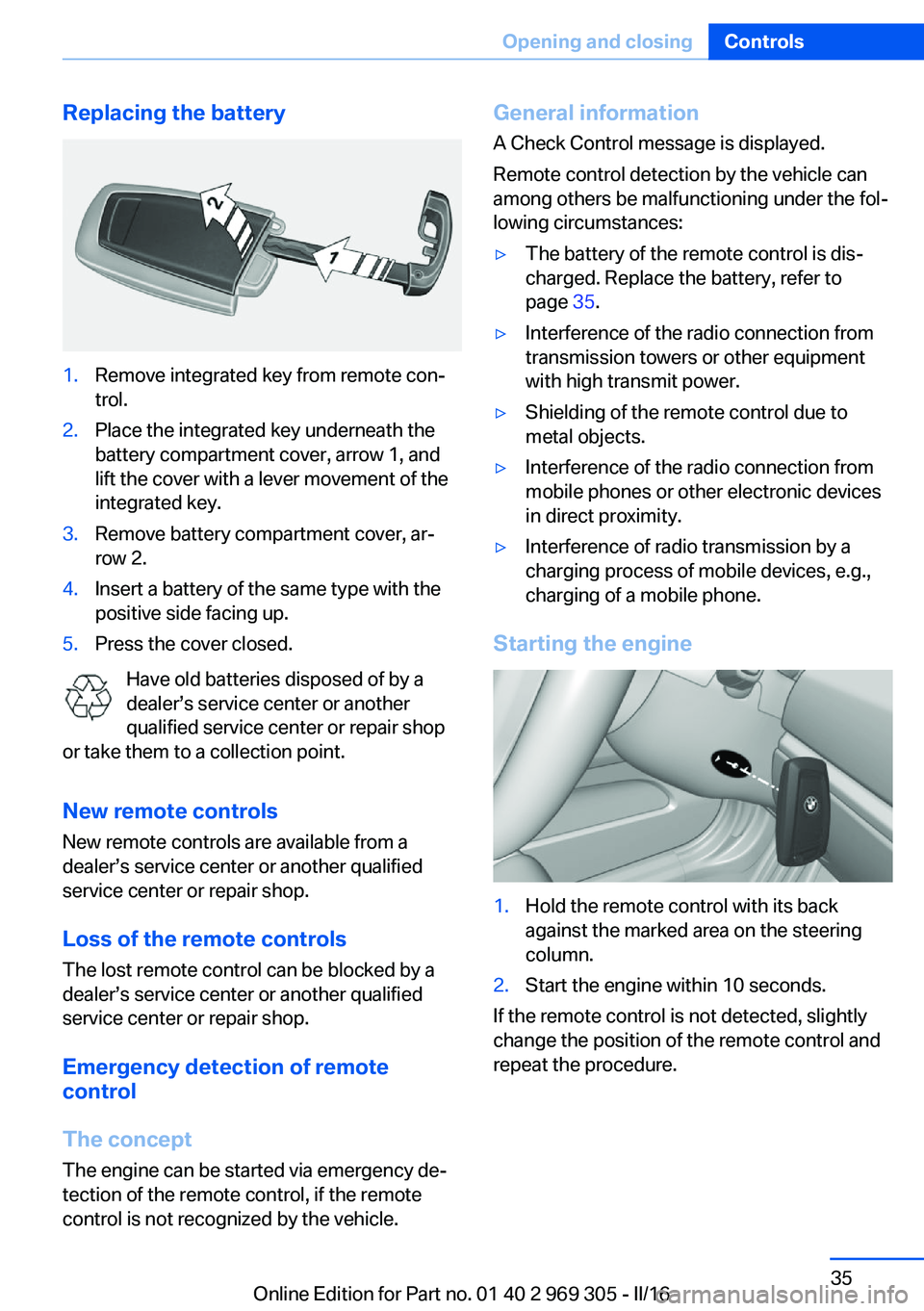
Replacing the battery1.Remove integrated key from remote con‐
trol.2.Place the integrated key underneath the
battery compartment cover, arrow 1, and
lift the cover with a lever movement of the
integrated key.3.Remove battery compartment cover, ar‐
row 2.4.Insert a battery of the same type with the
positive side facing up.5.Press the cover closed.
Have old batteries disposed of by a
dealer’s service center or another
qualified service center or repair shop
or take them to a collection point.
New remote controlsNew remote controls are available from a
dealer’s service center or another qualified
service center or repair shop.
Loss of the remote controls
The lost remote control can be blocked by a
dealer’s service center or another qualified
service center or repair shop.
Emergency detection of remote
control
The concept The engine can be started via emergency de‐
tection of the remote control, if the remote
control is not recognized by the vehicle.
General information
A Check Control message is displayed.
Remote control detection by the vehicle can
among others be malfunctioning under the fol‐
lowing circumstances:▷The battery of the remote control is dis‐
charged. Replace the battery, refer to
page 35.▷Interference of the radio connection from
transmission towers or other equipment
with high transmit power.▷Shielding of the remote control due to
metal objects.▷Interference of the radio connection from
mobile phones or other electronic devices
in direct proximity.▷Interference of radio transmission by a
charging process of mobile devices, e.g.,
charging of a mobile phone.
Starting the engine
1.Hold the remote control with its back
against the marked area on the steering
column.2.Start the engine within 10 seconds.
If the remote control is not detected, slightly
change the position of the remote control and
repeat the procedure.
Seite 35Opening and closingControls35
Online Edition for Part no. 01 40 2 969 305 - II/16
Page 40 of 261
ATTENTION
The door lock is permanently joined with
the door. The door handle can be moved.
When pulling the door handle with the inte‐
grated key inserted, paint or key can be dam‐
aged. There is a risk of damage to property.
Remove the integrated key before pulling the
outside door handle.◀
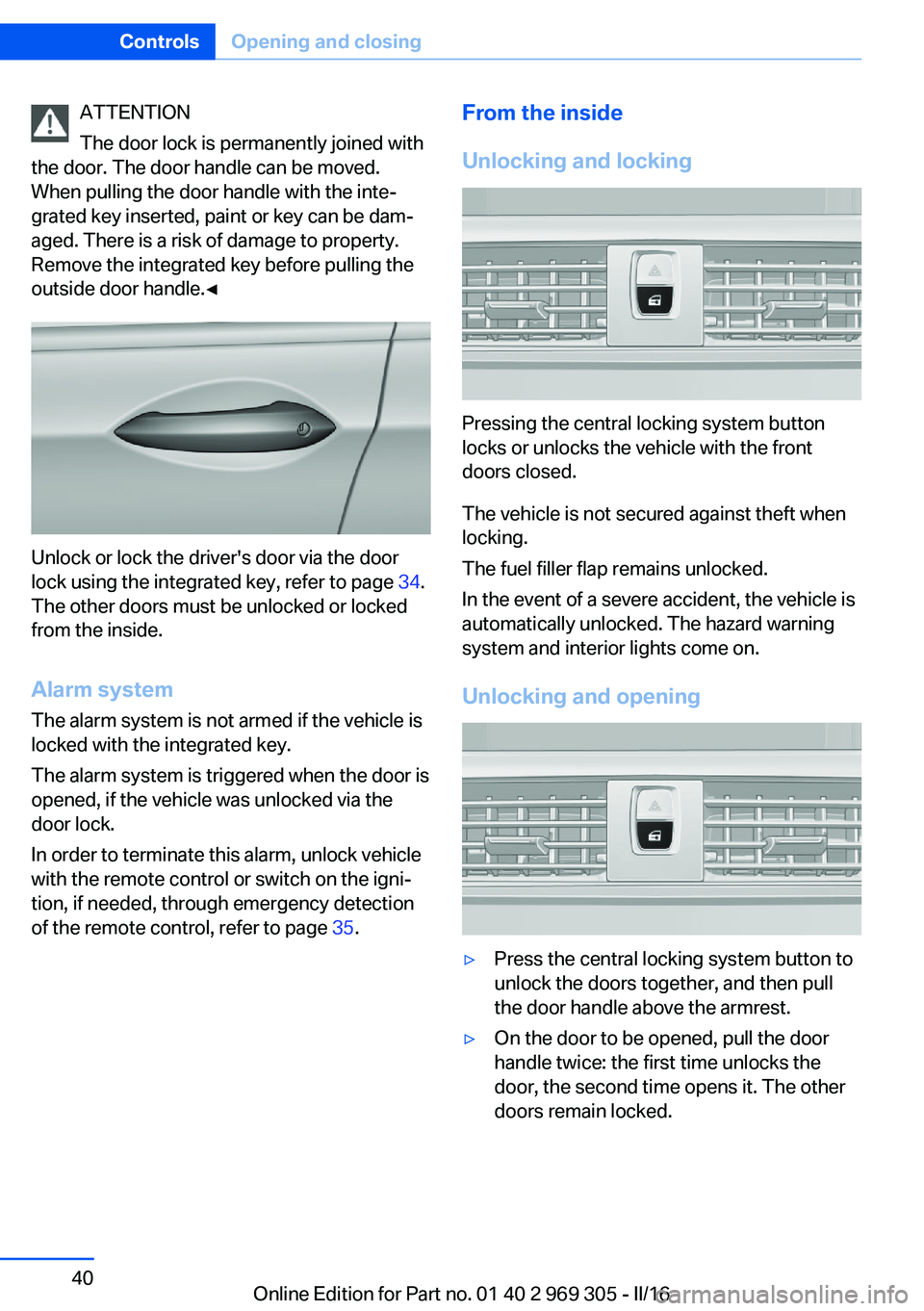
Unlock or lock the driver's door via the door
lock using the integrated key, refer to page 34.
The other doors must be unlocked or locked
from the inside.
Alarm system
The alarm system is not armed if the vehicle is
locked with the integrated key.
The alarm system is triggered when the door is
opened, if the vehicle was unlocked via the door lock.
In order to terminate this alarm, unlock vehicle
with the remote control or switch on the igni‐
tion, if needed, through emergency detection
of the remote control, refer to page 35.
From the inside
Unlocking and locking
Pressing the central locking system button
locks or unlocks the vehicle with the front
doors closed.
The vehicle is not secured against theft when
locking.
The fuel filler flap remains unlocked.
In the event of a severe accident, the vehicle is
automatically unlocked. The hazard warning
system and interior lights come on.
Unlocking and opening
▷Press the central locking system button to
unlock the doors together, and then pull
the door handle above the armrest.▷On the door to be opened, pull the door
handle twice: the first time unlocks the
door, the second time opens it. The other
doors remain locked.Seite 40ControlsOpening and closing40
Online Edition for Part no. 01 40 2 969 305 - II/16
Page 42 of 261
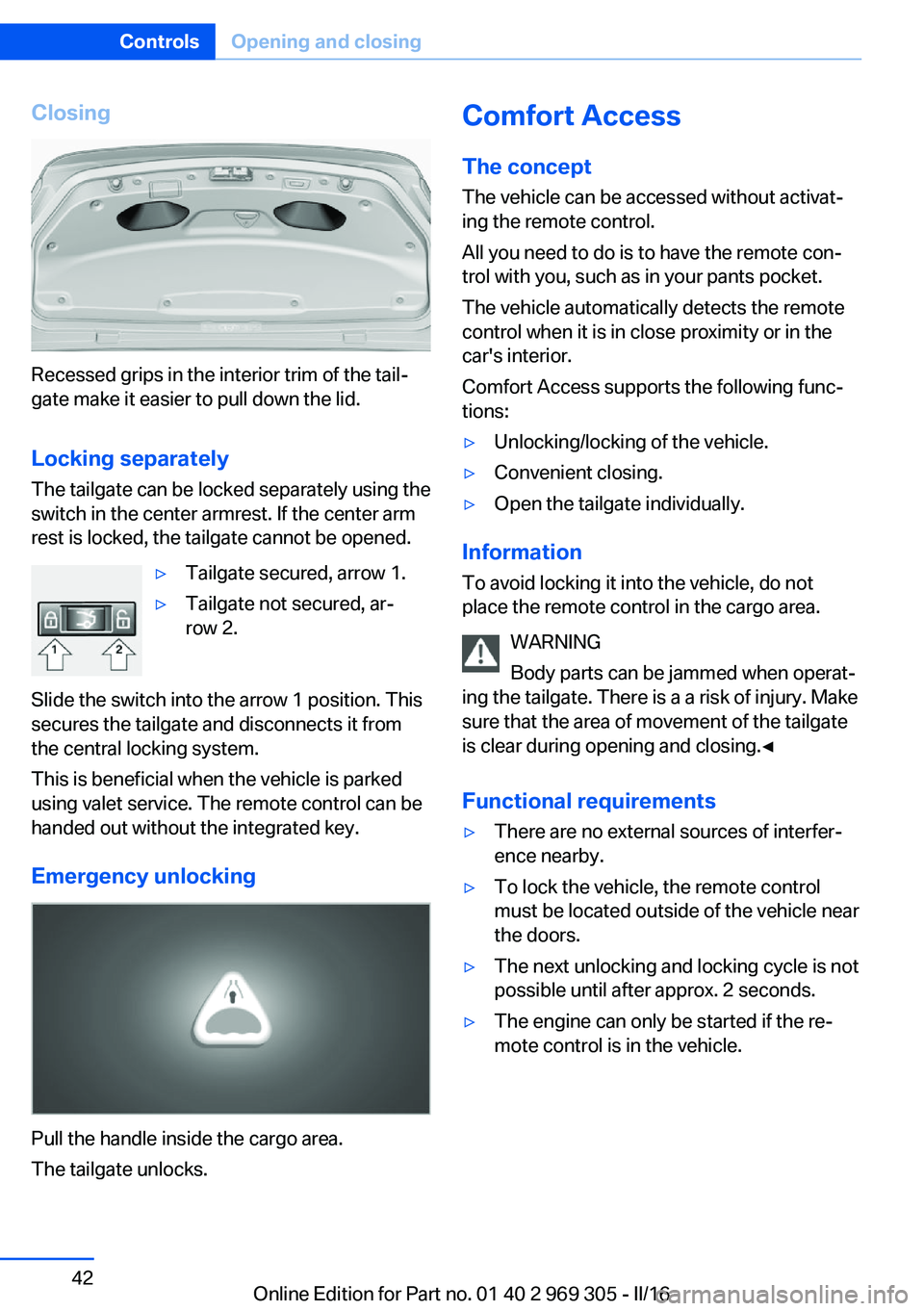
Closing
Recessed grips in the interior trim of the tail‐
gate make it easier to pull down the lid.
Locking separately
The tailgate can be locked separately using the
switch in the center armrest. If the center arm
rest is locked, the tailgate cannot be opened.
▷Tailgate secured, arrow 1.▷Tailgate not secured, ar‐
row 2.
Slide the switch into the arrow 1 position. This
secures the tailgate and disconnects it from
the central locking system.
This is beneficial when the vehicle is parked
using valet service. The remote control can be
handed out without the integrated key.
Emergency unlocking
Pull the handle inside the cargo area.
The tailgate unlocks.
Comfort Access
The concept
The vehicle can be accessed without activat‐
ing the remote control.
All you need to do is to have the remote con‐
trol with you, such as in your pants pocket.
The vehicle automatically detects the remote
control when it is in close proximity or in the
car's interior.
Comfort Access supports the following func‐
tions:▷Unlocking/locking of the vehicle.▷Convenient closing.▷Open the tailgate individually.
Information
To avoid locking it into the vehicle, do not
place the remote control in the cargo area.
WARNING
Body parts can be jammed when operat‐
ing the tailgate. There is a a risk of injury. Make
sure that the area of movement of the tailgate
is clear during opening and closing.◀
Functional requirements
▷There are no external sources of interfer‐
ence nearby.▷To lock the vehicle, the remote control
must be located outside of the vehicle near
the doors.▷The next unlocking and locking cycle is not
possible until after approx. 2 seconds.▷The engine can only be started if the re‐
mote control is in the vehicle.Seite 42ControlsOpening and closing42
Online Edition for Part no. 01 40 2 969 305 - II/16
Page 44 of 261
In the case of a malfunction, unlock and lock
the vehicle using the buttons of the remote
control or using the integrated key, refer to
page 34.
Adjusting
Unlocking The settings are saved in the active profile, re‐
fer to page 36.
Doors1."Settings"2."Doors/key"3. Select the symbol.4.Select the desired function:▷"Driver's door only"
Only the driver's door and the fuel filler
flap are unlocked. Pressing again un‐
locks the entire vehicle.▷"All doors"
The entire vehicle is unlocked.
Tailgate
Depending on optional features and country
version, this setting is not offered in some
cases.
1."Settings"2."Doors/key"3. Select the symbol.4.Select the desired function:▷"Tailgate"
The tailgate is opened.▷"Tailgate + door(s)"
The tailgate is opened and the doors
are unlocked.Confirmation signals from the vehicle
The settings are saved in the active profile, re‐
fer to page 36.1."Settings"2."Doors/key"3.Deactivate or activate the desired confir‐
mation signals.▷With alarm system:
"Acoustic sig. lock/unlock"
Unlocking is signaled by one honk of
the horn.▷"Flash when lock/unlock"
Unlocking is signaled by two flashes,
locking by one.
Automatic locking
The settings are saved in the active profile, re‐fer to page 36.
1."Settings"2."Doors/key"3.Select the desired function:▷"Lock if no door is opened"
The vehicle locks automatically after a
short period of time if no door is
opened after unlocking.▷"Lock after start driving"
The vehicle locks automatically after
you drive off.
Retrieving the seat, mirror, and
steering wheel settings
The driver's seat, exterior mirror, and steering
wheel position adjusted last will be stored for
the active profile.
When the vehicle is unlocked, these positions
are automatically retrieved if this function was
activated.
Seite 44ControlsOpening and closing44
Online Edition for Part no. 01 40 2 969 305 - II/16
Page 45 of 261
WARNING
There is risk of jamming when moving
the seats. There is a risk of injury or risk of
property damage. Make sure that the area of
movement of the seat is clear prior to any ad‐
justment.◀
The adjustment procedure is interrupted:▷When a seat position switch is pressed.▷When a button of the seat, mirror, and
steering wheel memory is pressed briefly.
Activating the setting
1."Settings"2."Doors/key"3."Last seat position autom."
Alarm system
The conceptWhen the vehicle is locked, the vehicle alarm
system responds to:
▷Opening a door, the hood or the tailgate.▷Movements in the interior.▷Changes in the vehicle tilt, e.g., during at‐
tempts at stealing a wheel or when towing
the car.▷Disconnected battery voltage.
The alarm system briefly signals tampering:
▷Acoustic alarm.▷By switching on the hazard warning sys‐
tem.▷By flashing the daytime running lights.
Switching on and off
When you unlock or lock the vehicle, either
with the remote control, Comfort Access or at
the door lock, the alarm system is switched on
and off at the same time.
Door lock with the alarm system
switched on
Unlocking via the door lock will trigger the
alarm on some country-specific versions.
Switching off the alarm, refer to page 46.
Tailgate with the alarm system
switched on
The tailgate can be opened even when the
alarm system is switched on.
After the tailgate is closed, it is locked and
monitored again when the doors are locked.
The hazard warning system flashes once.
Panic mode You can trigger the alarm system if you find
yourself in a dangerous situation.
Press button on the remote control for
at least 3 seconds.
To switch off the alarm: press any button.
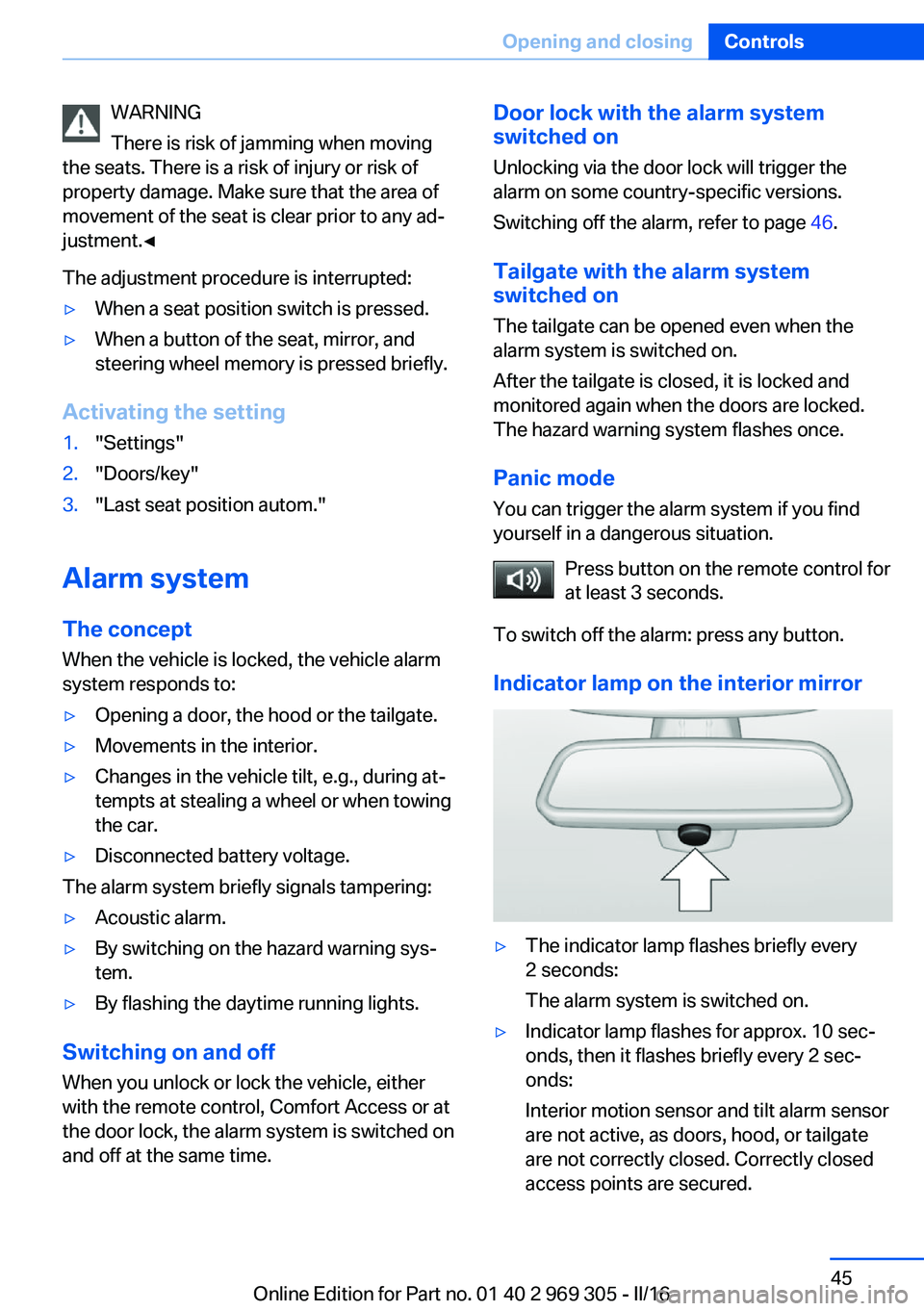
Indicator lamp on the interior mirror▷The indicator lamp flashes briefly every
2 seconds:
The alarm system is switched on.▷Indicator lamp flashes for approx. 10 sec‐
onds, then it flashes briefly every 2 sec‐
onds:
Interior motion sensor and tilt alarm sensor
are not active, as doors, hood, or tailgate
are not correctly closed. Correctly closed
access points are secured.Seite 45Opening and closingControls45
Online Edition for Part no. 01 40 2 969 305 - II/16
Page 178 of 261
Front center armrest
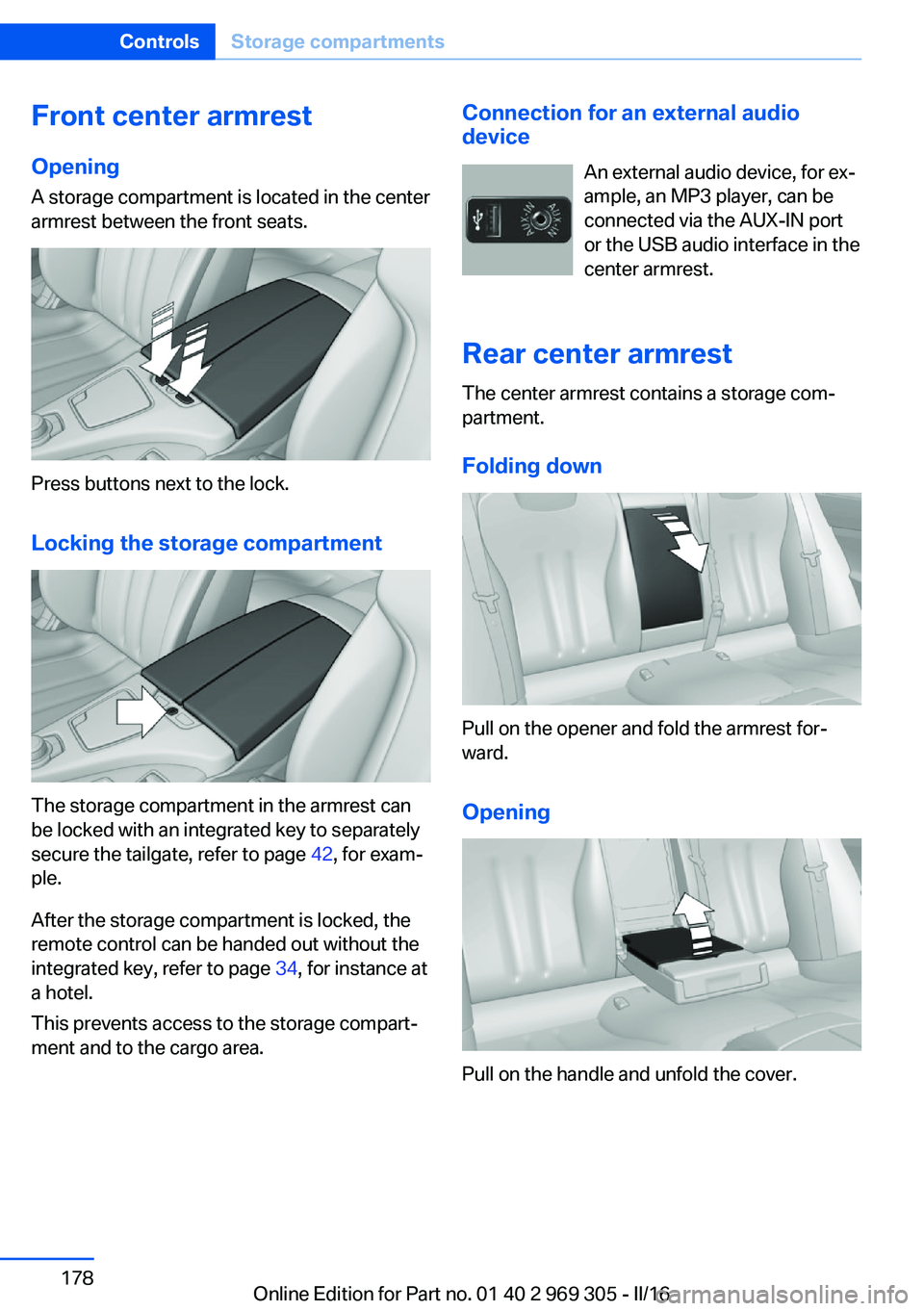
Opening A storage compartment is located in the center
armrest between the front seats.
Press buttons next to the lock.
Locking the storage compartment
The storage compartment in the armrest can
be locked with an integrated key to separately
secure the tailgate, refer to page 42, for exam‐
ple.
After the storage compartment is locked, the
remote control can be handed out without the
integrated key, refer to page 34, for instance at
a hotel.
This prevents access to the storage compart‐
ment and to the cargo area.
Connection for an external audio
device
An external audio device, for ex‐
ample, an MP3 player, can be
connected via the AUX-IN port
or the USB audio interface in the
center armrest.
Rear center armrest
The center armrest contains a storage com‐
partment.
Folding down
Pull on the opener and fold the armrest for‐
ward.
Opening
Pull on the handle and unfold the cover.
Seite 178ControlsStorage compartments178
Online Edition for Part no. 01 40 2 969 305 - II/16
Page 251 of 261
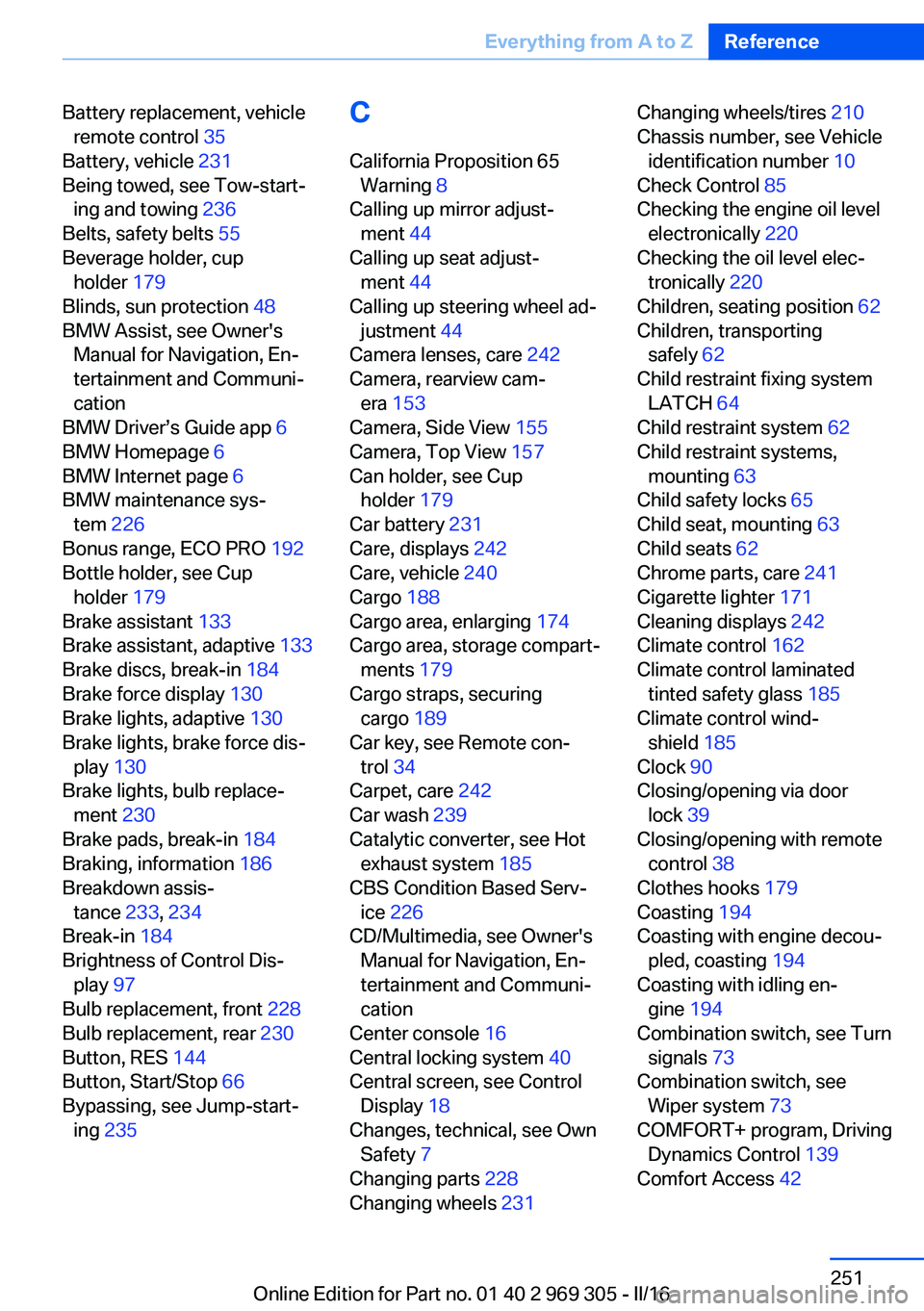
Battery replacement, vehicleremote control 35
Battery, vehicle 231
Being towed, see Tow-start‐ ing and towing 236
Belts, safety belts 55
Beverage holder, cup holder 179
Blinds, sun protection 48
BMW Assist, see Owner's Manual for Navigation, En‐
tertainment and Communi‐
cation
BMW Driver’s Guide app 6
BMW Homepage 6
BMW Internet page 6
BMW maintenance sys‐ tem 226
Bonus range, ECO PRO 192
Bottle holder, see Cup holder 179
Brake assistant 133
Brake assistant, adaptive 133
Brake discs, break-in 184
Brake force display 130
Brake lights, adaptive 130
Brake lights, brake force dis‐ play 130
Brake lights, bulb replace‐ ment 230
Brake pads, break-in 184
Braking, information 186
Breakdown assis‐ tance 233, 234
Break-in 184
Brightness of Control Dis‐ play 97
Bulb replacement, front 228
Bulb replacement, rear 230
Button, RES 144
Button, Start/Stop 66
Bypassing, see Jump-start‐ ing 235 C
California Proposition 65 Warning 8
Calling up mirror adjust‐ ment 44
Calling up seat adjust‐ ment 44
Calling up steering wheel ad‐ justment 44
Camera lenses, care 242
Camera, rearview cam‐ era 153
Camera, Side View 155
Camera, Top View 157
Can holder, see Cup holder 179
Car battery 231
Care, displays 242
Care, vehicle 240
Cargo 188
Cargo area, enlarging 174
Cargo area, storage compart‐ ments 179
Cargo straps, securing cargo 189
Car key, see Remote con‐ trol 34
Carpet, care 242
Car wash 239
Catalytic converter, see Hot exhaust system 185
CBS Condition Based Serv‐ ice 226
CD/Multimedia, see Owner's Manual for Navigation, En‐
tertainment and Communi‐
cation
Center console 16
Central locking system 40
Central screen, see Control Display 18
Changes, technical, see Own Safety 7
Changing parts 228
Changing wheels 231 Changing wheels/tires 210
Chassis number, see Vehicle identification number 10
Check Control 85
Checking the engine oil level electronically 220
Checking the oil level elec‐ tronically 220
Children, seating position 62
Children, transporting safely 62
Child restraint fixing system LATCH 64
Child restraint system 62
Child restraint systems, mounting 63
Child safety locks 65
Child seat, mounting 63
Child seats 62
Chrome parts, care 241
Cigarette lighter 171
Cleaning displays 242
Climate control 162
Climate control laminated tinted safety glass 185
Climate control wind‐ shield 185
Clock 90
Closing/opening via door lock 39
Closing/opening with remote control 38
Clothes hooks 179
Coasting 194
Coasting with engine decou‐ pled, coasting 194
Coasting with idling en‐ gine 194
Combination switch, see Turn signals 73
Combination switch, see Wiper system 73
COMFORT+ program, Driving Dynamics Control 139
Comfort Access 42 Seite 251Everything from A to ZReference251
Online Edition for Part no. 01 40 2 969 305 - II/16
Page 254 of 261
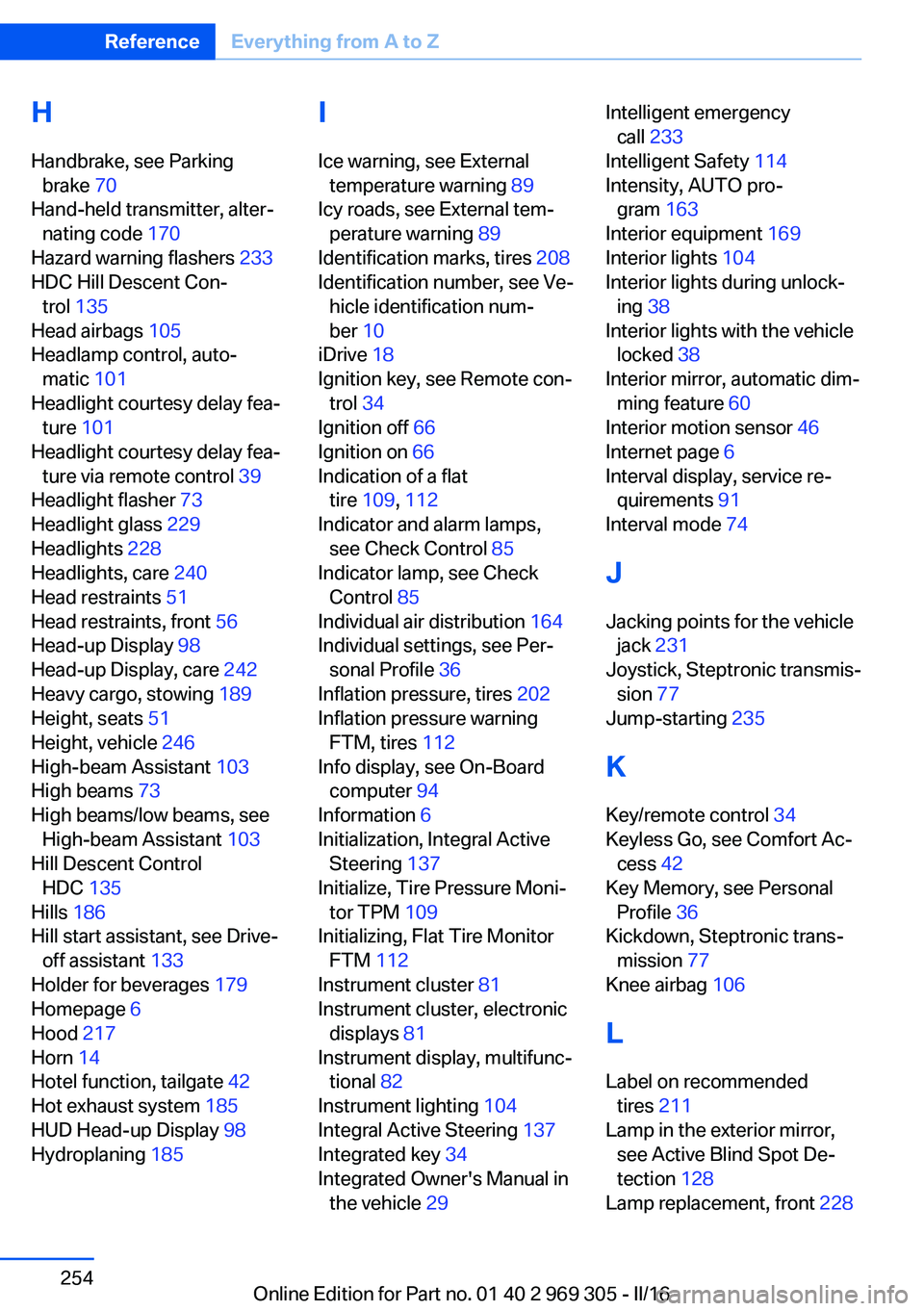
H
Handbrake, see Parking brake 70
Hand-held transmitter, alter‐ nating code 170
Hazard warning flashers 233
HDC Hill Descent Con‐ trol 135
Head airbags 105
Headlamp control, auto‐ matic 101
Headlight courtesy delay fea‐ ture 101
Headlight courtesy delay fea‐ ture via remote control 39
Headlight flasher 73
Headlight glass 229
Headlights 228
Headlights, care 240
Head restraints 51
Head restraints, front 56
Head-up Display 98
Head-up Display, care 242
Heavy cargo, stowing 189
Height, seats 51
Height, vehicle 246
High-beam Assistant 103
High beams 73
High beams/low beams, see High-beam Assistant 103
Hill Descent Control HDC 135
Hills 186
Hill start assistant, see Drive- off assistant 133
Holder for beverages 179
Homepage 6
Hood 217
Horn 14
Hotel function, tailgate 42
Hot exhaust system 185
HUD Head-up Display 98
Hydroplaning 185 I
Ice warning, see External temperature warning 89
Icy roads, see External tem‐ perature warning 89
Identification marks, tires 208
Identification number, see Ve‐ hicle identification num‐
ber 10
iDrive 18
Ignition key, see Remote con‐ trol 34
Ignition off 66
Ignition on 66
Indication of a flat tire 109 , 112
Indicator and alarm lamps, see Check Control 85
Indicator lamp, see Check Control 85
Individual air distribution 164
Individual settings, see Per‐ sonal Profile 36
Inflation pressure, tires 202
Inflation pressure warning FTM, tires 112
Info display, see On-Board computer 94
Information 6
Initialization, Integral Active Steering 137
Initialize, Tire Pressure Moni‐ tor TPM 109
Initializing, Flat Tire Monitor FTM 112
Instrument cluster 81
Instrument cluster, electronic displays 81
Instrument display, multifunc‐ tional 82
Instrument lighting 104
Integral Active Steering 137
Integrated key 34
Integrated Owner's Manual in the vehicle 29 Intelligent emergency
call 233
Intelligent Safety 114
Intensity, AUTO pro‐ gram 163
Interior equipment 169
Interior lights 104
Interior lights during unlock‐ ing 38
Interior lights with the vehicle locked 38
Interior mirror, automatic dim‐ ming feature 60
Interior motion sensor 46
Internet page 6
Interval display, service re‐ quirements 91
Interval mode 74
J
Jacking points for the vehicle jack 231
Joystick, Steptronic transmis‐ sion 77
Jump-starting 235
K
Key/remote control 34
Keyless Go, see Comfort Ac‐ cess 42
Key Memory, see Personal Profile 36
Kickdown, Steptronic trans‐ mission 77
Knee airbag 106
L Label on recommended tires 211
Lamp in the exterior mirror, see Active Blind Spot De‐
tection 128
Lamp replacement, front 228 Seite 254ReferenceEverything from A to Z254
Online Edition for Part no. 01 40 2 969 305 - II/16