interior lights BMW 640I COUPE 2013 Owners Manual
[x] Cancel search | Manufacturer: BMW, Model Year: 2013, Model line: 640I COUPE, Model: BMW 640I COUPE 2013Pages: 232, PDF Size: 8.98 MB
Page 41 of 232
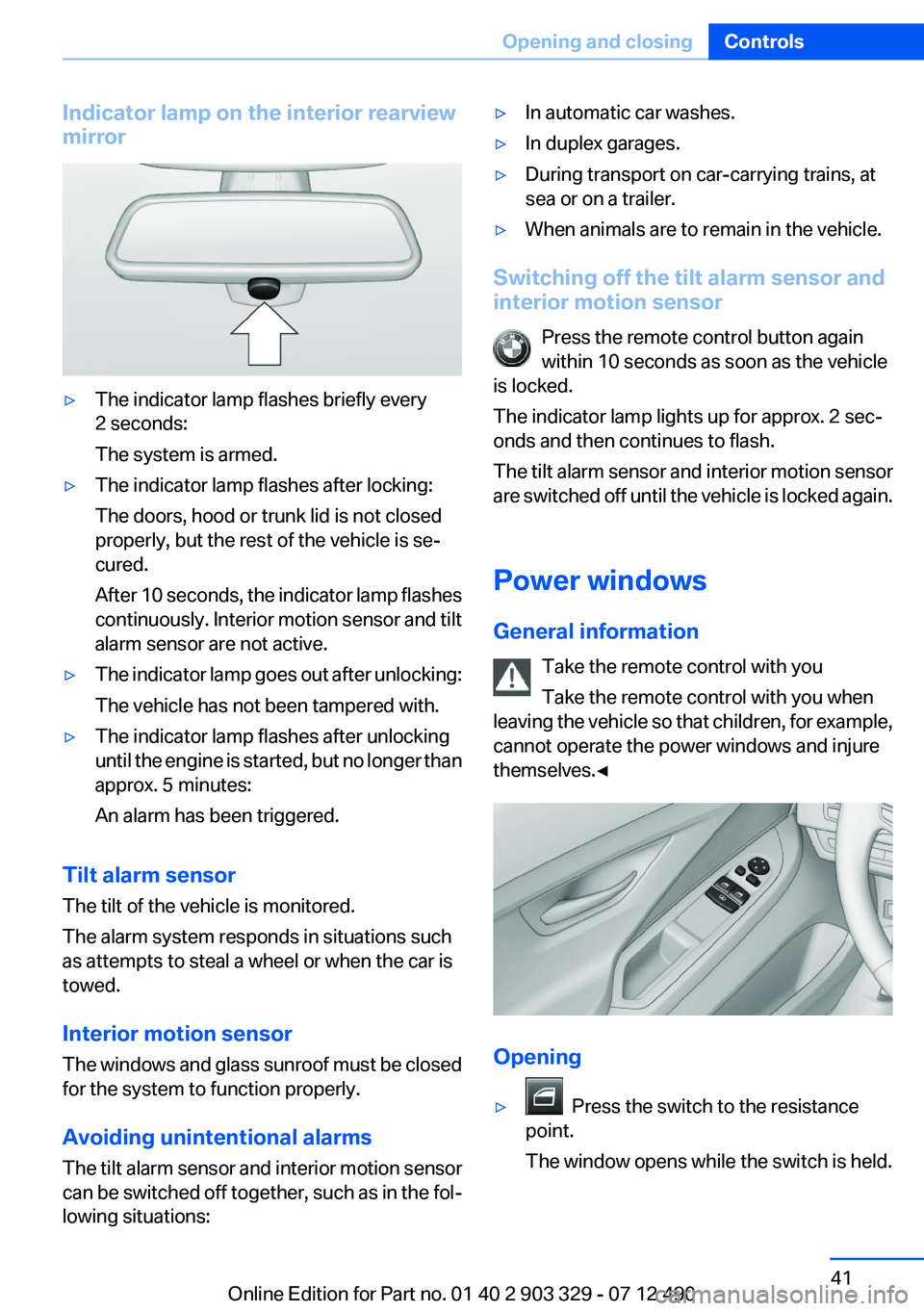
Indicator lamp on the interior rearview
mirror▷The indicator lamp flashes briefly every
2 seconds:
The system is armed.▷The indicator lamp flashes after locking:
The doors, hood or trunk lid is not closed
properly, but the rest of the vehicle is se‐
cured.
After 10 seconds, the indicator lamp flashes
continuously. Interior motion sensor and tilt
alarm sensor are not active.▷The indicator lamp goes out after unlocking:
The vehicle has not been tampered with.▷The indicator lamp flashes after unlocking
until the engine is started, but no longer than
approx. 5 minutes:
An alarm has been triggered.
Tilt alarm sensor
The tilt of the vehicle is monitored.
The alarm system responds in situations such
as attempts to steal a wheel or when the car is
towed.
Interior motion sensor
The windows and glass sunroof must be closed
for the system to function properly.
Avoiding unintentional alarms
The tilt alarm sensor and interior motion sensor
can be switched off together, such as in the fol‐
lowing situations:
▷In automatic car washes.▷In duplex garages.▷During transport on car-carrying trains, at
sea or on a trailer.▷When animals are to remain in the vehicle.
Switching off the tilt alarm sensor and
interior motion sensor
Press the remote control button again
within 10 seconds as soon as the vehicle
is locked.
The indicator lamp lights up for approx. 2 sec‐
onds and then continues to flash.
The tilt alarm sensor and interior motion sensor
are switched off until the vehicle is locked again.
Power windows
General information Take the remote control with you
Take the remote control with you when
leaving the vehicle so that children, for example,
cannot operate the power windows and injure
themselves.◀
Opening
▷ Press the switch to the resistance
point.
The window opens while the switch is held.
Seite 41Opening and closingControls41
Online Edition for Part no. 01 40 2 903 329 - 07 12 490
Page 47 of 232
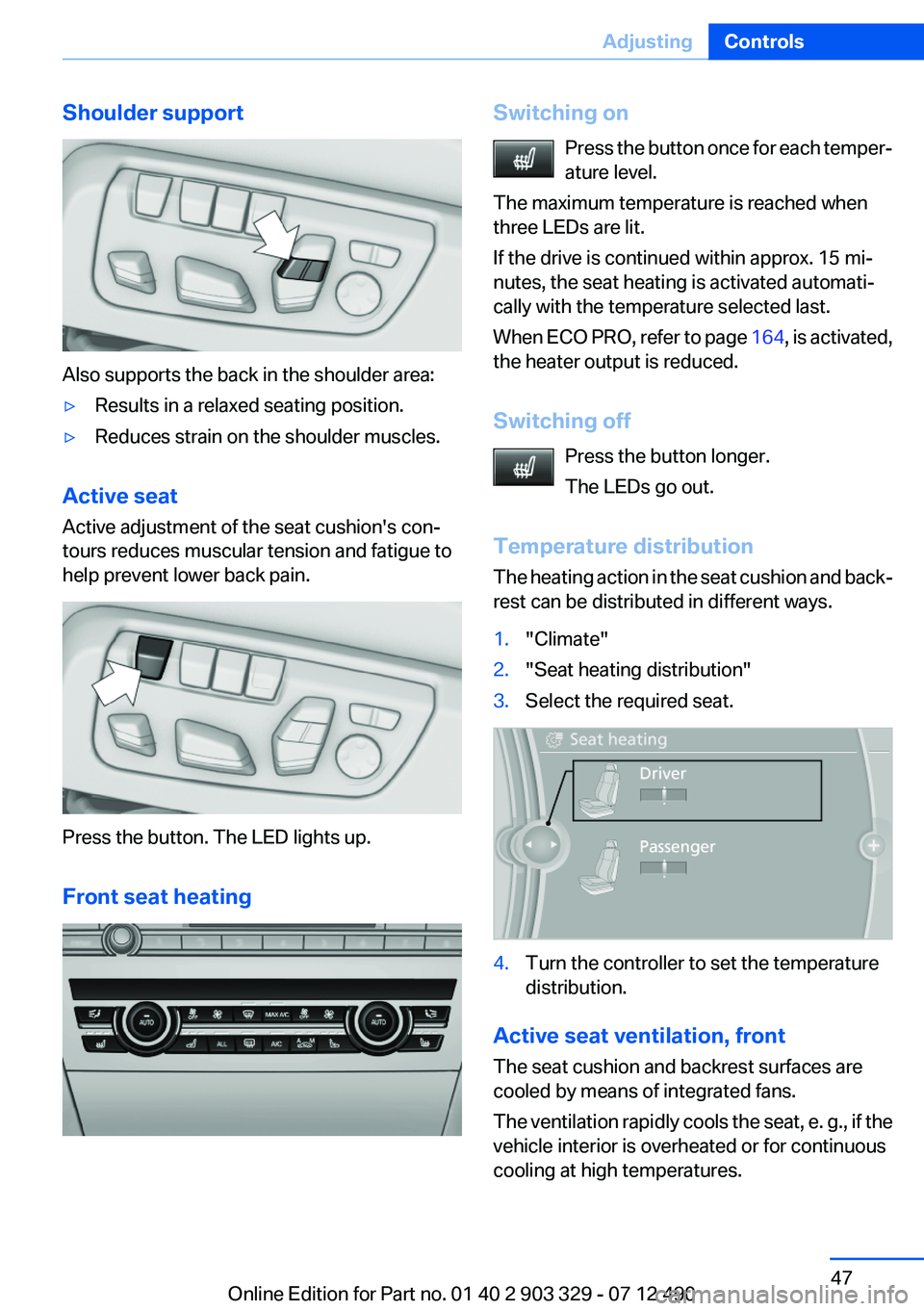
Shoulder support
Also supports the back in the shoulder area:
▷Results in a relaxed seating position.▷Reduces strain on the shoulder muscles.
Active seat
Active adjustment of the seat cushion's con‐
tours reduces muscular tension and fatigue to
help prevent lower back pain.
Press the button. The LED lights up.
Front seat heating
Switching on Press the button once for each temper‐
ature level.
The maximum temperature is reached when
three LEDs are lit.
If the drive is continued within approx. 15 mi‐
nutes, the seat heating is activated automati‐
cally with the temperature selected last.
When ECO PRO, refer to page 164, is activated,
the heater output is reduced.
Switching off Press the button longer.
The LEDs go out.
Temperature distribution
The heating action in the seat cushion and back‐
rest can be distributed in different ways.1."Climate"2."Seat heating distribution"3.Select the required seat.4.Turn the controller to set the temperature
distribution.
Active seat ventilation, front
The seat cushion and backrest surfaces are
cooled by means of integrated fans.
The ventilation rapidly cools the seat, e. g., if the
vehicle interior is overheated or for continuous
cooling at high temperatures.
Seite 47AdjustingControls47
Online Edition for Part no. 01 40 2 903 329 - 07 12 490
Page 65 of 232
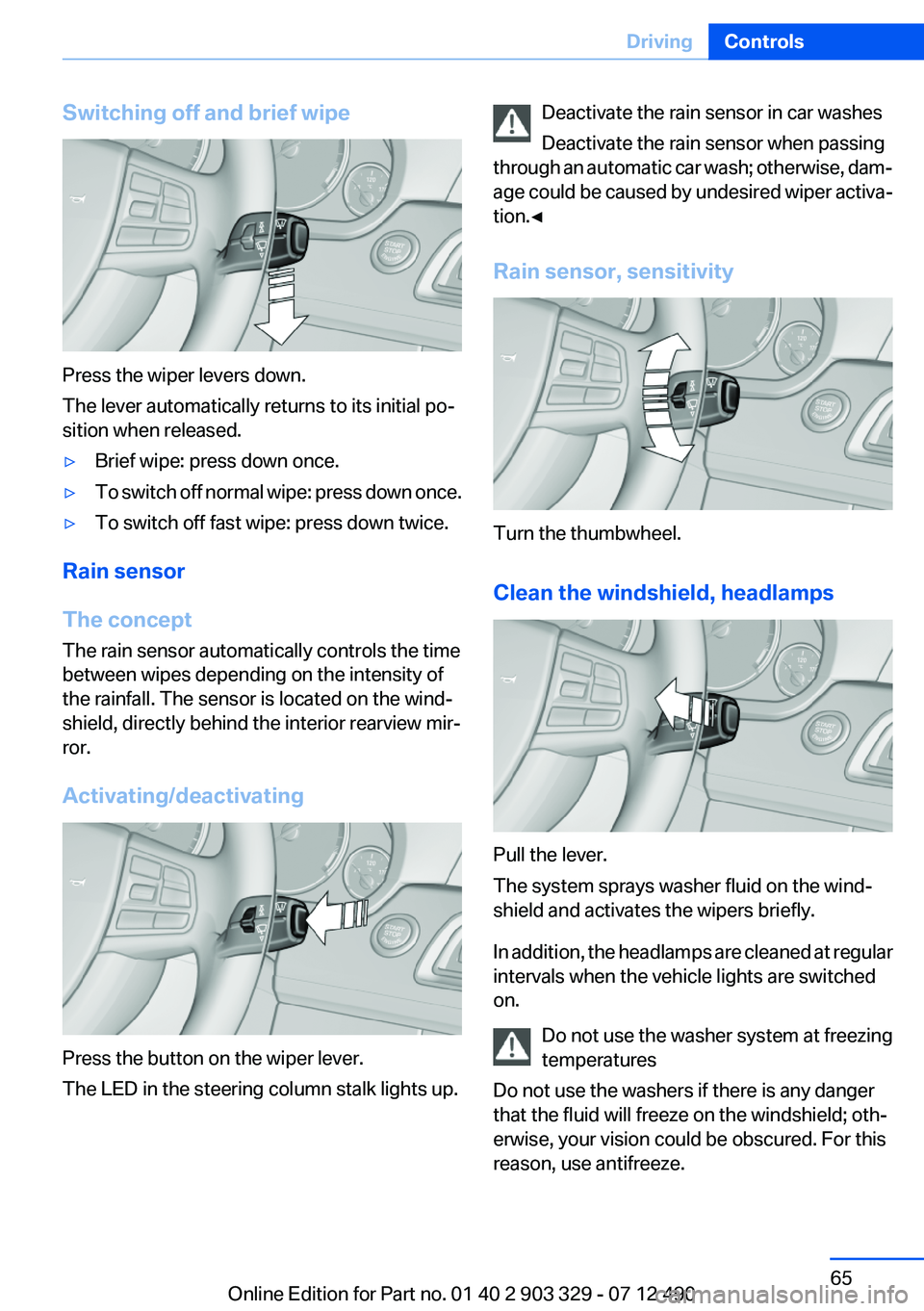
Switching off and brief wipe
Press the wiper levers down.
The lever automatically returns to its initial po‐
sition when released.
▷Brief wipe: press down once.▷To switch off normal wipe: press down once.▷To switch off fast wipe: press down twice.
Rain sensor
The concept
The rain sensor automatically controls the time
between wipes depending on the intensity of
the rainfall. The sensor is located on the wind‐
shield, directly behind the interior rearview mir‐
ror.
Activating/deactivating
Press the button on the wiper lever.
The LED in the steering column stalk lights up.
Deactivate the rain sensor in car washes
Deactivate the rain sensor when passing
through an automatic car wash; otherwise, dam‐
age could be caused by undesired wiper activa‐
tion.◀
Rain sensor, sensitivity
Turn the thumbwheel.
Clean the windshield, headlamps
Pull the lever.
The system sprays washer fluid on the wind‐
shield and activates the wipers briefly.
In addition, the headlamps are cleaned at regular
intervals when the vehicle lights are switched
on.
Do not use the washer system at freezing
temperatures
Do not use the washers if there is any danger
that the fluid will freeze on the windshield; oth‐
erwise, your vision could be obscured. For this
reason, use antifreeze.
Seite 65DrivingControls65
Online Edition for Part no. 01 40 2 903 329 - 07 12 490
Page 81 of 232
System limits
The system may not be fully functional and may
provide incorrect information in the following
situations:▷In heavy fog, rain or snowfall.▷When signs are concealed by objects.▷When driving very close to the vehicle in
front of you.▷When driving toward bright lights.▷When the windshield behind the interior
rearview mirror is fogged over, dirty or cov‐
ered by a sticker, etc.▷In the event of incorrect detection by the
camera.▷If the speed limits stored in the navigation
system are incorrect.▷In areas not covered by the navigation sys‐
tem.▷When roads differ from the navigation, such
as due to changes in the road network.▷When passing buses or trucks with a speed
sticker.▷If the traffic signs are non-conforming.▷During calibration of the camera immedi‐
ately after vehicle shipment.
Selection lists in the
instrument cluster
The concept
The following can be operated using the buttons
and the thumbwheel on the steering wheel:
▷Current audio source.▷Redial on telephone.▷Activation of the voice activation system.
Activating a list and adjusting the
setting
On the right side of the steering wheel, turn the
thumbwheel to activate the corresponding list.
Using the thumbwheel, select the desired set‐
ting and confirm it by pressing the thumbwheel.
Computer
Indication in the info display The information from the on‐
board computer is shown in the
info display in the instrument
cluster.
Seite 81DisplaysControls81
Online Edition for Part no. 01 40 2 903 329 - 07 12 490
Page 87 of 232
LampsVehicle equipment
All standard, country-specific and optional
equipment that is offered in the model series is
described in this chapter. Therefore, equipment
is also described that is not available in a vehicle,
e. g., because of the selected optional equip‐
ment or country variant. This also applies for
safety-related functions and systems.
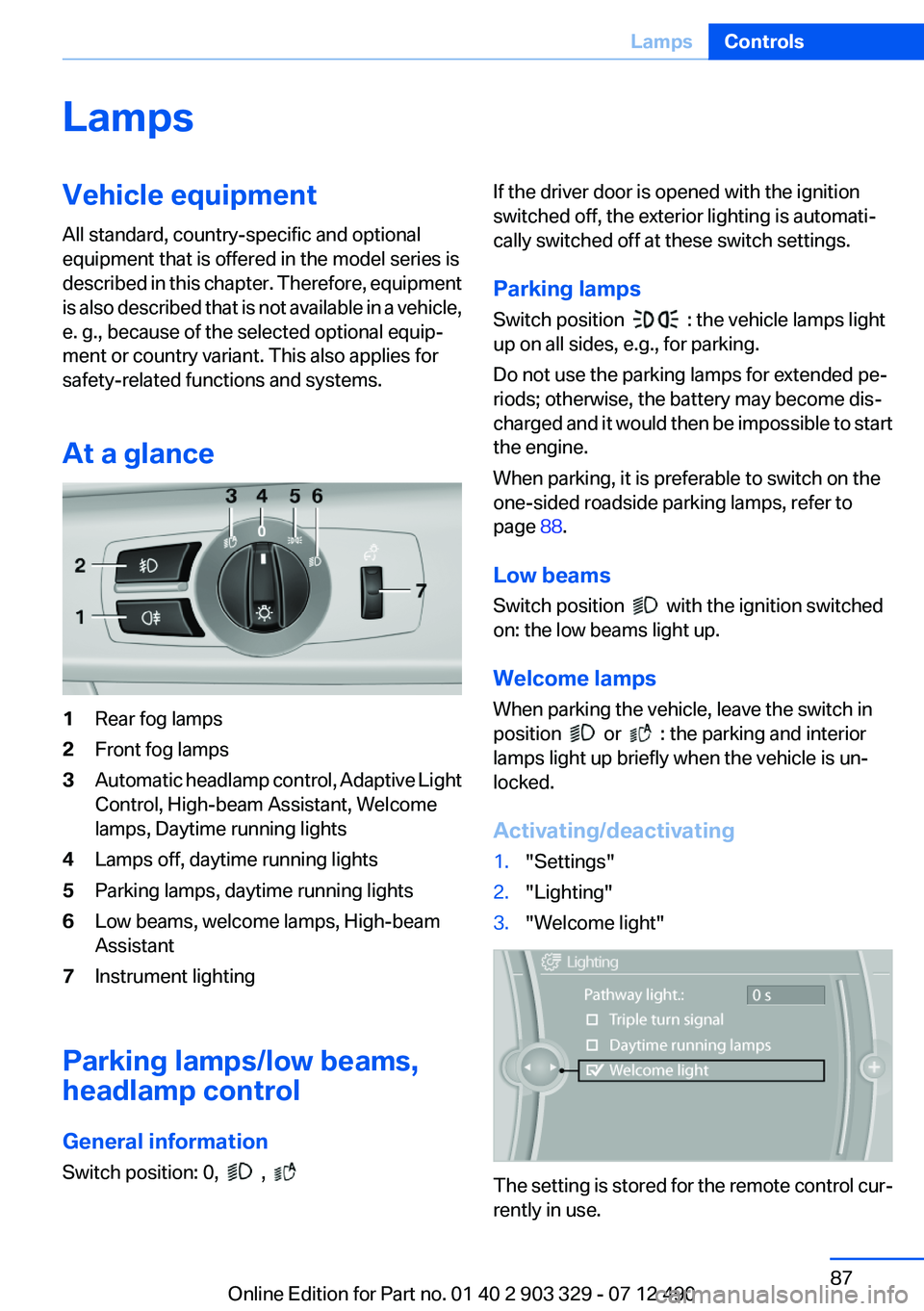
At a glance1Rear fog lamps2Front fog lamps3Automatic headlamp control, Adaptive Light
Control, High-beam Assistant, Welcome
lamps, Daytime running lights4Lamps off, daytime running lights5Parking lamps, daytime running lights6Low beams, welcome lamps, High-beam
Assistant7Instrument lighting
Parking lamps/low beams,
headlamp control
General information
Switch position: 0,
,
If the driver door is opened with the ignition
switched off, the exterior lighting is automati‐
cally switched off at these switch settings.
Parking lamps
Switch position
: the vehicle lamps light
up on all sides, e.g., for parking.
Do not use the parking lamps for extended pe‐
riods; otherwise, the battery may become dis‐
charged and it would then be impossible to start
the engine.
When parking, it is preferable to switch on the
one-sided roadside parking lamps, refer to
page 88.
Low beams
Switch position
with the ignition switched
on: the low beams light up.
Welcome lamps
When parking the vehicle, leave the switch in
position
or : the parking and interior
lamps light up briefly when the vehicle is un‐
locked.
Activating/deactivating
1."Settings"2."Lighting"3."Welcome light"
The setting is stored for the remote control cur‐
rently in use.
Seite 87LampsControls87
Online Edition for Part no. 01 40 2 903 329 - 07 12 490
Page 89 of 232
Adaptive light control
The concept
Adaptive light control is a variable headlamp
control system that enables dynamic illumina‐
tion of the road surface.
Depending on the steering angle and other pa‐
rameters, the light from the headlamp follows
the course of the road.
In tight curves, e.g., on mountainous roads or
when turning, an additional, corner-illuminating
lamp is switched on that lights up the inside of
the curve when the vehicle is moving below a
certain speed.
Activating
Switch position
with the ignition switched
on.
The turning lamps are automatically switched
on depending on the steering angle or the use
of turn signals.
To avoid blinding oncoming traffic, the Adaptive
Light Control does not swivel to the driver's side
when the vehicle is at a standstill.
When driving in reverse, only the turning lamp is
active.
Self-leveling headlights
The self-leveling headlights feature adapts the
light distribution to the contours of the road.
The light distribution is lowered on hilltops to
avoid blinding oncoming traffic and tilted in de‐
pressions to increase visibility.
Malfunction
A Check Control message is displayed.
Adaptive light control is malfunctioning or has
failed. Have the system checked as soon as pos‐
sible.
High-beam Assistant
The concept
When the low beams are switched on, this sys‐
tem automatically switches the high beams on
and off. The procedure is controlled by a sensor
on the front of the interior rearview mirror. The
assistant ensures that the high beams are
switched on whenever the traffic situation al‐
lows. The driver can intervene at any time and
switch the high beams on and off as usual.
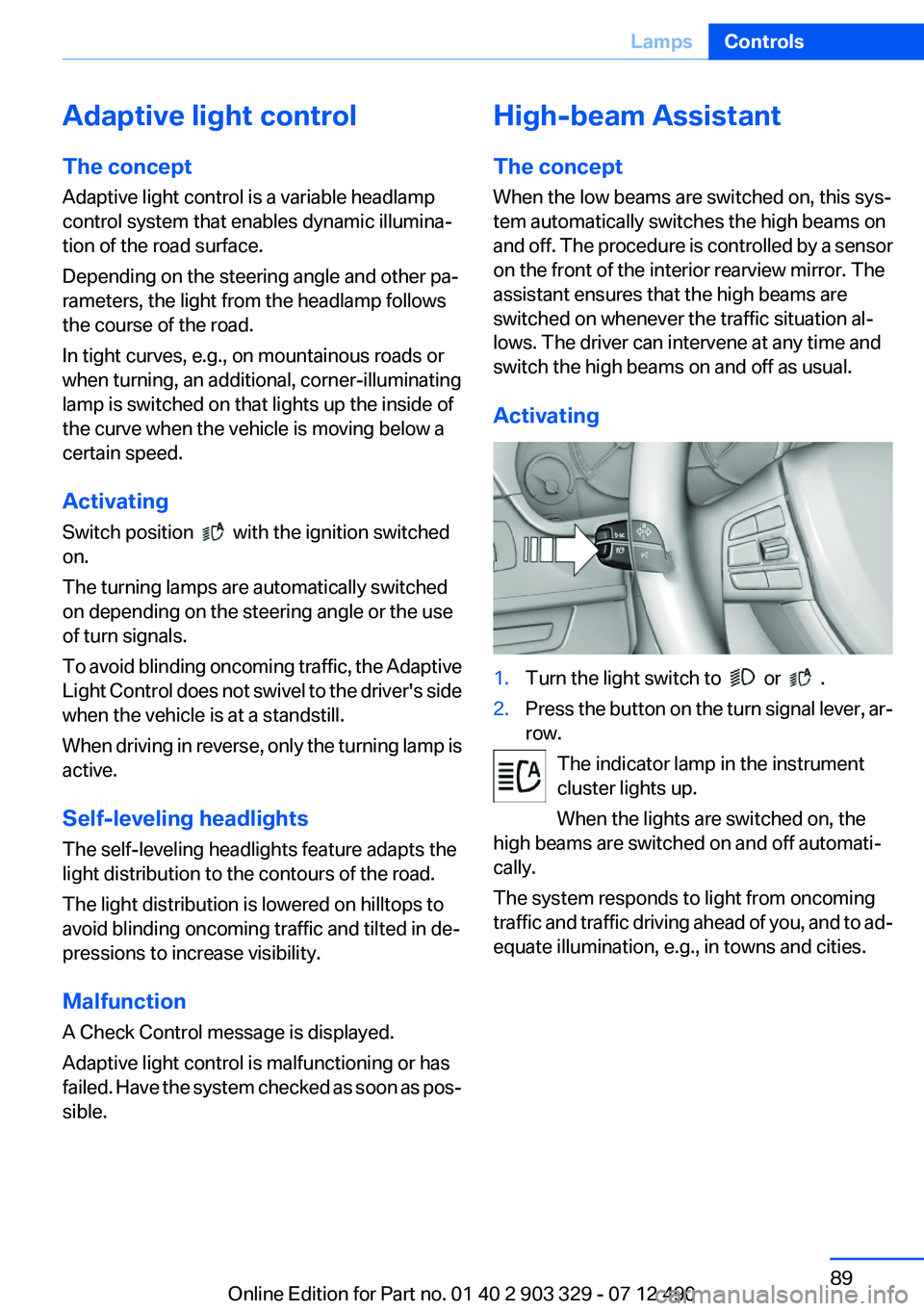
Activating1.Turn the light switch to or .2.Press the button on the turn signal lever, ar‐
row.
The indicator lamp in the instrument
cluster lights up.
When the lights are switched on, the
high beams are switched on and off automati‐
cally.
The system responds to light from oncoming
traffic and traffic driving ahead of you, and to ad‐
equate illumination, e.g., in towns and cities.
Seite 89LampsControls89
Online Edition for Part no. 01 40 2 903 329 - 07 12 490
Page 90 of 232
Switching the high beams on and off
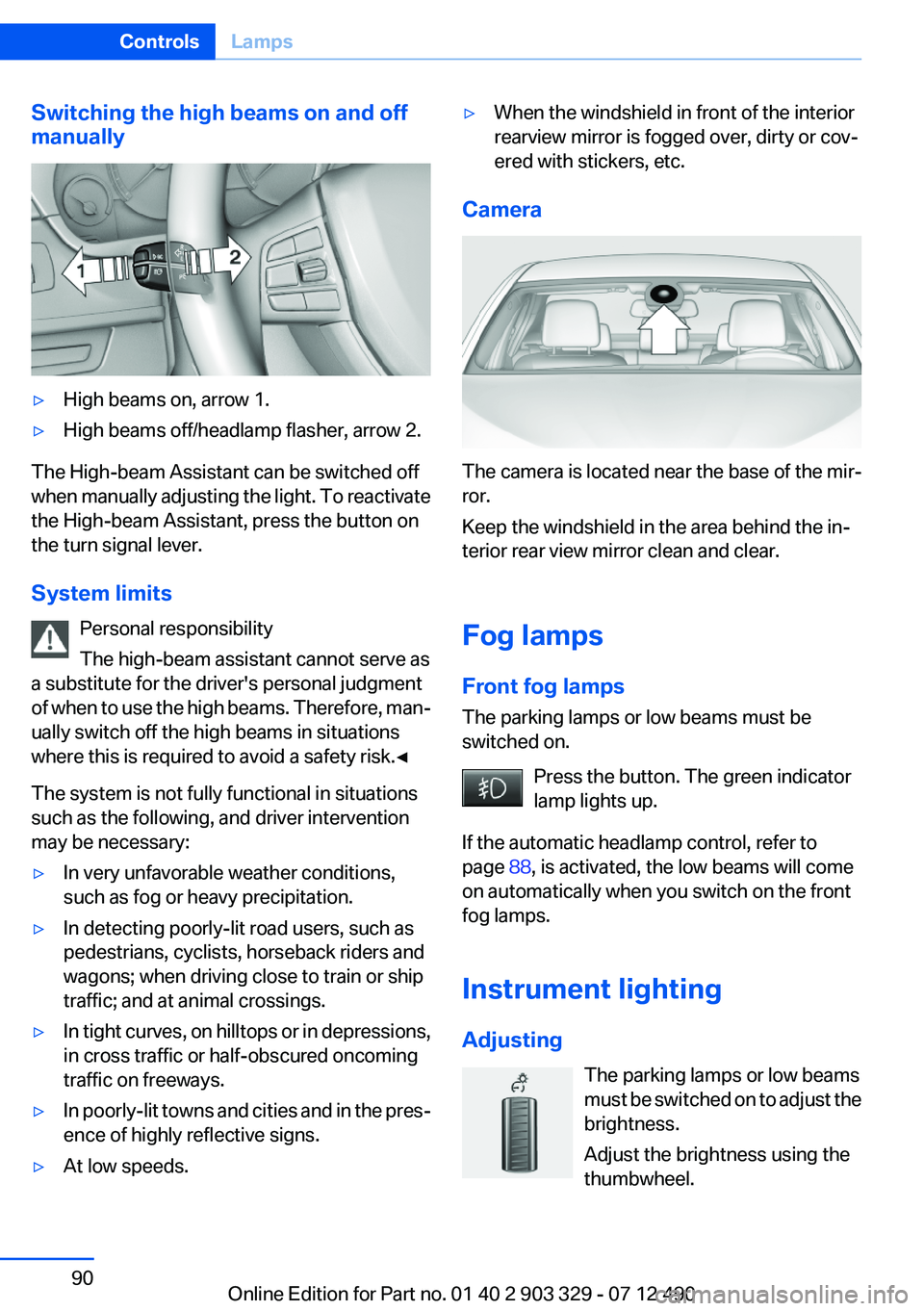
manually▷High beams on, arrow 1.▷High beams off/headlamp flasher, arrow 2.
The High-beam Assistant can be switched off
when manually adjusting the light. To reactivate
the High-beam Assistant, press the button on
the turn signal lever.
System limits Personal responsibility
The high-beam assistant cannot serve as
a substitute for the driver's personal judgment
of when to use the high beams. Therefore, man‐
ually switch off the high beams in situations
where this is required to avoid a safety risk.◀
The system is not fully functional in situations
such as the following, and driver intervention
may be necessary:
▷In very unfavorable weather conditions,
such as fog or heavy precipitation.▷In detecting poorly-lit road users, such as
pedestrians, cyclists, horseback riders and
wagons; when driving close to train or ship
traffic; and at animal crossings.▷In tight curves, on hilltops or in depressions,
in cross traffic or half-obscured oncoming
traffic on freeways.▷In poorly-lit towns and cities and in the pres‐
ence of highly reflective signs.▷At low speeds.▷When the windshield in front of the interior
rearview mirror is fogged over, dirty or cov‐
ered with stickers, etc.
Camera
The camera is located near the base of the mir‐
ror.
Keep the windshield in the area behind the in‐
terior rear view mirror clean and clear.
Fog lamps
Front fog lamps
The parking lamps or low beams must be
switched on.
Press the button. The green indicator
lamp lights up.
If the automatic headlamp control, refer to
page 88, is activated, the low beams will come
on automatically when you switch on the front
fog lamps.
Instrument lighting
Adjusting The parking lamps or low beams
must be switched on to adjust the
brightness.
Adjust the brightness using the
thumbwheel.
Seite 90ControlsLamps90
Online Edition for Part no. 01 40 2 903 329 - 07 12 490
Page 108 of 232
Camera
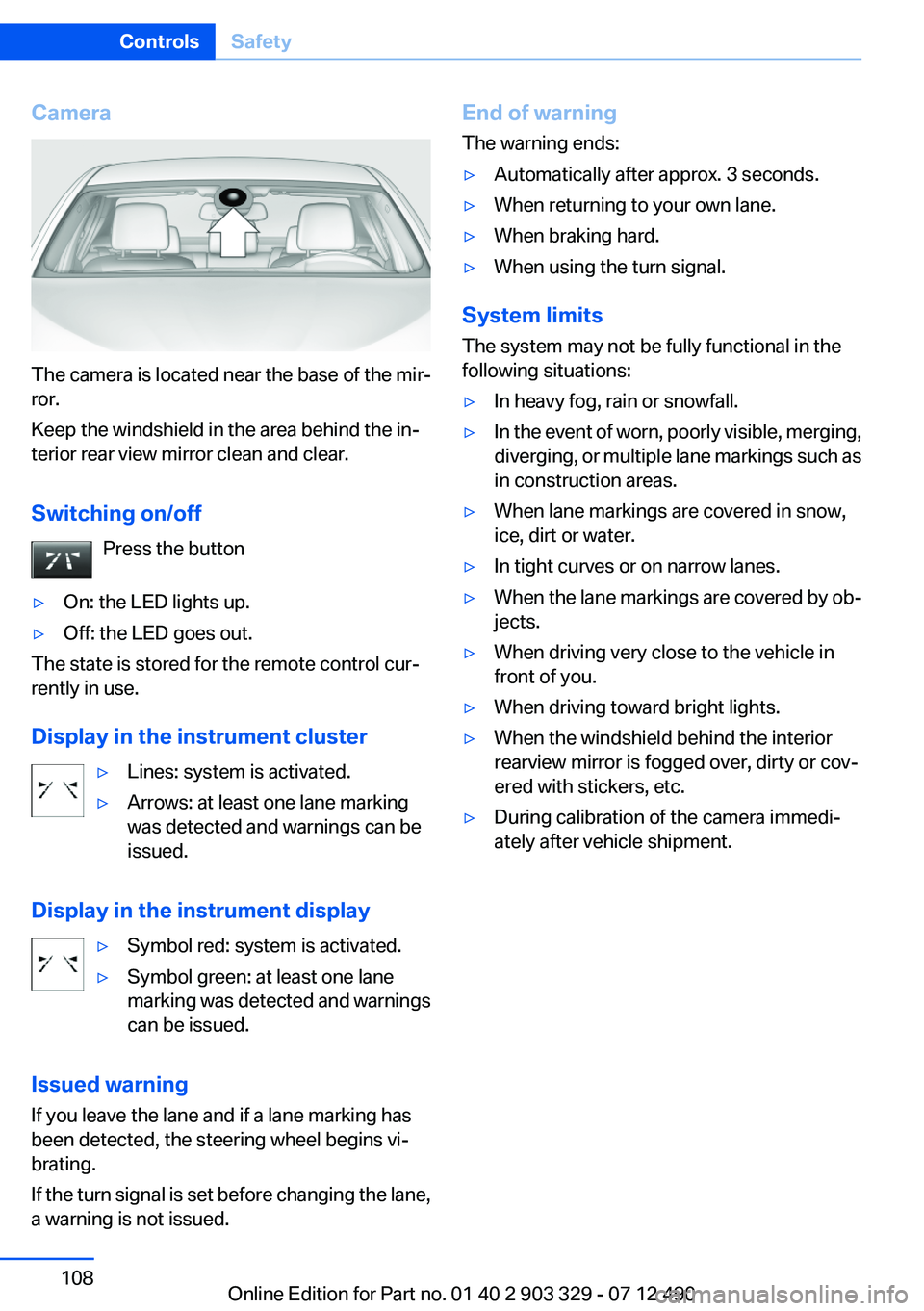
The camera is located near the base of the mir‐
ror.
Keep the windshield in the area behind the in‐
terior rear view mirror clean and clear.
Switching on/off Press the button
▷On: the LED lights up.▷Off: the LED goes out.
The state is stored for the remote control cur‐
rently in use.
Display in the instrument cluster
▷Lines: system is activated.▷Arrows: at least one lane marking
was detected and warnings can be
issued.
Display in the instrument display
▷Symbol red: system is activated.▷Symbol green: at least one lane
marking was detected and warnings
can be issued.
Issued warning
If you leave the lane and if a lane marking has
been detected, the steering wheel begins vi‐
brating.
If the turn signal is set before changing the lane,
a warning is not issued.
End of warning
The warning ends:▷Automatically after approx. 3 seconds.▷When returning to your own lane.▷When braking hard.▷When using the turn signal.
System limits
The system may not be fully functional in the
following situations:
▷In heavy fog, rain or snowfall.▷In the event of worn, poorly visible, merging,
diverging, or multiple lane markings such as
in construction areas.▷When lane markings are covered in snow,
ice, dirt or water.▷In tight curves or on narrow lanes.▷When the lane markings are covered by ob‐
jects.▷When driving very close to the vehicle in
front of you.▷When driving toward bright lights.▷When the windshield behind the interior
rearview mirror is fogged over, dirty or cov‐
ered with stickers, etc.▷During calibration of the camera immedi‐
ately after vehicle shipment.Seite 108ControlsSafety108
Online Edition for Part no. 01 40 2 903 329 - 07 12 490
Page 222 of 232
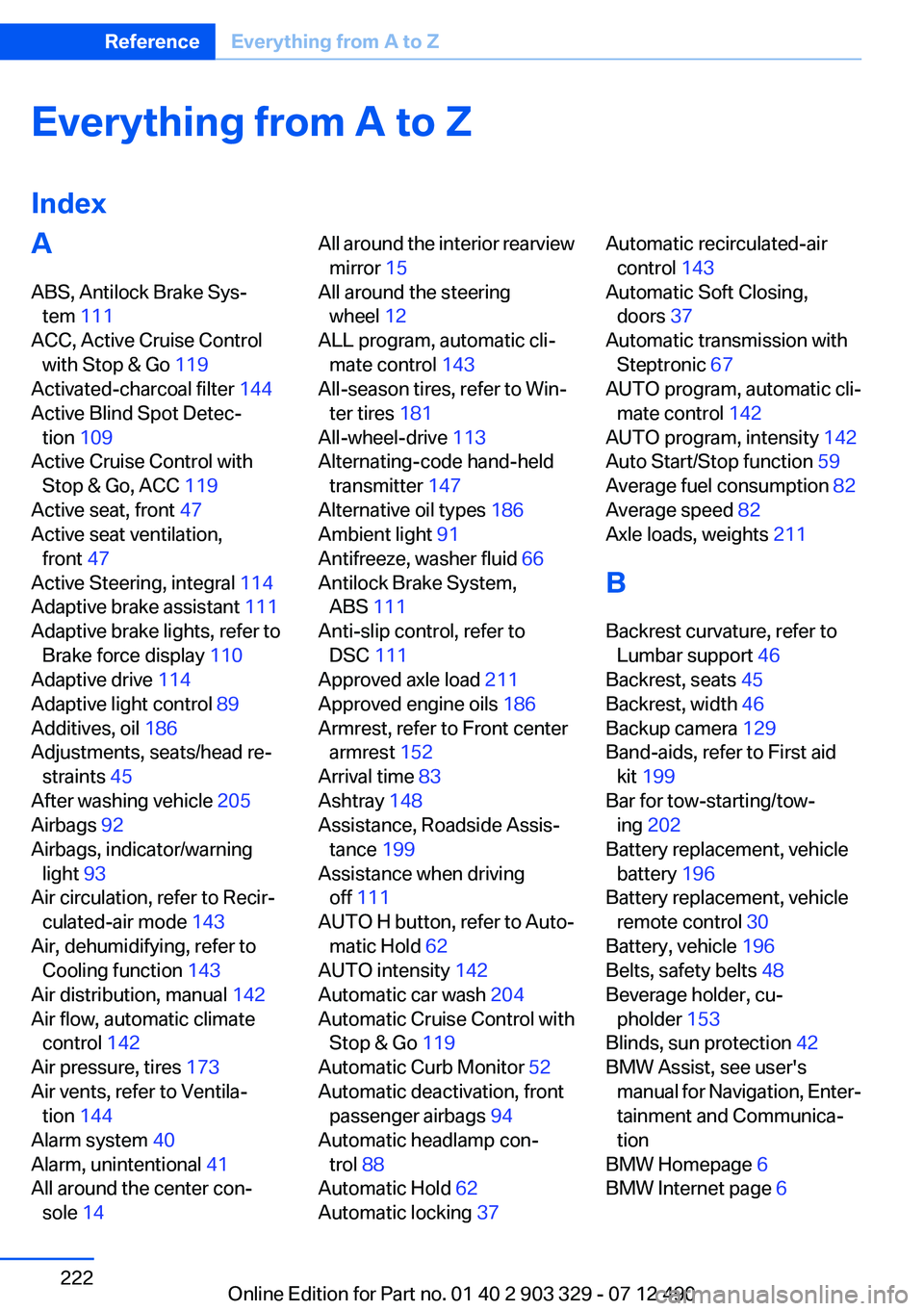
Everything from A to Z
IndexA
ABS, Antilock Brake Sys‐ tem 111
ACC, Active Cruise Control with Stop & Go 119
Activated-charcoal filter 144
Active Blind Spot Detec‐ tion 109
Active Cruise Control with Stop & Go, ACC 119
Active seat, front 47
Active seat ventilation, front 47
Active Steering, integral 114
Adaptive brake assistant 111
Adaptive brake lights, refer to Brake force display 110
Adaptive drive 114
Adaptive light control 89
Additives, oil 186
Adjustments, seats/head re‐ straints 45
After washing vehicle 205
Airbags 92
Airbags, indicator/warning light 93
Air circulation, refer to Recir‐ culated-air mode 143
Air, dehumidifying, refer to Cooling function 143
Air distribution, manual 142
Air flow, automatic climate control 142
Air pressure, tires 173
Air vents, refer to Ventila‐ tion 144
Alarm system 40
Alarm, unintentional 41
All around the center con‐ sole 14 All around the interior rearview
mirror 15
All around the steering wheel 12
ALL program, automatic cli‐ mate control 143
All-season tires, refer to Win‐ ter tires 181
All-wheel-drive 113
Alternating-code hand-held transmitter 147
Alternative oil types 186
Ambient light 91
Antifreeze, washer fluid 66
Antilock Brake System, ABS 111
Anti-slip control, refer to DSC 111
Approved axle load 211
Approved engine oils 186
Armrest, refer to Front center armrest 152
Arrival time 83
Ashtray 148
Assistance, Roadside Assis‐ tance 199
Assistance when driving off 111
AUTO H button, refer to Auto‐ matic Hold 62
AUTO intensity 142
Automatic car wash 204
Automatic Cruise Control with Stop & Go 119
Automatic Curb Monitor 52
Automatic deactivation, front passenger airbags 94
Automatic headlamp con‐ trol 88
Automatic Hold 62
Automatic locking 37 Automatic recirculated-air
control 143
Automatic Soft Closing, doors 37
Automatic transmission with Steptronic 67
AUTO program, automatic cli‐ mate control 142
AUTO program, intensity 142
Auto Start/Stop function 59
Average fuel consumption 82
Average speed 82
Axle loads, weights 211
B
Backrest curvature, refer to Lumbar support 46
Backrest, seats 45
Backrest, width 46
Backup camera 129
Band-aids, refer to First aid kit 199
Bar for tow-starting/tow‐ ing 202
Battery replacement, vehicle battery 196
Battery replacement, vehicle remote control 30
Battery, vehicle 196
Belts, safety belts 48
Beverage holder, cu‐ pholder 153
Blinds, sun protection 42
BMW Assist, see user's manual for Navigation, Enter‐
tainment and Communica‐
tion
BMW Homepage 6
BMW Internet page 6 Seite 222ReferenceEverything from A to Z222
Online Edition for Part no. 01 40 2 903 329 - 07 12 490
Page 224 of 232
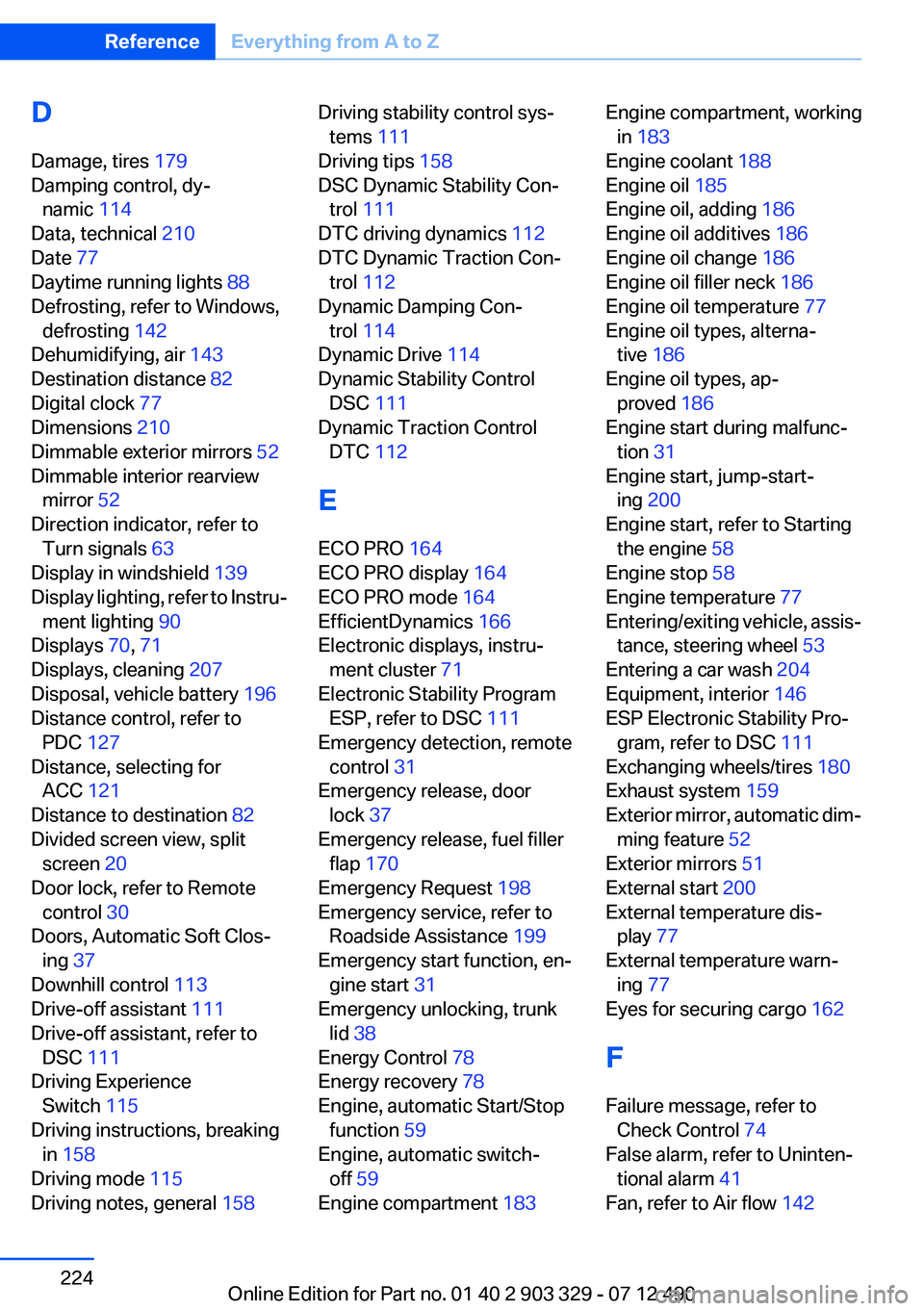
D
Damage, tires 179
Damping control, dy‐ namic 114
Data, technical 210
Date 77
Daytime running lights 88
Defrosting, refer to Windows, defrosting 142
Dehumidifying, air 143
Destination distance 82
Digital clock 77
Dimensions 210
Dimmable exterior mirrors 52
Dimmable interior rearview mirror 52
Direction indicator, refer to Turn signals 63
Display in windshield 139
Display lighting, refer to Instru‐ ment lighting 90
Displays 70, 71
Displays, cleaning 207
Disposal, vehicle battery 196
Distance control, refer to PDC 127
Distance, selecting for ACC 121
Distance to destination 82
Divided screen view, split screen 20
Door lock, refer to Remote control 30
Doors, Automatic Soft Clos‐ ing 37
Downhill control 113
Drive-off assistant 111
Drive-off assistant, refer to DSC 111
Driving Experience Switch 115
Driving instructions, breaking in 158
Driving mode 115
Driving notes, general 158 Driving stability control sys‐
tems 111
Driving tips 158
DSC Dynamic Stability Con‐ trol 111
DTC driving dynamics 112
DTC Dynamic Traction Con‐ trol 112
Dynamic Damping Con‐ trol 114
Dynamic Drive 114
Dynamic Stability Control DSC 111
Dynamic Traction Control DTC 112
E
ECO PRO 164
ECO PRO display 164
ECO PRO mode 164
EfficientDynamics 166
Electronic displays, instru‐ ment cluster 71
Electronic Stability Program ESP, refer to DSC 111
Emergency detection, remote control 31
Emergency release, door lock 37
Emergency release, fuel filler flap 170
Emergency Request 198
Emergency service, refer to Roadside Assistance 199
Emergency start function, en‐ gine start 31
Emergency unlocking, trunk lid 38
Energy Control 78
Energy recovery 78
Engine, automatic Start/Stop function 59
Engine, automatic switch- off 59
Engine compartment 183 Engine compartment, working
in 183
Engine coolant 188
Engine oil 185
Engine oil, adding 186
Engine oil additives 186
Engine oil change 186
Engine oil filler neck 186
Engine oil temperature 77
Engine oil types, alterna‐ tive 186
Engine oil types, ap‐ proved 186
Engine start during malfunc‐ tion 31
Engine start, jump-start‐ ing 200
Engine start, refer to Starting the engine 58
Engine stop 58
Engine temperature 77
Entering/exiting vehicle, assis‐ tance, steering wheel 53
Entering a car wash 204
Equipment, interior 146
ESP Electronic Stability Pro‐ gram, refer to DSC 111
Exchanging wheels/tires 180
Exhaust system 159
Exterior mirror, automatic dim‐ ming feature 52
Exterior mirrors 51
External start 200
External temperature dis‐ play 77
External temperature warn‐ ing 77
Eyes for securing cargo 162
F
Failure message, refer to Check Control 74
False alarm, refer to Uninten‐ tional alarm 41
Fan, refer to Air flow 142 Seite 224ReferenceEverything from A to Z224
Online Edition for Part no. 01 40 2 903 329 - 07 12 490