roof BMW 640I GRAN COUPE 2013 User Guide
[x] Cancel search | Manufacturer: BMW, Model Year: 2013, Model line: 640I GRAN COUPE, Model: BMW 640I GRAN COUPE 2013Pages: 305, PDF Size: 11.87 MB
Page 155 of 305
Saving fuelVehicle equipment
All standard, country-specific and optional
equipment that is offered in the model series is
described in this chapter. Therefore, equipment
is also described that is not available in a vehicle,
e. g., because of the selected optional equip‐
ment or country variant. This also applies for
safety-related functions and systems.
General information
Your vehicle contains advanced technology for
the reduction of fuel consumption and emis‐
sions.
Fuel consumption depends on a number of dif‐
ferent factors.
The implementation of certain measures, driv‐
ing style and regular maintenance can have an
influence on fuel consumption and on the envi‐
ronmental impact.
Remove unnecessary cargo
Additional weight increases fuel consumption.
Remove attached parts
following use
Attached parts on the vehicle impair the aero‐
dynamics and increase the fuel consumption.
Close the windows and glass
sunroof
Driving with the glass sunroof and windows
open results in increased air resistance and
raises fuel consumption.Check the tire inflation
pressure regularly
Check and, if necessary, correct the tire inflation
pressure at least twice a month and before start‐
ing on a long trip.
Low tire inflation pressure increases rolling re‐
sistance and thus raises fuel consumption and
tire wear.
Drive away without delay
Do not wait for the engine to warm up while the
vehicle remains stationary. Start driving right
away, but at moderate engine speeds.
This is the fastest way for the cold engine to
reach its operating temperature.
Look well ahead when driving
Avoid unnecessary acceleration and braking.
By maintaining a suitable distance to the vehicle
driving ahead of you.
Driving smoothly and looking ahead reduces
fuel consumption.
Use coasting conditions
When approaching a red light, take your foot off
the accelerator and let the vehicle coast to a halt.
On a downhill gradient, take your foot off the ac‐
celerator and let the vehicle roll.
The flow of fuel is interrupted while coasting.Seite 155Saving fuelDriving tips155
Online Edition for Part no. 01 40 2 900 405 - 03 12 490
Page 224 of 305
Deleting all entries1.›Delete phonebook‹
The dialog for deleting the phone book is
opened.2.Confirm the query with ›Yes‹.3.Confirm the query again with ›Yes‹.
Reading and selecting entries
1.›Read phonebook‹
The dialog for reading the phone book is
opened.2.Say ›Dial number‹ when the desired entry is
read.
Selecting an entry
1.›Dial name‹2.Say the name after being prompted to do so.3.Confirm the query with ›Yes‹.
Adjusting the volume
Turn the knob during an announcement.
▷The volume remains constant even if the
volume of other audio sources is changed.▷The volume is stored for the remote control
currently in use.
Notes
Do not use the voice operation to initiate an
Emergency Request. In stressful situations, the
voice and vocal pitch can change. This can un‐
necessarily delay the establishment of a tele‐
phone connection.
Instead, use the SOS button, refer to
page 270, in the vicinity of the interior mirror.
Environmental conditions
▷Say the commands, numbers, and letters
smoothly and with normal volume, empha‐
sis, and speed.▷Always say commands in the language of
the system. The language for the mobilephone voice operation is preset and cannot
be changed in the Control Display.▷Keep the doors, windows, and glass sun‐
roof closed to prevent noise interference.▷Avoid making other noise in the vehicle
while speaking.
Snap-in adapter
General information
Detailed information about snap-in adapters,
which support the functions of the mobile
phone, is available from the service center.
Notes
At high temperatures, the charge functions of
the mobile phone can be limited under certain
circumstances, and the functions are no longer
executed.
When the mobile phone is used via the vehicle,
heed the operating manual of the mobile phone.
Installation position
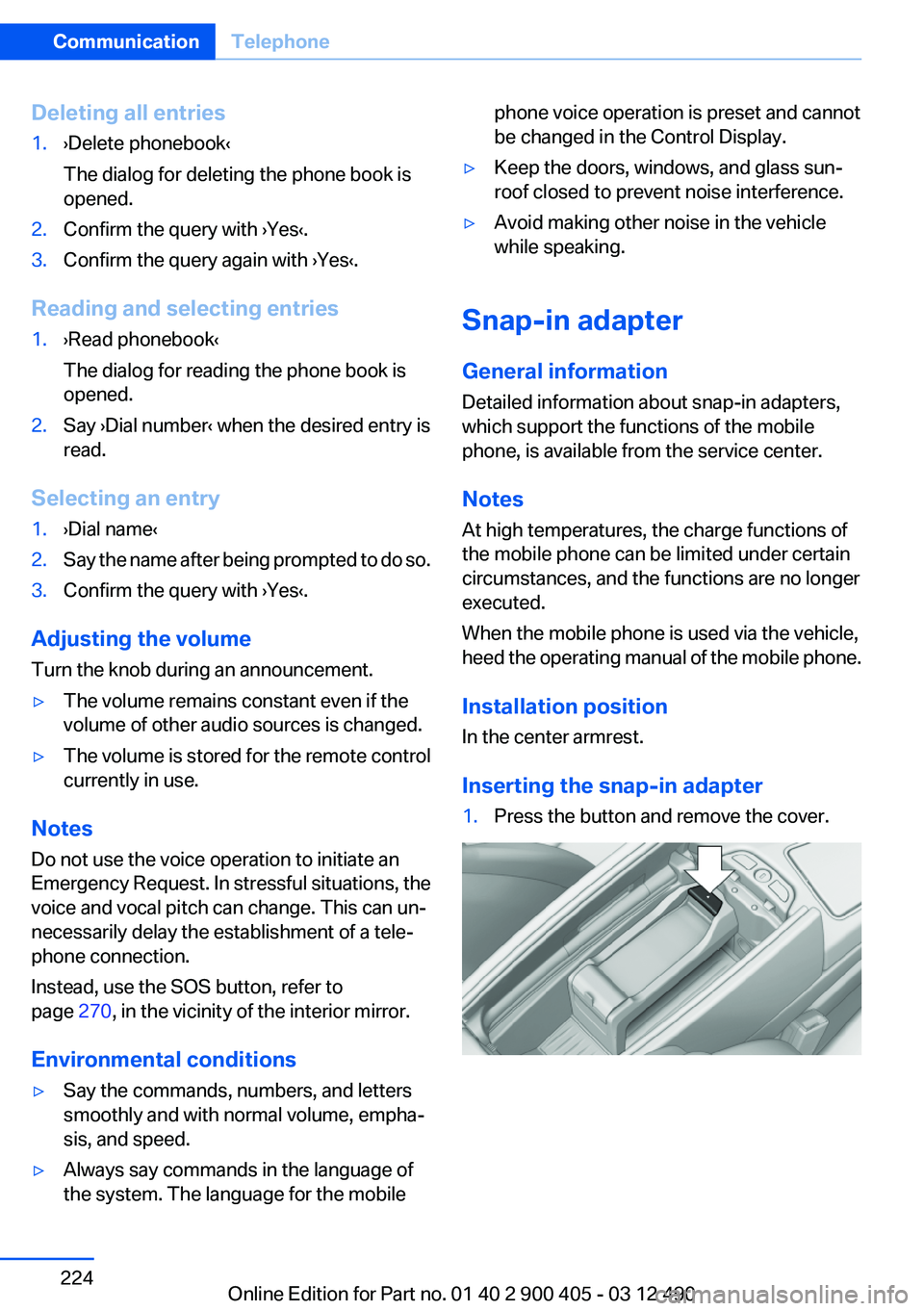
In the center armrest.
Inserting the snap-in adapter
1.Press the button and remove the cover.Seite 224CommunicationTelephone224
Online Edition for Part no. 01 40 2 900 405 - 03 12 490
Page 262 of 305
MaintenanceVehicle equipment
All standard, country-specific and optional
equipment that is offered in the model series is
described in this chapter. Therefore, equipment
is also described that is not available in a vehicle,
e. g., because of the selected optional equip‐
ment or country variant. This also applies for
safety-related functions and systems.
BMW Maintenance System
The maintenance system directs you to re‐
quired maintenance measures and thereby sup‐
ports you in maintaining road safety and the op‐
erational reliability of the vehicle.
Condition Based Service CBS
Sensors and special algorithms take into ac‐
count the driving conditions of your vehicle.
Based on this, Condition Based Service deter‐
mines the maintenance requirements.
The system makes it possible to adapt the
amount of maintenance you need to your user
profile.
Details on the service requirements, refer to
page 75, can be displayed on the Control Dis‐
play.
Service data in the remote control
Information on the required maintenance is con‐
tinuously stored in the remote control. Your
service center will read out this data and suggest
the right array of service procedures for your ve‐
hicle.
Therefore, hand your service specialist the re‐
mote control that you used most recently.Storage periods
Storage periods during which the vehicle bat‐
tery was disconnected are not taken into ac‐
count.
If this occurs, have a service center update the
time-dependent maintenance procedures,
such as checking brake fluid and, if necessary,
changing the engine oil and the microfilter/acti‐
vated-charcoal filter.
Service and Warranty
Information Booklet for US
models and Warranty and
Service Guide Booklet for
Canadian models
Please consult your Service and Warranty Infor‐
mation Booklet for US models and Warranty and
Service Guide Booklet for Canadian models for
additional information on service requirements.
Maintenance and repair should be performed by
your service center. Make sure to have regular
maintenance procedures recorded in the vehi‐
cle's Service and Warranty Information Booklet
for US models, and in the Warranty and Service
Guide Booklet for Canadian models. These en‐
tries are proof of regular maintenance.Seite 262MobilityMaintenance262
Online Edition for Part no. 01 40 2 900 405 - 03 12 490
Page 297 of 305
Engine oil types, ap‐proved 260
Engine start during malfunc‐ tion 31
Engine start, jump-start‐ ing 271
Engine start, refer to Starting the engine 59
Engine stop 59
Engine temperature 74
Entering/exiting vehicle, assis‐ tance, steering wheel 54
Entering a car wash 275
Equalizer 180
Equipment, interior 136
ESP Electronic Stability Pro‐ gram, refer to DSC 99
Exchanging wheels/tires 253
Exhaust system 150
Exterior mirror, automatic dim‐ ming feature 53
Exterior mirrors 52
External devices 203
External start 271
External temperature dis‐ play 74
External temperature warn‐ ing 74
Eyes for securing cargo 154
F
Fader 180
Failure message, refer to Check Control 71
False alarm, refer to Uninten‐ tional alarm 41
Fan, refer to Air volume 132
Fault displays, refer to Check Control 71
Filler neck for engine oil 259
Fine wood, care 277
First aid kit 271
Fitting for towing, refer to Tow fitting 274
Flat tire, changing wheels 267 Flat Tire Monitor FTM 93
Flat tire, Tire Pressure Monitor TPM 90
Flat tire, warning lamp 91, 94
Flooding 151
Floor carpet, care 277
Floor mats, care 277
FM/AM station 183
Fold-out position, windshield wipers 66
Foot brake 151
For the headliner, refer to All around the interior rearview
mirror 15
Front airbags 87
Front center armrest 144
Front fog lamps 85
Front lamps 265
Front passenger airbags, au‐ tomatic deactivation 89
Front passenger airbags, indi‐ cator lamp 89
Front seats 46
FTM Flat Tire Monitor 93
Fuel cap 246
Fuel consumption, current 75
Fuel consumption, refer to Average fuel consump‐
tion 78
Fuel filler flap 246
Fuel gauge 74
Fuel quality 248
Fuel, tank capacity 284
Fuse 268
G
Garage door opener, refer to Integrated universal remote
control 136
Gas station recommenda‐ tion 170
Gear change, automatic trans‐ mission 67
General driving notes 150 Glass sunroof, powered with
tilt function 44
Glove compartment 143
Gong, volume equaliza‐ tion 181
GPS navigation 160
Gray display of the map 174
Gross vehicle weight, ap‐ proved 283
H
Handbrake, refer to Parking brake 61
Hand-held transmitter, alter‐ nating code 137
Hazard warning flashers 270
HD Radio 184
Head airbags 87
Headlamp control, auto‐ matic 83
Headlamp courtesy delay fea‐ ture 83
Headlamp courtesy delay fea‐ ture via remote control 35
Headlamp flasher 64
Headlamp glass 265
Headlamps 265
Headlamps, care 276
Headlamp washer system 64
Head restraints 46
Head restraints, front 51
Head-Up Display 129
Head-up Display, care 278
Heavy cargo, stowing 154
Height, seats 46
Height, vehicle 282
High-beam Assistant 84
High beams 64
High beams/low beams, refer to High-beam Assistant 84
Hills 152
Hill start assistant, refer to Drive-off assistant 99
Hints 6
Holder for beverages 145 Seite 297Everything from A to ZReference297
Online Edition for Part no. 01 40 2 900 405 - 03 12 490
Page 300 of 305
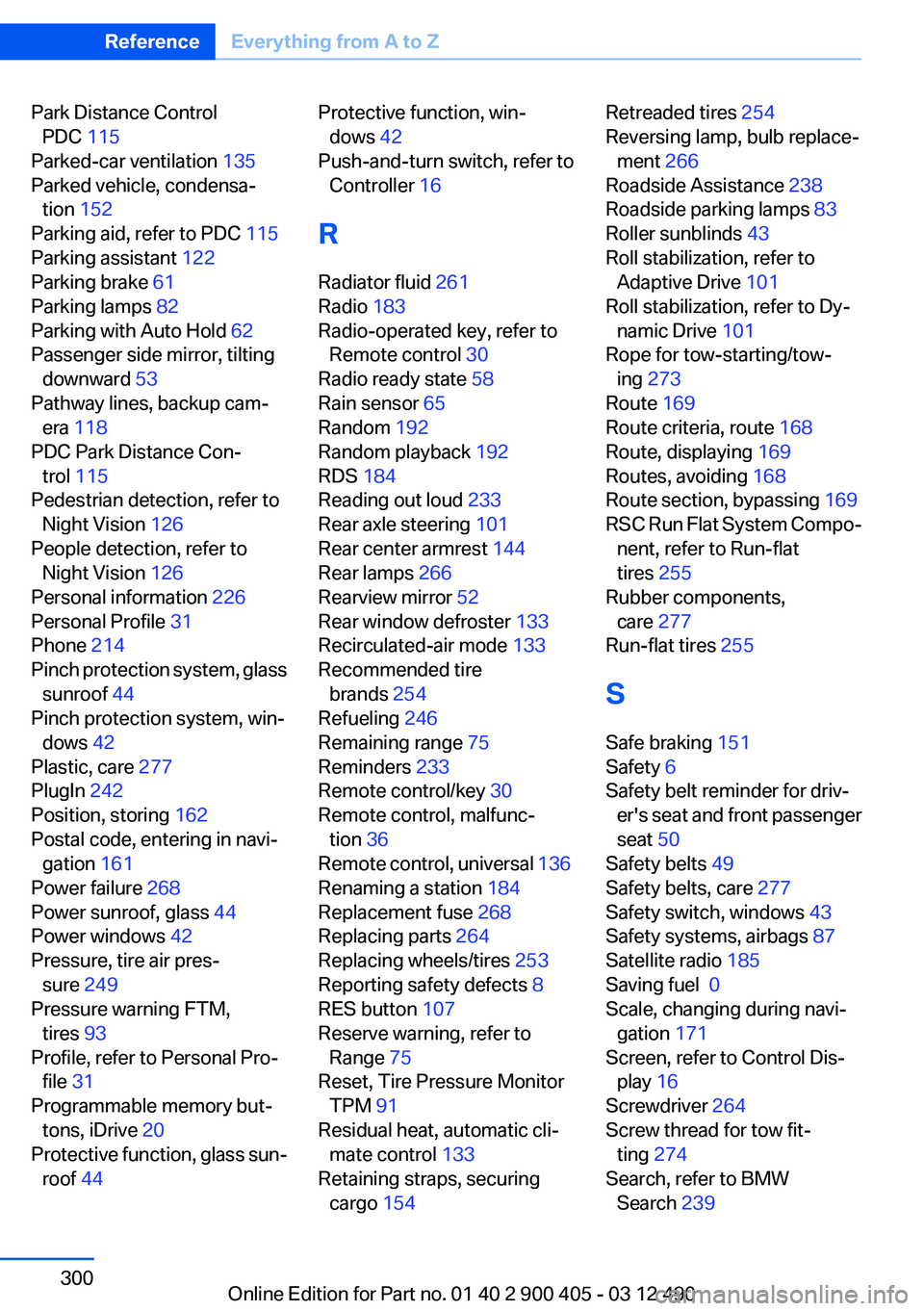
Park Distance ControlPDC 115
Parked-car ventilation 135
Parked vehicle, condensa‐ tion 152
Parking aid, refer to PDC 115
Parking assistant 122
Parking brake 61
Parking lamps 82
Parking with Auto Hold 62
Passenger side mirror, tilting downward 53
Pathway lines, backup cam‐ era 118
PDC Park Distance Con‐ trol 115
Pedestrian detection, refer to Night Vision 126
People detection, refer to Night Vision 126
Personal information 226
Personal Profile 31
Phone 214
Pinch protection system, glass sunroof 44
Pinch protection system, win‐ dows 42
Plastic, care 277
PlugIn 242
Position, storing 162
Postal code, entering in navi‐ gation 161
Power failure 268
Power sunroof, glass 44
Power windows 42
Pressure, tire air pres‐ sure 249
Pressure warning FTM, tires 93
Profile, refer to Personal Pro‐ file 31
Programmable memory but‐ tons, iDrive 20
Protective function, glass sun‐ roof 44 Protective function, win‐
dows 42
Push-and-turn switch, refer to Controller 16
R
Radiator fluid 261
Radio 183
Radio-operated key, refer to Remote control 30
Radio ready state 58
Rain sensor 65
Random 192
Random playback 192
RDS 184
Reading out loud 233
Rear axle steering 101
Rear center armrest 144
Rear lamps 266
Rearview mirror 52
Rear window defroster 133
Recirculated-air mode 133
Recommended tire brands 254
Refueling 246
Remaining range 75
Reminders 233
Remote control/key 30
Remote control, malfunc‐ tion 36
Remote control, universal 136
Renaming a station 184
Replacement fuse 268
Replacing parts 264
Replacing wheels/tires 253
Reporting safety defects 8
RES button 107
Reserve warning, refer to Range 75
Reset, Tire Pressure Monitor TPM 91
Residual heat, automatic cli‐ mate control 133
Retaining straps, securing cargo 154 Retreaded tires 254
Reversing lamp, bulb replace‐ ment 266
Roadside Assistance 238
Roadside parking lamps 83
Roller sunblinds 43
Roll stabilization, refer to Adaptive Drive 101
Roll stabilization, refer to Dy‐ namic Drive 101
Rope for tow-starting/tow‐ ing 273
Route 169
Route criteria, route 168
Route, displaying 169
Routes, avoiding 168
Route section, bypassing 169
RSC Run Flat System Compo‐ nent, refer to Run-flat
tires 255
Rubber components, care 277
Run-flat tires 255
S
Safe braking 151
Safety 6
Safety belt reminder for driv‐ er's seat and front passenger
seat 50
Safety belts 49
Safety belts, care 277
Safety switch, windows 43
Safety systems, airbags 87
Satellite radio 185
Saving fuel 0
Scale, changing during navi‐ gation 171
Screen, refer to Control Dis‐ play 16
Screwdriver 264
Screw thread for tow fit‐ ting 274
Search, refer to BMW Search 239 Seite 300ReferenceEverything from A to Z300
Online Edition for Part no. 01 40 2 900 405 - 03 12 490
Page 302 of 305
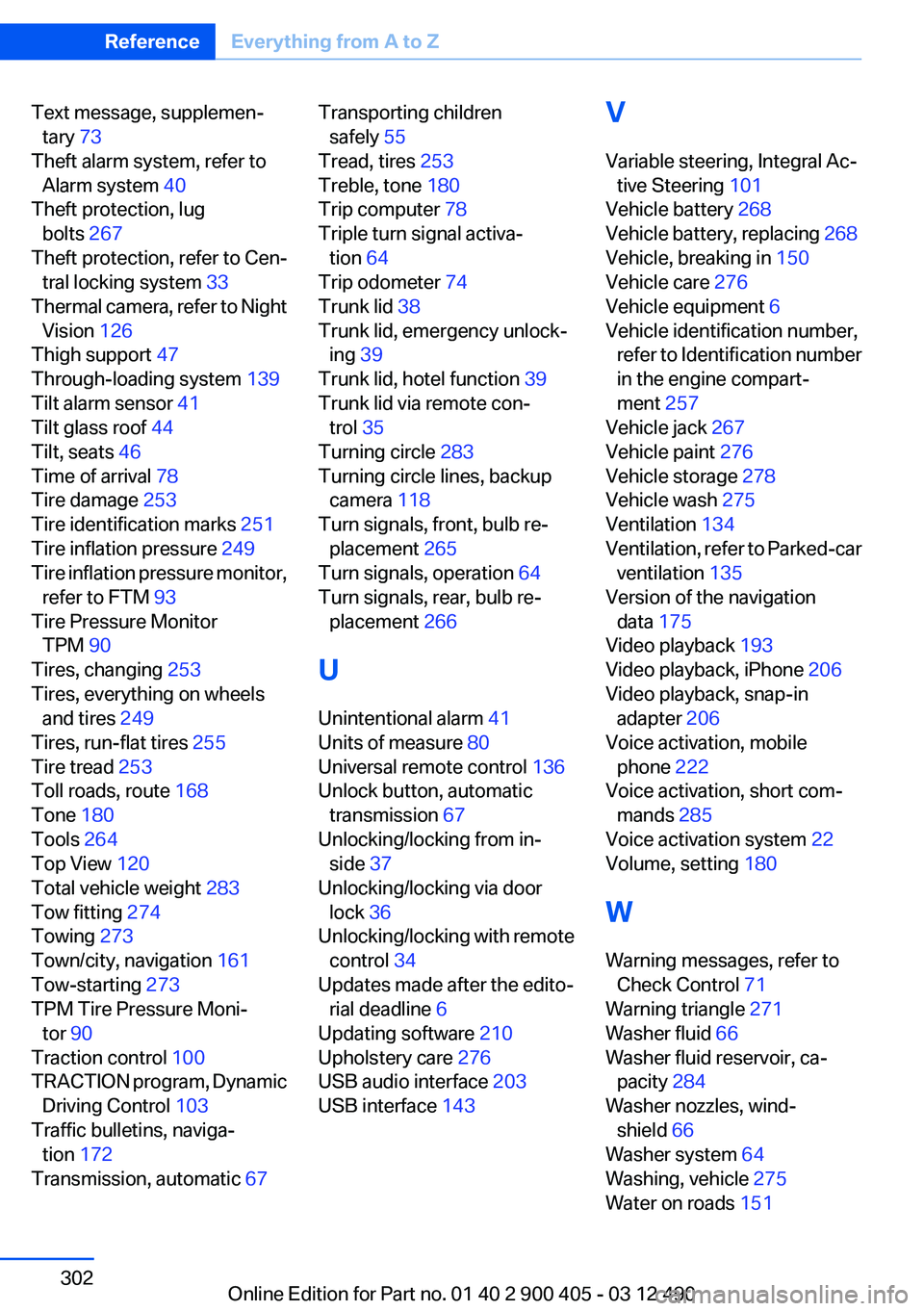
Text message, supplemen‐tary 73
Theft alarm system, refer to Alarm system 40
Theft protection, lug bolts 267
Theft protection, refer to Cen‐ tral locking system 33
Thermal camera, refer to Night Vision 126
Thigh support 47
Through-loading system 139
Tilt alarm sensor 41
Tilt glass roof 44
Tilt, seats 46
Time of arrival 78
Tire damage 253
Tire identification marks 251
Tire inflation pressure 249
Tire inflation pressure monitor, refer to FTM 93
Tire Pressure Monitor TPM 90
Tires, changing 253
Tires, everything on wheels and tires 249
Tires, run-flat tires 255
Tire tread 253
Toll roads, route 168
Tone 180
Tools 264
Top View 120
Total vehicle weight 283
Tow fitting 274
Towing 273
Town/city, navigation 161
Tow-starting 273
TPM Tire Pressure Moni‐ tor 90
Traction control 100
TRACTION program, Dynamic Driving Control 103
Traffic bulletins, naviga‐ tion 172
Transmission, automatic 67 Transporting children
safely 55
Tread, tires 253
Treble, tone 180
Trip computer 78
Triple turn signal activa‐ tion 64
Trip odometer 74
Trunk lid 38
Trunk lid, emergency unlock‐ ing 39
Trunk lid, hotel function 39
Trunk lid via remote con‐ trol 35
Turning circle 283
Turning circle lines, backup camera 118
Turn signals, front, bulb re‐ placement 265
Turn signals, operation 64
Turn signals, rear, bulb re‐ placement 266
U
Unintentional alarm 41
Units of measure 80
Universal remote control 136
Unlock button, automatic transmission 67
Unlocking/locking from in‐ side 37
Unlocking/locking via door lock 36
Unlocking/locking with remote control 34
Updates made after the edito‐ rial deadline 6
Updating software 210
Upholstery care 276
USB audio interface 203
USB interface 143 V
Variable steering, Integral Ac‐ tive Steering 101
Vehicle battery 268
Vehicle battery, replacing 268
Vehicle, breaking in 150
Vehicle care 276
Vehicle equipment 6
Vehicle identification number, refer to Identification number
in the engine compart‐
ment 257
Vehicle jack 267
Vehicle paint 276
Vehicle storage 278
Vehicle wash 275
Ventilation 134
Ventilation, refer to Parked-car ventilation 135
Version of the navigation data 175
Video playback 193
Video playback, iPhone 206
Video playback, snap-in adapter 206
Voice activation, mobile phone 222
Voice activation, short com‐ mands 285
Voice activation system 22
Volume, setting 180
W
Warning messages, refer to Check Control 71
Warning triangle 271
Washer fluid 66
Washer fluid reservoir, ca‐ pacity 284
Washer nozzles, wind‐ shield 66
Washer system 64
Washing, vehicle 275
Water on roads 151 Seite 302ReferenceEverything from A to Z302
Online Edition for Part no. 01 40 2 900 405 - 03 12 490