traction control BMW 640I GRAN COUPE 2013 User Guide
[x] Cancel search | Manufacturer: BMW, Model Year: 2013, Model line: 640I GRAN COUPE, Model: BMW 640I GRAN COUPE 2013Pages: 305, PDF Size: 11.87 MB
Page 242 of 305
software applications are displayed on the Con‐
trol Display.
Operation can be performed via iDrive.
Requirements▷The mobile phone is suitable.▷The cell phone operating system supports
the software applications of Apps.▷Software applications are installed on the
cell phone and ready to use.▷Corresponding mobile wireless contract.
Any additionally incurred costs are not a part
of Apps.▷Use only BMW approved software applica‐
tions; otherwise, it may result in malfunc‐
tions.
Information about suitable cell phones, available
software applications and their installation can
be found at www.bmw.com/connectivity or at
the service center.
Create the entries.
Make entries only when traffic and road
conditions allow. Otherwise, the vehicle occu‐
pants and other road users may be put in danger
because of the distraction from driving.
For reasons of safety, some software applica‐
tions are usable only while the vehicle is station‐
ary.◀
Use apps
1.Connect the cell phone via the snap-in
adapter or via the USB audio interface.2."ConnectedDrive"3.Select the desired software application.
Displaying status
Information about the currently available soft‐
ware applications can be displayed.
1."ConnectedDrive"2."BMW apps"PlugIn
Selected functions of the cell phone are dis‐
played on the Control Display. Operation can be
performed via iDrive.1.Connect cell phone via the snap-in adapter.2."ConnectedDrive"3."PlugIn"4."Activate PlugIn"5.Navigate to the displayed functions via the
controller and select, for example, a desired
category or track.
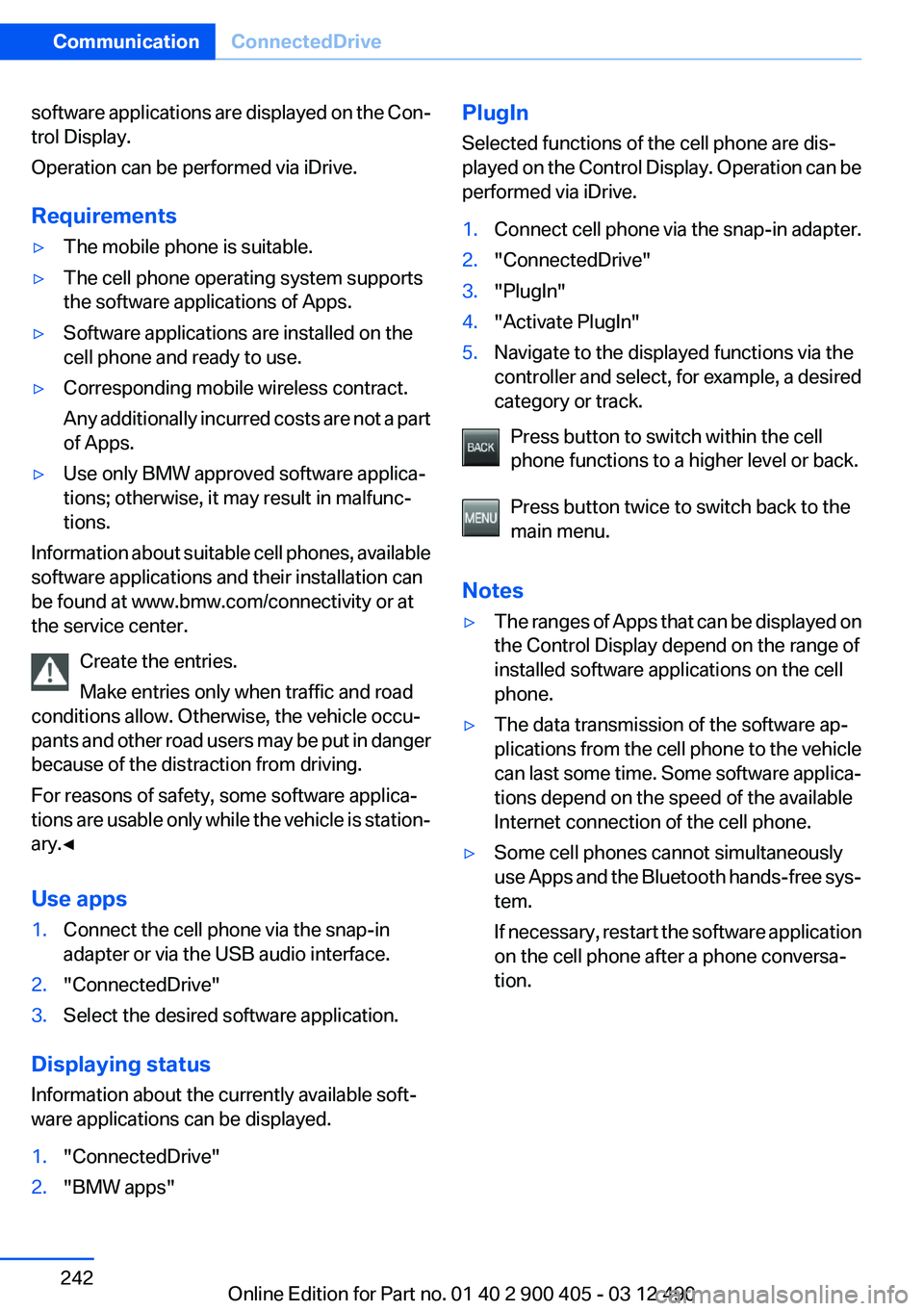
Press button to switch within the cell
phone functions to a higher level or back.
Press button twice to switch back to the
main menu.
Notes
▷The ranges of Apps that can be displayed on
the Control Display depend on the range of
installed software applications on the cell
phone.▷The data transmission of the software ap‐
plications from the cell phone to the vehicle
can last some time. Some software applica‐
tions depend on the speed of the available
Internet connection of the cell phone.▷Some cell phones cannot simultaneously
use Apps and the Bluetooth hands-free sys‐
tem.
If necessary, restart the software application
on the cell phone after a phone conversa‐
tion.Seite 242CommunicationConnectedDrive242
Online Edition for Part no. 01 40 2 900 405 - 03 12 490
Page 252 of 305
Tire age
DOT … 3510: the tire was manufactured in the
35th week in 2010.
Recommendation
Regardless of wear, replace tires at least every
6 years.
Uniform Tire Quality Grading
Quality grades can be found where applicable
on the tire sidewall between tread shoulder and
maximum section width.
For example: Treadwear 200; Traction AA;
Temperature A
DOT Quality Grades
Treadwear
Traction AA A B C
Temperature A B C
All passenger car tires must conform to Federal
Safety Requirements in addition to these
grades.
Treadwear
The treadwear grade is a comparative rating
based on the wear rate of the tire when tested
under controlled conditions on a specified gov‐
ernment test course. For example, a tire graded
150 would wear one and one-half, 1 g, times as
well on the government course as a tire graded
100. The relative performance of tires depends
upon the actual conditions of their use, however,
and may depart significantly from the norm due
to variations in driving habits, service practices
and differences in road characteristics and cli‐
mate.
Traction
The traction grades, from highest to lowest, are
AA, A, B, and C.
Those grades represent the tire's ability to stop
on wet pavement as measured under controlled
conditions on specified government test surfa‐ces of asphalt and concrete. A tire marked C may
have poor traction performance.
The traction grade assigned to this tire is based
on straight-ahead braking traction tests, and
does not include acceleration, cornering, hydro‐
planing, or peak traction characteristics.
Temperature
The temperature grades are A, the highest, B,
and C, representing the tire's resistance to the
generation of heat and its ability to dissipate
heat when tested under controlled conditions
on a specified indoor laboratory test wheel. Sus‐
tained high temperature can cause the material
of the tire to degenerate and reduce tire life, and
excessive temperature can lead to sudden tire
failure. The grade C corresponds to a level of
performance which all passenger car tires must
meet under the Federal Motor Vehicle Safety
Standard No. 109. Grades Band A represent
higher levels of performance on the laboratory
test wheel than the minimum required by law.
Temperature grade for this tire
The temperature grade for this tire is es‐
tablished for a tire that is properly inflated and
not overloaded. Excessive speed, underinfla‐
tion, or excessive loading, either separately or in
combination, can cause heat buildup and pos‐
sible tire failure.
If necessary, have the vehicle towed.◀
RSC – Run-flat tires
Run-flat tires, refer to page 255, are labeled with
a circular symbol containing the letters RSC
marked on the sidewall.
M+S
Winter and all-season tires with better cold
weather performance than summer tires.Seite 252MobilityWheels and tires252
Online Edition for Part no. 01 40 2 900 405 - 03 12 490
Page 255 of 305
case of a flat tire. Your service center will be glad
to advise you.
Rotating wheels between axles
The manufacturer of your vehicle advises
against swapping wheels between the front and
rear axles.
This can impair the handling characteristics.
Storage
Store wheels and tires in a cool, dry place with
as little exposure to light as possible.
Always protect tires against all contact with oil,
grease and fuels.
Do not exceed the maximum tire inflation pres‐
sure indicated on the side wall of the tire.
Run-flat tires
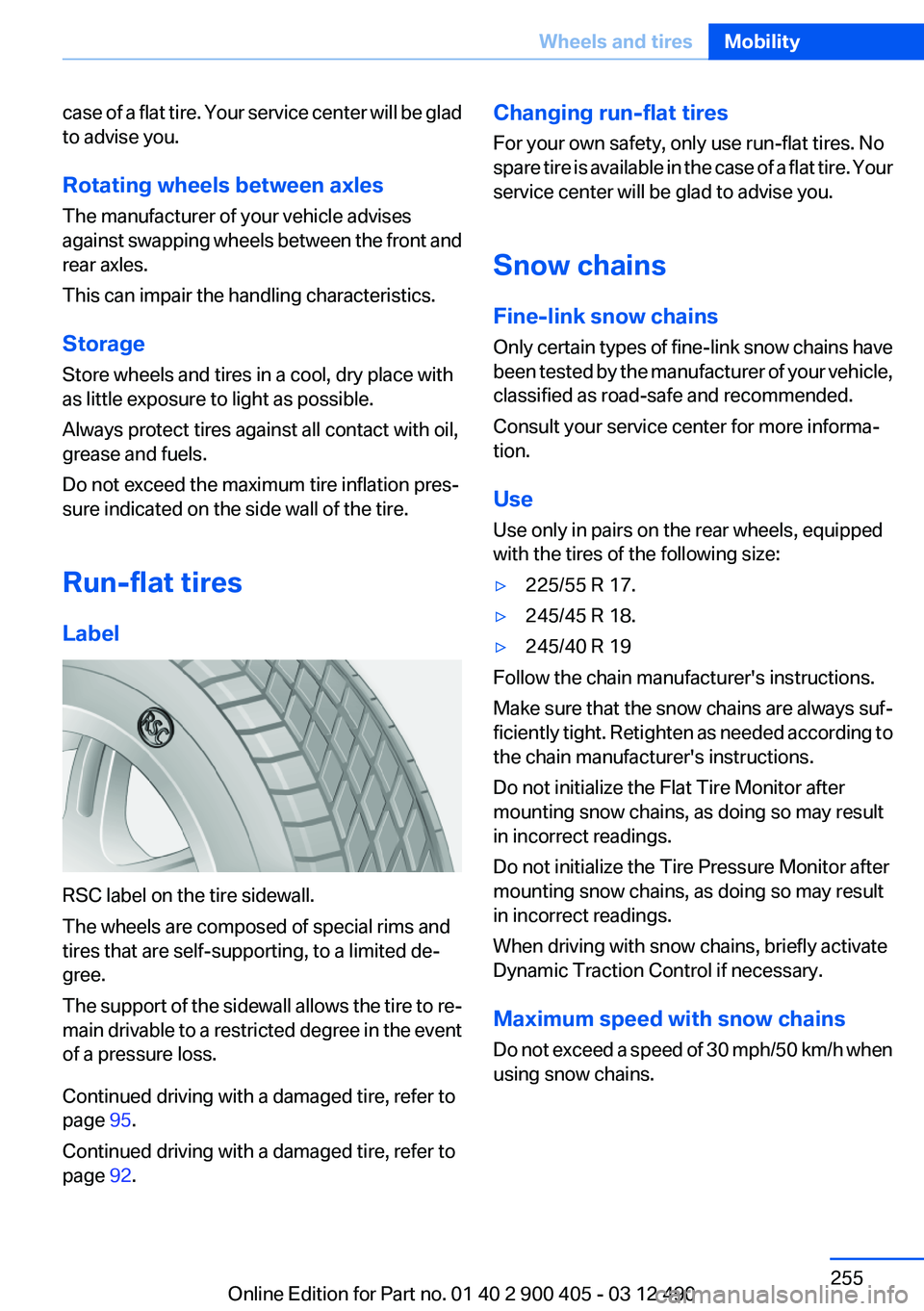
Label
RSC label on the tire sidewall.
The wheels are composed of special rims and
tires that are self-supporting, to a limited de‐
gree.
The support of the sidewall allows the tire to re‐
main drivable to a restricted degree in the event
of a pressure loss.
Continued driving with a damaged tire, refer to
page 95.
Continued driving with a damaged tire, refer to
page 92.
Changing run-flat tires
For your own safety, only use run-flat tires. No
spare tire is available in the case of a flat tire. Your
service center will be glad to advise you.
Snow chains
Fine-link snow chains
Only certain types of fine-link snow chains have
been tested by the manufacturer of your vehicle,
classified as road-safe and recommended.
Consult your service center for more informa‐
tion.
Use
Use only in pairs on the rear wheels, equipped
with the tires of the following size:▷225/55 R 17.▷245/45 R 18.▷245/40 R 19
Follow the chain manufacturer's instructions.
Make sure that the snow chains are always suf‐
ficiently tight. Retighten as needed according to
the chain manufacturer's instructions.
Do not initialize the Flat Tire Monitor after
mounting snow chains, as doing so may result
in incorrect readings.
Do not initialize the Tire Pressure Monitor after
mounting snow chains, as doing so may result
in incorrect readings.
When driving with snow chains, briefly activate
Dynamic Traction Control if necessary.
Maximum speed with snow chains
Do not exceed a speed of 30 mph/50 km/h when
using snow chains.
Seite 255Wheels and tiresMobility255
Online Edition for Part no. 01 40 2 900 405 - 03 12 490
Page 296 of 305
Control Display, settings 79
Controller 16
Control systems, driving sta‐ bility 99
Convenient opening 35
Coolant 261
Coolant temperature 74
Cooling function 133
Cooling, maximum 132
Cooling system 261
Corrosion on brake discs 152
Cruise control 113
Cruise control, active with Stop & Go 105
Cruising range 75
Cupholder 145
Current fuel consumption 75
Current location, storing 162
Customer Relations 240
D
Damage, tires 253
Damping control, dy‐ namic 101
Data, technical 282
Date 75
Daytime running lights 83
Defrosting, refer to Windows, defrosting 132
Dehumidifying, air 133
Destination distance 78
Destination guidance 168
Destination guidance with in‐ termediate destinations 167
Destination input, naviga‐ tion 160
Digital clock 74
Digital radio 184
Dimensions 282
Dimmable exterior mirrors 53
Dimmable interior rearview mirror 54
Direction indicator, refer to Turn signals 64
Display, ECO PRO 156 Display in windshield 129
Display lighting, refer to Instru‐ ment lighting 85
Displays 70
Displays, cleaning 278
Disposal, coolant 261
Disposal, vehicle battery 268
Distance control, refer to PDC 115
Distance, selecting for ACC 107
Distance to destination 78
Divided screen view, split screen 20
Door lock, refer to Remote control 30
Doors, Automatic Soft Clos‐ ing 38
Drive-off assistant 99
Drive-off assistant, refer to DSC 99
Driving Experience Switch 102
Driving instructions, breaking in 150
Driving notes, general 150
Driving stability control sys‐ tems 99
Driving tips 150
DSC Dynamic Stability Con‐ trol 99
DTC driving dynamics 100
DTC Dynamic Traction Con‐ trol 100
DVD/CD 191
DVD/CD notes 197
DVD changer 195
DVD settings 194
DVDs, storing 198
DVD, video 193
Dynamic Damping Con‐ trol 101
Dynamic destination guid‐ ance 175
Dynamic Drive 101 Dynamic Stability Control
DSC 99
Dynamic Traction Control DTC 100
E
ECO PRO 156
EfficientDynamics 157
EfficientDynamics menu, refer to ECO PRO 156
Electronic displays, instru‐ ment cluster 71
Electronic Stability Program ESP, refer to DSC 99
Emergency detection, remote control 31
Emergency release, door lock 37
Emergency release, fuel filler flap 246
Emergency Request 270
Emergency service, refer to Roadside Assistance 271
Emergency start function, en‐ gine start 31
Emergency unlocking, trunk lid 39
Energy Control 75
Energy recovery 75
Engine, automatic Start/Stop function 59
Engine, automatic switch- off 59
Engine compartment 257
Engine compartment, working in 257
Engine coolant 261
Engine oil 259
Engine oil, adding 259
Engine oil additives 260
Engine oil change 260
Engine oil filler neck 259
Engine oil temperature 74
Engine oil types, alterna‐ tive 260 Seite 296ReferenceEverything from A to Z296
Online Edition for Part no. 01 40 2 900 405 - 03 12 490
Page 302 of 305
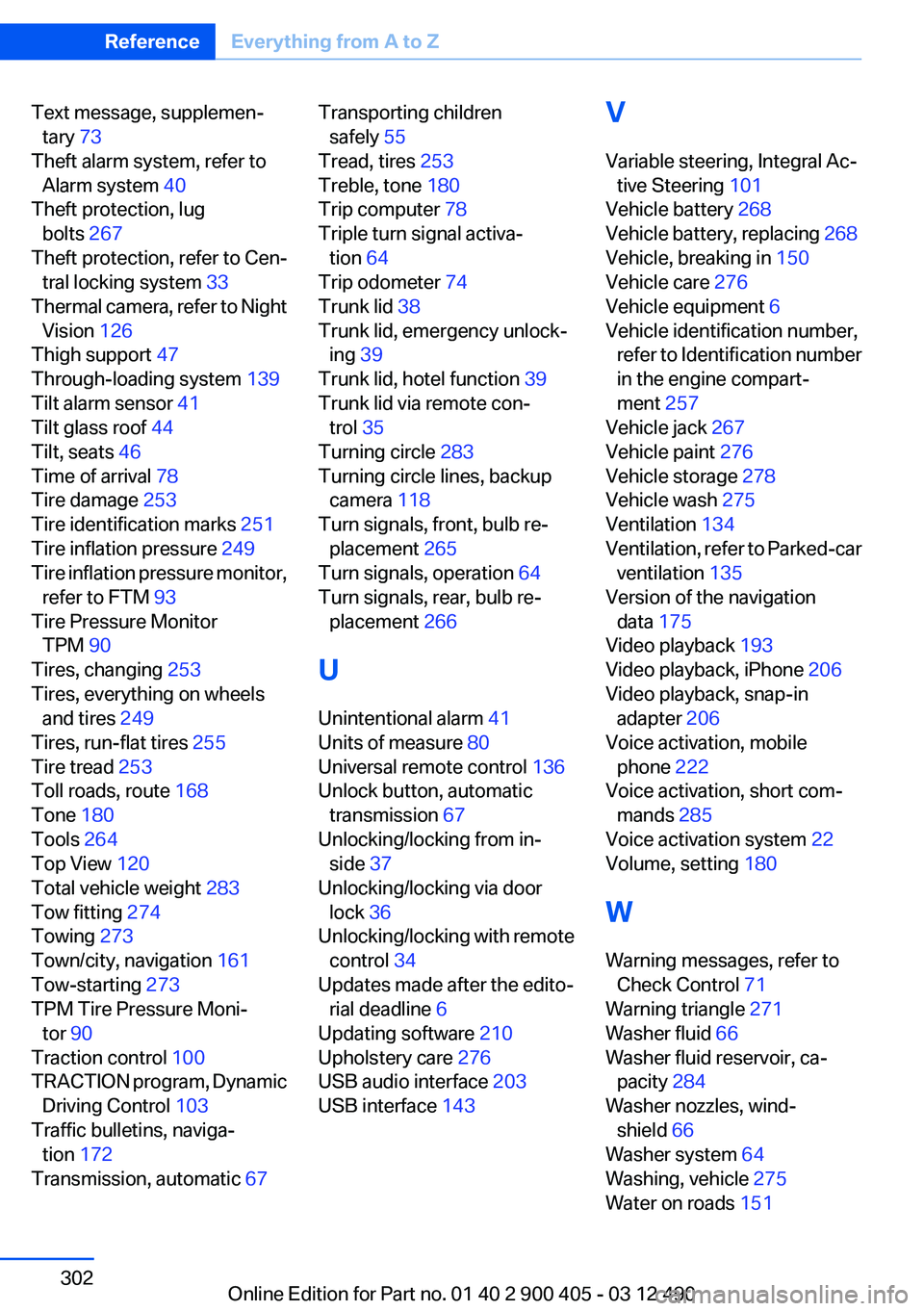
Text message, supplemen‐tary 73
Theft alarm system, refer to Alarm system 40
Theft protection, lug bolts 267
Theft protection, refer to Cen‐ tral locking system 33
Thermal camera, refer to Night Vision 126
Thigh support 47
Through-loading system 139
Tilt alarm sensor 41
Tilt glass roof 44
Tilt, seats 46
Time of arrival 78
Tire damage 253
Tire identification marks 251
Tire inflation pressure 249
Tire inflation pressure monitor, refer to FTM 93
Tire Pressure Monitor TPM 90
Tires, changing 253
Tires, everything on wheels and tires 249
Tires, run-flat tires 255
Tire tread 253
Toll roads, route 168
Tone 180
Tools 264
Top View 120
Total vehicle weight 283
Tow fitting 274
Towing 273
Town/city, navigation 161
Tow-starting 273
TPM Tire Pressure Moni‐ tor 90
Traction control 100
TRACTION program, Dynamic Driving Control 103
Traffic bulletins, naviga‐ tion 172
Transmission, automatic 67 Transporting children
safely 55
Tread, tires 253
Treble, tone 180
Trip computer 78
Triple turn signal activa‐ tion 64
Trip odometer 74
Trunk lid 38
Trunk lid, emergency unlock‐ ing 39
Trunk lid, hotel function 39
Trunk lid via remote con‐ trol 35
Turning circle 283
Turning circle lines, backup camera 118
Turn signals, front, bulb re‐ placement 265
Turn signals, operation 64
Turn signals, rear, bulb re‐ placement 266
U
Unintentional alarm 41
Units of measure 80
Universal remote control 136
Unlock button, automatic transmission 67
Unlocking/locking from in‐ side 37
Unlocking/locking via door lock 36
Unlocking/locking with remote control 34
Updates made after the edito‐ rial deadline 6
Updating software 210
Upholstery care 276
USB audio interface 203
USB interface 143 V
Variable steering, Integral Ac‐ tive Steering 101
Vehicle battery 268
Vehicle battery, replacing 268
Vehicle, breaking in 150
Vehicle care 276
Vehicle equipment 6
Vehicle identification number, refer to Identification number
in the engine compart‐
ment 257
Vehicle jack 267
Vehicle paint 276
Vehicle storage 278
Vehicle wash 275
Ventilation 134
Ventilation, refer to Parked-car ventilation 135
Version of the navigation data 175
Video playback 193
Video playback, iPhone 206
Video playback, snap-in adapter 206
Voice activation, mobile phone 222
Voice activation, short com‐ mands 285
Voice activation system 22
Volume, setting 180
W
Warning messages, refer to Check Control 71
Warning triangle 271
Washer fluid 66
Washer fluid reservoir, ca‐ pacity 284
Washer nozzles, wind‐ shield 66
Washer system 64
Washing, vehicle 275
Water on roads 151 Seite 302ReferenceEverything from A to Z302
Online Edition for Part no. 01 40 2 900 405 - 03 12 490