sensor BMW 650I CONVERTIBLE 2013 Owner's Manual
[x] Cancel search | Manufacturer: BMW, Model Year: 2013, Model line: 650I CONVERTIBLE, Model: BMW 650I CONVERTIBLE 2013Pages: 240, PDF Size: 9.64 MB
Page 195 of 240
MaintenanceVehicle equipment
All standard, country-specific and optional
equipment that is offered in the model series is
described in this chapter. Therefore, equipment
is also described that is not available in a vehicle,
e. g., because of the selected optional equip‐
ment or country variant. This also applies for
safety-related functions and systems.
BMW Maintenance System
The maintenance system directs you to re‐
quired maintenance measures and thereby sup‐
ports you in maintaining road safety and the op‐
erational reliability of the vehicle.
Condition Based Service CBS
Sensors and special algorithms take into ac‐
count the driving conditions of your vehicle.
Based on this, Condition Based Service deter‐
mines the maintenance requirements.
The system makes it possible to adapt the
amount of maintenance you need to your user
profile.
Details on the service requirements, refer to
page 84, can be displayed on the Control Dis‐
play.
Service data in the remote control
Information on the required maintenance is con‐
tinuously stored in the remote control. Your
service center will read out this data and suggest
the right array of service procedures for your ve‐
hicle.
Therefore, hand your service specialist the re‐
mote control that you used most recently.Storage periods
Storage periods during which the vehicle bat‐
tery was disconnected are not taken into ac‐
count.
If this occurs, have a service center update the
time-dependent maintenance procedures,
such as checking brake fluid and, if necessary,
changing the engine oil and the microfilter/acti‐
vated-charcoal filter.
Service and Warranty
Information Booklet for US
models and Warranty and
Service Guide Booklet for
Canadian models
Please consult your Service and Warranty Infor‐
mation Booklet for US models and Warranty and
Service Guide Booklet for Canadian models for
additional information on service requirements.
Maintenance and repair should be performed by
your service center. Make sure to have regular
maintenance procedures recorded in the vehi‐
cle's Service and Warranty Information Booklet
for US models, and in the Warranty and Service
Guide Booklet for Canadian models. These en‐
tries are proof of regular maintenance.Seite 195MaintenanceMobility195
Online Edition for Part no. 01 40 2 903 169 - 07 12 490
Page 210 of 240
CareVehicle equipment
All standard, country-specific and optional
equipment that is offered in the model series is
described in this chapter. Therefore, equipment
is also described that is not available in a vehicle,
e. g., because of the selected optional equip‐
ment or country variant. This also applies for
safety-related functions and systems.
Car washes
Notes Steam jets or high-pressure washers
When using steam jets or high-pressure
washers, hold them a sufficient distance away
and use a maximum temperature of
140 ℉/60 ℃.
Holding them too close or using excessively
high pressures or temperatures can cause dam‐
age or preliminary damage that may then lead to
long-term damage.
Follow the operating instructions for the high-
pressure washer.◀
Cleaning sensors/cameras with high-
pressure washers
When using high-pressure washers, do not
spray the exterior sensors and cameras, e.g.,
Park Distance Control, for extended periods of
time and only from a distance of at least
12 in/30 cm.◀
Wash your vehicle frequently, particularly in win‐
ter.
Intense soiling and road salt can damage the ve‐
hicle.Automatic car washes
Notes Do not use high pressure washing sys‐
tems
With washing systems operating at high pres‐
sures and nozzle positions close to the windows,
drops of water can penetrate.◀
Note the following:▷Give preference to cloth car washes or those
that use soft brushes in order to avoid paint
damage.▷Make sure that the wheels and tires are not
damaged by the transport mechanisms.▷Fold in the exterior mirrors; otherwise, they
may be damaged, depending on the width of
the vehicle.▷Deactivate the rain sensor, refer to
page 71,to avoid unintentional wiper activa‐
tion.▷Do not treat the convertible top with wax.
Ensure that a cycle without wax or a special
cycle for convertibles is available.▷In some cases, an unintentional alarm can be
triggered by the interior motion sensor of the
alarm system. Follow the instructions on
avoiding an unintentional alarm, refer to
page 42.
Guide rails in car washes
Avoid car washes with guide rails higher
than 4 in/10 cm; otherwise, the vehicle body
could be damaged.◀
Before driving into a car wash
In order to ensure that the vehicle can roll in a car
wash, take the following steps:
Seite 210MobilityCare210
Online Edition for Part no. 01 40 2 903 169 - 07 12 490
Page 214 of 240
Sensors/cameras
To clean sensors and cameras, use a cloth mois‐
tened with a small amount of glass cleaner.
Displays/screens
Clean the displays with an antistatic microfiber
cloth.
Cleaning displays
Do not use chemical or household cleans‐
ers.
Keep all fluids and moisture away from the unit.
Otherwise, they could affect or damage surfa‐
ces or electrical components.
Avoid pressing too hard when cleaning and do
not use abrasive materials; otherwise, damage
can result.◀
Long-term vehicle storage
Your service center can advise you on what to
consider when storing the vehicle for longer
than three months.Seite 214MobilityCare214
Online Edition for Part no. 01 40 2 903 169 - 07 12 490
Page 234 of 240
Individual settings, refer toPersonal Profile 31
Inflation pressure, tires 179
Inflation pressure warning FTM, tires 105
Info display, refer to Com‐ puter 87
Initialization, Integral Active Steering 122
Initialize, Tire Pressure Moni‐ tor TPM 103
Initializing, Flat Tire Monitor FTM 106
Instrument cluster 76
Instrument cluster, electronic displays 77
Instrument display, multifunc‐ tional 77
Instrument lighting 96
Integral Active Steering 121
Integrated key 30
Integrated universal remote control 153
Intensity, AUTO program 149
Interior equipment 153
Interior lamps 97
Interior lamps via remote con‐ trol 35
Interior motion sensor 41
Interior rearview mirror, auto‐ matic dimming feature 58
Internet page 6
Interval display, service re‐ quirements 84
J
Jacking points for the vehicle jack 201
Jack, refer to Vehicle jack 201
Joystick, automatic transmis‐ sion 73
Jump-starting 206 K
Key/remote control 30
Keyless Go, refer to Comfort Access 39
Key Memory, refer to Personal Profile 31
Kickdown, automatic trans‐ mission 73
Knee airbag 98
L
Lamp replacement 198
Lamp replacement, front 0
Lamp replacement, rear 200
Lamps 93
Lamps and bulbs 198
Lane departure warning 114
Lane margin, warning 114
Language on Control Dis‐ play 91
Lashing eyes, securing cargo 168
LATCH child restraint fixing system 61
Leather, care 212
LED headlamps, Bulb replace‐ ment 200
LED light 200
LEDs, light-emitting di‐ odes 199
Length, vehicle 219
Letters and numbers, enter‐ ing 21
License plate lamp, bulb re‐ placement 200
Light-alloy wheels, care 213
Light control 95
Light-emitting diodes, LEDs 199
Lighting 93
Lighting, speaker 97
Lighting via remote control 35
Light switch 93
Load 167 Loading 167
Lock, door 37
Locking/unlocking from in‐ side 37
Locking/unlocking via door lock 37
Locking/unlocking with re‐ mote control 34
Locking, automatic 38
Locking, central 33
Locking via trunk lid 39
Low beams 93
Low beams, automatic, refer to High-beam Assistant 95
Lower back support 52
Lug bolt lock 202
Lumbar support 52
M
Maintenance 195
Maintenance require‐ ments 195
Maintenance, service require‐ ments 84
Maintenance system, BMW 195
Malfunction displays, refer to Check Control 80
Manual air distribution 149
Manual air flow 149
Manual brake, refer to Parking brake 67
Manual mode, transmis‐ sion 74
Manual operation, backup camera 137
Manual operation, door lock 37
Manual operation, exterior mir‐ rors 58
Manual operation, fuel filler flap 176
Manual operation, Park Dis‐ tance Control PDC 135 Seite 234ReferenceEverything from A to Z234
Online Edition for Part no. 01 40 2 903 169 - 07 12 490
Page 236 of 240
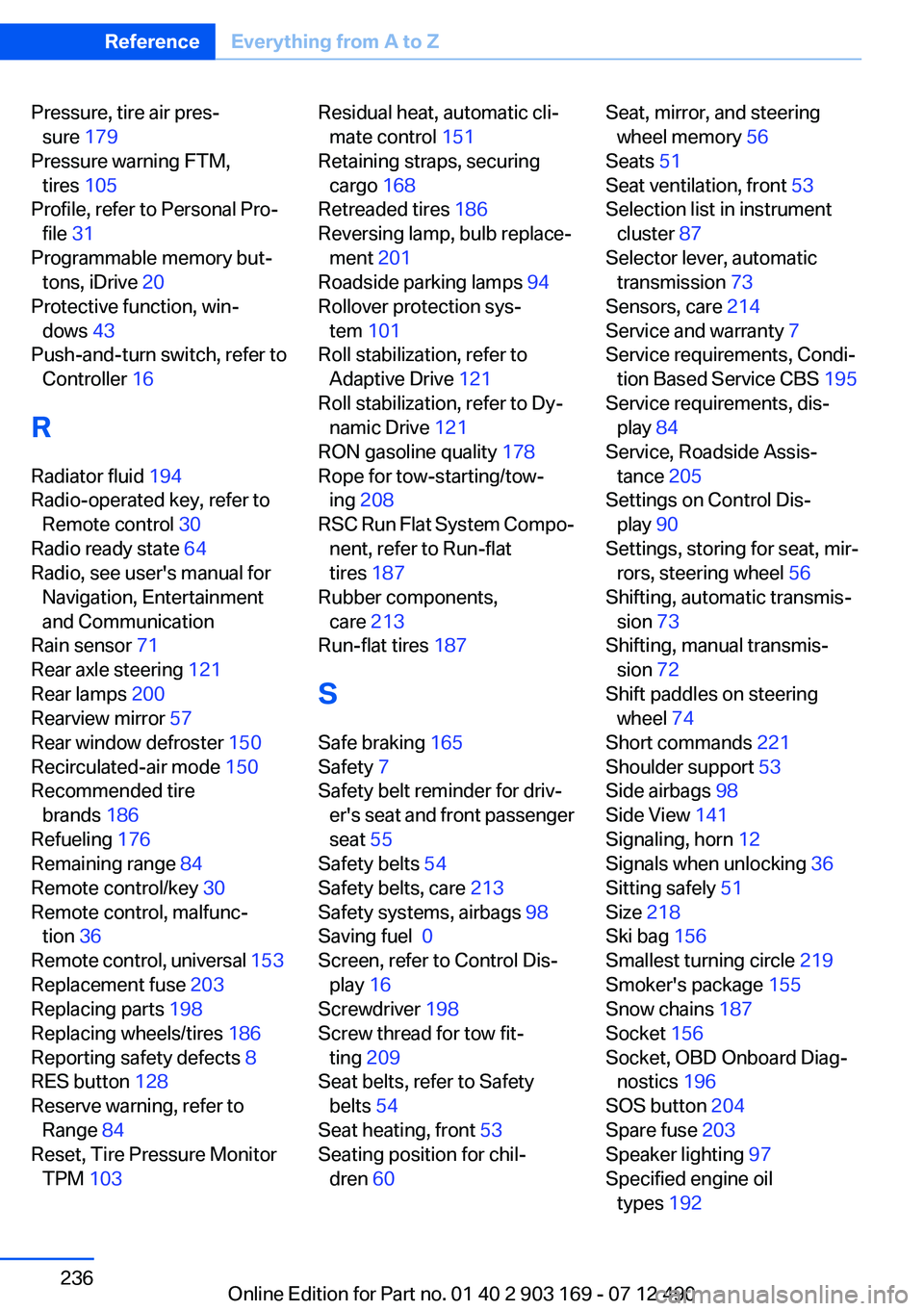
Pressure, tire air pres‐sure 179
Pressure warning FTM, tires 105
Profile, refer to Personal Pro‐ file 31
Programmable memory but‐ tons, iDrive 20
Protective function, win‐ dows 43
Push-and-turn switch, refer to Controller 16
R
Radiator fluid 194
Radio-operated key, refer to Remote control 30
Radio ready state 64
Radio, see user's manual for Navigation, Entertainment
and Communication
Rain sensor 71
Rear axle steering 121
Rear lamps 200
Rearview mirror 57
Rear window defroster 150
Recirculated-air mode 150
Recommended tire brands 186
Refueling 176
Remaining range 84
Remote control/key 30
Remote control, malfunc‐ tion 36
Remote control, universal 153
Replacement fuse 203
Replacing parts 198
Replacing wheels/tires 186
Reporting safety defects 8
RES button 128
Reserve warning, refer to Range 84
Reset, Tire Pressure Monitor TPM 103 Residual heat, automatic cli‐
mate control 151
Retaining straps, securing cargo 168
Retreaded tires 186
Reversing lamp, bulb replace‐ ment 201
Roadside parking lamps 94
Rollover protection sys‐ tem 101
Roll stabilization, refer to Adaptive Drive 121
Roll stabilization, refer to Dy‐ namic Drive 121
RON gasoline quality 178
Rope for tow-starting/tow‐ ing 208
RSC Run Flat System Compo‐ nent, refer to Run-flat
tires 187
Rubber components, care 213
Run-flat tires 187
S
Safe braking 165
Safety 7
Safety belt reminder for driv‐ er's seat and front passenger
seat 55
Safety belts 54
Safety belts, care 213
Safety systems, airbags 98
Saving fuel 0
Screen, refer to Control Dis‐ play 16
Screwdriver 198
Screw thread for tow fit‐ ting 209
Seat belts, refer to Safety belts 54
Seat heating, front 53
Seating position for chil‐ dren 60 Seat, mirror, and steering
wheel memory 56
Seats 51
Seat ventilation, front 53
Selection list in instrument cluster 87
Selector lever, automatic transmission 73
Sensors, care 214
Service and warranty 7
Service requirements, Condi‐ tion Based Service CBS 195
Service requirements, dis‐ play 84
Service, Roadside Assis‐ tance 205
Settings on Control Dis‐ play 90
Settings, storing for seat, mir‐ rors, steering wheel 56
Shifting, automatic transmis‐ sion 73
Shifting, manual transmis‐ sion 72
Shift paddles on steering wheel 74
Short commands 221
Shoulder support 53
Side airbags 98
Side View 141
Signaling, horn 12
Signals when unlocking 36
Sitting safely 51
Size 218
Ski bag 156
Smallest turning circle 219
Smoker's package 155
Snow chains 187
Socket 156
Socket, OBD Onboard Diag‐ nostics 196
SOS button 204
Spare fuse 203
Speaker lighting 97
Specified engine oil types 192 Seite 236ReferenceEverything from A to Z236
Online Edition for Part no. 01 40 2 903 169 - 07 12 490
Page 237 of 240
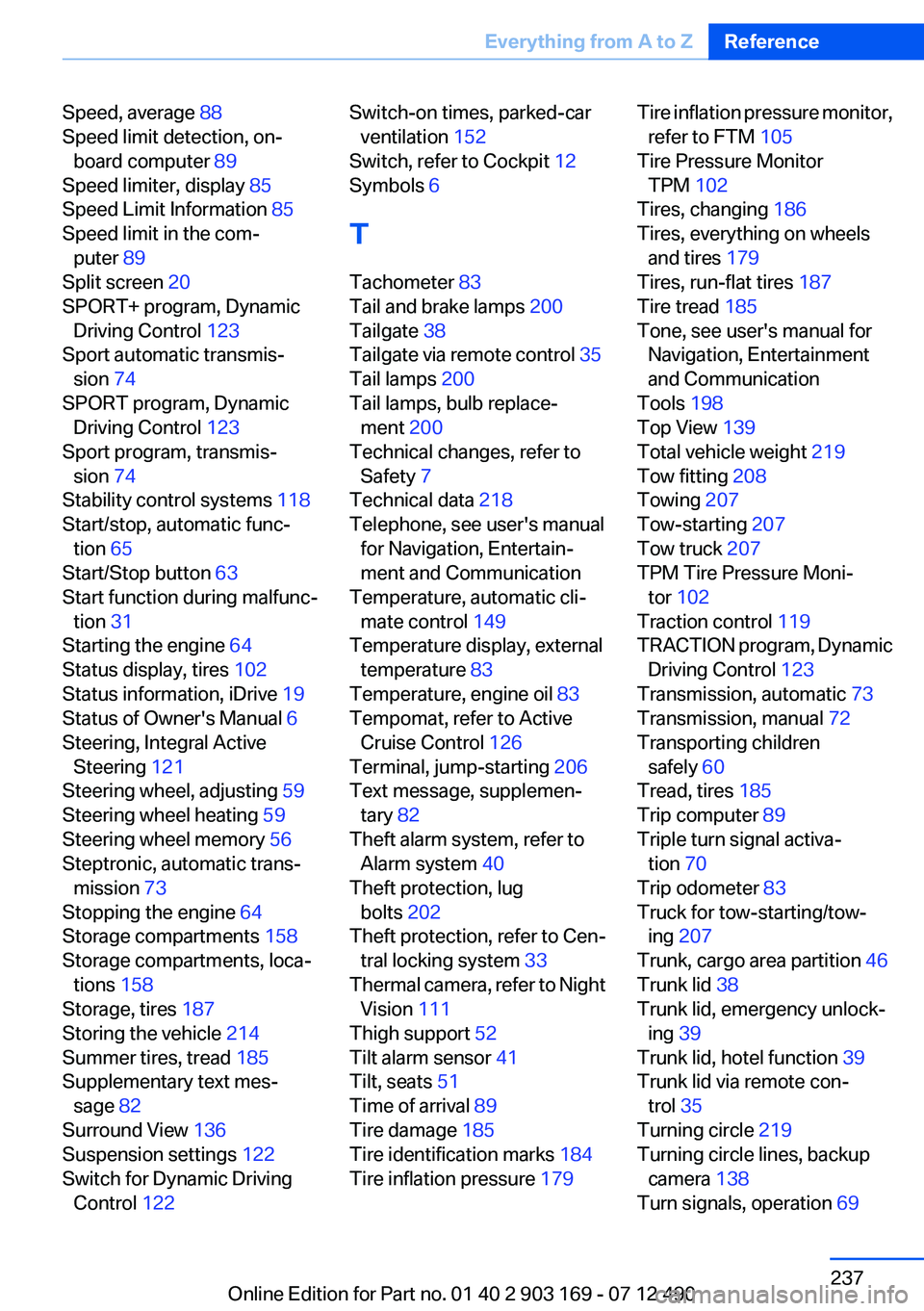
Speed, average 88
Speed limit detection, on‐ board computer 89
Speed limiter, display 85
Speed Limit Information 85
Speed limit in the com‐ puter 89
Split screen 20
SPORT+ program, Dynamic Driving Control 123
Sport automatic transmis‐ sion 74
SPORT program, Dynamic Driving Control 123
Sport program, transmis‐ sion 74
Stability control systems 118
Start/stop, automatic func‐ tion 65
Start/Stop button 63
Start function during malfunc‐ tion 31
Starting the engine 64
Status display, tires 102
Status information, iDrive 19
Status of Owner's Manual 6
Steering, Integral Active Steering 121
Steering wheel, adjusting 59
Steering wheel heating 59
Steering wheel memory 56
Steptronic, automatic trans‐ mission 73
Stopping the engine 64
Storage compartments 158
Storage compartments, loca‐ tions 158
Storage, tires 187
Storing the vehicle 214
Summer tires, tread 185
Supplementary text mes‐ sage 82
Surround View 136
Suspension settings 122
Switch for Dynamic Driving Control 122 Switch-on times, parked-car
ventilation 152
Switch, refer to Cockpit 12
Symbols 6
T
Tachometer 83
Tail and brake lamps 200
Tailgate 38
Tailgate via remote control 35
Tail lamps 200
Tail lamps, bulb replace‐ ment 200
Technical changes, refer to Safety 7
Technical data 218
Telephone, see user's manual for Navigation, Entertain‐
ment and Communication
Temperature, automatic cli‐ mate control 149
Temperature display, external temperature 83
Temperature, engine oil 83
Tempomat, refer to Active Cruise Control 126
Terminal, jump-starting 206
Text message, supplemen‐ tary 82
Theft alarm system, refer to Alarm system 40
Theft protection, lug bolts 202
Theft protection, refer to Cen‐ tral locking system 33
Thermal camera, refer to Night Vision 111
Thigh support 52
Tilt alarm sensor 41
Tilt, seats 51
Time of arrival 89
Tire damage 185
Tire identification marks 184
Tire inflation pressure 179 Tire inflation pressure monitor,
refer to FTM 105
Tire Pressure Monitor TPM 102
Tires, changing 186
Tires, everything on wheels and tires 179
Tires, run-flat tires 187
Tire tread 185
Tone, see user's manual for Navigation, Entertainment
and Communication
Tools 198
Top View 139
Total vehicle weight 219
Tow fitting 208
Towing 207
Tow-starting 207
Tow truck 207
TPM Tire Pressure Moni‐ tor 102
Traction control 119
TRACTION program, Dynamic Driving Control 123
Transmission, automatic 73
Transmission, manual 72
Transporting children safely 60
Tread, tires 185
Trip computer 89
Triple turn signal activa‐ tion 70
Trip odometer 83
Truck for tow-starting/tow‐ ing 207
Trunk, cargo area partition 46
Trunk lid 38
Trunk lid, emergency unlock‐ ing 39
Trunk lid, hotel function 39
Trunk lid via remote con‐ trol 35
Turning circle 219
Turning circle lines, backup camera 138
Turn signals, operation 69 Seite 237Everything from A to ZReference237
Online Edition for Part no. 01 40 2 903 169 - 07 12 490