engine BMW 7 SERIES 2016 G11 Owner's Guide
[x] Cancel search | Manufacturer: BMW, Model Year: 2016, Model line: 7 SERIES, Model: BMW 7 SERIES 2016 G11Pages: 314, PDF Size: 7.9 MB
Page 110 of 314
General information
The use of Launch Control causes premature
component wear since this function represents
a very heavy load for the vehicle.
Do not use Launch Control during the break-in,
refer to page 234, period.
To increase vehicle stability, activate DSC again as soon as possible.
An experienced driver may be able to achieve
better acceleration values in DSC OFF mode.
Requirements
Launch Control is available when the engine is
warmed up, that is, after uninterrupted driving
of at least 6 miles/10 km.
To start with Launch Control do not steer the
steering wheel.
Start with launch controlWhile the engine is running:1. Press button.
TRACTION is displayed in the instrument
cluster and the indicator lamp for DSC OFF
lights up.2.Engage selector lever position S.3.With the left foot, forcefully press down on
the brake.4.Press and hold down the accelerator pedal
beyond the resistance point at the full
throttle position, kickdown.
A flag symbol is displayed in the instru‐
ment cluster.5.The starting engine speed adjusts. Within
3 seconds, release the brake.
Before using Launch Control, allow the trans‐
mission to cool down for approx. 5 minutes.
Launch Control adjusts to the surrounding
conditions, e.g., wet pavement, when used
again.
Driving Dynamics Control
The conceptThe Driving Dynamics Control influences the
driving dynamics properties of the vehicle. The
vehicle can be adjusted depending on the sit‐
uation using various driving modes.
The following systems are affected:▷Engine characteristics.▷Steptronic transmission.▷Dynamic Damping Control.▷Air suspension▷Active roll stabilization.▷Integral Active Steering.▷Display in the instrument cluster.▷Cruise control.▷Backrest width for comfort seats.
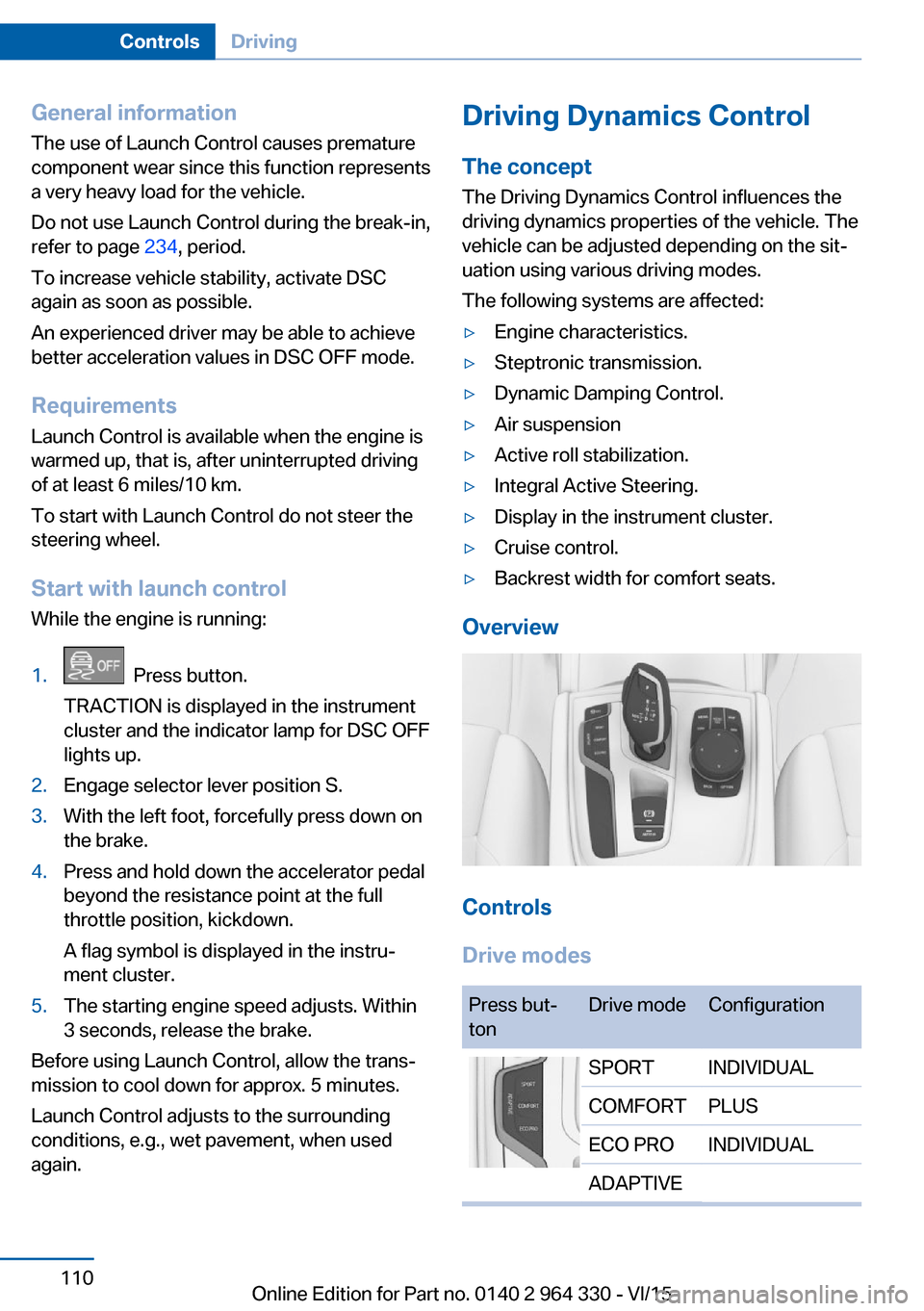
Overview
Controls
Drive modes
Press but‐
tonDrive modeConfigurationSPORTINDIVIDUALCOMFORTPLUSECO PROINDIVIDUALADAPTIVESeite 110ControlsDriving110
Online Edition for Part no. 0140 2 964 330 - VI/15
Page 114 of 314
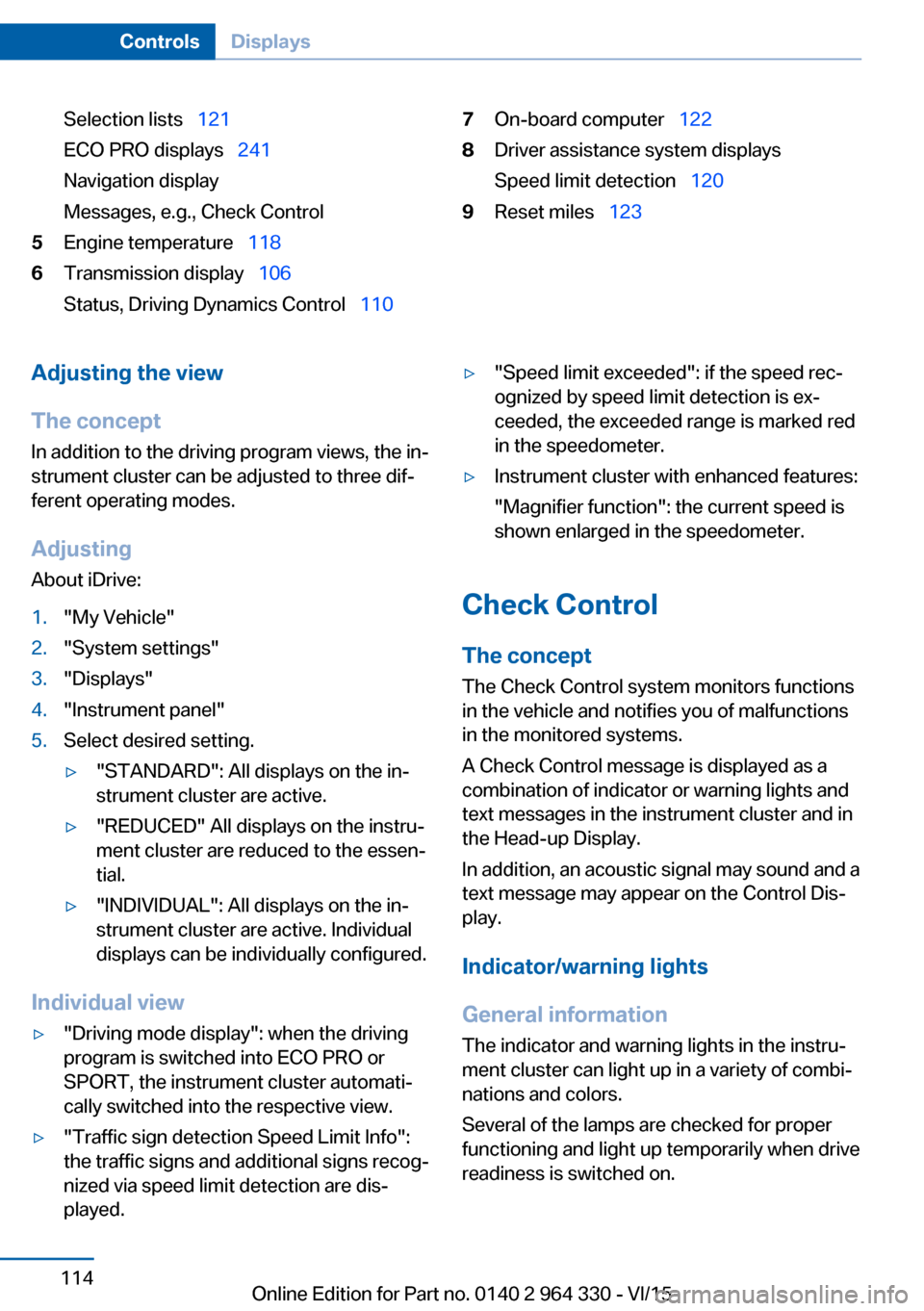
Selection lists 121
ECO PRO displays 241
Navigation display
Messages, e.g., Check Control5Engine temperature 1186Transmission display 106
Status, Driving Dynamics Control 1107On-board computer 1228Driver assistance system displays
Speed limit detection 1209Reset miles 123Adjusting the view
The concept In addition to the driving program views, the in‐
strument cluster can be adjusted to three dif‐
ferent operating modes.
Adjusting
About iDrive:1."My Vehicle"2."System settings"3."Displays"4."Instrument panel"5.Select desired setting.▷"STANDARD": All displays on the in‐
strument cluster are active.▷"REDUCED" All displays on the instru‐
ment cluster are reduced to the essen‐
tial.▷"INDIVIDUAL": All displays on the in‐
strument cluster are active. Individual
displays can be individually configured.
Individual view
▷"Driving mode display": when the driving
program is switched into ECO PRO or
SPORT, the instrument cluster automati‐
cally switched into the respective view.▷"Traffic sign detection Speed Limit Info":
the traffic signs and additional signs recog‐
nized via speed limit detection are dis‐
played.▷"Speed limit exceeded": if the speed rec‐
ognized by speed limit detection is ex‐
ceeded, the exceeded range is marked red
in the speedometer.▷Instrument cluster with enhanced features:
"Magnifier function": the current speed is
shown enlarged in the speedometer.
Check Control
The concept The Check Control system monitors functions
in the vehicle and notifies you of malfunctions
in the monitored systems.
A Check Control message is displayed as a
combination of indicator or warning lights and
text messages in the instrument cluster and in
the Head-up Display.
In addition, an acoustic signal may sound and a text message may appear on the Control Dis‐
play.
Indicator/warning lights
General information
The indicator and warning lights in the instru‐
ment cluster can light up in a variety of combi‐
nations and colors.
Several of the lamps are checked for proper
functioning and light up temporarily when drive
readiness is switched on.
Seite 114ControlsDisplays114
Online Edition for Part no. 0140 2 964 330 - VI/15
Page 116 of 314
▷Interference through systems or devices
with the same radio frequency: After leav‐
ing the area of the interference, the system
automatically becomes active again.▷TPM could not conclude the reset: perform
the reset of the system again.▷A wheel without TPM electronics is
mounted: Have it checked by a dealer’s
service center or another qualified service
center or repair shop as needed.▷Malfunction: Have system checked imme‐
diately by a dealer’s service center or an‐
other qualified service center or repair
shop.
For more information, see Tire Pressure Moni‐
tor, refer to page 264.
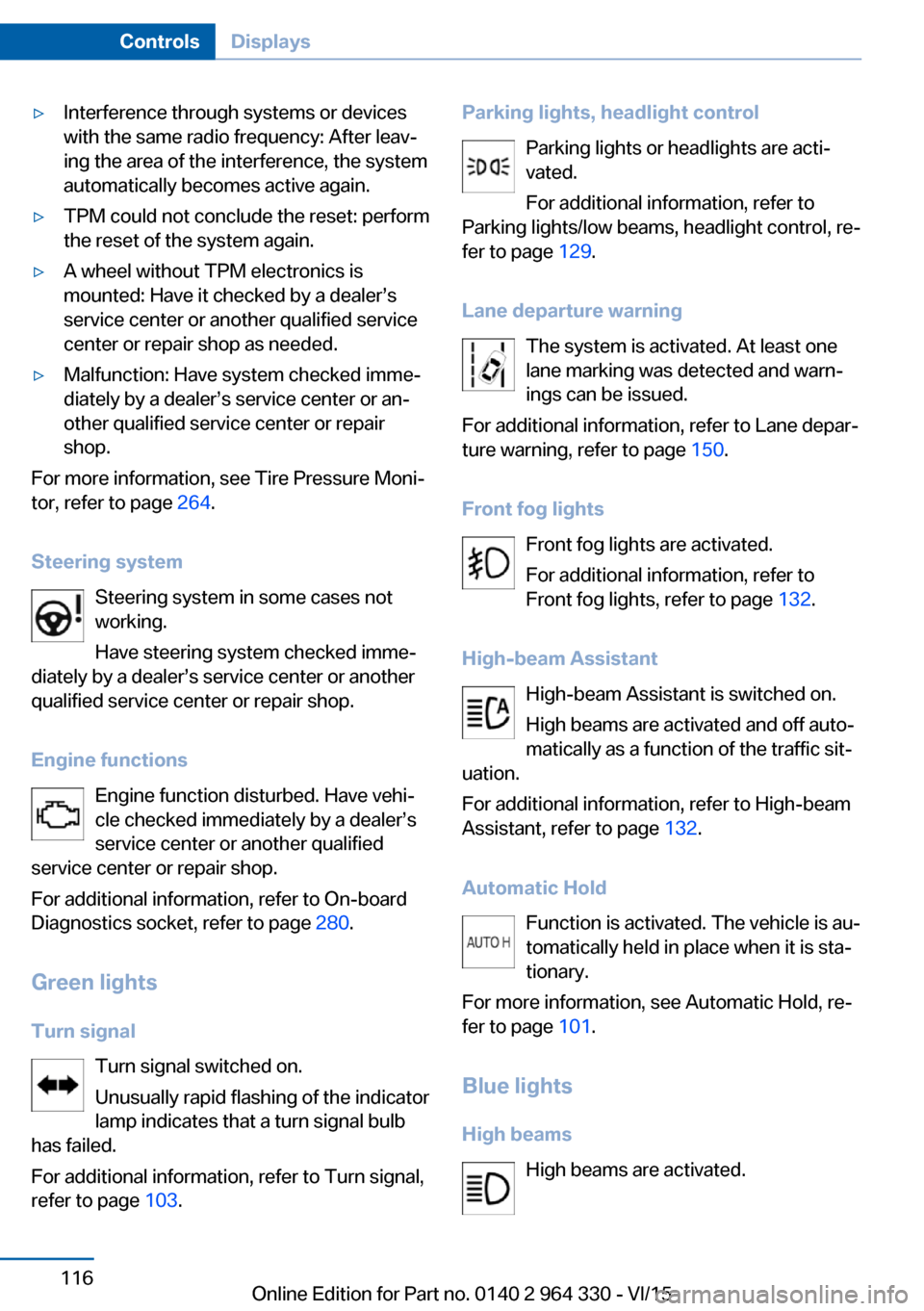
Steering system Steering system in some cases not
working.
Have steering system checked imme‐
diately by a dealer’s service center or another
qualified service center or repair shop.
Engine functions Engine function disturbed. Have vehi‐
cle checked immediately by a dealer’s
service center or another qualified
service center or repair shop.
For additional information, refer to On-board
Diagnostics socket, refer to page 280.
Green lights Turn signal Turn signal switched on.
Unusually rapid flashing of the indicator
lamp indicates that a turn signal bulb
has failed.
For additional information, refer to Turn signal,
refer to page 103.
Parking lights, headlight control
Parking lights or headlights are acti‐
vated.
For additional information, refer to
Parking lights/low beams, headlight control, re‐
fer to page 129.
Lane departure warning The system is activated. At least one
lane marking was detected and warn‐
ings can be issued.
For additional information, refer to Lane depar‐
ture warning, refer to page 150.
Front fog lights Front fog lights are activated.
For additional information, refer to
Front fog lights, refer to page 132.
High-beam Assistant High-beam Assistant is switched on.
High beams are activated and off auto‐
matically as a function of the traffic sit‐
uation.
For additional information, refer to High-beam
Assistant, refer to page 132.
Automatic Hold Function is activated. The vehicle is au‐
tomatically held in place when it is sta‐
tionary.
For more information, see Automatic Hold, re‐
fer to page 101.
Blue lights
High beams High beams are activated.Seite 116ControlsDisplays116
Online Edition for Part no. 0140 2 964 330 - VI/15
Page 118 of 314
Fuel gauge
Instrument cluster Vehicle tilt position may cause
the display to vary.
An arrow beside the fuel pump
symbol shows which side of the
vehicle the fuel filler flap is on.
Hints on refueling, refer to page 250.
Instrument cluster with enhanced features
Vehicle tilt position may causethe display to vary.
The current range is also dis‐
played as numerical value.
An arrow beside the fuel pump
symbol shows which side of the vehicle the
fuel filler flap is on.
Hints on refueling, refer to page 250.
Tachometer
Always avoid engine speeds in the red warning
field. In this range, the fuel supply is inter‐
rupted to protect the engine.
Operating readiness and
drive readiness
The letters OFF on the tachom‐
eter indicate that the drive readi‐
ness is switched off and operat‐
ing readiness is switched on.
The letters READY in the tach‐
ometer indicate that the vehicle
is ready for driving.Further information, see Idle state, operating
and drive readiness, refer to page 19.
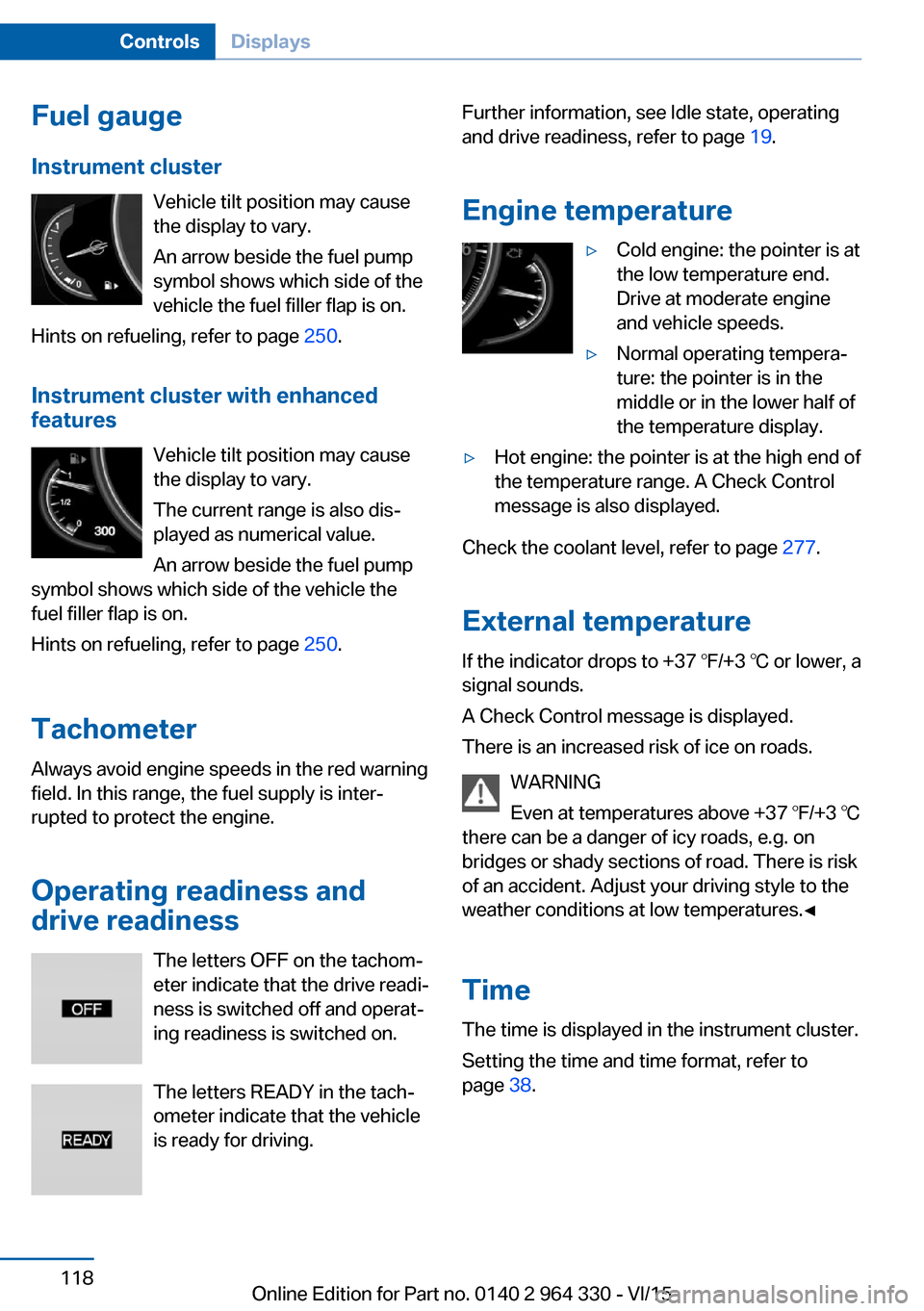
Engine temperature▷Cold engine: the pointer is at
the low temperature end.
Drive at moderate engine
and vehicle speeds.▷Normal operating tempera‐
ture: the pointer is in the
middle or in the lower half of
the temperature display.▷Hot engine: the pointer is at the high end of
the temperature range. A Check Control
message is also displayed.
Check the coolant level, refer to page 277.
External temperature
If the indicator drops to +37 ℉/+3 ℃ or lower, a
signal sounds.
A Check Control message is displayed.
There is an increased risk of ice on roads.
WARNING
Even at temperatures above +37 ℉/+3 ℃
there can be a danger of icy roads, e.g. on
bridges or shady sections of road. There is risk
of an accident. Adjust your driving style to the
weather conditions at low temperatures.◀
Time The time is displayed in the instrument cluster.
Setting the time and time format, refer to
page 38.
Seite 118ControlsDisplays118
Online Edition for Part no. 0140 2 964 330 - VI/15
Page 124 of 314
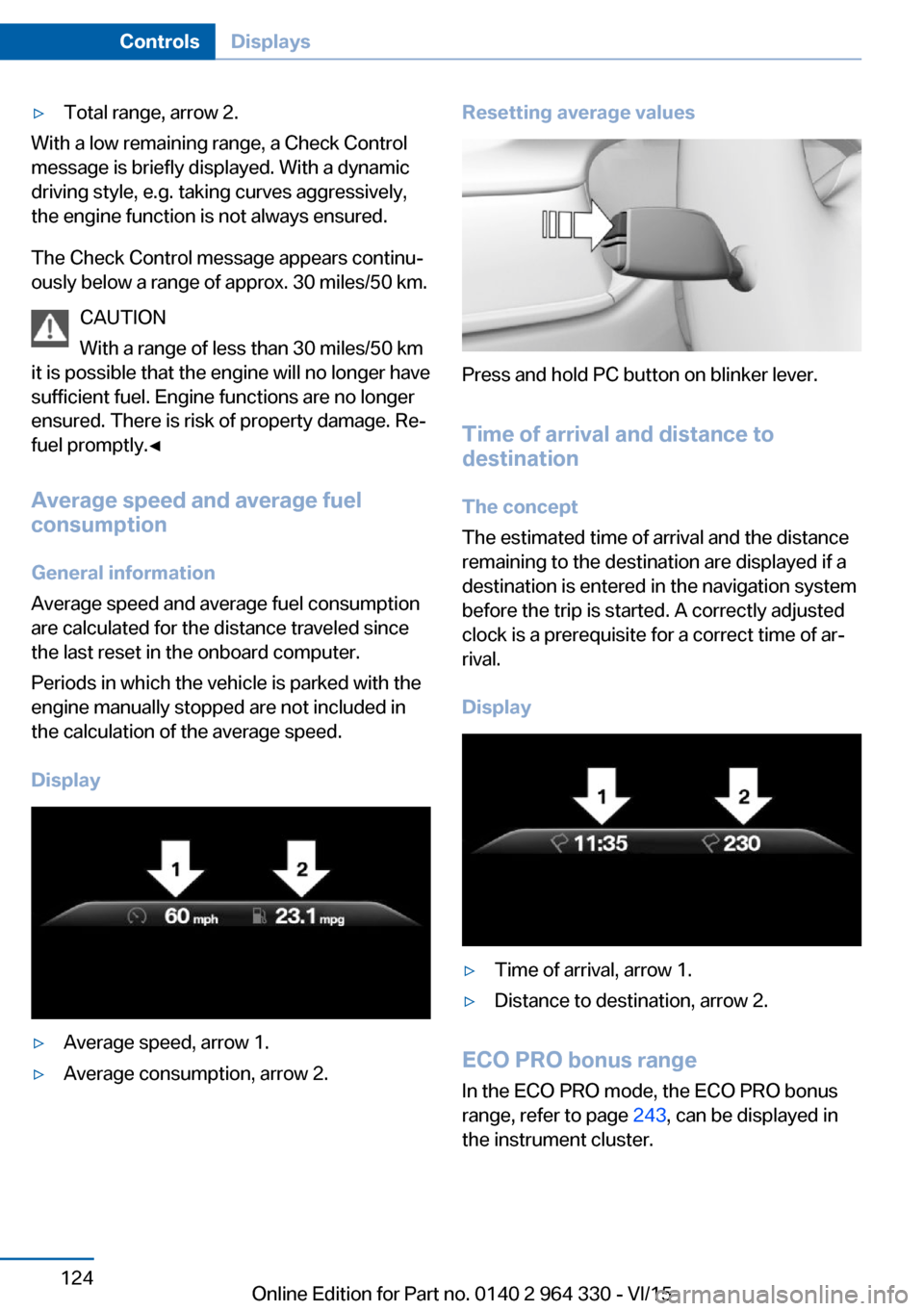
▷Total range, arrow 2.
With a low remaining range, a Check Control
message is briefly displayed. With a dynamic
driving style, e.g. taking curves aggressively,
the engine function is not always ensured.
The Check Control message appears continu‐
ously below a range of approx. 30 miles/50 km.
CAUTION
With a range of less than 30 miles/50 km
it is possible that the engine will no longer have
sufficient fuel. Engine functions are no longer
ensured. There is risk of property damage. Re‐
fuel promptly.◀
Average speed and average fuel
consumption
General information
Average speed and average fuel consumption
are calculated for the distance traveled since
the last reset in the onboard computer.
Periods in which the vehicle is parked with the
engine manually stopped are not included in
the calculation of the average speed.
Display
▷Average speed, arrow 1.▷Average consumption, arrow 2.Resetting average values
Press and hold PC button on blinker lever.
Time of arrival and distance to
destination
The concept
The estimated time of arrival and the distance
remaining to the destination are displayed if a
destination is entered in the navigation system
before the trip is started. A correctly adjusted
clock is a prerequisite for a correct time of ar‐
rival.
Display
▷Time of arrival, arrow 1.▷Distance to destination, arrow 2.
ECO PRO bonus range In the ECO PRO mode, the ECO PRO bonus
range, refer to page 243, can be displayed in
the instrument cluster.
Seite 124ControlsDisplays124
Online Edition for Part no. 0140 2 964 330 - VI/15
Page 126 of 314
Activating/deactivating the speed
warning
About iDrive:1."My Vehicle"2."Vehicle settings"3."Speed warning"4."Speed warning"5.Press the controller.
Setting your current speed as the
speed warning
About iDrive:
1."My Vehicle"2."Vehicle settings"3."Speed warning"4."Select current speed"5.Press the controller.
The current vehicle speed is stored as the
speed warning.
Vehicle status
The concept The status can be displayed and actions per‐
formed for several systems.
Opening the vehicle status
About iDrive:
1."My Vehicle"2."Vehicle status"
Information at a glance
▷ "Flat Tire Monitor": Status of the Flat
Tire Monitor, refer to page 269.▷ "Tire Pressure Monitor": Status of the
Tire Pressure Monitor, refer to page 265.▷Reset the Tire Pressure Monitor, refer to
page 265.▷ "Engine oil level"Electronic engine
oil level check, refer to page 273.▷ "Check Control": Display of stored
Check Control messages, refer to
page 117.▷ "Service required"Display of service
requirements, refer to page 119.▷ "Service Request": Service request.
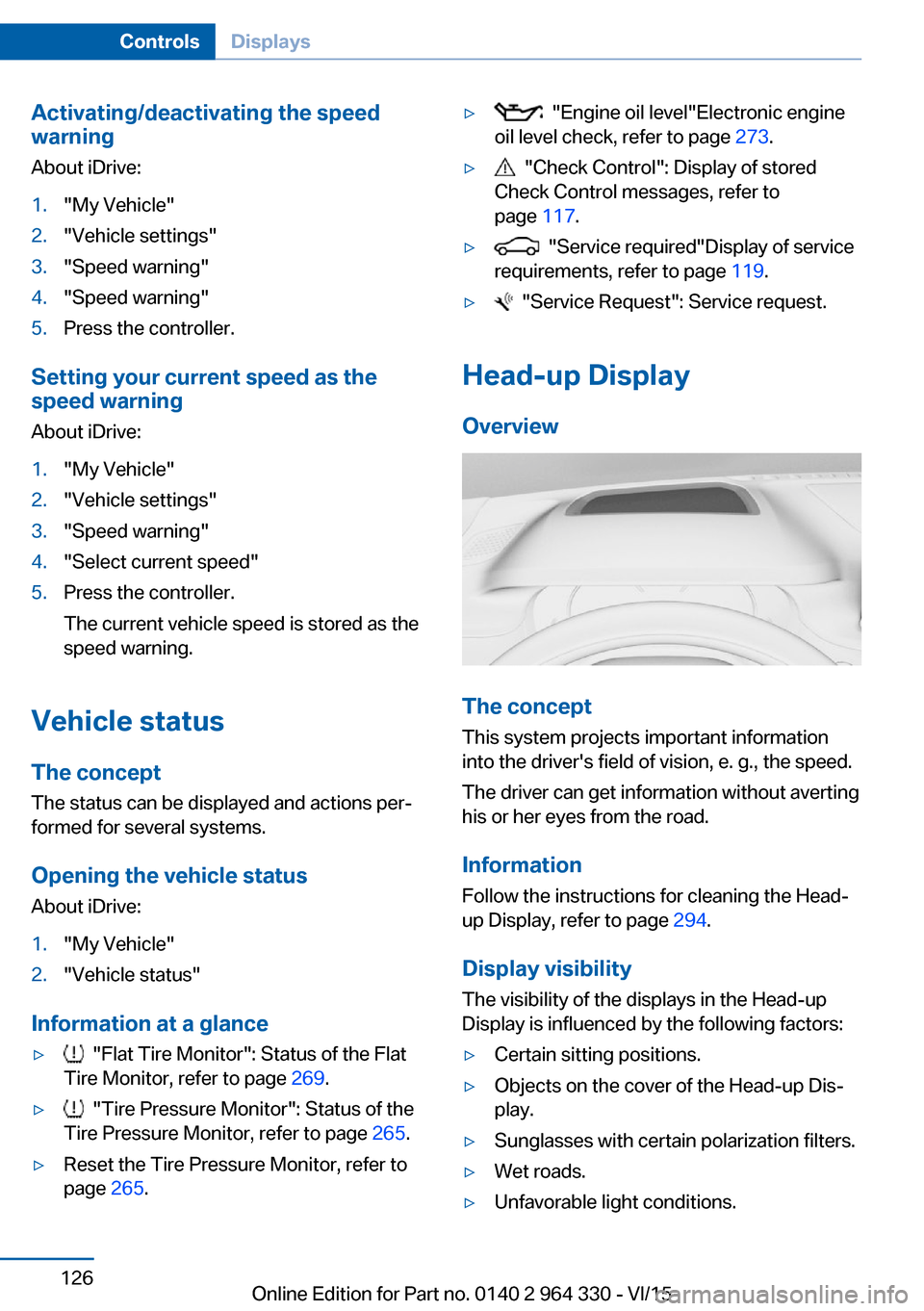
Head-up Display
Overview
The concept
This system projects important information
into the driver's field of vision, e. g., the speed.
The driver can get information without averting
his or her eyes from the road.
Information Follow the instructions for cleaning the Head-
up Display, refer to page 294.
Display visibility The visibility of the displays in the Head-up
Display is influenced by the following factors:
▷Certain sitting positions.▷Objects on the cover of the Head-up Dis‐
play.▷Sunglasses with certain polarization filters.▷Wet roads.▷Unfavorable light conditions.Seite 126ControlsDisplays126
Online Edition for Part no. 0140 2 964 330 - VI/15
Page 151 of 314
Intelligent Safety
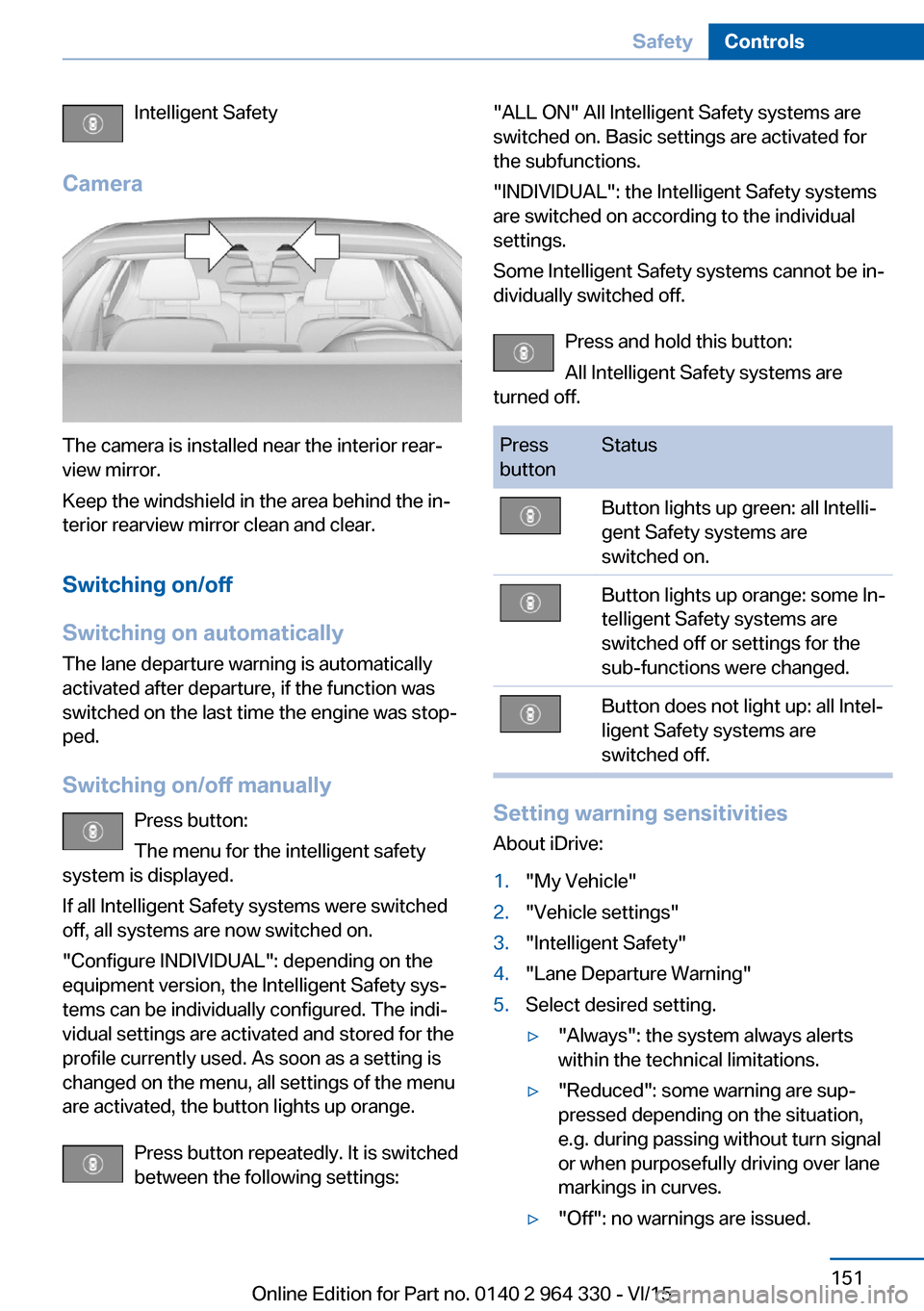
Camera
The camera is installed near the interior rear‐
view mirror.
Keep the windshield in the area behind the in‐
terior rearview mirror clean and clear.
Switching on/off
Switching on automatically The lane departure warning is automatically
activated after departure, if the function was
switched on the last time the engine was stop‐
ped.
Switching on/off manually Press button:
The menu for the intelligent safety
system is displayed.
If all Intelligent Safety systems were switched
off, all systems are now switched on.
"Configure INDIVIDUAL": depending on the
equipment version, the Intelligent Safety sys‐
tems can be individually configured. The indi‐
vidual settings are activated and stored for the
profile currently used. As soon as a setting is
changed on the menu, all settings of the menu
are activated, the button lights up orange.
Press button repeatedly. It is switched
between the following settings:
"ALL ON" All Intelligent Safety systems are
switched on. Basic settings are activated for
the subfunctions.
"INDIVIDUAL": the Intelligent Safety systems
are switched on according to the individual
settings.
Some Intelligent Safety systems cannot be in‐
dividually switched off.
Press and hold this button:
All Intelligent Safety systems are
turned off.Press
buttonStatusButton lights up green: all Intelli‐
gent Safety systems are
switched on.Button lights up orange: some In‐
telligent Safety systems are
switched off or settings for the
sub-functions were changed.Button does not light up: all Intel‐
ligent Safety systems are
switched off.
Setting warning sensitivities
About iDrive:
1."My Vehicle"2."Vehicle settings"3."Intelligent Safety"4."Lane Departure Warning"5.Select desired setting.▷"Always": the system always alerts
within the technical limitations.▷"Reduced": some warning are sup‐
pressed depending on the situation,
e.g. during passing without turn signal
or when purposefully driving over lane
markings in curves.▷"Off": no warnings are issued.Seite 151SafetyControls151
Online Edition for Part no. 0140 2 964 330 - VI/15
Page 154 of 314
Switching on/off
Switching on automatically The Active Blind Spot Detection is automati‐
cally activated after departure, if the function
was switched on the last time the engine was
stopped.
Switching on/off manually Press button:
The menu for the intelligent safety
system is displayed.
If all Intelligent Safety systems were switched
off, all systems are now switched on.
"Configure INDIVIDUAL": depending on the
equipment version, the Intelligent Safety sys‐
tems can be individually configured. The indi‐
vidual settings are activated and stored for the
profile currently used. As soon as a setting is
changed on the menu, all settings of the menu
are activated, the button lights up orange.
Press button repeatedly. It is switched
between the following settings:
"ALL ON" All Intelligent Safety systems are
switched on. Basic settings are activated for
the subfunctions.
"INDIVIDUAL": the Intelligent Safety systems
are switched on according to the individual
settings.
Some Intelligent Safety systems cannot be in‐
dividually switched off.
Press and hold this button:
All Intelligent Safety systems are
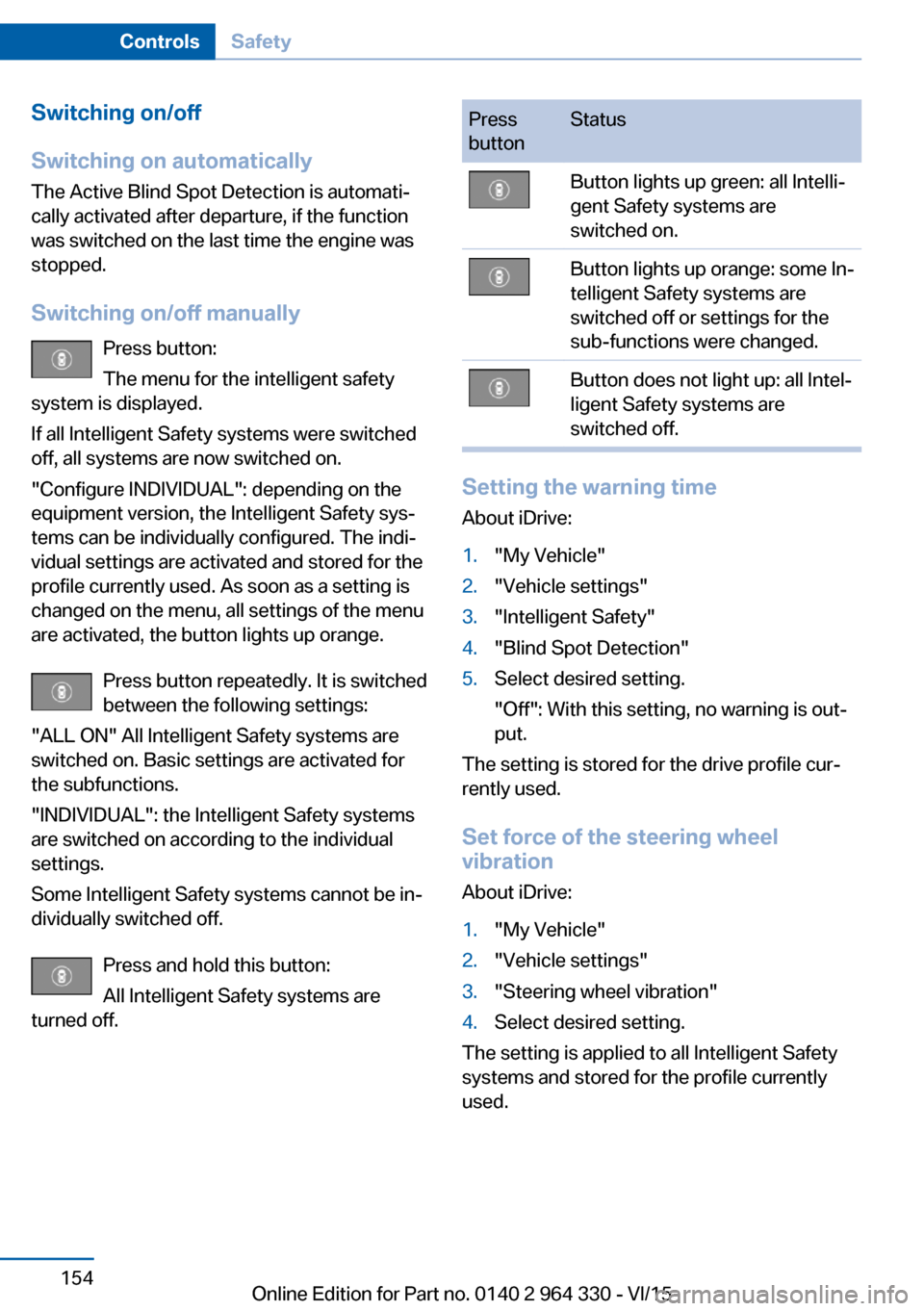
turned off.Press
buttonStatusButton lights up green: all Intelli‐
gent Safety systems are
switched on.Button lights up orange: some In‐
telligent Safety systems are
switched off or settings for the
sub-functions were changed.Button does not light up: all Intel‐
ligent Safety systems are
switched off.
Setting the warning time
About iDrive:
1."My Vehicle"2."Vehicle settings"3."Intelligent Safety"4."Blind Spot Detection"5.Select desired setting.
"Off": With this setting, no warning is out‐
put.
The setting is stored for the drive profile cur‐
rently used.
Set force of the steering wheel
vibration
About iDrive:
1."My Vehicle"2."Vehicle settings"3."Steering wheel vibration"4.Select desired setting.
The setting is applied to all Intelligent Safety
systems and stored for the profile currently
used.
Seite 154ControlsSafety154
Online Edition for Part no. 0140 2 964 330 - VI/15
Page 157 of 314
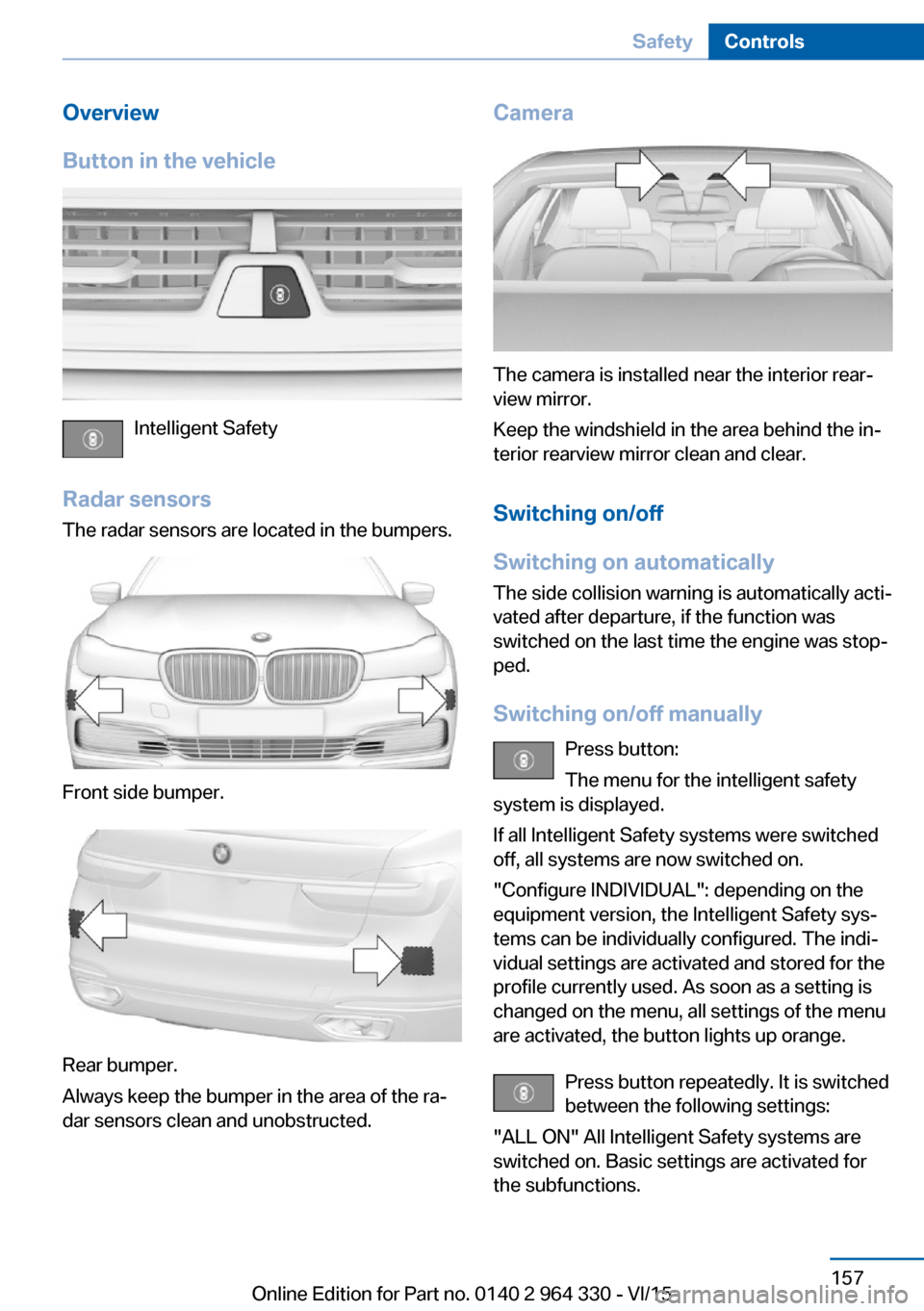
Overview
Button in the vehicle
Intelligent Safety
Radar sensors The radar sensors are located in the bumpers.
Front side bumper.
Rear bumper.
Always keep the bumper in the area of the ra‐
dar sensors clean and unobstructed.
Camera
The camera is installed near the interior rear‐
view mirror.
Keep the windshield in the area behind the in‐
terior rearview mirror clean and clear.
Switching on/off
Switching on automatically The side collision warning is automatically acti‐
vated after departure, if the function was
switched on the last time the engine was stop‐
ped.
Switching on/off manually Press button:
The menu for the intelligent safety
system is displayed.
If all Intelligent Safety systems were switched
off, all systems are now switched on.
"Configure INDIVIDUAL": depending on the
equipment version, the Intelligent Safety sys‐
tems can be individually configured. The indi‐
vidual settings are activated and stored for the
profile currently used. As soon as a setting is
changed on the menu, all settings of the menu
are activated, the button lights up orange.
Press button repeatedly. It is switched
between the following settings:
"ALL ON" All Intelligent Safety systems are
switched on. Basic settings are activated for
the subfunctions.
Seite 157SafetyControls157
Online Edition for Part no. 0140 2 964 330 - VI/15
Page 163 of 314
Driving stability control systemsVehicle features and optionsThis chapter describes all standard, country-
specific and optional features offered with the
series. It also describes features that are not
necessarily available in your car, e. g., due to
the selected options or country versions. This
also applies to safety-related functions and
systems. The respectively applicable country
provisions must be observed when using the
respective features and systems.
Anti-lock Braking System
ABS
ABS prevents locking of the wheels during
braking.
The vehicle contains its steering power even
during full brake applications, thus increasing
active safety.
ABS is operational every time you start the en‐
gine.
Brake assistant When you apply the brakes rapidly, this system
automatically produces the greatest possible
braking force boost. It reduces the braking dis‐
tance to a minimum during emergency stop.
This system utilizes all of the benefits provided
by ABS.
Do not reduce the pressure on the brake pedal
for the duration of the emergency stop.
Adaptive brake assistant In combination with the Active Cruise Control,
this system ensures that the brakes respond
even more rapidly when braking in critical sit‐
uations.Drive-off assistant
This system supports driving off on inclines.
The parking brake is not required.1.Hold the vehicle in place with the foot
brake.2.Release the foot brake and drive off with‐
out delay.
After the foot brake is released, the vehicle is
held in place for approx. 2 seconds.
The possible holding duration amounts to
2 minutes.
Depending on the vehicle load or when a trailer
is used, the vehicle may roll back slightly.
DSC Dynamic Stability
Control
The concept DSC prevents traction loss in the power
wheels when driving off and accelerating.
DSC also recognizes unstable vehicle condi‐
tions such as fishtailing or nose-diving. Within
the physical limits DSC helps to keep the vehi‐
cle on a steady course by reducing engine
speed and by applying brakes to the individual
wheels.
Information
Adapt your driving style to the situation, for an
appropriate driving style is always the respon‐
sibility of the driver.
The laws of physics cannot be repealed, not
even with DSC.
Therefore, do not reduce the additional safety
margin by driving in a risky manner.
Seite 163Driving stability control systemsControls163
Online Edition for Part no. 0140 2 964 330 - VI/15