interior lights BMW 7 SERIES 2016 G12 User Guide
[x] Cancel search | Manufacturer: BMW, Model Year: 2016, Model line: 7 SERIES, Model: BMW 7 SERIES 2016 G12Pages: 314, PDF Size: 7.9 MB
Page 121 of 314
Display
The following is displayed in the instrument
cluster:
Speed limit detection Current speed limit.
Speed limit detection is not
available.
Speed limit detection can also be displayed in
the Head-up Display.
System limits
The system may not be fully functional and
may provide incorrect information in the fol‐
lowing situations:▷In heavy fog, rain or snowfall.▷When signs are concealed by objects.▷When driving very close to the vehicle in
front of you.▷When driving toward bright lights.▷When the windshield behind the interior
rearview mirror is fogged over, dirty or cov‐
ered by a sticker, etc.▷In the event of incorrect detection by the
camera.▷If the speed limits stored in the navigation
system are incorrect.▷In areas not covered by the navigation sys‐
tem.▷When roads differ from the navigation,
such as due to changes in road routing.▷When passing buses or trucks with a
speed sticker.▷If the traffic signs are non-conforming.▷During calibration of the camera immedi‐
ately after vehicle delivery.
Selection lists in the
instrument cluster
The concept Depending on your vehicle's equipment, the
following can be displayed or operated using
the buttons and the thumbwheel on the steer‐
ing wheel as well as the displays in the instru‐
ment cluster and the Head-up Display:
▷Current audio source.▷Redial phone feature.▷Turn on voice activation system.
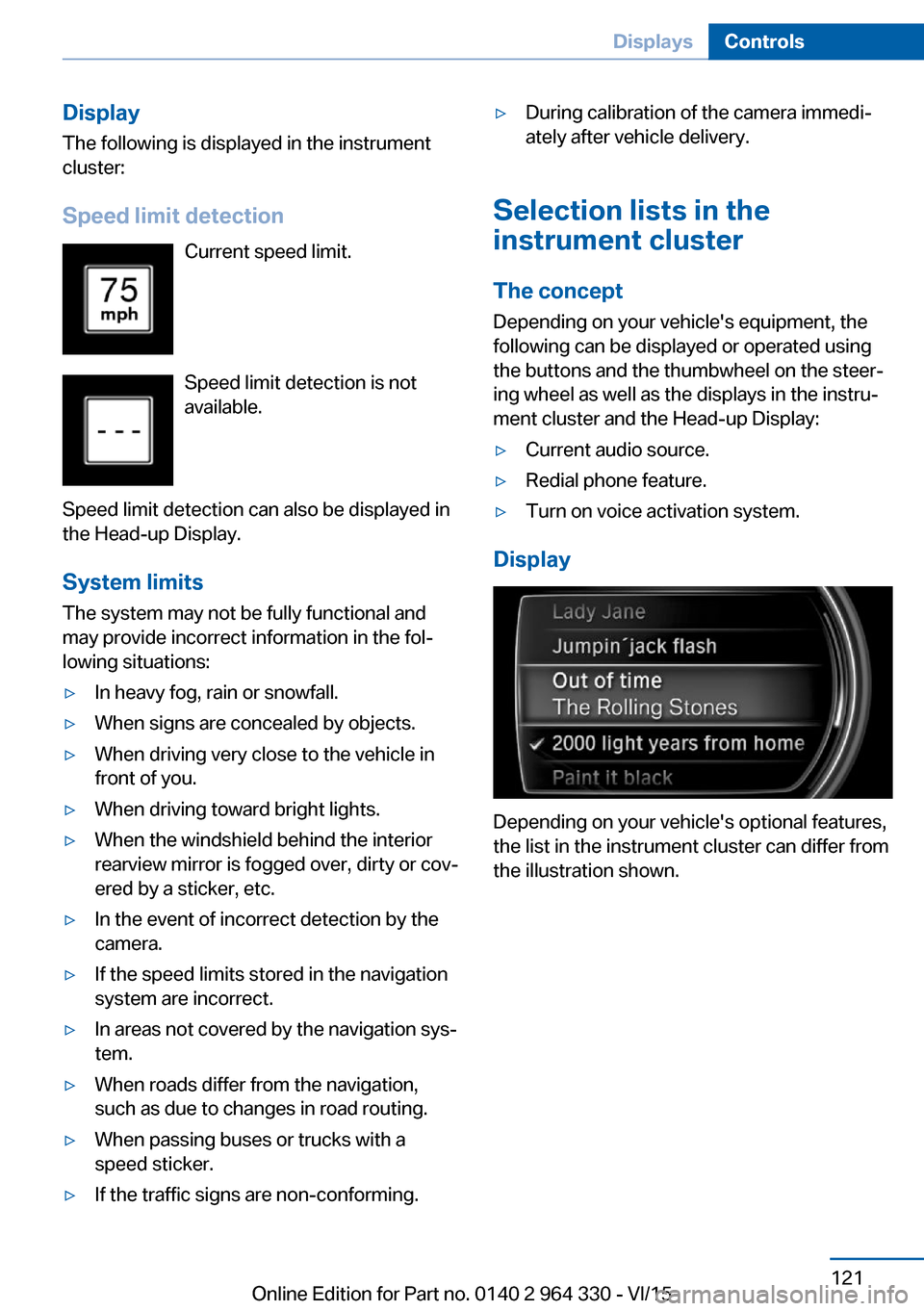
Display
Depending on your vehicle's optional features,
the list in the instrument cluster can differ from
the illustration shown.
Seite 121DisplaysControls121
Online Edition for Part no. 0140 2 964 330 - VI/15
Page 132 of 314
High-beam AssistantThe concept
The high-beam Assistant detects other traffic
participants early on and automatically
switches the high beams on or off depending
on the traffic situation. The assistant ensures
that the high beams are activated whenever
the traffic situation allows. In the low speed
range, the high beams are not switched on by
the system.
General information
The system responds to light from oncoming
traffic and traffic driving ahead of you, and to
adequate illumination, e.g., in towns and cities.
The driver can intervene at any time and switch
the high beams on and off as usual.
Depending on the version of the system in the
vehicle, the high beams may not switch off for
oncoming vehicles, but may only be dimmed in
the areas that blind oncoming traffic. In this
case, the blue indicator light will stay on.
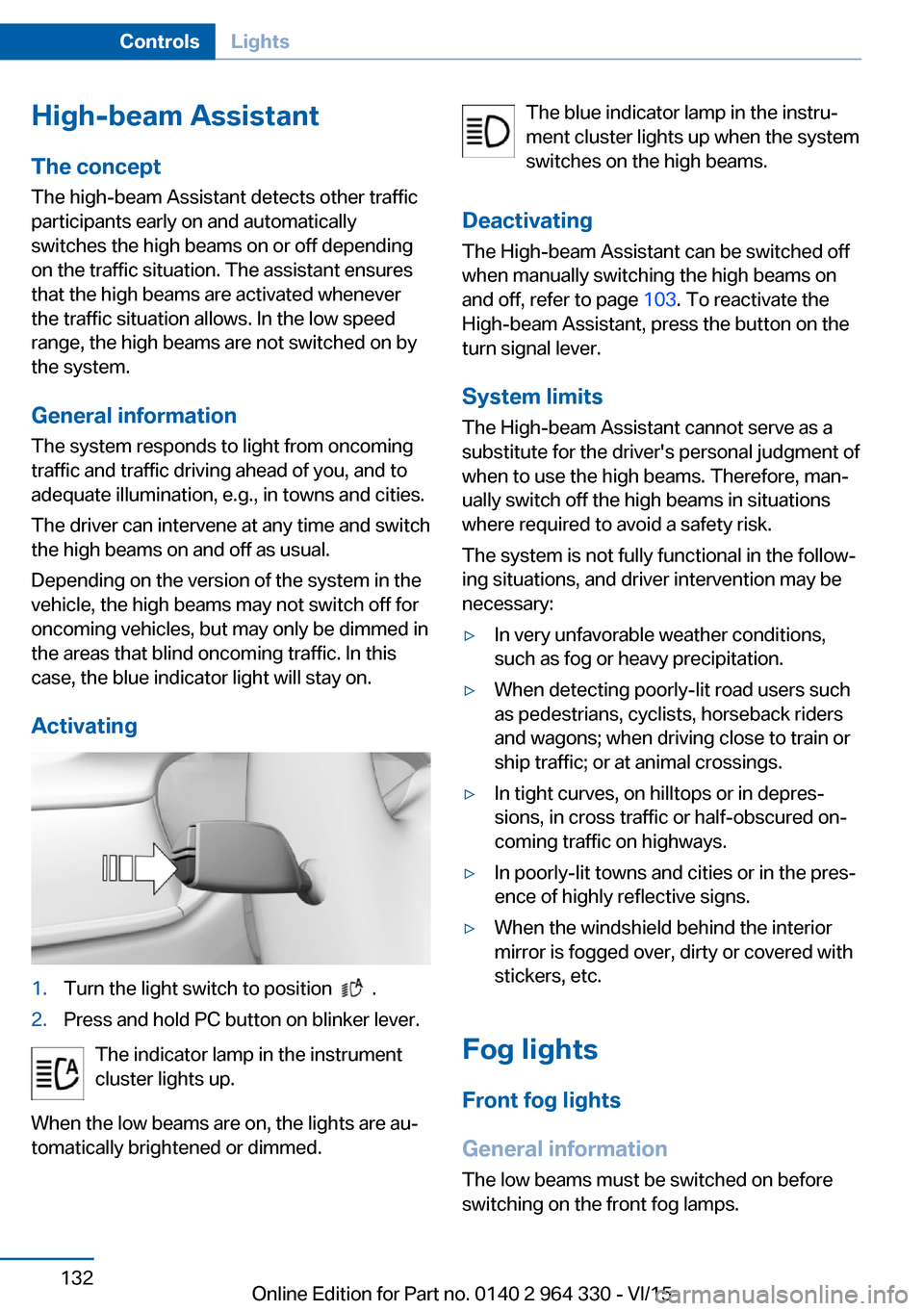
Activating1.Turn the light switch to position .2.Press and hold PC button on blinker lever.
The indicator lamp in the instrument
cluster lights up.
When the low beams are on, the lights are au‐
tomatically brightened or dimmed.
The blue indicator lamp in the instru‐
ment cluster lights up when the system
switches on the high beams.
Deactivating The High-beam Assistant can be switched off
when manually switching the high beams on
and off, refer to page 103. To reactivate the
High-beam Assistant, press the button on the
turn signal lever.
System limits The High-beam Assistant cannot serve as a
substitute for the driver's personal judgment of
when to use the high beams. Therefore, man‐
ually switch off the high beams in situations
where required to avoid a safety risk.
The system is not fully functional in the follow‐
ing situations, and driver intervention may be
necessary:▷In very unfavorable weather conditions,
such as fog or heavy precipitation.▷When detecting poorly-lit road users such
as pedestrians, cyclists, horseback riders
and wagons; when driving close to train or
ship traffic; or at animal crossings.▷In tight curves, on hilltops or in depres‐
sions, in cross traffic or half-obscured on‐
coming traffic on highways.▷In poorly-lit towns and cities or in the pres‐
ence of highly reflective signs.▷When the windshield behind the interior
mirror is fogged over, dirty or covered with
stickers, etc.
Fog lights
Front fog lights
General information
The low beams must be switched on before
switching on the front fog lamps.
Seite 132ControlsLights132
Online Edition for Part no. 0140 2 964 330 - VI/15
Page 133 of 314
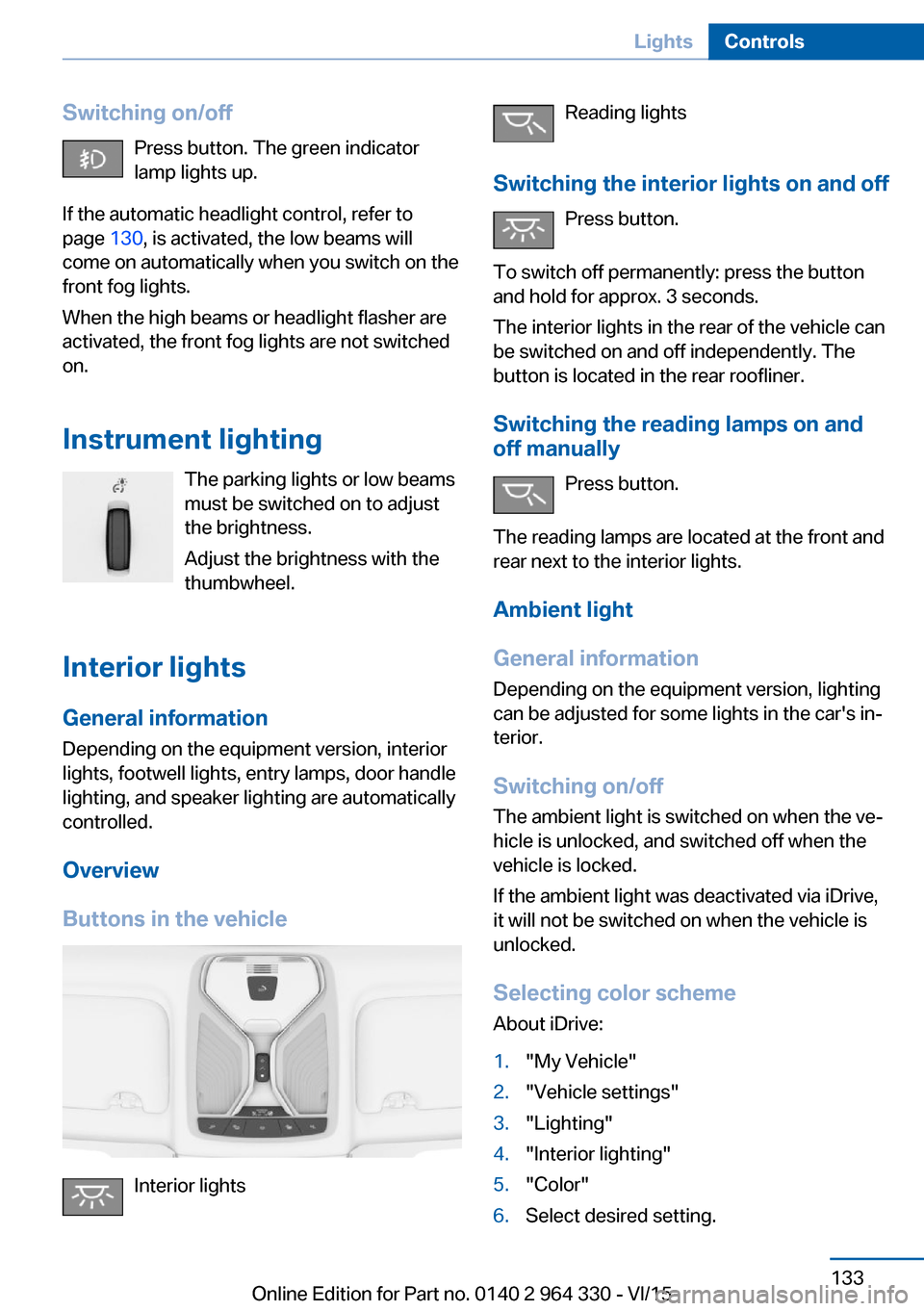
Switching on/offPress button. The green indicator
lamp lights up.
If the automatic headlight control, refer to
page 130, is activated, the low beams will
come on automatically when you switch on the
front fog lights.
When the high beams or headlight flasher are
activated, the front fog lights are not switched
on.
Instrument lighting The parking lights or low beams
must be switched on to adjust
the brightness.
Adjust the brightness with the
thumbwheel.
Interior lights
General information
Depending on the equipment version, interior
lights, footwell lights, entry lamps, door handle
lighting, and speaker lighting are automatically
controlled.
Overview
Buttons in the vehicle
Interior lights
Reading lights
Switching the interior lights on and off Press button.
To switch off permanently: press the button
and hold for approx. 3 seconds.
The interior lights in the rear of the vehicle can
be switched on and off independently. The
button is located in the rear roofliner.
Switching the reading lamps on and off manually
Press button.
The reading lamps are located at the front and
rear next to the interior lights.
Ambient light
General information
Depending on the equipment version, lighting
can be adjusted for some lights in the car's in‐
terior.
Switching on/off The ambient light is switched on when the ve‐
hicle is unlocked, and switched off when the
vehicle is locked.
If the ambient light was deactivated via iDrive,
it will not be switched on when the vehicle is
unlocked.
Selecting color scheme About iDrive:1."My Vehicle"2."Vehicle settings"3."Lighting"4."Interior lighting"5."Color"6.Select desired setting.Seite 133LightsControls133
Online Edition for Part no. 0140 2 964 330 - VI/15
Page 134 of 314
Setting the brightness
About iDrive:1."My Vehicle"2."Vehicle settings"3."Lighting"4."Interior lighting"5."Brightness"6.Select desired setting.
Dimmed when driving About iDrive:
1."My Vehicle"2."Vehicle settings"3."Lighting"4."Interior lighting"5."Dimmed while driving"
The interior lighting is dimmed for some lights
while driving.
Panoramic glass sunroof, lighting If the panoramic glass sunroof is opened or the
sliding visor closed, lighting of the panoramic
glass sunroof is switched off.
When closing the sliding visors, only the light‐
ing for the area in question is switched off.
BMW Touch Command
The ambient light can also be operated using
BMW Touch Command.
Bowers & Wilkins High End Surround
Sound System
General information
Some speakers in the vehicle are illuminated.
Brightness can be individually set.
Switching on/off The speaker lighting is switched on when the
vehicle is unlocked, and switched off when the
vehicle is locked.
If the speakers are muted, speaker lighting will
be switched off.
Setting the brightness About iDrive:1."My Vehicle"2."Vehicle settings"3."Lighting"4."Bowers & Wilkins"5."Brightness"6.Select desired setting.
BMW Touch Command
The operation of the Bowers & Wilkins high-
end surround sound system is also possible
with BMW Touch Command.
Ambient light accent
General information
The ambient light accent illuminates the door
pillar in the rear.
Switching on/off The ambient light accent is switched on when
the vehicle is unlocked, and switched off when
the vehicle is locked.
When opening a rear door, the ambient light
accent of the respective door pillar is switched
off.
Setting the brightness About iDrive:
1."My Vehicle"2."Vehicle settings"3."Lighting"4."Accent lighting in rear"5."Brightness"
The last brightness set is displayed.6.Select desired setting.Seite 134ControlsLights134
Online Edition for Part no. 0140 2 964 330 - VI/15
Page 145 of 314
InformationWARNING
Indicators and warnings do not relieve
from the personal responsibility. Due to sys‐
tem limits, warnings or reactions of the system
may not be output or they may be output too
late or incorrectly. There is risk of an accident.
Adjust the driving style to the traffic condi‐
tions. Watch traffic closely and actively inter‐
fere in the respective situations.◀
WARNING
Due to system limits, individual functions
can malfunction during tow-starting/towing
with the Intelligent Safety systems activated,
e.g. approach control warning with light brak‐
ing function. There is risk of an accident.
Switch all Intelligent Safety systems off prior to
tow-starting/towing.◀
Overview
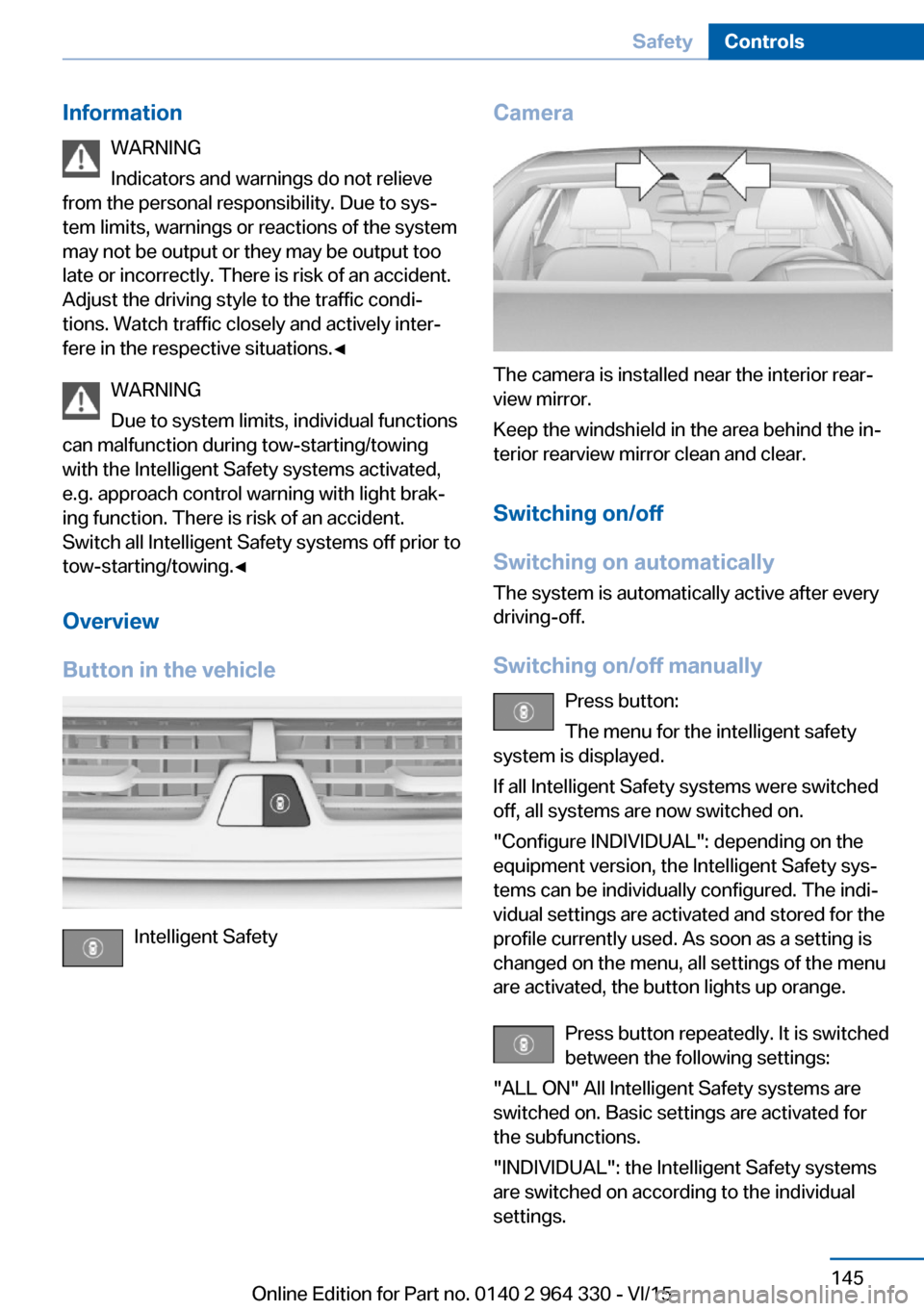
Button in the vehicle
Intelligent Safety
Camera
The camera is installed near the interior rear‐
view mirror.
Keep the windshield in the area behind the in‐
terior rearview mirror clean and clear.
Switching on/off
Switching on automatically The system is automatically active after every
driving-off.
Switching on/off manually Press button:
The menu for the intelligent safety
system is displayed.
If all Intelligent Safety systems were switched
off, all systems are now switched on.
"Configure INDIVIDUAL": depending on the
equipment version, the Intelligent Safety sys‐
tems can be individually configured. The indi‐
vidual settings are activated and stored for the
profile currently used. As soon as a setting is
changed on the menu, all settings of the menu
are activated, the button lights up orange.
Press button repeatedly. It is switched
between the following settings:
"ALL ON" All Intelligent Safety systems are
switched on. Basic settings are activated for
the subfunctions.
"INDIVIDUAL": the Intelligent Safety systems
are switched on according to the individual
settings.
Seite 145SafetyControls145
Online Edition for Part no. 0140 2 964 330 - VI/15
Page 151 of 314
Intelligent Safety
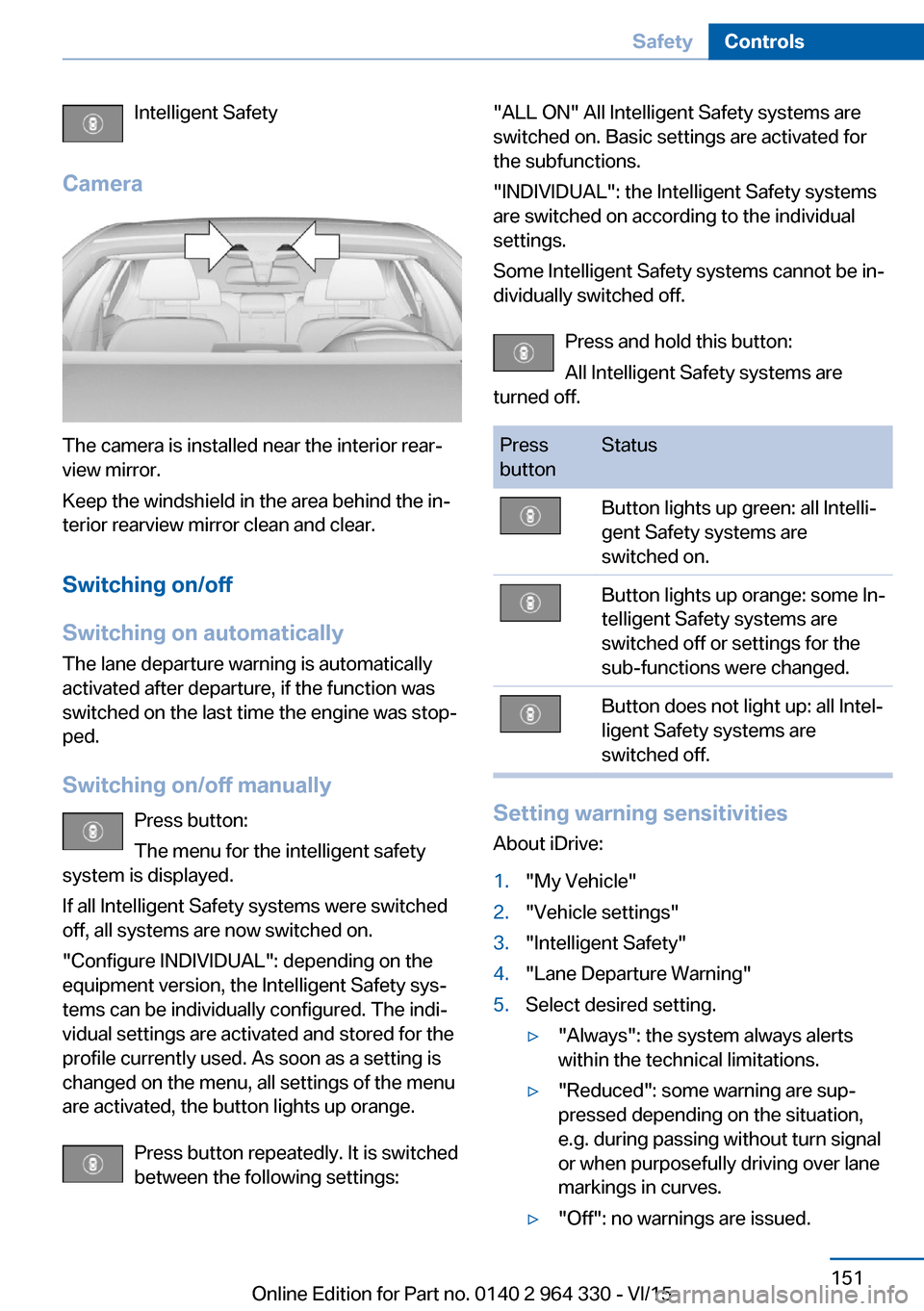
Camera
The camera is installed near the interior rear‐
view mirror.
Keep the windshield in the area behind the in‐
terior rearview mirror clean and clear.
Switching on/off
Switching on automatically The lane departure warning is automatically
activated after departure, if the function was
switched on the last time the engine was stop‐
ped.
Switching on/off manually Press button:
The menu for the intelligent safety
system is displayed.
If all Intelligent Safety systems were switched
off, all systems are now switched on.
"Configure INDIVIDUAL": depending on the
equipment version, the Intelligent Safety sys‐
tems can be individually configured. The indi‐
vidual settings are activated and stored for the
profile currently used. As soon as a setting is
changed on the menu, all settings of the menu
are activated, the button lights up orange.
Press button repeatedly. It is switched
between the following settings:
"ALL ON" All Intelligent Safety systems are
switched on. Basic settings are activated for
the subfunctions.
"INDIVIDUAL": the Intelligent Safety systems
are switched on according to the individual
settings.
Some Intelligent Safety systems cannot be in‐
dividually switched off.
Press and hold this button:
All Intelligent Safety systems are
turned off.Press
buttonStatusButton lights up green: all Intelli‐
gent Safety systems are
switched on.Button lights up orange: some In‐
telligent Safety systems are
switched off or settings for the
sub-functions were changed.Button does not light up: all Intel‐
ligent Safety systems are
switched off.
Setting warning sensitivities
About iDrive:
1."My Vehicle"2."Vehicle settings"3."Intelligent Safety"4."Lane Departure Warning"5.Select desired setting.▷"Always": the system always alerts
within the technical limitations.▷"Reduced": some warning are sup‐
pressed depending on the situation,
e.g. during passing without turn signal
or when purposefully driving over lane
markings in curves.▷"Off": no warnings are issued.Seite 151SafetyControls151
Online Edition for Part no. 0140 2 964 330 - VI/15
Page 157 of 314
Overview
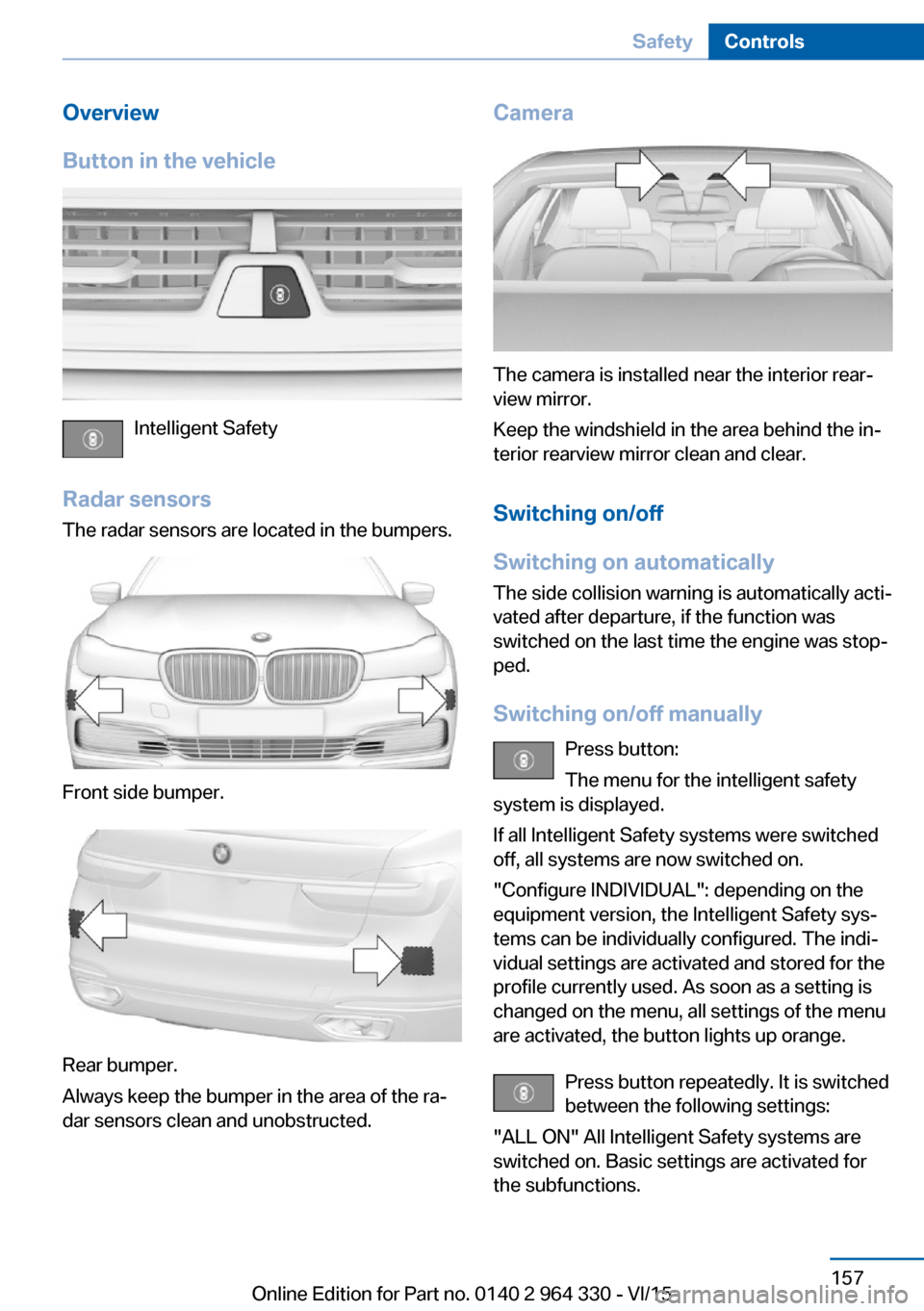
Button in the vehicle
Intelligent Safety
Radar sensors The radar sensors are located in the bumpers.
Front side bumper.
Rear bumper.
Always keep the bumper in the area of the ra‐
dar sensors clean and unobstructed.
Camera
The camera is installed near the interior rear‐
view mirror.
Keep the windshield in the area behind the in‐
terior rearview mirror clean and clear.
Switching on/off
Switching on automatically The side collision warning is automatically acti‐
vated after departure, if the function was
switched on the last time the engine was stop‐
ped.
Switching on/off manually Press button:
The menu for the intelligent safety
system is displayed.
If all Intelligent Safety systems were switched
off, all systems are now switched on.
"Configure INDIVIDUAL": depending on the
equipment version, the Intelligent Safety sys‐
tems can be individually configured. The indi‐
vidual settings are activated and stored for the
profile currently used. As soon as a setting is
changed on the menu, all settings of the menu
are activated, the button lights up orange.
Press button repeatedly. It is switched
between the following settings:
"ALL ON" All Intelligent Safety systems are
switched on. Basic settings are activated for
the subfunctions.
Seite 157SafetyControls157
Online Edition for Part no. 0140 2 964 330 - VI/15
Page 158 of 314
"INDIVIDUAL": the Intelligent Safety systems
are switched on according to the individual
settings.
Some Intelligent Safety systems cannot be in‐
dividually switched off.
Press and hold this button:
All Intelligent Safety systems are
turned off.Press
buttonStatusButton lights up green: all Intelli‐
gent Safety systems are
switched on.Button lights up orange: some In‐
telligent Safety systems are
switched off or settings for the
sub-functions were changed.Button does not light up: all Intel‐
ligent Safety systems are
switched off.
Issued warning
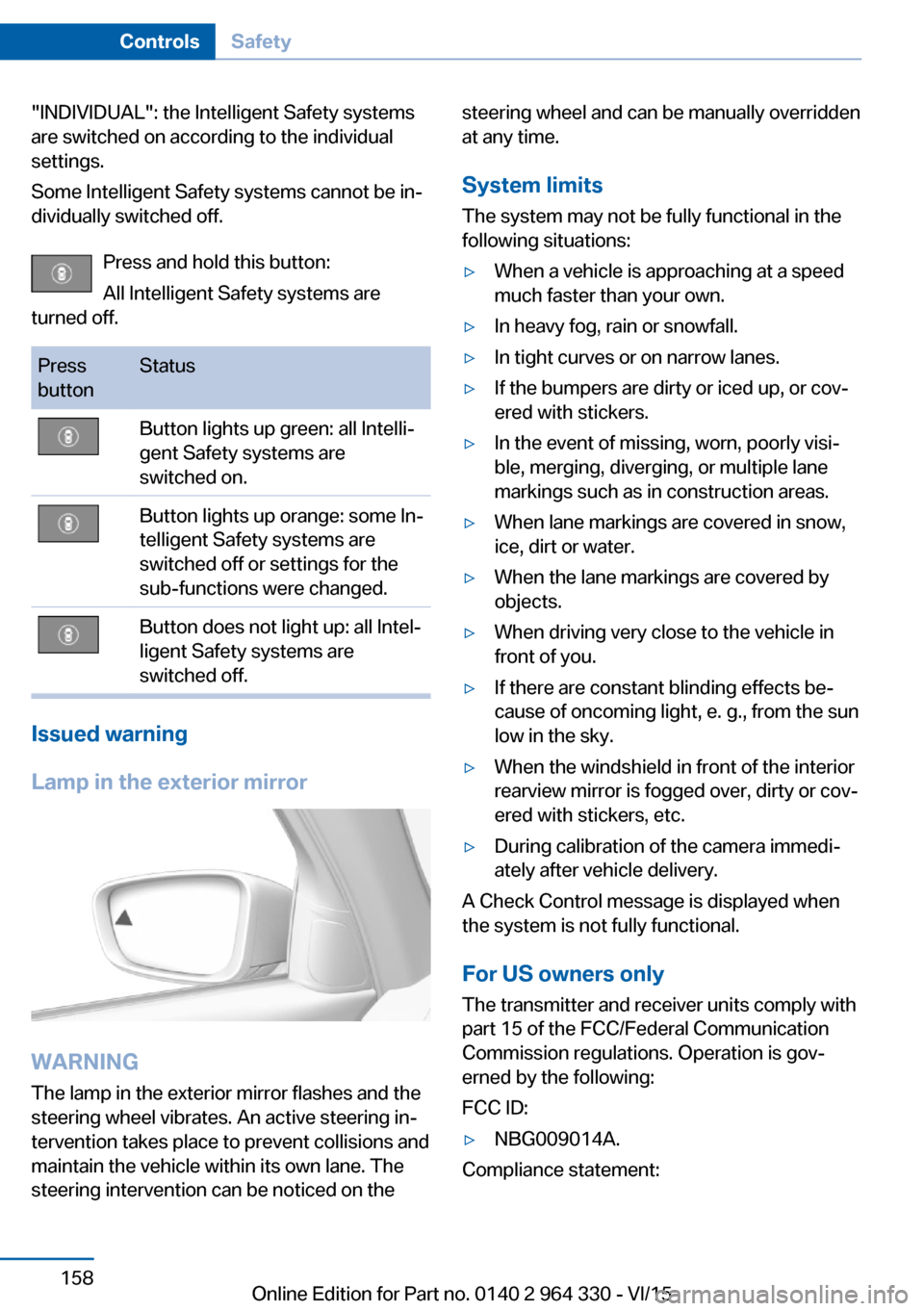
Lamp in the exterior mirror
WARNING
The lamp in the exterior mirror flashes and the
steering wheel vibrates. An active steering in‐
tervention takes place to prevent collisions and
maintain the vehicle within its own lane. The
steering intervention can be noticed on the
steering wheel and can be manually overridden
at any time.
System limits
The system may not be fully functional in the
following situations:▷When a vehicle is approaching at a speed
much faster than your own.▷In heavy fog, rain or snowfall.▷In tight curves or on narrow lanes.▷If the bumpers are dirty or iced up, or cov‐
ered with stickers.▷In the event of missing, worn, poorly visi‐
ble, merging, diverging, or multiple lane
markings such as in construction areas.▷When lane markings are covered in snow,
ice, dirt or water.▷When the lane markings are covered by
objects.▷When driving very close to the vehicle in
front of you.▷If there are constant blinding effects be‐
cause of oncoming light, e. g., from the sun
low in the sky.▷When the windshield in front of the interior
rearview mirror is fogged over, dirty or cov‐
ered with stickers, etc.▷During calibration of the camera immedi‐
ately after vehicle delivery.
A Check Control message is displayed when
the system is not fully functional.
For US owners only The transmitter and receiver units comply with
part 15 of the FCC/Federal Communication
Commission regulations. Operation is gov‐
erned by the following:
FCC ID:
▷NBG009014A.
Compliance statement:
Seite 158ControlsSafety158
Online Edition for Part no. 0140 2 964 330 - VI/15
Page 169 of 314
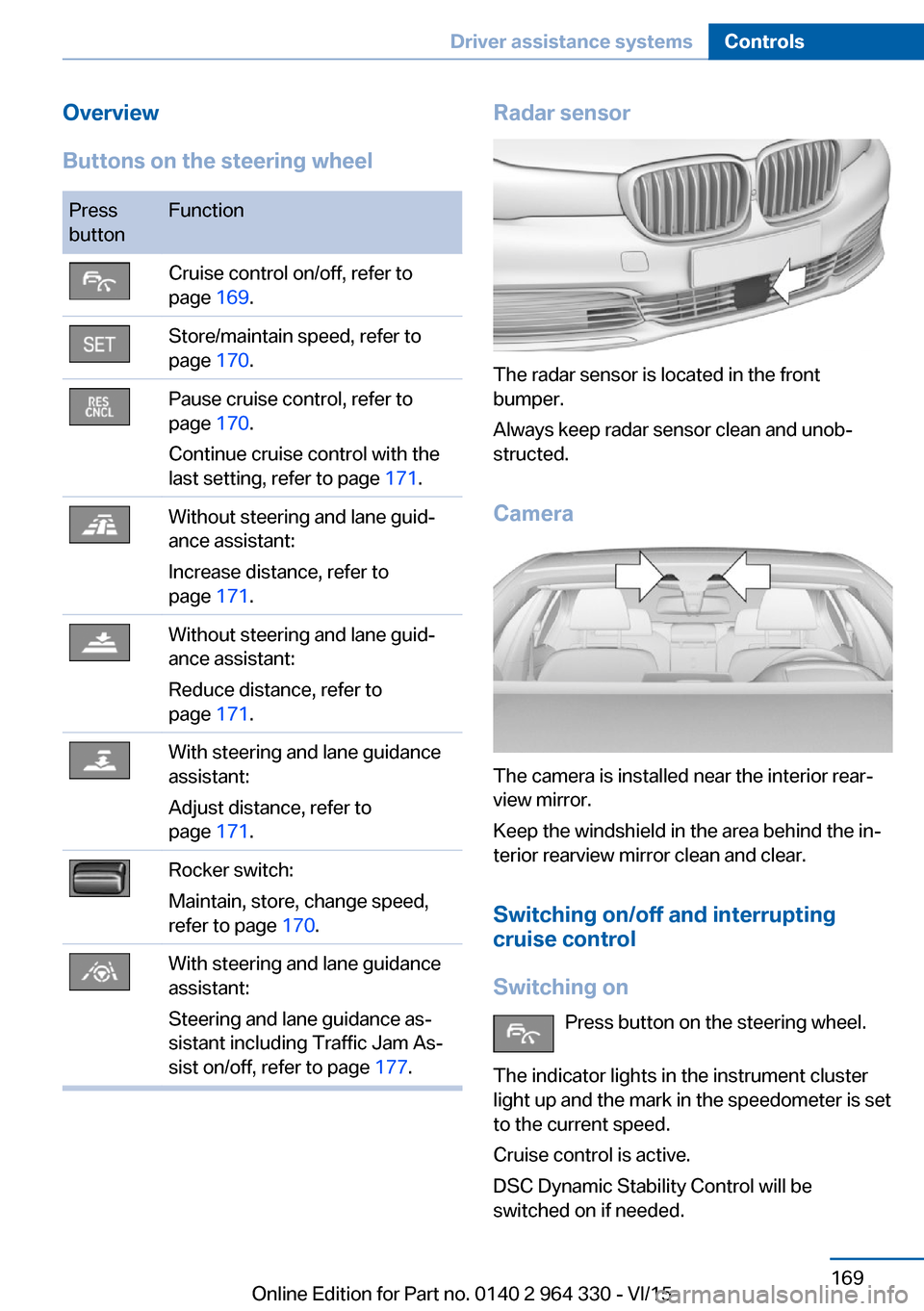
Overview
Buttons on the steering wheelPress
buttonFunctionCruise control on/off, refer to
page 169.Store/maintain speed, refer to
page 170.Pause cruise control, refer to
page 170.
Continue cruise control with the
last setting, refer to page 171.Without steering and lane guid‐
ance assistant:
Increase distance, refer to
page 171.Without steering and lane guid‐
ance assistant:
Reduce distance, refer to
page 171.With steering and lane guidance
assistant:
Adjust distance, refer to
page 171.Rocker switch:
Maintain, store, change speed,
refer to page 170.With steering and lane guidance
assistant:
Steering and lane guidance as‐
sistant including Traffic Jam As‐
sist on/off, refer to page 177.Radar sensor
The radar sensor is located in the front
bumper.
Always keep radar sensor clean and unob‐
structed.
Camera
The camera is installed near the interior rear‐
view mirror.
Keep the windshield in the area behind the in‐
terior rearview mirror clean and clear.
Switching on/off and interrupting
cruise control
Switching on Press button on the steering wheel.
The indicator lights in the instrument cluster
light up and the mark in the speedometer is set
to the current speed.
Cruise control is active.
DSC Dynamic Stability Control will be
switched on if needed.
Seite 169Driver assistance systemsControls169
Online Edition for Part no. 0140 2 964 330 - VI/15
Page 179 of 314
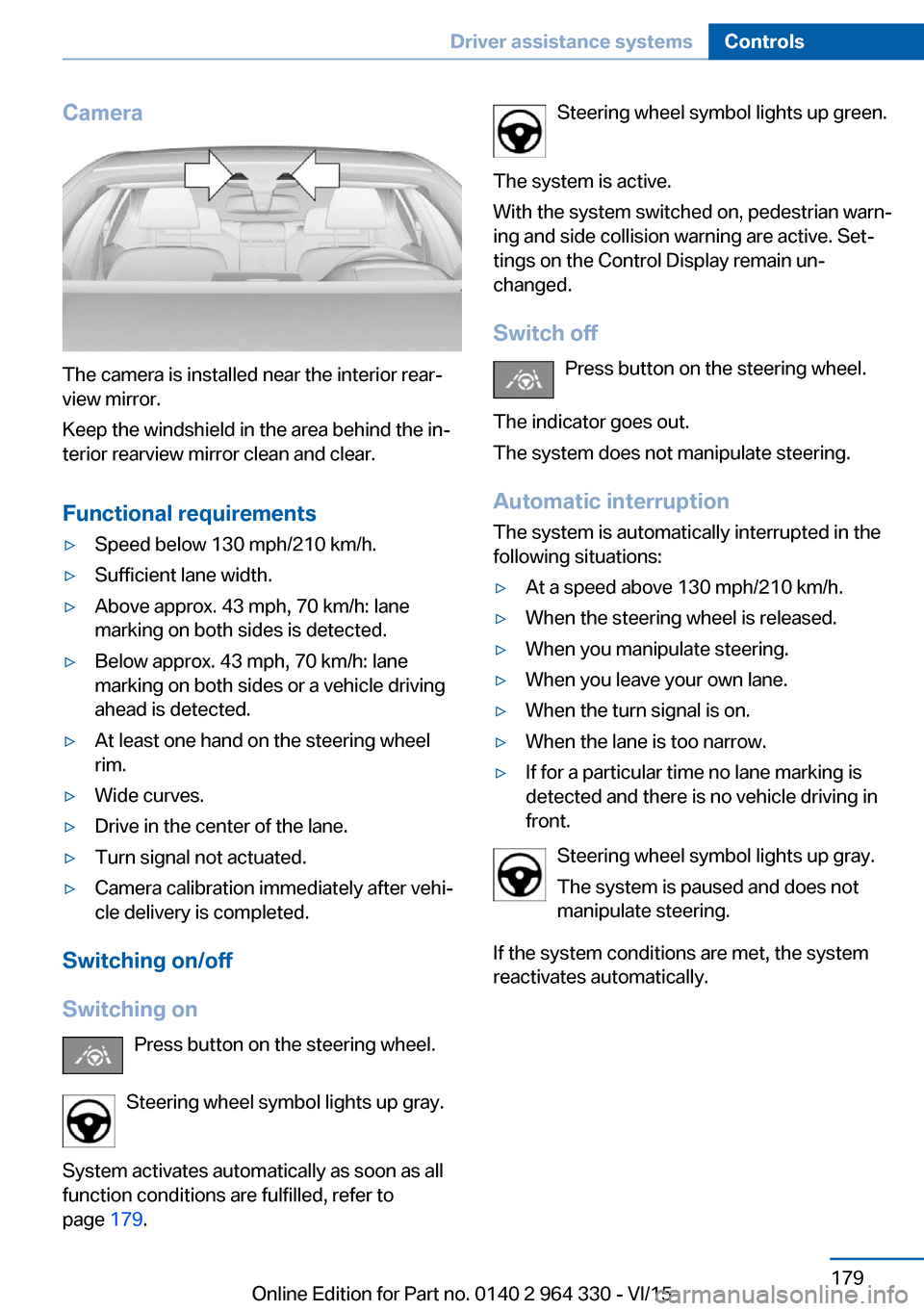
Camera
The camera is installed near the interior rear‐
view mirror.
Keep the windshield in the area behind the in‐
terior rearview mirror clean and clear.
Functional requirements
▷Speed below 130 mph/210 km/h.▷Sufficient lane width.▷Above approx. 43 mph, 70 km/h: lane
marking on both sides is detected.▷Below approx. 43 mph, 70 km/h: lane
marking on both sides or a vehicle driving
ahead is detected.▷At least one hand on the steering wheel
rim.▷Wide curves.▷Drive in the center of the lane.▷Turn signal not actuated.▷Camera calibration immediately after vehi‐
cle delivery is completed.
Switching on/off
Switching on Press button on the steering wheel.
Steering wheel symbol lights up gray.
System activates automatically as soon as all
function conditions are fulfilled, refer to
page 179.
Steering wheel symbol lights up green.
The system is active.
With the system switched on, pedestrian warn‐
ing and side collision warning are active. Set‐
tings on the Control Display remain un‐
changed.
Switch off Press button on the steering wheel.
The indicator goes out.
The system does not manipulate steering.
Automatic interruptionThe system is automatically interrupted in the
following situations:▷At a speed above 130 mph/210 km/h.▷When the steering wheel is released.▷When you manipulate steering.▷When you leave your own lane.▷When the turn signal is on.▷When the lane is too narrow.▷If for a particular time no lane marking is
detected and there is no vehicle driving in
front.
Steering wheel symbol lights up gray.
The system is paused and does not
manipulate steering.
If the system conditions are met, the system
reactivates automatically.
Seite 179Driver assistance systemsControls179
Online Edition for Part no. 0140 2 964 330 - VI/15