buttons BMW 740I SEDAN 2016 Owner's Manual
[x] Cancel search | Manufacturer: BMW, Model Year: 2016, Model line: 740I SEDAN, Model: BMW 740I SEDAN 2016Pages: 314, PDF Size: 7.9 MB
Page 121 of 314
Display
The following is displayed in the instrument
cluster:
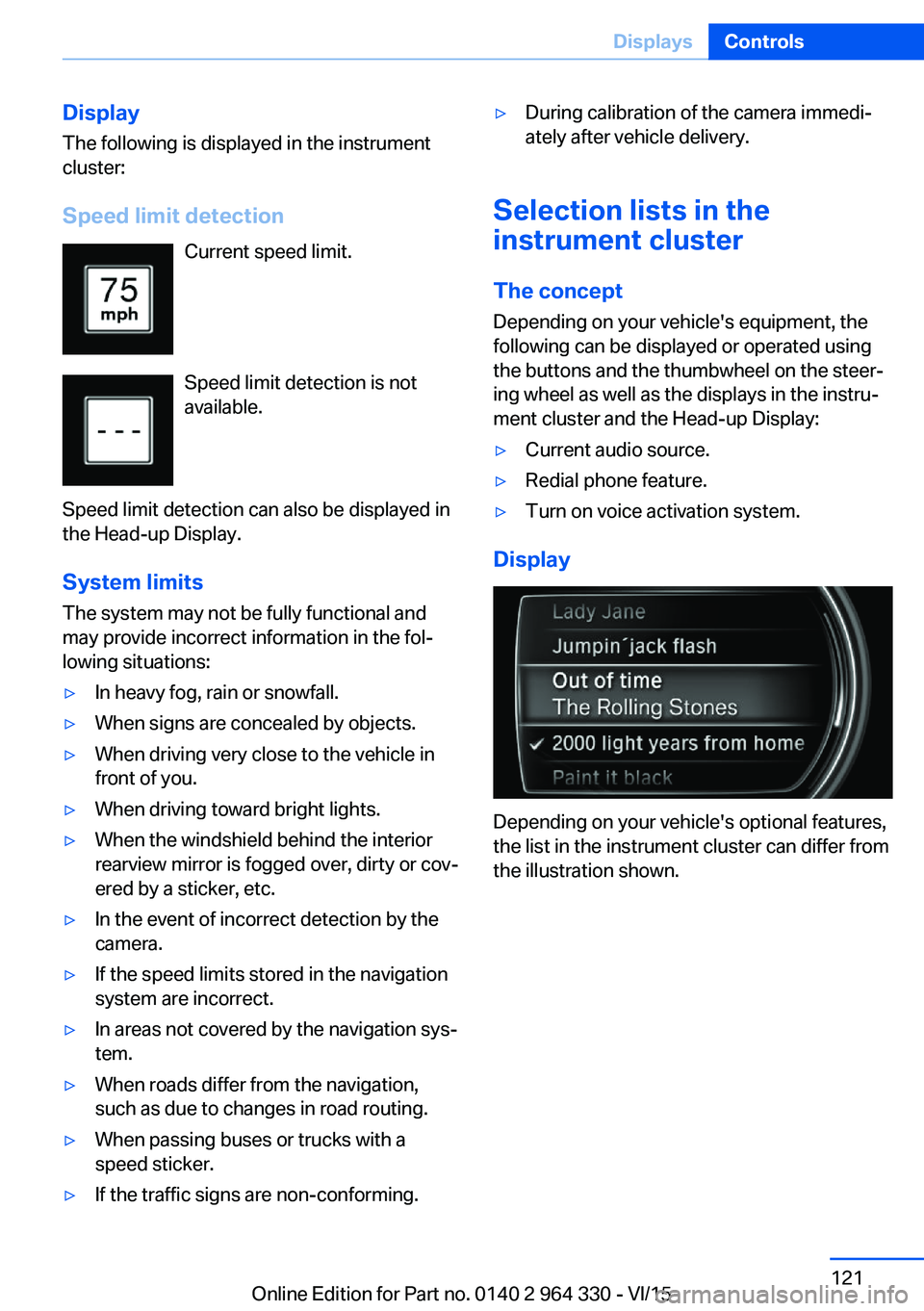
Speed limit detection Current speed limit.
Speed limit detection is not
available.
Speed limit detection can also be displayed in
the Head-up Display.
System limits
The system may not be fully functional and
may provide incorrect information in the fol‐
lowing situations:▷In heavy fog, rain or snowfall.▷When signs are concealed by objects.▷When driving very close to the vehicle in
front of you.▷When driving toward bright lights.▷When the windshield behind the interior
rearview mirror is fogged over, dirty or cov‐
ered by a sticker, etc.▷In the event of incorrect detection by the
camera.▷If the speed limits stored in the navigation
system are incorrect.▷In areas not covered by the navigation sys‐
tem.▷When roads differ from the navigation,
such as due to changes in road routing.▷When passing buses or trucks with a
speed sticker.▷If the traffic signs are non-conforming.▷During calibration of the camera immedi‐
ately after vehicle delivery.
Selection lists in the
instrument cluster
The concept Depending on your vehicle's equipment, the
following can be displayed or operated using
the buttons and the thumbwheel on the steer‐
ing wheel as well as the displays in the instru‐
ment cluster and the Head-up Display:
▷Current audio source.▷Redial phone feature.▷Turn on voice activation system.
Display
Depending on your vehicle's optional features,
the list in the instrument cluster can differ from
the illustration shown.
Seite 121DisplaysControls121
Online Edition for Part no. 0140 2 964 330 - VI/15
Page 133 of 314
Switching on/offPress button. The green indicator
lamp lights up.
If the automatic headlight control, refer to
page 130, is activated, the low beams will
come on automatically when you switch on the
front fog lights.
When the high beams or headlight flasher are
activated, the front fog lights are not switched
on.
Instrument lighting The parking lights or low beams
must be switched on to adjust
the brightness.
Adjust the brightness with the
thumbwheel.
Interior lights
General information
Depending on the equipment version, interior
lights, footwell lights, entry lamps, door handle
lighting, and speaker lighting are automatically
controlled.
Overview
Buttons in the vehicle
Interior lights
Reading lights
Switching the interior lights on and off Press button.
To switch off permanently: press the button
and hold for approx. 3 seconds.
The interior lights in the rear of the vehicle can
be switched on and off independently. The
button is located in the rear roofliner.
Switching the reading lamps on and off manually
Press button.
The reading lamps are located at the front and
rear next to the interior lights.
Ambient light
General information
Depending on the equipment version, lighting
can be adjusted for some lights in the car's in‐
terior.
Switching on/off The ambient light is switched on when the ve‐
hicle is unlocked, and switched off when the
vehicle is locked.
If the ambient light was deactivated via iDrive,
it will not be switched on when the vehicle is
unlocked.
Selecting color scheme About iDrive:1."My Vehicle"2."Vehicle settings"3."Lighting"4."Interior lighting"5."Color"6.Select desired setting.Seite 133LightsControls133
Online Edition for Part no. 0140 2 964 330 - VI/15
Page 140 of 314
WARNING
Due to system limits, individual functions
can malfunction during tow-starting/towing
with the Intelligent Safety systems activated,
e.g. approach control warning with light brak‐
ing function. There is risk of an accident.
Switch all Intelligent Safety systems off prior to
tow-starting/towing.◀
Overview
Button in the vehicle
Intelligent Safety
Switching on/off Some Intelligent Safety systems are automati‐
cally active after every departure. Some Intelli‐
gent Safety systems activate according to the
last setting.
Press
buttonStatusButton lights up green: all Intelli‐
gent Safety systems are
switched on.Button lights up orange: some In‐
telligent Safety systems are
switched off or settings for the
sub-functions were changed.Button does not light up: all Intel‐
ligent Safety systems are
switched off.Press button:
The menu for the intelligent safety
system is displayed.
If all Intelligent Safety systems were switched
off, all systems are now switched on.
"Configure INDIVIDUAL": depending on the
equipment version, the Intelligent Safety sys‐
tems can be individually configured. The indi‐
vidual settings are activated and stored for the
profile currently used. As soon as a setting is
changed on the menu, all settings of the menu
are activated, the button lights up orange.
Press button repeatedly. It is switched
between the following settings:
"ALL ON" All Intelligent Safety systems are
switched on. For the sub-functions, e.g. set‐
ting for warning time, basic settings are acti‐
vated.
"INDIVIDUAL": the Intelligent Safety systems
are switched on according to the individual
settings.
Some Intelligent Safety systems cannot be in‐
dividually switched off.
Press and hold this button:
All Intelligent Safety systems are
turned off.
Collision warning with
braking function
The concept The system can help prevent accidents. If an
accident cannot be prevented, the system will
help reduce the collision speed.
The system sounds a warning before an immi‐
nent collision and actuates brakes independ‐
ently if needed.
The system is controlled using a camera.
If the vehicle is equipped with Active Cruise
Control with Stop & Go function, ACC, theSeite 140ControlsSafety140
Online Edition for Part no. 0140 2 964 330 - VI/15
Page 142 of 314
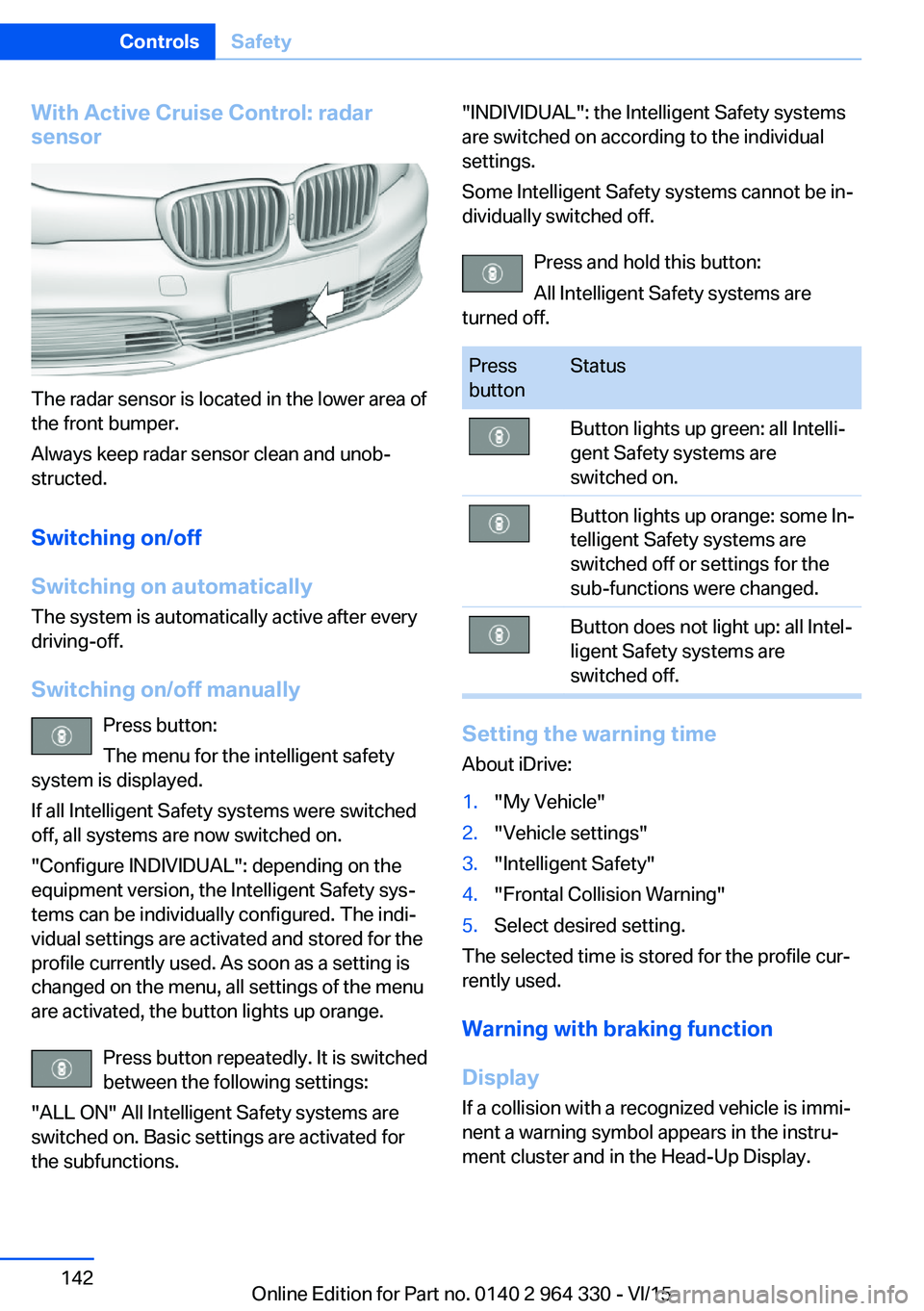
With Active Cruise Control: radar
sensor
The radar sensor is located in the lower area of
the front bumper.
Always keep radar sensor clean and unob‐
structed.
Switching on/off
Switching on automatically The system is automatically active after every
driving-off.
Switching on/off manually Press button:
The menu for the intelligent safety
system is displayed.
If all Intelligent Safety systems were switched
off, all systems are now switched on.
"Configure INDIVIDUAL": depending on the
equipment version, the Intelligent Safety sys‐
tems can be individually configured. The indi‐
vidual settings are activated and stored for the
profile currently used. As soon as a setting is
changed on the menu, all settings of the menu
are activated, the button lights up orange.
Press button repeatedly. It is switched
between the following settings:
"ALL ON" All Intelligent Safety systems are
switched on. Basic settings are activated for
the subfunctions.
"INDIVIDUAL": the Intelligent Safety systems
are switched on according to the individual
settings.
Some Intelligent Safety systems cannot be in‐
dividually switched off.
Press and hold this button:
All Intelligent Safety systems are
turned off.Press
buttonStatusButton lights up green: all Intelli‐
gent Safety systems are
switched on.Button lights up orange: some In‐
telligent Safety systems are
switched off or settings for the
sub-functions were changed.Button does not light up: all Intel‐
ligent Safety systems are
switched off.
Setting the warning time
About iDrive:
1."My Vehicle"2."Vehicle settings"3."Intelligent Safety"4."Frontal Collision Warning"5.Select desired setting.
The selected time is stored for the profile cur‐
rently used.
Warning with braking function
Display If a collision with a recognized vehicle is immi‐
nent a warning symbol appears in the instru‐
ment cluster and in the Head-Up Display.
Seite 142ControlsSafety142
Online Edition for Part no. 0140 2 964 330 - VI/15
Page 146 of 314
Some Intelligent Safety systems cannot be in‐
dividually switched off.
Press and hold this button:
All Intelligent Safety systems are
turned off.Press
buttonStatusButton lights up green: all Intelli‐
gent Safety systems are
switched on.Button lights up orange: some In‐
telligent Safety systems are
switched off or settings for the
sub-functions were changed.Button does not light up: all Intel‐
ligent Safety systems are
switched off.
Warning with braking function
Display
If a collision with a person detected in this way
is imminent, a warning symbol appears on the
instrument cluster and in the Head-up Display.
The red symbol is displayed and a sig‐
nal sounds.
Intervene immediately by braking or make an
evasive maneuver.
Braking intervention
The warning prompts the driver himself/herself
to react. During a warning, the maximum brak‐
ing force is used when the brake is actuated.
Premise for the brake booster is sufficiently
quick and hard stepping on the brake pedal.
The system can additionally assist with braking
intervention if there is risk of a collision.
At low speeds the vehicle can be decelerated
to a complete stop.
The braking intervention is executed only if
DSC Dynamic Stability Control is switched on.
The braking intervention can be interrupted by
stepping on the accelerator pedal or by ac‐
tively moving the steering wheel.
Object detection can be restricted. Limitations
of the detection range and functional restric‐
tions are to be considered.
System limits
Detection range
The detection potential of the camera is lim‐
ited.
Thus a warning might not be issued or be is‐
sued late.
E. g. the following situations may not be de‐
tected:▷Partially covered pedestrians.▷Pedestrians that are not detected as such
because of the viewing angle or contour.▷Pedestrians outside of the detection range.▷Pedestrians having a body size less than
32 in/80 cm.
Functional limitations
The system may not be fully functional or may
not be available in the following situations:
▷In heavy fog, rain, sprayed water or snow‐
fall.▷In tight curves.▷If the driving stability control systems are
deactivated, e.g. DSC OFF.▷If the field of view of the camera or the front
windshield are dirty or covered.▷Up to 10 seconds after the start of the en‐
gine, via the Start/Stop button.▷During calibration of the camera immedi‐
ately after vehicle delivery.Seite 146ControlsSafety146
Online Edition for Part no. 0140 2 964 330 - VI/15
Page 148 of 314
InformationWARNING
The system does not relieve from the
personal responsibility to correctly assess visi‐
bility and traffic situation. There is risk of an ac‐
cident. Adjust the driving style to the traffic
conditions. Watch traffic closely and actively
interfere in the respective situations.◀
Overview
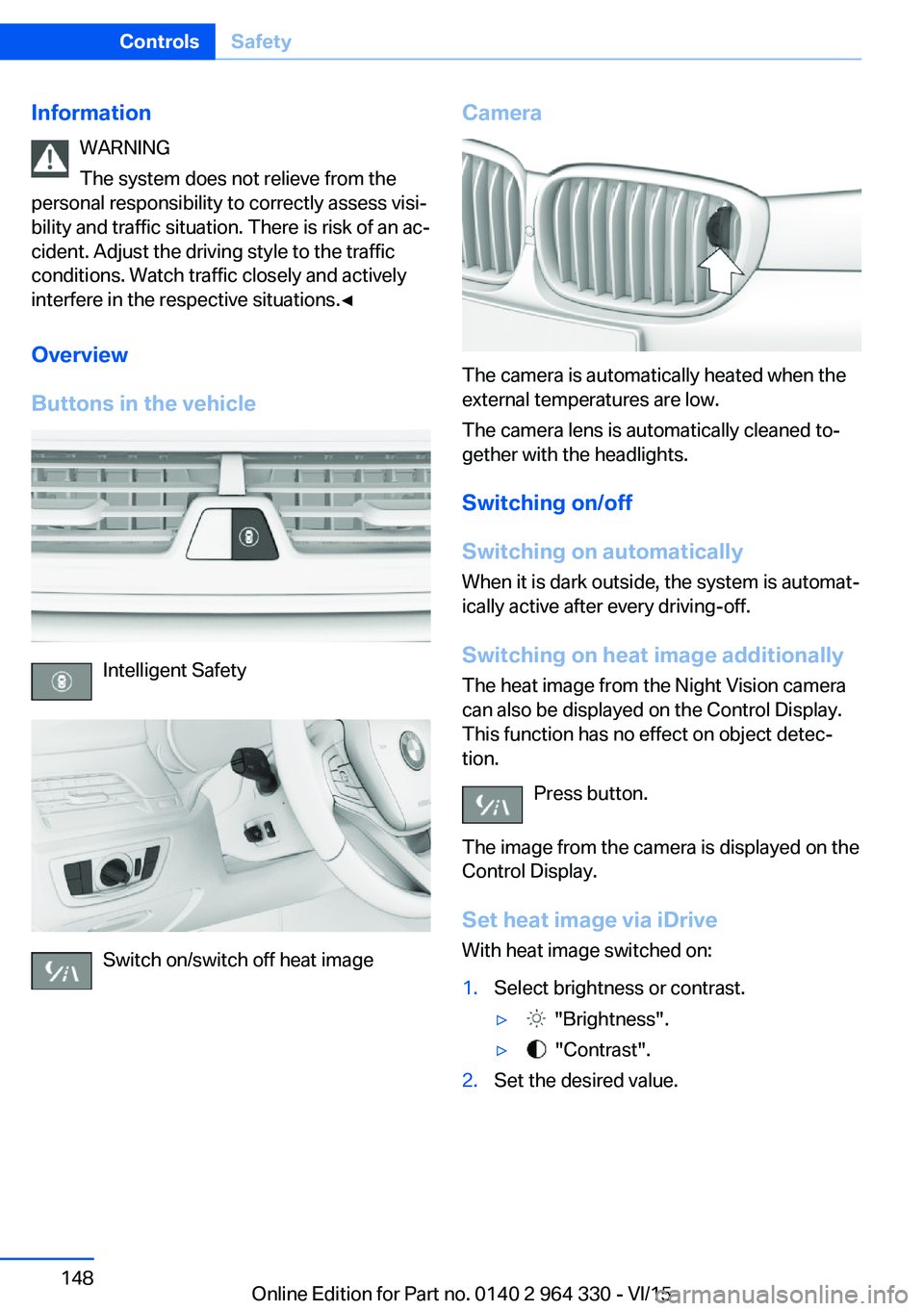
Buttons in the vehicle
Intelligent Safety
Switch on/switch off heat image
Camera
The camera is automatically heated when the
external temperatures are low.
The camera lens is automatically cleaned to‐
gether with the headlights.
Switching on/off
Switching on automatically When it is dark outside, the system is automat‐
ically active after every driving-off.
Switching on heat image additionally
The heat image from the Night Vision camera
can also be displayed on the Control Display.
This function has no effect on object detec‐
tion.
Press button.
The image from the camera is displayed on the
Control Display.
Set heat image via iDriveWith heat image switched on:
1.Select brightness or contrast.▷ "Brightness".▷ "Contrast".2.Set the desired value.Seite 148ControlsSafety148
Online Edition for Part no. 0140 2 964 330 - VI/15
Page 151 of 314
Intelligent Safety
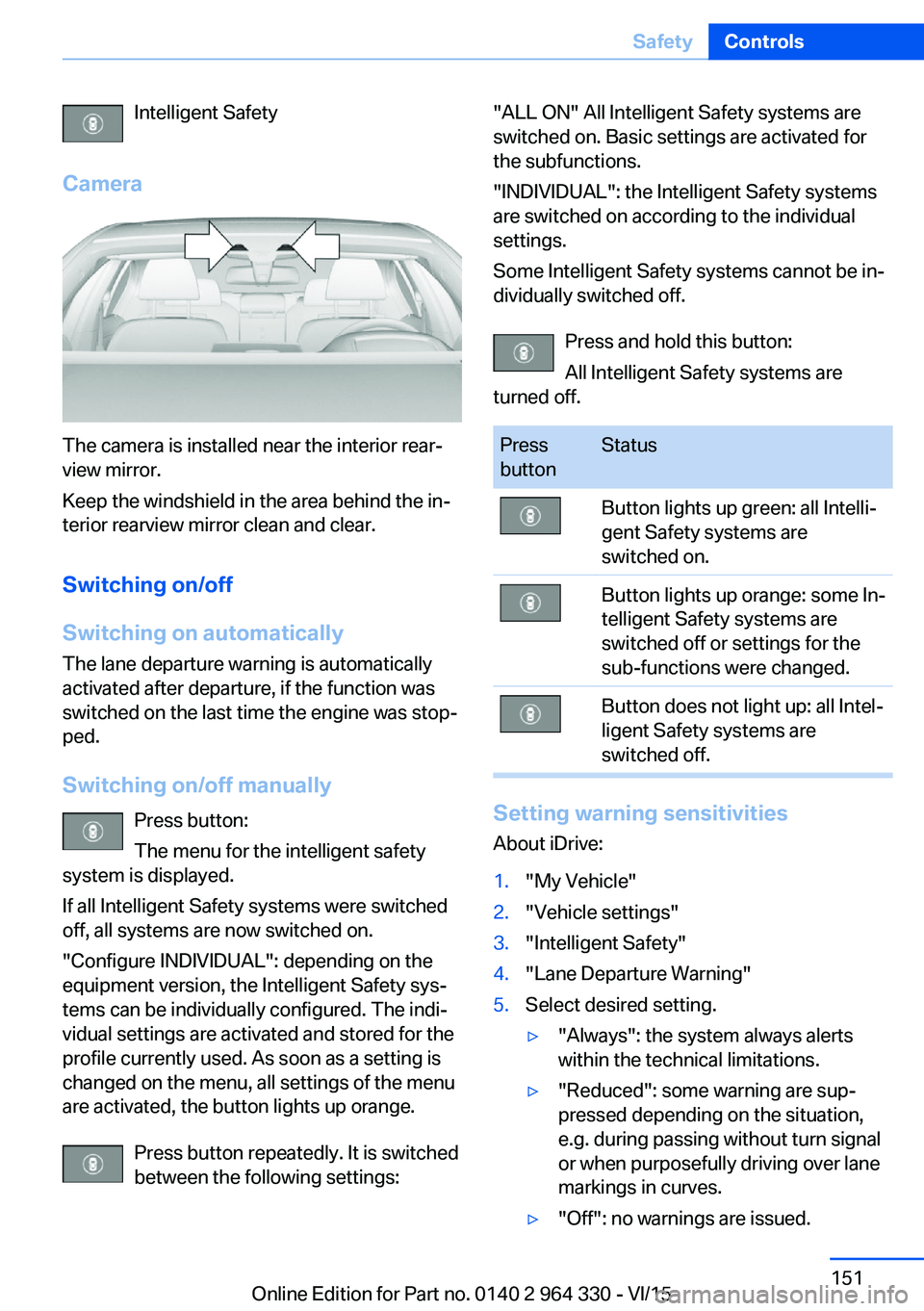
Camera
The camera is installed near the interior rear‐
view mirror.
Keep the windshield in the area behind the in‐
terior rearview mirror clean and clear.
Switching on/off
Switching on automatically The lane departure warning is automatically
activated after departure, if the function was
switched on the last time the engine was stop‐
ped.
Switching on/off manually Press button:
The menu for the intelligent safety
system is displayed.
If all Intelligent Safety systems were switched
off, all systems are now switched on.
"Configure INDIVIDUAL": depending on the
equipment version, the Intelligent Safety sys‐
tems can be individually configured. The indi‐
vidual settings are activated and stored for the
profile currently used. As soon as a setting is
changed on the menu, all settings of the menu
are activated, the button lights up orange.
Press button repeatedly. It is switched
between the following settings:
"ALL ON" All Intelligent Safety systems are
switched on. Basic settings are activated for
the subfunctions.
"INDIVIDUAL": the Intelligent Safety systems
are switched on according to the individual
settings.
Some Intelligent Safety systems cannot be in‐
dividually switched off.
Press and hold this button:
All Intelligent Safety systems are
turned off.Press
buttonStatusButton lights up green: all Intelli‐
gent Safety systems are
switched on.Button lights up orange: some In‐
telligent Safety systems are
switched off or settings for the
sub-functions were changed.Button does not light up: all Intel‐
ligent Safety systems are
switched off.
Setting warning sensitivities
About iDrive:
1."My Vehicle"2."Vehicle settings"3."Intelligent Safety"4."Lane Departure Warning"5.Select desired setting.▷"Always": the system always alerts
within the technical limitations.▷"Reduced": some warning are sup‐
pressed depending on the situation,
e.g. during passing without turn signal
or when purposefully driving over lane
markings in curves.▷"Off": no warnings are issued.Seite 151SafetyControls151
Online Edition for Part no. 0140 2 964 330 - VI/15
Page 154 of 314
Switching on/off
Switching on automatically The Active Blind Spot Detection is automati‐
cally activated after departure, if the function
was switched on the last time the engine was
stopped.
Switching on/off manually Press button:
The menu for the intelligent safety
system is displayed.
If all Intelligent Safety systems were switched
off, all systems are now switched on.
"Configure INDIVIDUAL": depending on the
equipment version, the Intelligent Safety sys‐
tems can be individually configured. The indi‐
vidual settings are activated and stored for the
profile currently used. As soon as a setting is
changed on the menu, all settings of the menu
are activated, the button lights up orange.
Press button repeatedly. It is switched
between the following settings:
"ALL ON" All Intelligent Safety systems are
switched on. Basic settings are activated for
the subfunctions.
"INDIVIDUAL": the Intelligent Safety systems
are switched on according to the individual
settings.
Some Intelligent Safety systems cannot be in‐
dividually switched off.
Press and hold this button:
All Intelligent Safety systems are
turned off.Press
buttonStatusButton lights up green: all Intelli‐
gent Safety systems are
switched on.Button lights up orange: some In‐
telligent Safety systems are
switched off or settings for the
sub-functions were changed.Button does not light up: all Intel‐
ligent Safety systems are
switched off.
Setting the warning time
About iDrive:
1."My Vehicle"2."Vehicle settings"3."Intelligent Safety"4."Blind Spot Detection"5.Select desired setting.
"Off": With this setting, no warning is out‐
put.
The setting is stored for the drive profile cur‐
rently used.
Set force of the steering wheel
vibration
About iDrive:
1."My Vehicle"2."Vehicle settings"3."Steering wheel vibration"4.Select desired setting.
The setting is applied to all Intelligent Safety
systems and stored for the profile currently
used.
Seite 154ControlsSafety154
Online Edition for Part no. 0140 2 964 330 - VI/15
Page 158 of 314
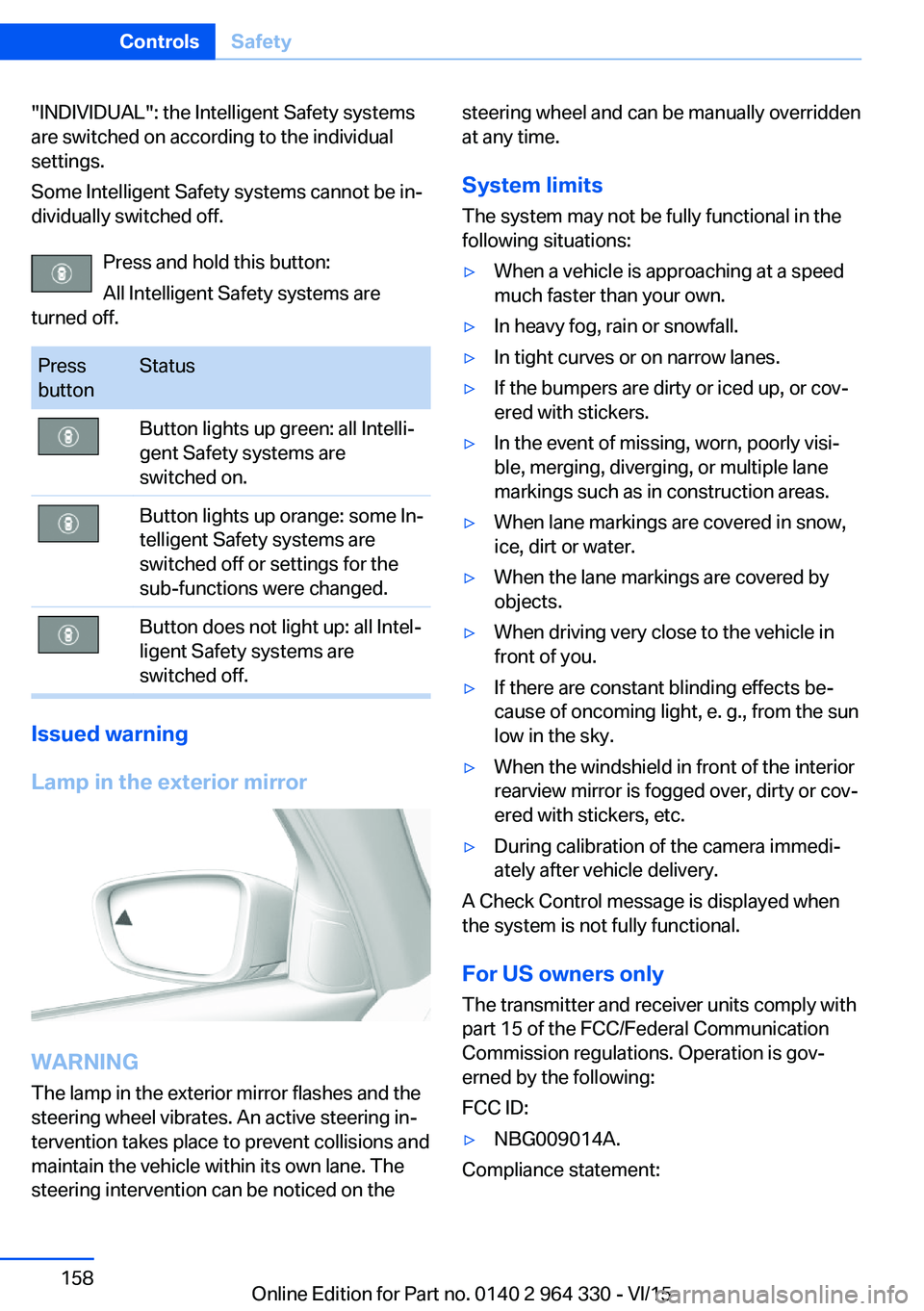
"INDIVIDUAL": the Intelligent Safety systems
are switched on according to the individual
settings.
Some Intelligent Safety systems cannot be in‐
dividually switched off.
Press and hold this button:
All Intelligent Safety systems are
turned off.Press
buttonStatusButton lights up green: all Intelli‐
gent Safety systems are
switched on.Button lights up orange: some In‐
telligent Safety systems are
switched off or settings for the
sub-functions were changed.Button does not light up: all Intel‐
ligent Safety systems are
switched off.
Issued warning
Lamp in the exterior mirror
WARNING
The lamp in the exterior mirror flashes and the
steering wheel vibrates. An active steering in‐
tervention takes place to prevent collisions and
maintain the vehicle within its own lane. The
steering intervention can be noticed on the
steering wheel and can be manually overridden
at any time.
System limits
The system may not be fully functional in the
following situations:▷When a vehicle is approaching at a speed
much faster than your own.▷In heavy fog, rain or snowfall.▷In tight curves or on narrow lanes.▷If the bumpers are dirty or iced up, or cov‐
ered with stickers.▷In the event of missing, worn, poorly visi‐
ble, merging, diverging, or multiple lane
markings such as in construction areas.▷When lane markings are covered in snow,
ice, dirt or water.▷When the lane markings are covered by
objects.▷When driving very close to the vehicle in
front of you.▷If there are constant blinding effects be‐
cause of oncoming light, e. g., from the sun
low in the sky.▷When the windshield in front of the interior
rearview mirror is fogged over, dirty or cov‐
ered with stickers, etc.▷During calibration of the camera immedi‐
ately after vehicle delivery.
A Check Control message is displayed when
the system is not fully functional.
For US owners only The transmitter and receiver units comply with
part 15 of the FCC/Federal Communication
Commission regulations. Operation is gov‐
erned by the following:
FCC ID:
▷NBG009014A.
Compliance statement:
Seite 158ControlsSafety158
Online Edition for Part no. 0140 2 964 330 - VI/15
Page 169 of 314
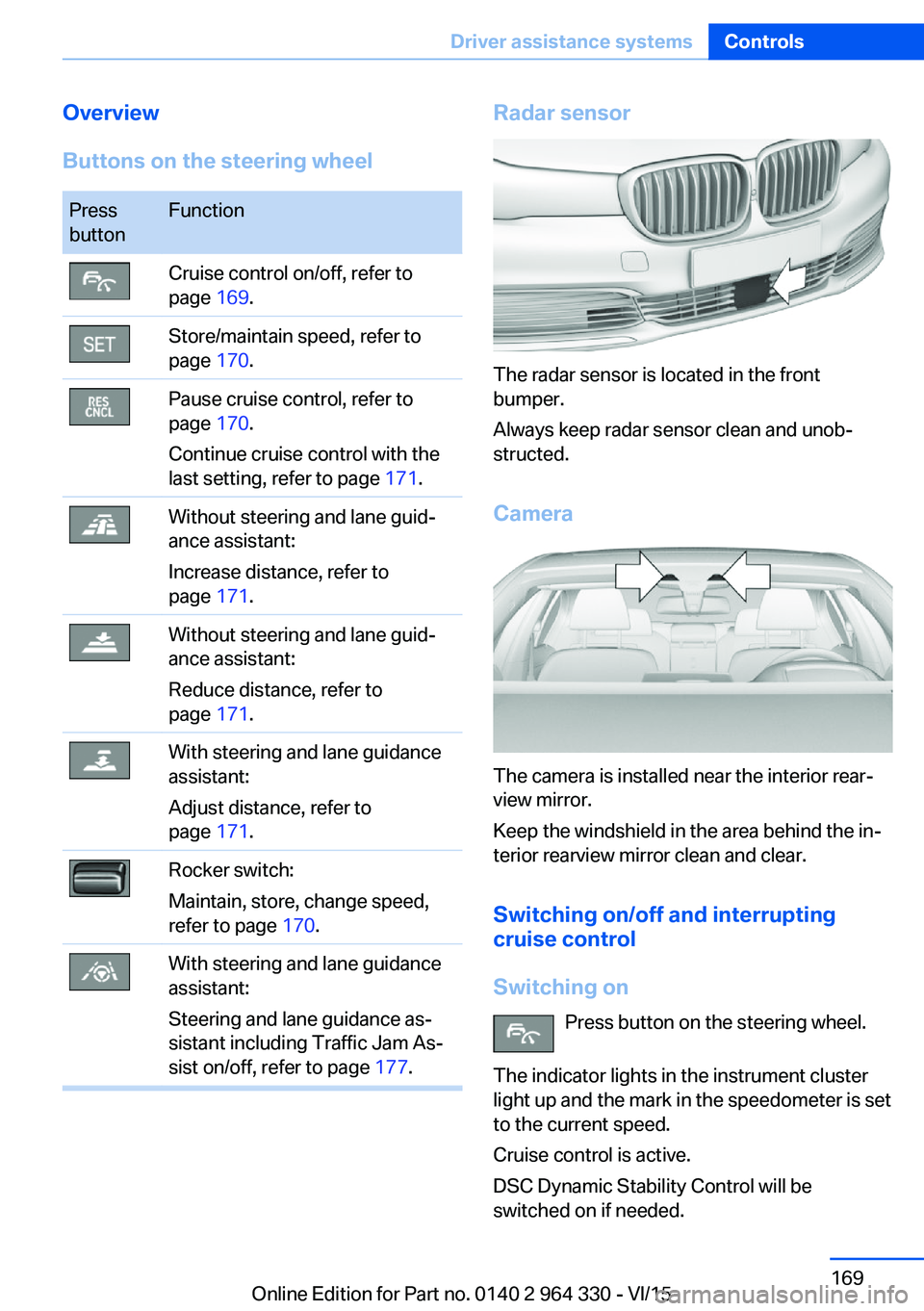
Overview
Buttons on the steering wheelPress
buttonFunctionCruise control on/off, refer to
page 169.Store/maintain speed, refer to
page 170.Pause cruise control, refer to
page 170.
Continue cruise control with the
last setting, refer to page 171.Without steering and lane guid‐
ance assistant:
Increase distance, refer to
page 171.Without steering and lane guid‐
ance assistant:
Reduce distance, refer to
page 171.With steering and lane guidance
assistant:
Adjust distance, refer to
page 171.Rocker switch:
Maintain, store, change speed,
refer to page 170.With steering and lane guidance
assistant:
Steering and lane guidance as‐
sistant including Traffic Jam As‐
sist on/off, refer to page 177.Radar sensor
The radar sensor is located in the front
bumper.
Always keep radar sensor clean and unob‐
structed.
Camera
The camera is installed near the interior rear‐
view mirror.
Keep the windshield in the area behind the in‐
terior rearview mirror clean and clear.
Switching on/off and interrupting
cruise control
Switching on Press button on the steering wheel.
The indicator lights in the instrument cluster
light up and the mark in the speedometer is set
to the current speed.
Cruise control is active.
DSC Dynamic Stability Control will be
switched on if needed.
Seite 169Driver assistance systemsControls169
Online Edition for Part no. 0140 2 964 330 - VI/15