navigation update BMW 745LI SEDAN 2002 Owners Manual
[x] Cancel search | Manufacturer: BMW, Model Year: 2002, Model line: 745LI SEDAN, Model: BMW 745LI SEDAN 2002Pages: 208, PDF Size: 6.33 MB
Page 125 of 208
Navigation
124
NavigationSafetyBy allowing you to find your destination
without having to consult conventional
road maps as you drive, the navigation
system makes an important contribution to
traffic safety.
Enter data only when the vehicle is
stationary, and always obey all traffic
regulations and road signs in the event of
any contradiction between traffic or road
conditions and the instructions issued by
the navigation system. If you do not
observe this precaution, you may be in
violation of the law, and can endanger
vehicle occupants and other highway
users.< GPSGPS stands for Global Positioning System.
This integral component within your
vehicle's navigation system relies on refer-
ence satellites to determine the precise
location of your vehicle. The system oper-
ates by measuring the distance between
your vehicle and a minimum of three refer-
ence satellites.
The data monitored by the vehicle's
antenna and the GPS receiver are fed into
the navigation system's computer. The
computer then correlates the satellite posi-
tioning data with information furnished by
various other in-car systems such as the
ABS sensors, the inertial sensors and the
CD containing the system's digital road map to obtain a basis for its subsequent
calculations.
The result: the navigation system provides
you with dependable guidance to your
destination.
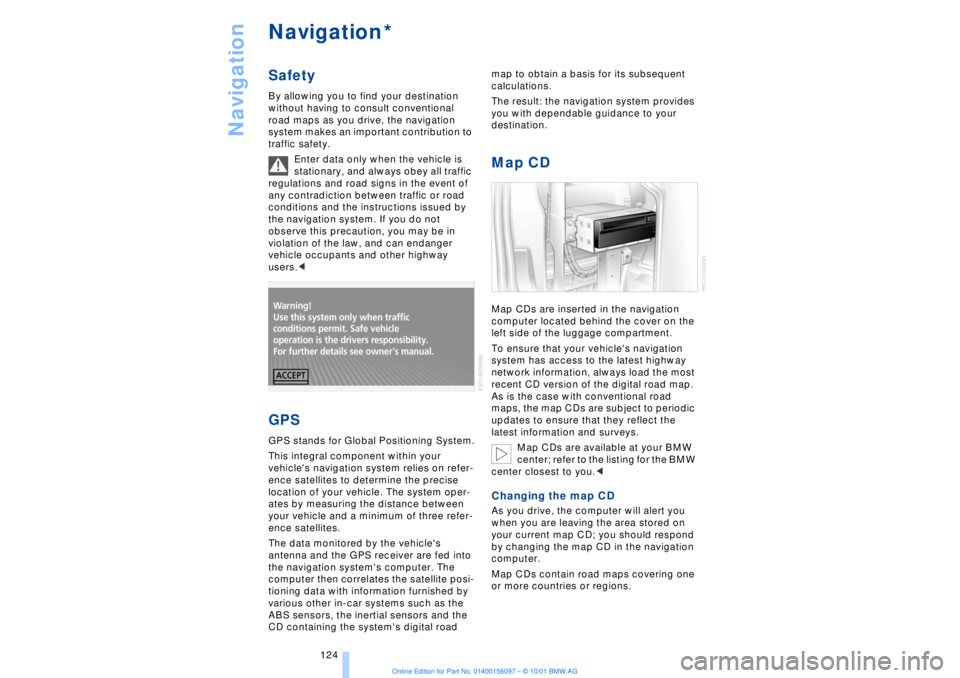
Map CDMap CDs are inserted in the navigation
computer located behind the cover on the
left side of the luggage compartment.
To ensure that your vehicle's navigation
system has access to the latest highway
network information, always load the most
recent CD version of the digital road map.
As is the case with conventional road
maps, the map CDs are subject to periodic
updates to ensure that they reflect the
latest information and surveys.
Map CDs are available at your BMW
center; refer to the listing for the BMW
center closest to you.
your current map CD; you should respond
by changing the map CD in the navigation
computer.
Map CDs contain road maps covering one
or more countries or regions.
*
Page 126 of 208
At a glanceControlsDriving tipsCommunicationsNavigationEntertainmentMobilityReference
125
To change the map CD:
1.Press the button
The CD is ejected from the navigation
computer
2.Remove the CD
3.Insert the new CD with the labeled side
up
4.Allow eight seconds for the system to
scan the data from the new CD. Starting the navigation
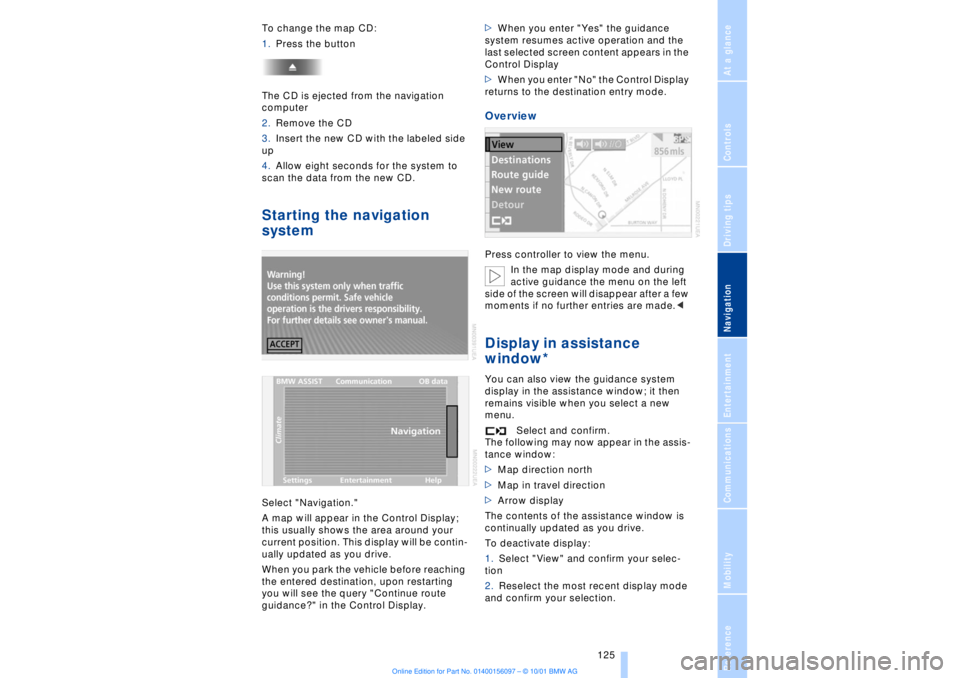
systemSelect "Navigation."
A map will appear in the Control Display;
this usually shows the area around your
current position. This display will be contin-
ually updated as you drive.
When you park the vehicle before reaching
the entered destination, upon restarting
you will see the query "Continue route
guidance?" in the Control Display.>When you enter "Yes" the guidance
system resumes active operation and the
last selected screen content appears in the
Control Display
>When you enter "No" the Control Display
returns to the destination entry mode.
OverviewPress controller to view the menu.
In the map display mode and during
active guidance the menu on the left
side of the screen will disappear after a few
moments if no further entries are made.
display in the assistance window; it then
remains visible when you select a new
menu.
Select and confirm.
The following may now appear in the assis-
tance window:
>Map direction north
>Map in travel direction
>Arrow display
The contents of the assistance window is
continually updated as you drive.
To deactivate display:
1.Select "View" and confirm your selec-
tion
2.Reselect the most recent display mode
and confirm your selection.