brakes BMW 750I SEDAN 2008 User Guide
[x] Cancel search | Manufacturer: BMW, Model Year: 2008, Model line: 750I SEDAN, Model: BMW 750I SEDAN 2008Pages: 254, PDF Size: 7.98 MB
Page 125 of 254
Driving tips
123Reference
At a glance
Controls
Communications
Navigation
Entertainment
Mobility
Hydroplaning
When driving on wet or slushy roads,
reduce road speed. If you do not, a wedge
of water can form between tires and road sur-
face. This phenomenon is referred to as hydro-
planing, and is characterized by a partial or
complete loss of contact between tires and
road surface, ultimately undermining your abil-
ity to steer and brake the vehicle.<
Driving through water
Only drive through water with a maximum
depth of 1 ft/30 cm and then, at no more
than walking speed. Otherwise, you run the risk
of damaging the vehicle's engine, electrical sys-
tems, and transmission.<
Safe braking
Your BMW is equipped with ABS as standard
equipment. In situations that require it, it is best
to apply the brakes fully. Since the vehicle
maintains steering responsiveness, you can
nevertheless avoid possible obstacles with a
minimum of steering effort.
Pulsation at the brake pedal combines with
sounds from the hydraulic circuits to indicate to
the driver that ABS is in its active mode.
Driving in wet conditions
When driving in wet conditions and in heavy
rain, it is a good idea to apply light pressure to
the brake pedal every few miles. Monitor traffic
conditions to ensure that this maneuver does
not endanger other road users. The heat gener-
ated helps dry the pads and rotors to ensure
that full braking efficiency will then be available
when you need it.
Hills
To prevent overheating and reduced effi-
ciency of the brake system, drive long or
steep downhill grades in the gear that requires
the least amount of braking. Otherwise, even
light but consistent pedal pressure can lead to
high temperatures, brake wear, and possibly
even failure of the brake system.
transmission's manual mode, downshifting as
far as first gear on extremely steep stretches,
refer to page63. This strategy helps you avoid
placing excessive loads on the brake system.
Do not drive in idle or with the engine
switched off; otherwise, there will be no
engine braking action or power-assist for the
brakes and steering.
Never allow floor mats, carpets or any other
objects to protrude into the area of movement
of the pedals and impair their operation.<
Corrosion on brake rotors
When the vehicle is driven only occasionally,
during extended periods when the vehicle is not
used at all, and in operating conditions where
brake applications are less frequent, there is an
increased tendency for corrosion to form on
rotors, while contaminants accumulate on the
brake pads. This occurs because the minimal
pressure that must be exerted by the pads dur-
ing brake applications to clean the rotors is not
reached.
Should corrosion form on the brake rotors, the
brakes will tend to respond with a pulsating
effect that even extended application will fail to
cure.
When vehicle is parked
Condensation forms in the automatic climate
control during operation, and then exits under
the vehicle. Traces of condensed water under
the vehicle are therefore normal.
Before driving into a car wash
1.Fold in the exterior mirrors, refer to page50;
otherwise, they could be damaged due to
the width of the vehicle.
To permit the vehicle to roll, follow the
instructions on page58.
2.Release the parking brake, especially when
you have activated Automatic Hold. Refer to
page59.
Page 213 of 254
Mobility
211Reference
At a glance
Controls
Driving tips
Communications
Navigation
Entertainment
Maintenance
BMW Maintenance System
The BMW Maintenance System serves to
retain the operating and road safety of your
BMW. The service schedule also includes oper-
ations related to the vehicle's comfort and con-
venience features, such as replacement of the
filters for the inside air. The aim is to optimize
maintenance procedures with a view to reduc-
ing the cost of running the vehicle.
Should the day come when you decide to sell
your BMW, you will find that a complete dealer
service history is an asset of inestimable value.
CBS Condition Based Service
Sensors and special algorithms take the differ-
ent driving conditions of your BMW into
account. As a result, Condition Based Service
determines the current and future maintenance
requirements. By letting you define a service
and maintenance regimen that reflects your
own individual requirements, the system forms
the basis for trouble-free driving.
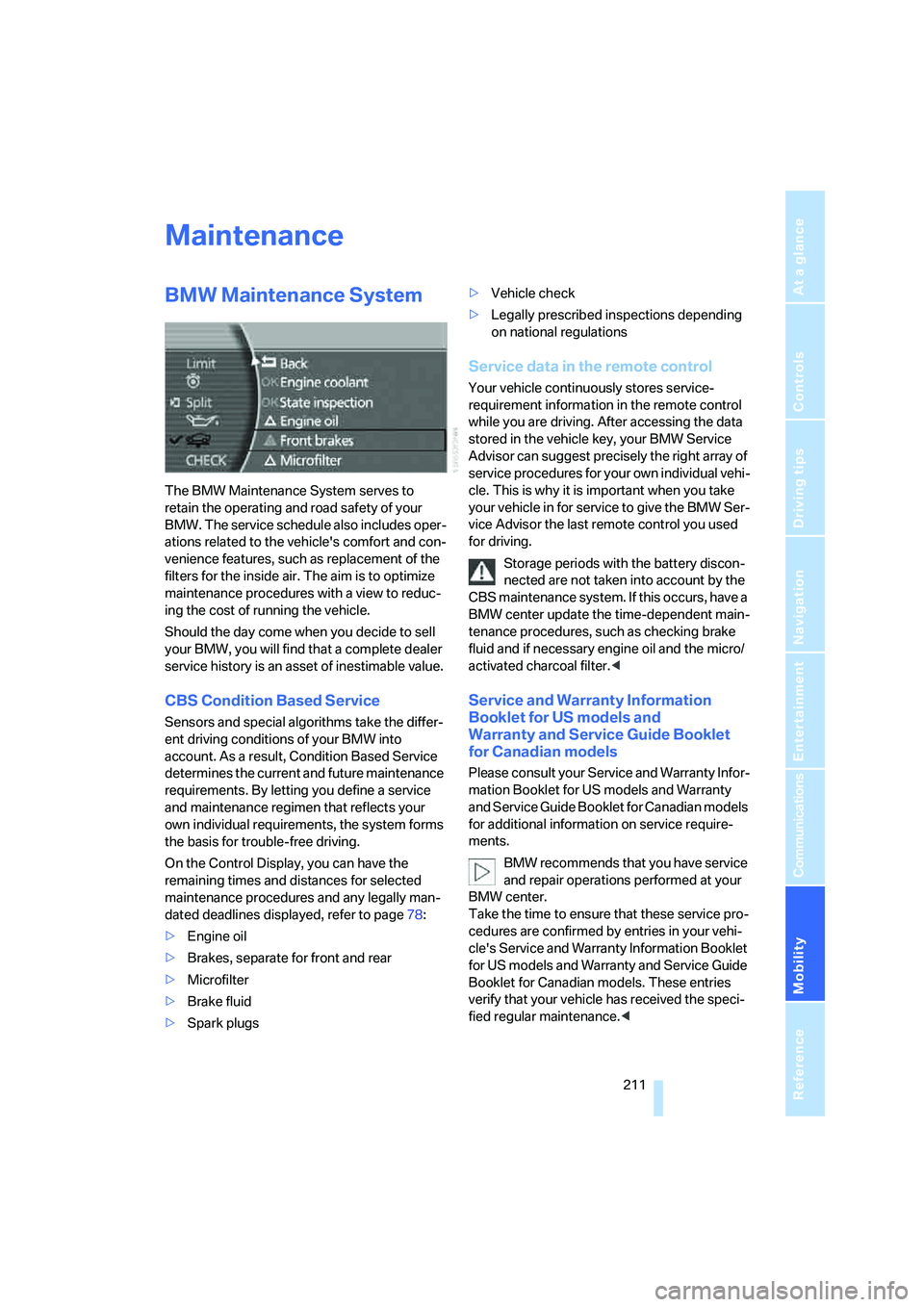
On the Control Display, you can have the
remaining times and distances for selected
maintenance procedures and any legally man-
dated deadlines displayed, refer to page78:
>Engine oil
>Brakes, separate for front and rear
>Microfilter
>Brake fluid
>Spark plugs>Vehicle check
>Legally prescribed inspections depending
on national regulations
Service data in the remote control
Your vehicle continuously stores service-
requirement information in the remote control
while you are driving. After accessing the data
stored in the vehicle key, your BMW Service
Advisor can suggest precisely the right array of
service procedures for your own individual vehi-
cle. This is why it is important when you take
your vehicle in for service to give the BMW Ser-
vice Advisor the last remote control you used
for driving.
Storage periods with the battery discon-
nected are not taken into account by the
CBS maintenance system. If this occurs, have a
BMW center update the time-dependent main-
tenance procedures, such as checking brake
fluid and if necessary engine oil and the micro/
activated charcoal filter.<
Service and Warranty Information
Booklet for US models and
Warranty and Service Guide Booklet
for Canadian models
Please consult your Service and Warranty Infor-
mation Booklet for US models and Warranty
and Service Guide Booklet for Canadian models
for additional information on service require-
ments.
BMW recommends that you have service
and repair operations performed at your
BMW center.
Take the time to ensure that these service pro-
cedures are confirmed by entries in your vehi-
cle's Service and Warranty Information Booklet
for US models and Warranty and Service Guide
Booklet for Canadian models. These entries
verify that your vehicle has received the speci-
fied regular maintenance.<
Page 236 of 254
Everything from A to Z
234 BMW homepage4
BMW Maintenance
System211
BMW Night Vision97
– activating/deactivating98
– cleaning camera99
– making settings98
Boot, refer to Luggage
compartment119
Bottle holder, refer to Cup
holders115
Brake assistant87
Brake force display94
Brake lamp, adaptive, refer to
Brake force display94
Brake lamps
– brake force display94
– replacing bulbs214
Brake rotors, refer to
Corrosion on brake
rotors123
Brakes123
– ABS87
– brake force display94
– breaking-in122
– parking brake58
Brake system
– BMW Maintenance
System211
– breaking-in122
– refer to Braking safely123
Breakdown service, refer to
Roadside
Assistance190,219
Breaking-in122
Breaking-in differential, refer
to Engine and
differential122
"Brightness"
– BMW Night Vision99
– DVD changer172
– on Control Display85
Bulbs, replacing213
"button", programmable
buttons52
Buttons
– next to the controller16
– on steering wheel11
C
"Calculate", refer to
Bypassing route
sections147
Calculating distance to
destination77
California Proposition 65
Warning6
"CALL"192
Call
– accepting184
– automatically accepting,
refer to Hands-free
system179
– rejecting184
– touch tone dialing180
– while away, refer to Dialing
numbers stored in a list186
Call back list, refer to Dialing a
number from phone book or
from numbers stored in a
list185
Calling
– from phone book185
– from Top 8 list186
– redialing185
– with retracting telephone
keypad179
Can holder, refer to Cup
holders115
Capacities229
– luggage compartment228
Car battery, refer to Vehicle
battery217
Car care, refer to Caring for
your vehicle brochure
Car-care products, refer to
Caring for your vehicle
brochure
"Car Data"79,81
Care, refer to Caring for your
vehicle brochure
Caring for the upholstery, refer
to Caring for your vehicle
brochure
Caring for the vehicle finish,
refer to Caring for your
vehicle brochureCar key, refer to Remote
control/key30
Carpet care, refer to Caring for
your vehicle brochure
Car radio, refer to Radio156
Car wash123
– also refer to Caring for your
vehicle brochure
– with Comfort Access39
Catalytic converter, refer to
Hot exhaust system122
"Categories", radio161
CBC Cornering Brake
Control87
CBS Condition Based
Service211
"CD", CD player163
"CDC", CD changer166
CD changer165
– compressed audio files166
– controls152
– fast forward, reverse
167
– installation location165
– random sequence167
– sampling167
– selecting a CD166
– selecting track166
– starting165
– tone control153
– volume153
CD player163
– controls152
– fast forward, reverse164
– random sequence164
– sampling163
– selecting tracks163
– starting163
– tone control153
– volume153
Center armrest
– front113
– rear114
Center console, refer to
Comfort features14
Central locking system31
– Comfort Access38
– from the inside34
"CHANGE", navigation138