remote control BMW 760LI SEDAN 2003 Owner's Guide
[x] Cancel search | Manufacturer: BMW, Model Year: 2003, Model line: 760LI SEDAN, Model: BMW 760LI SEDAN 2003Pages: 229, PDF Size: 4.35 MB
Page 142 of 229
Navigation
140 To repeat most recent instructions
with information on route or travel direc-
tion, when the voice guidance is activated.
Volume adjustment
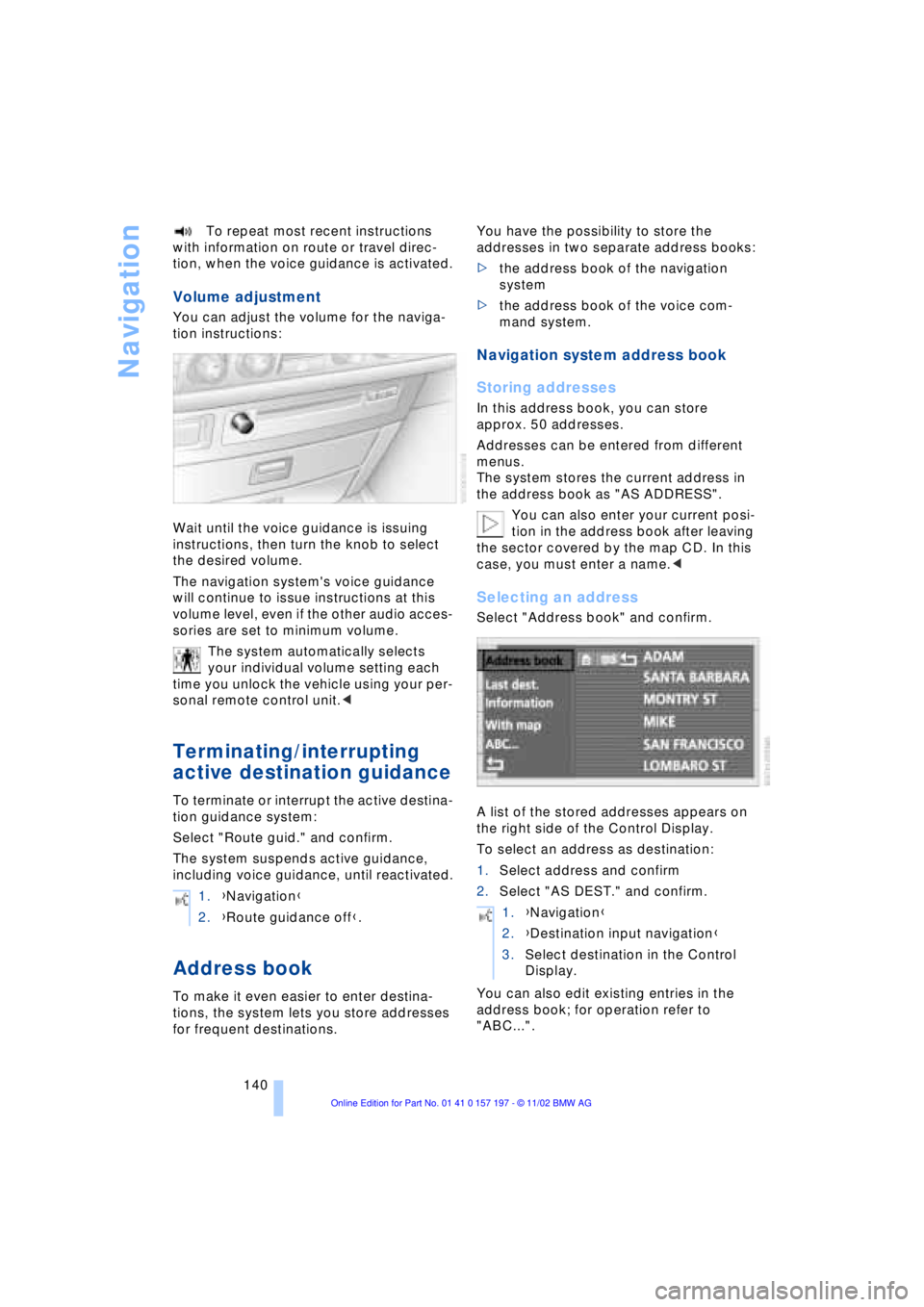
You can adjust the volume for the naviga-
tion instructions:
Wait until the voice guidance is issuing
instructions, then turn the knob to select
the desired volume.
The navigation system's voice guidance
will continue to issue instructions at this
volume level, even if the other audio acces-
sories are set to minimum volume.
The system automatically selects
your individual volume setting each
time you unlock the vehicle using your per-
sonal remote control unit.<
Terminating/interrupting
active destination guidance
To terminate or interrupt the active destina-
tion guidance system:
Select "Route guid." and confirm.
The system suspends active guidance,
including voice guidance, until reactivated.
Address book
To make it even easier to enter destina-
tions, the system lets you store addresses
for frequent destinations.You have the possibility to store the
addresses in two separate address books:
>the address book of the navigation
system
>the address book of the voice com-
mand system.
Navigation system address book
Storing addresses
In this address book, you can store
approx. 50 addresses.
Addresses can be entered from different
menus.
The system stores the current address in
the address book as "AS ADDRESS".
You can also enter your current posi-
tion in the address book after leaving
the sector covered by the map CD. In this
case, you must enter a name.<
Selecting an address
Select "Address book" and confirm.
A list of the stored addresses appears on
the right side of the Control Display.
To select an address as destination:
1.Select address and confirm
2.Select "AS DEST." and confirm.
You can also edit existing entries in the
address book; for operation refer to
"ABC...". 1.{Navigation}
2.{Route guidance off}.
1.{Navigation}
2.{Destination input navigation}
3.Select destination in the Control
Display.
Page 149 of 229
At a glance
Controls
Driving tips
Communications
Navigation
Entertainment
Mobility
Reference
147
Switching on/off
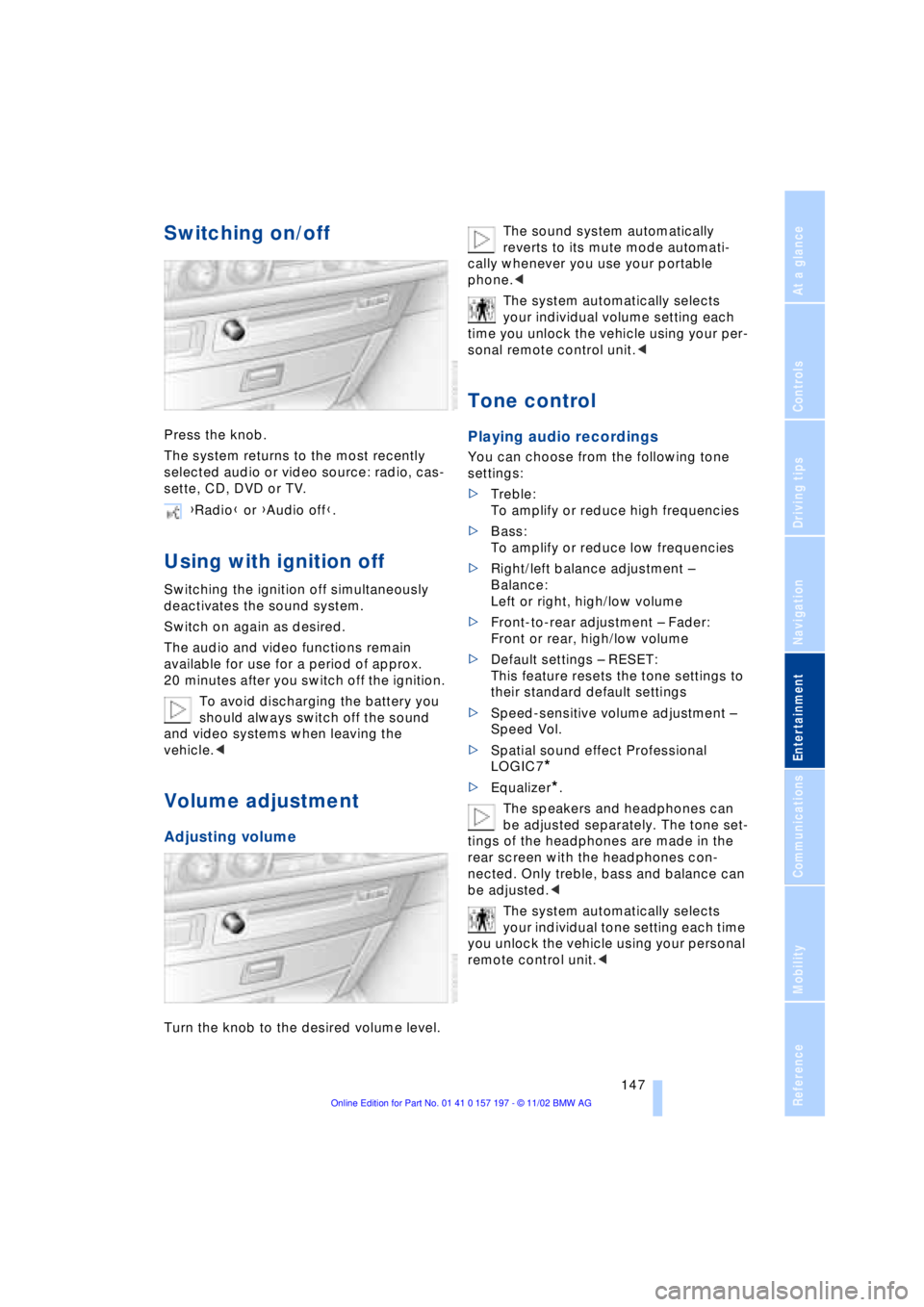
Press the knob.
The system returns to the most recently
selected audio or video source: radio, cas-
sette, CD, DVD or TV.
Using with ignition off
Switching the ignition off simultaneously
deactivates the sound system.
Switch on again as desired.
The audio and video functions remain
available for use for a period of approx.
20 minutes after you switch off the ignition.
To avoid discharging the battery you
should always switch off the sound
and video systems when leaving the
vehicle.<
Volume adjustment
Adjusting volume
Turn the knob to the desired volume level.The sound system automatically
reverts to its mute mode automati-
cally whenever you use your portable
phone.<
The system automatically selects
your individual volume setting each
time you unlock the vehicle using your per-
sonal remote control unit.<
Tone control
Playing audio recordings
You can choose from the following tone
settings:
>Treble:
To amplify or reduce high frequencies
>Bass:
To amplify or reduce low frequencies
>Right/left balance adjustment Ð
Balance:
Left or right, high/low volume
>Front-to-rear adjustment Ð Fader:
Front or rear, high/low volume
>Default settings Ð RESET:
This feature resets the tone settings to
their standard default settings
>Speed-sensitive volume adjustment Ð
Speed Vol.
>Spatial sound effect Professional
LOGIC7
*
>Equalizer*.
The speakers and headphones can
be adjusted separately. The tone set-
tings of the headphones are made in the
rear screen with the headphones con-
nected. Only treble, bass and balance can
be adjusted.<
The system automatically selects
your individual tone setting each time
you unlock the vehicle using your personal
remote control unit.< {Radio} or {Audio off}.
Page 175 of 229
At a glance
Controls
Driving tips Communications
Navigation
Entertainment
Mobility
Reference
173
Hands-free system
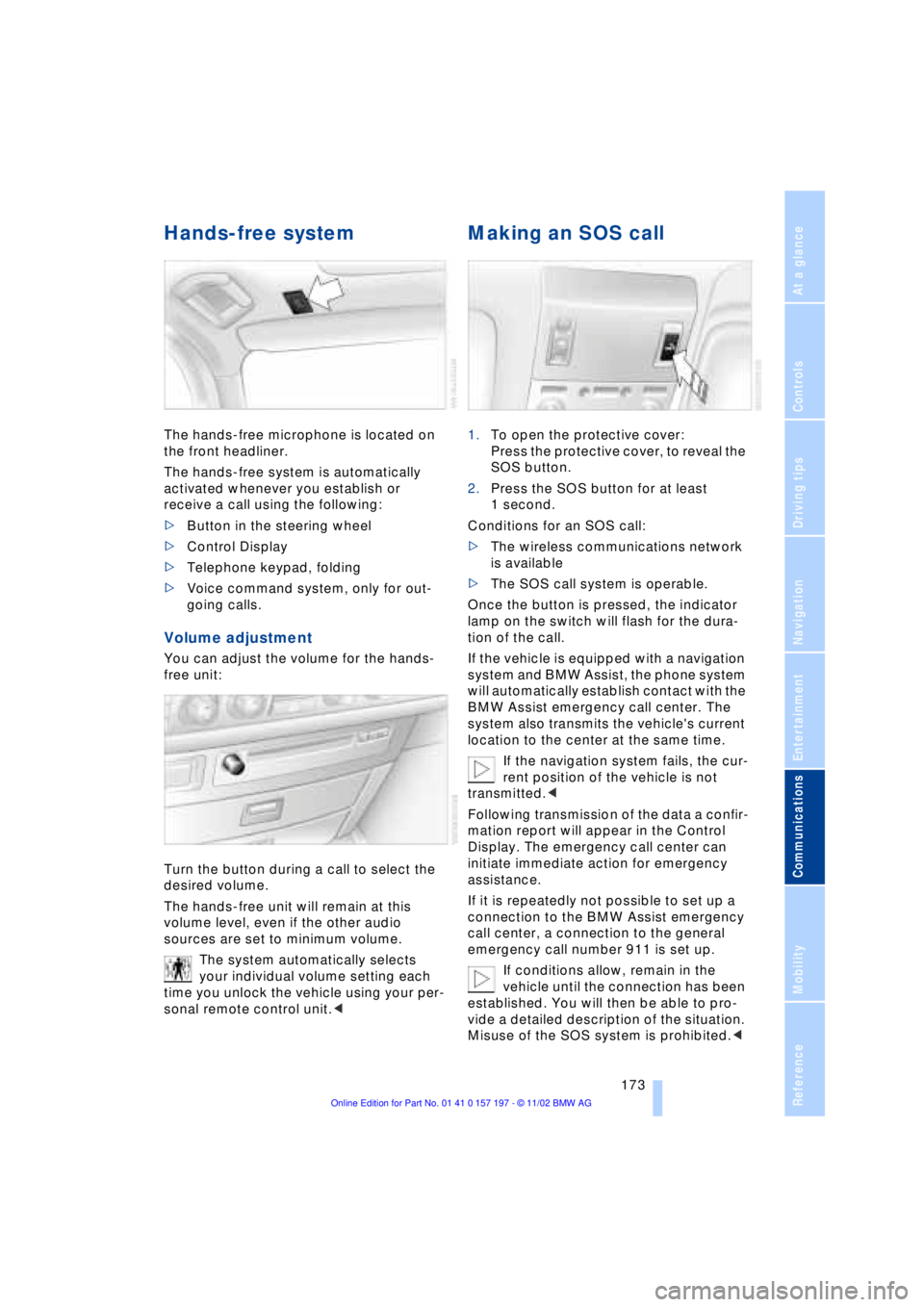
The hands-free microphone is located on
the front headliner.
The hands-free system is automatically
activated whenever you establish or
receive a call using the following:
>Button in the steering wheel
>Control Display
>Telephone keypad, folding
>Voice command system, only for out-
going calls.
Volume adjustment
You can adjust the volume for the hands-
free unit:
Turn the button during a call to select the
desired volume.
The hands-free unit will remain at this
volume level, even if the other audio
sources are set to minimum volume.
The system automatically selects
your individual volume setting each
time you unlock the vehicle using your per-
sonal remote control unit.<
Making an SOS call
1.To open the protective cover:
Press the protective cover, to reveal the
SOS button.
2.Press the SOS button for at least
1 second.
Conditions for an SOS call:
>The wireless communications network
is available
>The SOS call system is operable.
Once the button is pressed, the indicator
lamp on the switch will flash for the dura-
tion of the call.
If the vehicle is equipped with a navigation
system and BMW Assist, the phone system
will automatically establish contact with the
BMW Assist emergency call center. The
system also transmits the vehicle's current
location to the center at the same time.
If the navigation system fails, the cur-
rent position of the vehicle is not
transmitted.<
Following transmission of the data a confir-
mation report will appear in the Control
Display. The emergency call center can
initiate immediate action for emergency
assistance.
If it is repeatedly not possible to set up a
connection to the BMW Assist emergency
call center, a connection to the general
emergency call number 911 is set up.
If conditions allow, remain in the
vehicle until the connection has been
established. You will then be able to pro-
vide a detailed description of the situation.
Misuse of the SOS system is prohibited.<
Page 215 of 229
213
At a glance
Controls
Driving tips
Communications
Navigation
Entertainment
Mobility
Reference
Automatic recirculated-air
control AUC 107
Automatic transmission
with L mode 67
Automatic transmission
with Steptronic 69
Ð operation via buttons in
steering wheel 69
"AUTO P" 54, 64
"AUTOSTOR" 161
"Autostore" for radio
operation 150
Average fuel
consumption 88
Average speed 88
Avoid false alarms 41
"Avoid highway" 137
"Avoid route" 139
"Avoid sect." 139
"Avoid tolls" 137
Avoid unintentional
alarms 41
"A-Z" 175
B
Backrest adjustment 47
Ð front seats 46
Ð rear seats 47
Backrests, refer to
Seats 45
Backup lamp, bulb
replacement 197
Balance 147
"Balance" in sound system
operation 148
Bass 147
"Bass" in sound system
operation 148
Battery 200
Ð discharged 202
Ð switch 201
"BC", refer to Computer 88
Belts 50
Beverage holders 118
Blinds 115
Blower 107
BMW active seat 52"BMW Assist" 19, 22, 178
Ð "Roadside
Assistance" 178
BMW Assist 178
BMW comfort seat 46
"BMW Services" 178
"Booktape" 158
Brake, malfunctions 192
Brake assistant, refer to
Dynamic Brake Control
DBC 96
Brake fluid 192
Brake hydraulic
systems 192
Brake lamp, adaptive 101
Brake lamps, bulb
replacement 197
Brake pads 125, 193
Brakes 125
Brake system
Ð brake fluid 192
Break-in procedures 124
"Brief info" information
bulletin 23
"Brightness" during
TV operation 161
"Brightness" in the Control
Center 92
Bulb changes 195
Buttons in steering
wheel 18
Ð refer to Automatic
transmission with
Steptronic 69
C
California Proposition
65 Warning 194
Call
Ð ending 175
Ð making 174
Calling 174
Ð from telephone
directory 175
Ð from the redialing list 176
Ð from the Top 8 list 176
Ð redialing 176Can holders, refer to
Beverage holders 118
Capacities 211
Car care, refer to Care
manual
"Car data" 19, 22
Cargo, securing 126
Cargo area
Ð emergency release 40
Ð manual operation 40
Ð opening and locking
separately 39
Ð opening from the
inside 39
Ð opening from the
outside 38
Ð operating via remote
control 36
Cargo loading 126
"Car parked" 109, 112
Car phone 171, 174
Car radio, refer to
Radio 146
Car wash 124
Car wash, refer to Care
manual
Cassette 158
Cassette deck 158
Ð adjusting the tone 147
Ð "Booktape" 158
Ð controls 146
Ð Dolby 158
Ð fast forward 159
Ð music search 159
Ð operating
temperatures 158
Ð reverse 159
Ð selecting tape side 158
Ð skipping pauses 159
Ð switching on 158
Ð volume 147
CBC Cornering Brake
Control 96
CBS Condition Based
Service 193
"CD" 146, 153
Page 216 of 229
Everything from A to Z
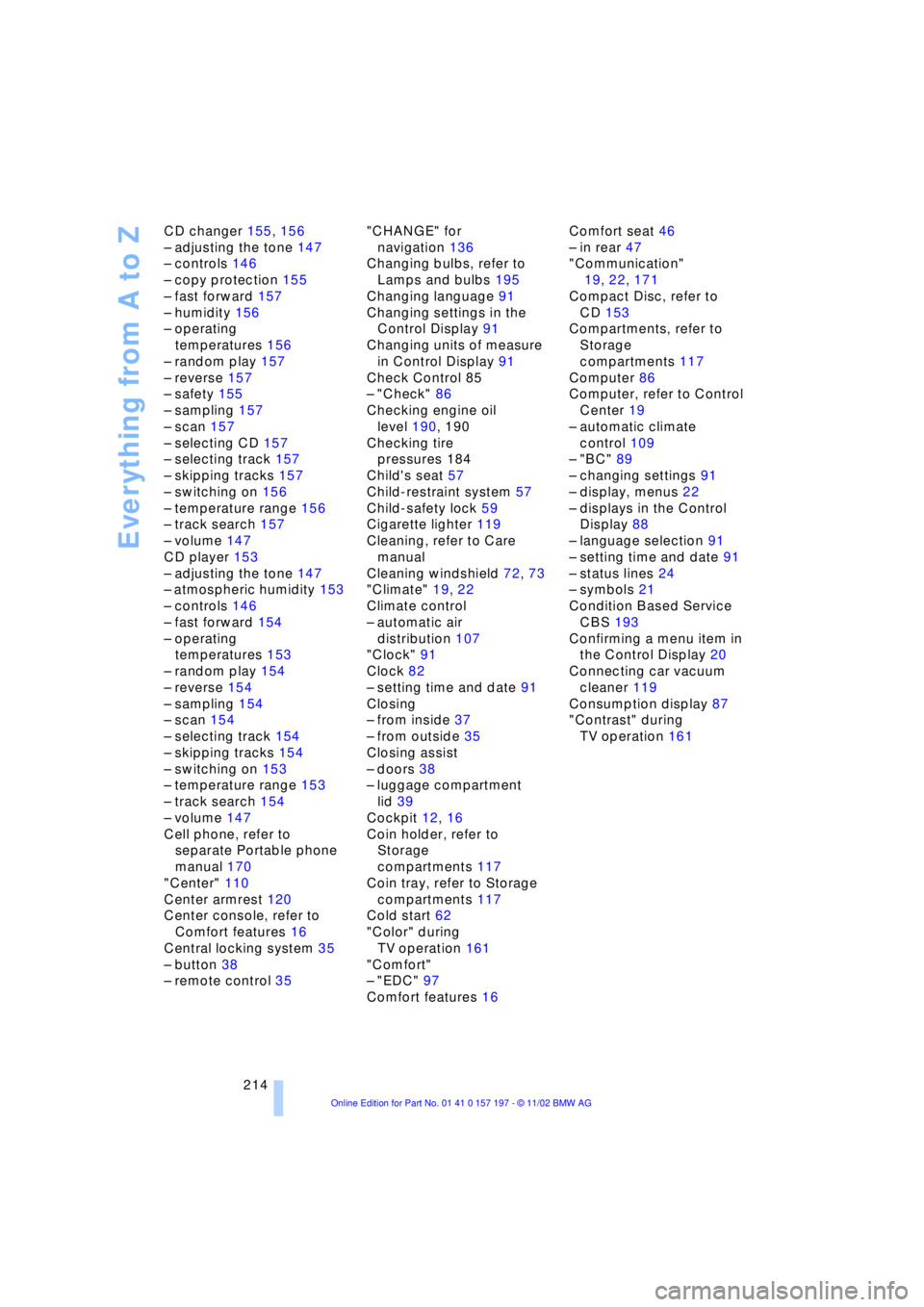
214 CD changer 155, 156
Ð adjusting the tone 147
Ð controls 146
Ð copy protection 155
Ð fast forward 157
Ð humidity 156
Ð operating
temperatures 156
Ð random play 157
Ð reverse 157
Ð safety 155
Ð sampling 157
Ð scan 157
Ð selecting CD 157
Ð selecting track 157
Ð skipping tracks 157
Ð switching on 156
Ð temperature range 156
Ð track search 157
Ð volume 147
CD player 153
Ð adjusting the tone 147
Ð atmospheric humidity 153
Ð controls 146
Ð fast forward 154
Ð operating
temperatures 153
Ð random play 154
Ð reverse 154
Ð sampling 154
Ð scan 154
Ð selecting track 154
Ð skipping tracks 154
Ð switching on 153
Ð temperature range 153
Ð track search 154
Ð volume 147
Cell phone, refer to
separate Portable phone
manual 170
"Center" 110
Center armrest 120
Center console, refer to
Comfort features 16
Central locking system 35
Ð button 38
Ð remote control 35"CHANGE" for
navigation 136
Changing bulbs, refer to
Lamps and bulbs 195
Changing language 91
Changing settings in the
Control Display 91
Changing units of measure
in Control Display 91
Check Control 85
Ð "Check" 86
Checking engine oil
level 190, 190
Checking tire
pressures 184
Child's seat 57
Child-restraint system 57
Child-safety lock 59
Cigarette lighter 119
Cleaning, refer to Care
manual
Cleaning windshield 72, 73
"Climate" 19, 22
Climate control
Ð automatic air
distribution 107
"Clock" 91
Clock 82
Ð setting time and date 91
Closing
Ð from inside 37
Ð from outside 35
Closing assist
Ð doors 38
Ð luggage compartment
lid 39
Cockpit 12, 16
Coin holder, refer to
Storage
compartments 117
Coin tray, refer to Storage
compartments 117
Cold start 62
"Color" during
TV operation 161
"Comfort"
Ð "EDC" 97
Comfort features 16Comfort seat 46
Ð in rear 47
"Communication"
19, 22, 171
Compact Disc, refer to
CD 153
Compartments, refer to
Storage
compartments 117
Computer 86
Computer, refer to Control
Center 19
Ð automatic climate
control 109
Ð "BC" 89
Ð changing settings 91
Ð display, menus 22
Ð displays in the Control
Display 88
Ð language selection 91
Ð setting time and date 91
Ð status lines 24
Ð symbols 21
Condition Based Service
CBS 193
Confirming a menu item in
the Control Display 20
Connecting car vacuum
cleaner 119
Consumption display 87
"Contrast" during
TV operation 161
Page 217 of 229
215
At a glance
Controls
Driving tips
Communications
Navigation
Entertainment
Mobility
Reference
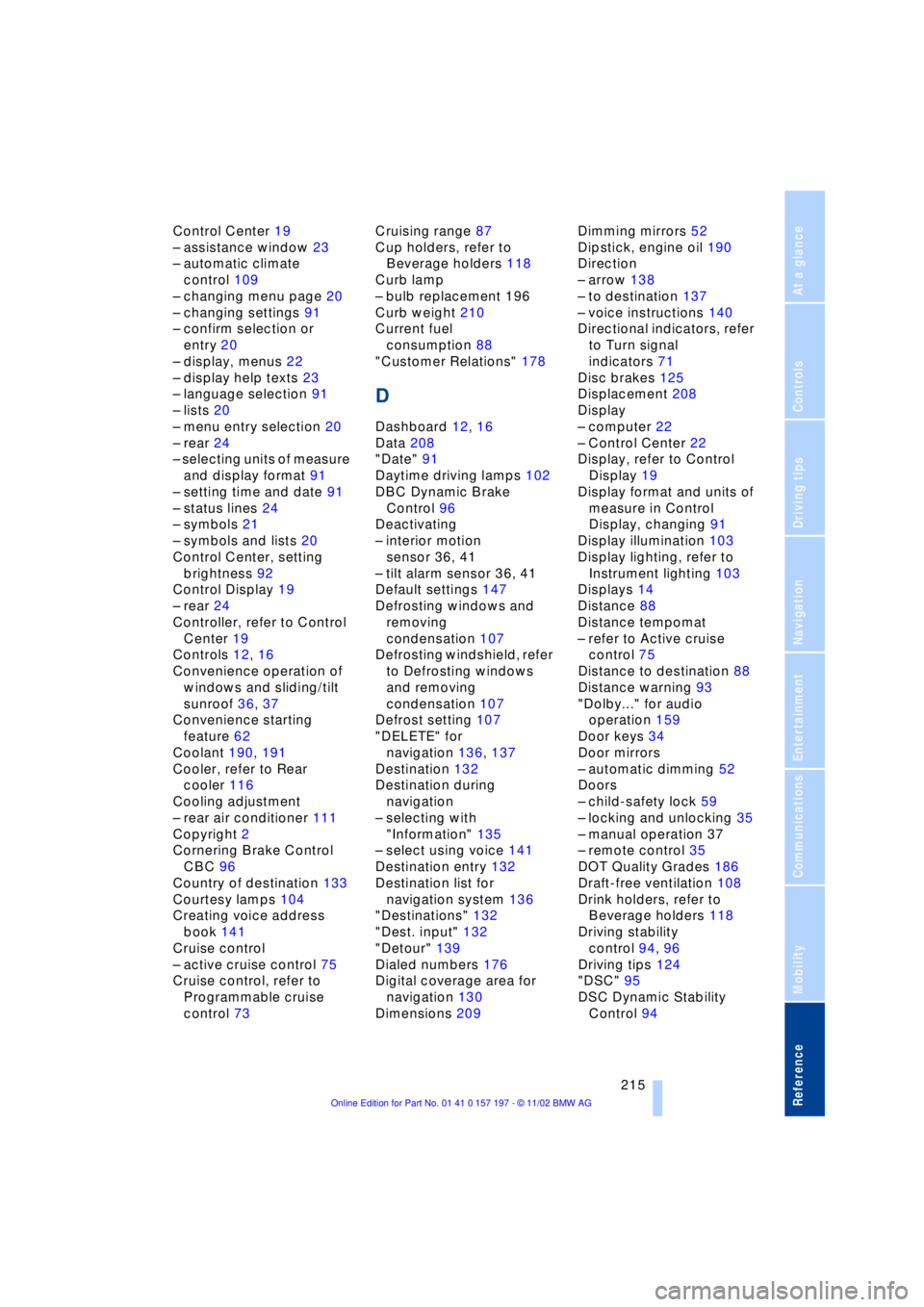
Control Center 19
Ð assistance window 23
Ð automatic climate
control 109
Ð changing menu page 20
Ð changing settings 91
Ð confirm selection or
entry 20
Ð display, menus 22
Ð display help texts 23
Ð language selection 91
Ð lists 20
Ð menu entry selection 20
Ð rear 24
Ð selecting units of measure
and display format 91
Ð setting time and date 91
Ð status lines 24
Ð symbols 21
Ð symbols and lists 20
Control Center, setting
brightness 92
Control Display 19
Ð rear 24
Controller, refer to Control
Center 19
Controls 12, 16
Convenience operation of
windows and sliding/tilt
sunroof 36, 37
Convenience starting
feature 62
Coolant 190, 191
Cooler, refer to Rear
cooler 116
Cooling adjustment
Ð rear air conditioner 111
Copyright 2
Cornering Brake Control
CBC 96
Country of destination 133
Courtesy lamps 104
Creating voice address
book 141
Cruise control
Ð active cruise control 75
Cruise control, refer to
Programmable cruise
control 73Cruising range 87
Cup holders, refer to
Beverage holders 118
Curb lamp
Ð bulb replacement 196
Curb weight 210
Current fuel
consumption 88
"Customer Relations" 178
D
Dashboard 12, 16
Data 208
"Date" 91
Daytime driving lamps 102
DBC Dynamic Brake
Control 96
Deactivating
Ð interior motion
sensor 36, 41
Ð tilt alarm sensor 36, 41
Default settings 147
Defrosting windows and
removing
condensation 107
Defrosting windshield, refer
to Defrosting windows
and removing
condensation 107
Defrost setting 107
"DELETE" for
navigation 136, 137
Destination 132
Destination during
navigation
Ð selecting with
"Information" 135
Ð select using voice 141
Destination entry 132
Destination list for
navigation system 136
"Destinations" 132
"Dest. input" 132
"Detour" 139
Dialed numbers 176
Digital coverage area for
navigation 130
Dimensions 209Dimming mirrors 52
Dipstick, engine oil 190
Direction
Ð arrow 138
Ð to destination 137
Ð voice instructions 140
Directional indicators, refer
to Turn signal
indicators 71
Disc brakes 125
Displacement 208
Display
Ð computer 22
Ð Control Center 22
Display, refer to Control
Display 19
Display format and units of
measure in Control
Display, changing 91
Display illumination 103
Display lighting, refer to
Instrument lighting 103
Displays 14
Distance 88
Distance tempomat
Ð refer to Active cruise
control 75
Distance to destination 88
Distance warning 93
"Dolby..." for audio
operation 159
Door keys 34
Door mirrors
Ð automatic dimming 52
Doors
Ð child-safety lock 59
Ð locking and unlocking 35
Ð manual operation 37
Ð remote control 35
DOT Quality Grades 186
Draft-free ventilation 108
Drink holders, refer to
Beverage holders 118
Driving stability
control 94, 96
Driving tips 124
"DSC" 95
DSC Dynamic Stability
Control 94
Page 219 of 229
217
At a glance
Controls
Driving tips
Communications
Navigation
Entertainment
Mobility
Reference
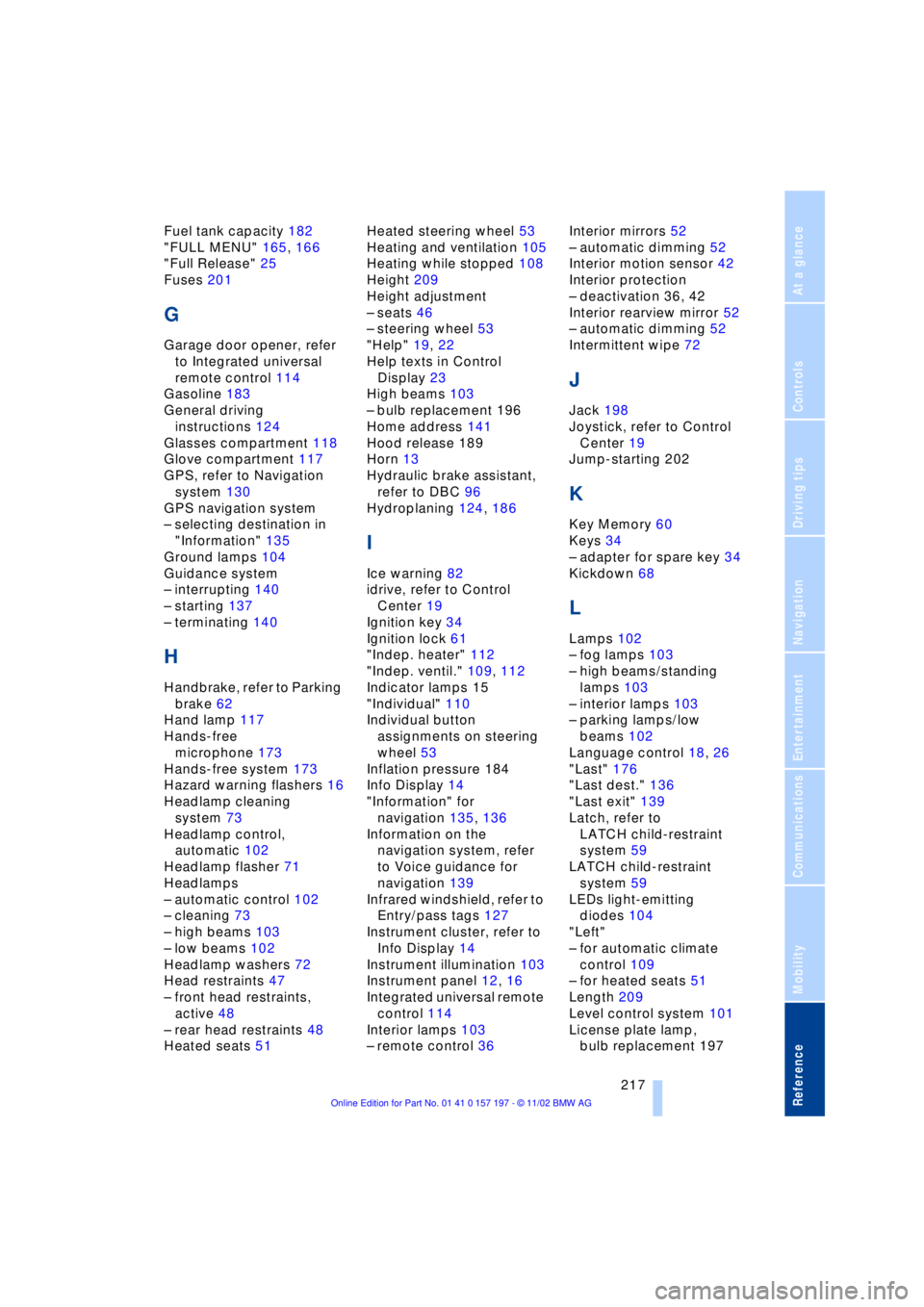
Fuel tank capacity 182
"FULL MENU" 165, 166
"Full Release" 25
Fuses 201
G
Garage door opener, refer
to Integrated universal
remote control 114
Gasoline 183
General driving
instructions 124
Glasses compartment 118
Glove compartment 117
GPS, refer to Navigation
system 130
GPS navigation system
Ð selecting destination in
"Information" 135
Ground lamps 104
Guidance system
Ð interrupting 140
Ð starting 137
Ð terminating 140
H
Handbrake, refer to Parking
brake 62
Hand lamp 117
Hands-free
microphone 173
Hands-free system 173
Hazard warning flashers 16
Headlamp cleaning
system 73
Headlamp control,
automatic 102
Headlamp flasher 71
Headlamps
Ð automatic control 102
Ð cleaning 73
Ð high beams 103
Ð low beams 102
Headlamp washers 72
Head restraints 47
Ð front head restraints,
active 48
Ð rear head restraints 48
Heated seats 51Heated steering wheel 53
Heating and ventilation 105
Heating while stopped 108
Height 209
Height adjustment
Ð seats 46
Ð steering wheel 53
"Help" 19, 22
Help texts in Control
Display 23
High beams 103
Ð bulb replacement 196
Home address 141
Hood release 189
Horn 13
Hydraulic brake assistant,
refer to DBC 96
Hydroplaning 124, 186
I
Ice warning 82
idrive, refer to Control
Center 19
Ignition key 34
Ignition lock 61
"Indep. heater" 112
"Indep. ventil." 109, 112
Indicator lamps 15
"Individual" 110
Individual button
assignments on steering
wheel 53
Inflation pressure 184
Info Display 14
"Information" for
navigation 135, 136
Information on the
navigation system, refer
to Voice guidance for
navigation 139
Infrared windshield, refer to
Entry/pass tags 127
Instrument cluster, refer to
Info Display 14
Instrument illumination 103
Instrument panel 12, 16
Integrated universal remote
control 114
Interior lamps 103
Ð remote control 36Interior mirrors 52
Ð automatic dimming 52
Interior motion sensor 42
Interior protection
Ð deactivation 36, 42
Interior rearview mirror 52
Ð automatic dimming 52
Intermittent wipe 72
J
Jack 198
Joystick, refer to Control
Center 19
Jump-starting 202
K
Key Memory 60
Keys 34
Ð adapter for spare key 34
Kickdown 68
L
Lamps 102
Ð fog lamps 103
Ð high beams/standing
lamps 103
Ð interior lamps 103
Ð parking lamps/low
beams 102
Language control 18, 26
"Last" 176
"Last dest." 136
"Last exit" 139
Latch, refer to
LATCH child-restraint
system 59
LATCH child-restraint
system 59
LEDs light-emitting
diodes 104
"Left"
Ð for automatic climate
control 109
Ð for heated seats 51
Length 209
Level control system 101
License plate lamp,
bulb replacement 197
Page 220 of 229
Everything from A to Z
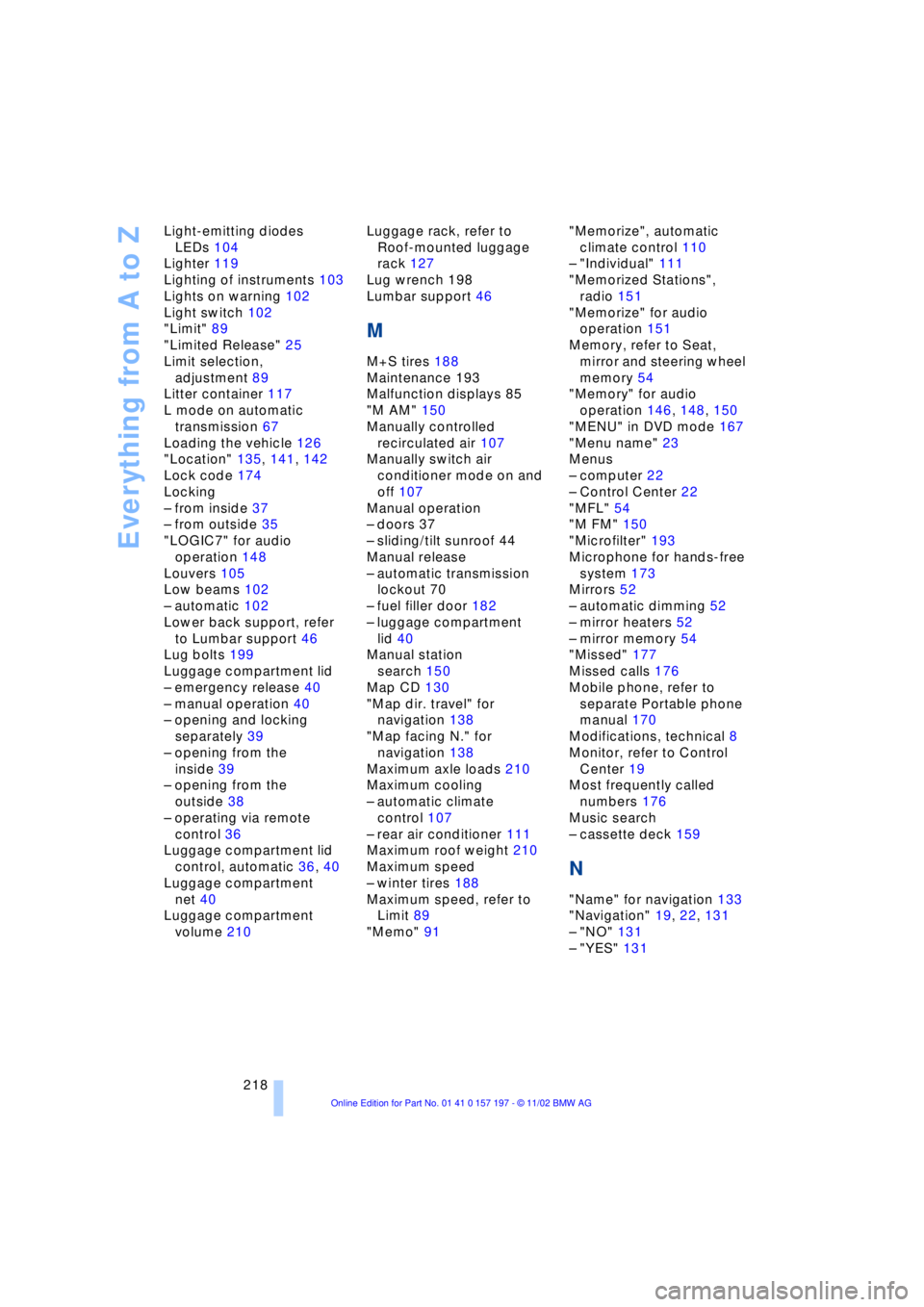
218 Light-emitting diodes
LEDs 104
Lighter 119
Lighting of instruments 103
Lights on warning 102
Light switch 102
"Limit" 89
"Limited Release" 25
Limit selection,
adjustment 89
Litter container 117
L mode on automatic
transmission 67
Loading the vehicle 126
"Location" 135, 141, 142
Lock code 174
Locking
Ð from inside 37
Ð from outside 35
"LOGIC7" for audio
operation 148
Louvers 105
Low beams 102
Ð automatic 102
Lower back support, refer
to Lumbar support 46
Lug bolts 199
Luggage compartment lid
Ð emergency release 40
Ð manual operation 40
Ð opening and locking
separately 39
Ð opening from the
inside 39
Ð opening from the
outside 38
Ð operating via remote
control 36
Luggage compartment lid
control, automatic 36, 40
Luggage compartment
net 40
Luggage compartment
volume 210Luggage rack, refer to
Roof-mounted luggage
rack 127
Lug wrench 198
Lumbar support 46
M
M+S tires 188
Maintenance 193
Malfunction displays 85
"M AM" 150
Manually controlled
recirculated air 107
Manually switch air
conditioner mode on and
off 107
Manual operation
Ð doors 37
Ð sliding/tilt sunroof 44
Manual release
Ð automatic transmission
lockout 70
Ð fuel filler door 182
Ð luggage compartment
lid 40
Manual station
search 150
Map CD 130
"Map dir. travel" for
navigation 138
"Map facing N." for
navigation 138
Maximum axle loads 210
Maximum cooling
Ð automatic climate
control 107
Ð rear air conditioner 111
Maximum roof weight 210
Maximum speed
Ð winter tires 188
Maximum speed, refer to
Limit 89
"Memo" 91"Memorize", automatic
climate control 110
Ð "Individual" 111
"Memorized Stations",
radio 151
"Memorize" for audio
operation 151
Memory, refer to Seat,
mirror and steering wheel
memory 54
"Memory" for audio
operation 146, 148, 150
"MENU" in DVD mode 167
"Menu name" 23
Menus
Ð computer 22
Ð Control Center 22
"MFL" 54
"M FM" 150
"Microfilter" 193
Microphone for hands-free
system 173
Mirrors 52
Ð automatic dimming 52
Ð mirror heaters 52
Ð mirror memory 54
"Missed" 177
Missed calls 176
Mobile phone, refer to
separate Portable phone
manual 170
Modifications, technical 8
Monitor, refer to Control
Center 19
Most frequently called
numbers 176
Music search
Ð cassette deck 159
N
"Name" for navigation 133
"Navigation" 19, 22, 131
Ð "NO" 131
Ð "YES" 131
Page 222 of 229
Everything from A to Z
220 Phone number, refer to
Portable phone 174
"Pict. format" 166
"Picture" 146
Ð DVD changer 166
Ð TV 161
Please fasten safety belts
warning lamp 50
Pollen 111
Portable phone
Ð adjusting volume 173
Ð calling 174
Ð call termination 175
Ð controlling with the
buttons on the steering
wheel 18
Ð emergency calls 173
Ð hands-free system 173
Ð missed calls 176
Ð operating using the
Control Display 171
Ð redialing 176
Ð refer to separate Portable
phone manual 170
Ð selecting phone
numbers 174
Ð switching on and off 174
Ð Top 8 list 176
Portable phone battery 171
Portable phone codes 174
Power electric seat 47
Power rating 208
Power socket 119
Pressure, tires 184
Pressure monitor, tires 98
Programmable cruise
control 73
Programming settings,
refer to Vehicle Memory,
Key Memory 60
Publishers 2
Puncture
Ð Flat Tire Monitor 98
R
Radio
Ð adjusting the tone 147
Ð autostore 150
Ð controls 146
Ð frequency band
selection 149
Ð memory locations 150
Ð operating
temperatures 149
Ð sample 150
Ð scan 150
Ð station search 150
Ð station selection 151
Ð store station 150
Ð switching on 149
Ð volume 147
Ð Weather Band 151
Radio mode 61
Radio waveband
selection 149
Rain sensor 72
Reading lamps 104
"Rear" 25
Rear air conditioner 111
Ð air supply 111
Ð cooling adjustment 111
Ð "Extra" 112
Ð maximum cooling 111
Ð "Rear air cond." 112
Ð switching off 111
Ð switching on/off in the
Control Display 112
Rear armrest, refer to
Center armrest 120
Rear cooler 116
Ð "Extra" 116
Ð "Rear refr. box" 116
Rear monitor, refer to
Control Center in rear 24
Rear screen 24
Rear seat heaters 51Rear seats
Ð adjusting passenger seat
from the rear 47
Ð comfort seat
adjustments 47
Ð head restraint
adjustment 48
Rearview mirror 52
Rear window blind, refer to
Sun blinds 115
Rear window defroster 16
Rear window safety
switch 12, 43
"Recirc. air" 54
Reclining seat 45
Redialing list 176
Redialing with portable
phone 176
Refueling 182
Releasing the hood 189
Remaining distance 88
Remote control 34, 35
Remote control unit 34
Removing condensation
from windows 107
Replacement fuses 201
Replacement keys 35
Replacing tires 186
Reserve warning 87
Reservoir, washer
system 73
Reset 147
"RESET" for
audio operation 148
Residual heat mode 108
"Right"
Ð for automatic climate
control 109
Ð for heated seats 51
"RND"
Ð CD changer 157
Ð CD player 154
"Roadside Assistance" 178
Roadside assistance calls
Ð manual activation 173
Roof-mounted luggage
rack 127
"Route" 139
Page 225 of 229
223
At a glance
Controls
Driving tips
Communications
Navigation
Entertainment
Mobility
Reference
Track 209
Traction Control System
Ð refer to DSC 94
Traffic congestion, refer to
Selecting new route 139
Transmission
Ð automatic transmission
with L mode 67
Ð automatic transmission
with Steptronic 69
Transmission lockout 68
Ð manual release 70
Transporting children
safely 57
Travel route, refer to
Route 138
Tread depth, tires 186
Treble 147
"Treble" in sound system
operation 148
Trip odometer 82
Trunk lid
Ð refer to luggage
compartment lid 38
Turning circle 209
Turn signal indicators 71
Ð bulb
replacement 196, 197
"TV" 146, 160, 161
TV 160
Ð adjusting picture 161
Ð adjusting the tone 147
Ð controls 146
Ð NTSC 161
Ð PAL 161
Ð SECAM 161
Ð selecting programs 160
Ð selecting standard 161
Ð storing programs 160
Ð switching on 160
Ð volume 147
"TV format" 161
U
Undercoating, refer to Care
manual
Uniform Tire Quality
Grading UTQR 187Universal garage door
opener, refer to
Integrated universal
remote control 114
Upholstery care, refer to
Care manual
Used batteries 201
V
Vacuum cleaner
connection 119
Valve caps 199
Vehicle battery 200
Vehicle
dimensions 209
Vehicle keys 34
Vehicle Memory 60
Ventilation 108
Ventilation, draft-free 108
Ventilation while
parked 112
Vents, ventilation 105
"Video" 146
"View" for
navigation 138, 139
Viscosity 191
Voice command
system 18, 26
Voice guidance for
navigation 139
Volume
Ð audio 147
Ð cassette deck 147
Ð CD changer 147
Ð CD player 147
Ð DVD changer 147
Ð navigation 140
Ð portable phone 173
Ð radio 147
Ð TV 147
Ð voice command
system 27
W
Warm feet and a cool
head 108
Warning lamps 15
Warnings in Check
Control 85Warning triangle 202
Washer nozzles,
windshield 72
"WB" 146
Wear indicators in the
tires 186
Weather Band 151
Weights 210
Wheel and tire
combinations 187
Wheelbase 209
Wheels and tires 184
Width 209
"Window" 110
Windows 42
Ð convenience mode 37
Ð convenience operation 36
Ð safety switch 43
Windshield and headlamp
washer system
Ð washer fluid 73
Windshield wiper blade
replacement 195
Windshield wiper
system 72
Ð washer nozzles 72
Winter tires 188
Wiper blade
replacement 195
Wiper system 72
"With highway" 137
"With map" for
navigation 134, 135
Wordmatch principle for
navigation 142
Working in the engine
compartment 189
X
Xenon lamps 196