sensor BMW ACTIVE HYBRID 7 2013 F04 Owner's Guide
[x] Cancel search | Manufacturer: BMW, Model Year: 2013, Model line: ACTIVE HYBRID 7, Model: BMW ACTIVE HYBRID 7 2013 F04Pages: 253, PDF Size: 5.01 MB
Page 158 of 253
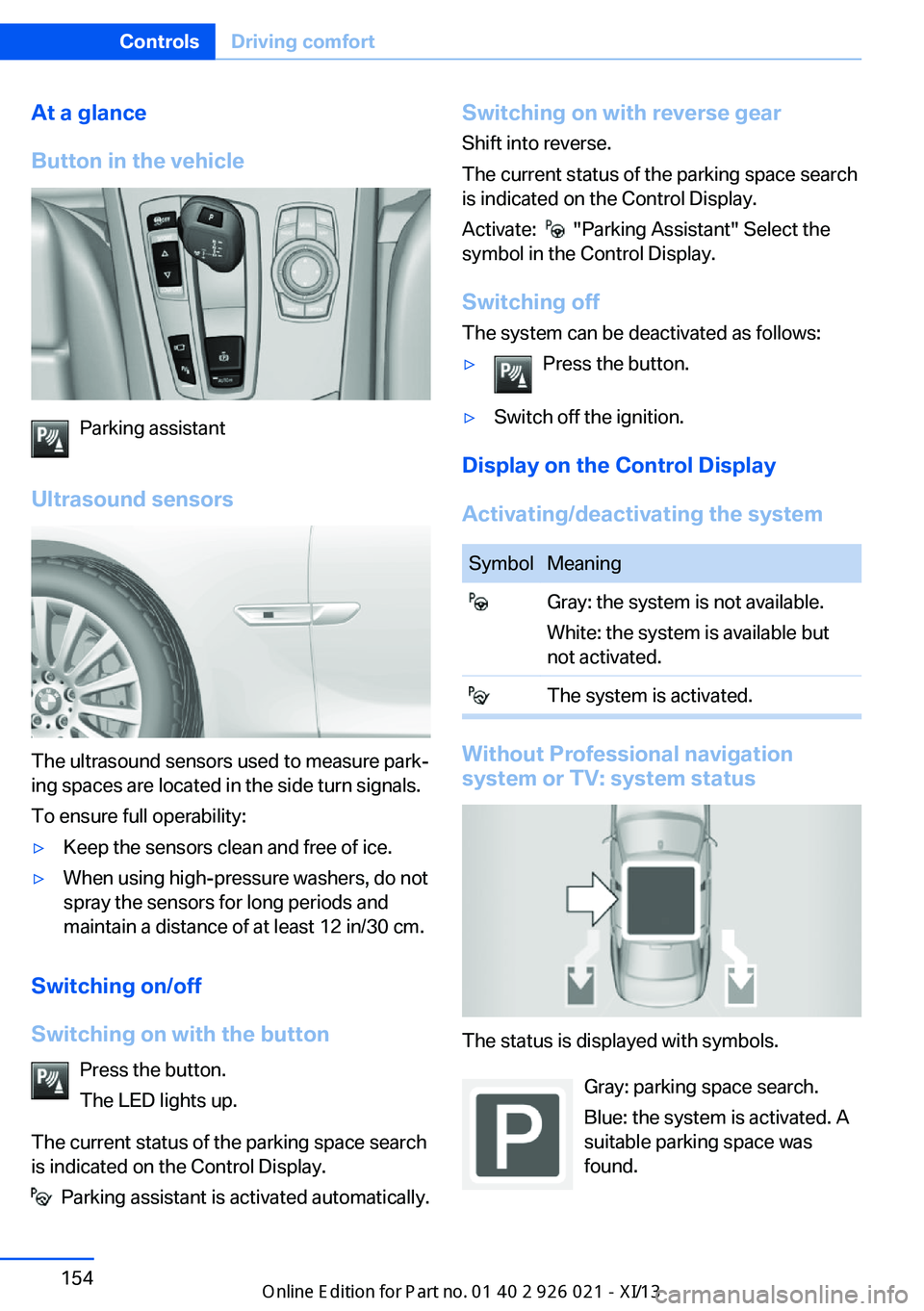
At a glance
Button in the vehicle
Parking assistant
Ultrasound sensors
The ultrasound sensors used to measure park‐
ing spaces are located in the side turn signals.
To ensure full operability:
▷Keep the sensors clean and free of ice.▷When using high-pressure washers, do not
spray the sensors for long periods and
maintain a distance of at least 12 in/30 cm.
Switching on/off
Switching on with the button Press the button.
The LED lights up.
The current status of the parking space search
is indicated on the Control Display.
Parking assistant is activated automatically.
Switching on with reverse gear
Shift into reverse.
The current status of the parking space search
is indicated on the Control Display.
Activate:
"Parking Assistant" Select the
symbol in the Control Display.
Switching off The system can be deactivated as follows:
▷Press the button.▷Switch off the ignition.
Display on the Control Display
Activating/deactivating the system
SymbolMeaning Gray: the system is not available.
White: the system is available but
not activated. The system is activated.
Without Professional navigation
system or TV: system status
The status is displayed with symbols.
Gray: parking space search.
Blue: the system is activated. A
suitable parking space was
found.
Seite 154ControlsDriving comfort154
Online Edition for Part no. 01 40 2 909 774 - VI/13
Page 160 of 253
Interrupting automaticallyThe system is interrupted automatically in the
following situations:▷If the driver grasps the steering wheel or if
he takes over steering.▷If a gear is selected that does not match
the instruction on the Control Display.▷If a turn signal is activated in the opposite
direction to the desired side for parking.▷If the vehicle speed exceeds approx.
6 mph/10 km/h.▷On snow-covered or slippery road surfaces
if necessary.▷If doors are open.▷When there are obstacles that are hard to
overcome, such as curbs.▷When there are obstacles that suddenly
arise.▷If a maximum number of parking attempts
or the time taken for parking is exceeded.
A Check Control message is displayed.
Continuing
An interrupted parking procedure can be con‐
tinued if necessary.
Follow the instructions on the Control Display
to do this.
System limits
No parking assistance The parking assistant does not offer assis‐
tance in the following situations:
▷In tight curves.
Functional limitations
The system may not be fully functional in the
following situations:
▷When sensors are dirty or iced over.▷In heavy fog, rain or snowfall.▷On bumpy road surfaces such as gravel
roads.▷On slippery ground.▷On steep uphill or downhill grades.▷When leaves or snow has collected in the
parking space.
Limits of ultrasonic measurement
The detection of objects can reach the physi‐
cal limits of ultrasonic measurement, e.g., in
the following circumstances:
▷With tow bars and trailer hitches.▷With thin or wedge-shaped objects.▷With elevated, protruding objects such as
ledges or cargo.▷With objects with corners and sharp edges.▷With objects with a fine surface structure,
such as fences.
Low objects already displayed, e.g., curbs, can
move into the blind area of the sensors before
or after a continuous tone sounds.
High, protruding objects such as ledges may
not be detected.
The parking assistant may identify parking
spaces that are not suitable for parking.
Malfunction
A Check Control message is displayed.
The parking assistant failed. Have the system
checked.
Seite 156ControlsDriving comfort156
Online Edition for Part no. 01 40 2 909 774 - VI/13
Page 164 of 253
Climate control functions in detail
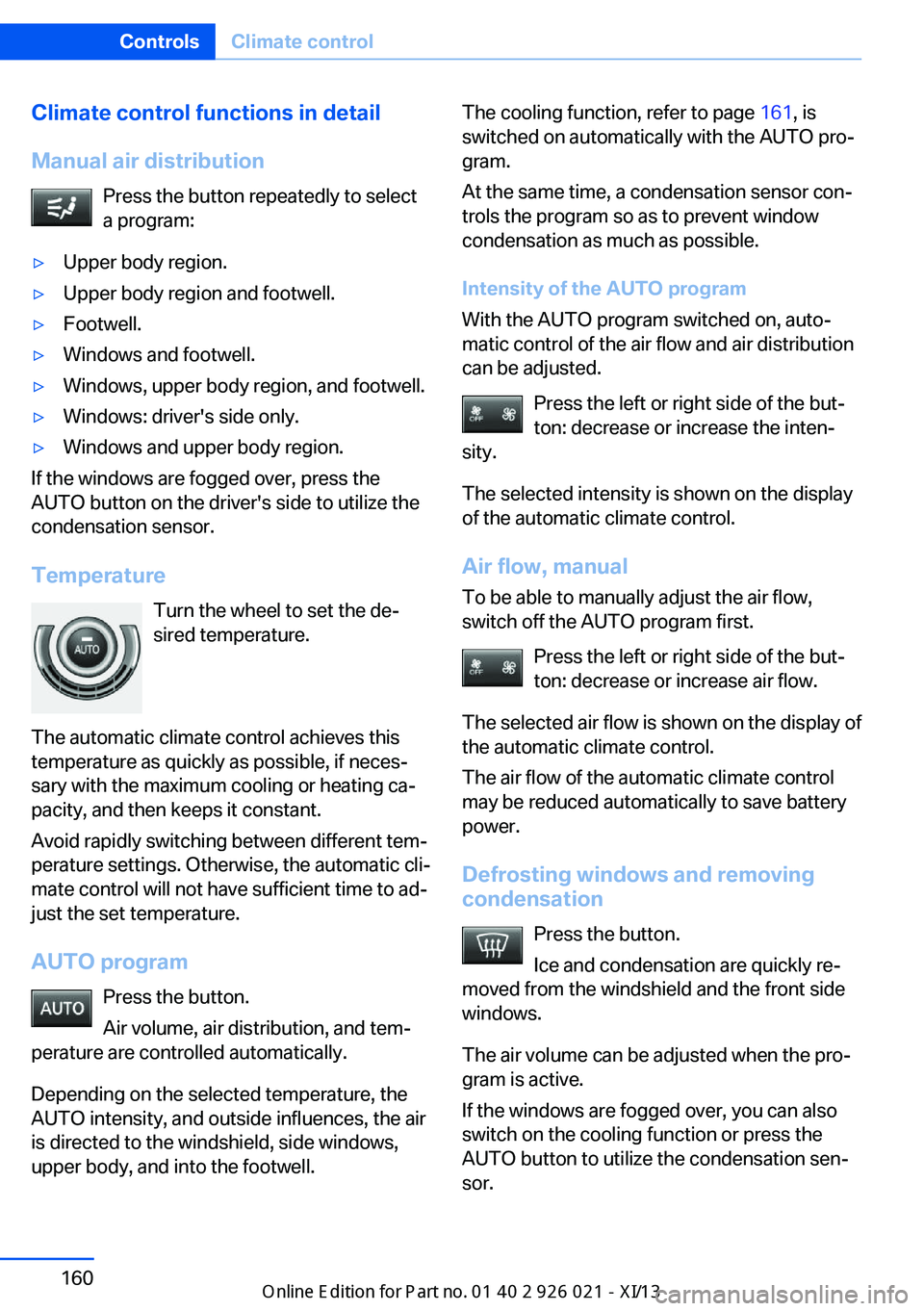
Manual air distribution Press the button repeatedly to select
a program:▷Upper body region.▷Upper body region and footwell.▷Footwell.▷Windows and footwell.▷Windows, upper body region, and footwell.▷Windows: driver's side only.▷Windows and upper body region.
If the windows are fogged over, press the
AUTO button on the driver's side to utilize the
condensation sensor.
Temperature Turn the wheel to set the de‐sired temperature.
The automatic climate control achieves this
temperature as quickly as possible, if neces‐
sary with the maximum cooling or heating ca‐
pacity, and then keeps it constant.
Avoid rapidly switching between different tem‐
perature settings. Otherwise, the automatic cli‐
mate control will not have sufficient time to ad‐
just the set temperature.
AUTO program Press the button.
Air volume, air distribution, and tem‐
perature are controlled automatically.
Depending on the selected temperature, the
AUTO intensity, and outside influences, the air
is directed to the windshield, side windows, upper body, and into the footwell.
The cooling function, refer to page 161, is
switched on automatically with the AUTO pro‐
gram.
At the same time, a condensation sensor con‐
trols the program so as to prevent window
condensation as much as possible.
Intensity of the AUTO program
With the AUTO program switched on, auto‐
matic control of the air flow and air distribution
can be adjusted.
Press the left or right side of the but‐
ton: decrease or increase the inten‐
sity.
The selected intensity is shown on the display
of the automatic climate control.
Air flow, manual To be able to manually adjust the air flow,
switch off the AUTO program first.
Press the left or right side of the but‐
ton: decrease or increase air flow.
The selected air flow is shown on the display of
the automatic climate control.
The air flow of the automatic climate control
may be reduced automatically to save battery
power.
Defrosting windows and removing condensation
Press the button.
Ice and condensation are quickly re‐
moved from the windshield and the front side
windows.
The air volume can be adjusted when the pro‐
gram is active.
If the windows are fogged over, you can also
switch on the cooling function or press the
AUTO button to utilize the condensation sen‐
sor.Seite 160ControlsClimate control160
Online Edition for Part no. 01 40 2 909 774 - VI/13
Page 165 of 253
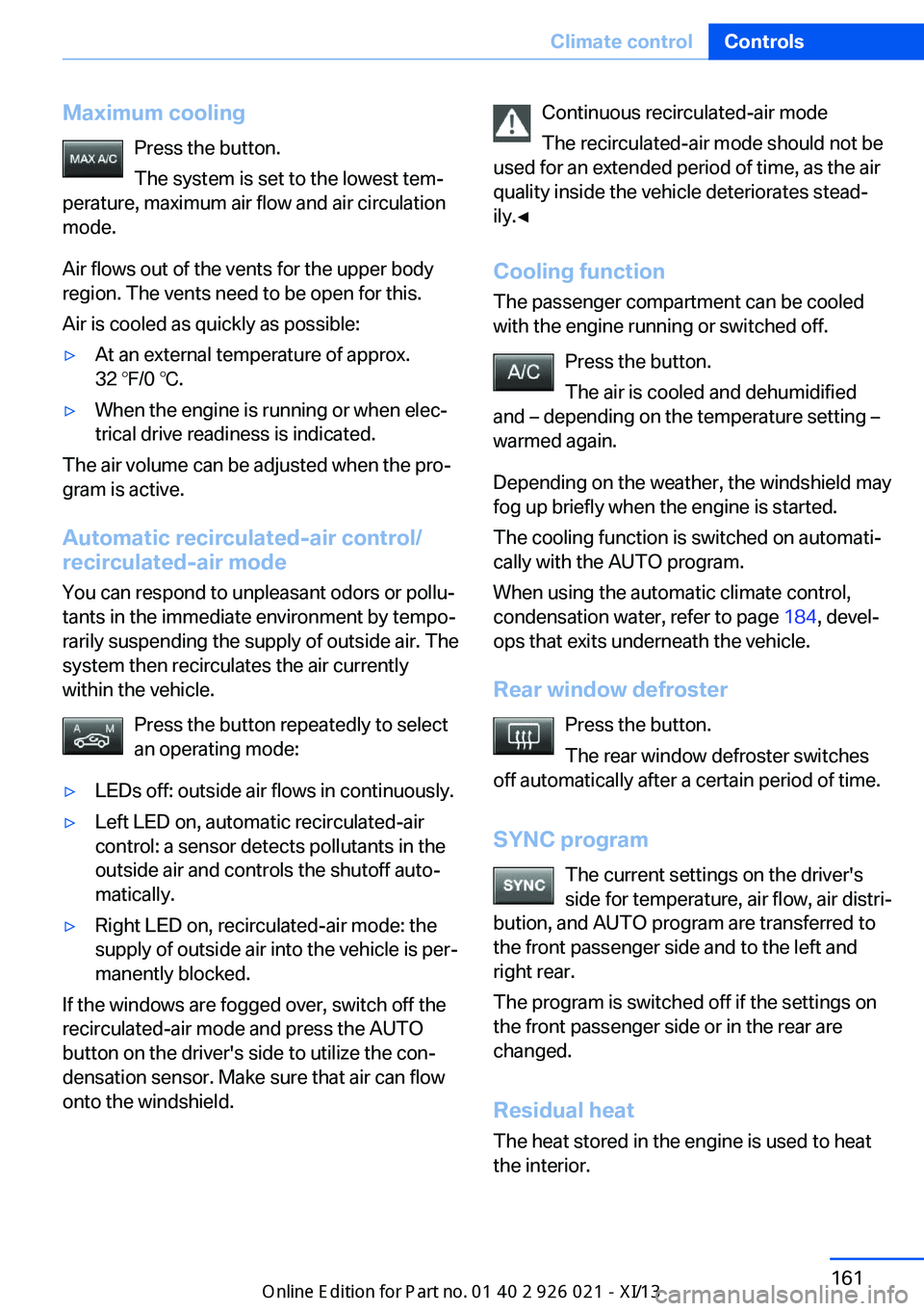
Maximum coolingPress the button.
The system is set to the lowest tem‐
perature, maximum air flow and air circulation
mode.
Air flows out of the vents for the upper body
region. The vents need to be open for this.
Air is cooled as quickly as possible:▷At an external temperature of approx.
32 ℉/0 ℃.▷When the engine is running or when elec‐
trical drive readiness is indicated.
The air volume can be adjusted when the pro‐
gram is active.
Automatic recirculated-air control/recirculated-air mode
You can respond to unpleasant odors or pollu‐
tants in the immediate environment by tempo‐
rarily suspending the supply of outside air. The
system then recirculates the air currently
within the vehicle.
Press the button repeatedly to select
an operating mode:
▷LEDs off: outside air flows in continuously.▷Left LED on, automatic recirculated-air
control: a sensor detects pollutants in the
outside air and controls the shutoff auto‐
matically.▷Right LED on, recirculated-air mode: the
supply of outside air into the vehicle is per‐
manently blocked.
If the windows are fogged over, switch off the
recirculated-air mode and press the AUTO
button on the driver's side to utilize the con‐
densation sensor. Make sure that air can flow
onto the windshield.
Continuous recirculated-air mode
The recirculated-air mode should not be
used for an extended period of time, as the air
quality inside the vehicle deteriorates stead‐
ily.◀
Cooling function The passenger compartment can be cooled
with the engine running or switched off.
Press the button.
The air is cooled and dehumidified
and – depending on the temperature setting –
warmed again.
Depending on the weather, the windshield may
fog up briefly when the engine is started.
The cooling function is switched on automati‐
cally with the AUTO program.
When using the automatic climate control,
condensation water, refer to page 184, devel‐
ops that exits underneath the vehicle.
Rear window defroster Press the button.
The rear window defroster switches
off automatically after a certain period of time.
SYNC program The current settings on the driver's
side for temperature, air flow, air distri‐
bution, and AUTO program are transferred to
the front passenger side and to the left and
right rear.
The program is switched off if the settings on
the front passenger side or in the rear are
changed.
Residual heat
The heat stored in the engine is used to heat
the interior.Seite 161Climate controlControls161
Online Edition for Part no. 01 40 2 909 774 - VI/13
Page 216 of 253
MaintenanceVehicle equipment
All standard, country-specific and optional
equipment that is offered in the model series is
described in this chapter. Therefore, equip‐
ment is also described that is not available in a
vehicle, e. g., because of the selected optional
equipment or country variant. This also applies
for safety-related functions and systems.
BMW Maintenance System The maintenance system directs you to re‐
quired maintenance measures and thereby
supports you in maintaining road safety and
the operational reliability of the vehicle.
Condition Based Service
CBS
Sensors and special algorithms take into ac‐
count the driving conditions of your vehicle.
Based on this, Condition Based Service deter‐
mines the maintenance requirements.
The system makes it possible to adapt the
amount of maintenance you need to your user
profile.
Details on the service requirements, refer to
page 90, can be displayed on the Control Dis‐
play.
Service data in the remote control
Information on the required maintenance is
continuously stored in the remote control.
Your service center will read out this data and
suggest the right array of service procedures
for your vehicle.
Therefore, hand your service specialist the re‐
mote control with which the vehicle was driven
most recently.Storage periods
Storage periods during which the vehicle bat‐
tery was disconnected are not taken into ac‐
count.
If this occurs, have a service center update the
time-dependent maintenance procedures,
such as checking brake fluid and, if necessary,
changing the engine oil and the microfilter/
activated-charcoal filter.
Service history Perform maintenance work at the service cen‐
ter and have them recorded in the vehicle data.
The entries are like a service booklet of the
documentation of regular maintenance.
Displaying entered maintenance work on the
Control Display, refer to page 91.
Service and Warranty
Information Booklet for US
models and Warranty and
Service Guide Booklet for
Canadian models
Please consult your Service and Warranty In‐
formation Booklet for US models and Warranty
and Service Guide Booklet for Canadian mod‐
els for additional information on service re‐
quirements.
Maintenance and repair should be performed
by your service center. Make sure to have reg‐
ular maintenance procedures recorded in the
vehicle's Service and Warranty Information
Booklet for US models, and in the Warranty
and Service Guide Booklet for Canadian mod‐
els. These entries are proof of regular mainte‐
nance.Seite 212MobilityMaintenance212
Online Edition for Part no. 01 40 2 909 774 - VI/13
Page 231 of 253
CareVehicle equipmentAll standard, country-specific and optional
equipment that is offered in the model series is
described in this chapter. Therefore, equip‐
ment is also described that is not available in a
vehicle, e. g., because of the selected optional
equipment or country variant. This also applies
for safety-related functions and systems.
Car washes Hints Steam jets or high-pressure washers
When using steam jets or high-pressure
washers, hold them a sufficient distance away and use a maximum temperature of
140 ℉/60 ℃.
If the vehicle has a glass sunroof, ensure that a distance of at least 31.5 inches/80 cm is main‐
tained. Holding them too close or using exces‐
sively high pressures or temperatures can
cause damage or preliminary damage that may
then lead to long-term damage.
Follow the user's manual for the high-pressure
washer.◀
Cleaning sensors/cameras with high-
pressure washers
When using high-pressure washers, do not
spray the exterior sensors and cameras, e.g., Park Distance Control, for extended periods of
time and only from a distance of at least
12 in/30 cm.◀
Regularly remove foreign items such as leaves
in the area below the windshield when the
hood is raised.
Wash your vehicle frequently, particularly in
winter.Intense soiling and road salt can damage the
vehicle.
Automatic car washes
Hints
Note the following:▷Give preference to cloth car washes or
those that use soft brushes in order to
avoid paint damage.▷Make sure that the wheels and tires are not
damaged by the transport mechanisms.▷Fold in the exterior mirrors; otherwise, they
may be damaged, depending on the width
of the vehicle.▷Deactivate the rain sensor, refer to
page 80, to avoid unintentional wiper acti‐
vation.▷In some cases, an unintentional alarm can
be triggered by the interior motion sensor
of the alarm system. Follow the instruc‐
tions on avoiding an unintentional alarm,
refer to page 47.
Guide rails in car washes
Avoid car washes with guide rails higher
than 4 in/10 cm; otherwise, the vehicle body
could be damaged.◀
Before driving into a car wash In order to ensure that the vehicle can roll in a
car wash, take the following steps:
1.Drive into the car wash.2.Engage transmission position N.3.Switch the engine off.
In this way, the ignition remains switched
on, and a Check-Control message is dis‐
played.Seite 227CareMobility227
Online Edition for Part no. 01 40 2 909 774 - VI/13
Page 234 of 253
Carpets and floor matsNo objects in the area around the pedals
Keep floor mats, carpets, and any other
objects out of the area of motion of the pedals;
otherwise, the function of the pedals could be
impeded while driving
Do not place additional floor mats over existing
mats or other objects.
Only use floor mats that have been approved for the vehicle and can be properly fixed in
place.
Ensure that the floor mats are securely fas‐
tened again after they were removed for clean‐
ing, for example.◀
Floor mats can be removed from the passen‐
ger compartment for cleaning.
If the floor carpets are very dirty, clean with a
microfiber cloth and water or a textile cleaner.
To prevent matting of the carpet, rub back and
forth in the direction of travel only.
Sensors/cameras
To clean sensors and cameras, use a cloth moistened with a small amount of glasscleaner.
Displays/screens
Clean the displays with an antistatic microfiber
cloth.
Cleaning displays
Do not use chemical or household
cleansers.
Keep all fluids and moisture away from the
unit.
Otherwise, they could affect or damage surfa‐
ces or electrical components.
Avoid pressing too hard when cleaning and do
not use abrasive materials; otherwise, damage
can result.◀Long-term vehicle storage
For idle phases that last several weeks, park
the vehicle with a fully charged battery if possi‐
ble. Your service center can advise you on
what to consider when storing the vehicle for
longer than six weeks.
Do not allow the vehicle to sit idle for ex‐
tended periods with a low charging state
Before storing the vehicle for an extended pe‐
riod, check the battery charge indicator to en‐
sure that the high-voltage battery is fully
charged. If necessary, charge the high-voltage
battery by driving the vehicle. Check the
charge level regularly, and if necessary re‐
charge the high-voltage battery by driving the
vehicle. Allowing the high-voltage battery
charge to drop too low will damage the bat‐
tery.◀
Note Follow the instructions for discharging the
high-voltage battery, refer to page 181.Seite 230MobilityCare230
Online Edition for Part no. 01 40 2 909 774 - VI/13
Page 246 of 253
Hand-held transmitter, alter‐nating code 168
Hazard warning flashers 221
Head airbags 105
Headlamp control, auto‐ matic 101
Headlamp courtesy delay fea‐ ture 100
Headlamp flasher 79
Headlamp glass 215
Headlamps, care 228
Headlamp washer system 79
Headliner 17
Head restraints 52
Head restraints, front 59
Head restraints, rear 60
Head-Up Display 157
Head-up Display, care 230
Heavy cargo, stowing 186
Height with roof-mounted aerial, vehicle 234
High-beam Assistant 102
High beams 79
High beams/low beams, refer to High-beam Assistant 102
High-voltage battery, charge indicator 97
High voltage battery, dis‐ charge 181
Hills 183
Hill start assistant, refer to Drive-off assistant 130
Hints 6
Holder for beverages 175
Homepage 6
Hood 206
Horn 14
Hotel function, trunk lid 43
Hot exhaust system 182
HUD Head-Up Display 157
Hybrid system, adapting to the course of the road 99
Hybrid system, at a glance 30
Hybrid system, automatic de‐ activation 226 Hybrid system, contact with
water 226
Hybrid system, displays 96
Hybrid system, safety 225
Hydroplaning 183
I Ice warning, refer to External temperature warning 89
Icy roads, refer to External temperature warning 89
Identification marks, tires 201
Identification number, refer to Important features in the en‐
gine compartment 206
iDrive 18
Ignition key, refer to Remote control 34
Ignition off 70
Ignition on 70
Indication of a flat tire 109 , 111
Indicator and warning lamps 86
Individual air distribution 160
Individual settings, refer to Personal Profile 35
Inflation pressure, tires 199
Inflation pressure warning FTM, tires 108
Info display, refer to Com‐ puter 93
Initialize, Tire Pressure Moni‐ tor TPM 111
Initializing, Flat Tire Monitor FTM 108
Instrument cluster 85
Instrument cluster, electronic displays 86
Instrument lighting 103
Integrated key 34
Integrated universal remote control 167
Intelligent Emergency Re‐ quest 221 Intelligent Safety 113
Intensity, AUTO pro‐ gram 160
Interior equipment 167
Interior lamps 104
Interior lamps via remote con‐ trol 38
Interior motion sensor 47
Interior rearview mirror 63
Interior rearview mirror, auto‐ matic dimming feature 64
Internet page 6
Interval display, service re‐ quirements 90
J Jacking points for the vehicle jack 218
Joystick, automatic transmis‐ sion 82
Jump-starting 222
K
Key/remote control 34
Keyless Go, refer to Comfort Access 43
Key Memory, refer to Per‐ sonal Profile 35
Kickdown, automatic trans‐ mission 82
Knee airbag 105
L Lamp replacement, rear 217
Lamps 100
Lamps and bulbs 214
Lane departure warning 124
Lane margin, warning 124
Language on Control Dis‐ play 96
Lashing eyes, securing cargo 186 Seite 242ReferenceEverything from A to Z242
Online Edition for Part no. 01 40 2 909 774 - VI/13
Page 248 of 253
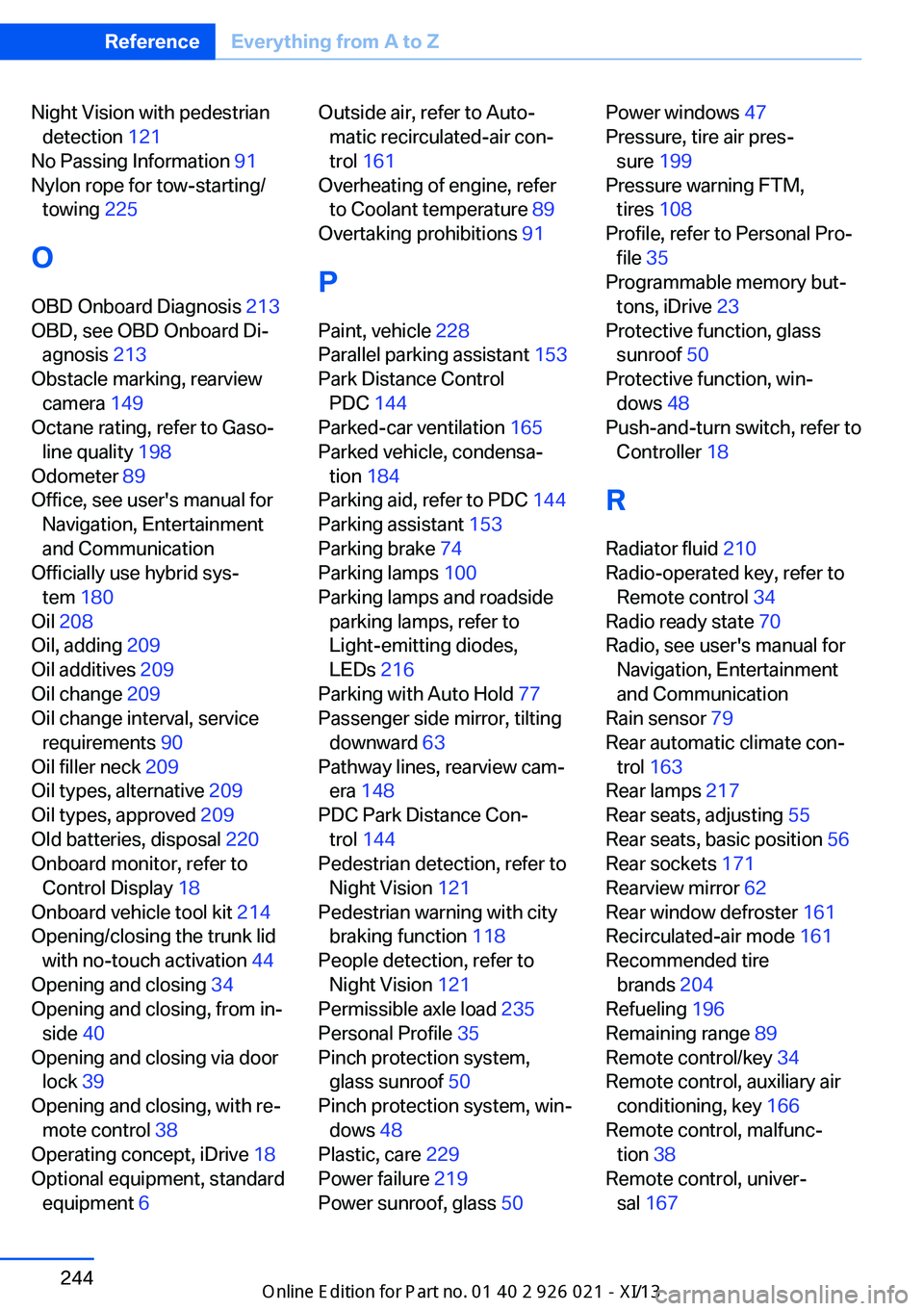
Night Vision with pedestriandetection 121
No Passing Information 91
Nylon rope for tow-starting/ towing 225
O OBD Onboard Diagnosis 213
OBD, see OBD Onboard Di‐ agnosis 213
Obstacle marking, rearview camera 149
Octane rating, refer to Gaso‐ line quality 198
Odometer 89
Office, see user's manual for Navigation, Entertainment
and Communication
Officially use hybrid sys‐ tem 180
Oil 208
Oil, adding 209
Oil additives 209
Oil change 209
Oil change interval, service requirements 90
Oil filler neck 209
Oil types, alternative 209
Oil types, approved 209
Old batteries, disposal 220
Onboard monitor, refer to Control Display 18
Onboard vehicle tool kit 214
Opening/closing the trunk lid with no-touch activation 44
Opening and closing 34
Opening and closing, from in‐ side 40
Opening and closing via door lock 39
Opening and closing, with re‐ mote control 38
Operating concept, iDrive 18
Optional equipment, standard equipment 6 Outside air, refer to Auto‐
matic recirculated-air con‐
trol 161
Overheating of engine, refer to Coolant temperature 89
Overtaking prohibitions 91
P Paint, vehicle 228
Parallel parking assistant 153
Park Distance Control PDC 144
Parked-car ventilation 165
Parked vehicle, condensa‐ tion 184
Parking aid, refer to PDC 144
Parking assistant 153
Parking brake 74
Parking lamps 100
Parking lamps and roadside parking lamps, refer to
Light-emitting diodes,
LEDs 216
Parking with Auto Hold 77
Passenger side mirror, tilting downward 63
Pathway lines, rearview cam‐ era 148
PDC Park Distance Con‐ trol 144
Pedestrian detection, refer to Night Vision 121
Pedestrian warning with city braking function 118
People detection, refer to Night Vision 121
Permissible axle load 235
Personal Profile 35
Pinch protection system, glass sunroof 50
Pinch protection system, win‐ dows 48
Plastic, care 229
Power failure 219
Power sunroof, glass 50 Power windows 47
Pressure, tire air pres‐ sure 199
Pressure warning FTM, tires 108
Profile, refer to Personal Pro‐ file 35
Programmable memory but‐ tons, iDrive 23
Protective function, glass sunroof 50
Protective function, win‐ dows 48
Push-and-turn switch, refer to Controller 18
R Radiator fluid 210
Radio-operated key, refer to Remote control 34
Radio ready state 70
Radio, see user's manual for Navigation, Entertainment
and Communication
Rain sensor 79
Rear automatic climate con‐ trol 163
Rear lamps 217
Rear seats, adjusting 55
Rear seats, basic position 56
Rear sockets 171
Rearview mirror 62
Rear window defroster 161
Recirculated-air mode 161
Recommended tire brands 204
Refueling 196
Remaining range 89
Remote control/key 34
Remote control, auxiliary air conditioning, key 166
Remote control, malfunc‐ tion 38
Remote control, univer‐ sal 167 Seite 244ReferenceEverything from A to Z244
Online Edition for Part no. 01 40 2 909 774 - VI/13
Page 249 of 253
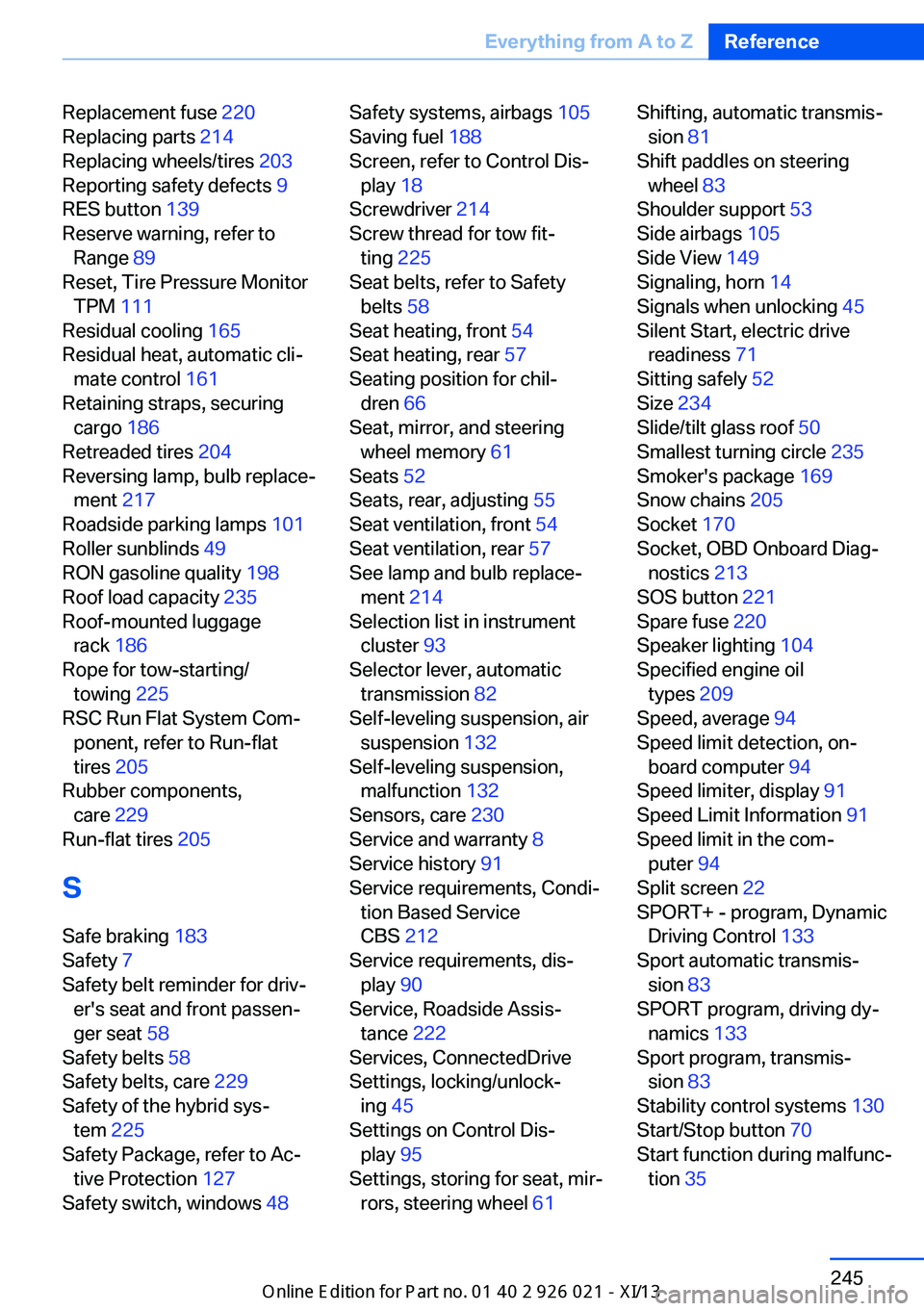
Replacement fuse 220
Replacing parts 214
Replacing wheels/tires 203
Reporting safety defects 9
RES button 139
Reserve warning, refer to Range 89
Reset, Tire Pressure Monitor TPM 111
Residual cooling 165
Residual heat, automatic cli‐ mate control 161
Retaining straps, securing cargo 186
Retreaded tires 204
Reversing lamp, bulb replace‐ ment 217
Roadside parking lamps 101
Roller sunblinds 49
RON gasoline quality 198
Roof load capacity 235
Roof-mounted luggage rack 186
Rope for tow-starting/ towing 225
RSC Run Flat System Com‐ ponent, refer to Run-flat
tires 205
Rubber components, care 229
Run-flat tires 205
S Safe braking 183
Safety 7
Safety belt reminder for driv‐ er's seat and front passen‐
ger seat 58
Safety belts 58
Safety belts, care 229
Safety of the hybrid sys‐ tem 225
Safety Package, refer to Ac‐ tive Protection 127
Safety switch, windows 48 Safety systems, airbags 105
Saving fuel 188
Screen, refer to Control Dis‐ play 18
Screwdriver 214
Screw thread for tow fit‐ ting 225
Seat belts, refer to Safety belts 58
Seat heating, front 54
Seat heating, rear 57
Seating position for chil‐ dren 66
Seat, mirror, and steering wheel memory 61
Seats 52
Seats, rear, adjusting 55
Seat ventilation, front 54
Seat ventilation, rear 57
See lamp and bulb replace‐ ment 214
Selection list in instrument cluster 93
Selector lever, automatic transmission 82
Self-leveling suspension, air suspension 132
Self-leveling suspension, malfunction 132
Sensors, care 230
Service and warranty 8
Service history 91
Service requirements, Condi‐ tion Based Service
CBS 212
Service requirements, dis‐ play 90
Service, Roadside Assis‐ tance 222
Services, ConnectedDrive
Settings, locking/unlock‐ ing 45
Settings on Control Dis‐ play 95
Settings, storing for seat, mir‐ rors, steering wheel 61 Shifting, automatic transmis‐
sion 81
Shift paddles on steering wheel 83
Shoulder support 53
Side airbags 105
Side View 149
Signaling, horn 14
Signals when unlocking 45
Silent Start, electric drive readiness 71
Sitting safely 52
Size 234
Slide/tilt glass roof 50
Smallest turning circle 235
Smoker's package 169
Snow chains 205
Socket 170
Socket, OBD Onboard Diag‐ nostics 213
SOS button 221
Spare fuse 220
Speaker lighting 104
Specified engine oil types 209
Speed, average 94
Speed limit detection, on‐ board computer 94
Speed limiter, display 91
Speed Limit Information 91
Speed limit in the com‐ puter 94
Split screen 22
SPORT+ - program, Dynamic Driving Control 133
Sport automatic transmis‐ sion 83
SPORT program, driving dy‐ namics 133
Sport program, transmis‐ sion 83
Stability control systems 130
Start/Stop button 70
Start function during malfunc‐ tion 35 Seite 245Everything from A to ZReference245
Online Edition for Part no. 01 40 2 909 774 - VI/13