Window BMW I3 2015 I01 Owner's Guide
[x] Cancel search | Manufacturer: BMW, Model Year: 2015, Model line: I3, Model: BMW I3 2015 I01Pages: 236, PDF Size: 17.6 MB
Page 171 of 236
Switch off any functions that
are not currently needed
Functions such as the rear window defroster
require a lot of energy and reduce the range,
especially in city and stop-and-go traffic.
Reel off these functions if they are not needed.
The ECO PRO and ECO PRO+ driving pro‐
grams support the energy-conserving use of
comfort features. They automatically perform a
partial or complete deactivation of these func‐
tions.
Have maintenance carried
out
Have vehicles maintained regularly to achieve
optimal vehicle efficiency and operating life.
The maintenance should be carried out by
your service center.
Also note the BMW Maintenance System, refer
to page 188.
ECO PRO and ECO PRO+ The concept
ECO PRO and ECO PRO+ support an efficient
driving style. To this end, the control of the
drive is optimized for moderate acceleration,
and adapted to lighting and comfort features,
such as climate control output. Some vehicle
functions cannot be used during activated
drive mode ECO PRO and ECO PRO+.
In addition, context-sensitive instructions can
be displayed that assist in driving efficiently.
At a glance With ECO PRO and ECO PRO+ different set‐
tings are made in the respective mode.ECO PRO▷Reduce heat output or heating cycle for ex‐
terior mirror, rear window and seat heating.▷What reduces the the cooling and heating
output of the climate control system.▷The speed is limited to an adjustable maxi‐
mum value between 50 mph/80 km/h and
80 mph/130 km/h. To intentionally exceed
the speed limit, press the accelerator pedal
all the way down.
ECO PRO+
The cooling and heating output of the climate
control system are additionally deactivated on
ECO PRO+ activation.
The low beams are dimmed.
The maximum speed is limited to
55 mph/90 km/h. In special situations, the
speed limit can be consciously exceeded by applying the accelerator pedal.
Activate ECO PRO and ECO PRO+ Press button repeatedly until ECO
PRO or ECO PRO+ is displayed in the
instrument cluster.
Configuring ECO PRO
Via the Driving Dynamics Control
1.Activate ECO PRO.2."Configure ECO PRO"3.Configure the program.
Via the iDrive
1."Settings"2."ECO PRO mode"
Or
1."Settings"2."Driving mode"3."Configure ECO PRO"
Configure the program.
Seite 155Increase rangeDriving tips155
Online Edition for Part no. 01 40 2 960 865 - II/15
Page 181 of 236
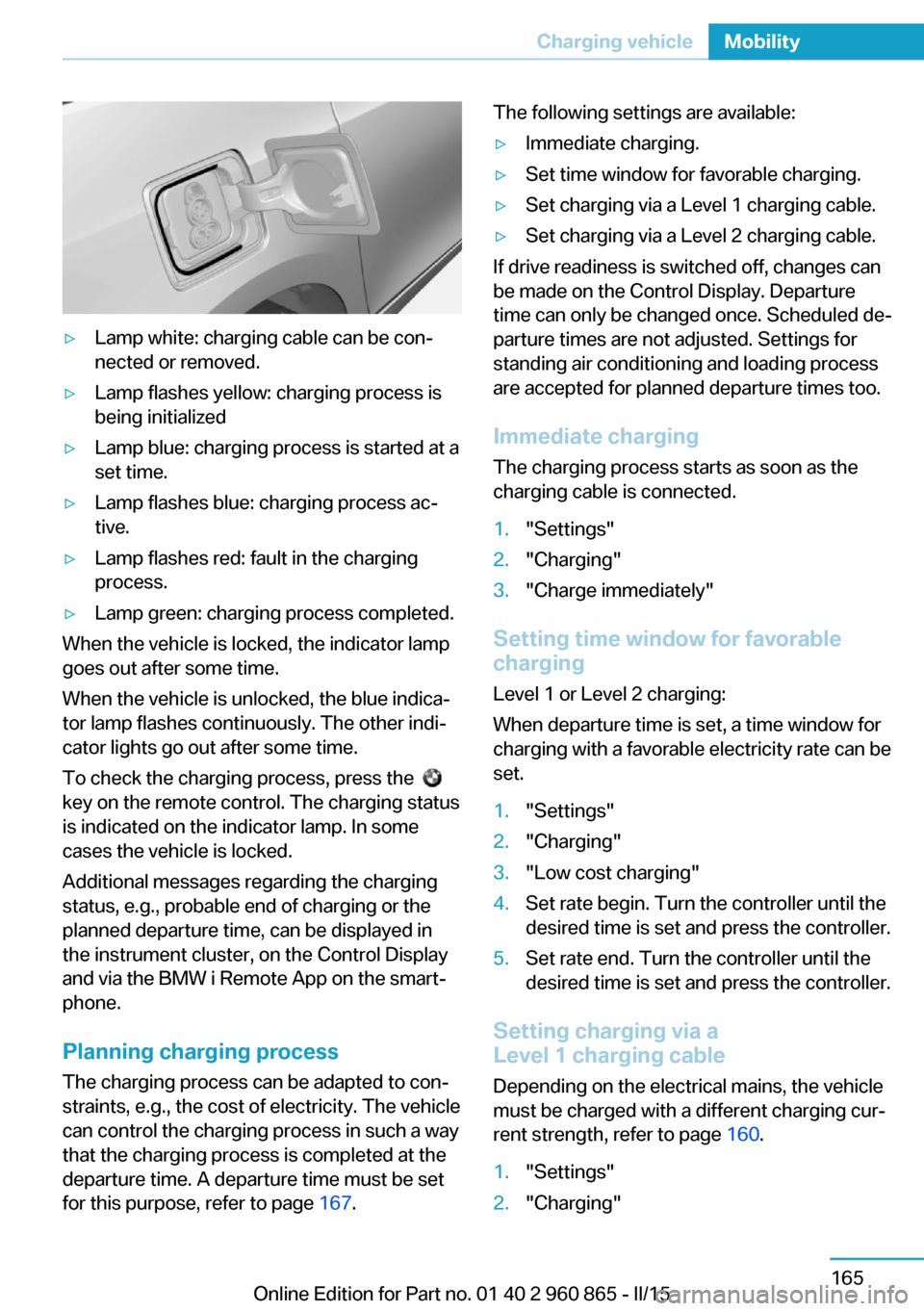
▷Lamp white: charging cable can be con‐
nected or removed.▷Lamp flashes yellow: charging process is
being initialized▷Lamp blue: charging process is started at a
set time.▷Lamp flashes blue: charging process ac‐
tive.▷Lamp flashes red: fault in the charging
process.▷Lamp green: charging process completed.
When the vehicle is locked, the indicator lamp
goes out after some time.
When the vehicle is unlocked, the blue indica‐
tor lamp flashes continuously. The other indi‐
cator lights go out after some time.
To check the charging process, press the
key on the remote control. The charging status
is indicated on the indicator lamp. In some
cases the vehicle is locked.
Additional messages regarding the charging
status, e.g., probable end of charging or the
planned departure time, can be displayed in
the instrument cluster, on the Control Display
and via the BMW i Remote App on the smart‐
phone.
Planning charging process The charging process can be adapted to con‐
straints, e.g., the cost of electricity. The vehicle
can control the charging process in such a way
that the charging process is completed at the
departure time. A departure time must be set
for this purpose, refer to page 167.
The following settings are available:▷Immediate charging.▷Set time window for favorable charging.▷Set charging via a Level 1 charging cable.▷Set charging via a Level 2 charging cable.
If drive readiness is switched off, changes can
be made on the Control Display. Departure
time can only be changed once. Scheduled de‐
parture times are not adjusted. Settings for
standing air conditioning and loading process
are accepted for planned departure times too.
Immediate chargingThe charging process starts as soon as the
charging cable is connected.
1."Settings"2."Charging"3."Charge immediately"
Setting time window for favorable
charging
Level 1 or Level 2 charging:
When departure time is set, a time window for
charging with a favorable electricity rate can be
set.
1."Settings"2."Charging"3."Low cost charging"4.Set rate begin. Turn the controller until the
desired time is set and press the controller.5.Set rate end. Turn the controller until the
desired time is set and press the controller.
Setting charging via a
Level 1 charging cable
Depending on the electrical mains, the vehicle
must be charged with a different charging cur‐
rent strength, refer to page 160.
1."Settings"2."Charging"Seite 165Charging vehicleMobility165
Online Edition for Part no. 01 40 2 960 865 - II/15
Page 217 of 236
tions on avoiding an unintentional alarm,
refer to page 50.
Guide rails in car washes
Avoid car washes with guide rails higher
than 4 in/10 cm; otherwise, the vehicle body
could be damaged.◀
Before driving into a car wash In order to ensure that the vehicle can roll in a
car wash, take the following steps:
1.Drive into the car wash.2.Engage selector lever position N.3.Remove foot from brake pedal.4.Press the Start/Stop button.
In this way, operating readiness remains
switched on, and a Check-Control mes‐
sage is displayed.
To activate drive readiness:
1.Depress the brake pedal.2.Press the Start/Stop button.
Pressing the Start/Stop button without step‐
ping on the brake turns operating readiness
off.
Selector lever position Selector lever position P is engaged automati‐
cally:
▷With operating readiness turned off.▷After approx. 15 minutes.
Headlights
▷Do not rub dry and do not use abrasive or
acidic cleansers.▷Soak areas that have been dirtied e. g.,
from insects, with shampoo and wash off
with water.▷Thaw ice with de-icing spray; do not use an
ice scraper.After washing the vehicle
After washing the vehicle, apply the brakes
briefly to dry them; otherwise, braking action
can be reduced and corrosion of the brake
discs can occur.
Completely remove all residues on the win‐
dows, to minimize loss of visibility due to
smearing and to reduce wiper noises and
wiper blade wear.
Vehicle care
Car care products BMW recommends using care and cleaning
products from BMW, since these have been
tested and approved.
Car care and cleaning products
Follow the instructions on the container.
When cleaning the interior, open the doors or
windows.
Only use products intended for cleaning vehi‐
cles.
Cleansers can contain substances that are
dangerous and harmful to your health.◀
Vehicle paint
Regular care contributes to driving safety and
value retention. Environmental influences in
areas with elevated air pollution or natural con‐
taminants, such as tree resin or pollen can af‐
fect the vehicle's paintwork. Tailor the fre‐
quency and extent of your car care to these
influences.
Aggressive substances such as spilled fuel, oil,
grease or bird droppings, must be removed im‐
mediately to prevent the finish from being al‐
tered or discolored.
Leather care
Remove dust from the leather often, using a
cloth or vacuum cleaner.Seite 201CareMobility201
Online Edition for Part no. 01 40 2 960 865 - II/15
Page 228 of 236
Cruising range 83
Current fuel consumption 87
D
Damage, tires 176
Data, technical 206
Daytime running lights 91
Defrosting, refer to Windows, defrosting 129, 132
Dehumidifying, air 129, 131
Deleting personal data 24
Deletion of personal data 24
Departure times, stationary climate control 134
Digital clock 83
Digital compass 137
Dimensions 206
Dimmable exterior mirrors 58
Dimmable interior rearview mirror 58
Direction indicator, refer to Turn signals 71
Display for performance and energy recovery 77
Display lighting, refer to In‐ strument lighting 91
Displays 75
Displays, cleaning 203
Displays, eDRIVE system 76
Displays, high-voltage sys‐ tem 76
Disposal, coolant 187
Disposal, vehicle battery 194
Distance control, refer to PDC 118
Divided screen view, split screen 23
Door lock 43
Door lock, refer to Remote control 38
Drive display 77
Drive-off assistant 109
Drive-off assistant, refer to DSC 107
Drive readiness in detail 65 Drive readiness, switching
off 67
Drive readiness, switching on 65
Driving Dynamics Con‐ trol 108
Driving in detail 68
Driving instructions, break- in 148
Driving instructions, eDRIVE drive system 148
Driving mode 108
Driving notes, general 149
Driving, refer to drive readi‐ ness in detail 65
Driving stability control sys‐ tems 107
Driving, Start/Stop button 64
Driving style analysis 157
Driving tips 149
DSC Dynamic Stability Con‐ trol 107
DTC Dynamic Traction Con‐ trol 108
Dynamic Stability Control DSC 107
Dynamic Traction Control DTC 108
E ECO PRO 155
ECO PRO+ 155
ECO PRO display 155
ECO PRO driving mode 155
ECO PRO driving style analy‐ sis 157
ECO PRO mode 155
ECO PRO Tip - driving in‐ struction 156
eDRIVE drive system, driving instructions 148
eDRIVE, electric driving, see BMW eDRIVE 32
eDrive system, at a glance 31
eDRIVE system, displays 76 EfficientDynamics 157
Electric driving 68
Electric driving, see BMW eDRIVE 32
Electric range 83
Electronic Stability Program ESP, refer to DSC 107
Emergency charging, refer to Backup charging 168
Emergency detection, remote control 39
Emergency release, fuel filler flap 170
Emergency Request 196
Emergency start function, en‐ gine start 39
Emergency unlocking, trans‐ mission lock 67
Energy Control 87
Energy recovery, display‐ ing 77
Energy recovery, driving sta‐ bility control systems 107
Engine coolant 186
Engine oil 184
Engine oil, adding 185
Engine start during malfunc‐ tion 39
Engine start, jump-start‐ ing 197
Entering a car wash 200
Equipment, interior 135
Error displays, see Check Control 78
ESP Electronic Stability Pro‐ gram, refer to DSC 107
Exchanging wheels/tires 176
Exhaust system 149
Exterior mirror, automatic dimming feature 58
Exterior mirrors 57
External start 197
External temperature dis‐ play 82
External temperature warn‐ ing 82 Seite 212ReferenceEverything from A to Z212
Online Edition for Part no. 01 40 2 960 865 - II/15
Page 231 of 236
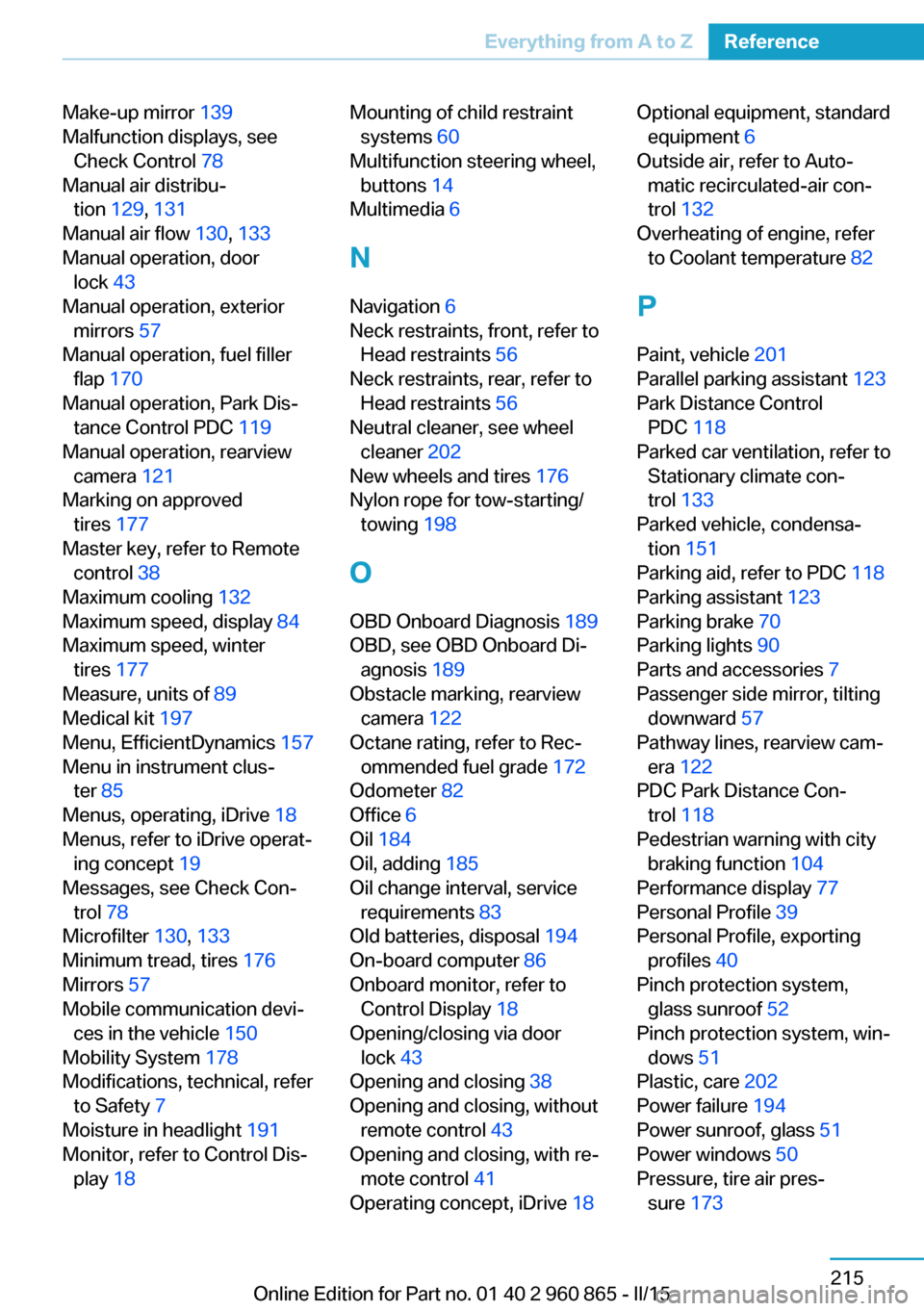
Make-up mirror 139
Malfunction displays, see Check Control 78
Manual air distribu‐ tion 129, 131
Manual air flow 130, 133
Manual operation, door lock 43
Manual operation, exterior mirrors 57
Manual operation, fuel filler flap 170
Manual operation, Park Dis‐ tance Control PDC 119
Manual operation, rearview camera 121
Marking on approved tires 177
Master key, refer to Remote control 38
Maximum cooling 132
Maximum speed, display 84
Maximum speed, winter tires 177
Measure, units of 89
Medical kit 197
Menu, EfficientDynamics 157
Menu in instrument clus‐ ter 85
Menus, operating, iDrive 18
Menus, refer to iDrive operat‐ ing concept 19
Messages, see Check Con‐ trol 78
Microfilter 130, 133
Minimum tread, tires 176
Mirrors 57
Mobile communication devi‐ ces in the vehicle 150
Mobility System 178
Modifications, technical, refer to Safety 7
Moisture in headlight 191
Monitor, refer to Control Dis‐ play 18 Mounting of child restraint
systems 60
Multifunction steering wheel, buttons 14
Multimedia 6
N
Navigation 6
Neck restraints, front, refer to Head restraints 56
Neck restraints, rear, refer to Head restraints 56
Neutral cleaner, see wheel cleaner 202
New wheels and tires 176
Nylon rope for tow-starting/ towing 198
O OBD Onboard Diagnosis 189
OBD, see OBD Onboard Di‐ agnosis 189
Obstacle marking, rearview camera 122
Octane rating, refer to Rec‐ ommended fuel grade 172
Odometer 82
Office 6
Oil 184
Oil, adding 185
Oil change interval, service requirements 83
Old batteries, disposal 194
On-board computer 86
Onboard monitor, refer to Control Display 18
Opening/closing via door lock 43
Opening and closing 38
Opening and closing, without remote control 43
Opening and closing, with re‐ mote control 41
Operating concept, iDrive 18 Optional equipment, standard
equipment 6
Outside air, refer to Auto‐ matic recirculated-air con‐
trol 132
Overheating of engine, refer to Coolant temperature 82
P Paint, vehicle 201
Parallel parking assistant 123
Park Distance Control PDC 118
Parked car ventilation, refer to Stationary climate con‐
trol 133
Parked vehicle, condensa‐ tion 151
Parking aid, refer to PDC 118
Parking assistant 123
Parking brake 70
Parking lights 90
Parts and accessories 7
Passenger side mirror, tilting downward 57
Pathway lines, rearview cam‐ era 122
PDC Park Distance Con‐ trol 118
Pedestrian warning with city braking function 104
Performance display 77
Personal Profile 39
Personal Profile, exporting profiles 40
Pinch protection system, glass sunroof 52
Pinch protection system, win‐ dows 51
Plastic, care 202
Power failure 194
Power sunroof, glass 51
Power windows 50
Pressure, tire air pres‐ sure 173 Seite 215Everything from A to ZReference215
Online Edition for Part no. 01 40 2 960 865 - II/15
Page 232 of 236
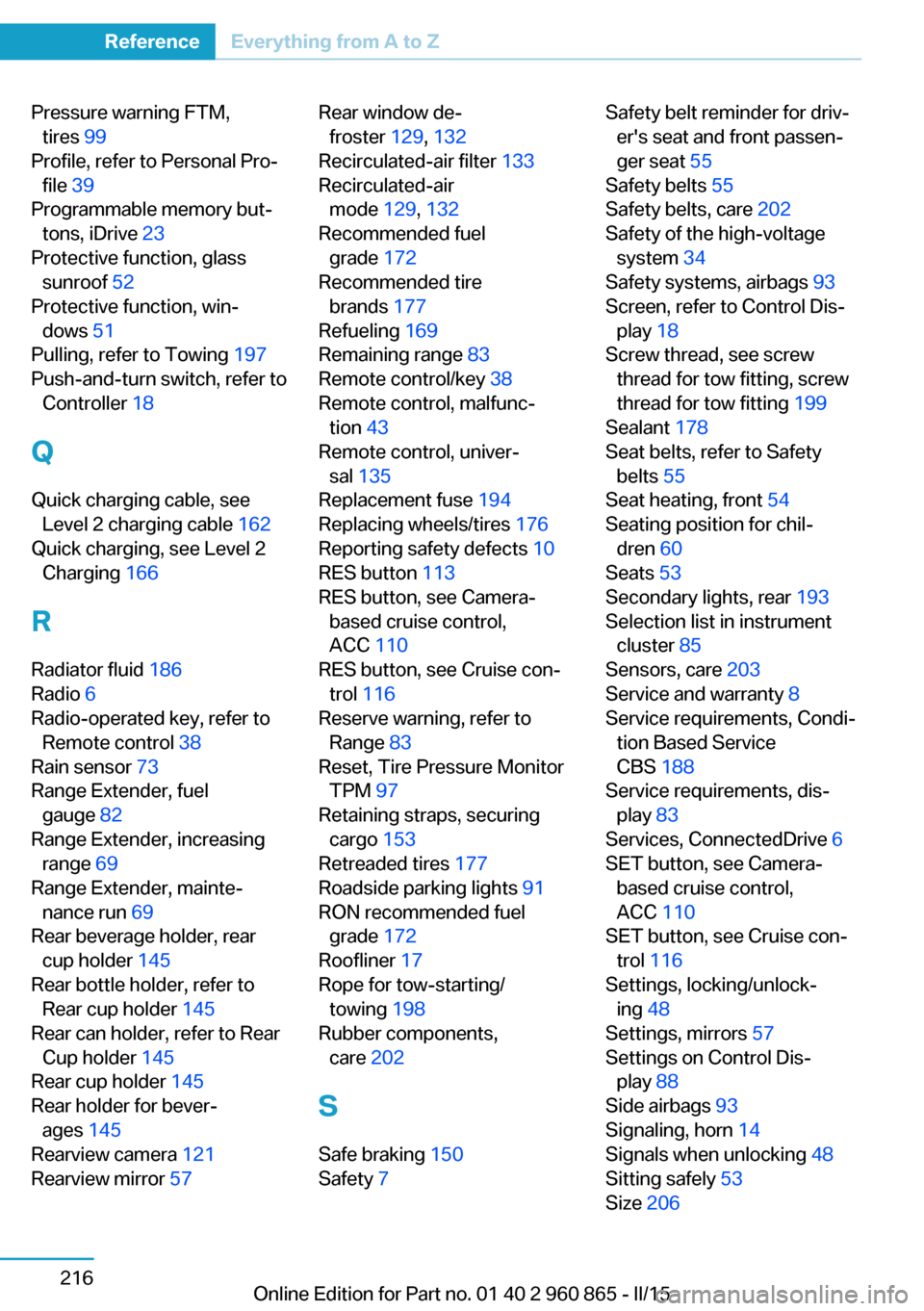
Pressure warning FTM,tires 99
Profile, refer to Personal Pro‐ file 39
Programmable memory but‐ tons, iDrive 23
Protective function, glass sunroof 52
Protective function, win‐ dows 51
Pulling, refer to Towing 197
Push-and-turn switch, refer to Controller 18
Q Quick charging cable, see Level 2 charging cable 162
Quick charging, see Level 2 Charging 166
R Radiator fluid 186
Radio 6
Radio-operated key, refer to Remote control 38
Rain sensor 73
Range Extender, fuel gauge 82
Range Extender, increasing range 69
Range Extender, mainte‐ nance run 69
Rear beverage holder, rear cup holder 145
Rear bottle holder, refer to Rear cup holder 145
Rear can holder, refer to Rear Cup holder 145
Rear cup holder 145
Rear holder for bever‐ ages 145
Rearview camera 121
Rearview mirror 57 Rear window de‐
froster 129, 132
Recirculated-air filter 133
Recirculated-air mode 129, 132
Recommended fuel grade 172
Recommended tire brands 177
Refueling 169
Remaining range 83
Remote control/key 38
Remote control, malfunc‐ tion 43
Remote control, univer‐ sal 135
Replacement fuse 194
Replacing wheels/tires 176
Reporting safety defects 10
RES button 113
RES button, see Camera- based cruise control,
ACC 110
RES button, see Cruise con‐ trol 116
Reserve warning, refer to Range 83
Reset, Tire Pressure Monitor TPM 97
Retaining straps, securing cargo 153
Retreaded tires 177
Roadside parking lights 91
RON recommended fuel grade 172
Roofliner 17
Rope for tow-starting/ towing 198
Rubber components, care 202
S
Safe braking 150
Safety 7 Safety belt reminder for driv‐
er's seat and front passen‐
ger seat 55
Safety belts 55
Safety belts, care 202
Safety of the high-voltage system 34
Safety systems, airbags 93
Screen, refer to Control Dis‐ play 18
Screw thread, see screw thread for tow fitting, screw
thread for tow fitting 199
Sealant 178
Seat belts, refer to Safety belts 55
Seat heating, front 54
Seating position for chil‐ dren 60
Seats 53
Secondary lights, rear 193
Selection list in instrument cluster 85
Sensors, care 203
Service and warranty 8
Service requirements, Condi‐ tion Based Service
CBS 188
Service requirements, dis‐ play 83
Services, ConnectedDrive 6
SET button, see Camera- based cruise control,
ACC 110
SET button, see Cruise con‐ trol 116
Settings, locking/unlock‐ ing 48
Settings, mirrors 57
Settings on Control Dis‐ play 88
Side airbags 93
Signaling, horn 14
Signals when unlocking 48
Sitting safely 53
Size 206 Seite 216ReferenceEverything from A to Z216
Online Edition for Part no. 01 40 2 960 865 - II/15
Page 234 of 236
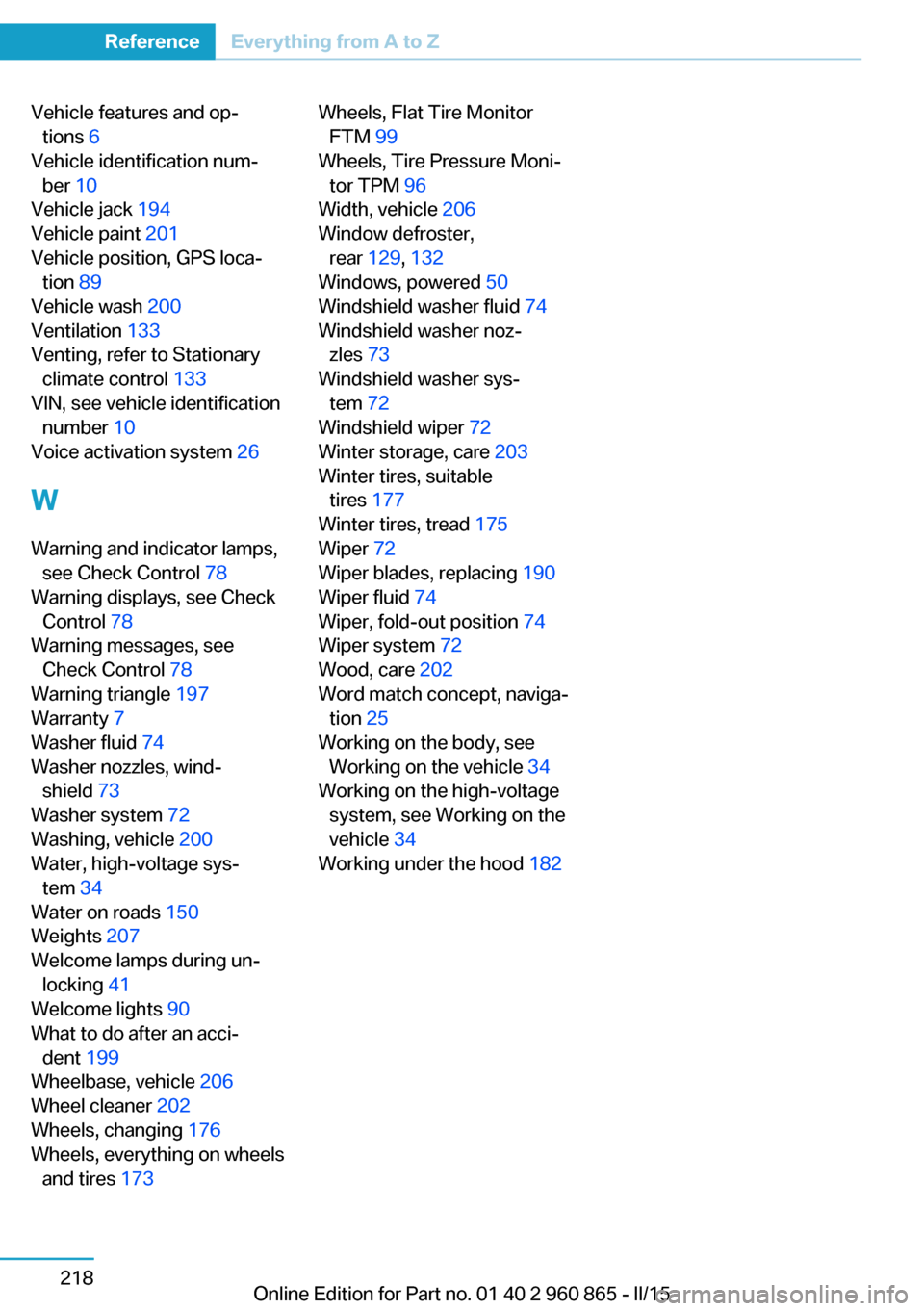
Vehicle features and op‐tions 6
Vehicle identification num‐ ber 10
Vehicle jack 194
Vehicle paint 201
Vehicle position, GPS loca‐ tion 89
Vehicle wash 200
Ventilation 133
Venting, refer to Stationary climate control 133
VIN, see vehicle identification number 10
Voice activation system 26
W Warning and indicator lamps, see Check Control 78
Warning displays, see Check Control 78
Warning messages, see Check Control 78
Warning triangle 197
Warranty 7
Washer fluid 74
Washer nozzles, wind‐ shield 73
Washer system 72
Washing, vehicle 200
Water, high-voltage sys‐ tem 34
Water on roads 150
Weights 207
Welcome lamps during un‐ locking 41
Welcome lights 90
What to do after an acci‐ dent 199
Wheelbase, vehicle 206
Wheel cleaner 202
Wheels, changing 176
Wheels, everything on wheels and tires 173 Wheels, Flat Tire Monitor
FTM 99
Wheels, Tire Pressure Moni‐ tor TPM 96
Width, vehicle 206
Window defroster, rear 129, 132
Windows, powered 50
Windshield washer fluid 74
Windshield washer noz‐ zles 73
Windshield washer sys‐ tem 72
Windshield wiper 72
Winter storage, care 203
Winter tires, suitable tires 177
Winter tires, tread 175
Wiper 72
Wiper blades, replacing 190
Wiper fluid 74
Wiper, fold-out position 74
Wiper system 72
Wood, care 202
Word match concept, naviga‐ tion 25
Working on the body, see Working on the vehicle 34
Working on the high-voltage system, see Working on the
vehicle 34
Working under the hood 182 Seite 218ReferenceEverything from A to Z218
Online Edition for Part no. 01 40 2 960 865 - II/15