belt BMW I3 2015 I01 Owner's Guide
[x] Cancel search | Manufacturer: BMW, Model Year: 2015, Model line: I3, Model: BMW I3 2015 I01Pages: 236, PDF Size: 17.6 MB
Page 218 of 236
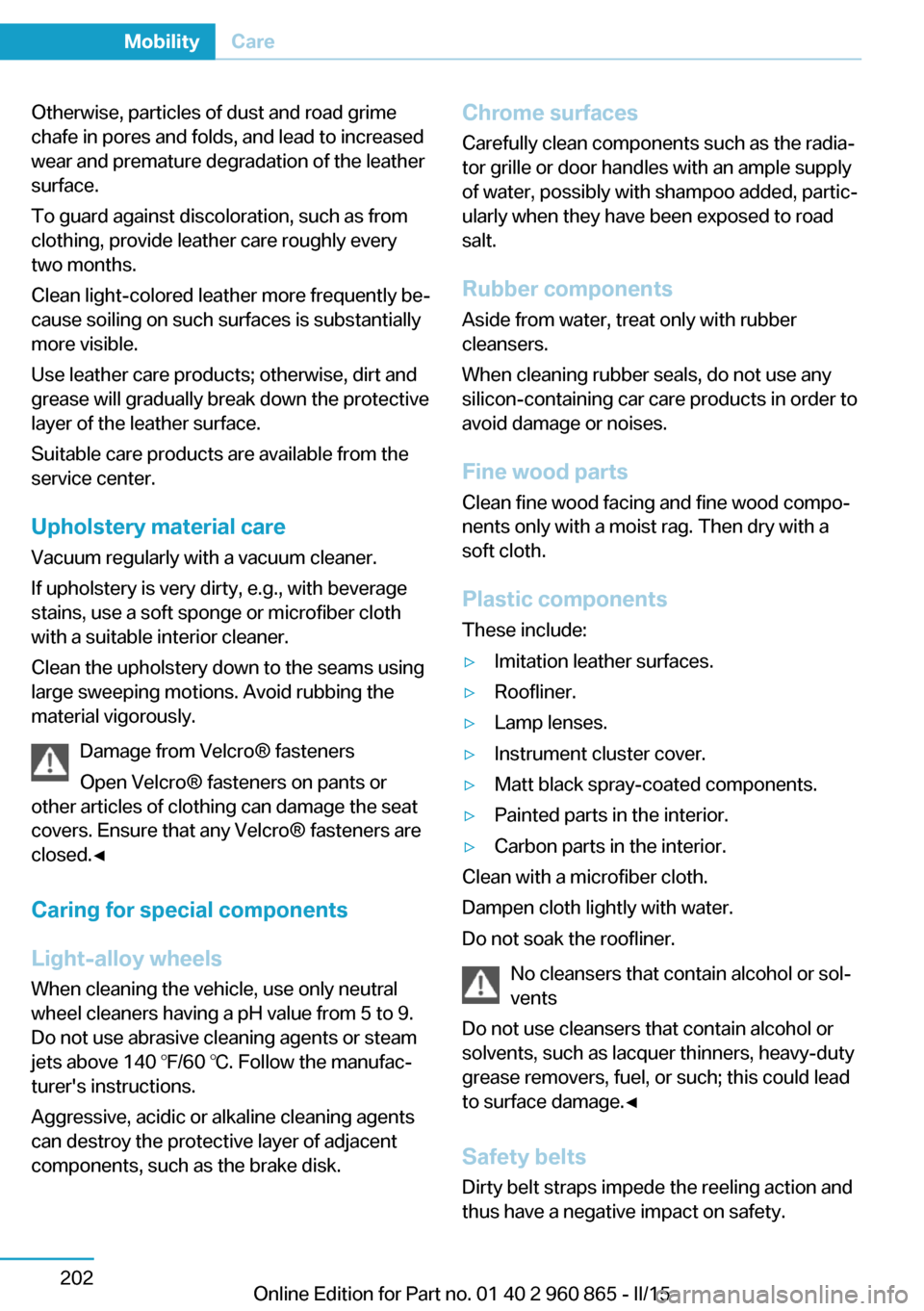
Otherwise, particles of dust and road grime
chafe in pores and folds, and lead to increased
wear and premature degradation of the leather
surface.
To guard against discoloration, such as from
clothing, provide leather care roughly every
two months.
Clean light-colored leather more frequently be‐
cause soiling on such surfaces is substantially
more visible.
Use leather care products; otherwise, dirt and
grease will gradually break down the protective
layer of the leather surface.
Suitable care products are available from the
service center.
Upholstery material care Vacuum regularly with a vacuum cleaner.
If upholstery is very dirty, e.g., with beverage
stains, use a soft sponge or microfiber cloth
with a suitable interior cleaner.
Clean the upholstery down to the seams using
large sweeping motions. Avoid rubbing the
material vigorously.
Damage from Velcro® fasteners
Open Velcro® fasteners on pants or
other articles of clothing can damage the seat
covers. Ensure that any Velcro® fasteners are
closed.◀
Caring for special components
Light-alloy wheels When cleaning the vehicle, use only neutral
wheel cleaners having a pH value from 5 to 9.
Do not use abrasive cleaning agents or steam
jets above 140 ℉/60 ℃. Follow the manufac‐
turer's instructions.
Aggressive, acidic or alkaline cleaning agents
can destroy the protective layer of adjacent
components, such as the brake disk.Chrome surfaces
Carefully clean components such as the radia‐
tor grille or door handles with an ample supply
of water, possibly with shampoo added, partic‐
ularly when they have been exposed to road
salt.
Rubber components
Aside from water, treat only with rubber
cleansers.
When cleaning rubber seals, do not use any
silicon-containing car care products in order to
avoid damage or noises.
Fine wood partsClean fine wood facing and fine wood compo‐
nents only with a moist rag. Then dry with a
soft cloth.
Plastic components
These include:▷Imitation leather surfaces.▷Roofliner.▷Lamp lenses.▷Instrument cluster cover.▷Matt black spray-coated components.▷Painted parts in the interior.▷Carbon parts in the interior.
Clean with a microfiber cloth.
Dampen cloth lightly with water.
Do not soak the roofliner.
No cleansers that contain alcohol or sol‐
vents
Do not use cleansers that contain alcohol or
solvents, such as lacquer thinners, heavy-duty
grease removers, fuel, or such; this could lead
to surface damage.◀
Safety belts
Dirty belt straps impede the reeling action and
thus have a negative impact on safety.
Seite 202MobilityCare202
Online Edition for Part no. 01 40 2 960 865 - II/15
Page 219 of 236
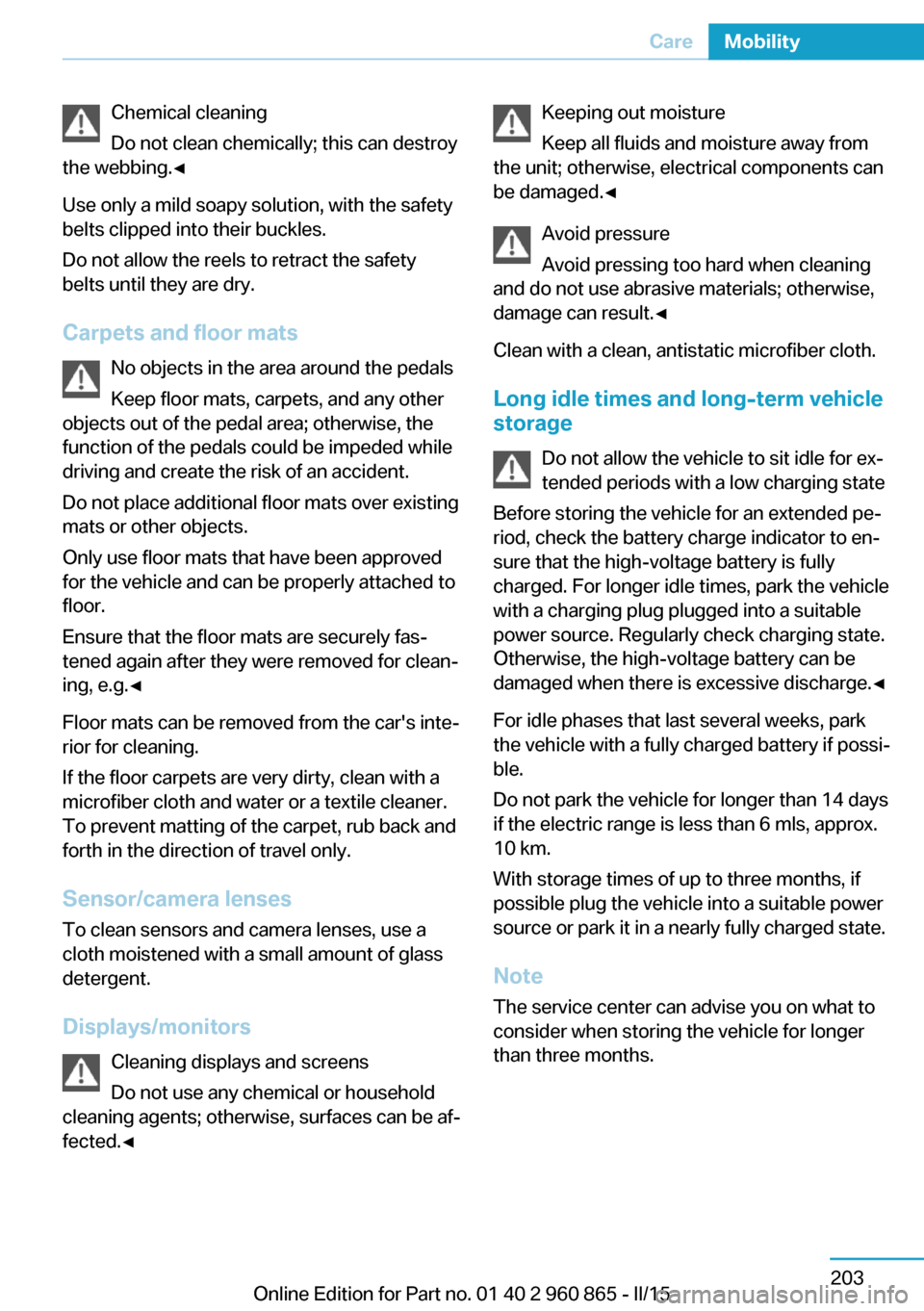
Chemical cleaning
Do not clean chemically; this can destroy
the webbing.◀
Use only a mild soapy solution, with the safety
belts clipped into their buckles.
Do not allow the reels to retract the safety
belts until they are dry.
Carpets and floor mats No objects in the area around the pedals
Keep floor mats, carpets, and any other
objects out of the pedal area; otherwise, the
function of the pedals could be impeded while
driving and create the risk of an accident.
Do not place additional floor mats over existing
mats or other objects.
Only use floor mats that have been approved
for the vehicle and can be properly attached to
floor.
Ensure that the floor mats are securely fas‐
tened again after they were removed for clean‐
ing, e.g.◀
Floor mats can be removed from the car's inte‐
rior for cleaning.
If the floor carpets are very dirty, clean with a
microfiber cloth and water or a textile cleaner.
To prevent matting of the carpet, rub back and
forth in the direction of travel only.
Sensor/camera lenses
To clean sensors and camera lenses, use a
cloth moistened with a small amount of glass
detergent.
Displays/monitors Cleaning displays and screens
Do not use any chemical or household
cleaning agents; otherwise, surfaces can be af‐
fected.◀Keeping out moisture
Keep all fluids and moisture away from
the unit; otherwise, electrical components can
be damaged.◀
Avoid pressure
Avoid pressing too hard when cleaning
and do not use abrasive materials; otherwise,
damage can result.◀
Clean with a clean, antistatic microfiber cloth.
Long idle times and long-term vehicle
storage
Do not allow the vehicle to sit idle for ex‐
tended periods with a low charging state
Before storing the vehicle for an extended pe‐
riod, check the battery charge indicator to en‐
sure that the high-voltage battery is fully
charged. For longer idle times, park the vehicle
with a charging plug plugged into a suitable
power source. Regularly check charging state.
Otherwise, the high-voltage battery can be
damaged when there is excessive discharge.◀
For idle phases that last several weeks, park
the vehicle with a fully charged battery if possi‐
ble.
Do not park the vehicle for longer than 14 days
if the electric range is less than 6 mls, approx.
10 km.
With storage times of up to three months, if
possible plug the vehicle into a suitable power
source or park it in a nearly fully charged state.
Note The service center can advise you on what to
consider when storing the vehicle for longer
than three months.Seite 203CareMobility203
Online Edition for Part no. 01 40 2 960 865 - II/15
Page 226 of 236
Everything from A to Z
IndexA ABS, Antilock Brake Sys‐ tem 107
ACC, Active Cruise Control with Stop & Go 110
Accelerator pedal posi‐ tions 68
Accessories and parts 7
AC quick charging cable, see Level 2 charging cable 162
Activated-charcoal filter 133
Active Cruise Control with Stop & Go, ACC 110
Adjustments, seats/head re‐ straints 53
Adjustments, steering wheel 59
Advance climate control, refer to Stationary climate con‐
trol 133
After washing vehicle 201
Airbags 93
Airbags, indicator/warning light 94
Air circulation, refer to Recir‐ culated-air mode 129, 132
Air conditioner 128
Air, dehumidifying, refer to Cooling function 129, 131
Air distribution, manual 129, 131
Air flow, air conditioner 130
Air flow, automatic climate control 133
Air pressure, tires 173
Air vents, refer to Ventila‐ tion 133
Alarm system 49
Alarm, unintentional 50 All around the center con‐
sole 16
All around the roofliner 17
All around the steering wheel 14
All-season tires, refer to Win‐ ter tires 177
Alternating-code hand-held transmitter 136
Ambient light 92
Antifreeze, washer fluid 74
Antilock Brake System, ABS 107
Anti-slip control, refer to DSC 107
Approved axle load 207
Ash tray 139
Assistance when driving off 109
Assist system, refer to Intelli‐ gent Safety 100
AUTO intensity 132
Automatic car wash 200
Automatic climate con‐ trol 130
Automatic cornering adjust‐ ment 57
Automatic Cruise Control with Stop & Go 110
Automatic Curb Monitor 57
Automatic deactivation, front- seat passenger airbags 95
Automatic deactivation of the high-voltage system 34
Automatic headlight con‐ trol 91
Automatic locking 48
Automatic recirculated-air control 132
AUTO program, automatic cli‐ mate control 131 AUTO program, intensity 132
Average fuel consumption 87
Average speed 87
Axle loads, weights 207
B Backup charging 168
Band-aids, refer to First aid kit 197
Bar for tow-starting/ towing 198
Battery, 12 volt 194
Battery replacement, vehicle battery 194
Battery replacement, vehicle remote control 39
Battery state indicator 77
Battery, vehicle 194
Being pulled, referred to Tow‐ ing 197
Belts, safety belts 55
BMW Assist 6
BMW eDRIVE 31
BMW Homepage 6
BMW i Driver’s Guide App 6
BMW Internet page 6
BMW maintenance sys‐ tem 188
Body work, see Working on the vehicle 34
Brake assistant 107
Brake discs, break-in 148
Brake pads, break-in 148
Braking, hints 150
Breakdown assistance 196
Break-in 148
Brightness of Control Dis‐ play 89
Bulb replacement 190
Bulb replacement, front 191 Seite 210ReferenceEverything from A to Z210
Online Edition for Part no. 01 40 2 960 865 - II/15
Page 232 of 236
Pressure warning FTM,tires 99
Profile, refer to Personal Pro‐ file 39
Programmable memory but‐ tons, iDrive 23
Protective function, glass sunroof 52
Protective function, win‐ dows 51
Pulling, refer to Towing 197
Push-and-turn switch, refer to Controller 18
Q Quick charging cable, see Level 2 charging cable 162
Quick charging, see Level 2 Charging 166
R Radiator fluid 186
Radio 6
Radio-operated key, refer to Remote control 38
Rain sensor 73
Range Extender, fuel gauge 82
Range Extender, increasing range 69
Range Extender, mainte‐ nance run 69
Rear beverage holder, rear cup holder 145
Rear bottle holder, refer to Rear cup holder 145
Rear can holder, refer to Rear Cup holder 145
Rear cup holder 145
Rear holder for bever‐ ages 145
Rearview camera 121
Rearview mirror 57 Rear window de‐
froster 129, 132
Recirculated-air filter 133
Recirculated-air mode 129, 132
Recommended fuel grade 172
Recommended tire brands 177
Refueling 169
Remaining range 83
Remote control/key 38
Remote control, malfunc‐ tion 43
Remote control, univer‐ sal 135
Replacement fuse 194
Replacing wheels/tires 176
Reporting safety defects 10
RES button 113
RES button, see Camera- based cruise control,
ACC 110
RES button, see Cruise con‐ trol 116
Reserve warning, refer to Range 83
Reset, Tire Pressure Monitor TPM 97
Retaining straps, securing cargo 153
Retreaded tires 177
Roadside parking lights 91
RON recommended fuel grade 172
Roofliner 17
Rope for tow-starting/ towing 198
Rubber components, care 202
S
Safe braking 150
Safety 7 Safety belt reminder for driv‐
er's seat and front passen‐
ger seat 55
Safety belts 55
Safety belts, care 202
Safety of the high-voltage system 34
Safety systems, airbags 93
Screen, refer to Control Dis‐ play 18
Screw thread, see screw thread for tow fitting, screw
thread for tow fitting 199
Sealant 178
Seat belts, refer to Safety belts 55
Seat heating, front 54
Seating position for chil‐ dren 60
Seats 53
Secondary lights, rear 193
Selection list in instrument cluster 85
Sensors, care 203
Service and warranty 8
Service requirements, Condi‐ tion Based Service
CBS 188
Service requirements, dis‐ play 83
Services, ConnectedDrive 6
SET button, see Camera- based cruise control,
ACC 110
SET button, see Cruise con‐ trol 116
Settings, locking/unlock‐ ing 48
Settings, mirrors 57
Settings on Control Dis‐ play 88
Side airbags 93
Signaling, horn 14
Signals when unlocking 48
Sitting safely 53
Size 206 Seite 216ReferenceEverything from A to Z216
Online Edition for Part no. 01 40 2 960 865 - II/15