BMW IX 2022 User Guide
IX 2022
BMW
BMW
https://www.carmanualsonline.info/img/1/48256/w960_48256-0.png
BMW IX 2022 User Guide
Page 62 of 372
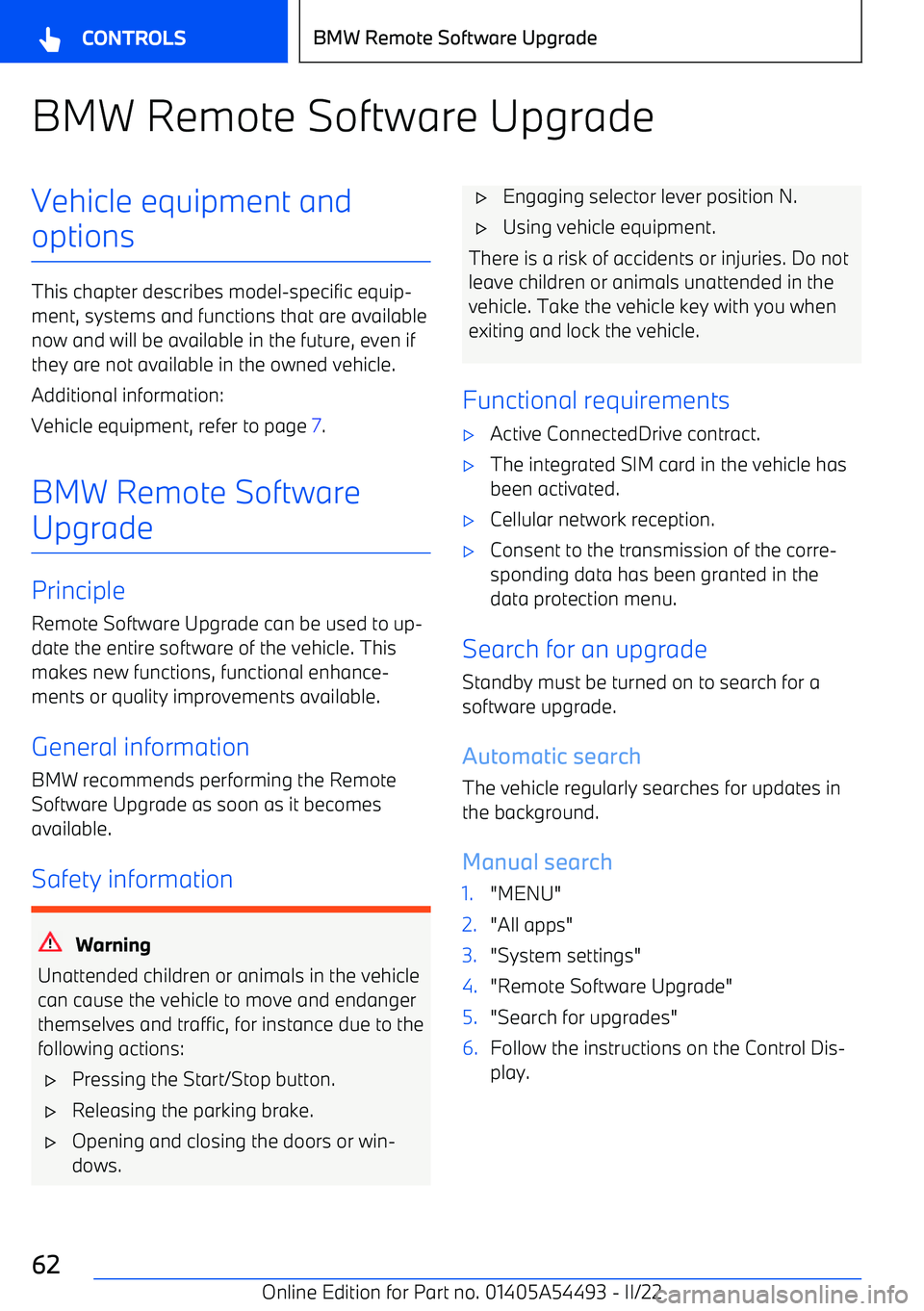
BMW Remote Software UpgradeVehicle equipment andoptions
This chapter describes model
Page 63 of 372
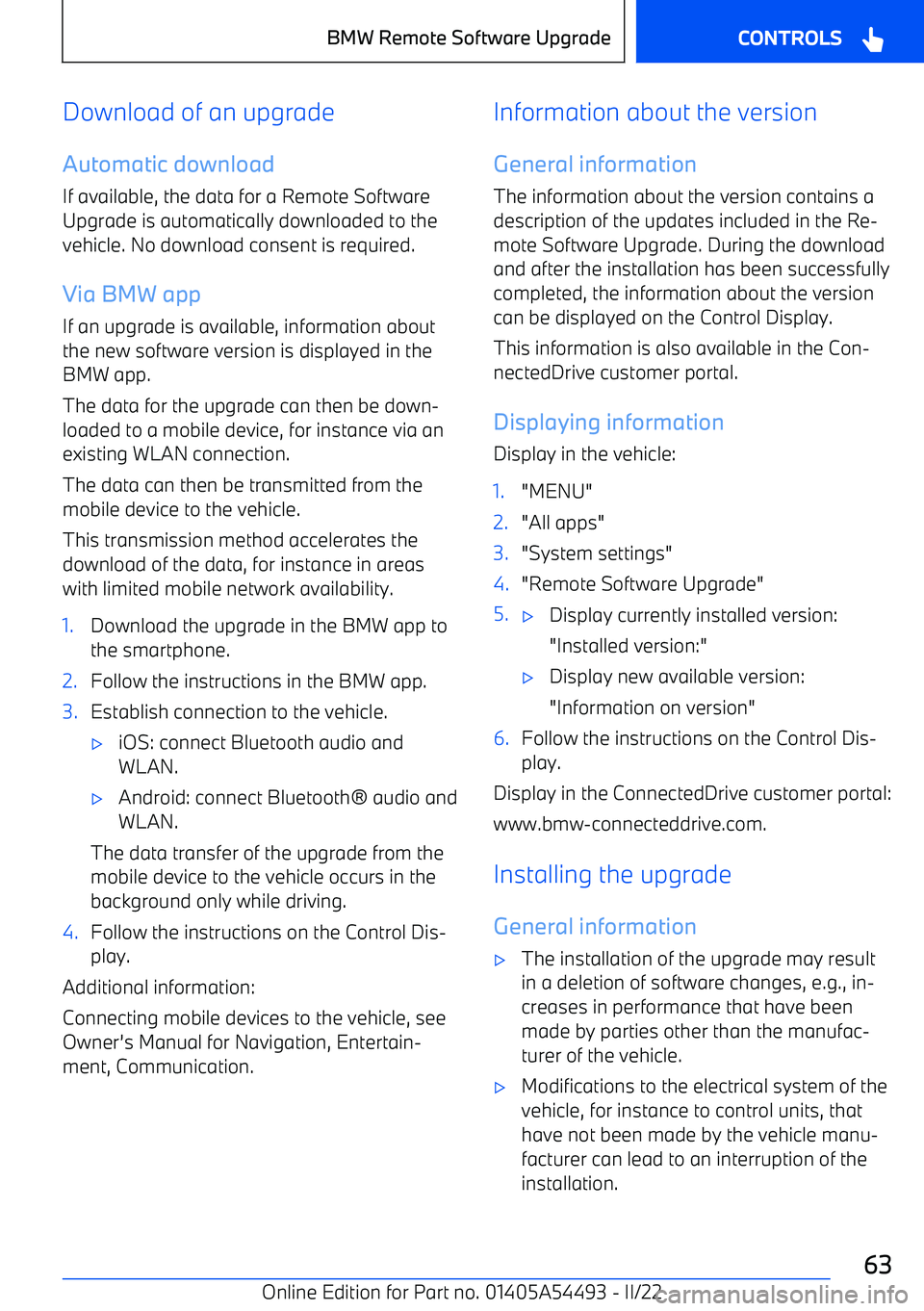
Download of an upgrade
Automatic download
If available, the data for a Remote Software
Upgrade is automatically downloaded to the
vehicle. No download consent is required.
Via BMW app If an upgrade is available, information about
the new software version is displayed in the
BMW app.
The data for the upgrade can then be down
Page 68 of 372
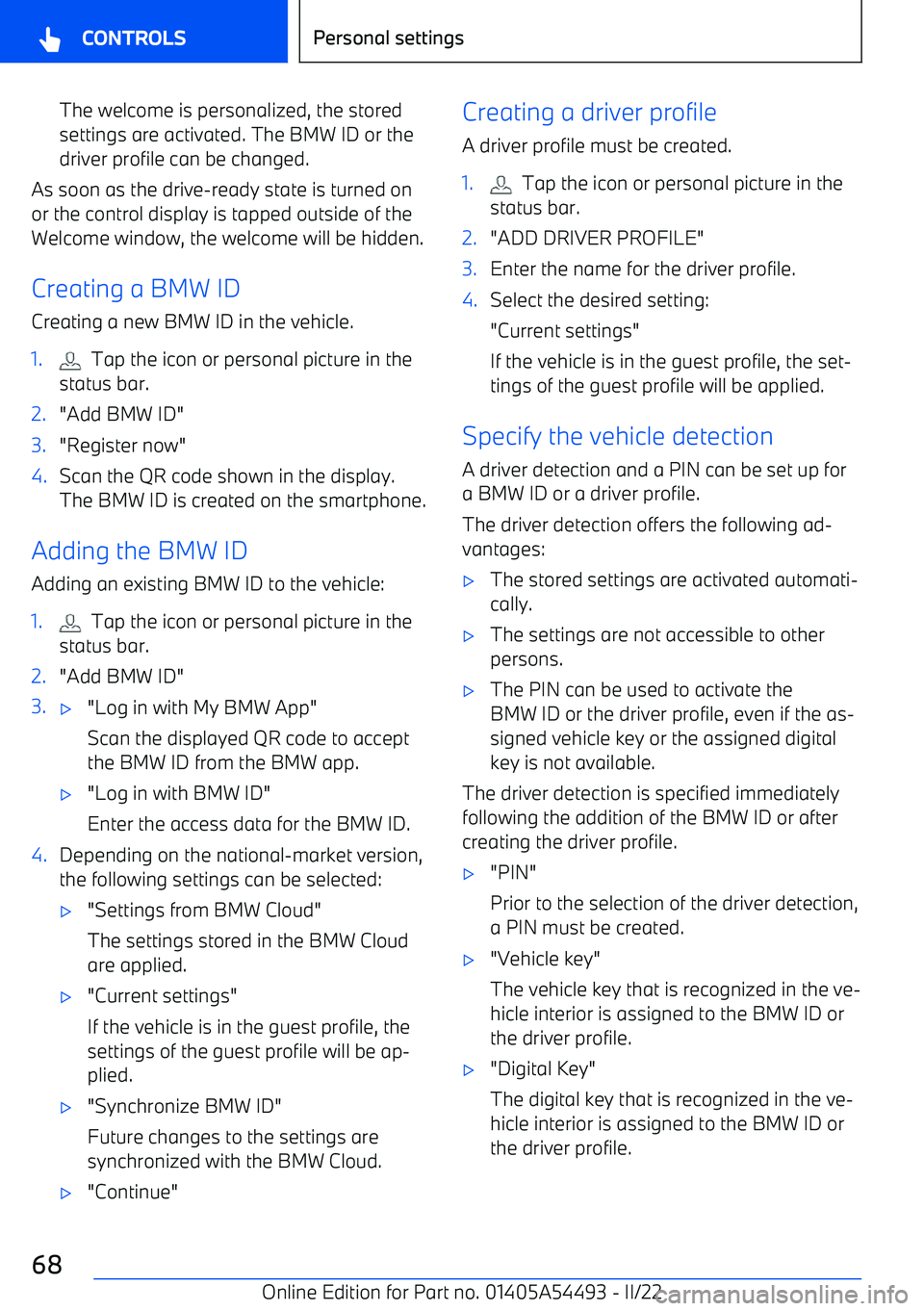
The welcome is personalized, the stored
settings are activated. The BMW ID or the driver profile can be changed.
As soon as the drive
Page 80 of 372
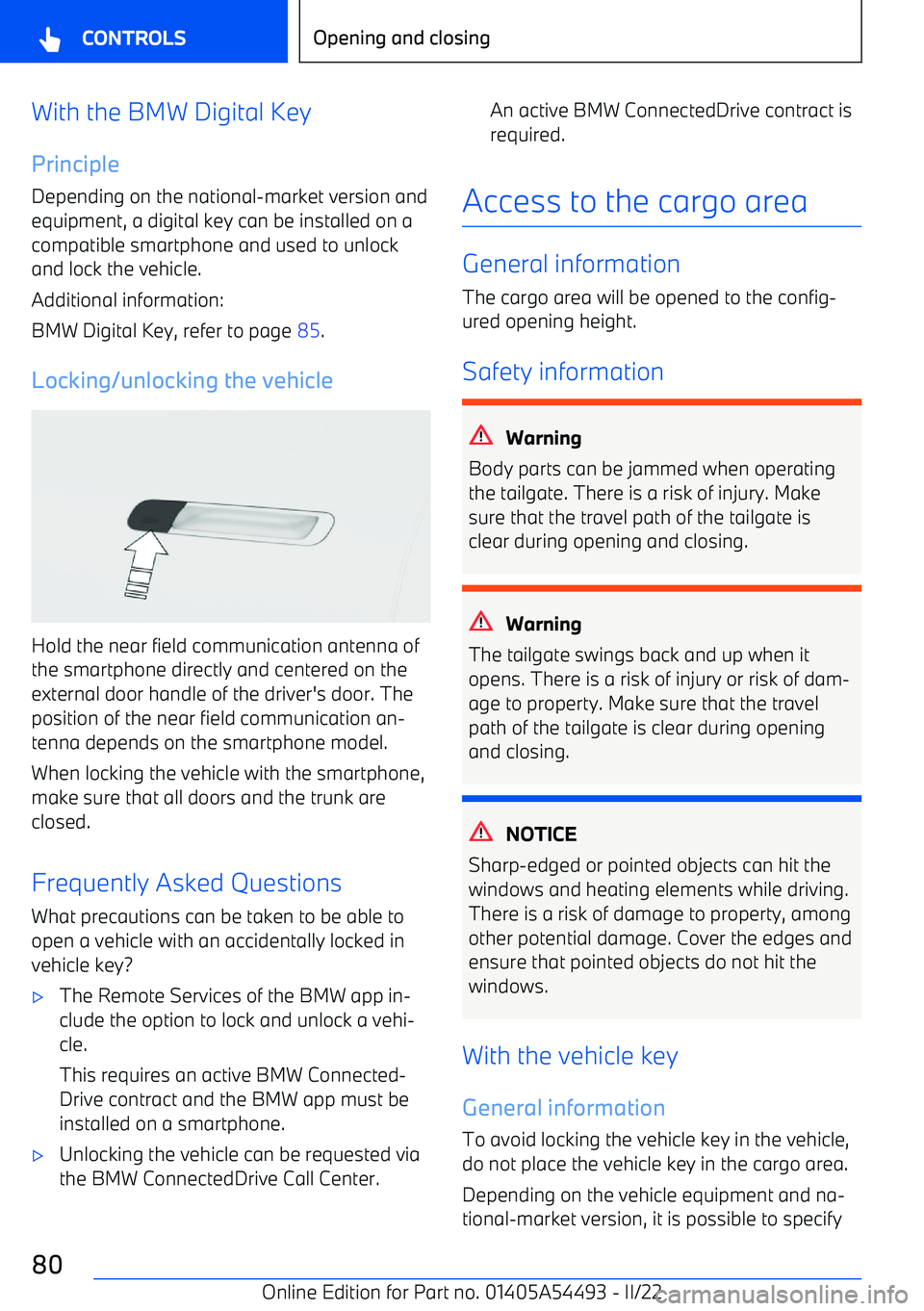
With the BMW Digital KeyPrinciple
Depending on the national
Page 85 of 372
BMW Digital Key
PrincipleBMW Digital Key allows the vehicle to be un
Page 106 of 372
Electric steering wheel adjustment
General information The steering wheel adjustment is stored in the
active BMW ID or in the active driver profile. If
the BMW ID or the driver profile is reactivated
at a later time, the stored position is called up
automatically.
The current steering wheel position can be stored using the memory function.
To make it easier to enter and get out of the
vehicle, the steering wheel moves temporarily into the upper position.
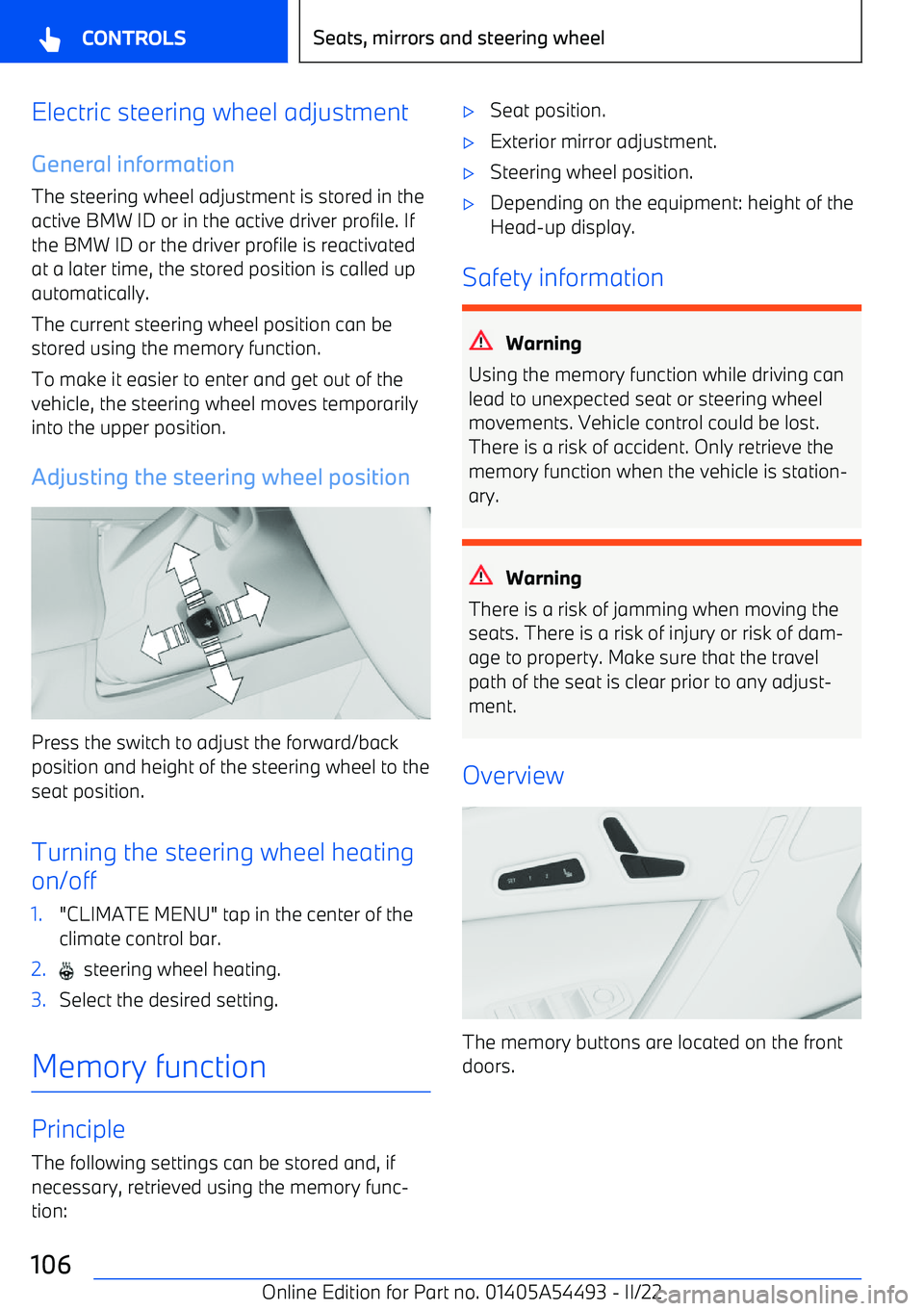
Adjusting the steering wheel position
Press the switch to adjust the forward/backposition and height of the steering wheel to the
seat position.
Turning the steering wheel heating
on/off
1."CLIMATE MENU" tap in the center of the climate control bar.2. steering wheel heating.3.Select the desired setting.
Memory function
Principle
The following settings can be stored and, if
necessary, retrieved using the memory func
Page 265 of 372
BMW Travel & Comfort
System
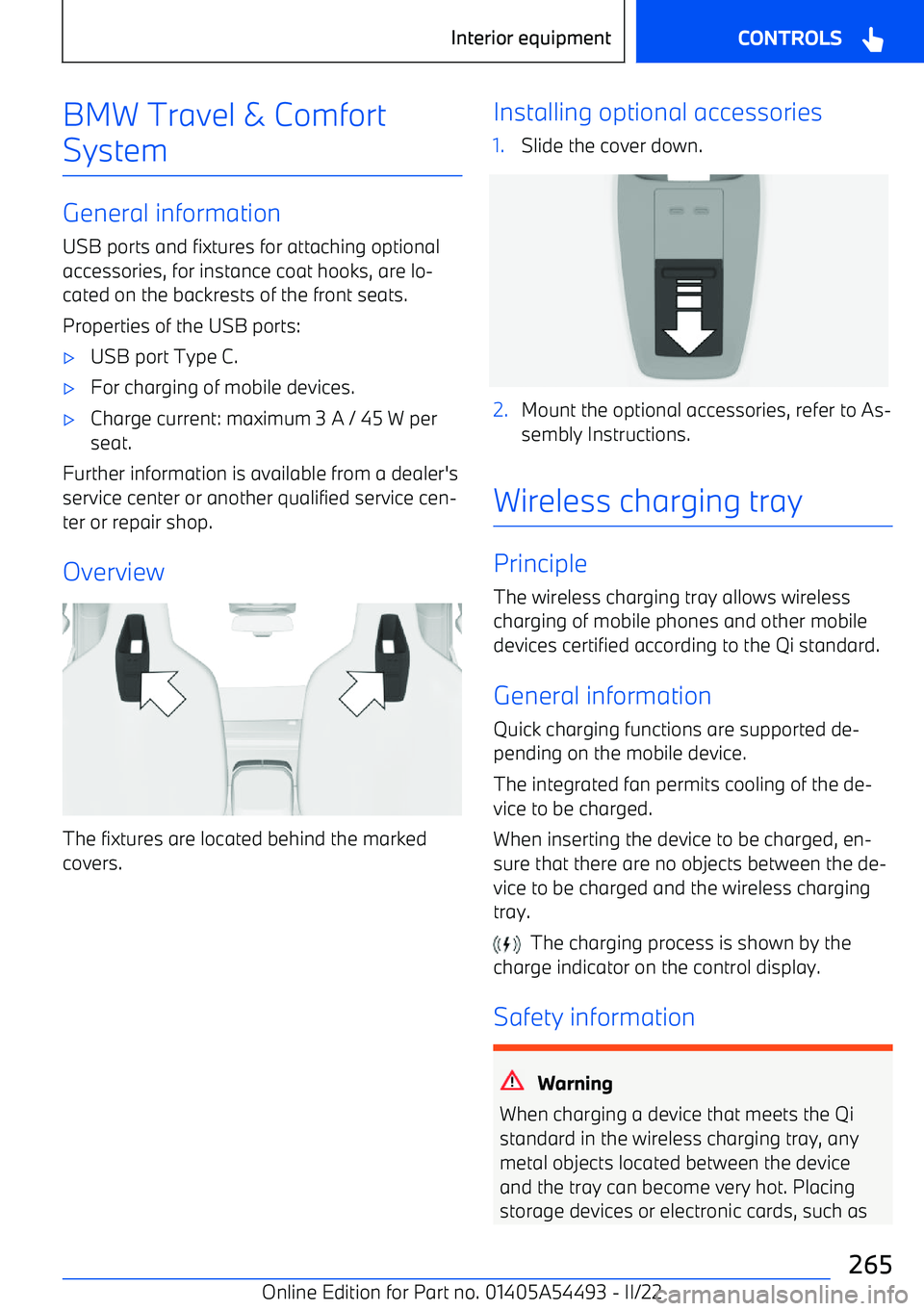
General information
USB ports and fixtures for attaching optional
accessories, for instance coat hooks, are lo
Page 338 of 372
The connection can be established directly:
"Contact accident assistance"
The Check Control message for BMW Accident Assistance can also be called up from the
stored Check Control messages for a certain length of time.
Additional information:
Check Control, refer to page 143.
Starting BMW Accident Assistance
manually
BMW Accident Assistance can also be con
Page 351 of 372
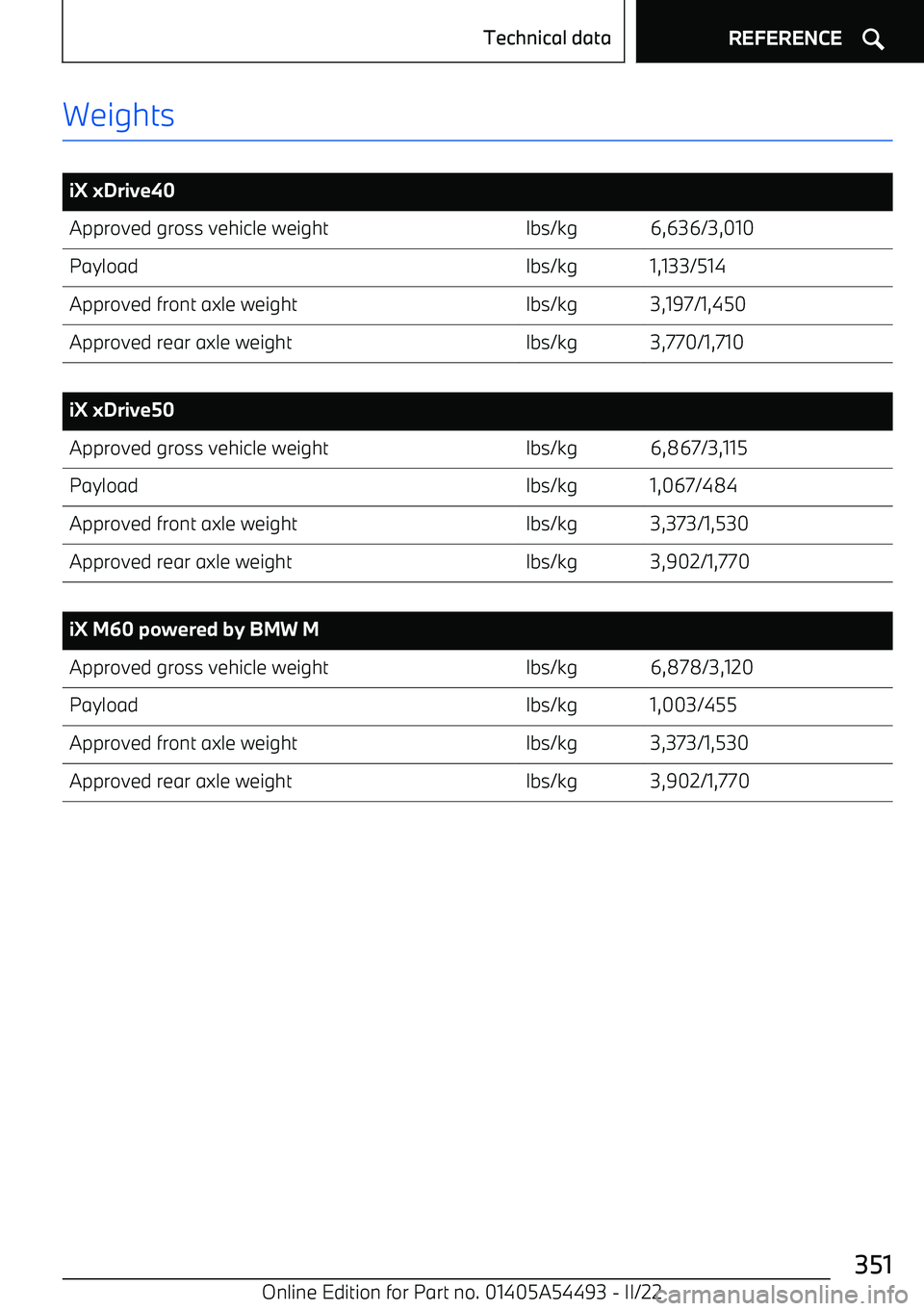
Weights
iX xDrive40Approved gross vehicle weightlbs/kg6,636/3,010Payloadlbs/kg1,133/514Approved front axle weightlbs/kg3,197/1,450Approved rear axle weightlbs/kg3,770/1,710
iX xDrive50Approved gross vehicle weightlbs/kg6,867/3,115Payloadlbs/kg1,067/484Approved front axle weightlbs/kg3,373/1,530Approved rear axle weightlbs/kg3,902/1,770
iX M60 powered by BMW MApproved gross vehicle weightlbs/kg6,878/3,120Payloadlbs/kg1,003/455Approved front axle weightlbs/kg3,373/1,530Approved rear axle weightlbs/kg3,902/1,770Seite 351Technical dataREFERENCE351
Online Edition for Part no. 01405A54493
Page 360 of 372
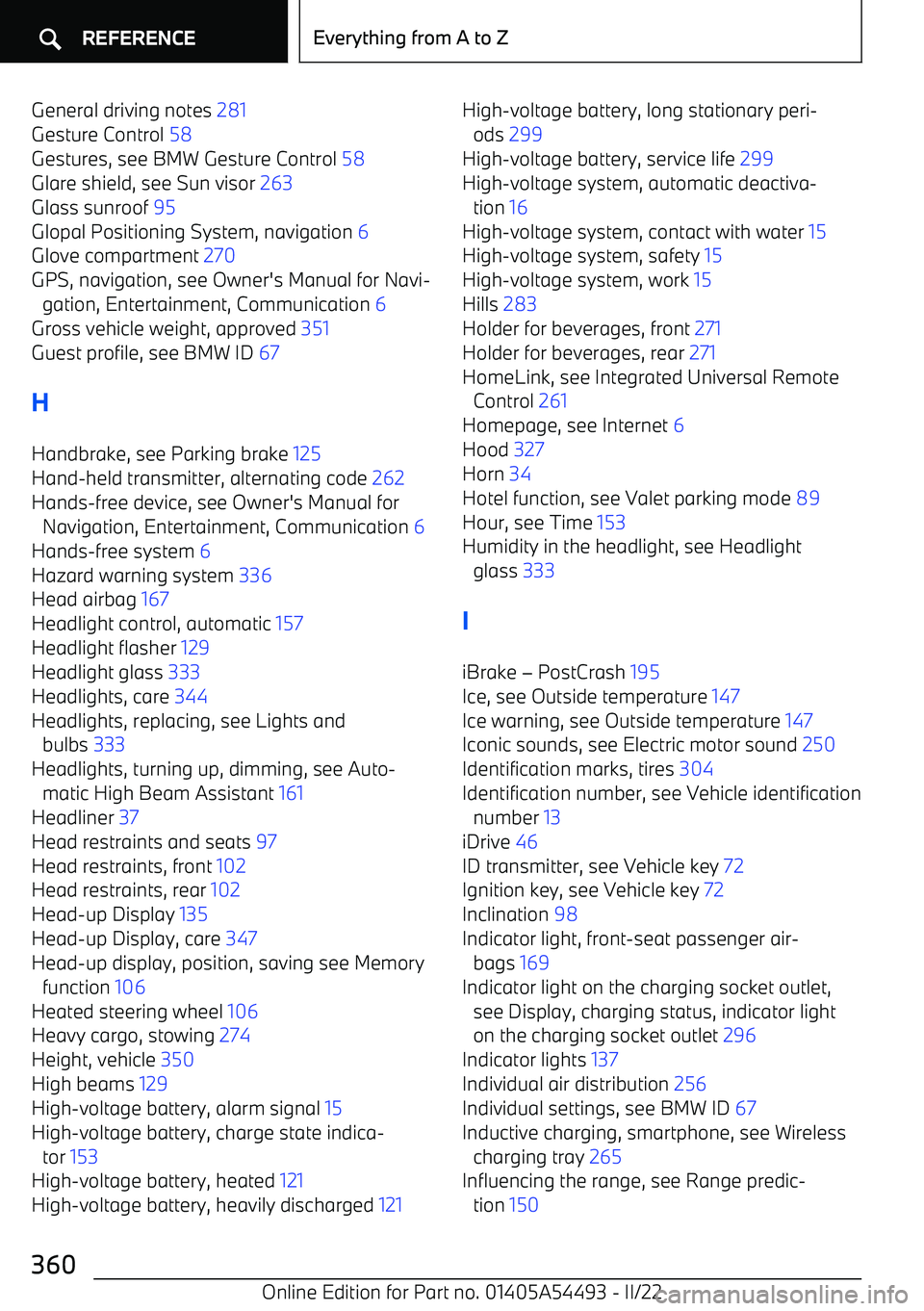
General driving notes 281
Gesture Control 58
Gestures, see BMW Gesture Control 58
Glare shield, see Sun visor 263
Glass sunroof 95
Glopal Positioning System, navigation 6
Glove compartment 270
GPS, navigation, see Owner