BMW IX 2022 Owners Manual
IX 2022
BMW
BMW
https://www.carmanualsonline.info/img/1/48256/w960_48256-0.png
BMW IX 2022 Owners Manual
Page 5 of 372
Interior equipment ............................................................................................ 261
Storage compartments .................................................................................. 270
Cargo area ........................................................................................................ 273
DRIVING TIPS
Things to remember when driving ............................................................... 280
Increasing range ............................................................................................. 285
MOBILITY
Charging the vehicle ....................................................................................... 290
Wheels and tires ............................................................................................... 301
Hood .................................................................................................................. 327
Operating materials ........................................................................................ 328
Maintenance .................................................................................................... 330
Replacing components ................................................................................... 332
Breakdown Assistance .................................................................................. 336
Vehicle Care ..................................................................................................... 343
REFERENCE
Technical data ................................................................................................. 350
Appendix ........................................................................................................... 352
Everything from A to Z ................................................................................... 354
Page 6 of 372
InformationUsing this Owner
Page 12 of 372
The sound and picture from the mobile devicescan be played back and displayed through themultimedia system. Certain information is
transferred to the mobile devices at the same
time. Depending on the type of incorporation, this includes, for instance position data and
other general vehicle information. This opti
Page 16 of 372
Actions in the event of a messageWhile driving1.Stop immediately.2.Park the vehicle in a safe place.3.Exit the vehicle.4.Establish and keep a sufficient distance tothe vehicle.5.Alert emergency personnel.
During and shortly after the charging
process
1.If necessary, exit the vehicle.2.Establish and keep a sufficient distance to the vehicle.3.Alert emergency personnel.
Automatic deactivation
If an accident occurs, the high
Page 22 of 372
7Exterior mirror adjustment button8Door emergency unlocking9Cargo area
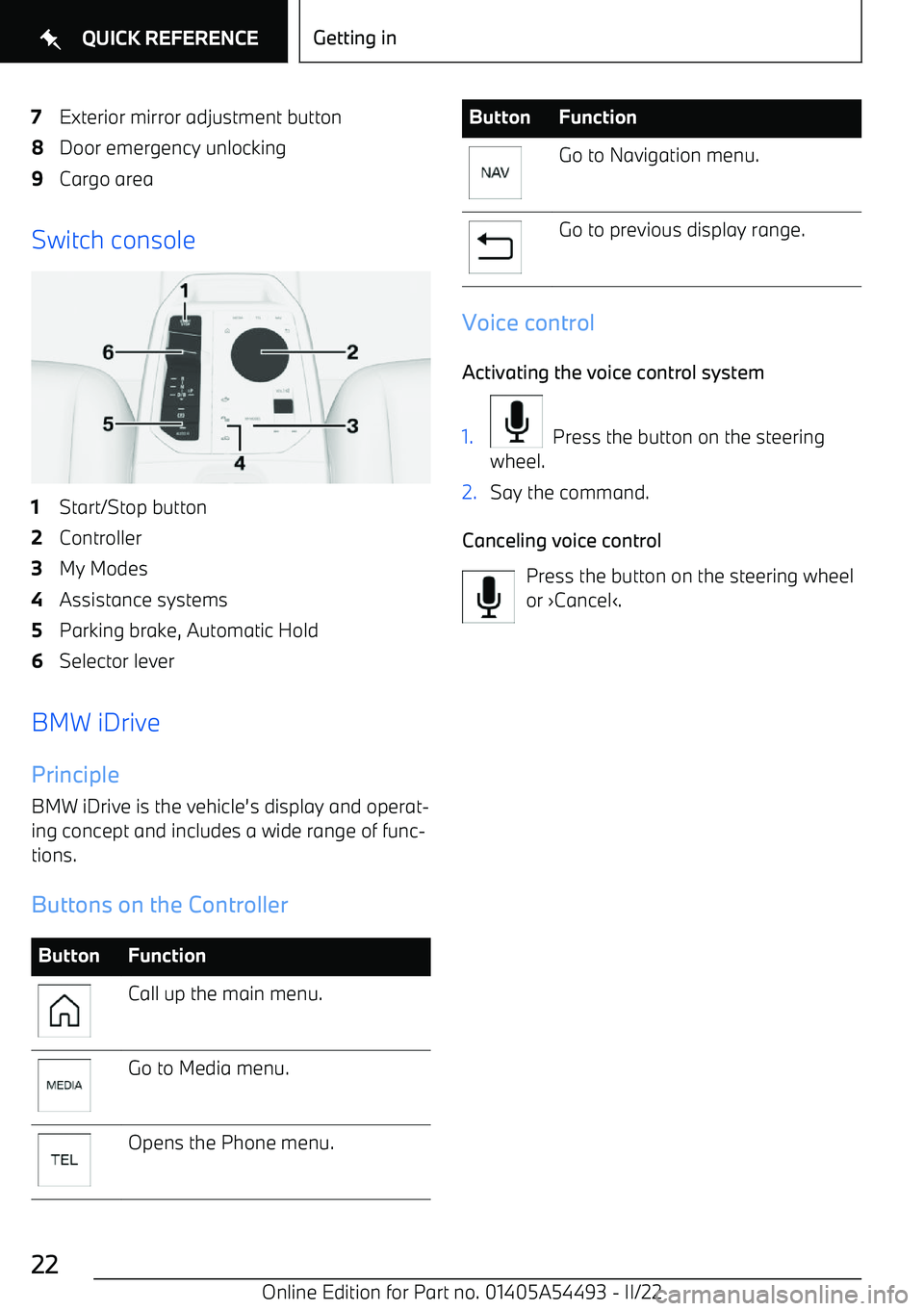
Switch console
1Start/Stop button2Controller3My Modes4Assistance systems5Parking brake, Automatic Hold6Selector lever
BMW iDrivePrinciple
BMW iDrive is the vehicle
Page 28 of 372
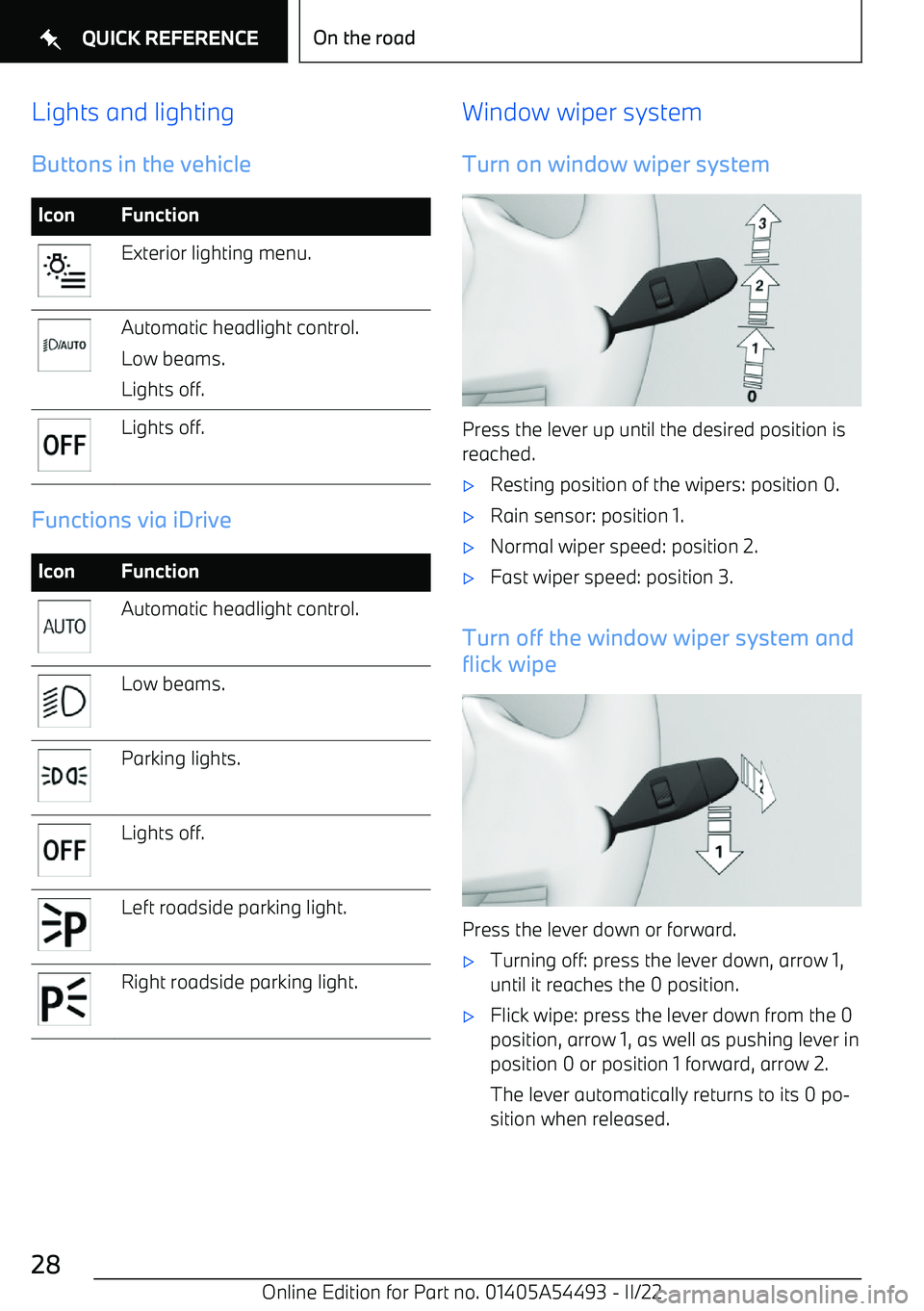
Lights and lightingButtons in the vehicleIconFunctionExterior lighting menu.Automatic headlight control.
Low beams.
Lights off.Lights off.
Functions via iDrive
IconFunctionAutomatic headlight control.Low beams.Parking lights.Lights off.Left roadside parking light.Right roadside parking light.Window wiper system
Turn on window wiper system
Press the lever up until the desired position is reached.
Page 30 of 372
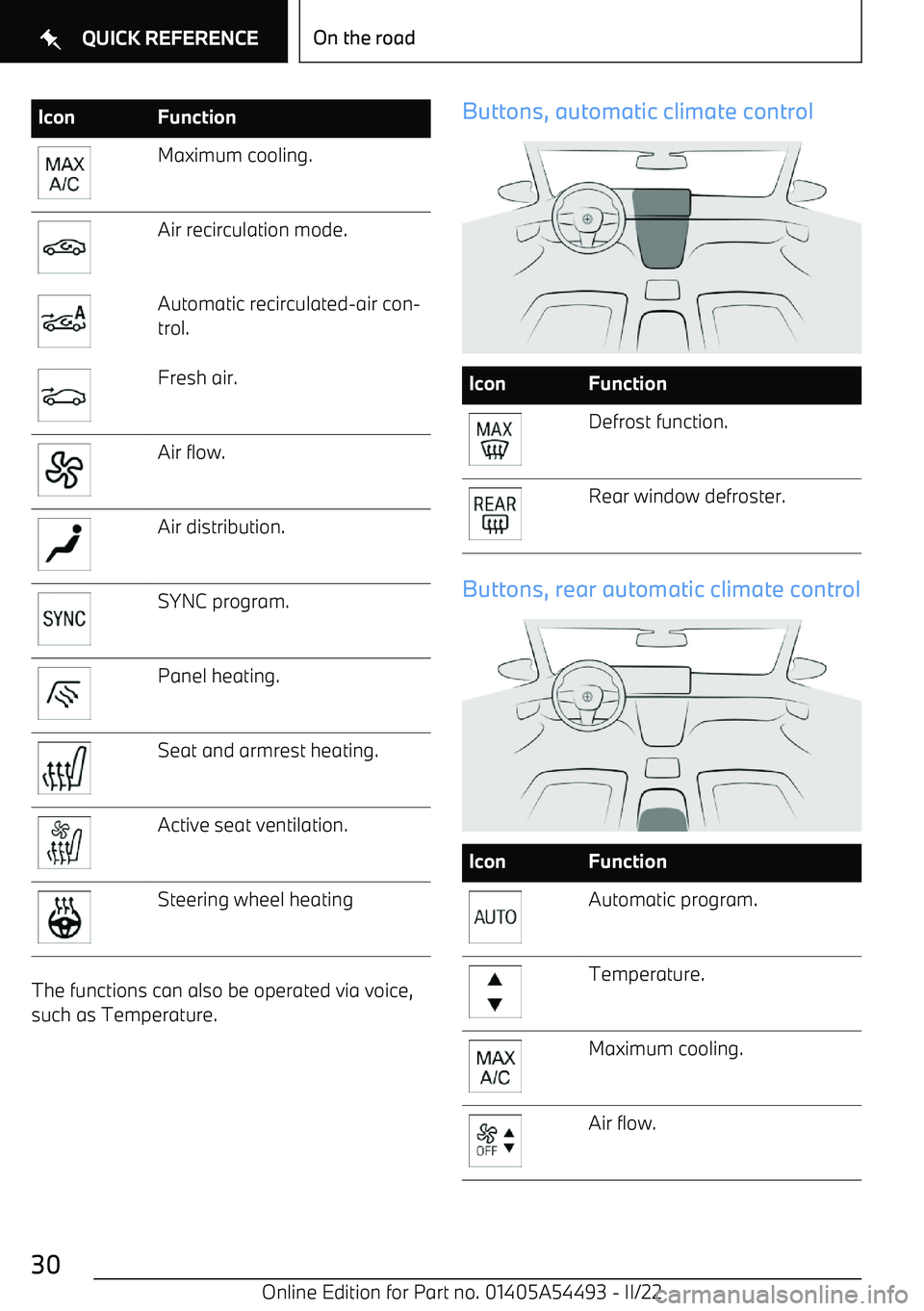
IconFunctionMaximum cooling.Air recirculation mode.Automatic recirculated
Page 32 of 372
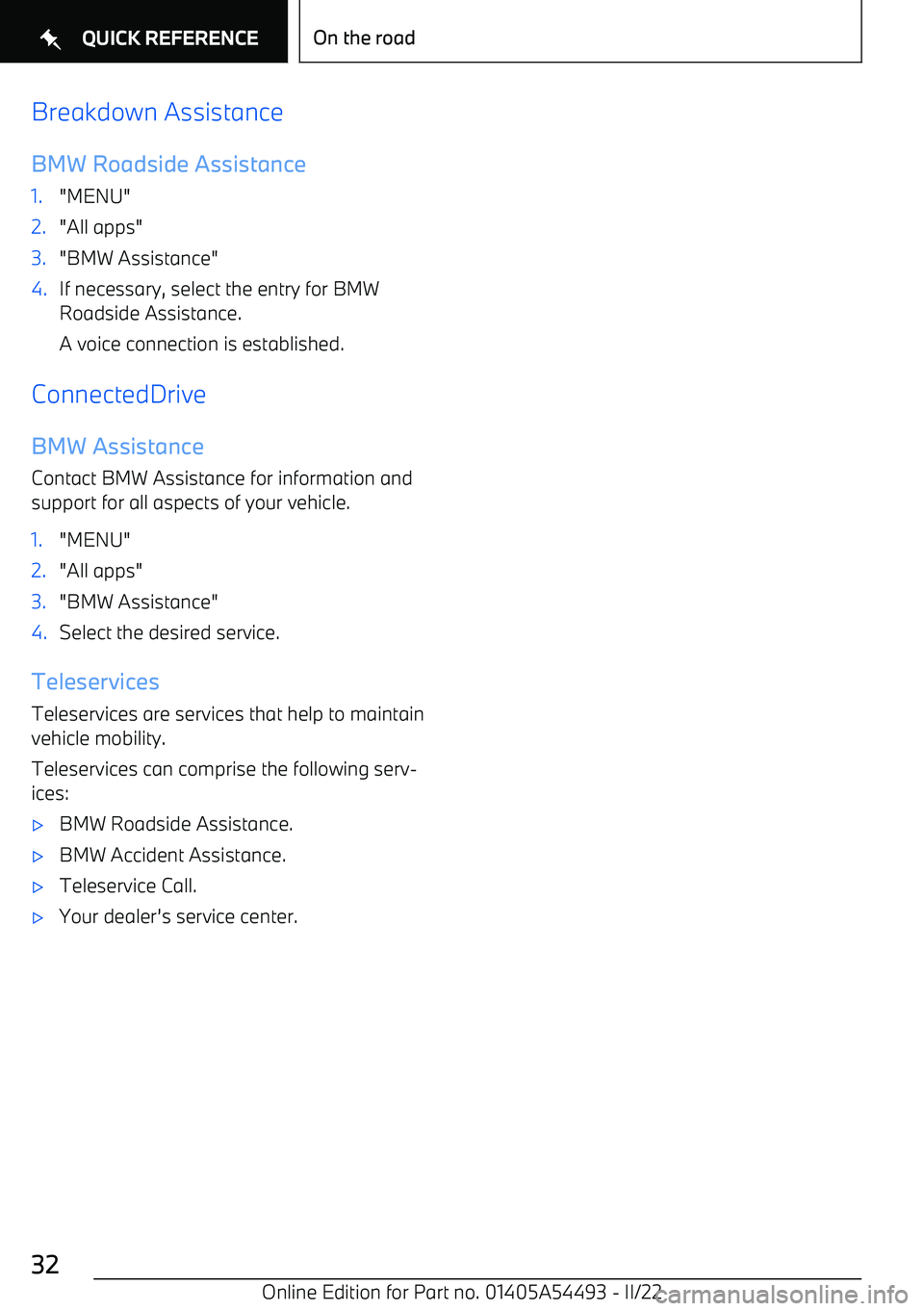
Breakdown Assistance
BMW Roadside Assistance1."MENU"2."All apps"3."BMW Assistance"4.If necessary, select the entry for BMW
Roadside Assistance.
A voice connection is established.
ConnectedDrive
BMW Assistance
Contact BMW Assistance for information and
support for all aspects of your vehicle.
1."MENU"2."All apps"3."BMW Assistance"4.Select the desired service.
Teleservices
Teleservices are services that help to maintain
vehicle mobility.
Teleservices can comprise the following serv
Page 36 of 372
15Door emergency unlocking 8716Opening and closing cargo
area 80
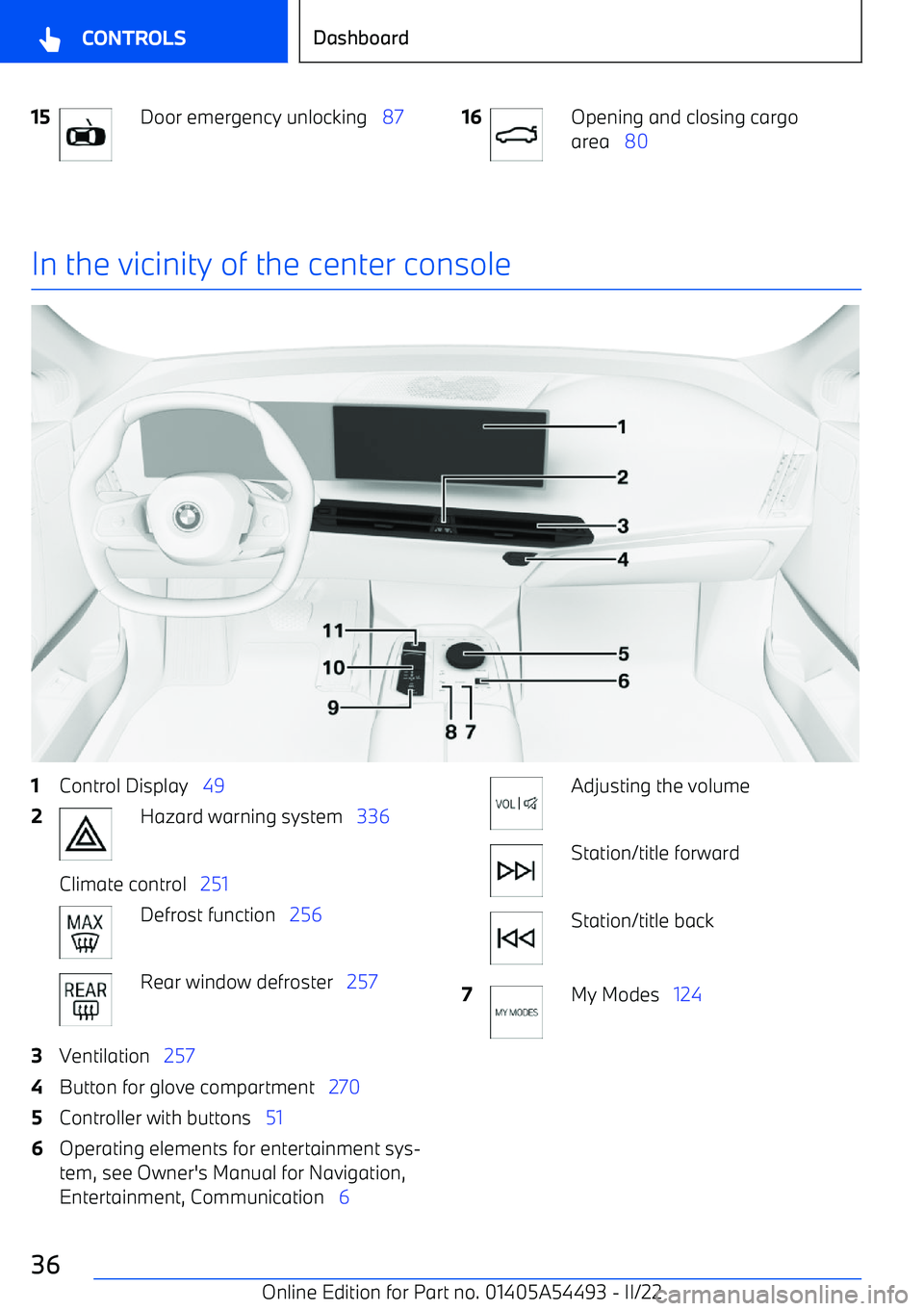
In the vicinity of the center console
1Control Display 492Hazard warning system 336Climate control 251Defrost function 256Rear window defroster 2573Ventilation 2574Button for glove compartment 2705Controller with buttons 516Operating elements for entertainment sys
Page 40 of 372
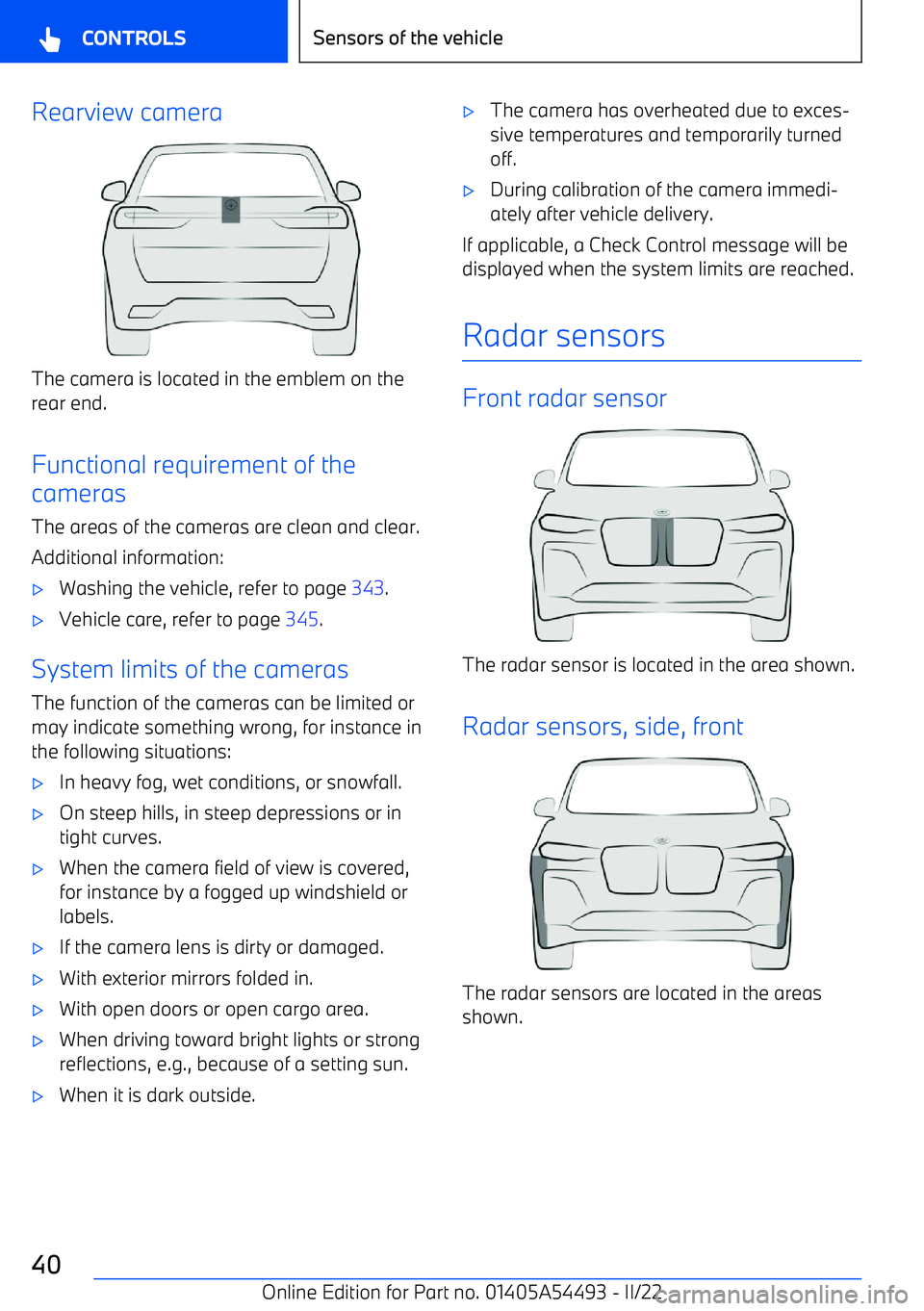
Rearview camera
The camera is located in the emblem on the
rear end.
Functional requirement of the
cameras
The areas of the cameras are clean and clear.
Additional information: