ECO mode BMW M3 2008 User Guide
[x] Cancel search | Manufacturer: BMW, Model Year: 2008, Model line: M3, Model: BMW M3 2008Pages: 266, PDF Size: 8.85 MB
Page 191 of 266
189
Entertainment
Reference
At a glance
Controls
Driving tips Communications
Navigation
Mobility
and/or your mobile phone's operating
instructions.
>Press the button above the storage
compartment.
From hands-free system to mobile
phone
If you are making a call via the hands-free sys-
tem, it may be possible to continue the call via
the mobile phone, depending on your mobile
phone model. Refer to the display on your
mobile phone and/or your mobile phone's oper-
ating instructions.
Alternatively, you can deactivate the Bluetooth
link.
Depending on the type of mobile phone you are
using, it may occur that calls are switched from
the hands-free system to the mobile phone if
reception of the wireless network is poor.
Operation by voice
commands*
The concept
You can operate your mobile phone without
having to take a hand off the steering wheel.
During your entries, you will be guided in many
cases by announcements or questions.
The same prerequisites apply as for operation
via iDrive, refer to page183.
Symbols in the Owner's Manual
Saying commands
Activating the system
1.Briefly press the button on the steering
wheel.
A sound signal indicates that you can say
commands.
2.Say the command.
Ending/canceling operation by voice
commands
Press the button on the steering wheel
or
In dialogs where text is spoken, e.g. a name
rather than a command, canceling is only possi-
ble using the button on the steering wheel.
Having the possible commands read
aloud
The system recognizes specific commands
t h a t m u s t b e p r o n o u n c e d e x a c t l y w o r d f o r w o r d .
You can have the possible commands for any
function read aloud to you:
Using alternative commands
Often there is more than a single command to
run a function, e.g.:
Digits from zero to nine are recognized.
You can say each digit individually or group
them into a sequence to accelerate the input.
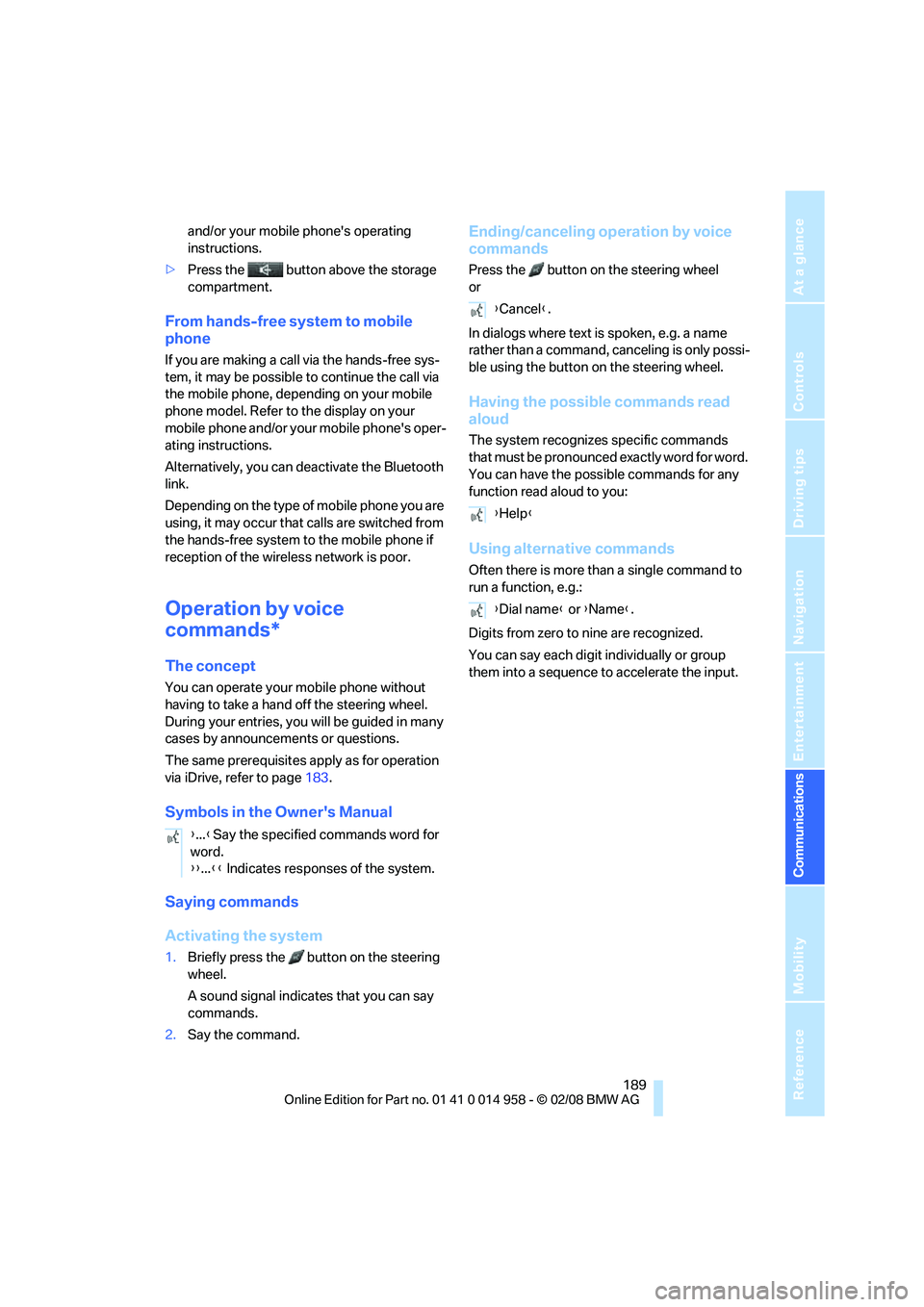
{...}Say the specified commands word for
word.
{{...}} Indicates responses of the system.
{Cancel}.
{Help}
{Dial name} or {Name}.
Page 214 of 266
Maintenance
212
Maintenance
BMW Maintenance System
The BMW Maintenance System supports the
preservation of the traffic and operating safety
of your BMW. The objective is to optimize
efforts with respect to minimal vehicle mainte-
nance costs.
If and when you come to sell your BMW, a com-
prehensive record of servicing will prove a sig-
nificant benefit.
Condition Based Service CBS
Sensors and special algorithms take the differ-
ent driving conditions of your BMW into
account. Condition Based Service uses this to
determine the current and future service
requirements. By letting you define a service
and maintenance regimen that reflects your
own individual requirements, the system builds
the basis for trouble-free driving.
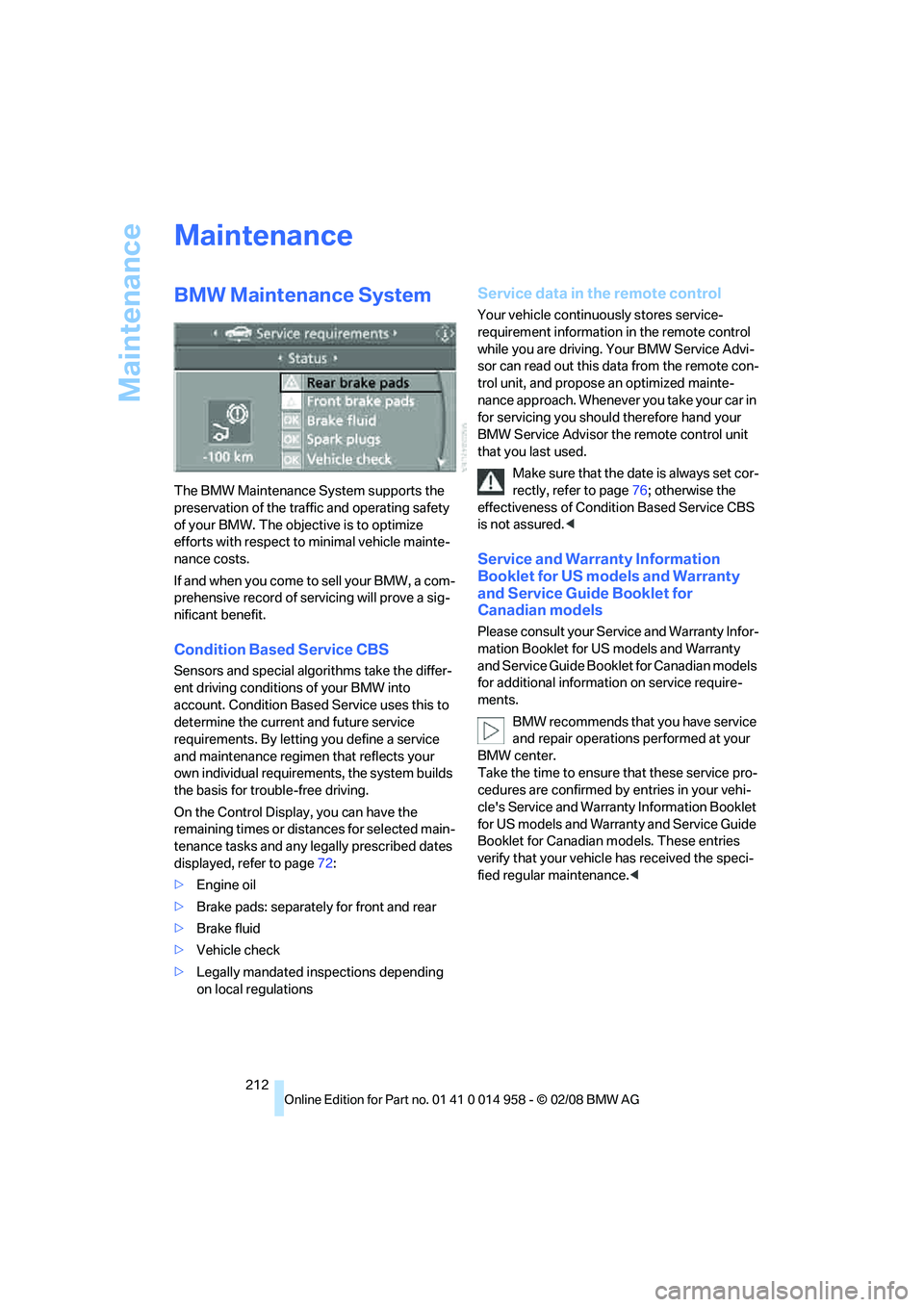
On the Control Display, you can have the
remaining times or distances for selected main-
tenance tasks and any legally prescribed dates
displayed, refer to page72:
>Engine oil
>Brake pads: separately for front and rear
>Brake fluid
>Vehicle check
>Legally mandated inspections depending
on local regulations
Service data in the remote control
Your vehicle continuously stores service-
requirement information in the remote control
while you are driving. Your BMW Service Advi-
sor can read out this data from the remote con-
trol unit, and propose an optimized mainte-
nance approach. Whenever you take your car in
for servicing you should therefore hand your
BMW Service Advisor the remote control unit
that you last used.
Make sure that the date is always set cor-
rectly, refer to page76; otherwise the
effectiveness of Condition Based Service CBS
is not assured.<
Service and Warranty Information
Booklet for US models and Warranty
and Service Guide Booklet for
Canadian models
Please consult your Service and Warranty Infor-
mation Booklet for US models and Warranty
and Service Guide Booklet for Canadian models
for additional information on service require-
ments.
BMW recommends that you have service
and repair operations performed at your
BMW center.
Take the time to ensure that these service pro-
cedures are confirmed by entries in your vehi-
cle's Service and Warranty Information Booklet
for US models and Warranty and Service Guide
Booklet for Canadian models. These entries
verify that your vehicle has received the speci-
fied regular maintenance.<
Page 215 of 266
Mobility
213Reference
At a glance
Controls
Driving tips
Communications
Navigation
Entertainment
Socket for On-Board
Diagnosis OBD
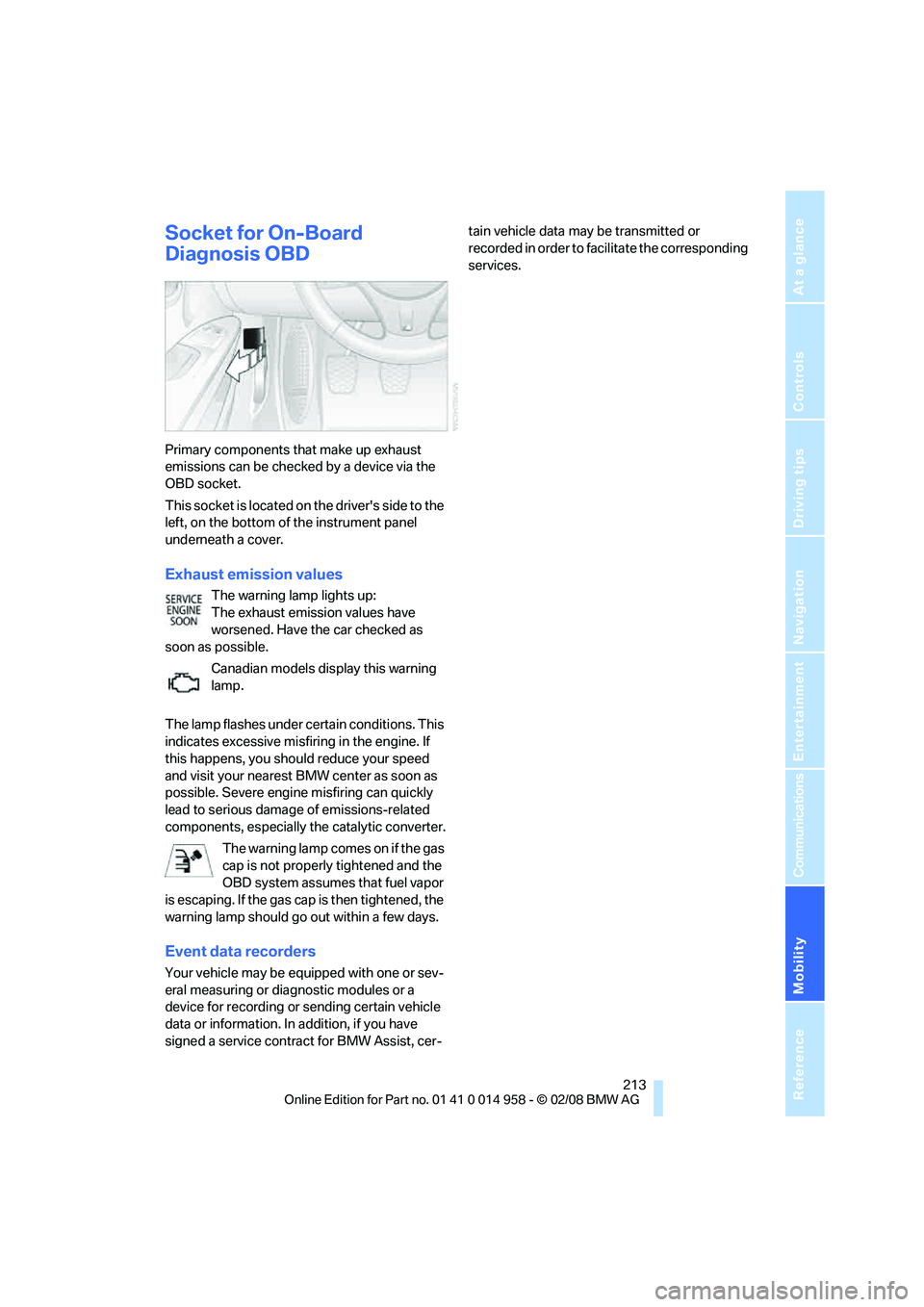
Primary components that make up exhaust
emissions can be checked by a device via the
OBD socket.
This socket is located on the driver's side to the
left, on the bottom of the instrument panel
underneath a cover.
Exhaust emission values
The warning lamp lights up:
The exhaust emission values have
worsened. Have the car checked as
soon as possible.
Canadian models display this warning
lamp.
The lamp flashes under certain conditions. This
indicates excessive misfiring in the engine. If
this happens, you should reduce your speed
and visit your nearest BMW center as soon as
possible. Severe engine misfiring can quickly
lead to serious damage of emissions-related
components, especially the catalytic converter.
The warning lamp comes on if the gas
cap is not properly tightened and the
OBD system assumes that fuel vapor
is escaping. If the gas cap is then tightened, the
warning lamp should go out within a few days.
Event data recorders
Your vehicle may be equipped with one or sev-
eral measuring or diagnostic modules or a
device for recording or sending certain vehicle
data or information. In addition, if you have
signed a service contract for BMW Assist, cer-tain vehicle data may be transmitted or
recorded in order to facilitate the corresponding
services.
Page 253 of 266
Reference 251
At a glance
Controls
Driving tips
Communications
Navigation
Entertainment
Mobility
DVD
– drive for navigation DVD152
DVD for navigation124
"Dynamic route" in
navigation137
Dynamic Stability Control
DSC
– indicator/warning lamp84
– M Dynamic Mode MDM82
E
"EDC"48,49
EDC, refer to Electronic
Damper Control84
Eject button, refer to Buttons
on the CD player152
Electric
– seat adjustment41
Electrical malfunction
– door lock32
– driver's door32
– fuel filler door204
– glass roof39
– luggage compartment lid33
– M dual clutch transmission
with Drivelogic59
Electric seat41
Electric seat adjustment41
Electric steering wheel lock
– with convenient access36
Electronic brake-force
distribution82
Electronic Damper Control
EDC84
– "Comfort"84
– "Normal"84
– "Sport"84
Electronic oil level check219
Electronic Stability Program
ESP, refer to Dynamic
Stability Control DSC82
Emergency operation
– fuel filler door, manual
release204
Emergency operation, refer to
Closing manually
– glass roof39Emergency operation, refer to
Manual operation
– door lock32
Emergency release
– luggage compartment lid
from inside34
Emergency Request230
Emergency services, refer to
Roadside Assistance230
"Enabled services"198
"Enabled TeleServices"196
"End call"185
Engine
– breaking in114
– data238
– overheated, refer to Coolant
temperature68
– speed238
– starting55
– starting, convenient
access35
– switching off55
Engine compartment219
Engine coolant, refer to
Coolant222
Engine oil
– adding221
– BMW Maintenance
System212
– checking level219
– intervals between changes,
refer to Service
requirements72
– possible displays220
"Engine oil level"221
Engine output, refer to Engine
data238
Engine speed, refer to Engine
data238
Engine starting, refer to
Starting the engine55
"Enter address"127
Entering a destination127
Entering a destination
country127
Entering a house number or
intersection129
Entering an intersection128
Entering a street128"Entertainment"152
Entry lamps, refer to Interior
lamps95
"Equalizer", refer to Tone
control155
Equalizer, refer to Tone
control154
Error messages, refer to
Check Control77
"ESN"162
Event data recorders213
Exhaust system, refer to Hot
exhaust system114
Exterior mirrors45
– adjusting45
– automatic dimming
feature46
– automatic heating46
– folding in and out45
External audio device106
External audio device, refer to
AUX-In port171
Eyes
– for tow-starting and towing
away232
– for tying down loads117F
Fader, tone control153
Failure messages, refer to
Check Control77
Failure of an electrical
consumer229
False alarm
– avoiding unintentional
alarm35
– switching off an alarm34
Fastening safety belts, refer to
Safety belts44
Fastest route for
navigation137
Fast forward
– CD changer169
– CD player169
"Fast route" in navigation137
Page 259 of 266
Reference 257
At a glance
Controls
Driving tips
Communications
Navigation
Entertainment
Mobility
Pressure monitoring of tires,
refer to Tire Pressure
Monitor TPM86
Programmable buttons on the
steering wheel11
Programmable memory
keys21
Protection function, refer to
Pinch protection system
– glass roof, electric38
– windows37
Providing medical assistance,
refer to First aid pouch231
Puncture
– Flat Tire Monitor84
R
Radio
– autostore157
– controls152
– High Definition Radio159
– listening to stations156
– sampling stations157
– satellite radio162
– selecting a
waveband152,156
– selecting the frequency
manually157
– station search157
– stations with best
reception157
– storing stations158
– switching on/off152
– tone control153
– volume153
Radio-operated key, refer to
Remote control28
Radio position, refer to Radio
readiness54
Radio readiness54
– switched off55
– switched on54
Rain sensor64
"Random", refer to Random
play168
"Random all" for audio
mode169"Random directory" for audio
mode169
Random play168
"RDS" Radio Data
System159
Reading lamps95
Rear lamps, refer to Tail
lamps225
– replacing bulb225,226
Rear seats
– adjusting head restraints42
– folding down backrests108
– folding head restraint down
and up43
Rear turn signals
– replacing bulb225
Rear ventilation100
Rearview mirror, refer to
Mirrors45
Rear window blind, refer to
Roller sun blinds105
Rear window defroster99
Rear window safety switch38
"Received calls"186
Receiving level of mobile
phone, refer to Status
information20
Recirculated-air mode98
Recirculation of air, refer to
Recirculated-air mode98
Reclining seat, refer to
Backrest41
Recording times, refer to
Stopwatch79
"Redial" on the mobile
phone186
Refueling204
Releasing
– hood218
Remaining distance, refer to
Cruising range69Remote control28
– battery renewal36
– convenient access35
– garage door opener102
– luggage compartment lid30
– malfunction31,36
– removing from the ignition
lock54
– service data212
"Repeat directory" for audio
mode168
"Repeat" for audio mode168
"Repeat track" for audio
mode168
Replacement remote
control28
Replacing bulbs, refer to
Lamps and bulbs223
Replacing tires209
Replacing tires, refer to New
wheels and tires209
Reporting safety defects6
Reserve warning, refer to Fuel
gauge68
"Reset"85,87
– tone settings155
Reset, refer to Resetting tone
settings155
"Reset" for stopwatch79
"Reset to default" for
MDrive48
Residual heat99
Restraint systems
– for children51
– refer to Safety belts44
Reverse
– CD changer169
– CD player169
Reverse gear58
– manual transmission57
Road map141
"Roadside Assistance"194
Roadside
Assistance194,230
Roadside parking lamps94
Roadworthiness test, refer to
Service requirements72
Roller blind
– sun blinds105