audio BMW M3 2012 Owner's Guide
[x] Cancel search | Manufacturer: BMW, Model Year: 2012, Model line: M3, Model: BMW M3 2012Pages: 314, PDF Size: 7.72 MB
Page 216 of 314
215
Te l e p h o n e
Communications
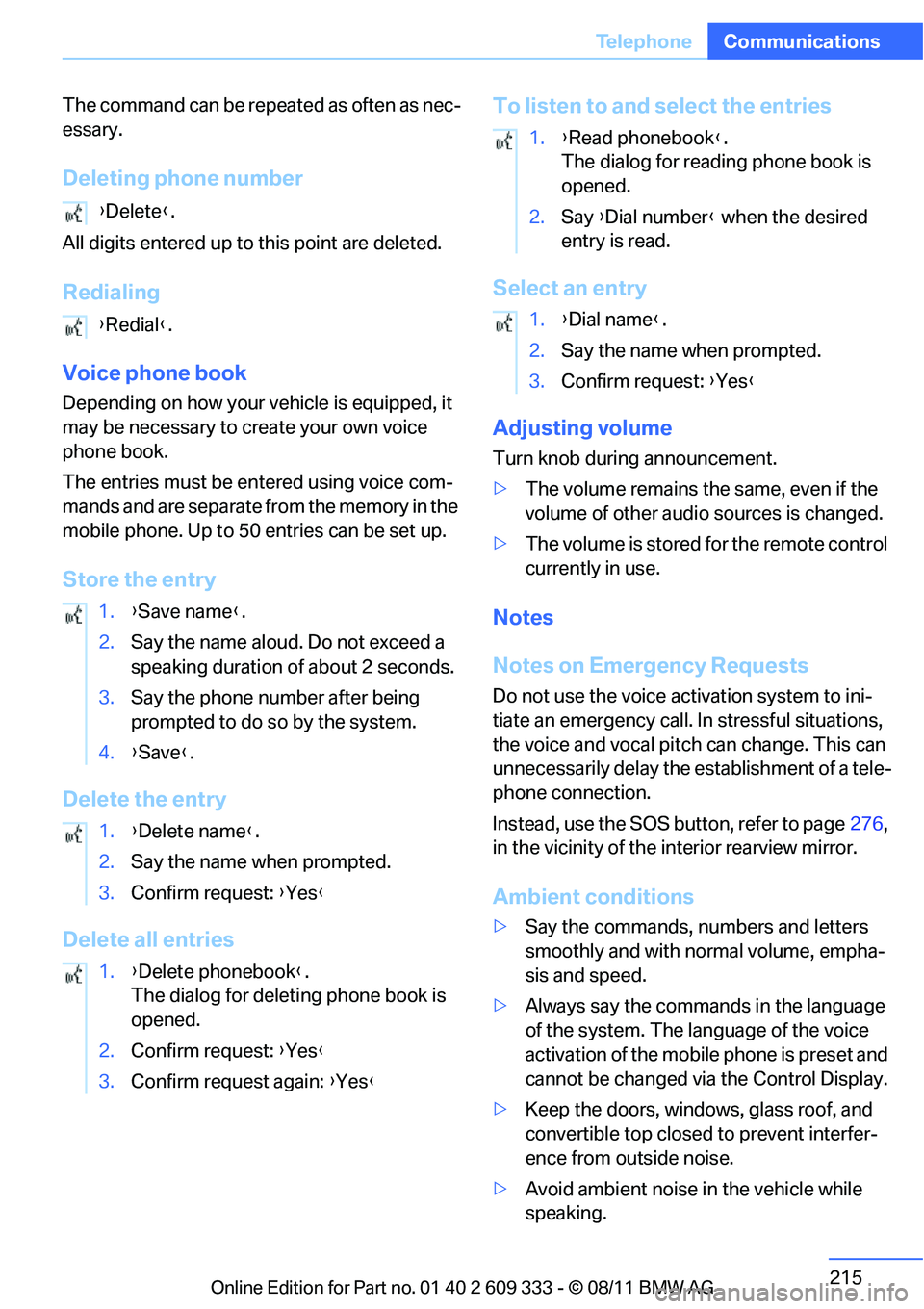
The command can be repeated as often as nec-
essary.
Deleting phone number
All digits entered up to
this point are deleted.
Redialing
Voice phone book
Depending on how your vehicle is equipped, it
may be necessary to cr eate your own voice
phone book.
The entries must be entered using voice com-
mands and are separate fr om the memory in the
mobile phone. Up to 50 entries can be set up.
Store the entry
Delete the entry
Delete all entries To listen to and select the entries
Select an entry
Adjusting volume
Turn knob during announcement.
>
The volume remains the same, even if the
volume of other audio sources is changed.
> The volume is stored for the remote control
currently in use.
Notes
Notes on Emergency Requests
Do not use the voice activation system to ini-
tiate an emergency call. In stressful situations,
the voice and vocal pitch can change. This can
unnecessarily delay the establishment of a tele-
phone connection.
Instead, use the SOS button, refer to page 276,
in the vicinity of the interior rearview mirror.
Ambient conditions
> Say the commands, numbers and letters
smoothly and with normal volume, empha-
sis and speed.
> Always say the commands in the language
of the system. The language of the voice
activation of the mobile phone is preset and
cannot be changed via the Control Display.
> Keep the doors, windows, glass roof, and
convertible top closed to prevent interfer-
ence from outside noise.
> Avoid ambient noise in the vehicle while
speaking.
{
Delete }.
{ Redial }.
1. {Save name }.
2. Say the name aloud. Do not exceed a
speaking duration of about 2 seconds.
3. Say the phone number after being
prompted to do so by the system.
4. {Save }.
1. {Delete name }.
2. Say the name when prompted.
3. Confirm request: {Yes }
1. {Delete phonebook }.
The dialog for deleting phone book is
opened.
2. Confirm request: {Yes }
3. Confirm request again: {Yes }
1. {Read phonebook }.
The dialog for reading phone book is
opened.
2. Say {Dial number } when the desired
entry is read.
1. {Dial name }.
2. Say the name when prompted.
3. Confirm request: {Yes }
Online Edition for Part no. 01 40 2 609 333 - \251 08/11 BMW AG
Page 234 of 314
233
ConnectedDrive
Communications
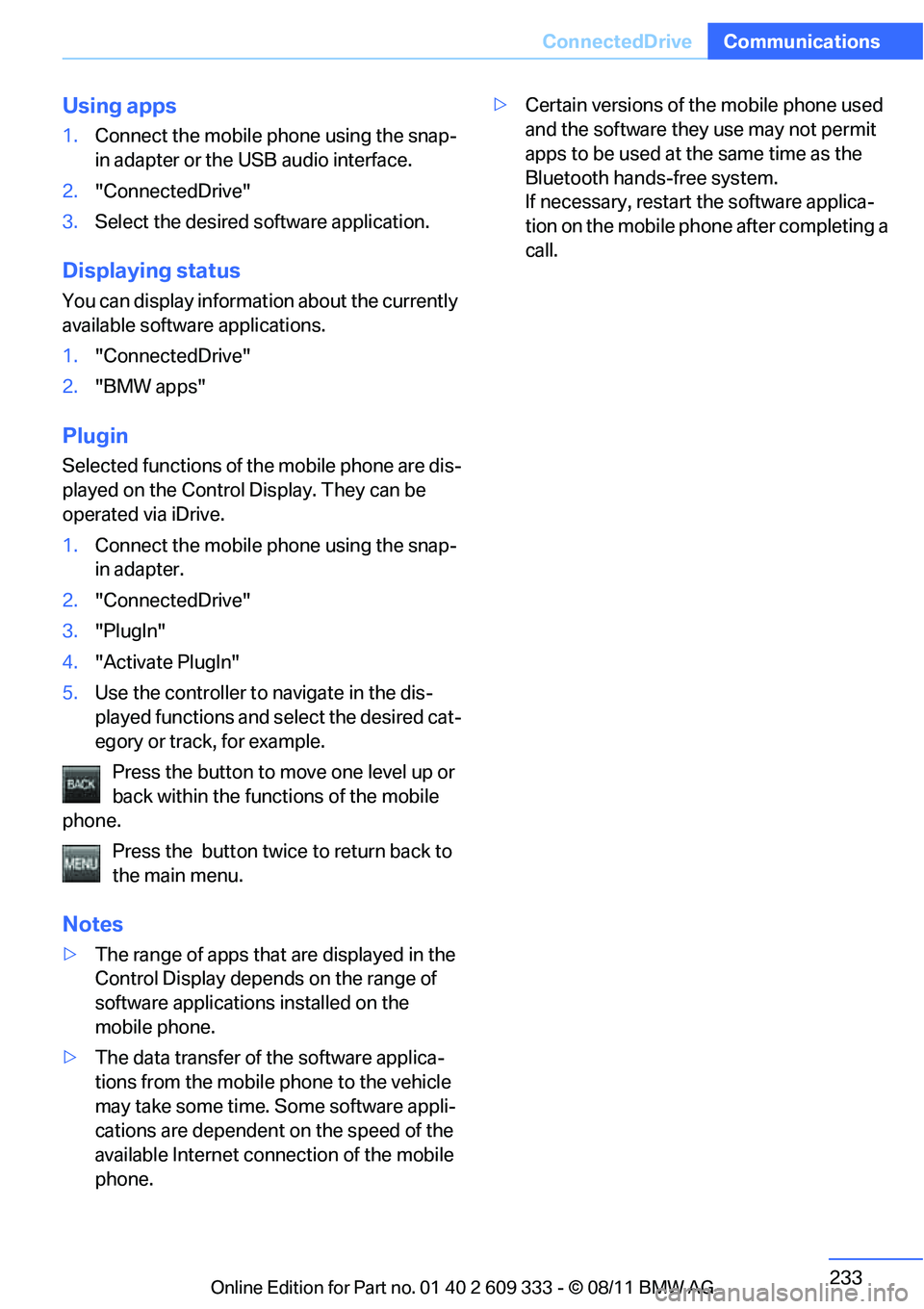
Using apps
1.
Connect the mobile phone using the snap-
in adapter or the USB audio interface.
2. "ConnectedDrive"
3. Select the desired software application.
Displaying status
You can display informat ion about the currently
available software applications.
1. "ConnectedDrive"
2. "BMW apps"
Plugin
Selected functions of the mobile phone are dis-
played on the Control Display. They can be
operated via iDrive.
1.Connect the mobile phone using the snap-
in adapter.
2. "ConnectedDrive"
3. "PlugIn"
4. "Activate PlugIn"
5. Use the controller to navigate in the dis-
played functions and se lect the desired cat-
egory or track, for example.
Press the button to move one level up or
back within the func tions of the mobile
phone.
Press the button twice to return back to
the main menu.
Notes
> The range of apps that are displayed in the
Control Display depends on the range of
software applications installed on the
mobile phone.
> The data transfer of the software applica-
tions from the mobile phone to the vehicle
may take some time. Some software appli-
cations are dependent on the speed of the
available Internet connection of the mobile
phone. >
Certain versions of the mobile phone used
and the software they use may not permit
apps to be used at the same time as the
Bluetooth hands-free system.
If necessary, restart the software applica-
tion on the mobile phone after completing a
call.
Online Edition for Part no. 01 40 2 609 333 - \251 08/11 BMW AG
Page 299 of 314
298
ReferenceEverything from A to Z
Everything from A to Z
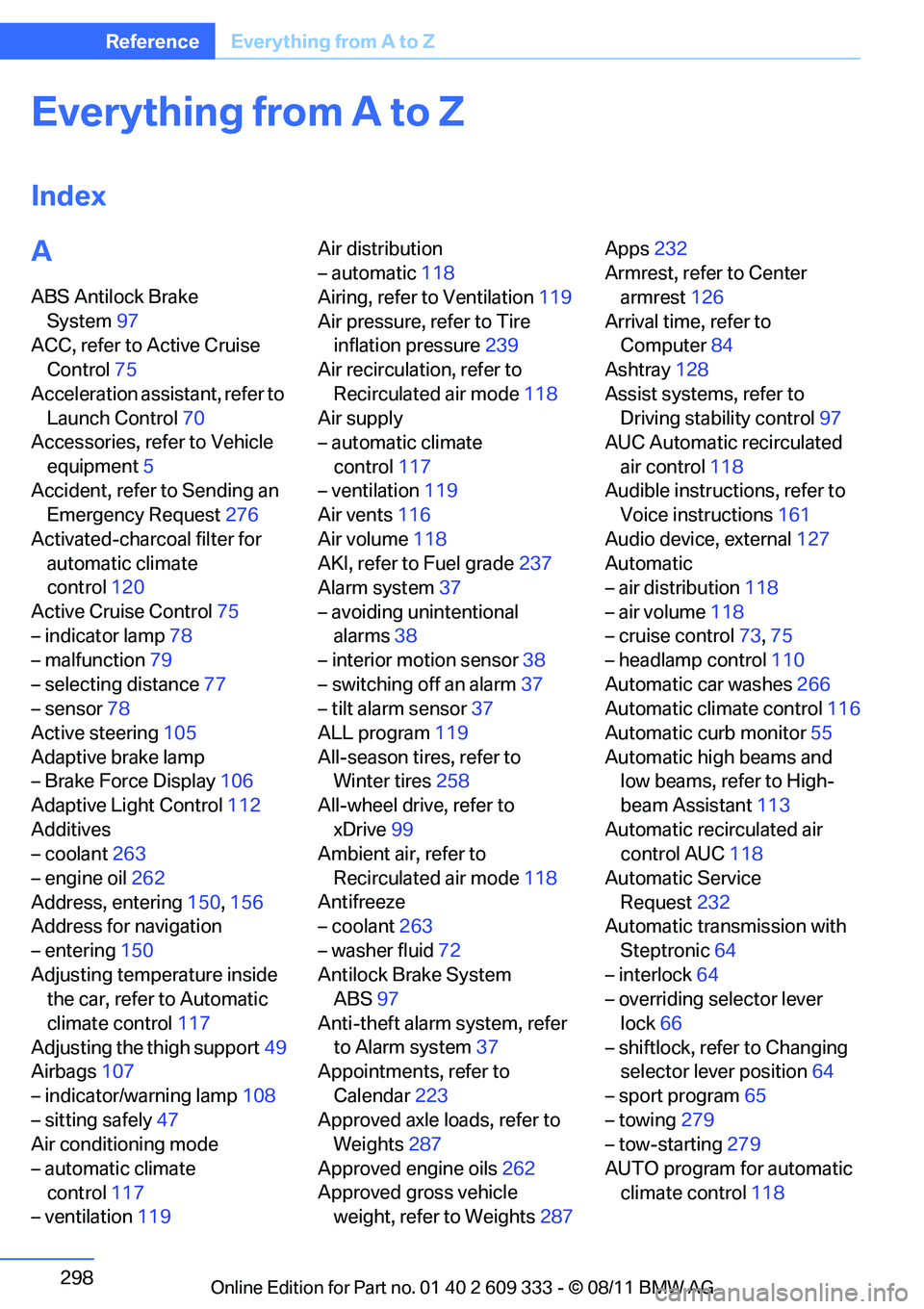
Index
A
ABS Antilock Brake
System 97
ACC, refer to Active Cruise Control 75
Acceleration assistant, refer to Launch Control 70
Accessories, refer to Vehicle
equipment 5
Accident, refer to Sending an Emergency Request 276
Activated-charcoal filter for automatic climate
control 120
Active Cruise Control 75
– indicator lamp 78
– malfunction 79
– selecting distance 77
– sensor 78
Active steering 105
Adaptive brake lamp
– Brake Force Display 106
Adaptive Light Control 112
Additives
– coolant 263
– engine oil 262
Address, entering 150,156
Address for navigation
– entering 150
Adjusting temperature inside the car, refer to Automatic
climate control 117
Adjusting the thigh support 49
Airbags 107
– indicator/warning lamp 108
– sitting safely 47
Air conditioning mode
– automatic climate control 117
– ventilation 119 Air distribution
– automatic
118
Airing, refer to Ventilation 119
Air pressure, refer to Tire inflation pressure 239
Air recirculation, refer to
Recirculated air mode 118
Air supply
– automatic climate
control 117
– ventilation 119
Air vents 116
Air volume 118
AKI, refer to Fuel grade 237
Alarm system 37
– avoiding unintentional alarms 38
– interior motion sensor 38
– switching off an alarm 37
– tilt alarm sensor 37
ALL program 119
All-season tires, refer to Winter tires 258
All-wheel drive, refer to xDrive 99
Ambient
air, refer to
Recirculated air mode 118
Antifreeze
– coolant 263
– washer fluid 72
Antilock Brake System ABS 97
Anti-theft alarm system, refer to Alarm system 37
Appointments, refer to
Calendar 223
Approved axle loads, refer to Weights 287
Approved engine oils 262
Approved gross vehicle weight, refer to Weights 287Apps
232
Armrest, refer to Center armrest 126
Arrival time, refer to Computer 84
Ashtray 128
Assist systems, refer to Driving stability control 97
AUC Automatic recirculated
air control 118
Audible instructions, refer to Voice instructions 161
Audio device, external 127
Automatic
– air distribution 118
– air volume 118
– cruise control 73,75
– headlamp control 110
Automatic car washes 266
Automatic climate control 116
Automatic curb monitor 55
Automatic high beams and low beams, refer to High-
beam Assistant 113
Automatic recirculated air control AUC 118
Automatic Service Request 232
Automatic transmission with
Steptronic 64
– interlock 64
– overriding selector lever
lock 66
– shiftlock, refer to Changing selector lever position 64
– sport program 65
– towing 279
– tow-starting 279
AUTO program for automatic climate control 118
Online Edition for Part no. 01 40 2 609 333 - \251 08/11 BMW AG
Page 304 of 314
303
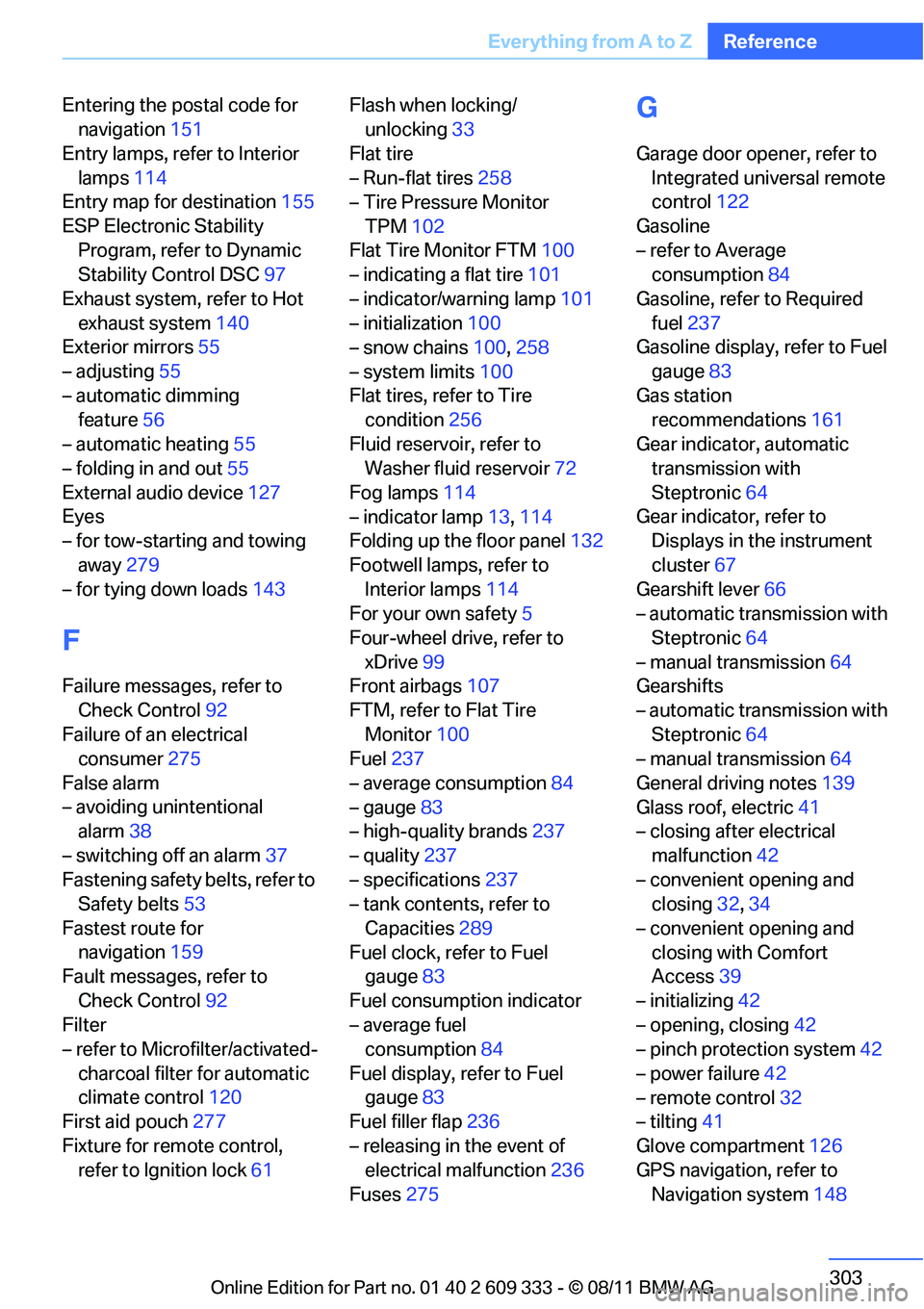
Everything from A to Z
Reference
Entering the postal code for
navigation 151
Entry lamps, refer to Interior lamps 114
Entry map for destination 155
ESP Electronic Stability Program, refer to Dynamic
Stability Control DSC 97
Exhaust system, refer to Hot exhaust system 140
Exterior mirrors 55
– adjusting 55
– automatic dimming feature 56
– automatic heating 55
– folding in and out 55
External audio device 127
Eyes
– for tow-starting and towing
away 279
– for tying down loads 143
F
Failure messages, refer to
Check Control 92
Failure of an electrical consumer 275
False alarm
– avoiding unintentional alarm 38
– switching off an alarm 37
Fastening safety belts, refer to Safety belts 53
Fastest route for navigation 159
Fault messages, refer to
Check Control 92
Filter
– refer to Microfilter/activated-
charcoal filter for automatic
climate control 120
First aid pouch 277
Fixture for remote control, refer to Ignition lock 61Flash when locking/
unlocking 33
Flat tire
– Run-flat tires 258
– Tire Pressure Monitor
TPM 102
Flat Tire Monitor FTM 100
– indicating a flat tire 101
– indicator/warning lamp 101
– initialization 100
– snow chains 100,258
– system limits 100
Flat tires, refer to Tire condition 256
Fluid reservoir, refer to Washer fluid reservoir 72
Fog lamps 114
– indicator lamp 13,114
Folding up the floor panel 132
Footwell lamps, refer to Interior lamps 114
For your own safety 5
Four-wheel drive, refer to xDrive 99
Front airbags 107
FTM, refer to Flat Tire Monitor 100
Fuel 237
– average consumption 84
– gauge 83
– high-quality brands 237
– quality 237
– specifications 237
– tank contents, refer to
Capacities 289
Fuel clock, refer to Fuel gauge 83
Fuel consumption indicator
– average fuel consumption 84
Fuel d
isplay, refer to Fuel
gauge 83
Fuel filler flap 236
– releasing in the event of electrical malfunction 236
Fuses 275
G
Garage door opener, refer to
Integrated universal remote
control 122
Gasoline
– refer to Average consumption 84
Gasoline, refer to Required fuel 237
Gasoline display, refer to Fuel
gauge 83
Gas station recommendations 161
Gear indicator, automatic transmission with
Steptronic 64
Gear indicator, refer to Displays in the instrument
cluster 67
Gearshift lever 66
– automatic transmission with
Steptronic 64
– manual transmission 64
Gearshifts
– automatic transmission with Steptronic 64
– manual transmission 64
General driving notes 139
Glass roof, electric 41
– closing after electrical
malfunction 42
– convenient opening and closing 32,34
– convenient opening and closing with Comfort
Access 39
– initializing 42
– opening, closing 42
– pinch protection system 42
– power failure 42
– remote control 32
– tilting 41
Glove compartment 126
GPS navigation, refer to Navigation system 148
Online Edition for Part no. 01 40 2 609 333 - \251 08/11 BMW AG