instrument cluster BMW M3 CONVERTIBLE 2002 E46 User Guide
[x] Cancel search | Manufacturer: BMW, Model Year: 2002, Model line: M3 CONVERTIBLE, Model: BMW M3 CONVERTIBLE 2002 E46Pages: 159, PDF Size: 2.19 MB
Page 73 of 159
73n
OverviewControlsMaintenanceRepairsDataIndex
Cruise control Starting at about 20 mph (30 km/h), you
can maintain and store any vehicle
speed that you specify.
You can use cruise control, whenever
the system is active while the engine is
running.
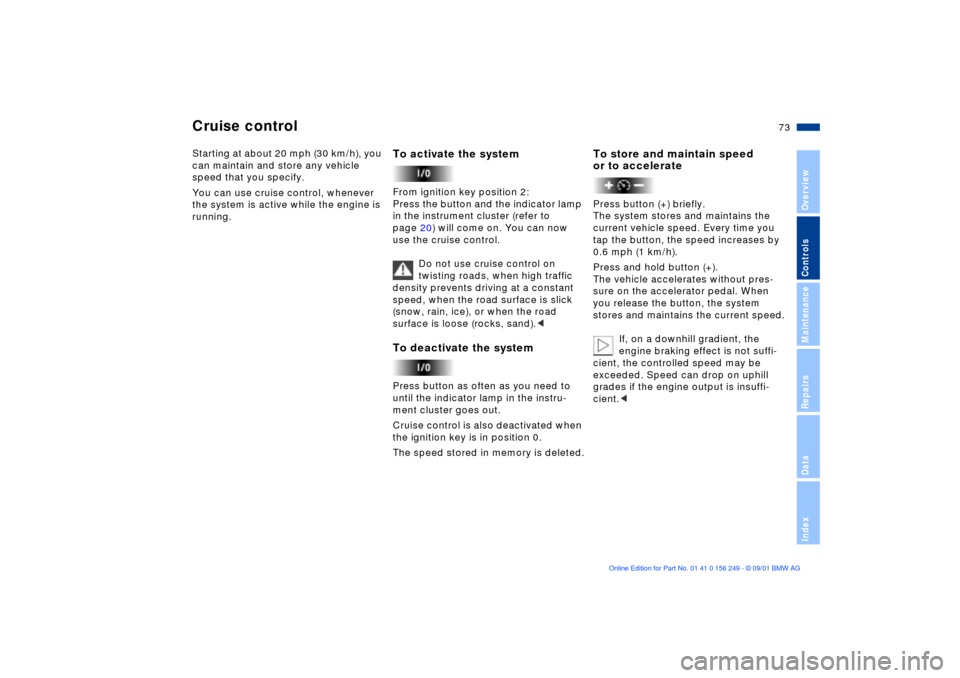
To activate the systemFrom ignition key position 2:
Press the button and the indicator lamp
in the instrument cluster (refer to
page 20) will come on. You can now
use the cruise control.
Do not use cruise control on
twisting roads, when high traffic
density prevents driving at a constant
speed, when the road surface is slick
(snow, rain, ice), or when the road
surface is loose (rocks, sand).
ment cluster goes out.
Cruise control is also deactivated when
the ignition key is in position 0.
The speed stored in memory is deleted.
To store and maintain speed
or to acceleratePress button (+) briefly.
The system stores and maintains the
current vehicle speed. Every time you
tap the button, the speed increases by
0.6 mph (1 km/h).
Press and hold button (+).
The vehicle accelerates without pres-
sure on the accelerator pedal. When
you release the button, the system
stores and maintains the current speed.
If, on a downhill gradient, the
engine braking effect is not suffi-
cient, the controlled speed may be
exceeded. Speed can drop on uphill
grades if the engine output is insuffi-
cient.<
Page 75 of 159
75n
OverviewControlsMaintenanceRepairsDataIndex
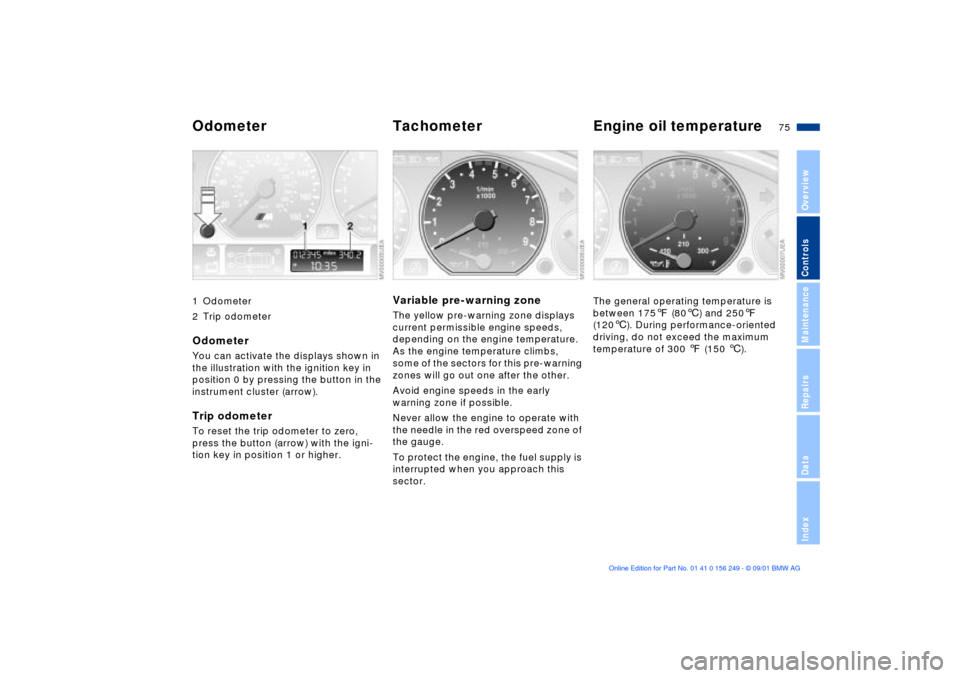
1 Odometer
2 Trip odometerOdometerYou can activate the displays shown in
the illustration with the ignition key in
position 0 by pressing the button in the
instrument cluster (arrow).Trip odometerTo reset the trip odometer to zero,
press the button (arrow) with the igni-
tion key in position 1 or higher.
Variable pre-warning zoneThe yellow pre-warning zone displays
current permissible engine speeds,
depending on the engine temperature.
As the engine temperature climbs,
some of the sectors for this pre-warning
zones will go out one after the other.
Avoid engine speeds in the early
warning zone if possible.
Never allow the engine to operate with
the needle in the red overspeed zone of
the gauge.
To protect the engine, the fuel supply is
interrupted when you approach this
sector.
The general operating temperature is
between 1757 (806) and 2507
(1206). During performance-oriented
driving, do not exceed the maximum
temperature of 300 7 (150 6).
Odometer Tachometer Engine oil temperature
Page 78 of 159
78n
Computer
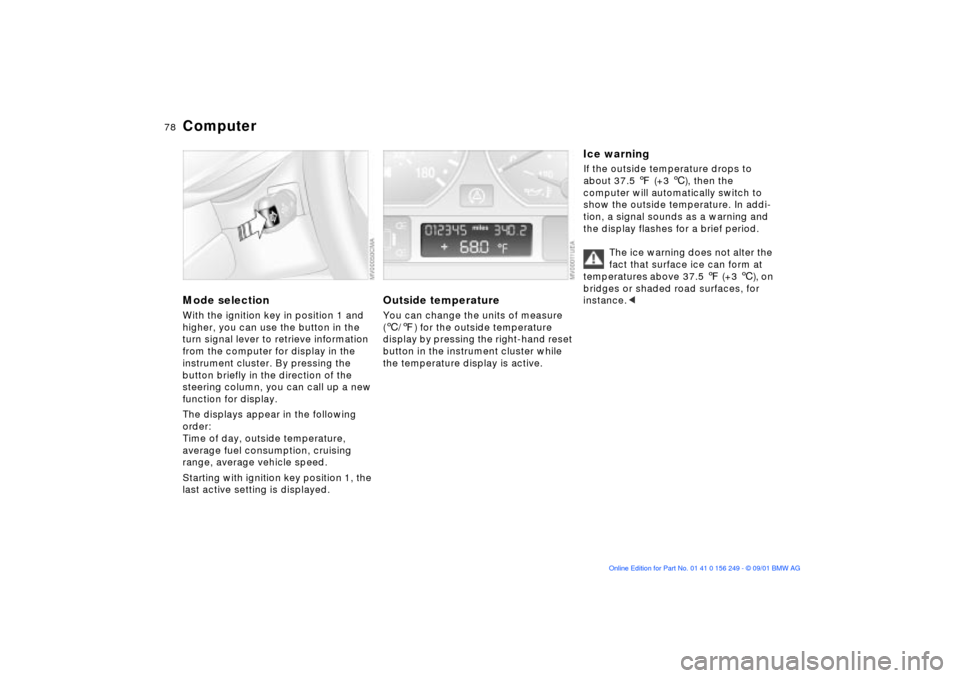
Mode selectionWith the ignition key in position 1 and
higher, you can use the button in the
turn signal lever to retrieve information
from the computer for display in the
instrument cluster. By pressing the
button briefly in the direction of the
steering column, you can call up a new
function for display.
The displays appear in the following
order:
Time of day, outside temperature,
average fuel consumption, cruising
range, average vehicle speed.
Starting with ignition key position 1, the
last active setting is displayed.
Outside temperature You can change the units of measure
(6/7) for the outside temperature
display by pressing the right-hand reset
button in the instrument cluster while
the temperature display is active.
Ice warning If the outside temperature drops to
about 37.5 7 (+3 6), then the
computer will automatically switch to
show the outside temperature. In addi-
tion, a signal sounds as a warning and
the display flashes for a brief period.
The ice warning does not alter the
fact that surface ice can form at
temperatures above 37.5 7 (+3 6), on
bridges or shaded road surfaces, for
instance.<
Page 84 of 159
84n
Flat Tire Monitor
M Engine dynamics control
Flat tire
The indicator lamp in the instru-
ment cluster will light up red in
the event of a flat tire with
ensuing loss in pressure. In addition, an
acoustic signal is sounded. To come to
an immediate stop, reduce speed, while
avoiding any sudden, jerky braking or
steering maneuvers.
Fix the flat tire using the M Mobility
system (refer to page 132).
Resetting the indicator lamp: the red
indicator lamp has to be switched off
manually after putting on a new wheel.
At this point, hold the Flat Tire Monitor
button down until the indicator lamp
goes out. Reinitialize the system after-
ward.
The Flat Tire Monitor cannot alert
you to severe and sudden tire
damage caused by external factors.
Another factor which the Flat Tire
Monitor does not recognize is the
balanced and very gradual pressure
loss that takes place in all tires over an
extended period of time.<
Check the tire inflation pressure
on a regular basis and correct if
necessary, refer to page 24.
Under certain circumstances, there
may be false warnings or a delayed
detection of losses in pressure when
driving on snow-covered or slippery
road surfaces.
Performance-oriented driving (slip at
the drive wheels, high levels of lateral
acceleration) can also delay the
appearance of status reports in the Flat
Tire Monitor's display panel.<
System malfunctionAs long as there is still a malfunction,
the indicator lamp in the instrument
cluster will stay lit up yellow.
Please contact your BMW center for
additional information.
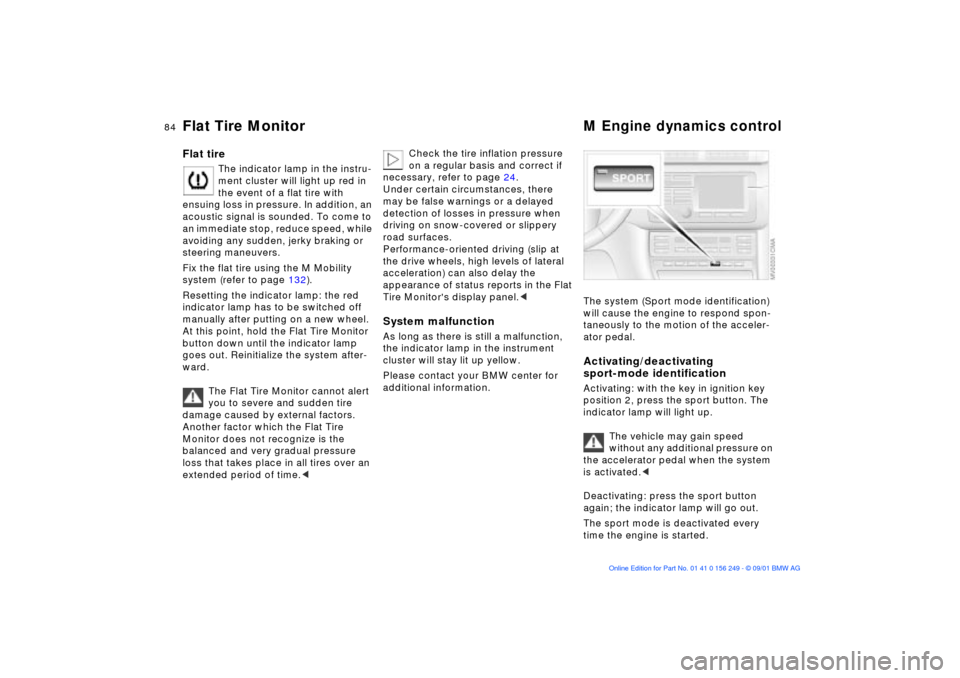
The system (Sport mode identification)
will cause the engine to respond spon-
taneously to the motion of the acceler-
ator pedal. Activating/deactivating
sport-mode identificationActivating: with the key in ignition key
position 2, press the sport button. The
indicator lamp will light up.
The vehicle may gain speed
without any additional pressure on
the accelerator pedal when the system
is activated.<
Deactivating: press the sport button
again; the indicator lamp will go out.
The sport mode is deactivated every
time the engine is started.
Page 86 of 159
86n
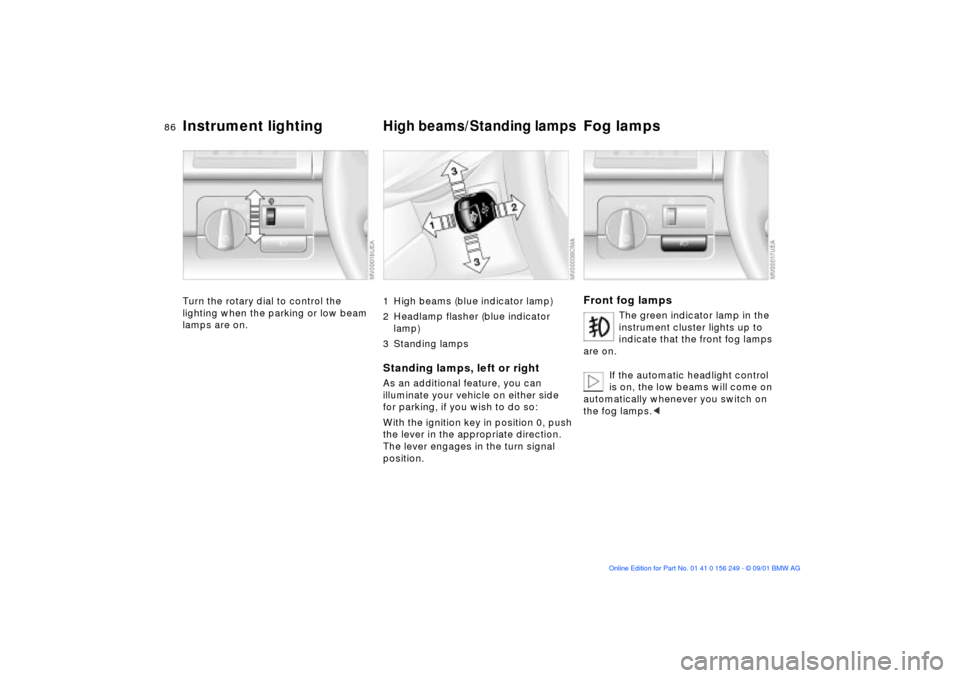
Instrument lighting
High beams/Standing lamps
Fog lamps
Turn the rotary dial to control the
lighting when the parking or low beam
lamps are on.
1 High beams (blue indicator lamp)
2 Headlamp flasher (blue indicator
lamp)
3 Standing lampsStanding lamps, left or rightAs an additional feature, you can
illuminate your vehicle on either side
for parking, if you wish to do so:
With the ignition key in position 0, push
the lever in the appropriate direction.
The lever engages in the turn signal
position.
Front fog lamps
The green indicator lamp in the
instrument cluster lights up to
indicate that the front fog lamps
are on.
If the automatic headlight control
is on, the low beams will come on
automatically whenever you switch on
the fog lamps.<
Page 153 of 159

Everything from A to Z
153n
OverviewControlsMaintenanceRepairsDataIndex
Height145
High beams70, 86
indicator lamp20
Holder for beverages96
Hood release113t
Horn14
I
Ice warning78
Identification mark,
tires111
Ignition key28
Ignition key positions61
Ignition lock61
Imprint4
Independent ventilation
system, refer to the
"Onboard Computer
Owner's Manual"
Indicator lamps17
Individual settings, Vehicle
Memory, Key Memory60
Inflation pressure, tires109
Inside rearview mirror
automatic dimming51
INSPECTION76
Instrument cluster15
Instrument lighting86
Instrument panel14 Interface socket
for Onboard
Diagnostics122
Interior lamps31, 87
remote control31
Interior motion
sensor37, 38
deactivate38
Interior temperature,
adjusting89
J
Jump-starting137
K
Key28
with remote control28
Key Memory60 L
Lamp switch85
Lamps
daytime driving lamps85
fog lamps86
high beams86
interior lamps87
low beams85
parking lamps85
reading lamps87
standing lamps86
Lamps and bulbs126
Language selection, refer to
the separate Owner's
Manual
Lashing eyes101
LATCH child-restraint
system installation56
Leather care, refer to the
"Caring for your vehicle"
manual
Length145
License plate lamps, bulb
replacement131t
Lighting, refer to lamps
LIGHTS ON warning85
Load-securing devices101
Low ambient
temperatures117 Low beam headlamp
bulb replacement127t
Low beams85
Lower convertible top
compartment panel37
Luggage compartment34
bulb replacement130t
capacity146
increase volume37
lighting34
lower convertible top
compartment panel37
open from inside34
open from outside34
open via remote
control31
Luggage compartment
lid34
electrical
malfunction34t
emergency release from
luggage compartment's
interior35
manual operation34t
Luggage rack101
Lumbar support45
adjusting45