lights BMW M3 CONVERTIBLE 2004 E46 User Guide
[x] Cancel search | Manufacturer: BMW, Model Year: 2004, Model line: M3 CONVERTIBLE, Model: BMW M3 CONVERTIBLE 2004 E46Pages: 174, PDF Size: 2.67 MB
Page 91 of 174
91 Lamps
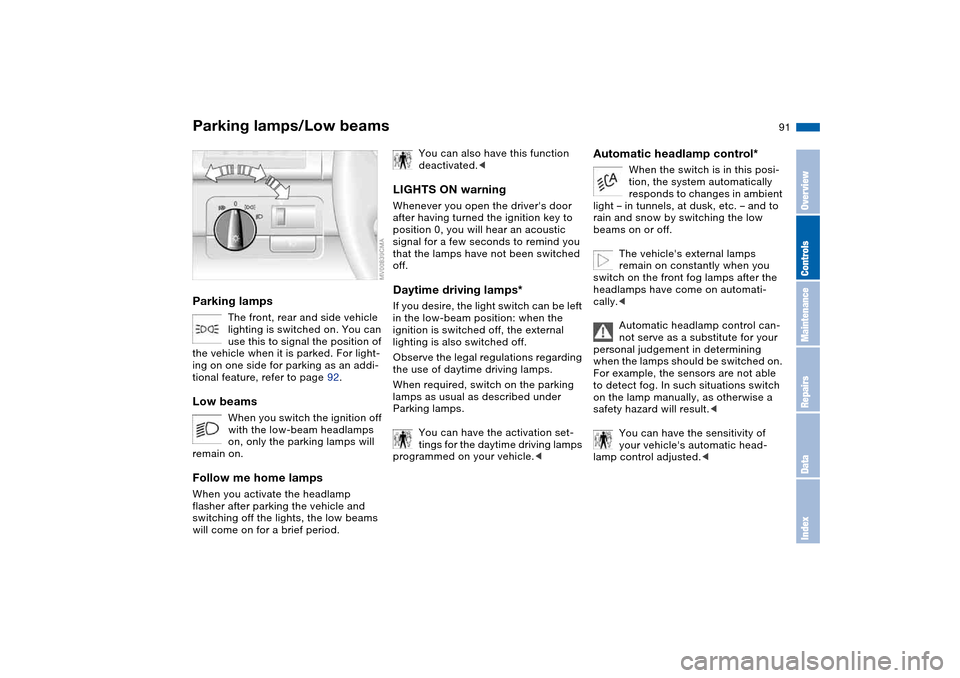
Parking lamps/Low beamsParking lamps
The front, rear and side vehicle
lighting is switched on. You can
use this to signal the position of
the vehicle when it is parked. For light-
ing on one side for parking as an addi-
tional feature, refer to page 92.
Low beams
When you switch the ignition off
with the low-beam headlamps
on, only the parking lamps will
remain on.
Follow me home lampsWhen you activate the headlamp
flasher after parking the vehicle and
switching off the lights, the low beams
will come on for a brief period.
You can also have this function
deactivated.<
LIGHTS ON warningWhenever you open the driver's door
after having turned the ignition key to
position 0, you will hear an acoustic
signal for a few seconds to remind you
that the lamps have not been switched
off.Daytime driving lamps*If you desire, the light switch can be left
in the low-beam position: when the
ignition is switched off, the external
lighting is also switched off.
Observe the legal regulations regarding
the use of daytime driving lamps.
When required, switch on the parking
lamps as usual as described under
Parking lamps.
You can have the activation set-
tings for the daytime driving lamps
programmed on your vehicle.<
Automatic headlamp control*
When the switch is in this posi-
tion, the system automatically
responds to changes in ambient
light – in tunnels, at dusk, etc. – and to
rain and snow by switching the low
beams on or off.
The vehicle's external lamps
remain on constantly when you
switch on the front fog lamps after the
headlamps have come on automati-
cally.<
Automatic headlamp control can-
not serve as a substitute for your
personal judgement in determining
when the lamps should be switched on.
For example, the sensors are not able
to detect fog. In such situations switch
on the lamp manually, as otherwise a
safety hazard will result.<
You can have the sensitivity of
your vehicle's automatic head-
lamp control adjusted.<
OverviewControlsMaintenanceRepairsDataIndex
Page 93 of 174
93
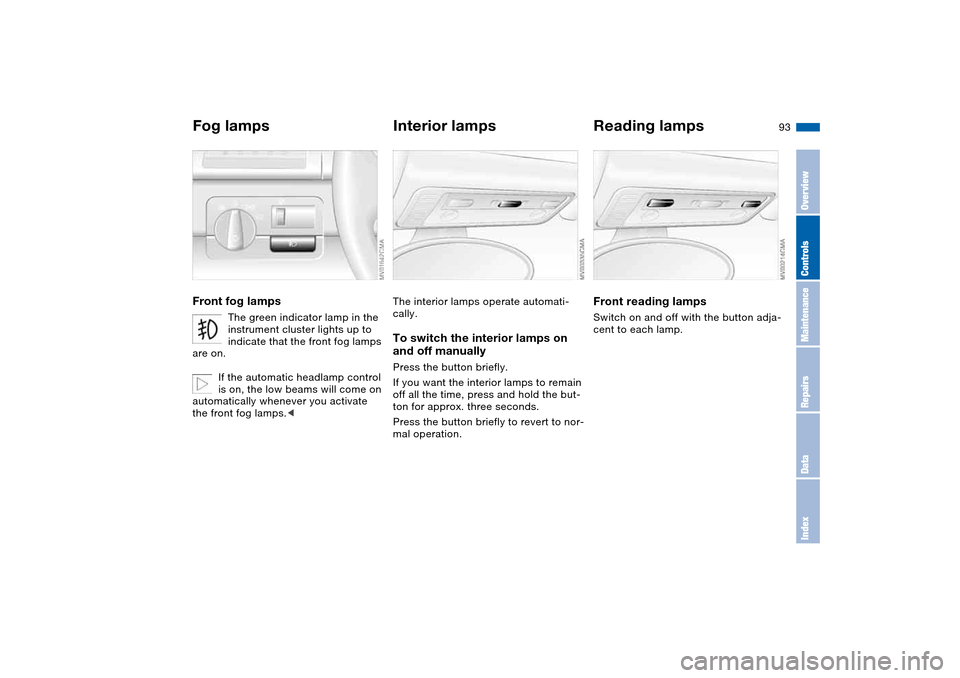
Fog lampsFront fog lamps
The green indicator lamp in the
instrument cluster lights up to
indicate that the front fog lamps
are on.
If the automatic headlamp control
is on, the low beams will come on
automatically whenever you activate
the front fog lamps.<
Interior lampsThe interior lamps operate automati-
cally.To switch the interior lamps on
and off manuallyPress the button briefly.
If you want the interior lamps to remain
off all the time, press and hold the but-
ton for approx. three seconds.
Press the button briefly to revert to nor-
mal operation.
Reading lampsFront reading lampsSwitch on and off with the button adja-
cent to each lamp.
OverviewControlsMaintenanceRepairsDataIndex
Page 103 of 174
103
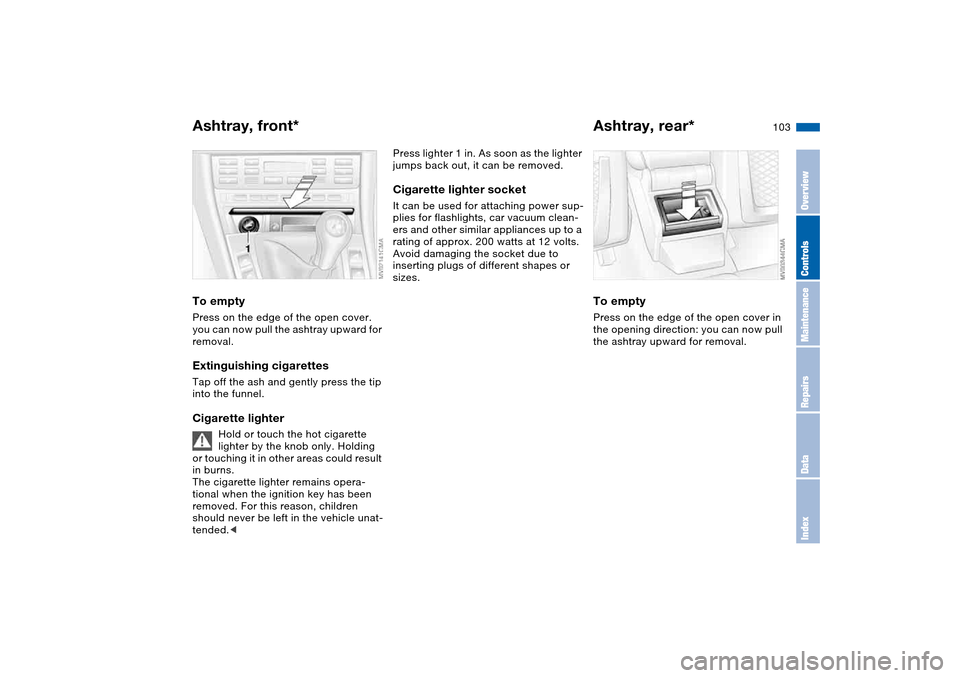
Ashtray, front*To emptyPress on the edge of the open cover.
you can now pull the ashtray upward for
removal.Extinguishing cigarettesTap off the ash and gently press the tip
into the funnel.Cigarette lighter
Hold or touch the hot cigarette
lighter by the knob only. Holding
or touching it in other areas could result
in burns.
The cigarette lighter remains opera-
tional when the ignition key has been
removed. For this reason, children
should never be left in the vehicle unat-
tended.<
Press lighter 1 in. As soon as the lighter
jumps back out, it can be removed.Cigarette lighter socketIt can be used for attaching power sup-
plies for flashlights, car vacuum clean-
ers and other similar appliances up to a
rating of approx. 200 watts at 12 volts.
Avoid damaging the socket due to
inserting plugs of different shapes or
sizes.
Ashtray, rear*To emptyPress on the edge of the open cover in
the opening direction: you can now pull
the ashtray upward for removal.
OverviewControlsMaintenanceRepairsDataIndex
Page 146 of 174
146Giving and receiving assistance
Receiving assistanceThe BMW Group's Mobile Service
offers you 24-hour assistance in the
event of a breakdown, even on week-
ends and holidays.
The telephone numbers of the Mobile
Service control center in your country
are listed in the BMW Dealer Directory.
If your vehicle has the necessary equip-
ment, you can contact the Mobile Ser-
vice or issue an emergency call using
buttons in the interior rearview mirror.
When an emergency call is initiated, a
telephone connection is established
with the general emergency call center.
In vehicles with activated BMW Assist
function, a telephone connection is set
up to the BMW Assist emergency call
center. If the current location of your
vehicle can be determined, this location
is transmitted to the BMW Assist emer-
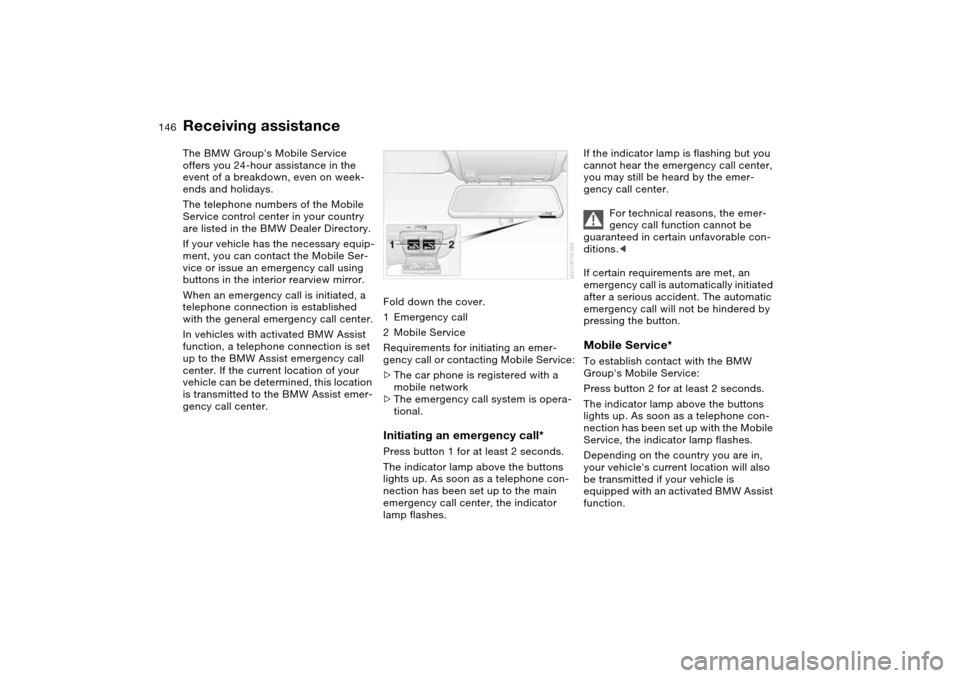
gency call center.Fold down the cover.
1Emergency call
2Mobile Service
Requirements for initiating an emer-
gency call or contacting Mobile Service:
>The car phone is registered with a
mobile network
>The emergency call system is opera-
tional.
Initiating an emergency call*Press button 1 for at least 2 seconds.
The indicator lamp above the buttons
lights up. As soon as a telephone con-
nection has been set up to the main
emergency call center, the indicator
lamp flashes.
If the indicator lamp is flashing but you
cannot hear the emergency call center,
you may still be heard by the emer-
gency call center.
For technical reasons, the emer-
gency call function cannot be
guaranteed in certain unfavorable con-
ditions.<
If certain requirements are met, an
emergency call is automatically initiated
after a serious accident. The automatic
emergency call will not be hindered by
pressing the button.Mobile Service*To establish contact with the BMW
Group's Mobile Service:
Press button 2 for at least 2 seconds.
The indicator lamp above the buttons
lights up. As soon as a telephone con-
nection has been set up with the Mobile
Service, the indicator lamp flashes.
Depending on the country you are in,
your vehicle's current location will also
be transmitted if your vehicle is
equipped with an activated BMW Assist
function.
Page 161 of 174
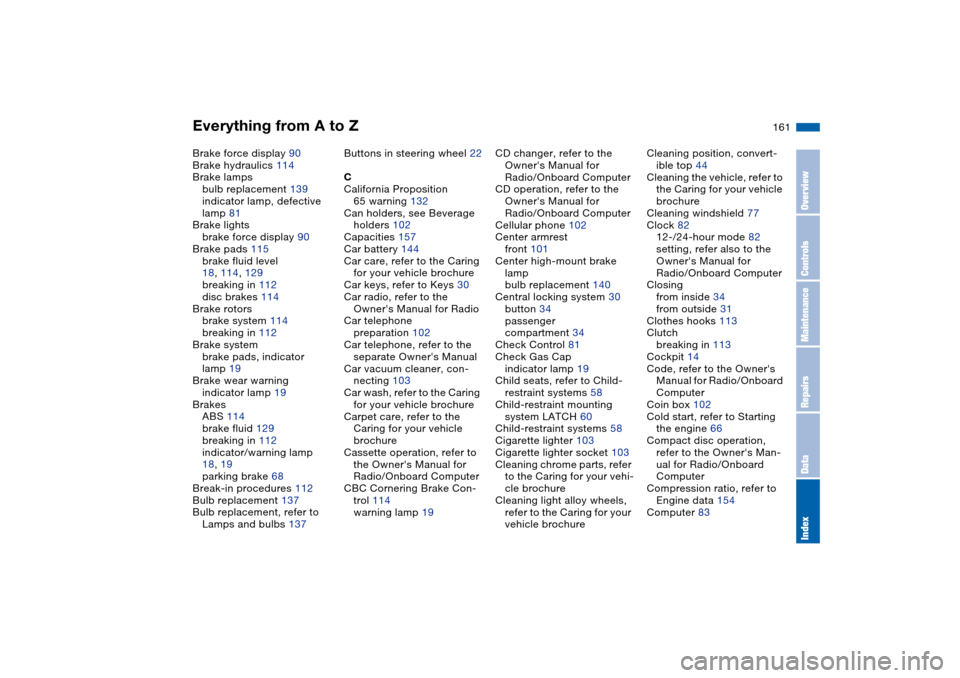
Everything from A to Z
161
Brake force display 90
Brake hydraulics 114
Brake lamps
bulb replacement 139
indicator lamp, defective
lamp 81
Brake lights
brake force display 90
Brake pads 115
brake fluid level
18, 114, 129
breaking in 112
disc brakes 114
Brake rotors
brake system 114
breaking in 112
Brake system
brake pads, indicator
lamp 19
Brake wear warning
indicator lamp 19
Brakes
ABS 114
brake fluid 129
breaking in 112
indicator/warning lamp
18, 19
parking brake 68
Break-in procedures 112
Bulb replacement 137
Bulb replacement, refer to
Lamps and bulbs 137Buttons in steering wheel 22
C
California Proposition
65 warning 132
Can holders, see Beverage
holders 102
Capacities 157
Car battery 144
Car care, refer to the Caring
for your vehicle brochure
Car keys, refer to Keys 30
Car radio, refer to the
Owner's Manual for Radio
Car telephone
preparation 102
Car telephone, refer to the
separate Owner's Manual
Car vacuum cleaner, con-
necting 103
Car wash, refer to the Caring
for your vehicle brochure
Carpet care, refer to the
Caring for your vehicle
brochure
Cassette operation, refer to
the Owner's Manual for
Radio/Onboard Computer
CBC Cornering Brake Con-
trol 114
warning lamp 19CD changer, refer to the
Owner's Manual for
Radio/Onboard Computer
CD operation, refer to the
Owner's Manual for
Radio/Onboard Computer
Cellular phone 102
Center armrest
front 101
Center high-mount brake
lamp
bulb replacement 140
Central locking system 30
button 34
passenger
compartment 34
Check Control 81
Check Gas Cap
indicator lamp 19
Child seats, refer to Child-
restraint systems 58
Child-restraint mounting
system LATCH 60
Child-restraint systems 58
Cigarette lighter 103
Cigarette lighter socket 103
Cleaning chrome parts, refer
to the Caring for your vehi-
cle brochure
Cleaning light alloy wheels,
refer to the Caring for your
vehicle brochureCleaning position, convert-
ible top 44
Cleaning the vehicle, refer to
the Caring for your vehicle
brochure
Cleaning windshield 77
Clock 82
12-/24-hour mode 82
setting, refer also to the
Owner's Manual for
Radio/Onboard Computer
Closing
from inside 34
from outside 31
Clothes hooks 113
Clutch
breaking in 113
Cockpit 14
Code, refer to the Owner's
Manual for Radio/Onboard
Computer
Coin box 102
Cold start, refer to Starting
the engine 66
Compact disc operation,
refer to the Owner's Man-
ual for Radio/Onboard
Computer
Compression ratio, refer to
Engine data 154
Computer 83
OverviewControlsMaintenanceRepairsDataIndex
Page 165 of 174
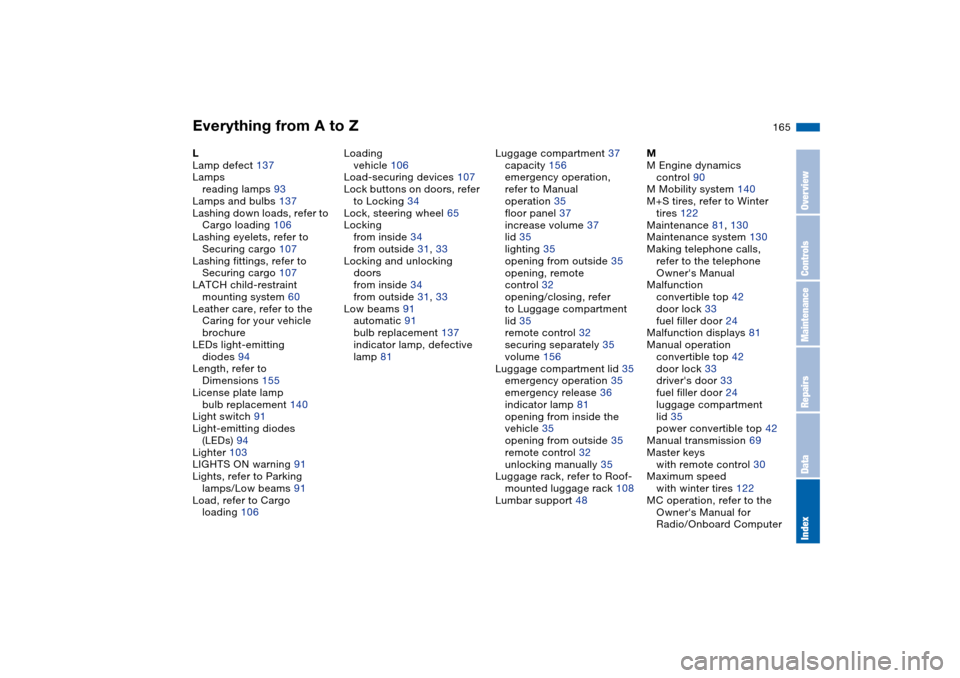
Everything from A to Z
165
L
Lamp defect 137
Lamps
reading lamps 93
Lamps and bulbs 137
Lashing down loads, refer to
Cargo loading 106
Lashing eyelets, refer to
Securing cargo 107
Lashing fittings, refer to
Securing cargo 107
LATCH child-restraint
mounting system 60
Leather care, refer to the
Caring for your vehicle
brochure
LEDs light-emitting
diodes 94
Length, refer to
Dimensions 155
License plate lamp
bulb replacement 140
Light switch 91
Light-emitting diodes
(LEDs) 94
Lighter 103
LIGHTS ON warning 91
Lights, refer to Parking
lamps/Low beams 91
Load, refer to Cargo
loading 106Loading
vehicle 106
Load-securing devices 107
Lock buttons on doors, refer
to Locking 34
Lock, steering wheel 65
Locking
from inside 34
from outside 31, 33
Locking and unlocking
doors
from inside 34
from outside 31, 33
Low beams 91
automatic 91
bulb replacement 137
indicator lamp, defective
lamp 81Luggage compartment 37
capacity 156
emergency operation,
refer to Manual
operation 35
floor panel 37
increase volume 37
lid 35
lighting 35
opening from outside 35
opening, remote
control 32
opening/closing, refer
to Luggage compartment
lid 35
remote control 32
securing separately 35
volume 156
Luggage compartment lid 35
emergency operation 35
emergency release 36
indicator lamp 81
opening from inside the
vehicle 35
opening from outside 35
remote control 32
unlocking manually 35
Luggage rack, refer to Roof-
mounted luggage rack 108
Lumbar support 48M
M Engine dynamics
control 90
M Mobility system 140
M+S tires, refer to Winter
tires 122
Maintenance 81, 130
Maintenance system 130
Making telephone calls,
refer to the telephone
Owner's Manual
Malfunction
convertible top 42
door lock 33
fuel filler door 24
Malfunction displays 81
Manual operation
convertible top 42
door lock 33
driver's door 33
fuel filler door 24
luggage compartment
lid 35
power convertible top 42
Manual transmission 69
Master keys
with remote control 30
Maximum speed
with winter tires 122
MC operation, refer to the
Owner's Manual for
Radio/Onboard Computer
OverviewControlsMaintenanceRepairsDataIndex
Page 167 of 174
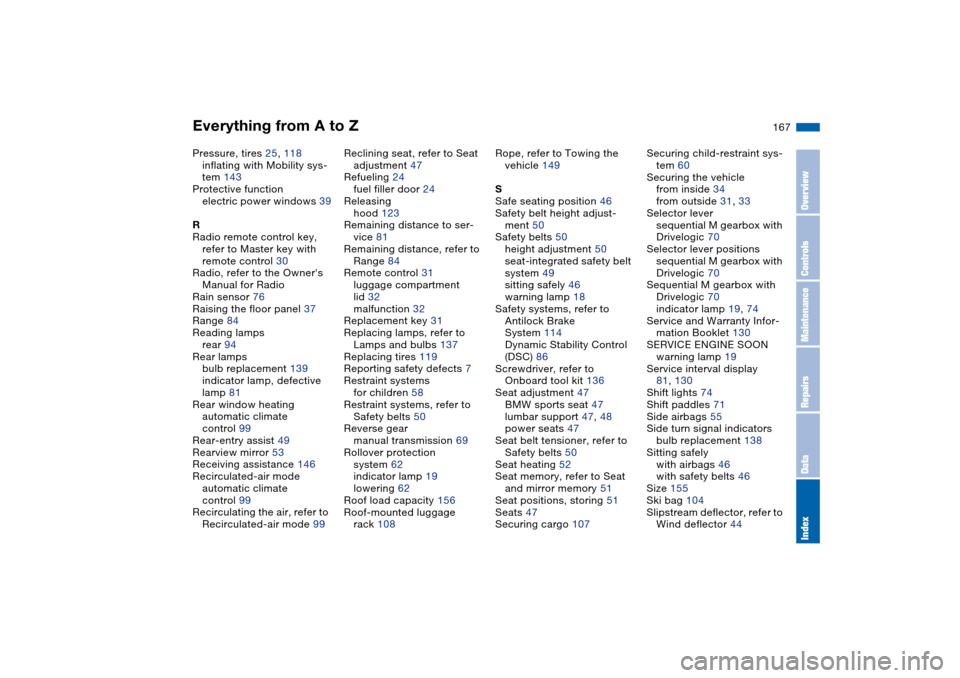
Everything from A to Z
167
Pressure, tires 25, 118
inflating with Mobility sys-
tem 143
Protective function
electric power windows 39
R
Radio remote control key,
refer to Master key with
remote control 30
Radio, refer to the Owner's
Manual for Radio
Rain sensor 76
Raising the floor panel 37
Range 84
Reading lamps
rear 94
Rear lamps
bulb replacement 139
indicator lamp, defective
lamp 81
Rear window heating
automatic climate
control 99
Rear-entry assist 49
Rearview mirror 53
Receiving assistance 146
Recirculated-air mode
automatic climate
control 99
Recirculating the air, refer to
Recirculated-air mode 99Reclining seat, refer to Seat
adjustment 47
Refueling 24
fuel filler door 24
Releasing
hood 123
Remaining distance to ser-
vice 81
Remaining distance, refer to
Range 84
Remote control 31
luggage compartment
lid 32
malfunction 32
Replacement key 31
Replacing lamps, refer to
Lamps and bulbs 137
Replacing tires 119
Reporting safety defects 7
Restraint systems
for children 58
Restraint systems, refer to
Safety belts 50
Reverse gear
manual transmission 69
Rollover protection
system 62
indicator lamp 19
lowering 62
Roof load capacity 156
Roof-mounted luggage
rack 108Rope, refer to Towing the
vehicle 149
S
Safe seating position 46
Safety belt height adjust-
ment 50
Safety belts 50
height adjustment 50
seat-integrated safety belt
system 49
sitting safely 46
warning lamp 18
Safety systems, refer to
Antilock Brake
System 114
Dynamic Stability Control
(DSC) 86
Screwdriver, refer to
Onboard tool kit 136
Seat adjustment 47
BMW sports seat 47
lumbar support 47, 48
power seats 47
Seat belt tensioner, refer to
Safety belts 50
Seat heating 52
Seat memory, refer to Seat
and mirror memory 51
Seat positions, storing 51
Seats 47
Securing cargo 107Securing child-restraint sys-
tem 60
Securing the vehicle
from inside 34
from outside 31, 33
Selector lever
sequential M gearbox with
Drivelogic 70
Selector lever positions
sequential M gearbox with
Drivelogic 70
Sequential M gearbox with
Drivelogic 70
indicator lamp 19, 74
Service and Warranty Infor-
mation Booklet 130
SERVICE ENGINE SOON
warning lamp 19
Service interval display
81, 130
Shift lights 74
Shift paddles 71
Side airbags 55
Side turn signal indicators
bulb replacement 138
Sitting safely
with airbags 46
with safety belts 46
Size 155
Ski bag 104
Slipstream deflector, refer to
Wind deflector 44
OverviewControlsMaintenanceRepairsDataIndex
Page 169 of 174
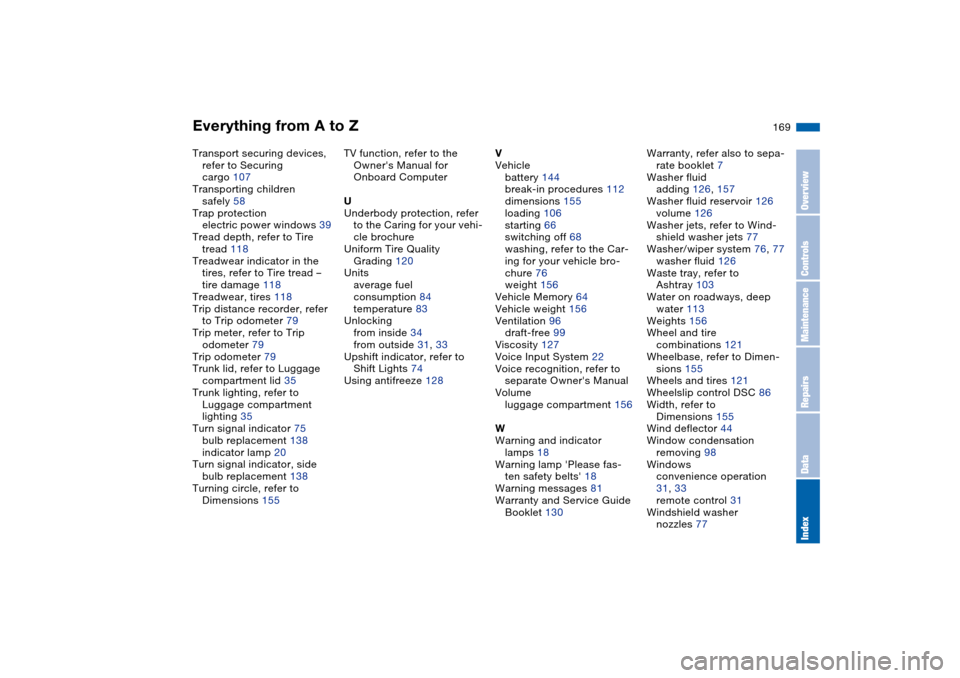
Everything from A to Z
169
Transport securing devices,
refer to Securing
cargo 107
Transporting children
safely 58
Trap protection
electric power windows 39
Tread depth, refer to Tire
tread 118
Treadwear indicator in the
tires, refer to Tire tread –
tire damage 118
Treadwear, tires 118
Trip distance recorder, refer
to Trip odometer 79
Trip meter, refer to Trip
odometer 79
Trip odometer 79
Trunk lid, refer to Luggage
compartment lid 35
Trunk lighting, refer to
Luggage compartment
lighting 35
Turn signal indicator 75
bulb replacement 138
indicator lamp 20
Turn signal indicator, side
bulb replacement 138
Turning circle, refer to
Dimensions 155TV function, refer to the
Owner's Manual for
Onboard Computer
U
Underbody protection, refer
to the Caring for your vehi-
cle brochure
Uniform Tire Quality
Grading 120
Units
average fuel
consumption 84
temperature 83
Unlocking
from inside 34
from outside 31, 33
Upshift indicator, refer to
Shift Lights 74
Using antifreeze 128V
Vehicle
battery 144
break-in procedures 112
dimensions 155
loading 106
starting 66
switching off 68
washing, refer to the Car-
ing for your vehicle bro-
chure 76
weight 156
Vehicle Memory 64
Vehicle weight 156
Ventilation 96
draft-free 99
Viscosity 127
Voice Input System 22
Voice recognition, refer to
separate Owner's Manual
Volume
luggage compartment 156
W
Warning and indicator
lamps 18
Warning lamp 'Please fas-
ten safety belts' 18
Warning messages 81
Warranty and Service Guide
Booklet 130Warranty, refer also to sepa-
rate booklet 7
Washer fluid
adding 126, 157
Washer fluid reservoir 126
volume 126
Washer jets, refer to Wind-
shield washer jets 77
Washer/wiper system 76, 77
washer fluid 126
Waste tray, refer to
Ashtray 103
Water on roadways, deep
water 113
Weights 156
Wheel and tire
combinations 121
Wheelbase, refer to Dimen-
sions 155
Wheels and tires 121
Wheelslip control DSC 86
Width, refer to
Dimensions 155
Wind deflector 44
Window condensation
removing 98
Windows
convenience operation
31, 33
remote control 31
Windshield washer
nozzles 77
OverviewControlsMaintenanceRepairsDataIndex