check engine light BMW M3 CONVERTIBLE 2011 Owners Manual
[x] Cancel search | Manufacturer: BMW, Model Year: 2011, Model line: M3 CONVERTIBLE, Model: BMW M3 CONVERTIBLE 2011Pages: 174, PDF Size: 2.68 MB
Page 9 of 174
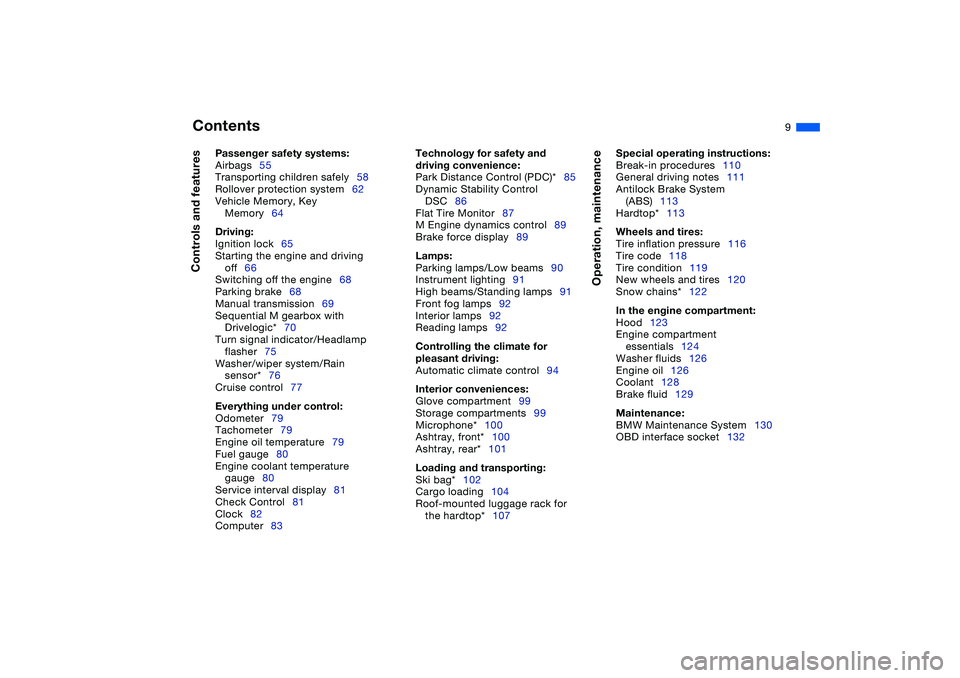
Contents
9
Passenger safety systems:
Airbags55
Transporting children safely58
Rollover protection system62
Vehicle Memory, Key
Memory64
Driving:
Ignition lock65
Starting the engine and driving
off66
Switching off the engine68
Parking brake68
Manual transmission69
Sequential M gearbox with
Drivelogic*70
Turn signal indicator/Headlamp
flasher75
Washer/wiper system/Rain
sensor*76
Cruise control77
Everything under control:
Odometer79
Tachometer79
Engine oil temperature79
Fuel gauge80
Engine coolant temperature
gauge80
Service interval display81
Check Control81
Clock82
Computer83
Technology for safety and
driving convenience:
Park Distance Control (PDC)*85
Dynamic Stability Control
DSC86
Flat Tire Monitor87
M Engine dynamics control89
Brake force display89
Lamps:
Parking lamps/Low beams90
Instrument lighting91
High beams/Standing lamps91
Front fog lamps92
Interior lamps92
Reading lamps92
Controlling the climate for
pleasant driving:
Automatic climate control94
Interior conveniences:
Glove compartment99
Storage compartments99
Microphone*100
Ashtray, front*100
Ashtray, rear*101
Loading and transporting:
Ski bag*102
Cargo loading104
Roof-mounted luggage rack for
the hardtop*107
Operation, maintenance
Special operating instructions:
Break-in procedures110
General driving notes111
Antilock Brake System
(ABS)113
Hardtop*113
Wheels and tires:
Tire inflation pressure116
Tire code118
Tire condition119
New wheels and tires120
Snow chains*122
In the engine compartment:
Hood123
Engine compartment
essentials124
Washer fluids126
Engine oil126
Coolant128
Brake fluid129
Maintenance:
BMW Maintenance System130
OBD interface socket132
Controls and features
Page 18 of 174
18
Indicator and warning lamps
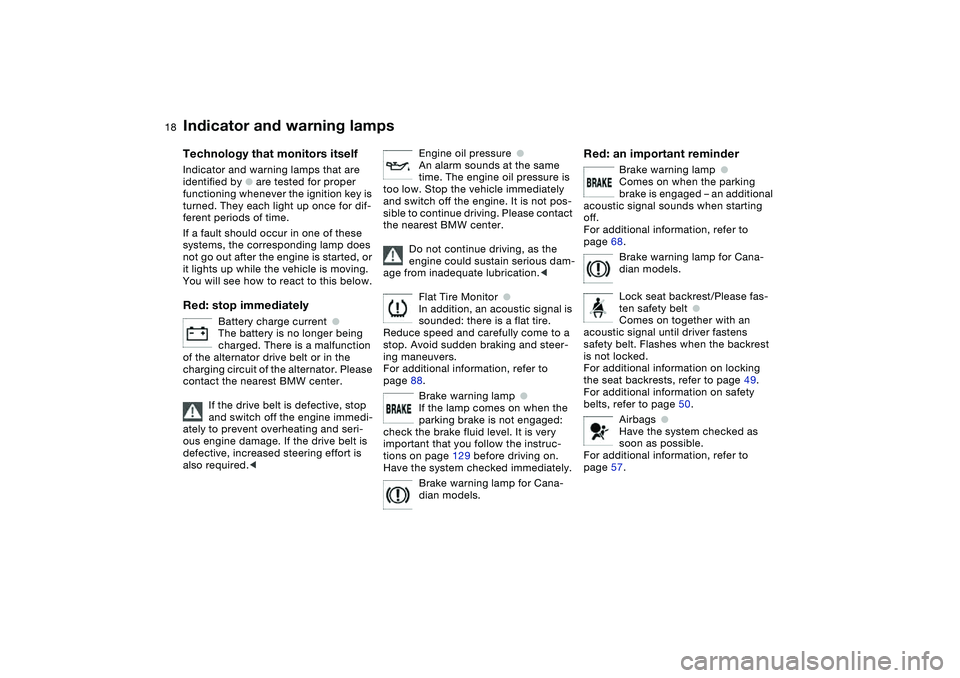
Technology that monitors itself
Indicator and warning lamps that are
identified by
●
are tested for proper
functioning whenever the ignition key is
turned. They each light up once for dif-
ferent periods of time.
If a fault should occur in one of these
systems, the corresponding lamp does
not go out after the engine is started, or
it lights up while the vehicle is moving.
You will see how to react to this below.
Red: stop immediately
Battery charge current
●
The battery is no longer being
charged. There is a malfunction
of the alternator drive belt or in the
charging circuit of the alternator. Please
contact the nearest BMW center.
If the drive belt is defective, stop
and switch off the engine immedi-
ately to prevent overheating and seri-
ous engine damage. If the drive belt is
defective, increased steering effort is
also required.
<
Engine oil pressure
●
An alarm sounds at the same
time. The engine oil pressure is
too low. Stop the vehicle immediately
and switch off the engine. It is not pos-
sible to continue driving. Please contact
the nearest BMW center.
Do not continue driving, as the
engine could sustain serious dam-
age from inadequate lubrication.
<
Flat Tire Monitor
●
In addition, an acoustic signal is
sounded: there is a flat tire.
Reduce speed and carefully come to a
stop. Avoid sudden braking and steer-
ing maneuvers.
For additional information, refer to
page 88.
Brake warning lamp
●
If the lamp comes on when the
parking brake is not engaged:
check the brake fluid level. It is very
important that you follow the instruc-
tions on page 129 before driving on.
Have the system checked immediately.
Brake warning lamp for Cana-
dian models.
Red: an important reminder
Brake warning lamp
●
Comes on when the parking
brake is engaged – an additional
acoustic signal sounds when starting
off.
For additional information, refer to
page 68.
Brake warning lamp for Cana-
dian models.
Lock seat backrest/Please fas-
ten safety belt
●
Comes on together with an
acoustic signal until driver fastens
safety belt. Flashes when the backrest
is not locked.
For additional information on locking
the seat backrests, refer to page 49.
For additional information on safety
belts, refer to page 50.
Airbags
●
Have the system checked as
soon as possible.
For additional information, refer to
page 57.
Page 25 of 174
25
Closing the gas capPlace the cap in position and turn it
until a clearly audible click is heard.
Close the gas cap carefully after
refueling until a click is heard.
While closing, be sure not to squeeze
the strap which is fastened to the cap.
A loose or missing cap will activate the
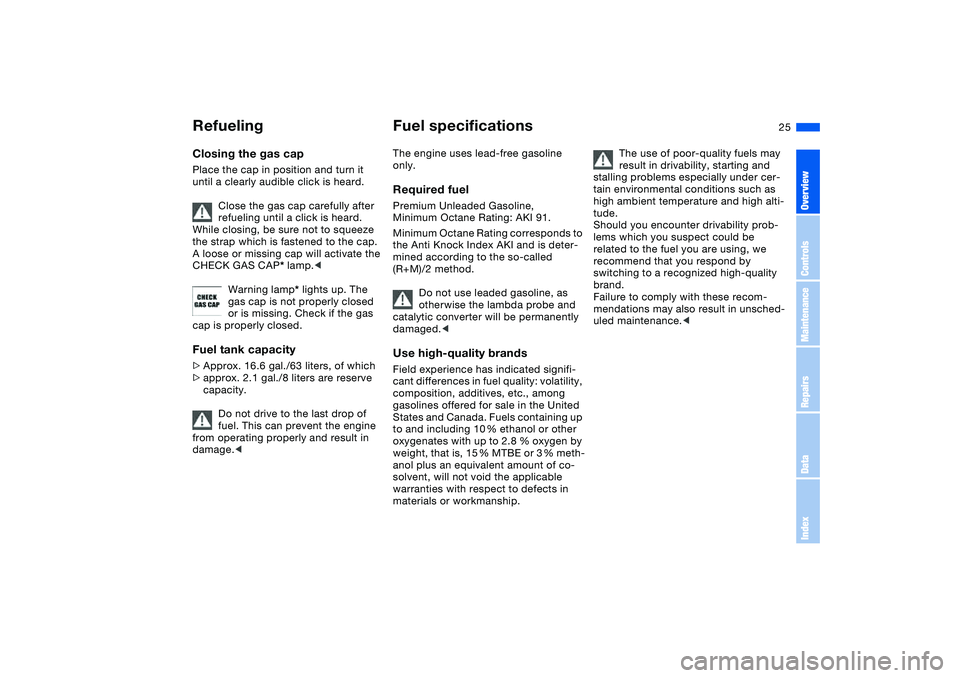
CHECK GAS CAP* lamp.<
Warning lamp* lights up. The
gas cap is not properly closed
or is missing. Check if the gas
cap is properly closed.Fuel tank capacity>Approx. 16.6 gal./63 liters, of which
>approx. 2.1 gal./8 liters are reserve
capacity.
Do not drive to the last drop of
fuel. This can prevent the engine
from operating properly and result in
damage.<
Fuel specificationsThe engine uses lead-free gasoline
only.Required fuelPremium Unleaded Gasoline,
Minimum Octane Rating: AKI 91.
Minimum Octane Rating corresponds to
the Anti Knock Index AKI and is deter-
mined according to the so-called
(R+M)/2 method.
Do not use leaded gasoline, as
otherwise the lambda probe and
catalytic converter will be permanently
damaged.
cant differences in fuel quality: volatility,
composition, additives, etc., among
gasolines offered for sale in the United
States and Canada. Fuels containing up
to and including 10 % ethanol or other
oxygenates with up to 2.8 % oxygen by
weight, that is, 15 % MTBE or 3 % meth-
anol plus an equivalent amount of co-
solvent, will not void the applicable
warranties with respect to defects in
materials or workmanship.
The use of poor-quality fuels may
result in drivability, starting and
stalling problems especially under cer-
tain environmental conditions such as
high ambient temperature and high alti-
tude.
Should you encounter drivability prob-
lems which you suspect could be
related to the fuel you are using, we
recommend that you respond by
switching to a recognized high-quality
brand.
Failure to comply with these recom-
mendations may also result in unsched-
uled maintenance.<
Refueling
OverviewControlsMaintenanceRepairsDataIndex
Page 74 of 174
74
Indicator lamp
The gearbox indicator lamp in
the instrument cluster goes out
after the engine is started.
>If it does not go out, or if it lights up
during driving, a malfunction has
occurred. The available functions
may be limited under certain circum-
stances.
Drive carefully and with the Dynamic
Stability Control (DSC) activated.
Have the system checked by the
nearest BMW center
>If the indicator lamp flashes while
driving, the system is overloaded.
Avoid high loads until the indicator
lamp goes out again permanently.
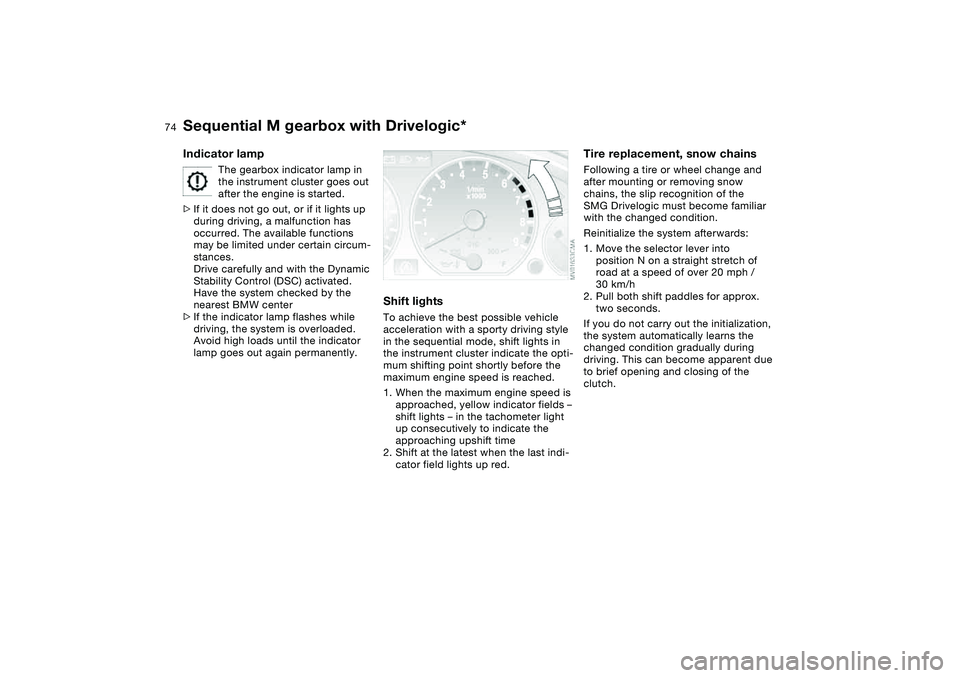
Shift lightsTo achieve the best possible vehicle
acceleration with a sporty driving style
in the sequential mode, shift lights in
the instrument cluster indicate the opti-
mum shifting point shortly before the
maximum engine speed is reached.
1. When the maximum engine speed is
approached, yellow indicator fields –
shift lights – in the tachometer light
up consecutively to indicate the
approaching upshift time
2. Shift at the latest when the last indi-
cator field lights up red.
Tire replacement, snow chainsFollowing a tire or wheel change and
after mounting or removing snow
chains, the slip recognition of the
SMG Drivelogic must become familiar
with the changed condition.
Reinitialize the system afterwards:
1. Move the selector lever into
position N on a straight stretch of
road at a speed of over 20 mph /
30 km/h
2. Pull both shift paddles for approx.
two seconds.
If you do not carry out the initialization,
the system automatically learns the
changed condition gradually during
driving. This can become apparent due
to brief opening and closing of the
clutch.
Sequential M gearbox with Drivelogic*
Page 80 of 174
80
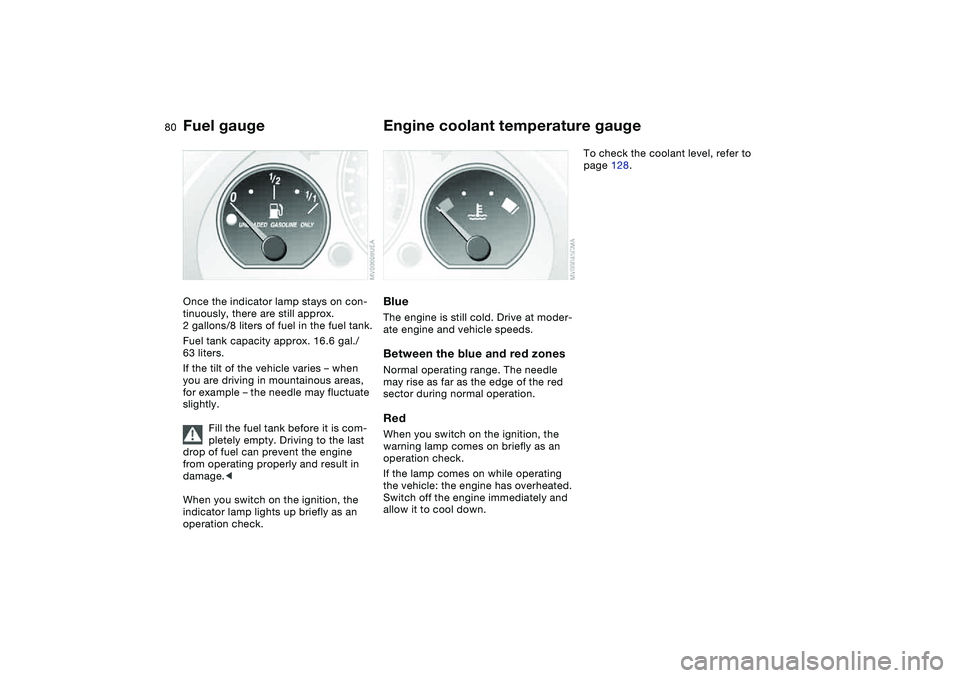
Fuel gaugeOnce the indicator lamp stays on con-
tinuously, there are still approx.
2 gallons/8 liters of fuel in the fuel tank.
Fuel tank capacity approx. 16.6 gal./
63 liters.
If the tilt of the vehicle varies – when
you are driving in mountainous areas,
for example – the needle may fluctuate
slightly.
Fill the fuel tank before it is com-
pletely empty. Driving to the last
drop of fuel can prevent the engine
from operating properly and result in
damage.<
When you switch on the ignition, the
indicator lamp lights up briefly as an
operation check.
Engine coolant temperature gaugeBlueThe engine is still cold. Drive at moder-
ate engine and vehicle speeds.Between the blue and red zonesNormal operating range. The needle
may rise as far as the edge of the red
sector during normal operation.RedWhen you switch on the ignition, the
warning lamp comes on briefly as an
operation check.
If the lamp comes on while operating
the vehicle: the engine has overheated.
Switch off the engine immediately and
allow it to cool down.
To check the coolant level, refer to
page 128.
Page 128 of 174
128
Low ambient temperaturesThe oils used by BMW at the factory for
your vehicle model can be used at virtu-
ally any ambient temperature.
However, if the vehicle is exposed to
temperatures below –47/–206 for
extended periods, please have your
BMW center recommend a suitable oil.
Coolant
Do not open the cooling system
when the engine is hot. If you do,
escaping coolant can cause burns.<
Coolant consists of water and coolant
additives. Not all commercially available
additives are suitable for your BMW.
Your BMW center knows which addi-
tives are appropriate.
Only use approved additives, as
the engine could otherwise be
damaged. The additives are hazardous
to health.<
Comply with the applicable envi-
ronmental laws regulating
the disposal of coolant additives.<
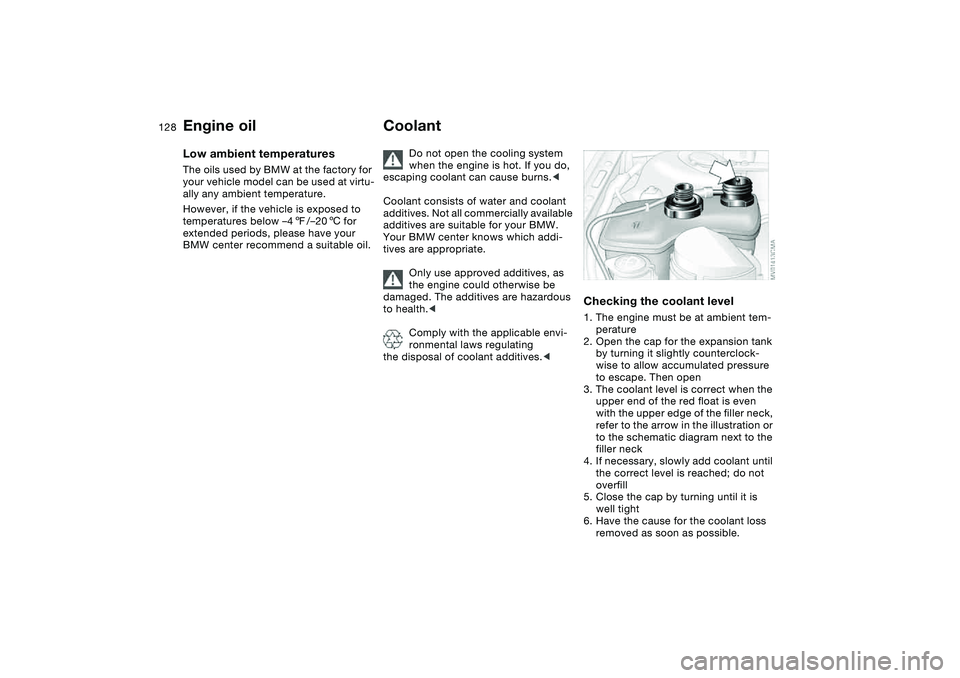
Checking the coolant level1. The engine must be at ambient tem-
perature
2. Open the cap for the expansion tank
by turning it slightly counterclock-
wise to allow accumulated pressure
to escape. Then open
3. The coolant level is correct when the
upper end of the red float is even
with the upper edge of the filler neck,
refer to the arrow in the illustration or
to the schematic diagram next to the
filler neck
4. If necessary, slowly add coolant until
the correct level is reached; do not
overfill
5. Close the cap by turning until it is
well tight
6. Have the cause for the coolant loss
removed as soon as possible.
Engine oil
Page 132 of 174
132Laws and regulations
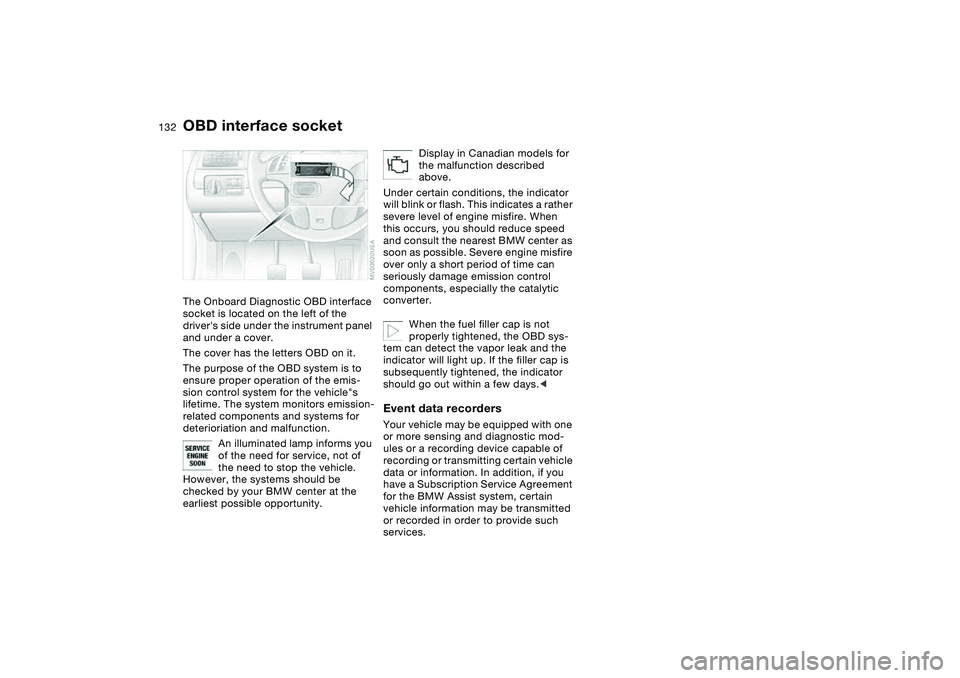
OBD interface socketThe Onboard Diagnostic OBD interface
socket is located on the left of the
driver's side under the instrument panel
and under a cover.
The cover has the letters OBD on it.
The purpose of the OBD system is to
ensure proper operation of the emis-
sion control system for the vehicle"s
lifetime. The system monitors emission-
related components and systems for
deterioriation and malfunction.
An illuminated lamp informs you
of the need for service, not of
the need to stop the vehicle.
However, the systems should be
checked by your BMW center at the
earliest possible opportunity.
Display in Canadian models for
the malfunction described
above.
Under certain conditions, the indicator
will blink or flash. This indicates a rather
severe level of engine misfire. When
this occurs, you should reduce speed
and consult the nearest BMW center as
soon as possible. Severe engine misfire
over only a short period of time can
seriously damage emission control
components, especially the catalytic
converter.
When the fuel filler cap is not
properly tightened, the OBD sys-
tem can detect the vapor leak and the
indicator will light up. If the filler cap is
subsequently tightened, the indicator
should go out within a few days.<
Event data recordersYour vehicle may be equipped with one
or more sensing and diagnostic mod-
ules or a recording device capable of
recording or transmitting certain vehicle
data or information. In addition, if you
have a Subscription Service Agreement
for the BMW Assist system, certain
vehicle information may be transmitted
or recorded in order to provide such
services.
Page 147 of 174
147
Mobile Service*To establish contact with the BMW
Group's Mobile Service:
Press button 2 for at least 2 seconds.
The indicator lamp above the buttons
lights up. As soon as a telephone con-
nection has been set up with the Mobile
Service, the indicator lamp flashes.
Depending on the country you are in,
your vehicle's current location will also
be transmitted if your vehicle is
equipped with an activated BMW Assist
function.
Jump-startingWhen your battery is discharged, you
can use two jumper cables to start your
vehicle with power from the battery in a
second vehicle. You can also use the
same method to help start another
vehicle. Use only jumper cables with
fully insulated handles on the terminal
clamps.
Do not touch high-voltage wiring
and cables on a running engine.
Contact with components carrying high
voltage can be harmful or fatal.
Carefully observe the following instruc-
tions to avoid personal injury and/or
damage to one or both vehicles.
approximately the same capacity –
measured in Ah. This information is
provided on the battery
2. Stop the engine of the support vehi-
cle
3. Switch off all consumers in both
vehicles.
Make absolutely certain that there
is no contact between the body-
work of the two vehicles, otherwise
there is a short circuit hazard.<
Connecting the jumper cables
Be sure to connect the jumper
cables in the right order; other-
wise there is a risk of injury due to
sparks being created near the battery.<
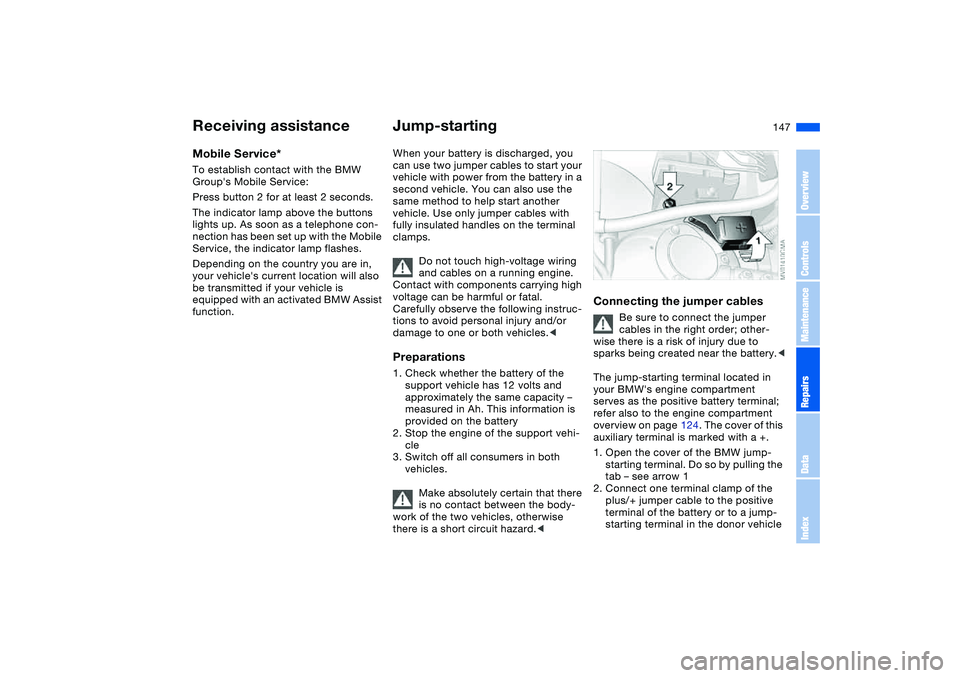
The jump-starting terminal located in
your BMW's engine compartment
serves as the positive battery terminal;
refer also to the engine compartment
overview on page 124. The cover of this
auxiliary terminal is marked with a +.
1. Open the cover of the BMW jump-
starting terminal. Do so by pulling the
tab – see arrow 1
2. Connect one terminal clamp of the
plus/+ jumper cable to the positive
terminal of the battery or to a jump-
starting terminal in the donor vehicle
Receiving assistance
OverviewControlsMaintenanceRepairsDataIndex
Page 161 of 174
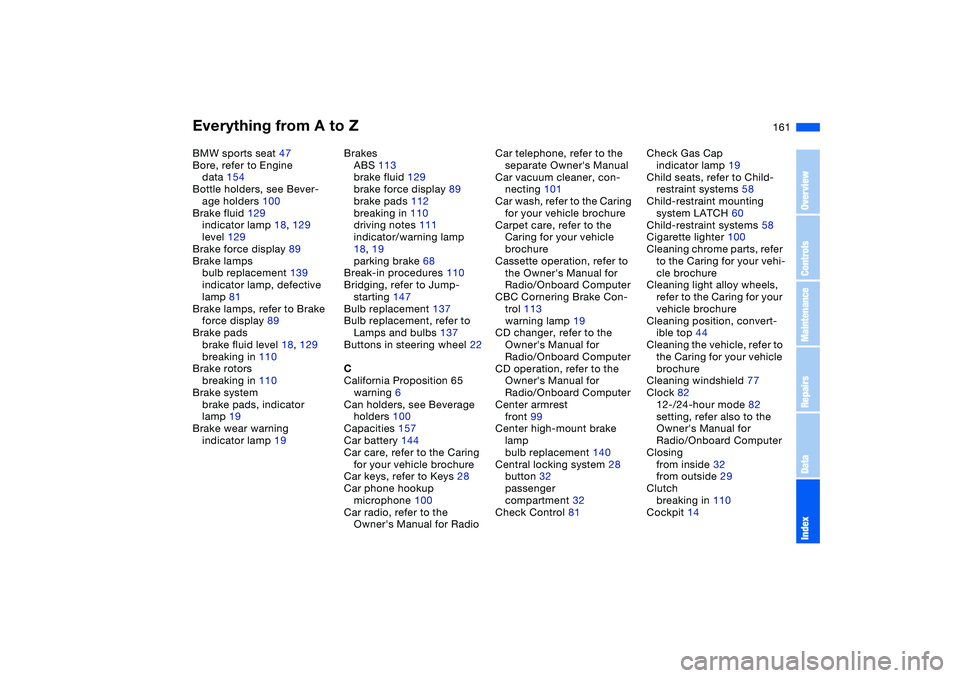
Everything from A to Z
161
BMW sports seat 47
Bore, refer to Engine
data 154
Bottle holders, see Bever-
age holders 100
Brake fluid 129
indicator lamp 18, 129
level 129
Brake force display 89
Brake lamps
bulb replacement 139
indicator lamp, defective
lamp 81
Brake lamps, refer to Brake
force display 89
Brake pads
brake fluid level 18, 129
breaking in 110
Brake rotors
breaking in 110
Brake system
brake pads, indicator
lamp 19
Brake wear warning
indicator lamp 19Brakes
ABS 113
brake fluid 129
brake force display 89
brake pads 112
breaking in 110
driving notes 111
indicator/warning lamp
18, 19
parking brake 68
Break-in procedures 110
Bridging, refer to Jump-
starting 147
Bulb replacement 137
Bulb replacement, refer to
Lamps and bulbs 137
Buttons in steering wheel 22
C
California Proposition 65
warning 6
Can holders, see Beverage
holders 100
Capacities 157
Car battery 144
Car care, refer to the Caring
for your vehicle brochure
Car keys, refer to Keys 28
Car phone hookup
microphone 100
Car radio, refer to the
Owner's Manual for RadioCar telephone, refer to the
separate Owner's Manual
Car vacuum cleaner, con-
necting 101
Car wash, refer to the Caring
for your vehicle brochure
Carpet care, refer to the
Caring for your vehicle
brochure
Cassette operation, refer to
the Owner's Manual for
Radio/Onboard Computer
CBC Cornering Brake Con-
trol 113
warning lamp 19
CD changer, refer to the
Owner's Manual for
Radio/Onboard Computer
CD operation, refer to the
Owner's Manual for
Radio/Onboard Computer
Center armrest
front 99
Center high-mount brake
lamp
bulb replacement 140
Central locking system 28
button 32
passenger
compartment 32
Check Control 81Check Gas Cap
indicator lamp 19
Child seats, refer to Child-
restraint systems 58
Child-restraint mounting
system LATCH 60
Child-restraint systems 58
Cigarette lighter 100
Cleaning chrome parts, refer
to the Caring for your vehi-
cle brochure
Cleaning light alloy wheels,
refer to the Caring for your
vehicle brochure
Cleaning position, convert-
ible top 44
Cleaning the vehicle, refer to
the Caring for your vehicle
brochure
Cleaning windshield 77
Clock 82
12-/24-hour mode 82
setting, refer also to the
Owner's Manual for
Radio/Onboard Computer
Closing
from inside 32
from outside 29
Clutch
breaking in 110
Cockpit 14
OverviewControlsMaintenanceRepairsDataIndex
Page 164 of 174
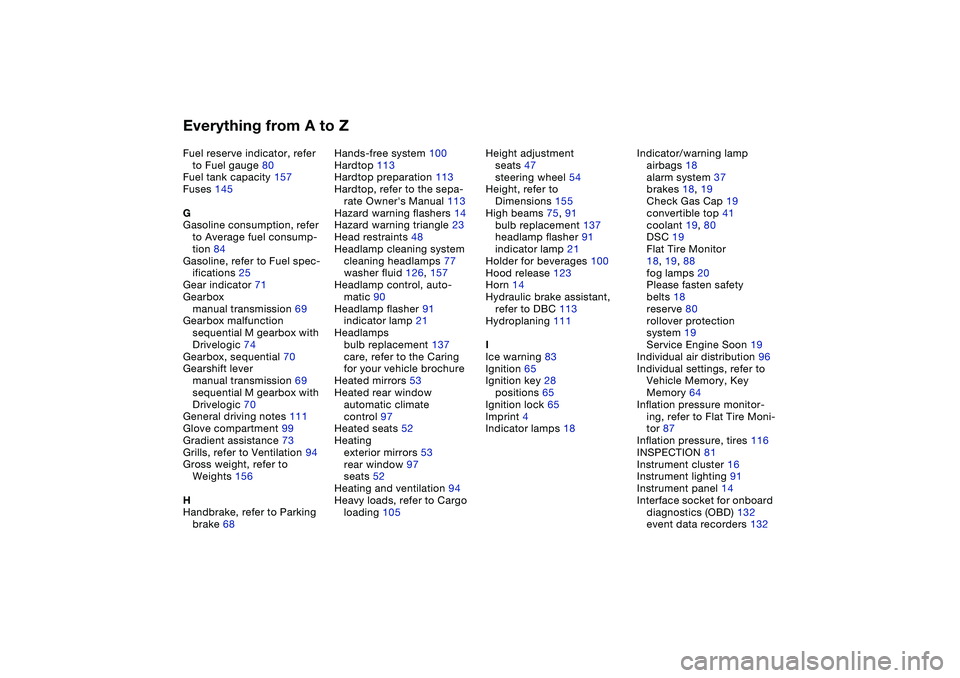
Everything from A to ZFuel reserve indicator, refer
to Fuel gauge 80
Fuel tank capacity 157
Fuses 145
G
Gasoline consumption, refer
to Average fuel consump-
tion 84
Gasoline, refer to Fuel spec-
ifications 25
Gear indicator 71
Gearbox
manual transmission 69
Gearbox malfunction
sequential M gearbox with
Drivelogic 74
Gearbox, sequential 70
Gearshift lever
manual transmission 69
sequential M gearbox with
Drivelogic 70
General driving notes 111
Glove compartment 99
Gradient assistance 73
Grills, refer to Ventilation 94
Gross weight, refer to
Weights 156
H
Handbrake, refer to Parking
brake 68Hands-free system 100
Hardtop 113
Hardtop preparation 113
Hardtop, refer to the sepa-
rate Owner's Manual 113
Hazard warning flashers 14
Hazard warning triangle 23
Head restraints 48
Headlamp cleaning system
cleaning headlamps 77
washer fluid 126, 157
Headlamp control, auto-
matic 90
Headlamp flasher 91
indicator lamp 21
Headlamps
bulb replacement 137
care, refer to the Caring
for your vehicle brochure
Heated mirrors 53
Heated rear window
automatic climate
control 97
Heated seats 52
Heating
exterior mirrors 53
rear window 97
seats 52
Heating and ventilation 94
Heavy loads, refer to Cargo
loading 105Height adjustment
seats 47
steering wheel 54
Height, refer to
Dimensions 155
High beams 75, 91
bulb replacement 137
headlamp flasher 91
indicator lamp 21
Holder for beverages 100
Hood release 123
Horn 14
Hydraulic brake assistant,
refer to DBC 113
Hydroplaning 111
I
Ice warning 83
Ignition 65
Ignition key 28
positions 65
Ignition lock 65
Imprint 4
Indicator lamps 18Indicator/warning lamp
airbags 18
alarm system 37
brakes 18, 19
Check Gas Cap 19
convertible top 41
coolant 19, 80
DSC 19
Flat Tire Monitor
18, 19, 88
fog lamps 20
Please fasten safety
belts 18
reserve 80
rollover protection
system 19
Service Engine Soon 19
Individual air distribution 96
Individual settings, refer to
Vehicle Memory, Key
Memory 64
Inflation pressure monitor-
ing, refer to Flat Tire Moni-
tor 87
Inflation pressure, tires 116
INSPECTION 81
Instrument cluster 16
Instrument lighting 91
Instrument panel 14
Interface socket for onboard
diagnostics (OBD) 132
event data recorders 132