sunroof BMW M3 COUPE 2004 E46 Owner's Manual
[x] Cancel search | Manufacturer: BMW, Model Year: 2004, Model line: M3 COUPE, Model: BMW M3 COUPE 2004 E46Pages: 170, PDF Size: 2.62 MB
Page 8 of 170
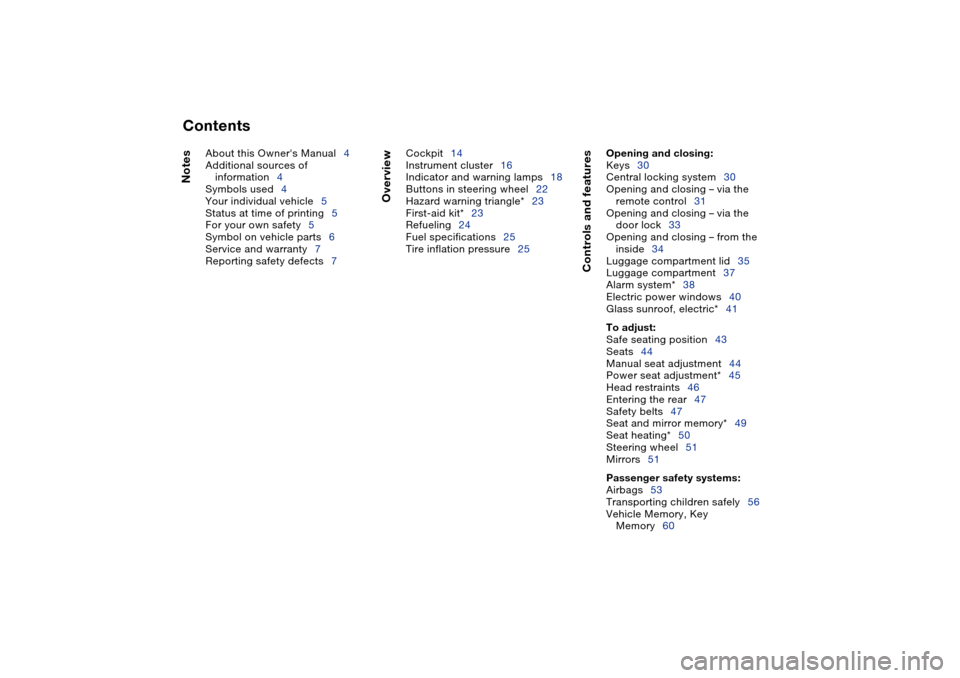
Contents
Notes
About this Owner's Manual4
Additional sources of
information4
Symbols used4
Your individual vehicle5
Status at time of printing5
For your own safety5
Symbol on vehicle parts6
Service and warranty7
Reporting safety defects7
Overview
Cockpit14
Instrument cluster16
Indicator and warning lamps18
Buttons in steering wheel22
Hazard warning triangle*23
First-aid kit*23
Refueling24
Fuel specifications25
Tire inflation pressure25
Controls and features
Opening and closing:
Keys30
Central locking system30
Opening and closing – via the
remote control31
Opening and closing – via the
door lock33
Opening and closing – from the
inside34
Luggage compartment lid35
Luggage compartment37
Alarm system*38
Electric power windows40
Glass sunroof, electric*41
To adjust:
Safe seating position43
Seats44
Manual seat adjustment44
Power seat adjustment*45
Head restraints46
Entering the rear47
Safety belts47
Seat and mirror memory*49
Seat heating*50
Steering wheel51
Mirrors51
Passenger safety systems:
Airbags53
Transporting children safely56
Vehicle Memory, Key
Memory60
Page 32 of 170
32
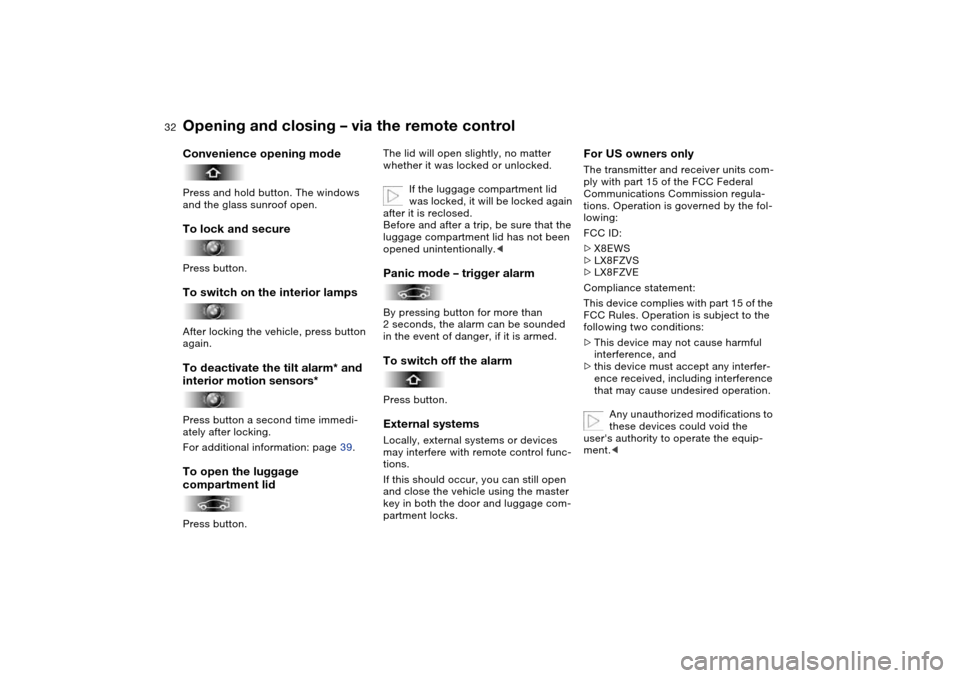
Convenience opening modePress and hold button. The windows
and the glass sunroof open.To lock and securePress button.To switch on the interior lampsAfter locking the vehicle, press button
again.To deactivate the tilt alarm* and
interior motion sensors*Press button a second time immedi-
ately after locking.
For additional information: page 39.To open the luggage
compartment lidPress button.
The lid will open slightly, no matter
whether it was locked or unlocked.
If the luggage compartment lid
was locked, it will be locked again
after it is reclosed.
Before and after a trip, be sure that the
luggage compartment lid has not been
opened unintentionally.
in the event of danger, if it is armed.To switch off the alarmPress button.External systemsLocally, external systems or devices
may interfere with remote control func-
tions.
If this should occur, you can still open
and close the vehicle using the master
key in both the door and luggage com-
partment locks.
For US owners onlyThe transmitter and receiver units com-
ply with part 15 of the FCC Federal
Communications Commission regula-
tions. Operation is governed by the fol-
lowing:
FCC ID:
>X8EWS
>LX8FZVS
>LX8FZVE
Compliance statement:
This device complies with part 15 of the
FCC Rules. Operation is subject to the
following two conditions:
>This device may not cause harmful
interference, and
>this device must accept any interfer-
ence received, including interference
that may cause undesired operation.
Any unauthorized modifications to
these devices could void the
user's authority to operate the equip-
ment.<
Opening and closing – via the remote control
Page 33 of 170
33
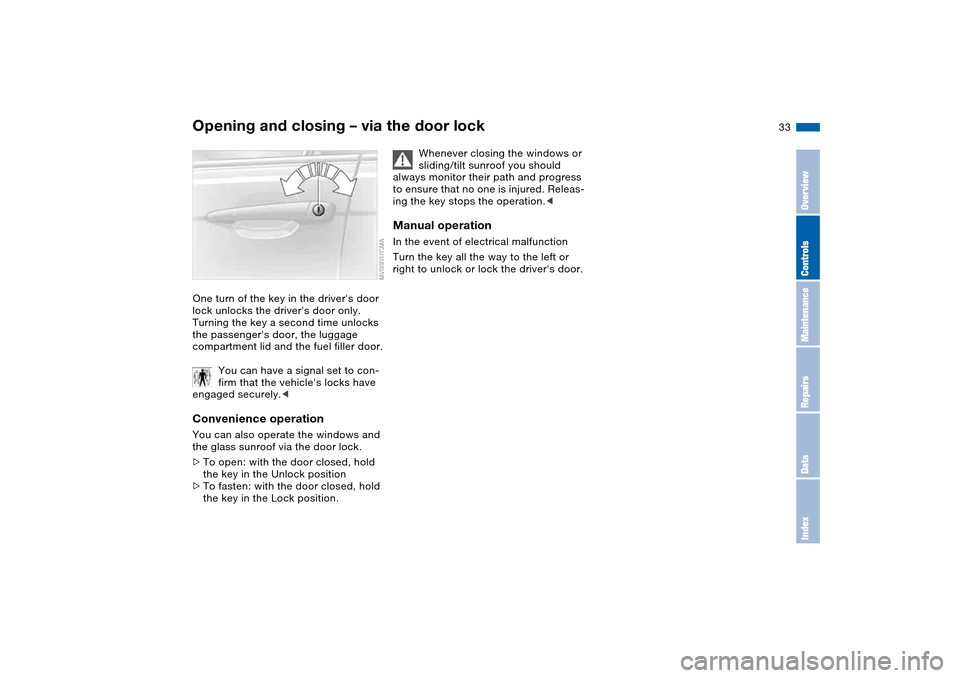
Opening and closing – via the door lockOne turn of the key in the driver's door
lock unlocks the driver's door only.
Turning the key a second time unlocks
the passenger's door, the luggage
compartment lid and the fuel filler door.
You can have a signal set to con-
firm that the vehicle's locks have
engaged securely.
>To open: with the door closed, hold
the key in the Unlock position
>To fasten: with the door closed, hold
the key in the Lock position.
Whenever closing the windows or
sliding/tilt sunroof you should
always monitor their path and progress
to ensure that no one is injured. Releas-
ing the key stops the operation.<
Manual operationIn the event of electrical malfunction
Turn the key all the way to the left or
right to unlock or lock the driver's door.
OverviewControlsMaintenanceRepairsDataIndex
Page 39 of 170
39
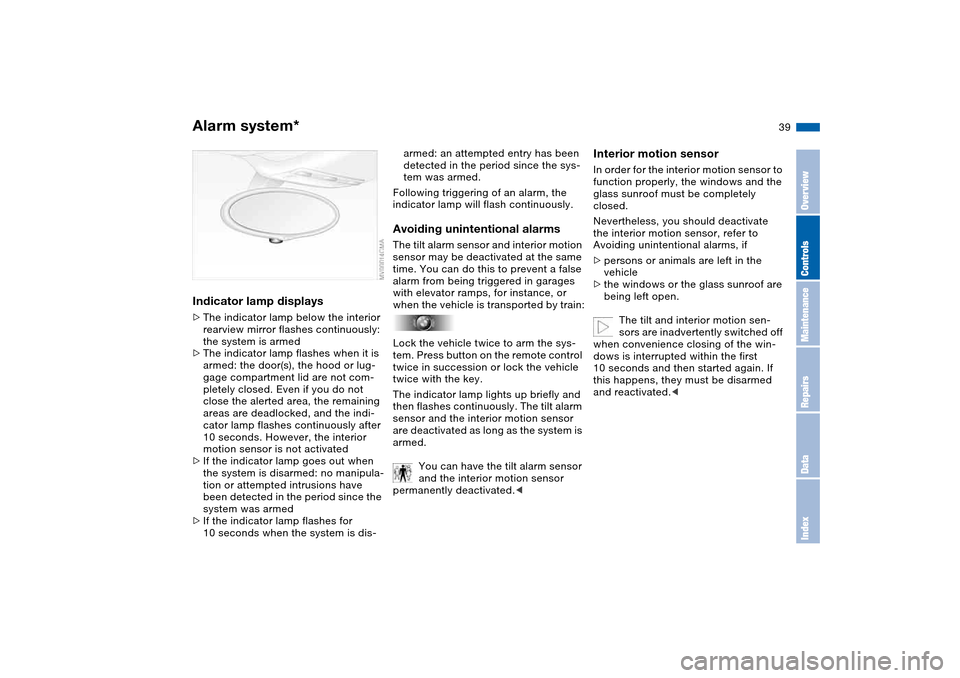
Indicator lamp displays>The indicator lamp below the interior
rearview mirror flashes continuously:
the system is armed
>The indicator lamp flashes when it is
armed: the door(s), the hood or lug-
gage compartment lid are not com-
pletely closed. Even if you do not
close the alerted area, the remaining
areas are deadlocked, and the indi-
cator lamp flashes continuously after
10 seconds. However, the interior
motion sensor is not activated
>If the indicator lamp goes out when
the system is disarmed: no manipula-
tion or attempted intrusions have
been detected in the period since the
system was armed
>If the indicator lamp flashes for
10 seconds when the system is dis-
armed: an attempted entry has been
detected in the period since the sys-
tem was armed.
Following triggering of an alarm, the
indicator lamp will flash continuously.Avoiding unintentional alarmsThe tilt alarm sensor and interior motion
sensor may be deactivated at the same
time. You can do this to prevent a false
alarm from being triggered in garages
with elevator ramps, for instance, or
when the vehicle is transported by train:
Lock the vehicle twice to arm the sys-
tem. Press button on the remote control
twice in succession or lock the vehicle
twice with the key.
The indicator lamp lights up briefly and
then flashes continuously. The tilt alarm
sensor and the interior motion sensor
are deactivated as long as the system is
armed.
You can have the tilt alarm sensor
and the interior motion sensor
permanently deactivated.<
Interior motion sensorIn order for the interior motion sensor to
function properly, the windows and the
glass sunroof must be completely
closed.
Nevertheless, you should deactivate
the interior motion sensor, refer to
Avoiding unintentional alarms, if
>persons or animals are left in the
vehicle
>the windows or the glass sunroof are
being left open.
The tilt and interior motion sen-
sors are inadvertently switched off
when convenience closing of the win-
dows is interrupted within the first
10 seconds and then started again. If
this happens, they must be disarmed
and reactivated.<
Alarm system*
OverviewControlsMaintenanceRepairsDataIndex
Page 41 of 170
41
Glass sunroof, electric*
To prevent injuries, exercise care
when closing the glass sunroof
and keep it in your field of vision until it
is shut.
When leaving the vehicle, always
remove the ignition key from the lock
and remember to close the doors to
prevent children from operating the
sunroof and injuring themselves, etc.<
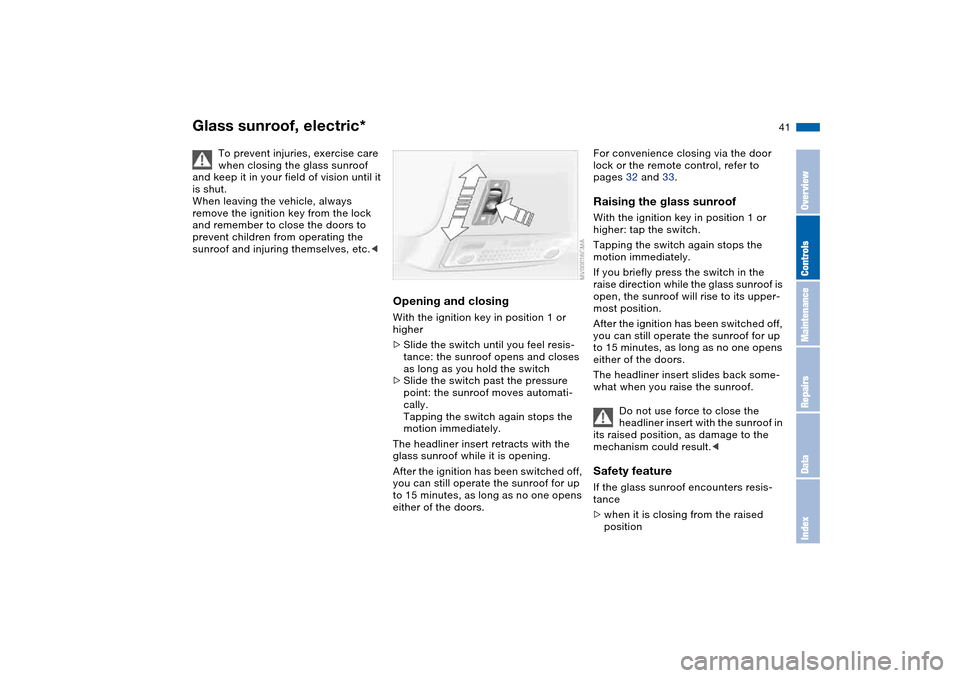
Opening and closingWith the ignition key in position 1 or
higher
>Slide the switch until you feel resis-
tance: the sunroof opens and closes
as long as you hold the switch
>Slide the switch past the pressure
point: the sunroof moves automati-
cally.
Tapping the switch again stops the
motion immediately.
The headliner insert retracts with the
glass sunroof while it is opening.
After the ignition has been switched off,
you can still operate the sunroof for up
to 15 minutes, as long as no one opens
either of the doors.
For convenience closing via the door
lock or the remote control, refer to
pages 32 and 33.Raising the glass sunroofWith the ignition key in position 1 or
higher: tap the switch.
Tapping the switch again stops the
motion immediately.
If you briefly press the switch in the
raise direction while the glass sunroof is
open, the sunroof will rise to its upper-
most position.
After the ignition has been switched off,
you can still operate the sunroof for up
to 15 minutes, as long as no one opens
either of the doors.
The headliner insert slides back some-
what when you raise the sunroof.
Do not use force to close the
headliner insert with the sunroof in
its raised position, as damage to the
mechanism could result.
>when it is closing from the raised
position
OverviewControlsMaintenanceRepairsDataIndex
Page 42 of 170
42
>when it is closing from a point
roughly past the middle of its travel,
the closing cycle is interrupted and the
glass sunroof will open again slightly.
Despite this safety feature, be
extremely careful that the travel
path of the glass sunroof is not
obstructed whenever it is closed.
Remember that the safety mechanism
may not be able to detect obstructions
under all circumstances – with very thin
objects, for instance.
You can override this safety feature by
pressing the switch beyond the pres-
sure point and holding it.<
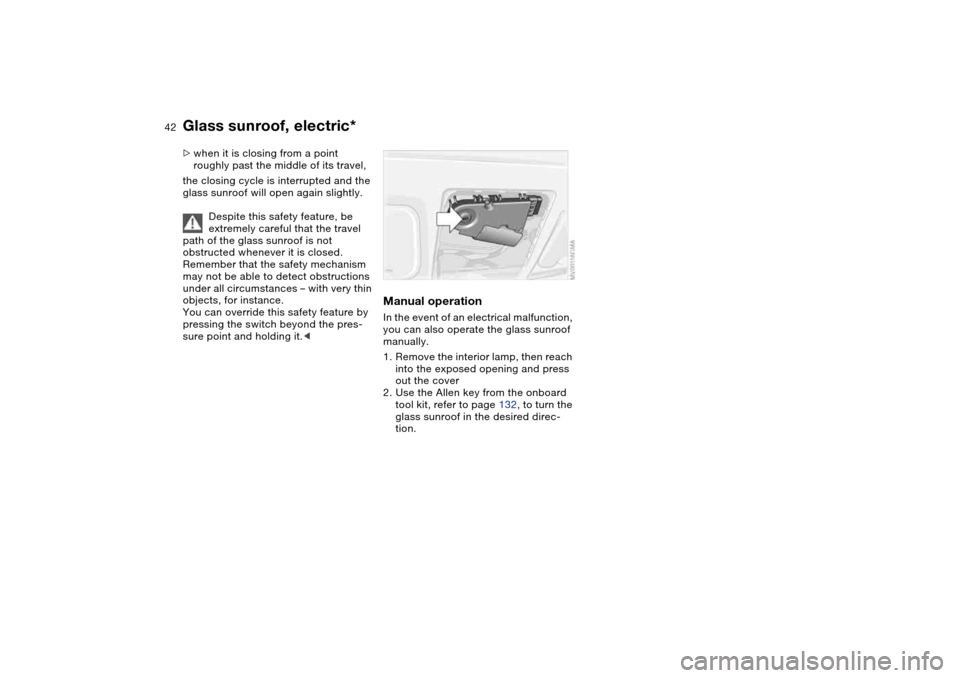
Manual operationIn the event of an electrical malfunction,
you can also operate the glass sunroof
manually.
1. Remove the interior lamp, then reach
into the exposed opening and press
out the cover
2. Use the Allen key from the onboard
tool kit, refer to page 132, to turn the
glass sunroof in the desired direc-
tion.
Glass sunroof, electric*
Page 106 of 170
106
Always position and secure the
load correctly. If you do not, it can
endanger the passengers during brak-
ing or evasive maneuvers.
Do not exceed the approved gross
vehicle weight or the approved axle
loads, refer to page 152. Otherwise the
vehicle's operating safety is no longer
assured and the vehicle will not be in
compliance with the certification regu-
lations.
Do not stow heavy or hard objects in
the passenger compartment without
first securing them. Otherwise they
would be thrown around during braking
and evasive maneuvers and endanger
the occupants.<
Roof-mounted luggage rack*A special roof-rack system is available
as an optional extra for your BMW.
Please observe the precautions
included with the installation instruc-
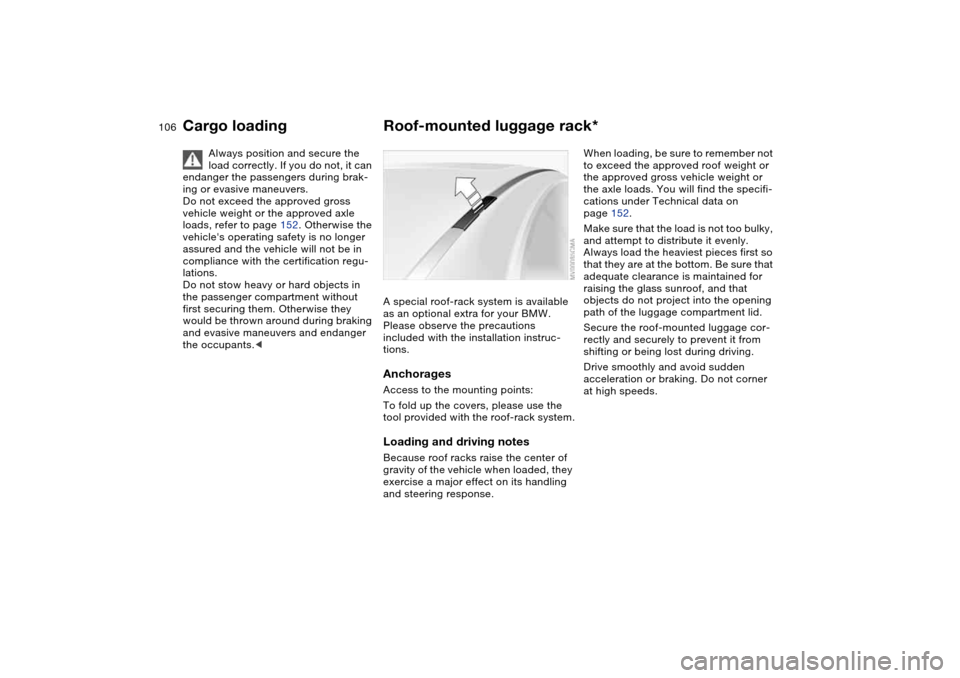
tions.AnchoragesAccess to the mounting points:
To fold up the covers, please use the
tool provided with the roof-rack system.Loading and driving notesBecause roof racks raise the center of
gravity of the vehicle when loaded, they
exercise a major effect on its handling
and steering response.
When loading, be sure to remember not
to exceed the approved roof weight or
the approved gross vehicle weight or
the axle loads. You will find the specifi-
cations under Technical data on
page 152.
Make sure that the load is not too bulky,
and attempt to distribute it evenly.
Always load the heaviest pieces first so
that they are at the bottom. Be sure that
adequate clearance is maintained for
raising the glass sunroof, and that
objects do not project into the opening
path of the luggage compartment lid.
Secure the roof-mounted luggage cor-
rectly and securely to prevent it from
shifting or being lost during driving.
Drive smoothly and avoid sudden
acceleration or braking. Do not corner
at high speeds.
Cargo loading
Page 158 of 170
Everything from A to ZCoin box 98
Cold start, refer to Starting
the engine 63
Compact disc operation,
refer to the Owner's Man-
ual for Radio/Onboard
Computer
Compartments 98
Compression ratio, refer to
Engine data 150
Computer 80
Condensation, refer to Air
conditioning mode 94
Configuring settings, refer to
Vehicle Memory, Key
Memory 60
Connecting a vacuum
cleaner, refer to Cigarette
lighter 100
Consumption, refer to Aver-
age fuel consumption 81
Control elements, refer to
Cockpit 14
Convenience operation
from outside 33
glass sunroof 32
windows 32
Coolant 124
indicator lamp 19, 77
level 124
temperature gauge 77Coolant water, refer to Cool-
ant 124
Cooling, refer to Tempera-
ture 94
Copyright 4
Cornering Brake Control
(CBC) 112
warning lamp 19
Correct tires 117
Cruise control 74
indicator lamp 20
Cup holders, see Beverage
holders 98, 99
Curb weight, refer to
Weights 152
Cylinders, refer to Engine
data 150
D
Dashboard, refer to
Cockpit 14
Data
capacities 153
dimensions 151
engine 150
weights 152
Daytime driving lamps 88
DBC Dynamic Brake
Control 112
warning lamp 19
Deep water, refer to Water
on roadways 111Defrost position, refer to
Defrosting windows 94
Defrosting and demisting
windows
automatic climate
control 94
Defrosting windows 94
Defrosting windshield, refer
to Defrosting windows 94
Demisting windows
automatic climate
control 94
Determining the maximum
load 104
Differential
breaking in 110
Digital clock 79
Dimensions 151
Dipstick, engine oil 122
Disc brakes 112
Displacement, refer to
Engine data 150
Display lighting, refer to
Instrument lighting 89
Displays, refer to Instrument
cluster 16
Disposal
oil 123
vehicle battery 140
Distance warning, refer to
Park Distance Control
(PDC) 82Divided rear backrest 102
Door key 30
Door lock 33
Doors
emergency operation 33
Draft-free ventilation 95
Drivelogic 70
Driving light, refer to Parking
lamps/Low beams 88
Driving notes 111
Dry air, refer to Air condi-
tioning mode 94
DSC Dynamic Stability Con-
trol 83
indicator lamp 19, 83
DTC Dynamic Traction Con-
trol
indicator lamp 19
Dynamic Brake Control
(DBC) 112
warning lamp 19
Dynamic Stability Control
(DSC) 19, 83
Dynamic Traction Control
(DTC)
indicator lamp 19
E
Easy entry, refer to Entering
the rear 47
Electric glass sunroof 41
Electric power windows 40
Page 159 of 170
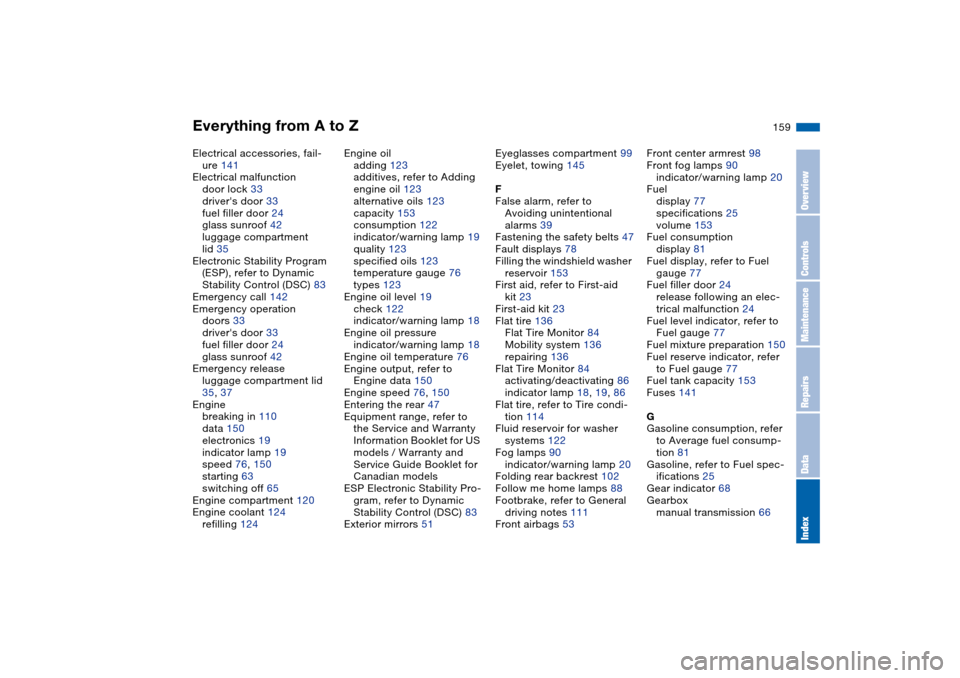
Everything from A to Z
159
Electrical accessories, fail-
ure 141
Electrical malfunction
door lock 33
driver's door 33
fuel filler door 24
glass sunroof 42
luggage compartment
lid 35
Electronic Stability Program
(ESP), refer to Dynamic
Stability Control (DSC) 83
Emergency call 142
Emergency operation
doors 33
driver's door 33
fuel filler door 24
glass sunroof 42
Emergency release
luggage compartment lid
35, 37
Engine
breaking in 110
data 150
electronics 19
indicator lamp 19
speed 76, 150
starting 63
switching off 65
Engine compartment 120
Engine coolant 124
refilling 124Engine oil
adding 123
additives, refer to Adding
engine oil 123
alternative oils 123
capacity 153
consumption 122
indicator/warning lamp 19
quality 123
specified oils 123
temperature gauge 76
types 123
Engine oil level 19
check 122
indicator/warning lamp 18
Engine oil pressure
indicator/warning lamp 18
Engine oil temperature 76
Engine output, refer to
Engine data 150
Engine speed 76, 150
Entering the rear 47
Equipment range, refer to
the Service and Warranty
Information Booklet for US
models / Warranty and
Service Guide Booklet for
Canadian models
ESP Electronic Stability Pro-
gram, refer to Dynamic
Stability Control (DSC) 83
Exterior mirrors 51Eyeglasses compartment 99
Eyelet, towing 145
F
False alarm, refer to
Avoiding unintentional
alarms 39
Fastening the safety belts 47
Fault displays 78
Filling the windshield washer
reservoir 153
First aid, refer to First-aid
kit 23
First-aid kit 23
Flat tire 136
Flat Tire Monitor 84
Mobility system 136
repairing 136
Flat Tire Monitor 84
activating/deactivating 86
indicator lamp 18, 19, 86
Flat tire, refer to Tire condi-
tion 114
Fluid reservoir for washer
systems 122
Fog lamps 90
indicator/warning lamp 20
Folding rear backrest 102
Follow me home lamps 88
Footbrake, refer to General
driving notes 111
Front airbags 53Front center armrest 98
Front fog lamps 90
indicator/warning lamp 20
Fuel
display 77
specifications 25
volume 153
Fuel consumption
display 81
Fuel display, refer to Fuel
gauge 77
Fuel filler door 24
release following an elec-
trical malfunction 24
Fuel level indicator, refer to
Fuel gauge 77
Fuel mixture preparation 150
Fuel reserve indicator, refer
to Fuel gauge 77
Fuel tank capacity 153
Fuses 141
G
Gasoline consumption, refer
to Average fuel consump-
tion 81
Gasoline, refer to Fuel spec-
ifications 25
Gear indicator 68
Gearbox
manual transmission 66
OverviewControlsMaintenanceRepairsDataIndex
Page 160 of 170
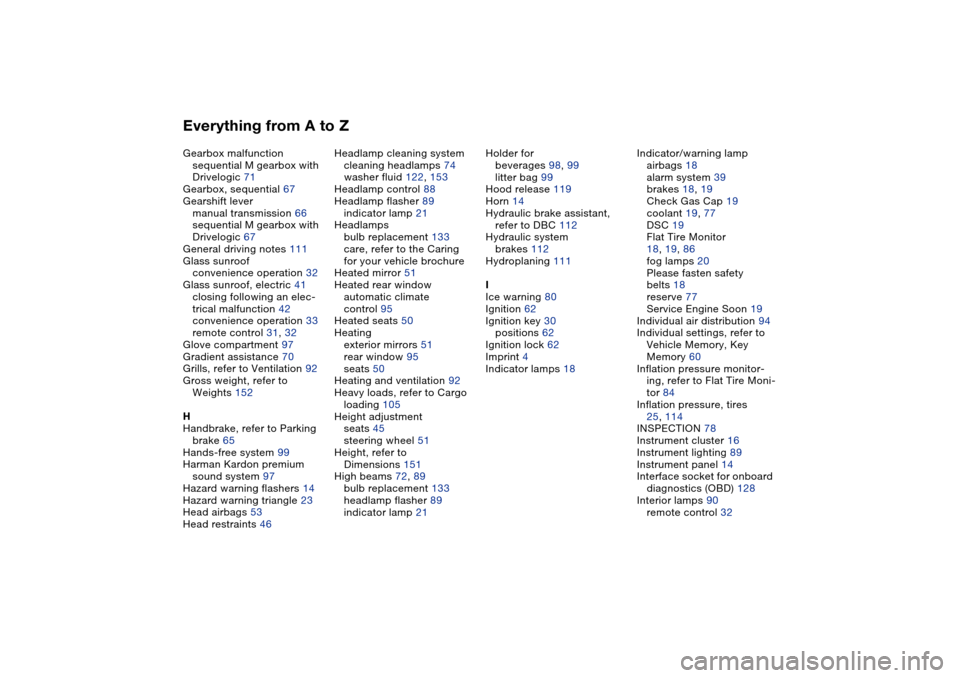
Everything from A to ZGearbox malfunction
sequential M gearbox with
Drivelogic 71
Gearbox, sequential 67
Gearshift lever
manual transmission 66
sequential M gearbox with
Drivelogic 67
General driving notes 111
Glass sunroof
convenience operation 32
Glass sunroof, electric 41
closing following an elec-
trical malfunction 42
convenience operation 33
remote control 31, 32
Glove compartment 97
Gradient assistance 70
Grills, refer to Ventilation 92
Gross weight, refer to
Weights 152
H
Handbrake, refer to Parking
brake 65
Hands-free system 99
Harman Kardon premium
sound system 97
Hazard warning flashers 14
Hazard warning triangle 23
Head airbags 53
Head restraints 46Headlamp cleaning system
cleaning headlamps 74
washer fluid 122, 153
Headlamp control 88
Headlamp flasher 89
indicator lamp 21
Headlamps
bulb replacement 133
care, refer to the Caring
for your vehicle brochure
Heated mirror 51
Heated rear window
automatic climate
control 95
Heated seats 50
Heating
exterior mirrors 51
rear window 95
seats 50
Heating and ventilation 92
Heavy loads, refer to Cargo
loading 105
Height adjustment
seats 45
steering wheel 51
Height, refer to
Dimensions 151
High beams 72, 89
bulb replacement 133
headlamp flasher 89
indicator lamp 21Holder for
beverages 98, 99
litter bag 99
Hood release 119
Horn 14
Hydraulic brake assistant,
refer to DBC 112
Hydraulic system
brakes 112
Hydroplaning 111
I
Ice warning 80
Ignition 62
Ignition key 30
positions 62
Ignition lock 62
Imprint 4
Indicator lamps 18Indicator/warning lamp
airbags 18
alarm system 39
brakes 18, 19
Check Gas Cap 19
coolant 19, 77
DSC 19
Flat Tire Monitor
18, 19, 86
fog lamps 20
Please fasten safety
belts 18
reserve 77
Service Engine Soon 19
Individual air distribution 94
Individual settings, refer to
Vehicle Memory, Key
Memory 60
Inflation pressure monitor-
ing, refer to Flat Tire Moni-
tor 84
Inflation pressure, tires
25, 114
INSPECTION 78
Instrument cluster 16
Instrument lighting 89
Instrument panel 14
Interface socket for onboard
diagnostics (OBD) 128
Interior lamps 90
remote control 32