window BMW M3 COUPE 2006 E46 Owner's Manual
[x] Cancel search | Manufacturer: BMW, Model Year: 2006, Model line: M3 COUPE, Model: BMW M3 COUPE 2006 E46Pages: 170, PDF Size: 2.63 MB
Page 8 of 170
Contents
Notes
About this Owner's Manual4
Additional sources of
information4
Symbols used4
Your individual vehicle5
Status at time of printing5
For your own safety6
Service and warranty7
Reporting safety defects7
Overview
Cockpit14
Instrument cluster16
Indicator and warning lamps18
Buttons* in steering wheel22
Hazard warning triangle*23
First-aid kit*23
Refueling24
Fuel specifications25
Controls and features
Opening and closing:
Keys28
Central locking system28
Opening and closing – via the
remote control29
Opening and closing – via the
door lock32
Opening and closing – from the
inside33
Luggage compartment lid34
Luggage compartment36
Alarm system*37
Electric power windows39
Glass sunroof, electric*40
To adjust:
Safe seating position42
Seats43
Manual seat adjustment43
Power seat adjustment*44
Head restraints45
Entering the rear46
Safety belts46
Seat and mirror memory*48
Seat heating*49
Mirrors50
Steering wheel51
Passenger safety systems:
Airbags52
Transporting children safely55
Vehicle Memory, Key
Memory59
Page 15 of 170
15
1Parking lamps/Low beams87
2
>
Turn signal indicators71
>
Standing lamps88
>
High beams88
>
Headlamp flasher71
>
Computer79
3Washer/wiper system/Rain
sensor72
4Hazard warning flashers
5Rear window defroster93
6
>
Initiating an emergency call142
>
Mobile Service143
7Central locking system28
8Adjusting the steering wheel51
9Horn: the entire surface
10 Fog lamps89
Cockpit
OverviewControlsMaintenanceRepairsDataIndex
Page 30 of 170
30
Convenience opening modePress the button briefly and then keep it
pressed. The windows and the glass
sunroof open.To lock and securePress button.
As a confirmation that the vehi-
cle's locks have engaged
securely, the hazard warning flashers
light up once.<
You can have this confirmation
signal deactivated.
With this function, you can also search
for your vehicle when parked in an
underground garage, for instance.
To deactivate the tilt alarm* and
interior motion sensors*Press button a second time immedi-
ately after locking.
For additional information: page 38.To open the luggage
compartment lidPress button briefly.
The lid will open slightly, no matter
whether it was locked or unlocked.
If the vehicle was previously
locked, the luggage compartment
is also locked again after it is closed.
Before and after a trip, be sure that the
luggage compartment lid has not been
opened unintentionally.
triggered in the event of danger, if the
system is armed.
To switch off the alarmPress button.External systemsMalfunctions:
Local radio waves can impede the func-
tioning of the remote control.
If this occurs, open and close the vehi-
cle using a master key in the door lock.For US owners onlyThe transmitter and receiver units com-
ply with part 15 of the FCC Federal
Communications Commission regula-
tions. Operation is governed by the fol-
lowing:
FCC ID:
>X8EWS
>LX8FZVS
>LX8FZVE
Compliance statement:
This device complies with part 15 of the
FCC Rules. Operation is subject to the
following two conditions:
>This device may not cause harmful
interference, and
Opening and closing – via the remote control
Page 32 of 170
32
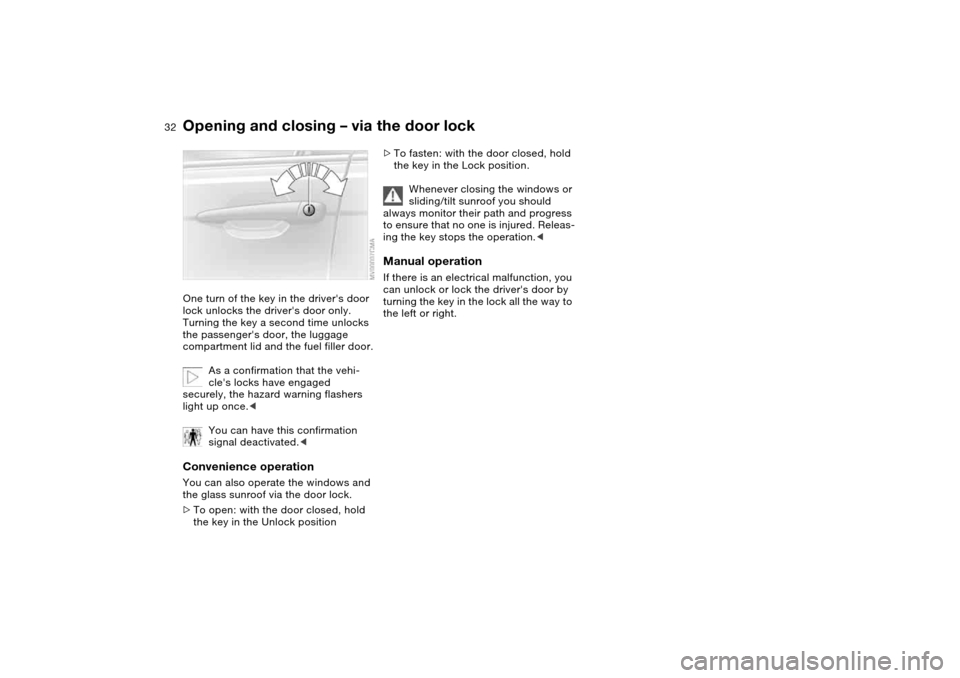
Opening and closing – via the door lockOne turn of the key in the driver's door
lock unlocks the driver's door only.
Turning the key a second time unlocks
the passenger's door, the luggage
compartment lid and the fuel filler door.
As a confirmation that the vehi-
cle's locks have engaged
securely, the hazard warning flashers
light up once.<
You can have this confirmation
signal deactivated.
>To open: with the door closed, hold
the key in the Unlock position
>To fasten: with the door closed, hold
the key in the Lock position.
Whenever closing the windows or
sliding/tilt sunroof you should
always monitor their path and progress
to ensure that no one is injured. Releas-
ing the key stops the operation.
turning the key in the lock all the way to
the left or right.
Page 35 of 170
35
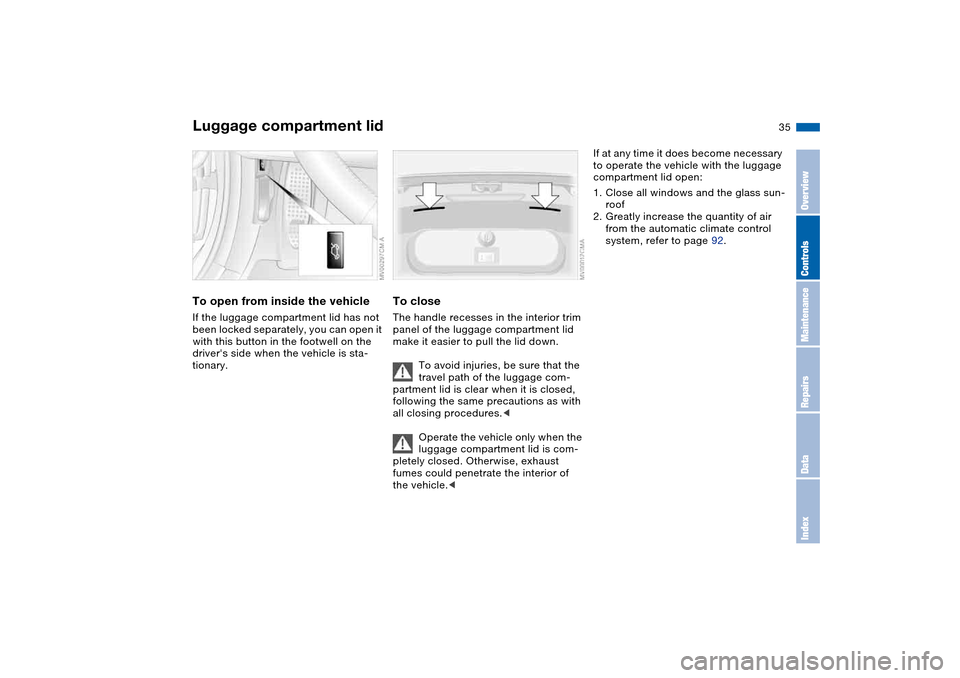
To open from inside the vehicleIf the luggage compartment lid has not
been locked separately, you can open it
with this button in the footwell on the
driver's side when the vehicle is sta-
tionary.
To closeThe handle recesses in the interior trim
panel of the luggage compartment lid
make it easier to pull the lid down.
To avoid injuries, be sure that the
travel path of the luggage com-
partment lid is clear when it is closed,
following the same precautions as with
all closing procedures.<
Operate the vehicle only when the
luggage compartment lid is com-
pletely closed. Otherwise, exhaust
fumes could penetrate the interior of
the vehicle.<
If at any time it does become necessary
to operate the vehicle with the luggage
compartment lid open:
1. Close all windows and the glass sun-
roof
2. Greatly increase the quantity of air
from the automatic climate control
system, refer to page 92.
Luggage compartment lid
OverviewControlsMaintenanceRepairsDataIndex
Page 38 of 170
38
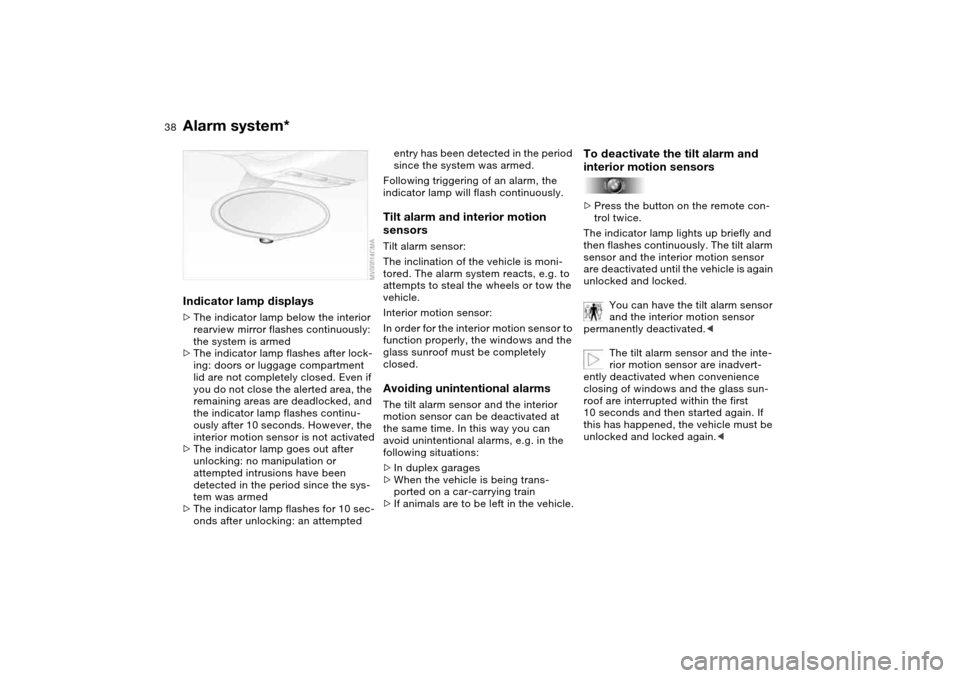
Indicator lamp displays>The indicator lamp below the interior
rearview mirror flashes continuously:
the system is armed
>The indicator lamp flashes after lock-
ing: doors or luggage compartment
lid are not completely closed. Even if
you do not close the alerted area, the
remaining areas are deadlocked, and
the indicator lamp flashes continu-
ously after 10 seconds. However, the
interior motion sensor is not activated
>The indicator lamp goes out after
unlocking: no manipulation or
attempted intrusions have been
detected in the period since the sys-
tem was armed
>The indicator lamp flashes for 10 sec-
onds after unlocking: an attempted
entry has been detected in the period
since the system was armed.
Following triggering of an alarm, the
indicator lamp will flash continuously.Tilt alarm and interior motion
sensorsTilt alarm sensor:
The inclination of the vehicle is moni-
tored. The alarm system reacts, e.g. to
attempts to steal the wheels or tow the
vehicle.
Interior motion sensor:
In order for the interior motion sensor to
function properly, the windows and the
glass sunroof must be completely
closed.Avoiding unintentional alarmsThe tilt alarm sensor and the interior
motion sensor can be deactivated at
the same time. In this way you can
avoid unintentional alarms, e.g. in the
following situations:
>In duplex garages
>When the vehicle is being trans-
ported on a car-carrying train
>If animals are to be left in the vehicle.
To deactivate the tilt alarm and
interior motion sensors>Press the button on the remote con-
trol twice.
The indicator lamp lights up briefly and
then flashes continuously. The tilt alarm
sensor and the interior motion sensor
are deactivated until the vehicle is again
unlocked and locked.
You can have the tilt alarm sensor
and the interior motion sensor
permanently deactivated.<
The tilt alarm sensor and the inte-
rior motion sensor are inadvert-
ently deactivated when convenience
closing of windows and the glass sun-
roof are interrupted within the first
10 seconds and then started again. If
this has happened, the vehicle must be
unlocked and locked again.<
Alarm system*
Page 39 of 170
39
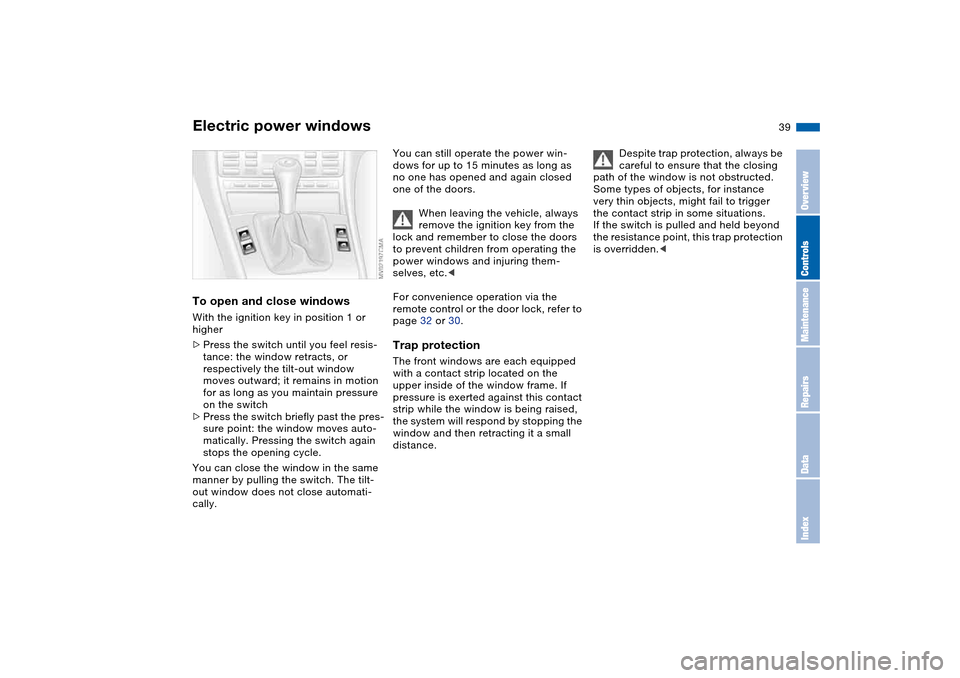
Electric power windowsTo open and close windowsWith the ignition key in position 1 or
higher
>Press the switch until you feel resis-
tance: the window retracts, or
respectively the tilt-out window
moves outward; it remains in motion
for as long as you maintain pressure
on the switch
>Press the switch briefly past the pres-
sure point: the window moves auto-
matically. Pressing the switch again
stops the opening cycle.
You can close the window in the same
manner by pulling the switch. The tilt-
out window does not close automati-
cally.
You can still operate the power win-
dows for up to 15 minutes as long as
no one has opened and again closed
one of the doors.
When leaving the vehicle, always
remove the ignition key from the
lock and remember to close the doors
to prevent children from operating the
power windows and injuring them-
selves, etc.<
For convenience operation via the
remote control or the door lock, refer to
page 32 or 30.Trap protectionThe front windows are each equipped
with a contact strip located on the
upper inside of the window frame. If
pressure is exerted against this contact
strip while the window is being raised,
the system will respond by stopping the
window and then retracting it a small
distance.
Despite trap protection, always be
careful to ensure that the closing
path of the window is not obstructed.
Some types of objects, for instance
very thin objects, might fail to trigger
the contact strip in some situations.
If the switch is pulled and held beyond
the resistance point, this trap protection
is overridden.<
OverviewControlsMaintenanceRepairsDataIndex
Page 59 of 170
59
Vehicle Memory, Key MemoryHow the system functionsYou have probably frequently wished
that you could configure individual
functions of your vehicles to reflect your
own personal requirements. In engi-
neering your vehicle, BMW has pro-
vided for a number of options for per-
sonal adjustment that can be
programmed into your vehicle at your
BMW center.
The available configuration data fall into
two categories, according to whether
their primary orientation is the vehicle –
Vehicle Memory – or the individual –
Key Memory. You can have up to four
different basic settings adjusted for four
different persons. The only require-
ment is that each person uses his or her
own remote control key.
When your vehicle is unlocked with the
remote control, the vehicle recognizes
the individual user by means of a data
exchange with the key, and makes
adjustments accordingly.
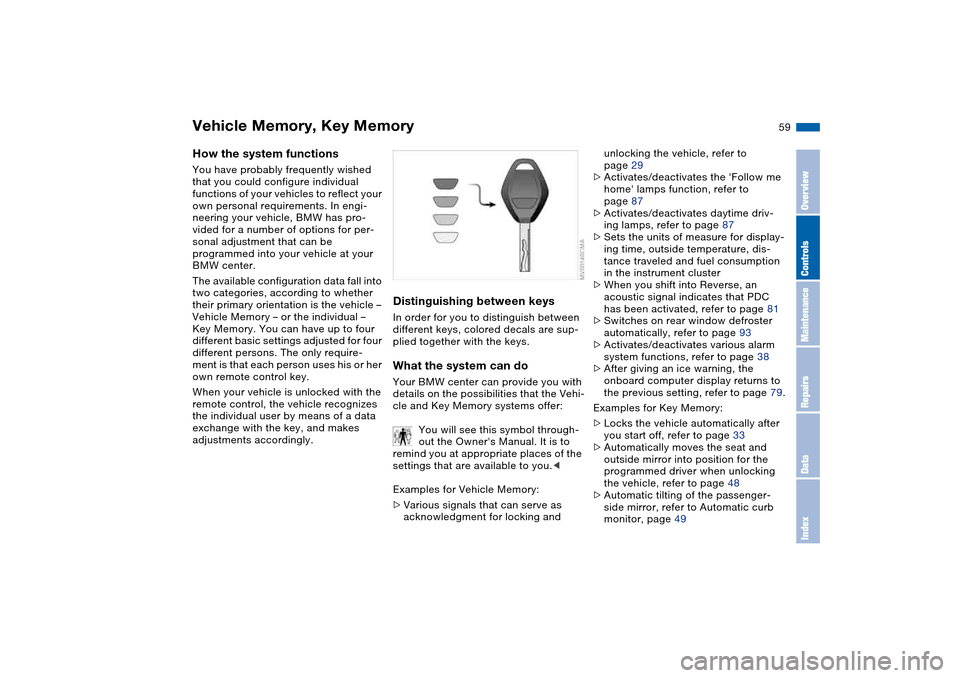
Distinguishing between keysIn order for you to distinguish between
different keys, colored decals are sup-
plied together with the keys.What the system can doYour BMW center can provide you with
details on the possibilities that the Vehi-
cle and Key Memory systems offer:
You will see this symbol through-
out the Owner's Manual. It is to
remind you at appropriate places of the
settings that are available to you.<
Examples for Vehicle Memory:
>Various signals that can serve as
acknowledgment for locking and
unlocking the vehicle, refer to
page 29
>Activates/deactivates the 'Follow me
home' lamps function, refer to
page 87
>Activates/deactivates daytime driv-
ing lamps, refer to page 87
>Sets the units of measure for display-
ing time, outside temperature, dis-
tance traveled and fuel consumption
in the instrument cluster
>When you shift into Reverse, an
acoustic signal indicates that PDC
has been activated, refer to page 81
>Switches on rear window defroster
automatically, refer to page 93
>Activates/deactivates various alarm
system functions, refer to page 38
>After giving an ice warning, the
onboard computer display returns to
the previous setting, refer to page 79.
Examples for Key Memory:
>Locks the vehicle automatically after
you start off, refer to page 33
>Automatically moves the seat and
outside mirror into position for the
programmed driver when unlocking
the vehicle, refer to page 48
>Automatic tilting of the passenger-
side mirror, refer to Automatic curb
monitor, page 49
OverviewControlsMaintenanceRepairsDataIndex
Page 91 of 170
91
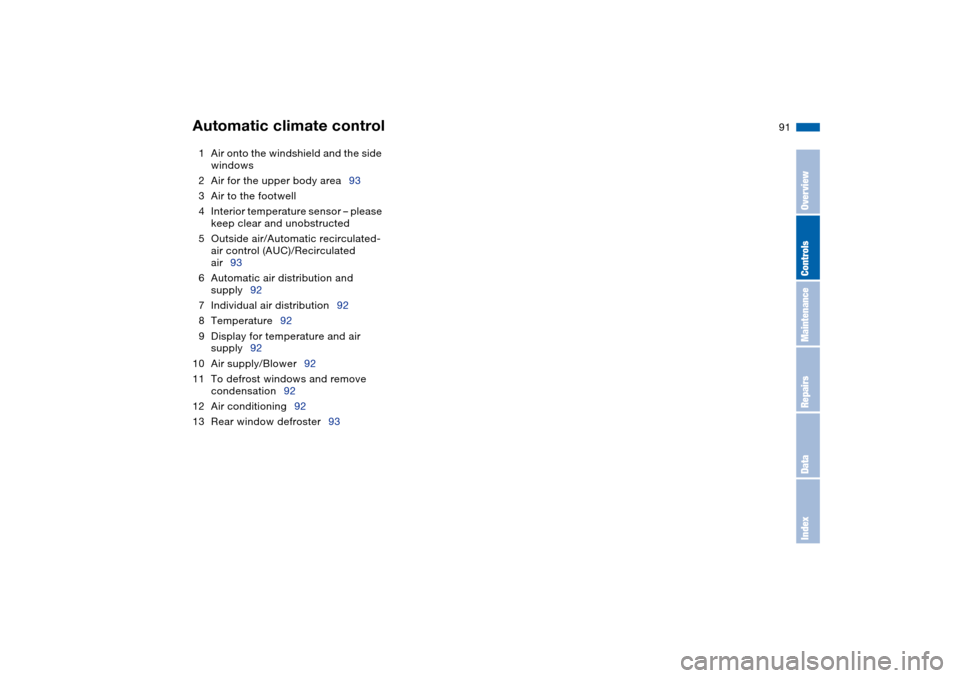
1Air onto the windshield and the side
windows
2Air for the upper body area93
3Air to the footwell
4Interior temperature sensor – please
keep clear and unobstructed
5Outside air/Automatic recirculated-
air control (AUC)/Recirculated
air93
6Automatic air distribution and
supply92
7Individual air distribution92
8Temperature92
9Display for temperature and air
supply92
10 Air supply/Blower92
11 To defrost windows and remove
condensation92
12 Air conditioning92
13 Rear window defroster93Automatic climate control
OverviewControlsMaintenanceRepairsDataIndex
Page 92 of 170
92
Tips for pleasant drivingUse the automatic mode – switch on
with AUTO button 6. Select the desired
interior temperature.
Detailed setting options are described
for you in the following sections.
You can make the settings of your
vehicle in such a manner that,
when you unlock the vehicle with the
remote control of your personal key,
your own personalized setting for the
automatic climate control is initiated.
air supply and the air distribu-
tion to the windshield and the side win-
dows, towards the upper body and to
the footwells, and in addition adapts
the temperature to external influences:
summer, winter.
The cooling function is automatically
switched on when you are using the
AUTO program.
Individual air distribution
You can cancel the AUTO pro-
gram by selecting specific dis-
tribution patterns to suit your
own individual requirements.
While the AUTO program is then deacti-
vated, the automatic airflow control
remains in operation. Air flows onto
the windows , toward the upper
body , and into the footwell . You
can reactivate the automatic air supply
by pressing the AUTO button.Temperature
The interior temperature that
appears in the display panel is a
general figure intended for refer-
ence purposes. We recommend 727/
+226 as a comfortable setting, even if
the air conditioning is on. When you
start the vehicle, the system ensures
that the selected temperature is
reached as quickly as possible. It then
maintains this temperature, regardless
of the season.
To select the units of measure 7/6 of
the display, refer to page 79.
Air supply/Blower
By pressing the upper or lower
button, you can vary the air sup-
ply. This deactivates the auto-
matic air supply – the AUTO display dis-
appears from the panel. Nevertheless,
the automatic air distribution remains
unchanged. You can reactivate the
automatic air supply by pressing the
AUTO button.
When the lowest blower speed is set
and you press the lower button, all of
the displays are canceled: the blower,
heating and air conditioner are
switched off, and the air supply is
stopped. You can reactivate the system
by pressing any button for the auto-
matic climate control.To defrost windows and remove
condensation
This program quickly removes
ice and condensation from the
windshield and the side windows.
Air conditioning
The air is cooled and dehumidi-
fied and – depending on the
temperature setting – rewarmed.
Depending on the weather, the wind-
shield may fog over briefly when the
engine is started. Air conditioning helps
prevent the windows from fogging up.
The cooling function is automatically
switched on when you are using the
AUTO program.
Automatic climate control