reset BMW M4 2015 User Guide
[x] Cancel search | Manufacturer: BMW, Model Year: 2015, Model line: M4, Model: BMW M4 2015Pages: 228, PDF Size: 4.87 MB
Page 119 of 228
3.Select the desired setting option.4.Select the desired channel.
Individual settings are stored for the profile
currently in use.
If M Drive is activated, a change in the setting
on the Control Display is immediately adopted.
Activating/deactivating M Drive
Activating Press the corresponding button on the steer‐
ing wheel:
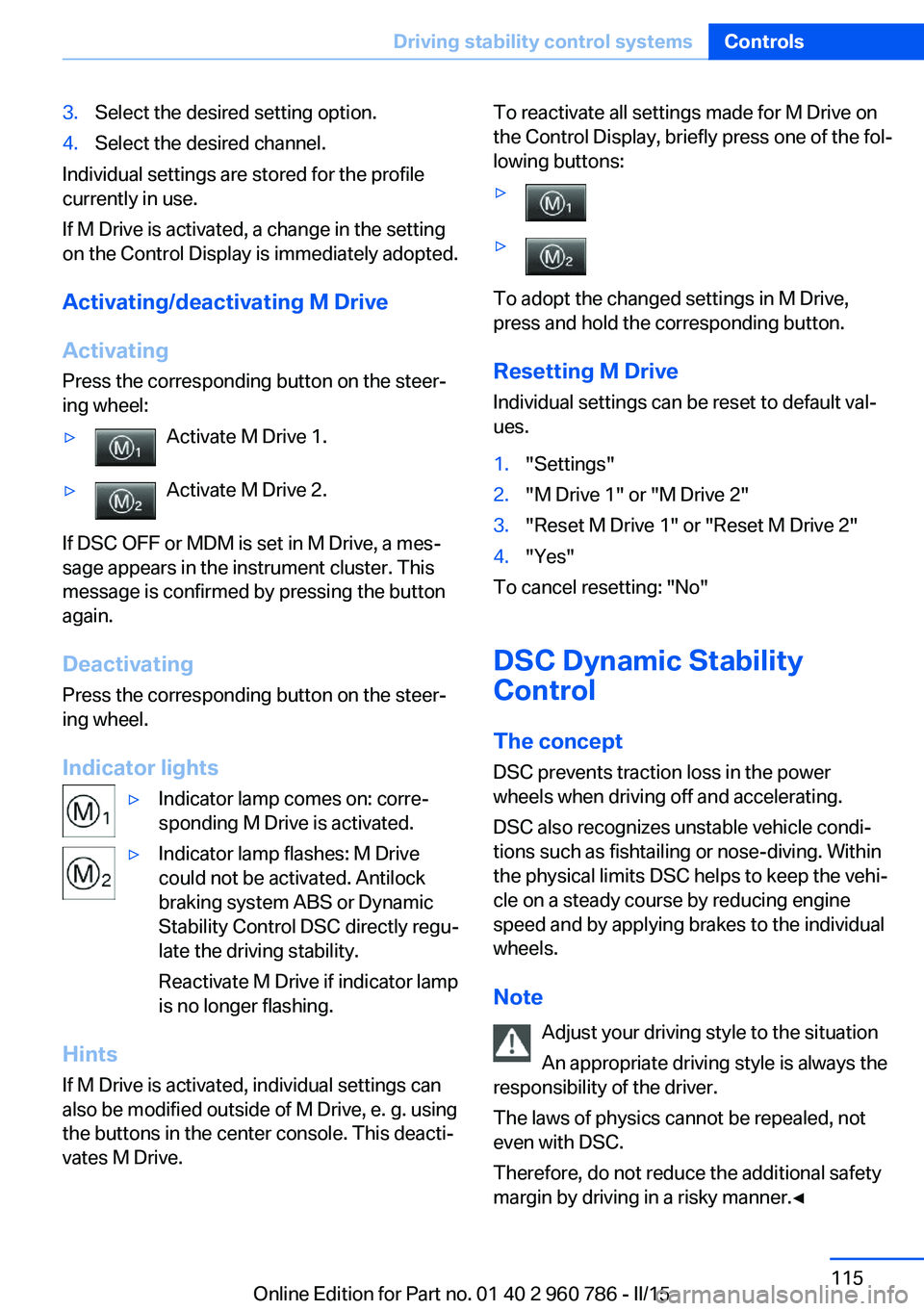
▷Activate M Drive 1.▷Activate M Drive 2.
If DSC OFF or MDM is set in M Drive, a mes‐
sage appears in the instrument cluster. This
message is confirmed by pressing the button
again.
Deactivating Press the corresponding button on the steer‐
ing wheel.
Indicator lights
▷Indicator lamp comes on: corre‐
sponding M Drive is activated.▷Indicator lamp flashes: M Drive
could not be activated. Antilock
braking system ABS or Dynamic
Stability Control DSC directly regu‐
late the driving stability.
Reactivate M Drive if indicator lamp
is no longer flashing.
Hints
If M Drive is activated, individual settings can
also be modified outside of M Drive, e. g. using
the buttons in the center console. This deacti‐
vates M Drive.
To reactivate all settings made for M Drive on
the Control Display, briefly press one of the fol‐
lowing buttons:▷▷
To adopt the changed settings in M Drive,
press and hold the corresponding button.
Resetting M Drive
Individual settings can be reset to default val‐
ues.
1."Settings"2."M Drive 1" or "M Drive 2"3."Reset M Drive 1" or "Reset M Drive 2"4."Yes"
To cancel resetting: "No"
DSC Dynamic Stability
Control
The concept
DSC prevents traction loss in the power
wheels when driving off and accelerating.
DSC also recognizes unstable vehicle condi‐
tions such as fishtailing or nose-diving. Within
the physical limits DSC helps to keep the vehi‐
cle on a steady course by reducing engine
speed and by applying brakes to the individual
wheels.
Note Adjust your driving style to the situation
An appropriate driving style is always the
responsibility of the driver.
The laws of physics cannot be repealed, not
even with DSC.
Therefore, do not reduce the additional safety
margin by driving in a risky manner.◀
Seite 115Driving stability control systemsControls115
Online Edition for Part no. 01 40 2 960 786 - II/15
Page 124 of 228
Driving comfortVehicle features and options
This chapter describes all standard, country-
specific and optional features offered with the
series. It also describes features that are not
necessarily available in your car, e. g., due to
the selected options or country versions. This
also applies to safety-related functions and
systems. The respectively applicable country
provisions must be observed when using the
respective features and systems.
Cruise control The concept The system maintains a preset speed via the
buttons on the steering wheel. The system brakes on downhill gradients if engine braking
is insufficient.
General information
Depending on the driving settings, the features
of the cruise control can change in certain
areas.
Hints Unfavorable conditions
Do not use the system if unfavorable
conditions make it impossible to drive at a con‐
stant speed, e.g.:▷On winding roads.▷In heavy traffic.▷On slippery roads, in fog, snow or rain, or
on a loose road surface.
Otherwise, you could lose control of the vehi‐
cle and cause an accident.◀
Overview
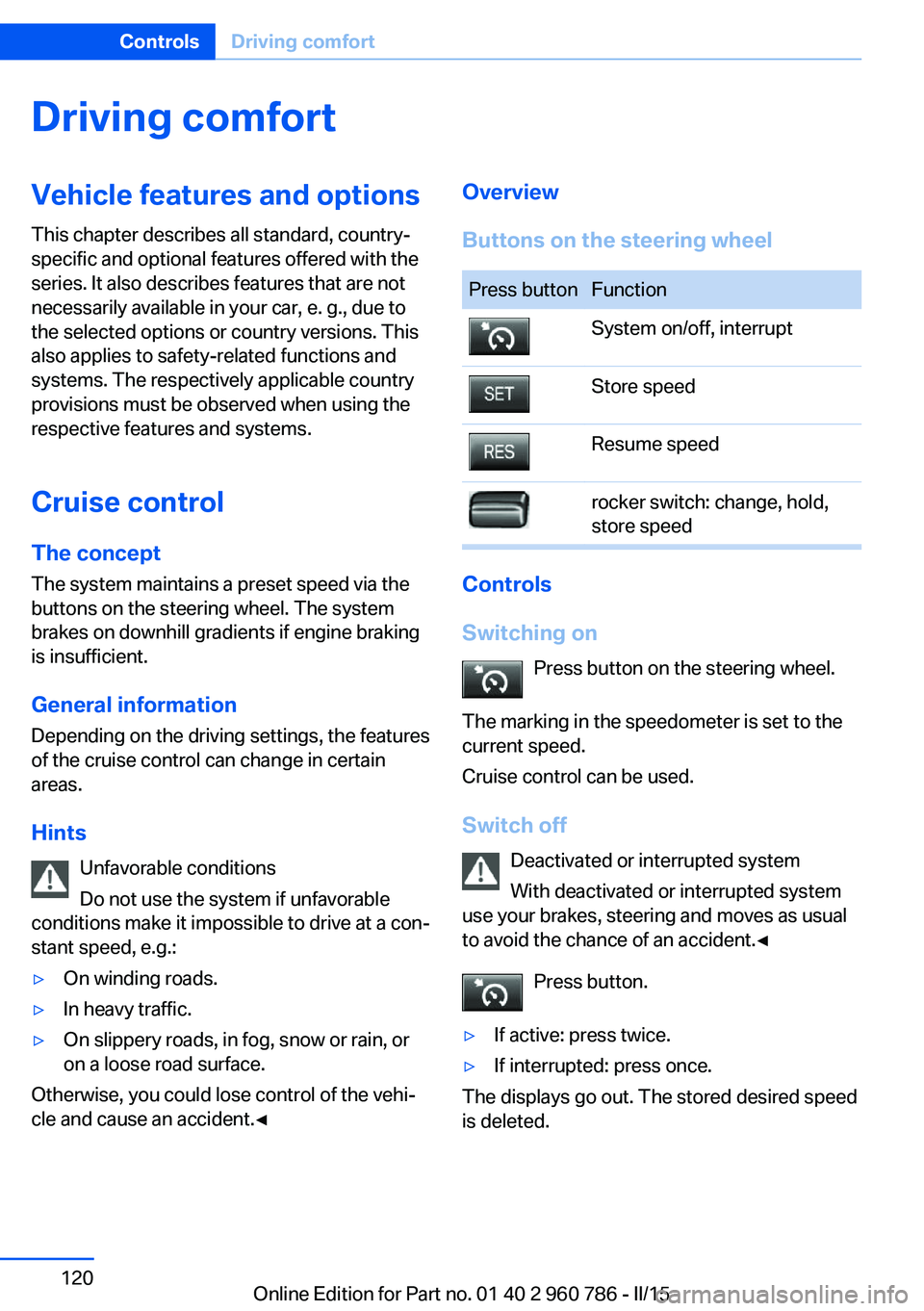
Buttons on the steering wheelPress buttonFunctionSystem on/off, interruptStore speedResume speedrocker switch: change, hold,
store speed
Controls
Switching on Press button on the steering wheel.
The marking in the speedometer is set to the
current speed.
Cruise control can be used.
Switch off Deactivated or interrupted system
With deactivated or interrupted system
use your brakes, steering and moves as usual
to avoid the chance of an accident.◀
Press button.
▷If active: press twice.▷If interrupted: press once.
The displays go out. The stored desired speed
is deleted.
Seite 120ControlsDriving comfort120
Online Edition for Part no. 01 40 2 960 786 - II/15
Page 141 of 228
Switching on
Press any button except▷Rear window defroster.▷Seat heating.
Microfilter/activated-charcoal filter
In external and recirculated air mode the mi‐
crofilter/activated charcoal filter filters dust,
pollen, and gaseous pollutants out of the air.
This filter should be replaced during scheduled
maintenance, refer to page 188, of your vehi‐
cle.
Ventilation
Front ventilation
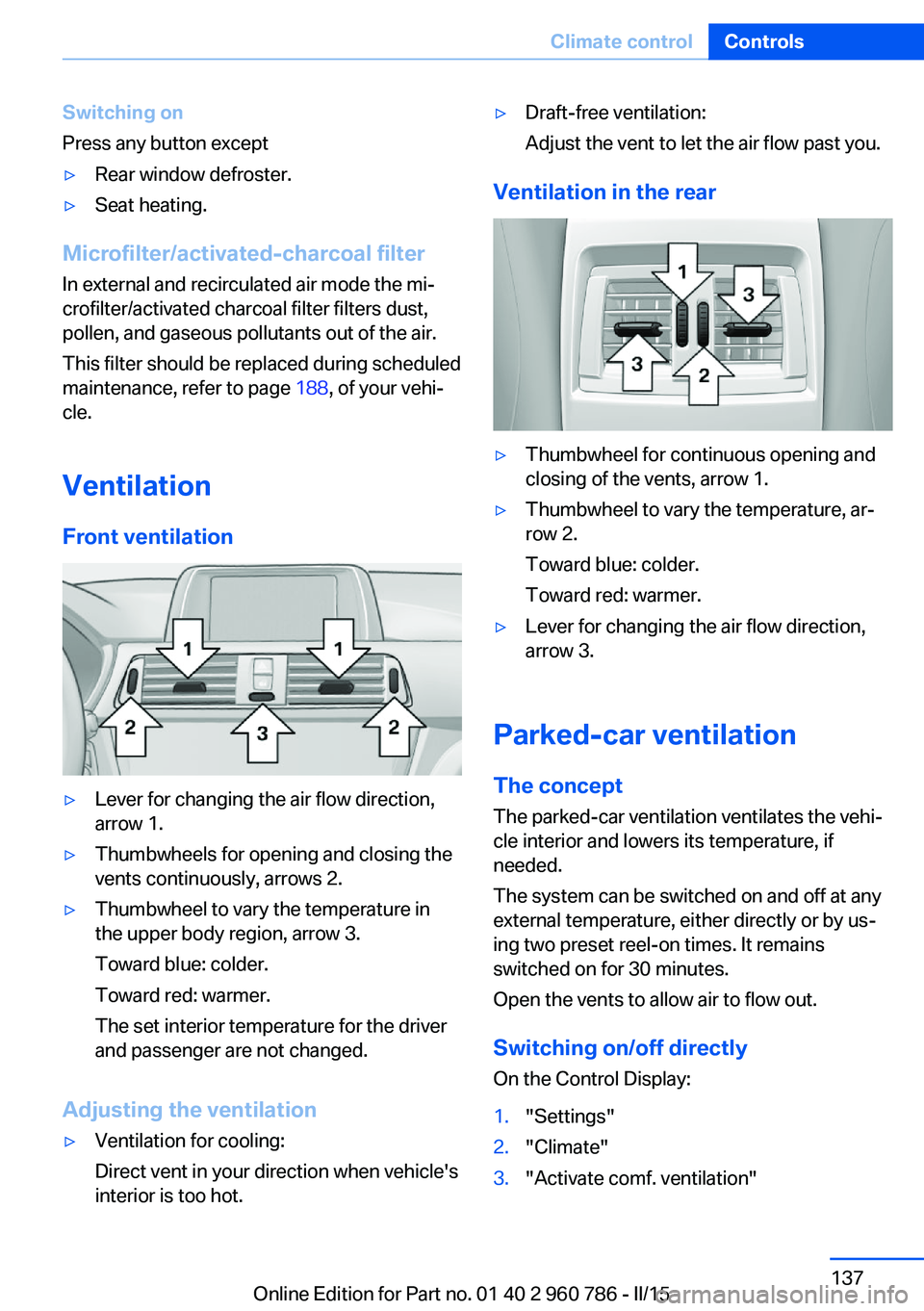
▷Lever for changing the air flow direction,
arrow 1.▷Thumbwheels for opening and closing the
vents continuously, arrows 2.▷Thumbwheel to vary the temperature in
the upper body region, arrow 3.
Toward blue: colder.
Toward red: warmer.
The set interior temperature for the driver
and passenger are not changed.
Adjusting the ventilation
▷Ventilation for cooling:
Direct vent in your direction when vehicle's
interior is too hot.▷Draft-free ventilation:
Adjust the vent to let the air flow past you.
Ventilation in the rear
▷Thumbwheel for continuous opening and
closing of the vents, arrow 1.▷Thumbwheel to vary the temperature, ar‐
row 2.
Toward blue: colder.
Toward red: warmer.▷Lever for changing the air flow direction,
arrow 3.
Parked-car ventilation
The concept The parked-car ventilation ventilates the vehi‐
cle interior and lowers its temperature, if
needed.
The system can be switched on and off at any
external temperature, either directly or by us‐
ing two preset reel-on times. It remains
switched on for 30 minutes.
Open the vents to allow air to flow out.
Switching on/off directly
On the Control Display:
1."Settings"2."Climate"3."Activate comf. ventilation"Seite 137Climate controlControls137
Online Edition for Part no. 01 40 2 960 786 - II/15
Page 176 of 228
Wheels and tiresVehicle features and options
This chapter describes all standard, country-
specific and optional features offered with the
series. It also describes features that are not
necessarily available in your car, e. g., due to
the selected options or country versions. This
also applies to safety-related functions and
systems. The respectively applicable country
provisions must be observed when using the
respective features and systems.
Tire inflation pressure Safety information
The tire characteristics and tire inflation pres‐
sure influence the following:▷The service life of the tires.▷Road safety.▷Driving comfort.
Checking the tire inflation pressure
Check the tire inflation pressure regularly
Regularly check the tire inflation pres‐
sure, and correct it as needed: at least twice a
month and before a long trip. If you fail to ob‐
serve this precaution, you may be driving on
tires with incorrect tire pressures, a condition
that may not only compromise your vehicle's
driving stability, but also lead to tire damage
and the risk of an accident.◀
Tires have a natural, consistent loss of tire in‐
flation pressure.
Tires heat up while driving, and the tire infla‐
tion pressure increases along with the tire's
temperature. The tire inflation pressure speci‐
fications relate to cold tires or tires with the
ambient temperature.
Only check the tire inflation pressure when the
tires are cold. This means after driving no more
than 1.25 miles/2 km or when the vehicle has
been parked for at least 2 hours.
The displays of inflation devices may under-
read by up to 1.45 psi/0.1 bar.
For Tire Pressure Monitor: after correcting the
tire inflation pressure, reset the Tire Pressure
Monitor.
Tire inflation pressure specifications
The tire inflation pressure table, refer to
page 173, contains all tire inflation pressure
specifications for the specified tire sizes at the
ambient temperature. Tire inflation pressure
specifications apply to approved tire sizes and
recommended tire brands. This information
can be obtained from your service center.
To identify the correct tire inflation pressure,
please note the following:▷Tire sizes of your vehicle.▷Maximum permitted driving speed.
Tire inflation pressures up to
100 mph/160 km/h
For speeds of up to 100 mph/160 km/h and for
optimum driving comfort, note the pressure
values in the tire inflation pressure table, refer
to page 173, and adjust as necessary.
Seite 172MobilityWheels and tires172
Online Edition for Part no. 01 40 2 960 786 - II/15
Page 224 of 228
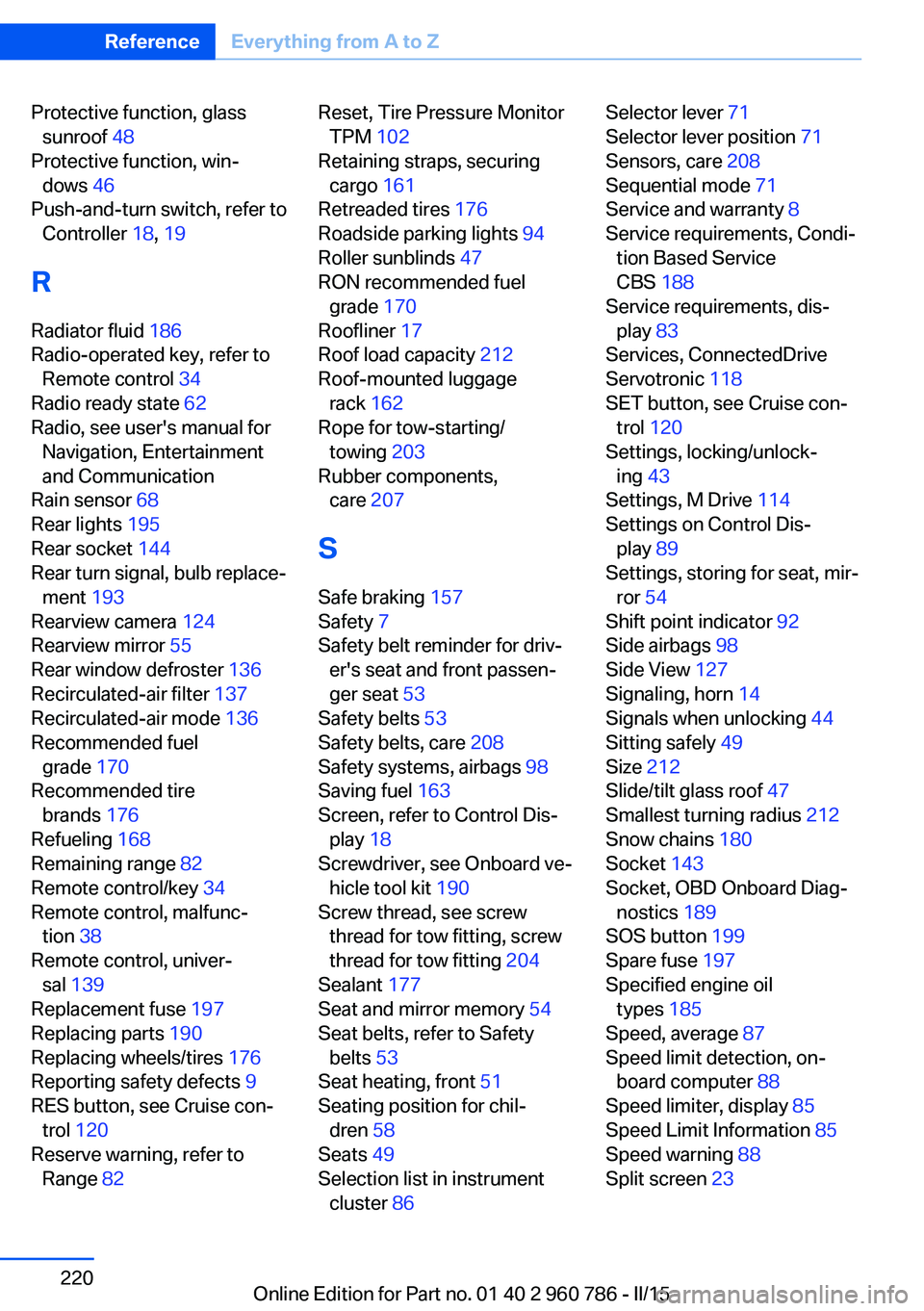
Protective function, glasssunroof 48
Protective function, win‐ dows 46
Push-and-turn switch, refer to Controller 18, 19
R Radiator fluid 186
Radio-operated key, refer to Remote control 34
Radio ready state 62
Radio, see user's manual for Navigation, Entertainment
and Communication
Rain sensor 68
Rear lights 195
Rear socket 144
Rear turn signal, bulb replace‐ ment 193
Rearview camera 124
Rearview mirror 55
Rear window defroster 136
Recirculated-air filter 137
Recirculated-air mode 136
Recommended fuel grade 170
Recommended tire brands 176
Refueling 168
Remaining range 82
Remote control/key 34
Remote control, malfunc‐ tion 38
Remote control, univer‐ sal 139
Replacement fuse 197
Replacing parts 190
Replacing wheels/tires 176
Reporting safety defects 9
RES button, see Cruise con‐ trol 120
Reserve warning, refer to Range 82 Reset, Tire Pressure Monitor
TPM 102
Retaining straps, securing cargo 161
Retreaded tires 176
Roadside parking lights 94
Roller sunblinds 47
RON recommended fuel grade 170
Roofliner 17
Roof load capacity 212
Roof-mounted luggage rack 162
Rope for tow-starting/ towing 203
Rubber components, care 207
S
Safe braking 157
Safety 7
Safety belt reminder for driv‐ er's seat and front passen‐
ger seat 53
Safety belts 53
Safety belts, care 208
Safety systems, airbags 98
Saving fuel 163
Screen, refer to Control Dis‐ play 18
Screwdriver, see Onboard ve‐ hicle tool kit 190
Screw thread, see screw thread for tow fitting, screw
thread for tow fitting 204
Sealant 177
Seat and mirror memory 54
Seat belts, refer to Safety belts 53
Seat heating, front 51
Seating position for chil‐ dren 58
Seats 49
Selection list in instrument cluster 86 Selector lever 71
Selector lever position 71
Sensors, care 208
Sequential mode 71
Service and warranty 8
Service requirements, Condi‐ tion Based Service
CBS 188
Service requirements, dis‐ play 83
Services, ConnectedDrive
Servotronic 118
SET button, see Cruise con‐ trol 120
Settings, locking/unlock‐ ing 43
Settings, M Drive 114
Settings on Control Dis‐ play 89
Settings, storing for seat, mir‐ ror 54
Shift point indicator 92
Side airbags 98
Side View 127
Signaling, horn 14
Signals when unlocking 44
Sitting safely 49
Size 212
Slide/tilt glass roof 47
Smallest turning radius 212
Snow chains 180
Socket 143
Socket, OBD Onboard Diag‐ nostics 189
SOS button 199
Spare fuse 197
Specified engine oil types 185
Speed, average 87
Speed limit detection, on- board computer 88
Speed limiter, display 85
Speed Limit Information 85
Speed warning 88
Split screen 23 Seite 220ReferenceEverything from A to Z220
Online Edition for Part no. 01 40 2 960 786 - II/15