warning lights BMW M5 2006 User Guide
[x] Cancel search | Manufacturer: BMW, Model Year: 2006, Model line: M5, Model: BMW M5 2006Pages: 231, PDF Size: 8.44 MB
Page 83 of 231
Controls
81Reference
At a glance
Driving tips
Communications
Navigation
Entertainment
Mobility
5.Select desired information of Head-Up Dis-
play.
6.Press the controller.
The information is shown on the Head-
Up Display.
"M View": the M view is shown in the
Head-Up Display. Information unavailable in
the M view appears on the Control Display
in gray and cannot be selected.
"M View": the default view is displayed.
The M view for the Head-Up Display can also be
selected with the button on the steering
wheel, refer to MDrive on page48.
The settings are stored for the remote key cur-
rently in use.
Default view
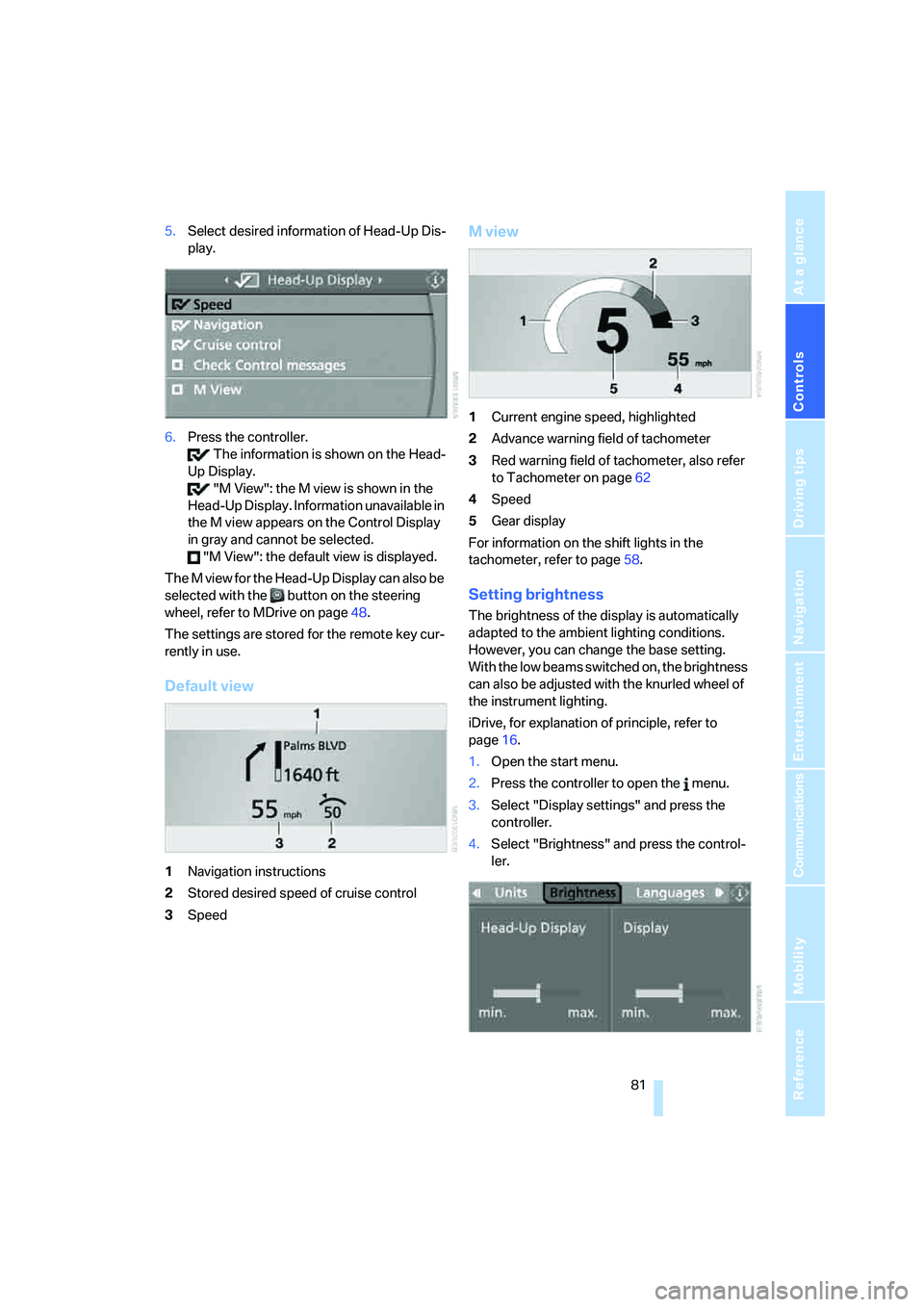
1Navigation instructions
2Stored desired speed of cruise control
3Speed
M view
1Current engine speed, highlighted
2Advance warning field of tachometer
3Red warning field of tachometer, also refer
to Tachometer on page62
4Speed
5Gear display
For information on the shift lights in the
tachometer, refer to page58.
Setting brightness
The brightness of the display is automatically
adapted to the ambient lighting conditions.
However, you can change the base setting.
With the low beams switched on, the brightness
can also be adjusted with the knurled wheel of
the instrument lighting.
iDrive, for explanation of principle, refer to
page16.
1.Open the start menu.
2.Press the controller to open the menu.
3.Select "Display settings" and press the
controller.
4.Select "Brightness" and press the control-
ler.
Page 187 of 231
Mobility
185Reference
At a glance
Controls
Driving tips
Communications
Navigation
Entertainment
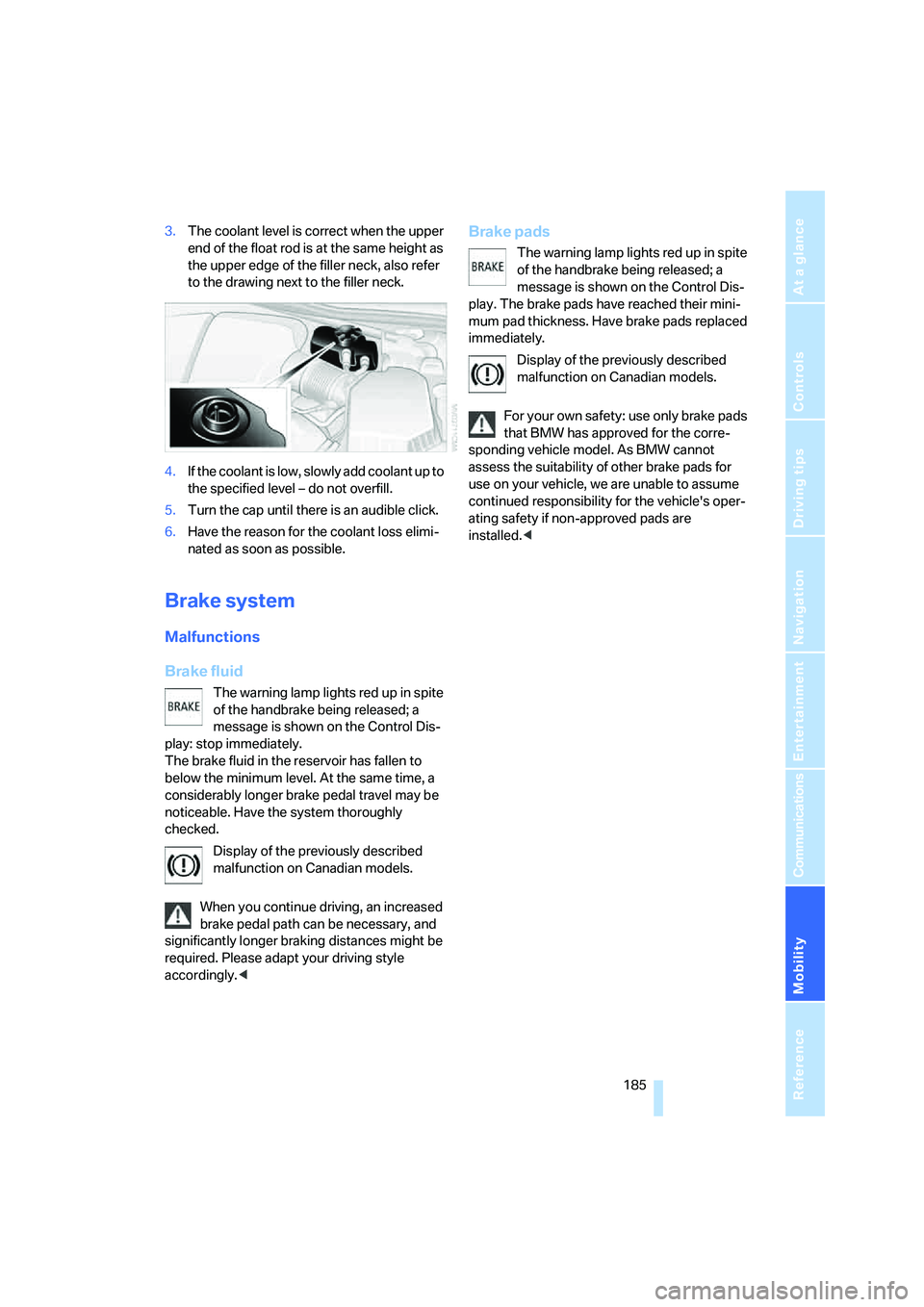
3.The coolant level is correct when the upper
end of the float rod is at the same height as
the upper edge of the filler neck, also refer
to the drawing next to the filler neck.
4.If the coolant is low, slowly add coolant up to
the specified level – do not overfill.
5.Turn the cap until there is an audible click.
6.Have the reason for the coolant loss elimi-
nated as soon as possible.
Brake system
Malfunctions
Brake fluid
The warning lamp lights red up in spite
of the handbrake being released; a
message is shown on the Control Dis-
play: stop immediately.
The brake fluid in the reservoir has fallen to
below the minimum level. At the same time, a
considerably longer brake pedal travel may be
noticeable. Have the system thoroughly
checked.
Display of the previously described
malfunction on Canadian models.
When you continue driving, an increased
brake pedal path can be necessary, and
significantly longer braking distances might be
required. Please adapt your driving style
accordingly.<
Brake pads
The warning lamp lights red up in spite
of the handbrake being released; a
message is shown on the Control Dis-
play. The brake pads have reached their mini-
mum pad thickness. Have brake pads replaced
immediately.
Display of the previously described
malfunction on Canadian models.
For your own safety: use only brake pads
that BMW has approved for the corre-
sponding vehicle model. As BMW cannot
assess the suitability of other brake pads for
use on your vehicle, we are unable to assume
continued responsibility for the vehicle's oper-
ating safety if non-approved pads are
installed.<
Page 189 of 231
Mobility
187Reference
At a glance
Controls
Driving tips
Communications
Navigation
Entertainment
Socket for OBD Onboard
Diagnostics interface
Components which are decisive for the
exhaust-gas composition can be checked via
the OBD socket with a device.
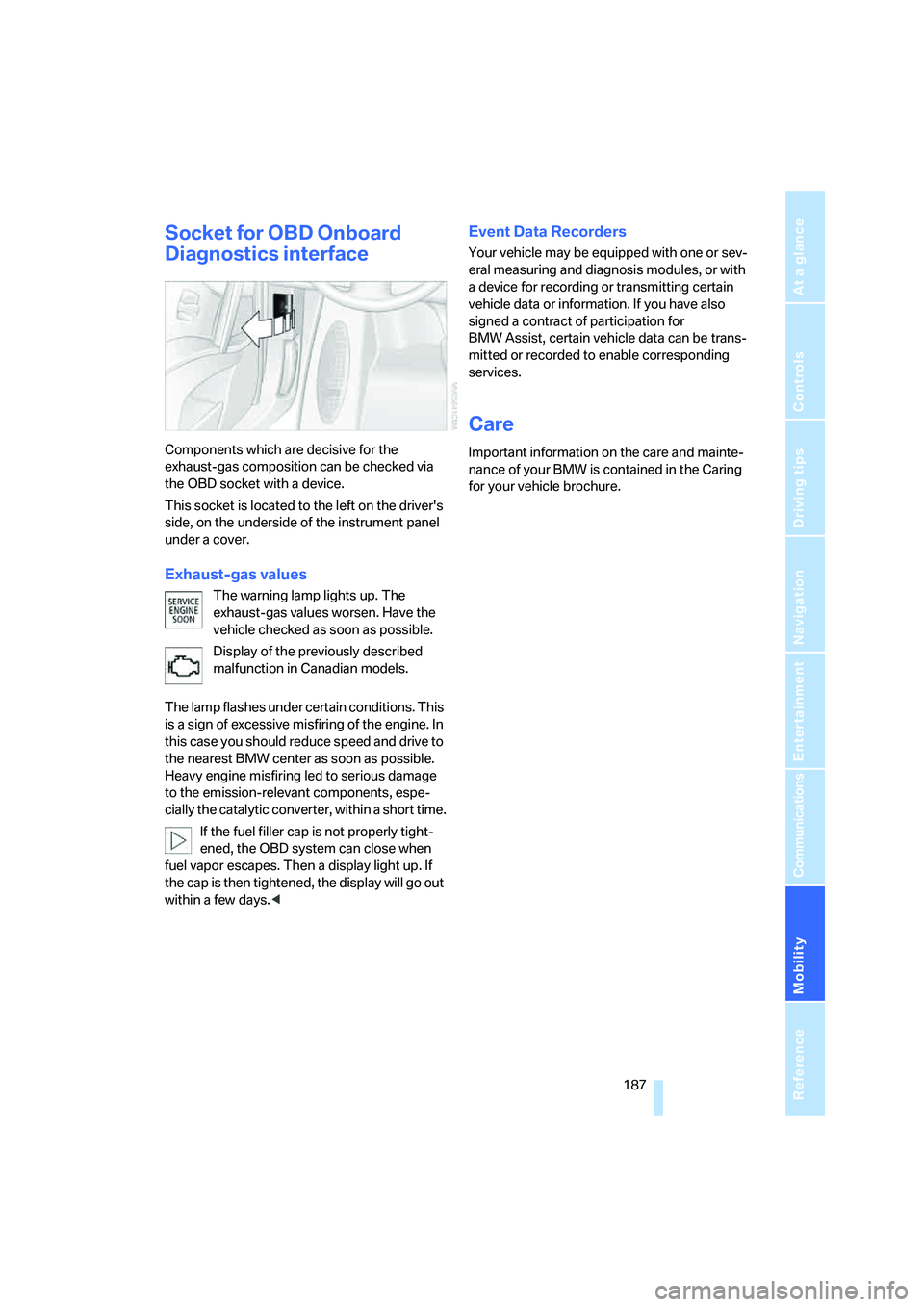
This socket is located to the left on the driver's
side, on the underside of the instrument panel
under a cover.
Exhaust-gas values
The warning lamp lights up. The
exhaust-gas values worsen. Have the
vehicle checked as soon as possible.
Display of the previously described
malfunction in Canadian models.
The lamp flashes under certain conditions. This
is a sign of excessive misfiring of the engine. In
this case you should reduce speed and drive to
the nearest BMW center as soon as possible.
Heavy engine misfiring led to serious damage
to the emission-relevant components, espe-
cially the catalytic converter, within a short time.
If the fuel filler cap is not properly tight-
ened, the OBD system can close when
fuel vapor escapes. Then a display light up. If
the cap is then tightened, the display will go out
within a few days.<
Event Data Recorders
Your vehicle may be equipped with one or sev-
eral measuring and diagnosis modules, or with
a device for recording or transmitting certain
vehicle data or information. If you have also
signed a contract of participation for
BMW Assist, certain vehicle data can be trans-
mitted or recorded to enable corresponding
services.
Care
Important information on the care and mainte-
nance of your BMW is contained in the Caring
for your vehicle brochure.
Page 198 of 231
Giving and receiving assistance
196
Giving and receiving assistance
Emergency call
Conditions for an emergency call:
>Full preparation package mobile phone.
With this equipment, an emergency call is
still possible when no mobile phone is
logged on in the vehicle.
>BMW Assist is enabled.
Enabling BMW Assist, refer to page167.
>Radio readiness is activated.
>The car phone is logged on to a mobile
communications network.
>The emergency call system is operable.
When the contract of participation with
BMW Assist expires, the car phone can be
deactivated by a BMW center without having to
visit a workshop. Following deactivation of the
car phone, no emergency calls can be made.
The car phone can be reactivated after signing a
new contract with a BMW center.
Initiating an emergency call
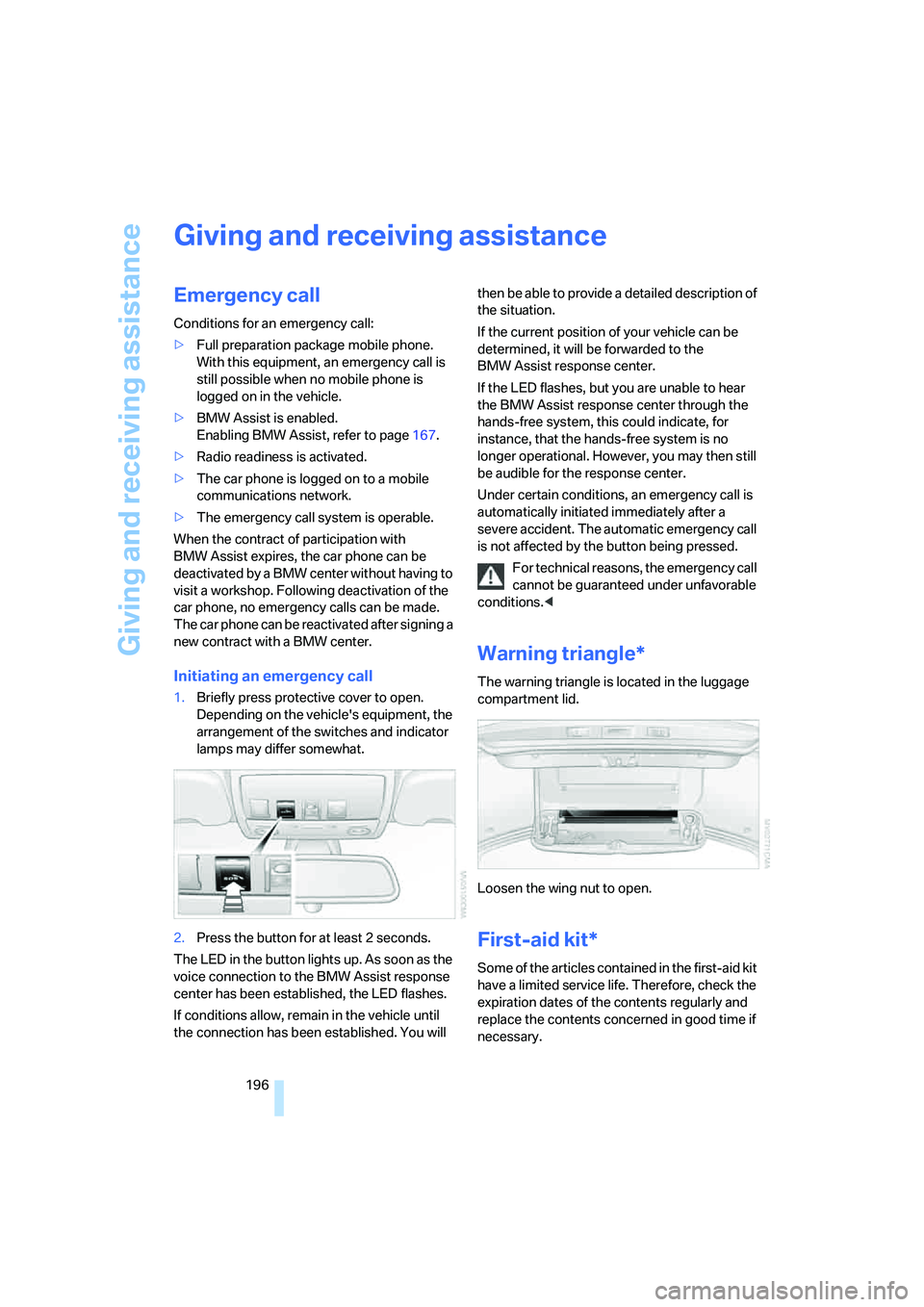
1.Briefly press protective cover to open.
Depending on the vehicle's equipment, the
arrangement of the switches and indicator
lamps may differ somewhat.
2.Press the button for at least 2 seconds.
The LED in the button lights up. As soon as the
voice connection to the BMW Assist response
center has been established, the LED flashes.
If conditions allow, remain in the vehicle until
the connection has been established. You will then be able to provide a detailed description of
the situation.
If the current position of your vehicle can be
determined, it will be forwarded to the
BMW Assist response center.
If the LED flashes, but you are unable to hear
the BMW Assist response center through the
hands-free system, this could indicate, for
instance, that the hands-free system is no
longer operational. However, you may then still
be audible for the response center.
Under certain conditions, an emergency call is
automatically initiated immediately after a
severe accident. The automatic emergency call
is not affected by the button being pressed.
For technical reasons, the emergency call
cannot be guaranteed under unfavorable
conditions.<
Warning triangle*
The warning triangle is located in the luggage
compartment lid.
Loosen the wing nut to open.
First-aid kit*
Some of the articles contained in the first-aid kit
have a limited service life. Therefore, check the
expiration dates of the contents regularly and
replace the contents concerned in good time if
necessary.
Page 218 of 231
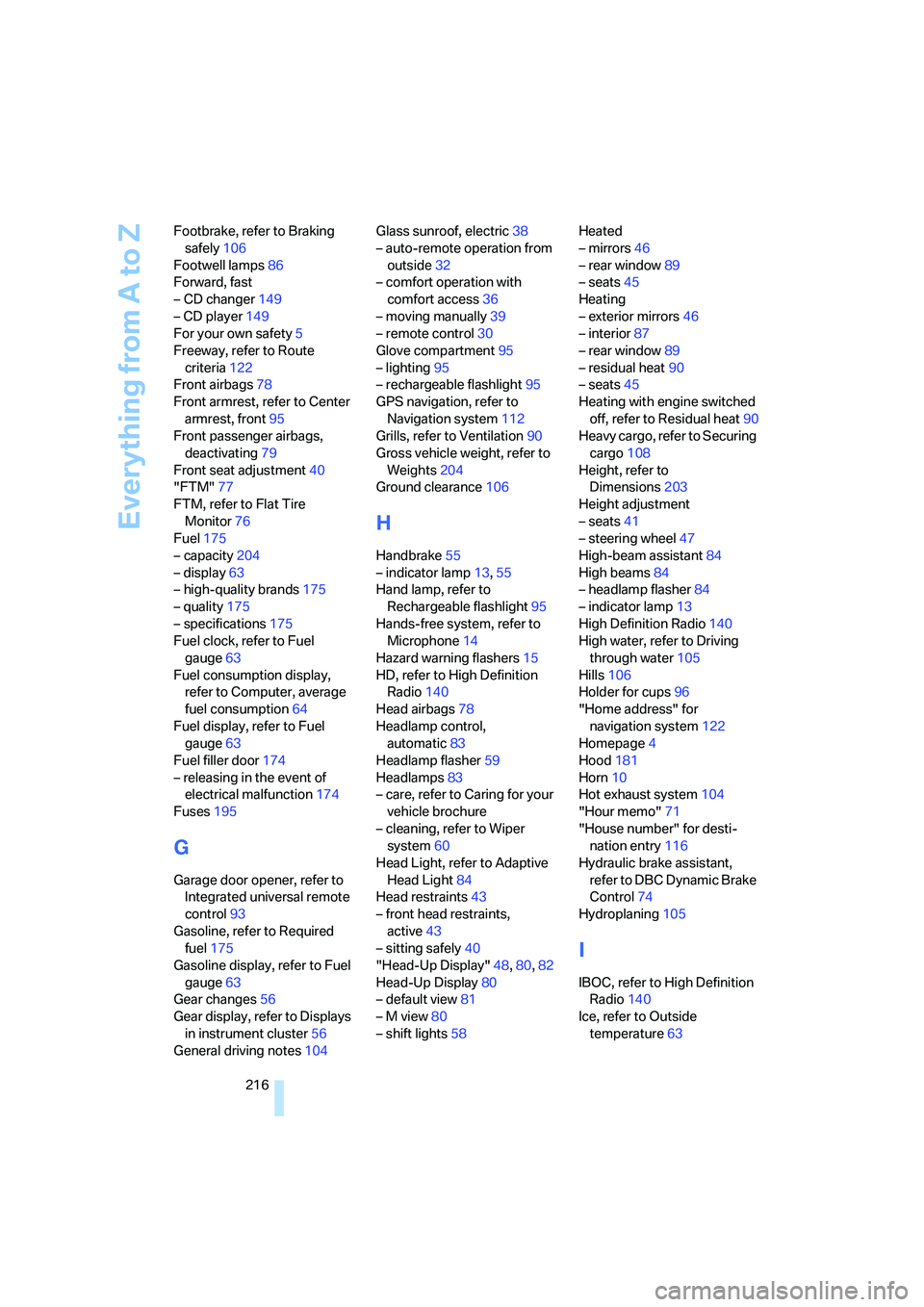
Everything from A to Z
216 Footbrake, refer to Braking
safely106
Footwell lamps86
Forward, fast
– CD changer149
– CD player149
For your own safety5
Freeway, refer to Route
criteria122
Front airbags78
Front armrest, refer to Center
armrest, front95
Front passenger airbags,
deactivating79
Front seat adjustment40
"FTM"77
FTM, refer to Flat Tire
Monitor76
Fuel175
– capacity204
– display63
– high-quality brands175
– quality175
– specifications175
Fuel clock, refer to Fuel
gauge63
Fuel consumption display,
refer to Computer, average
fuel consumption64
Fuel display, refer to Fuel
gauge63
Fuel filler door174
– releasing in the event of
electrical malfunction174
Fuses195
G
Garage door opener, refer to
Integrated universal remote
control93
Gasoline, refer to Required
fuel175
Gasoline display, refer to Fuel
gauge63
Gear changes56
Gear display, refer to Displays
in instrument cluster56
General driving notes104Glass sunroof, electric38
– auto-remote operation from
outside32
– comfort operation with
comfort access36
– moving manually39
– remote control30
Glove compartment95
– lighting95
– rechargeable flashlight95
GPS navigation, refer to
Navigation system112
Grills, refer to Ventilation90
Gross vehicle weight, refer to
Weights204
Ground clearance106
H
Handbrake55
– indicator lamp13,55
Hand lamp, refer to
Rechargeable flashlight95
Hands-free system, refer to
Microphone14
Hazard warning flashers15
HD, refer to High Definition
Radio140
Head airbags78
Headlamp control,
automatic83
Headlamp flasher59
Headlamps83
– care, refer to Caring for your
vehicle brochure
– cleaning, refer to Wiper
system60
Head Light, refer to Adaptive
Head Light84
Head restraints43
– front head restraints,
active43
– sitting safely40
"Head-Up Display"48,80,82
Head-Up Display80
– default view81
– M view80
– shift lights58Heated
– mirrors46
– rear window89
– seats45
Heating
– exterior mirrors46
– interior87
– rear window89
– residual heat90
– seats45
Heating with engine switched
off, refer to Residual heat90
Heavy cargo, refer to Securing
cargo108
Height, refer to
Dimensions203
Height adjustment
– seats41
– steering wheel47
High-beam assistant84
High beams84
– headlamp flasher84
– indicator lamp13
High Definition Radio140
High water, refer to Driving
through water105
Hills106
Holder for cups
96
"Home address" for
navigation system122
Homepage4
Hood181
Horn10
Hot exhaust system104
"Hour memo"71
"House number" for desti-
nation entry116
Hydraulic brake assistant,
refer to DBC Dynamic Brake
Control74
Hydroplaning105
I
IBOC, refer to High Definition
Radio140
Ice, refer to Outside
temperature63
Page 226 of 231
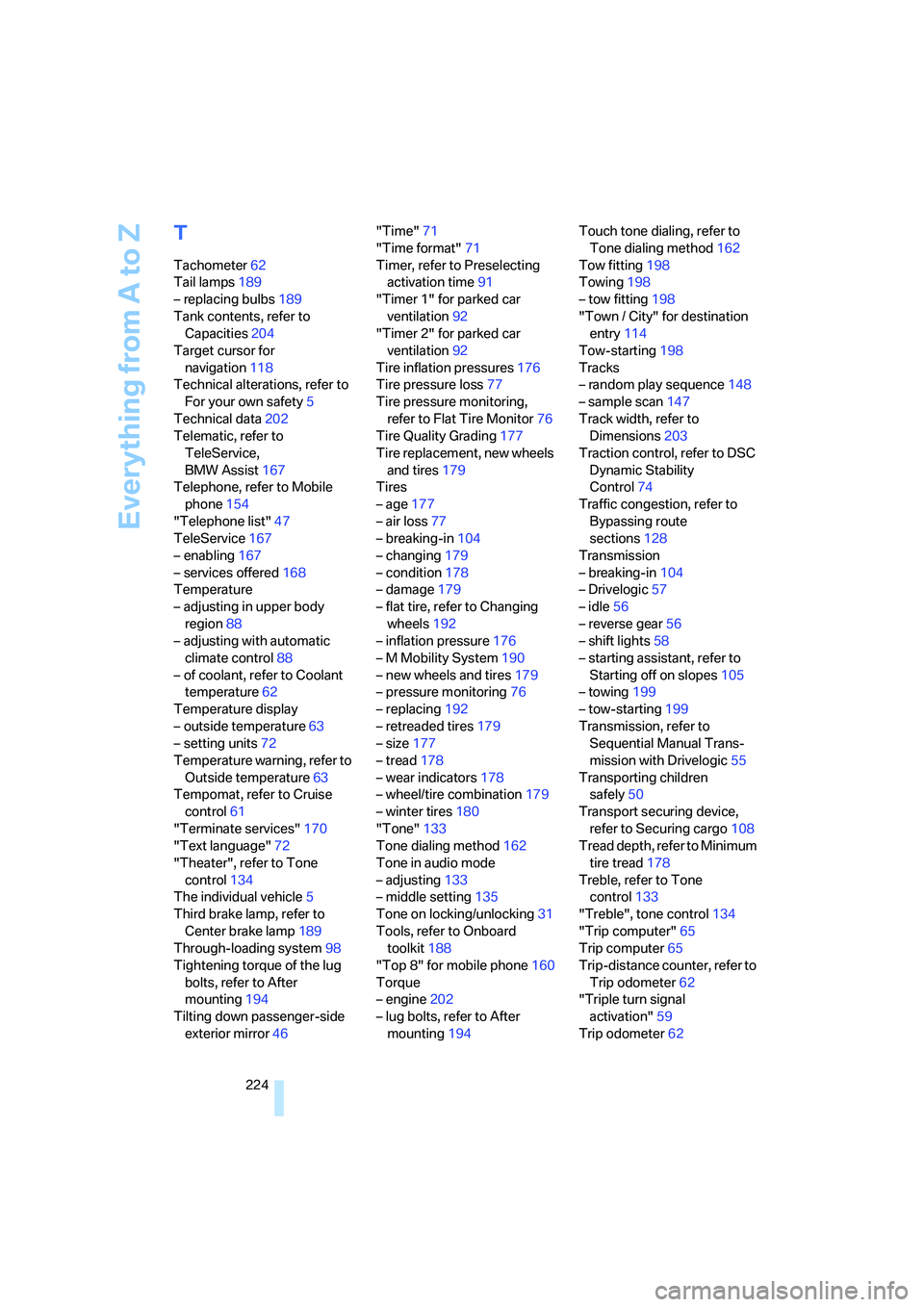
Everything from A to Z
224
T
Tachometer62
Tail lamps189
– replacing bulbs189
Tank contents, refer to
Capacities204
Target cursor for
navigation118
Technical alterations, refer to
For your own safety5
Technical data202
Telematic, refer to
TeleService,
BMW Assist167
Telephone, refer to Mobile
phone154
"Telephone list"47
TeleService167
– enabling167
– services offered168
Temperature
– adjusting in upper body
region88
– adjusting with automatic
climate control88
– of coolant, refer to Coolant
temperature62
Temperature display
– outside temperature63
– setting units72
Temperature warning, refer to
Outside temperature63
Tempomat, refer to Cruise
control61
"Terminate services"170
"Text language"72
"Theater", refer to Tone
control134
The individual vehicle5
Third brake lamp, refer to
Center brake lamp189
Through-loading system98
Tightening torque of the lug
bolts, refer to After
mounting194
Tilting down passenger-side
exterior mirror46"Time"71
"Time format"71
Timer, refer to Preselecting
activation time91
"Timer 1" for parked car
ventilation92
"Timer 2" for parked car
ventilation92
Tire inflation pressures176
Tire pressure loss77
Tire pressure monitoring,
refer to Flat Tire Monitor76
Tire Quality Grading177
Tire replacement, new wheels
and tires179
Tires
– age177
– air loss
77
– breaking-in104
– changing179
– condition178
– damage179
– flat tire, refer to Changing
wheels192
– inflation pressure176
– M Mobility System190
– new wheels and tires179
– pressure monitoring76
– replacing192
– retreaded tires179
– size177
– tread178
– wear indicators178
– wheel/tire combination179
– winter tires180
"Tone"133
Tone dialing method162
Tone in audio mode
– adjusting133
– middle setting135
Tone on locking/unlocking31
Tools, refer to Onboard
toolkit188
"Top 8" for mobile phone160
Torque
– engine202
– lug bolts, refer to After
mounting194Touch tone dialing, refer to
Tone dialing method162
Tow fitting198
Towing198
– tow fitting198
"Town / City" for destination
entry114
Tow-starting198
Tracks
– random play sequence148
– sample scan147
Track width, refer to
Dimensions203
Traction control, refer to DSC
Dynamic Stability
Control74
Traffic congestion, refer to
Bypassing route
sections128
Transmission
– breaking-in104
– Drivelogic57
– idle56
– reverse gear56
– shift lights58
– starting assistant, refer to
Starting off on slopes105
– towing199
– tow-starting
199
Transmission, refer to
Sequential Manual Trans-
mission with Drivelogic55
Transporting children
safely50
Transport securing device,
refer to Securing cargo108
Tread depth, refer to Minimum
tire tread178
Treble, refer to Tone
control133
"Treble", tone control134
"Trip computer"65
Trip computer65
Trip-distance counter, refer to
Trip odometer62
"Triple turn signal
activation"59
Trip odometer62
Page 227 of 231
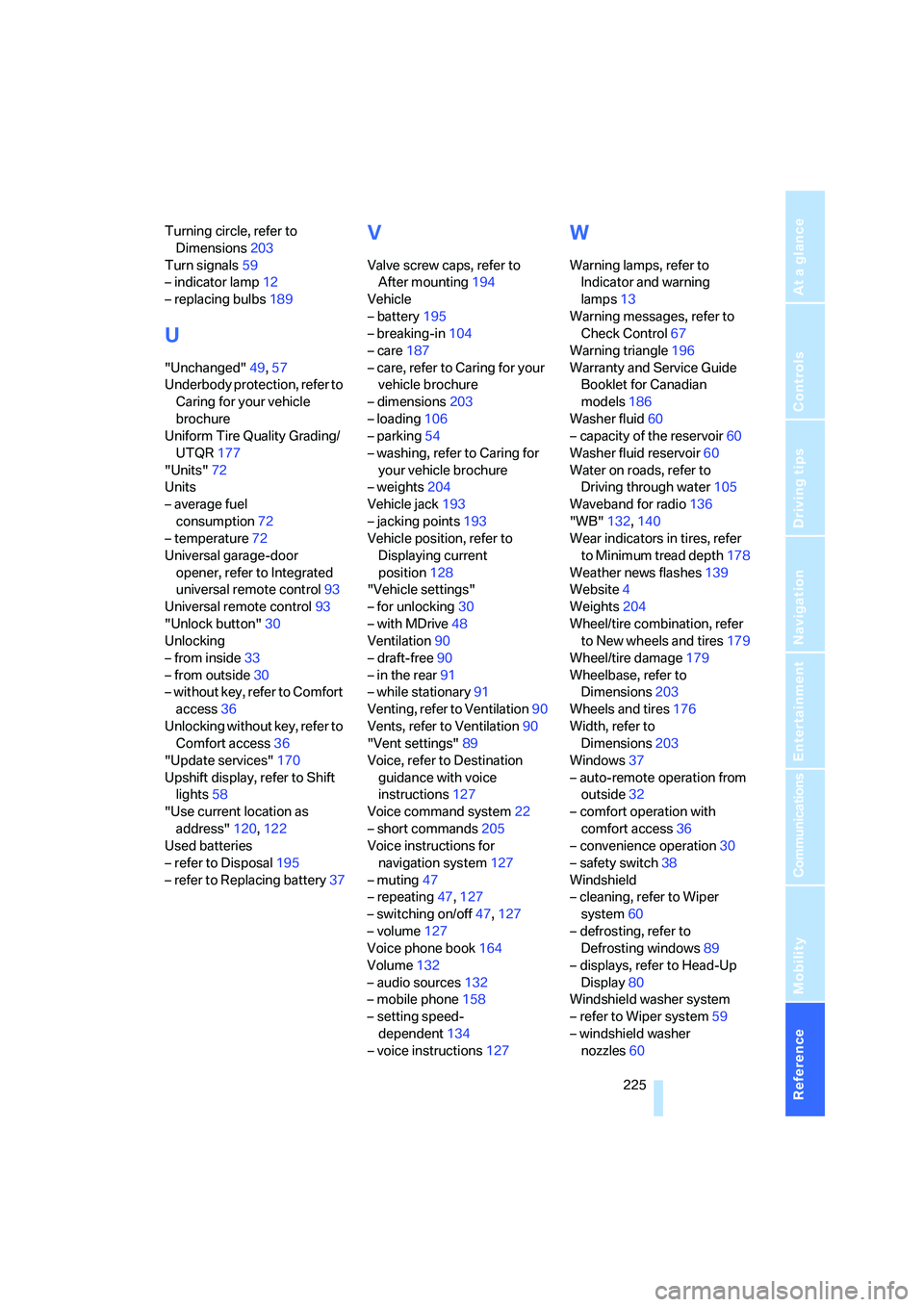
Reference 225
At a glance
Controls
Driving tips
Communications
Navigation
Entertainment
Mobility
Turning circle, refer to
Dimensions203
Turn signals59
– indicator lamp12
– replacing bulbs189
U
"Unchanged"49,57
Underbody protection, refer to
Caring for your vehicle
brochure
Uniform Tire Quality Grading/
UTQR177
"Units"72
Units
– average fuel
consumption72
– temperature72
Universal garage-door
opener, refer to Integrated
universal remote control93
Universal remote control93
"Unlock button"30
Unlocking
– from inside33
– from outside30
– without key, refer to Comfort
access36
Unlocking without key, refer to
Comfort access36
"Update services"170
Upshift display, refer to Shift
lights58
"Use current location as
address"120,122
Used batteries
– refer to Disposal195
– refer to Replacing battery37
V
Valve screw caps, refer to
After mounting194
Vehicle
– battery195
– breaking-in104
– care187
– care, refer to Caring for your
vehicle brochure
– dimensions203
– loading106
– parking54
– washing, refer to Caring for
your vehicle brochure
– weights204
Vehicle jack193
– jacking points193
Vehicle position, refer to
Displaying current
position128
"Vehicle settings"
– for unlocking30
– with MDrive48
Ventilation90
– draft-free90
– in the rear91
– while stationary91
Venting, refer to Ventilation90
Vents, refer to Ventilation90
"Vent settings"89
Voice, refer to Destination
guidance with voice
instructions127
Voice command system22
– short commands205
Voice instructions for
navigation system127
– muting47
– repeating47,127
– switching on/off47,127
– volume127
Voice phone book164
Volume132
– audio sources132
– mobile phone158
– setting speed-
dependent134
– voice instructions127
W
Warning lamps, refer to
Indicator and warning
lamps13
Warning messages, refer to
Check Control67
Warning triangle196
Warranty and Service Guide
Booklet for Canadian
models186
Washer fluid60
– capacity of the reservoir60
Washer fluid reservoir60
Water on roads, refer to
Driving through water105
Waveband for radio136
"WB"132,140
Wear indicators in tires, refer
to Minimum tread depth178
Weather news flashes139
Website4
Weights204
Wheel/tire combination, refer
to New wheels and tires179
Wheel/tire damage179
Wheelbase, refer to
Dimensions203
Wheels and tires176
Width, refer to
Dimensions203
Windows37
– auto-remote operation from
outside32
– comfort operation with
comfort access36
– convenience operation30
– safety switch38
Windshield
– cleaning, refer to Wiper
system60
– defrosting, refer to
Defrosting windows89
– displays, refer to Head-Up
Display80
Windshield washer system
– refer to Wiper system59
– windshield washer
nozzles60