phone BMW M5 2014 F10M User Guide
[x] Cancel search | Manufacturer: BMW, Model Year: 2014, Model line: M5, Model: BMW M5 2014 F10MPages: 237, PDF Size: 5.21 MB
Page 97 of 237
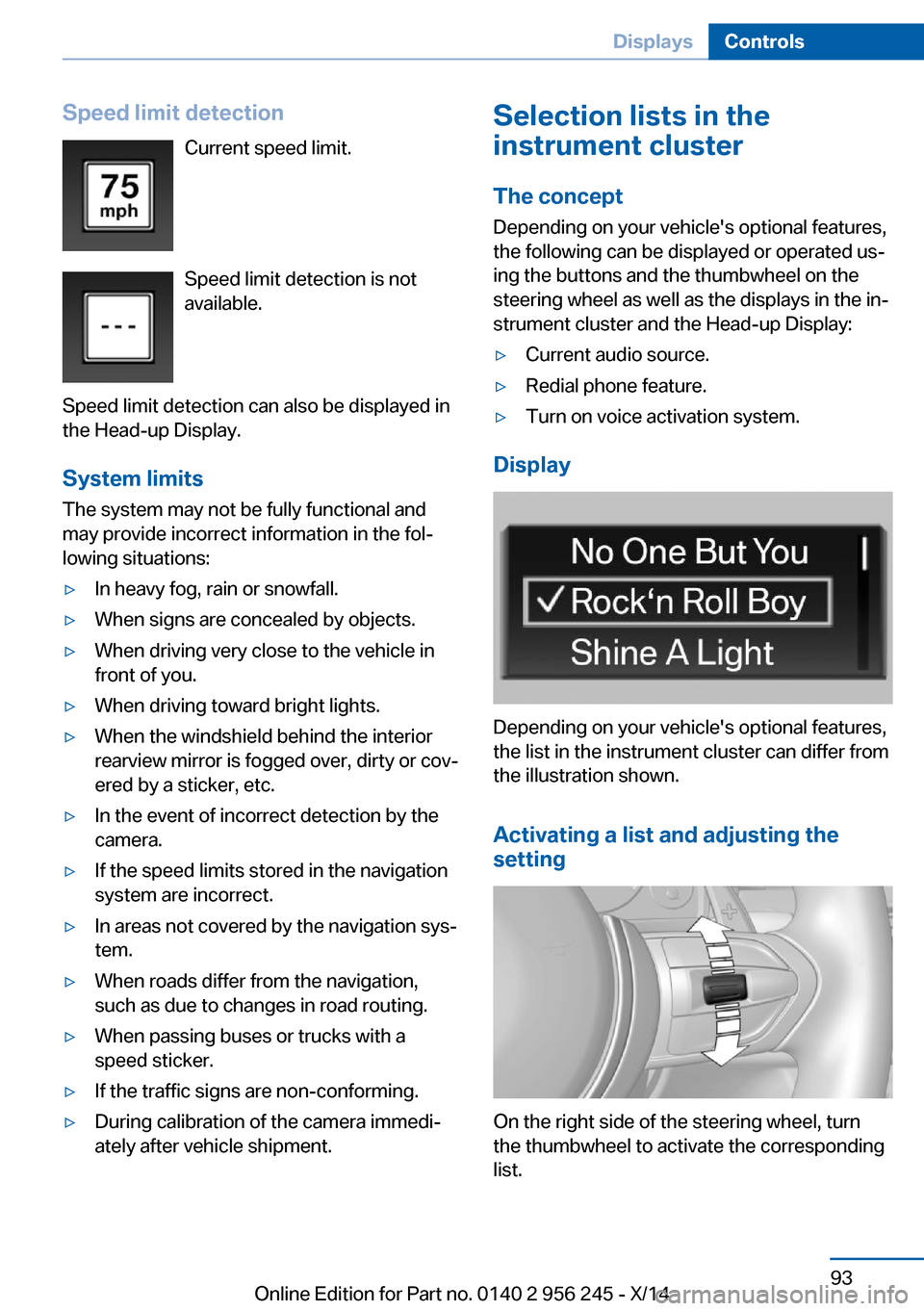
Speed limit detectionCurrent speed limit.
Speed limit detection is not
available.
Speed limit detection can also be displayed in
the Head-up Display.
System limits
The system may not be fully functional and
may provide incorrect information in the fol‐
lowing situations:▷In heavy fog, rain or snowfall.▷When signs are concealed by objects.▷When driving very close to the vehicle in
front of you.▷When driving toward bright lights.▷When the windshield behind the interior
rearview mirror is fogged over, dirty or cov‐
ered by a sticker, etc.▷In the event of incorrect detection by the
camera.▷If the speed limits stored in the navigation
system are incorrect.▷In areas not covered by the navigation sys‐
tem.▷When roads differ from the navigation,
such as due to changes in road routing.▷When passing buses or trucks with a
speed sticker.▷If the traffic signs are non-conforming.▷During calibration of the camera immedi‐
ately after vehicle shipment.Selection lists in the
instrument cluster
The concept Depending on your vehicle's optional features,
the following can be displayed or operated us‐
ing the buttons and the thumbwheel on the
steering wheel as well as the displays in the in‐
strument cluster and the Head-up Display:▷Current audio source.▷Redial phone feature.▷Turn on voice activation system.
Display
Depending on your vehicle's optional features,
the list in the instrument cluster can differ from
the illustration shown.
Activating a list and adjusting the
setting
On the right side of the steering wheel, turn
the thumbwheel to activate the corresponding
list.
Seite 93DisplaysControls93
Online Edition for Part no. 0140 2 956 245 - X/14
Page 110 of 237
Protective action
Airbags are not triggered in every impact situa‐
tion, e.g., in less severe accidents or rear-end
collisions.
Information on how to ensure the optimal
protective effect of the airbags▷Keep at a distance from the airbags.▷Always grasp the steering wheel on the
steering wheel rim, holding your hands at
the 3 o'clock and 9 o'clock positions, to
keep the risk of injury to your hands or
arms as low as possible when the airbag is
triggered.▷There should be no person, animals, or ob‐
jects between an airbag and a person.▷Do not use the cover of the front airbag on
the front passenger side as a storage area.▷Dashboard and windshield on the front
passenger side must stay clear - do not at‐
tach adhesive labels or coverings and do
not attach brackets or cables, e. g., for GPS
devices or' mobile phones.▷Make sure that the front passenger is sit‐
ting correctly, i.e., keeps his or her feet and
legs in the footwell; otherwise, leg injuries
might occur when front airbag is activated.▷Do not place slip covers, seat cushions or
other objects on the front passenger seat
that are not approved specifically for seats
with integrated side airbags.▷Do not hang pieces of clothing, such as
jackets, over the backrests.▷Make sure that occupants keep their heads
away from the side airbag and do not rest
against the head airbag; otherwise, injuries
might occur when airbag is activated.▷Do not remove the airbag system.▷Do not remove the steering wheel.▷Do not apply adhesive materials to the air‐
bag cover panels, do not cover them or
modify them in any way.▷Never modify either the individual compo‐
nents or the wiring in the airbag system.
This also applies to steering wheel covers,
the dashboard, the seats, the roof pillars
and the sides of the roofliner.◀
Even when you follow all instructions very
closely, injury from contact with the airbags
cannot be ruled out in certain situations.
The ignition and inflation noise may lead to
short-term and, in most cases, temporary
hearing impairment in sensitive individuals.
Malfunction, deactivation and after de‐
ploying the airbags
Do not touch the individual components imme‐
diately after the system has been triggered;
otherwise, you may risk burns.
Only have the airbags checked, repaired or dis‐
mantled and the airbag generator scrapped by
the service center or an authorized repair shop
for handling explosives.
Non-professional attempts to service the sys‐
tem could lead to failure in an emergency or
unintentional activation of the airbag - both
may lead to injury.◀
Warnings and information on the airbags are also found on the sun visors.
Functional readiness of the airbag
system
When the ignition is reel on, the warn‐
ing lamp in the instrument cluster lights
up briefly and thereby indicates the op‐
erational readiness of the entire airbag system
and the belt tensioner.
Airbag system malfunctioning
▷Warning lamp does not come on when the
ignition is turned on.▷The warning lamp lights up continuously.Seite 106ControlsSafety106
Online Edition for Part no. 0140 2 956 245 - X/14
Page 173 of 237
General driving notes
Closing the trunk lid Drive with the trunk lid closed
Only drive with the tailgate closed; other‐
wise, in the event of an accident or braking and
evasive maneuvers, passengers and other traf‐
fic may be injured, and the vehicle may be
damaged. In addition, exhaust fumes may en‐
ter the vehicle interior.◀
If driving with the tailgate open cannot be avoided:▷Close all windows and the glass sunroof.▷Greatly increase the air flow from the vents.▷Drive moderately.
Hot exhaust system
Hot exhaust system
High temperatures are generated in the
exhaust system.
Do not remove the heat shields installed and
never apply undercoating to them. Make sure
that flammable materials, e. g. hay, leaves,
grass, etc. do not come in contact with the hot
exhaust system while driving, while in idle po‐
sition mode, or when parked. Such contact
could lead to a fire, resulting in an increased
risk of serious personal injury as well as prop‐
erty damage.
Do not touch hot exhaust pipes; otherwise,
there is a danger of getting burned.◀
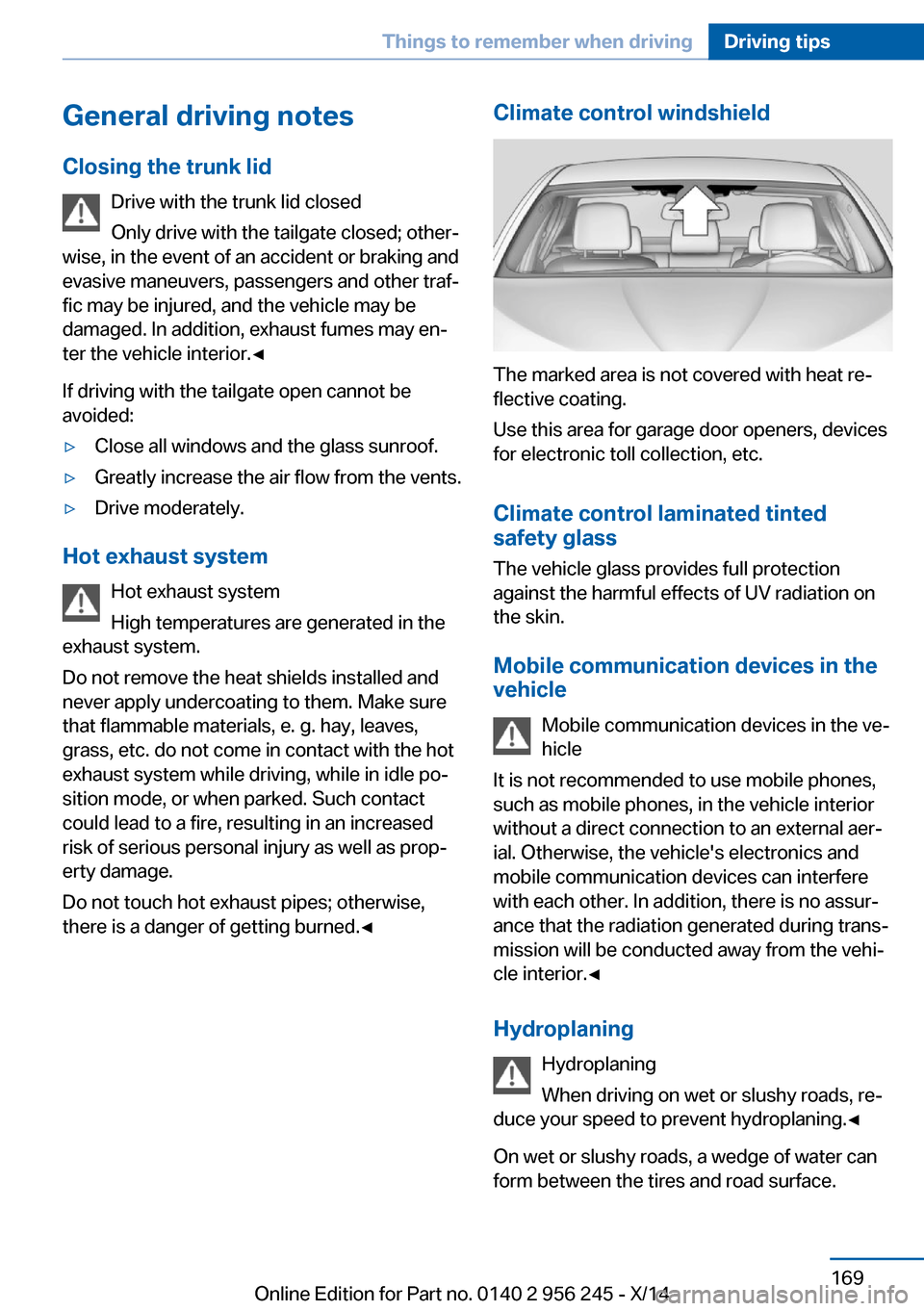
Climate control windshield
The marked area is not covered with heat re‐
flective coating.
Use this area for garage door openers, devices
for electronic toll collection, etc.
Climate control laminated tinted
safety glass
The vehicle glass provides full protection
against the harmful effects of UV radiation on
the skin.
Mobile communication devices in thevehicle
Mobile communication devices in the ve‐
hicle
It is not recommended to use mobile phones,
such as mobile phones, in the vehicle interior
without a direct connection to an external aer‐
ial. Otherwise, the vehicle's electronics and
mobile communication devices can interfere
with each other. In addition, there is no assur‐
ance that the radiation generated during trans‐
mission will be conducted away from the vehi‐
cle interior.◀
Hydroplaning Hydroplaning
When driving on wet or slushy roads, re‐
duce your speed to prevent hydroplaning.◀
On wet or slushy roads, a wedge of water can
form between the tires and road surface.
Seite 169Things to remember when drivingDriving tips169
Online Edition for Part no. 0140 2 956 245 - X/14
Page 213 of 237
steps to help you under certain circum‐
stances.
For this, data are transmitted to the BMW
Response Center which serve to deter‐
mine the necessary rescue measures. E. g.
the current position of the vehicle, if it can
be established.▷If the LED is flashing green, but the BMW
Response Center can no longer be heard
via the speaker, you can nevertheless still
be heard at the BMW Response Center.
Initiating an Emergency Request
automatically
Under certain conditions, an Emergency Re‐
quest is automatically initiated immediately af‐
ter a severe accident. Automatic Collision Noti‐
fication is not affected by pressing the SOS
button.
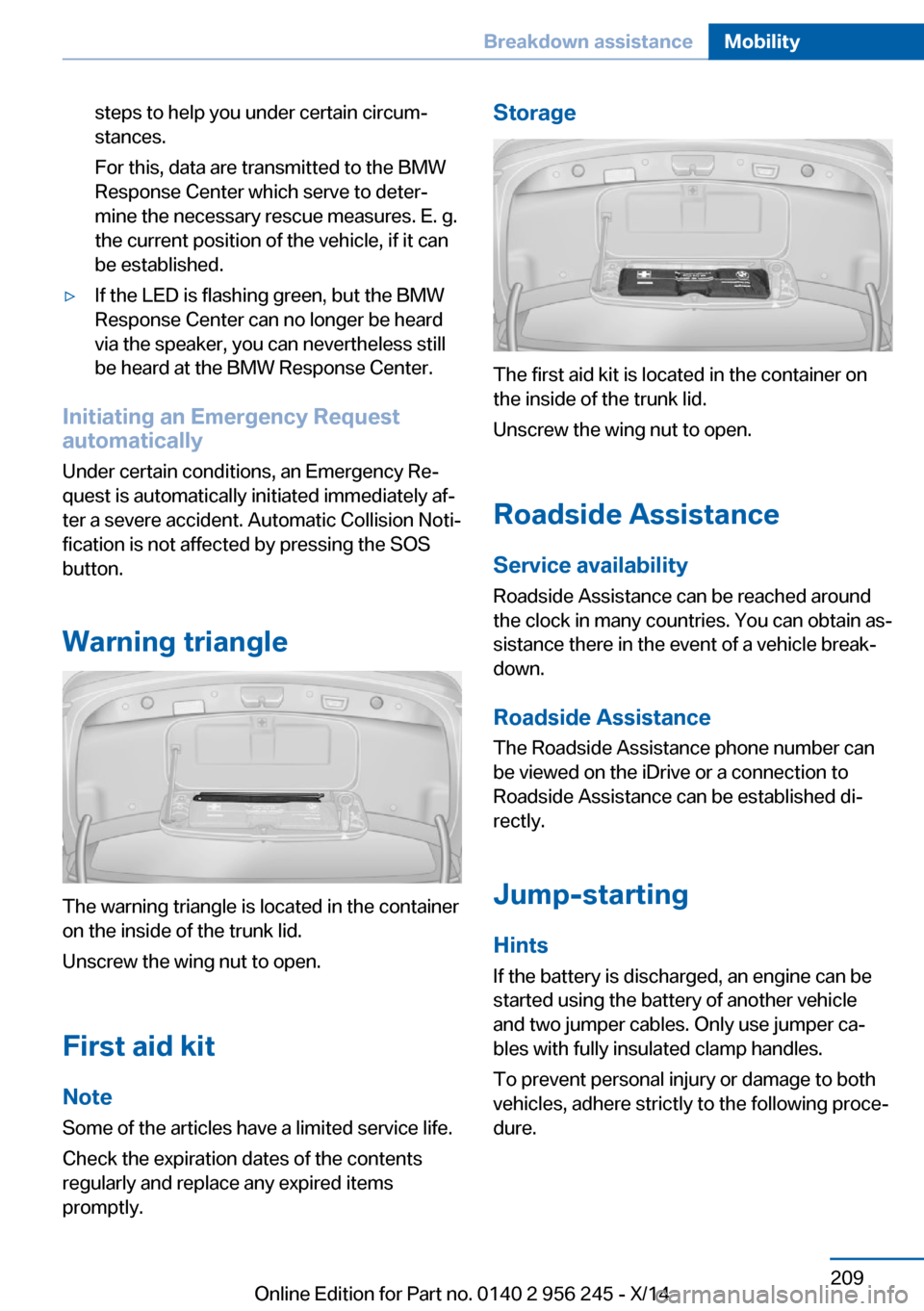
Warning triangle
The warning triangle is located in the container
on the inside of the trunk lid.
Unscrew the wing nut to open.
First aid kit
Note Some of the articles have a limited service life.
Check the expiration dates of the contents
regularly and replace any expired items
promptly.
Storage
The first aid kit is located in the container on
the inside of the trunk lid.
Unscrew the wing nut to open.
Roadside Assistance
Service availability
Roadside Assistance can be reached around
the clock in many countries. You can obtain as‐
sistance there in the event of a vehicle break‐
down.
Roadside Assistance The Roadside Assistance phone number can
be viewed on the iDrive or a connection to
Roadside Assistance can be established di‐
rectly.
Jump-starting
Hints If the battery is discharged, an engine can be
started using the battery of another vehicle
and two jumper cables. Only use jumper ca‐
bles with fully insulated clamp handles.
To prevent personal injury or damage to both
vehicles, adhere strictly to the following proce‐
dure.
Seite 209Breakdown assistanceMobility209
Online Edition for Part no. 0140 2 956 245 - X/14
Page 233 of 237
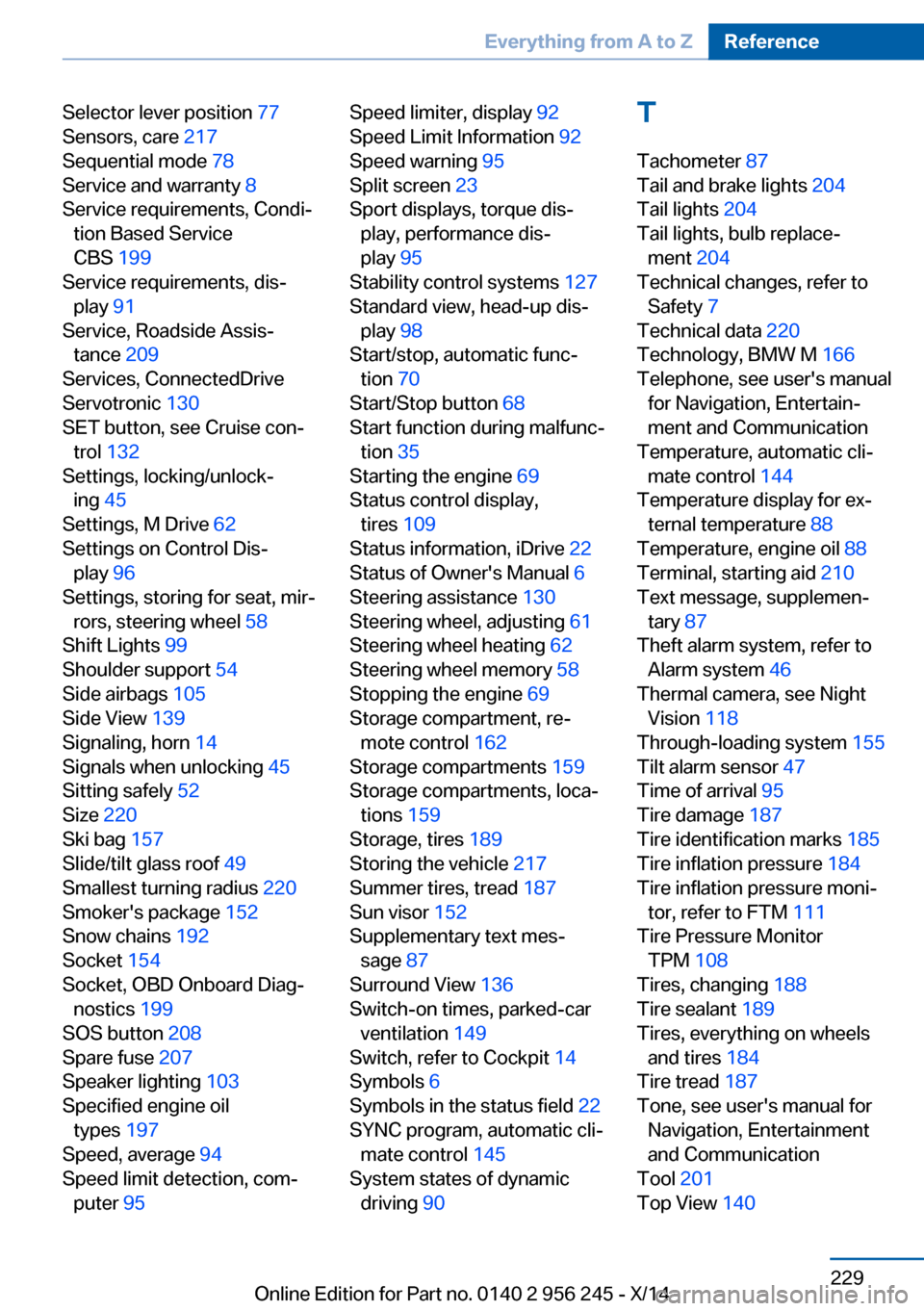
Selector lever position 77
Sensors, care 217
Sequential mode 78
Service and warranty 8
Service requirements, Condi‐ tion Based Service
CBS 199
Service requirements, dis‐ play 91
Service, Roadside Assis‐ tance 209
Services, ConnectedDrive
Servotronic 130
SET button, see Cruise con‐ trol 132
Settings, locking/unlock‐ ing 45
Settings, M Drive 62
Settings on Control Dis‐ play 96
Settings, storing for seat, mir‐ rors, steering wheel 58
Shift Lights 99
Shoulder support 54
Side airbags 105
Side View 139
Signaling, horn 14
Signals when unlocking 45
Sitting safely 52
Size 220
Ski bag 157
Slide/tilt glass roof 49
Smallest turning radius 220
Smoker's package 152
Snow chains 192
Socket 154
Socket, OBD Onboard Diag‐ nostics 199
SOS button 208
Spare fuse 207
Speaker lighting 103
Specified engine oil types 197
Speed, average 94
Speed limit detection, com‐ puter 95 Speed limiter, display 92
Speed Limit Information 92
Speed warning 95
Split screen 23
Sport displays, torque dis‐ play, performance dis‐
play 95
Stability control systems 127
Standard view, head-up dis‐ play 98
Start/stop, automatic func‐ tion 70
Start/Stop button 68
Start function during malfunc‐ tion 35
Starting the engine 69
Status control display, tires 109
Status information, iDrive 22
Status of Owner's Manual 6
Steering assistance 130
Steering wheel, adjusting 61
Steering wheel heating 62
Steering wheel memory 58
Stopping the engine 69
Storage compartment, re‐ mote control 162
Storage compartments 159
Storage compartments, loca‐ tions 159
Storage, tires 189
Storing the vehicle 217
Summer tires, tread 187
Sun visor 152
Supplementary text mes‐ sage 87
Surround View 136
Switch-on times, parked-car ventilation 149
Switch, refer to Cockpit 14
Symbols 6
Symbols in the status field 22
SYNC program, automatic cli‐ mate control 145
System states of dynamic driving 90 T
Tachometer 87
Tail and brake lights 204
Tail lights 204
Tail lights, bulb replace‐ ment 204
Technical changes, refer to Safety 7
Technical data 220
Technology, BMW M 166
Telephone, see user's manual for Navigation, Entertain‐
ment and Communication
Temperature, automatic cli‐ mate control 144
Temperature display for ex‐ ternal temperature 88
Temperature, engine oil 88
Terminal, starting aid 210
Text message, supplemen‐ tary 87
Theft alarm system, refer to Alarm system 46
Thermal camera, see Night Vision 118
Through-loading system 155
Tilt alarm sensor 47
Time of arrival 95
Tire damage 187
Tire identification marks 185
Tire inflation pressure 184
Tire inflation pressure moni‐ tor, refer to FTM 111
Tire Pressure Monitor TPM 108
Tires, changing 188
Tire sealant 189
Tires, everything on wheels and tires 184
Tire tread 187
Tone, see user's manual for Navigation, Entertainment
and Communication
Tool 201
Top View 140 Seite 229Everything from A to ZReference229
Online Edition for Part no. 0140 2 956 245 - X/14