climate settings BMW M5 2014 F10M Owner's Manual
[x] Cancel search | Manufacturer: BMW, Model Year: 2014, Model line: M5, Model: BMW M5 2014 F10MPages: 237, PDF Size: 5.21 MB
Page 22 of 237
iDriveVehicle features and options
This chapter describes all standard, country-
specific and optional features offered with the
series. It also describes features that are not
necessarily available in your car, e. g., due to
the selected options or country versions. This
also applies to safety-related functions and
systems.
The concept
The iDrive combines the functions of many
switches. Thus, these functions can be oper‐
ated from a central location.
Using the iDrive during a trip
To avoid becoming distracted and pos‐
ing an unnecessary hazard to your vehicle's
occupants and to other traffic, never attempt
to use the controls or enter information unless
traffic and road conditions allow it.◀
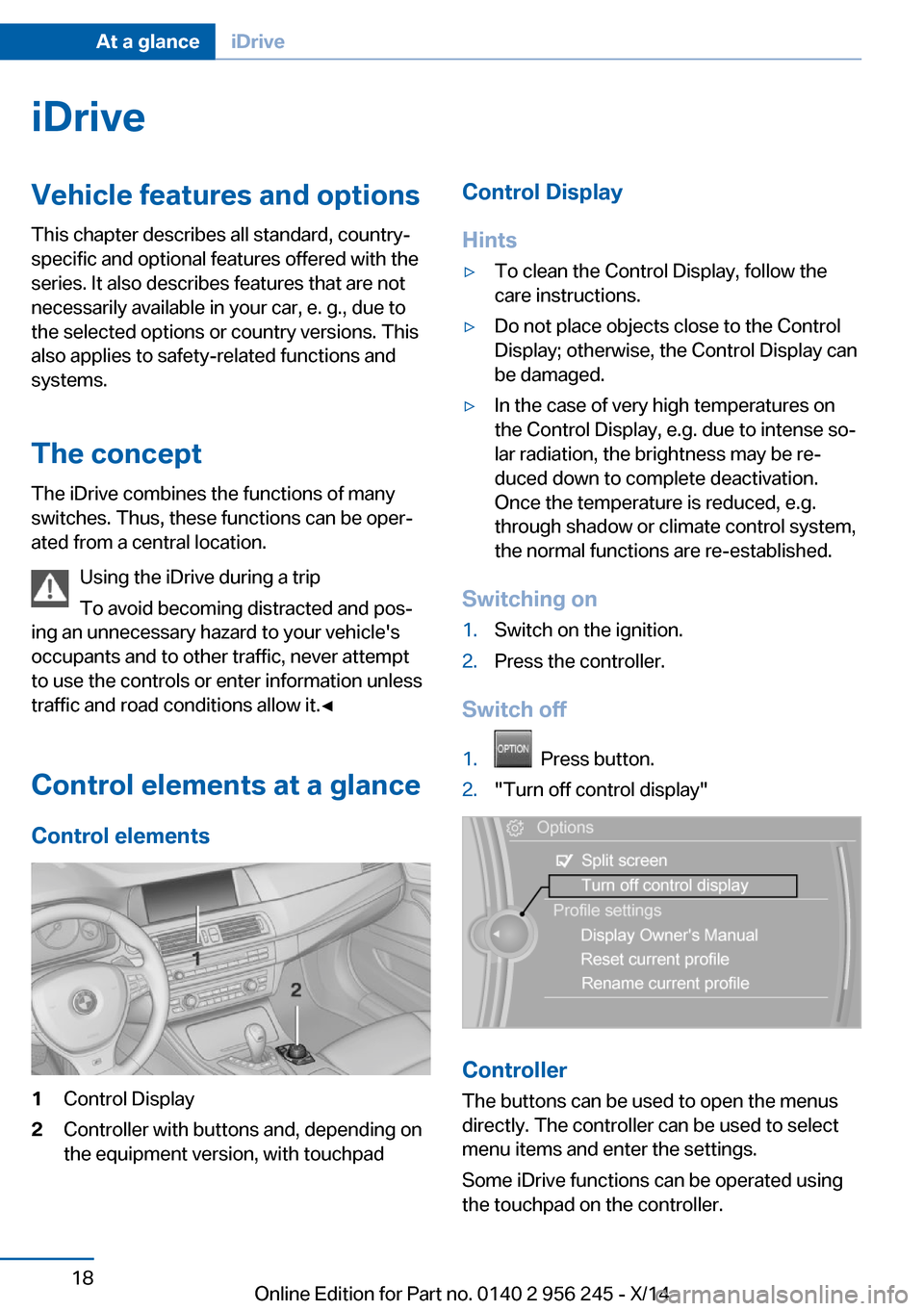
Control elements at a glance Control elements1Control Display2Controller with buttons and, depending on
the equipment version, with touchpadControl Display
Hints▷To clean the Control Display, follow the
care instructions.▷Do not place objects close to the Control
Display; otherwise, the Control Display can
be damaged.▷In the case of very high temperatures on
the Control Display, e.g. due to intense so‐
lar radiation, the brightness may be re‐
duced down to complete deactivation.
Once the temperature is reduced, e.g.
through shadow or climate control system,
the normal functions are re-established.
Switching on
1.Switch on the ignition.2.Press the controller.
Switch off
1. Press button.2."Turn off control display"
Controller
The buttons can be used to open the menus
directly. The controller can be used to select
menu items and enter the settings.
Some iDrive functions can be operated using
the touchpad on the controller.
Seite 18At a glanceiDrive18
Online Edition for Part no. 0140 2 956 245 - X/14
Page 40 of 237
Adjusting
The settings for the following systems and
functions are saved in the active profile. The
scope of storable settings is country- and
equipment-dependable.▷Unlocking and locking.▷Lights.▷Climate control.▷Radio.▷Instrument cluster.▷Programmable memory buttons.▷Volumes, tone.▷Control Display.▷Navigation.▷Park Distance Control PDC.▷Rearview camera▷Side View.▷Head-up Display.▷M Drive: configurations.▷Driver's seat position, exterior mirror posi‐
tion, steering wheel position.▷Cruise control.▷Intelligent Safety.▷Active Blind Spot Detection.▷Night vision.
Profile management
Opening profiles Regardless of the remote control in use a dif‐
ferent profile may be activated.
1."Settings"2."Profiles"3.Select a profile.
The activated profile is assigned to the cur‐
rently used remote control.
Renaming profiles1."Settings"2."Profiles"3."Options"4."Rename current profile"
Resetting profiles
The settings of the active profile are reset to
their default values.
1."Settings"2."Profiles"3."Options"4."Reset current profile"
Exporting profiles
Most settings of the active profile and the
saved contacts can be exported.
This can be helpful for securing and retrieving
personal settings, before delivering the vehicle
to a workshop, e.g. Profiles can be taken to an‐
other vehicle equipped with the Personal Pro‐
file function.
The following export options are available:
▷Via BMW Online.▷Via the USB port to a USB device.
Popular file systems for USB devices are
supported. FAT32 and exFAT are the rec‐
ommended formats for profile export.
Other formats may not support the export.1."Settings"2."Profiles"3."Export profile"4.BMW Online: "BMW Online"
USB port: "USB device"
Importing profiles
Profiles exported via BMW Online can also be
imported via BMW Online.
Profiles stored on a USB device can be im‐
ported via the USB interface.
Seite 36ControlsOpening and closing36
Online Edition for Part no. 0140 2 956 245 - X/14
Page 94 of 237
Display of the dynamic driving sys‐
tems, refer to page 90.
The bar display for the current fuel consump‐
tion is displayed in the instrument cluster.
Energy recovery
Display The kinetic energy of the vehicle
is converted to electrical energy
while coasting. The vehicle bat‐
tery is partially charged and fuel
consumption can be reduced.
Displaying energy recovery
1."Settings"2."Instrument cluster"3.If necessary, "M dynamic driving syst."
The display for the energy recovery is
active.
Display of the dynamic driving sys‐
tems, refer to page 90.
EfficientDynamics display
Displaying Efficient Dynamics
Information on fuel consumption and technol‐ ogy can be displayed while driving.
1."Vehicle info"2."EfficientDynamics"
Displaying fuel consumption history
The average fuel consumption can be dis‐
played within an adjustable time frame.
"Consumption history"
Adjusting fuel consumption history time frame
Select the symbol.
Resetting fuel consumption history1.Open "Options".2."Reset consumption history"
Displaying EfficientDynamics info
The current efficiency can be displayed.
"EfficientDynamics info"
The following systems are displayed:
▷Automatic engine Start/Stop function.▷Energy recovery.▷Climate control output.
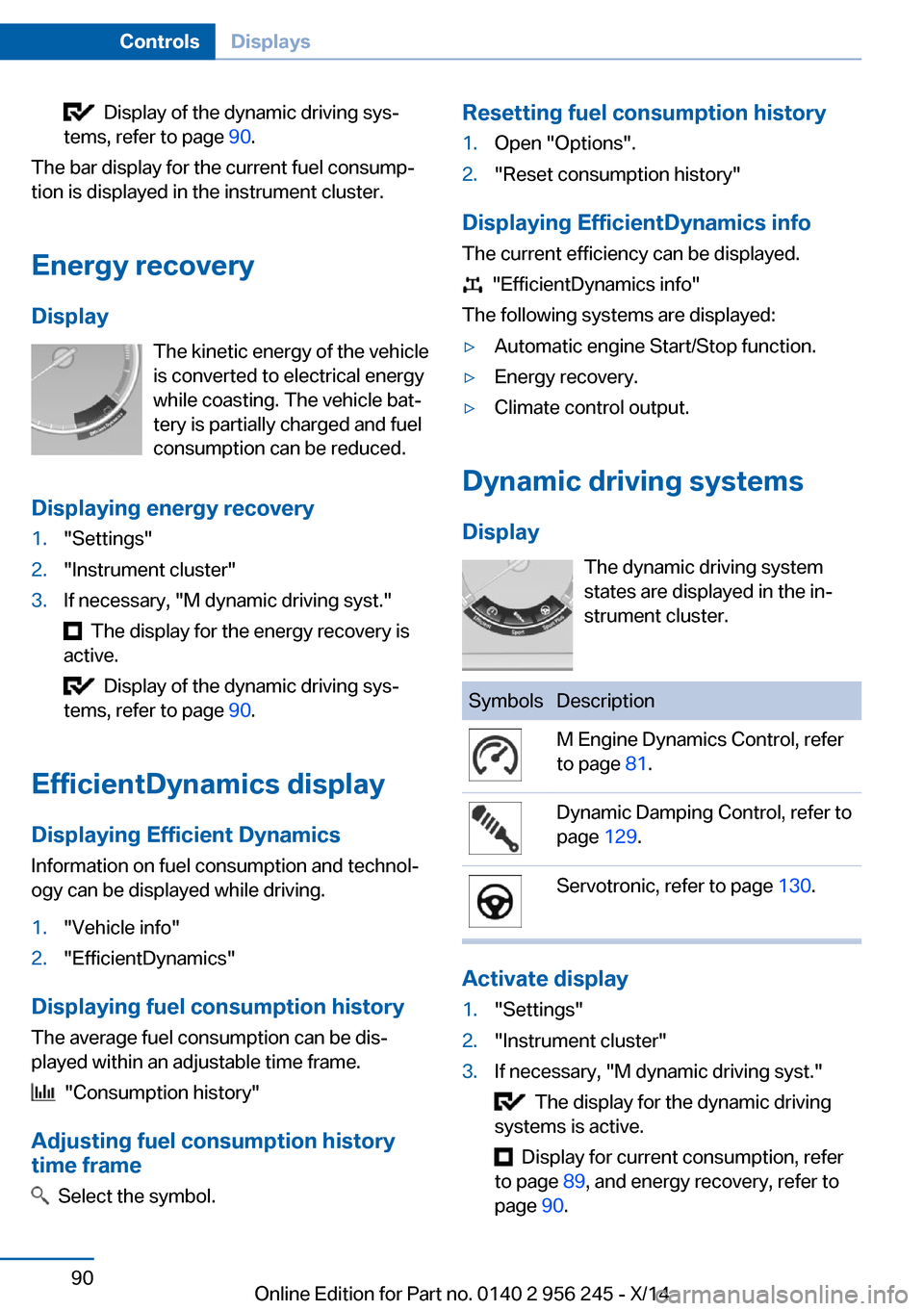
Dynamic driving systems
Display The dynamic driving system
states are displayed in the in‐
strument cluster.
SymbolsDescriptionM Engine Dynamics Control, refer
to page 81.Dynamic Damping Control, refer to
page 129.Servotronic, refer to page 130.
Activate display
1."Settings"2."Instrument cluster"3.If necessary, "M dynamic driving syst."
The display for the dynamic driving
systems is active.
Display for current consumption, refer
to page 89, and energy recovery, refer to
page 90.
Seite 90ControlsDisplays90
Online Edition for Part no. 0140 2 956 245 - X/14
Page 148 of 237
HintsSufficient ventilation
When remaining in the vehicle for an ex‐
tended period of time, ensure sufficient exter‐
nal ventilation. Do not continuously use recir‐
culated-air mode; otherwise the air quality in
the interior continuously worsens.◀
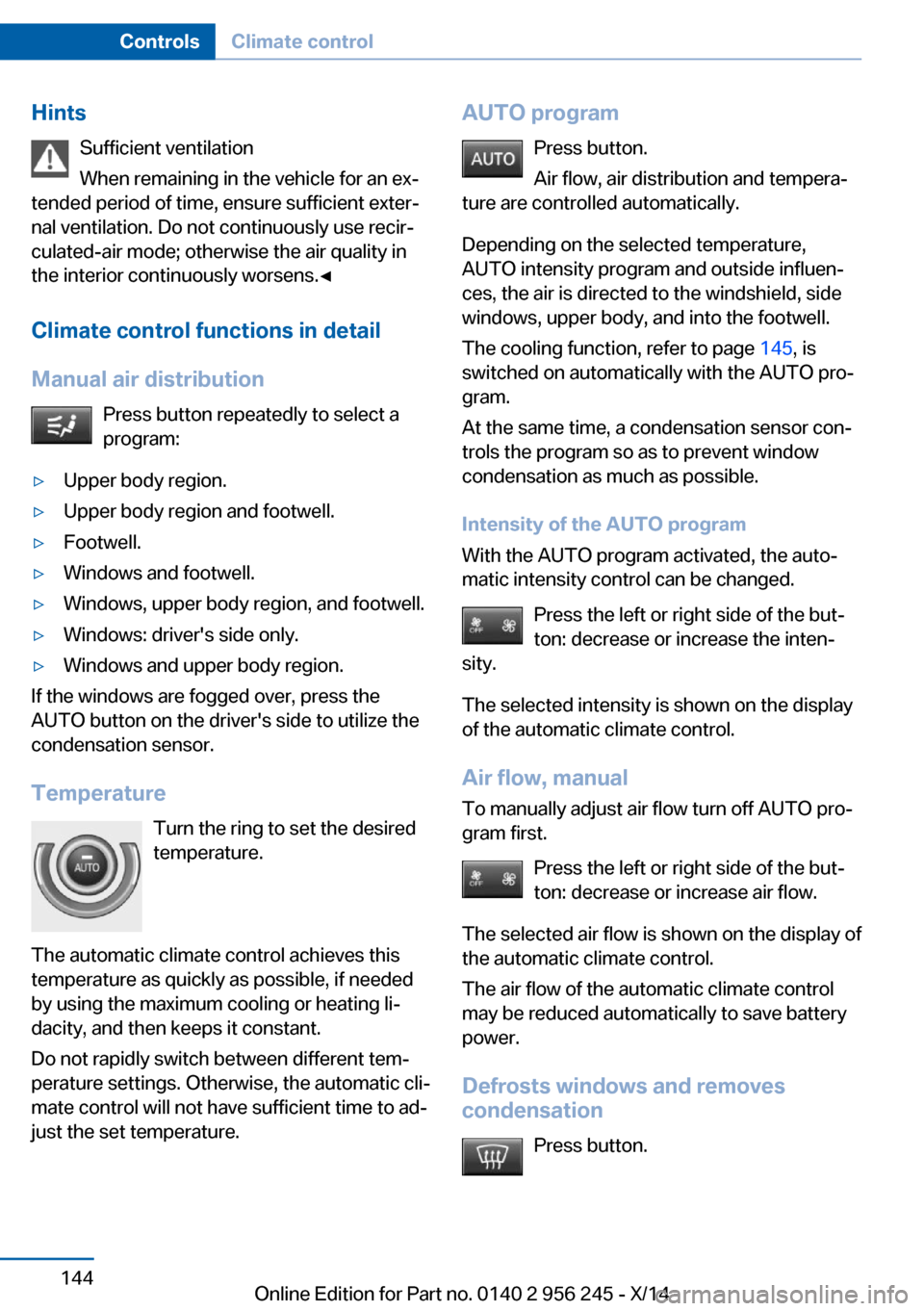
Climate control functions in detail
Manual air distribution Press button repeatedly to select a
program:▷Upper body region.▷Upper body region and footwell.▷Footwell.▷Windows and footwell.▷Windows, upper body region, and footwell.▷Windows: driver's side only.▷Windows and upper body region.
If the windows are fogged over, press the
AUTO button on the driver's side to utilize the
condensation sensor.
Temperature Turn the ring to set the desired
temperature.
The automatic climate control achieves this
temperature as quickly as possible, if needed
by using the maximum cooling or heating li‐
dacity, and then keeps it constant.
Do not rapidly switch between different tem‐
perature settings. Otherwise, the automatic cli‐
mate control will not have sufficient time to ad‐
just the set temperature.
AUTO program
Press button.
Air flow, air distribution and tempera‐
ture are controlled automatically.
Depending on the selected temperature,
AUTO intensity program and outside influen‐
ces, the air is directed to the windshield, side
windows, upper body, and into the footwell.
The cooling function, refer to page 145, is
switched on automatically with the AUTO pro‐
gram.
At the same time, a condensation sensor con‐
trols the program so as to prevent window
condensation as much as possible.
Intensity of the AUTO program
With the AUTO program activated, the auto‐
matic intensity control can be changed.
Press the left or right side of the but‐
ton: decrease or increase the inten‐
sity.
The selected intensity is shown on the display
of the automatic climate control.
Air flow, manual
To manually adjust air flow turn off AUTO pro‐
gram first.
Press the left or right side of the but‐
ton: decrease or increase air flow.
The selected air flow is shown on the display of
the automatic climate control.
The air flow of the automatic climate control
may be reduced automatically to save battery
power.
Defrosts windows and removes
condensation
Press button.Seite 144ControlsClimate control144
Online Edition for Part no. 0140 2 956 245 - X/14
Page 149 of 237
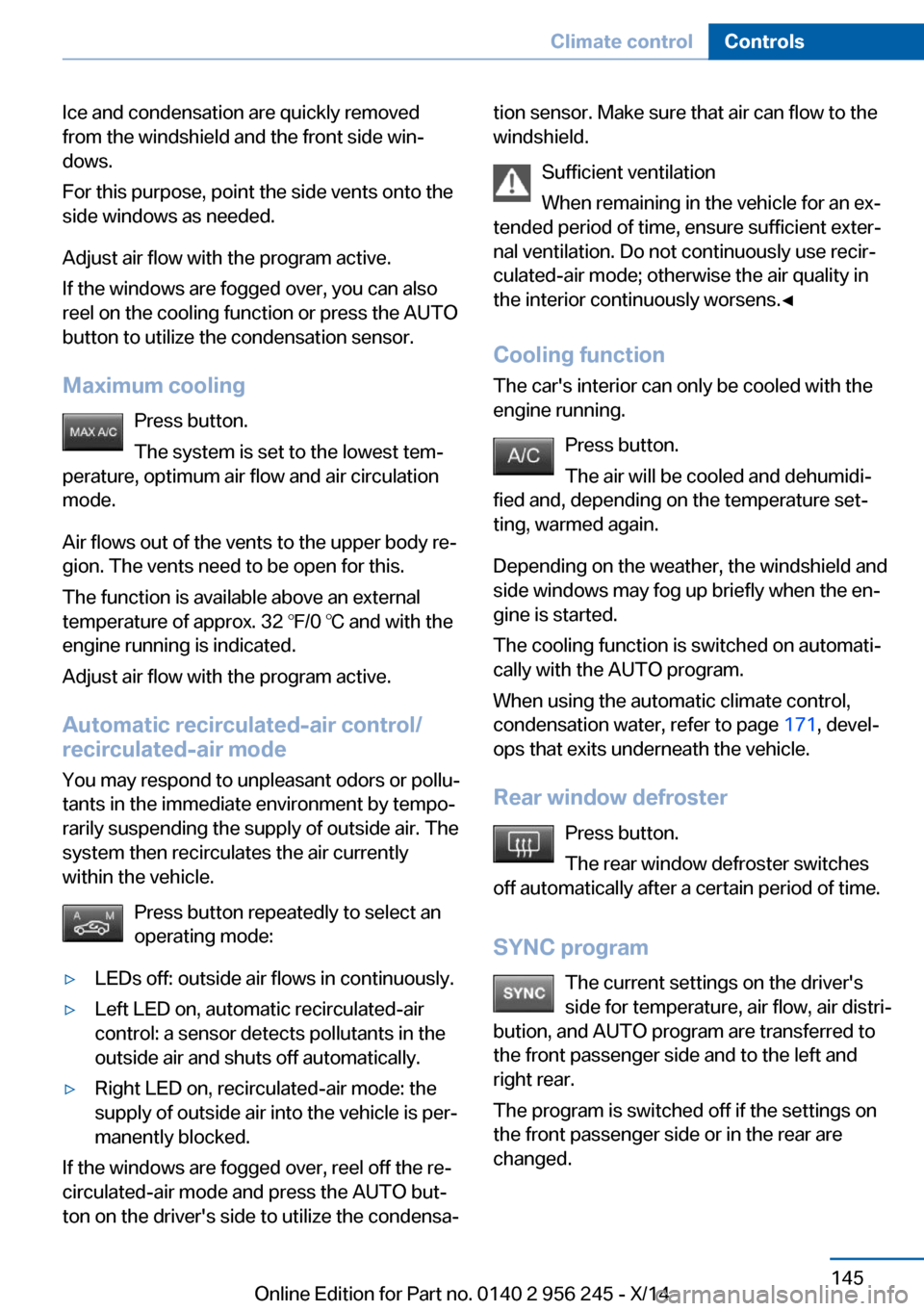
Ice and condensation are quickly removed
from the windshield and the front side win‐
dows.
For this purpose, point the side vents onto the
side windows as needed.
Adjust air flow with the program active.
If the windows are fogged over, you can also
reel on the cooling function or press the AUTO
button to utilize the condensation sensor.
Maximum cooling Press button.
The system is set to the lowest tem‐
perature, optimum air flow and air circulation
mode.
Air flows out of the vents to the upper body re‐
gion. The vents need to be open for this.
The function is available above an external
temperature of approx. 32 ℉/0 ℃ and with the
engine running is indicated.
Adjust air flow with the program active.
Automatic recirculated-air control/
recirculated-air mode
You may respond to unpleasant odors or pollu‐
tants in the immediate environment by tempo‐
rarily suspending the supply of outside air. The
system then recirculates the air currently
within the vehicle.
Press button repeatedly to select an
operating mode:▷LEDs off: outside air flows in continuously.▷Left LED on, automatic recirculated-air
control: a sensor detects pollutants in the
outside air and shuts off automatically.▷Right LED on, recirculated-air mode: the
supply of outside air into the vehicle is per‐
manently blocked.
If the windows are fogged over, reel off the re‐
circulated-air mode and press the AUTO but‐
ton on the driver's side to utilize the condensa‐
tion sensor. Make sure that air can flow to the
windshield.
Sufficient ventilation
When remaining in the vehicle for an ex‐
tended period of time, ensure sufficient exter‐
nal ventilation. Do not continuously use recir‐
culated-air mode; otherwise the air quality in
the interior continuously worsens.◀
Cooling function
The car's interior can only be cooled with the
engine running.
Press button.
The air will be cooled and dehumidi‐
fied and, depending on the temperature set‐
ting, warmed again.
Depending on the weather, the windshield and
side windows may fog up briefly when the en‐
gine is started.
The cooling function is switched on automati‐
cally with the AUTO program.
When using the automatic climate control,
condensation water, refer to page 171, devel‐
ops that exits underneath the vehicle.
Rear window defroster Press button.
The rear window defroster switches
off automatically after a certain period of time.
SYNC program The current settings on the driver'sside for temperature, air flow, air distri‐
bution, and AUTO program are transferred to the front passenger side and to the left andright rear.
The program is switched off if the settings on
the front passenger side or in the rear are
changed.Seite 145Climate controlControls145
Online Edition for Part no. 0140 2 956 245 - X/14
Page 151 of 237
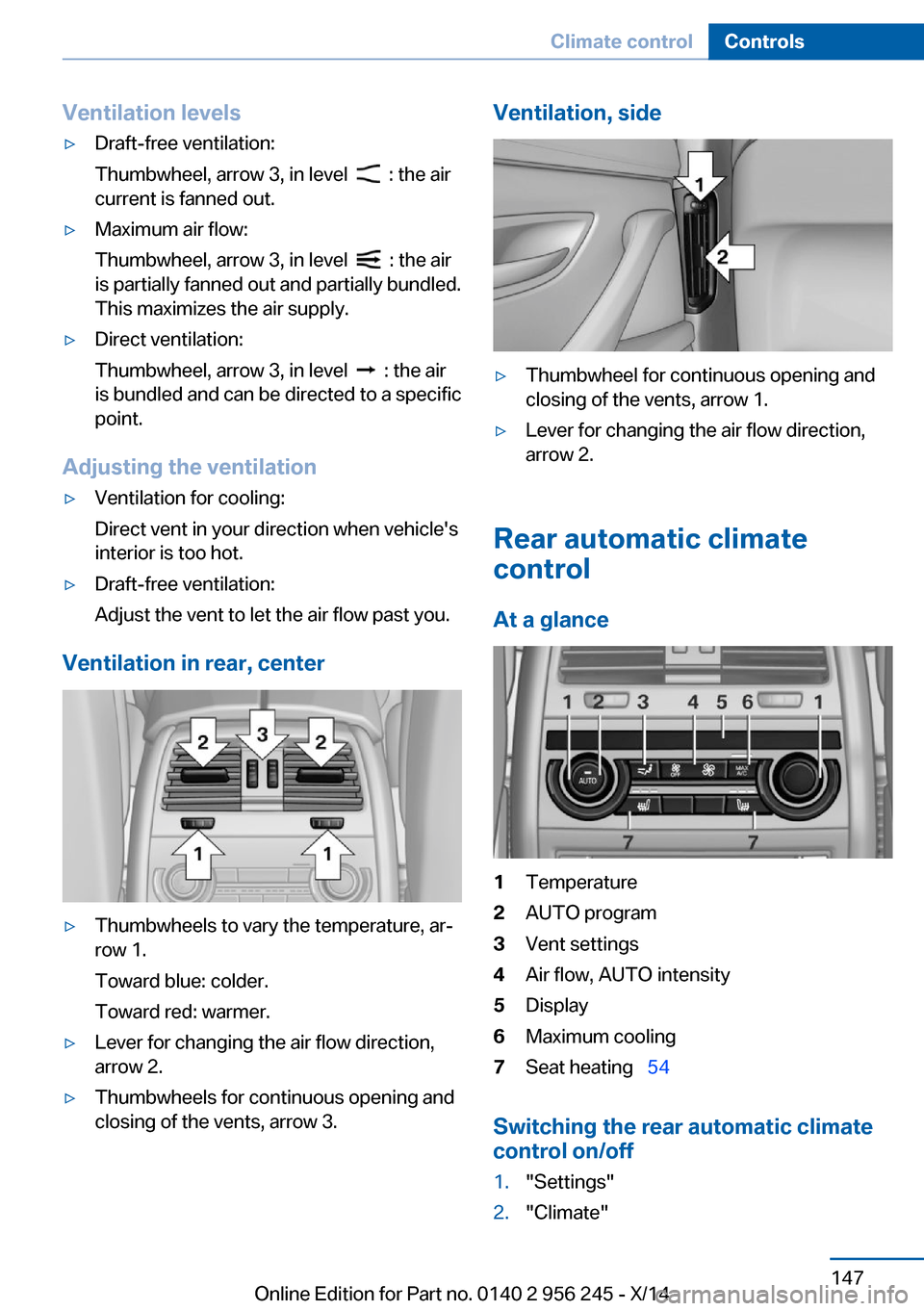
Ventilation levels▷Draft-free ventilation:
Thumbwheel, arrow 3, in level
: the air
current is fanned out.
▷Maximum air flow:
Thumbwheel, arrow 3, in level
: the air
is partially fanned out and partially bundled.
This maximizes the air supply.
▷Direct ventilation:
Thumbwheel, arrow 3, in level
: the air
is bundled and can be directed to a specific
point.
Adjusting the ventilation
▷Ventilation for cooling:
Direct vent in your direction when vehicle's
interior is too hot.▷Draft-free ventilation:
Adjust the vent to let the air flow past you.
Ventilation in rear, center
▷Thumbwheels to vary the temperature, ar‐
row 1.
Toward blue: colder.
Toward red: warmer.▷Lever for changing the air flow direction,
arrow 2.▷Thumbwheels for continuous opening and
closing of the vents, arrow 3.Ventilation, side▷Thumbwheel for continuous opening and
closing of the vents, arrow 1.▷Lever for changing the air flow direction,
arrow 2.
Rear automatic climate
control
At a glance
1Temperature2AUTO program3Vent settings4Air flow, AUTO intensity5Display6Maximum cooling7Seat heating 54
Switching the rear automatic climate
control on/off
1."Settings"2."Climate"Seite 147Climate controlControls147
Online Edition for Part no. 0140 2 956 245 - X/14
Page 152 of 237
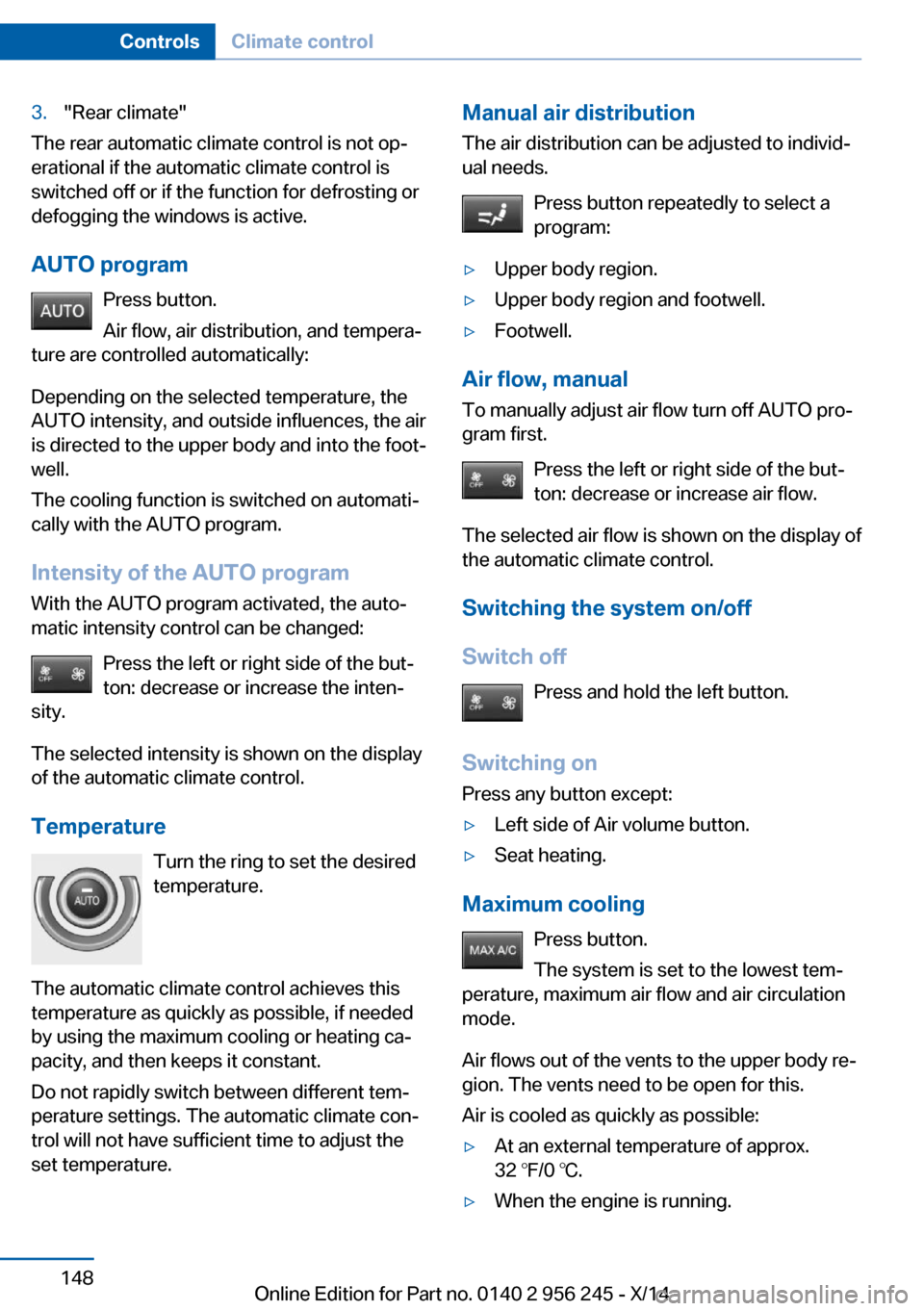
3."Rear climate"
The rear automatic climate control is not op‐
erational if the automatic climate control is
switched off or if the function for defrosting or
defogging the windows is active.
AUTO program Press button.
Air flow, air distribution, and tempera‐
ture are controlled automatically:
Depending on the selected temperature, the
AUTO intensity, and outside influences, the air
is directed to the upper body and into the foot‐
well.
The cooling function is switched on automati‐
cally with the AUTO program.
Intensity of the AUTO program With the AUTO program activated, the auto‐
matic intensity control can be changed:
Press the left or right side of the but‐
ton: decrease or increase the inten‐
sity.
The selected intensity is shown on the display
of the automatic climate control.
Temperature Turn the ring to set the desired
temperature.
The automatic climate control achieves this
temperature as quickly as possible, if needed
by using the maximum cooling or heating ca‐
pacity, and then keeps it constant.
Do not rapidly switch between different tem‐
perature settings. The automatic climate con‐
trol will not have sufficient time to adjust the
set temperature.
Manual air distribution
The air distribution can be adjusted to individ‐
ual needs.
Press button repeatedly to select a
program:▷Upper body region.▷Upper body region and footwell.▷Footwell.
Air flow, manual
To manually adjust air flow turn off AUTO pro‐
gram first.
Press the left or right side of the but‐
ton: decrease or increase air flow.
The selected air flow is shown on the display of
the automatic climate control.
Switching the system on/off
Switch off Press and hold the left button.
Switching on Press any button except:
▷Left side of Air volume button.▷Seat heating.
Maximum cooling
Press button.
The system is set to the lowest tem‐
perature, maximum air flow and air circulation
mode.
Air flows out of the vents to the upper body re‐
gion. The vents need to be open for this.
Air is cooled as quickly as possible:
▷At an external temperature of approx.
32 ℉/0 ℃.▷When the engine is running.Seite 148ControlsClimate control148
Online Edition for Part no. 0140 2 956 245 - X/14
Page 153 of 237
Parked-car ventilation
The concept The parked-car ventilation ventilates the vehi‐
cle interior and lowers its temperature, if
needed.
Operation can be performed via iDrive.
Functional requirements
Parked-car ventilation▷Using the preset reel-on time or when op‐
erated directly: any external temperature.
Open the vents to allow air to flow out.
Switching on/off directly
On the Control Display:
1."Settings"2."Climate"3."Activate comf. ventilation"
The symbol on the automatic climate con‐
trol flashes if the system is switched on.
The system continues to run for some time af‐
ter being switched off.
Preselecting the reel-on time On the Control Display:
1."Settings"2."Climate"3."Timer 1:" or "Timer 2:"4.Set the desired time.
Activating the reel-on time
On the Control Display:
1."Settings"2."Climate"3."Activate timer 1" or "Activate timer 2"
The symbol on the automatic climate con‐
trol lights up when the reel-on time is acti‐
vated.
The symbol on the automatic climate con‐
trol flashes when the system has been
switched on.
The system will only be switched on within the
next 24 hours. After that, it needs to be reacti‐
vated.Seite 149Climate controlControls149
Online Edition for Part no. 0140 2 956 245 - X/14
Page 227 of 237
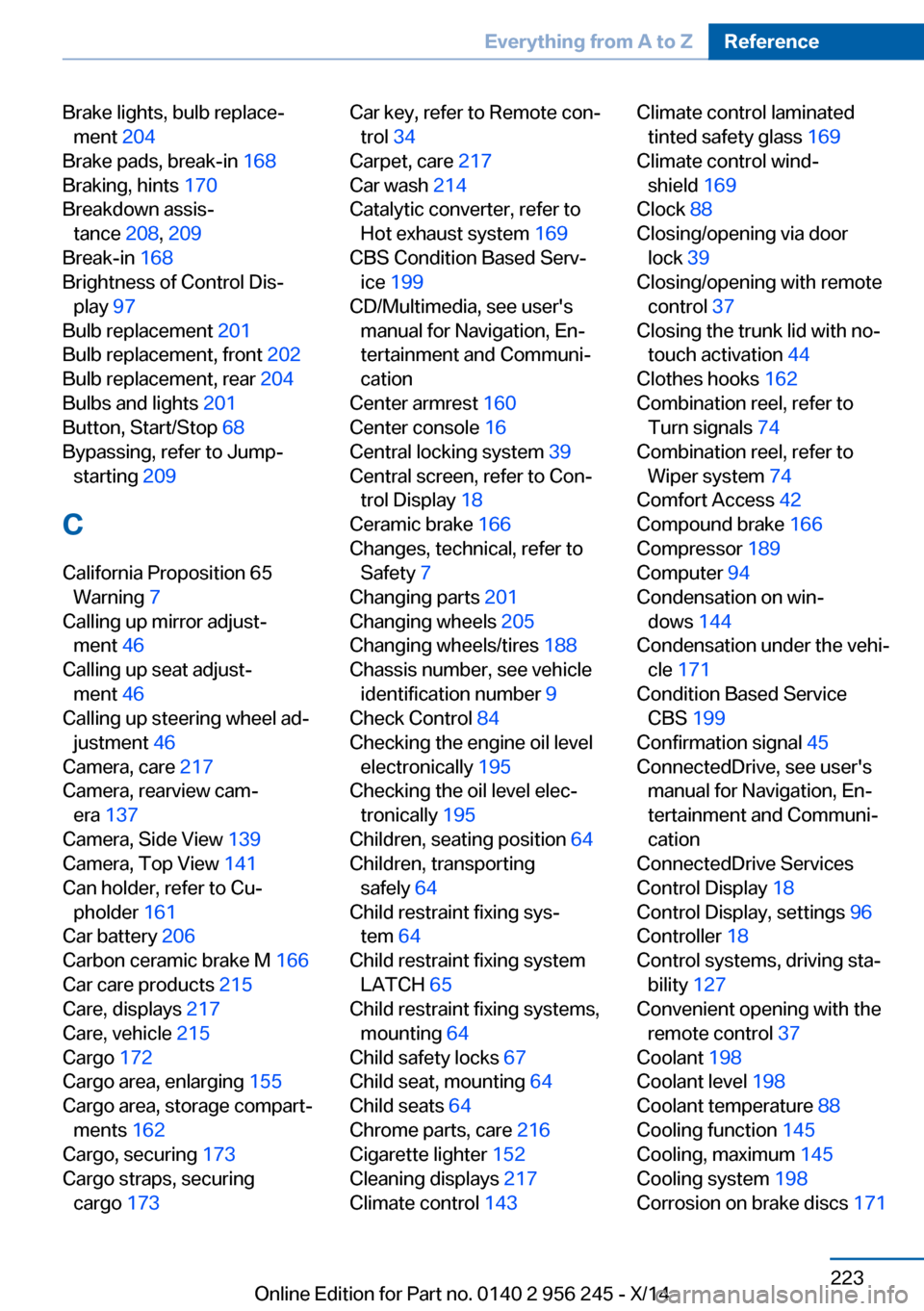
Brake lights, bulb replace‐ment 204
Brake pads, break-in 168
Braking, hints 170
Breakdown assis‐ tance 208, 209
Break-in 168
Brightness of Control Dis‐ play 97
Bulb replacement 201
Bulb replacement, front 202
Bulb replacement, rear 204
Bulbs and lights 201
Button, Start/Stop 68
Bypassing, refer to Jump- starting 209
C
California Proposition 65 Warning 7
Calling up mirror adjust‐ ment 46
Calling up seat adjust‐ ment 46
Calling up steering wheel ad‐ justment 46
Camera, care 217
Camera, rearview cam‐ era 137
Camera, Side View 139
Camera, Top View 141
Can holder, refer to Cu‐ pholder 161
Car battery 206
Carbon ceramic brake M 166
Car care products 215
Care, displays 217
Care, vehicle 215
Cargo 172
Cargo area, enlarging 155
Cargo area, storage compart‐ ments 162
Cargo, securing 173
Cargo straps, securing cargo 173 Car key, refer to Remote con‐
trol 34
Carpet, care 217
Car wash 214
Catalytic converter, refer to Hot exhaust system 169
CBS Condition Based Serv‐ ice 199
CD/Multimedia, see user's manual for Navigation, En‐
tertainment and Communi‐
cation
Center armrest 160
Center console 16
Central locking system 39
Central screen, refer to Con‐ trol Display 18
Ceramic brake 166
Changes, technical, refer to Safety 7
Changing parts 201
Changing wheels 205
Changing wheels/tires 188
Chassis number, see vehicle identification number 9
Check Control 84
Checking the engine oil level electronically 195
Checking the oil level elec‐ tronically 195
Children, seating position 64
Children, transporting safely 64
Child restraint fixing sys‐ tem 64
Child restraint fixing system LATCH 65
Child restraint fixing systems, mounting 64
Child safety locks 67
Child seat, mounting 64
Child seats 64
Chrome parts, care 216
Cigarette lighter 152
Cleaning displays 217
Climate control 143 Climate control laminated
tinted safety glass 169
Climate control wind‐ shield 169
Clock 88
Closing/opening via door lock 39
Closing/opening with remote control 37
Closing the trunk lid with no- touch activation 44
Clothes hooks 162
Combination reel, refer to Turn signals 74
Combination reel, refer to Wiper system 74
Comfort Access 42
Compound brake 166
Compressor 189
Computer 94
Condensation on win‐ dows 144
Condensation under the vehi‐ cle 171
Condition Based Service CBS 199
Confirmation signal 45
ConnectedDrive, see user's manual for Navigation, En‐
tertainment and Communi‐
cation
ConnectedDrive Services
Control Display 18
Control Display, settings 96
Controller 18
Control systems, driving sta‐ bility 127
Convenient opening with the remote control 37
Coolant 198
Coolant level 198
Coolant temperature 88
Cooling function 145
Cooling, maximum 145
Cooling system 198
Corrosion on brake discs 171 Seite 223Everything from A to ZReference223
Online Edition for Part no. 0140 2 956 245 - X/14
Page 234 of 237
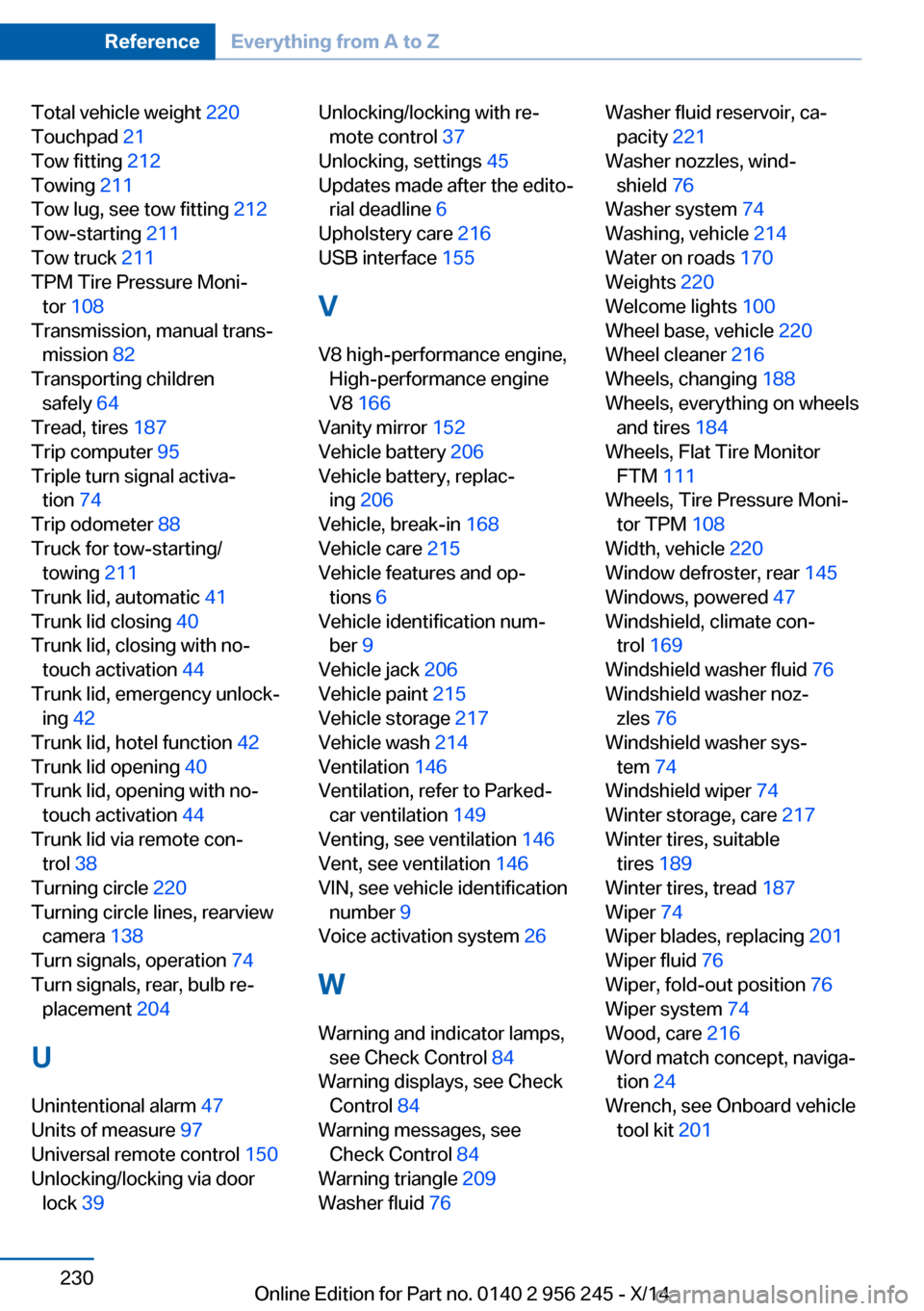
Total vehicle weight 220
Touchpad 21
Tow fitting 212
Towing 211
Tow lug, see tow fitting 212
Tow-starting 211
Tow truck 211
TPM Tire Pressure Moni‐ tor 108
Transmission, manual trans‐ mission 82
Transporting children safely 64
Tread, tires 187
Trip computer 95
Triple turn signal activa‐ tion 74
Trip odometer 88
Truck for tow-starting/ towing 211
Trunk lid, automatic 41
Trunk lid closing 40
Trunk lid, closing with no- touch activation 44
Trunk lid, emergency unlock‐ ing 42
Trunk lid, hotel function 42
Trunk lid opening 40
Trunk lid, opening with no- touch activation 44
Trunk lid via remote con‐ trol 38
Turning circle 220
Turning circle lines, rearview camera 138
Turn signals, operation 74
Turn signals, rear, bulb re‐ placement 204
U
Unintentional alarm 47
Units of measure 97
Universal remote control 150
Unlocking/locking via door lock 39 Unlocking/locking with re‐
mote control 37
Unlocking, settings 45
Updates made after the edito‐ rial deadline 6
Upholstery care 216
USB interface 155
V
V8 high-performance engine, High-performance engine
V8 166
Vanity mirror 152
Vehicle battery 206
Vehicle battery, replac‐ ing 206
Vehicle, break-in 168
Vehicle care 215
Vehicle features and op‐ tions 6
Vehicle identification num‐ ber 9
Vehicle jack 206
Vehicle paint 215
Vehicle storage 217
Vehicle wash 214
Ventilation 146
Ventilation, refer to Parked- car ventilation 149
Venting, see ventilation 146
Vent, see ventilation 146
VIN, see vehicle identification number 9
Voice activation system 26
W Warning and indicator lamps, see Check Control 84
Warning displays, see Check Control 84
Warning messages, see Check Control 84
Warning triangle 209
Washer fluid 76 Washer fluid reservoir, ca‐
pacity 221
Washer nozzles, wind‐ shield 76
Washer system 74
Washing, vehicle 214
Water on roads 170
Weights 220
Welcome lights 100
Wheel base, vehicle 220
Wheel cleaner 216
Wheels, changing 188
Wheels, everything on wheels and tires 184
Wheels, Flat Tire Monitor FTM 111
Wheels, Tire Pressure Moni‐ tor TPM 108
Width, vehicle 220
Window defroster, rear 145
Windows, powered 47
Windshield, climate con‐ trol 169
Windshield washer fluid 76
Windshield washer noz‐ zles 76
Windshield washer sys‐ tem 74
Windshield wiper 74
Winter storage, care 217
Winter tires, suitable tires 189
Winter tires, tread 187
Wiper 74
Wiper blades, replacing 201
Wiper fluid 76
Wiper, fold-out position 76
Wiper system 74
Wood, care 216
Word match concept, naviga‐ tion 24
Wrench, see Onboard vehicle tool kit 201 Seite 230ReferenceEverything from A to Z230
Online Edition for Part no. 0140 2 956 245 - X/14