buttons BMW M5 SEDAN 2007 E60 Owner's Guide
[x] Cancel search | Manufacturer: BMW, Model Year: 2007, Model line: M5 SEDAN, Model: BMW M5 SEDAN 2007 E60Pages: 256, PDF Size: 12.5 MB
Page 180 of 256
Telephoning
178
Adjusting volume
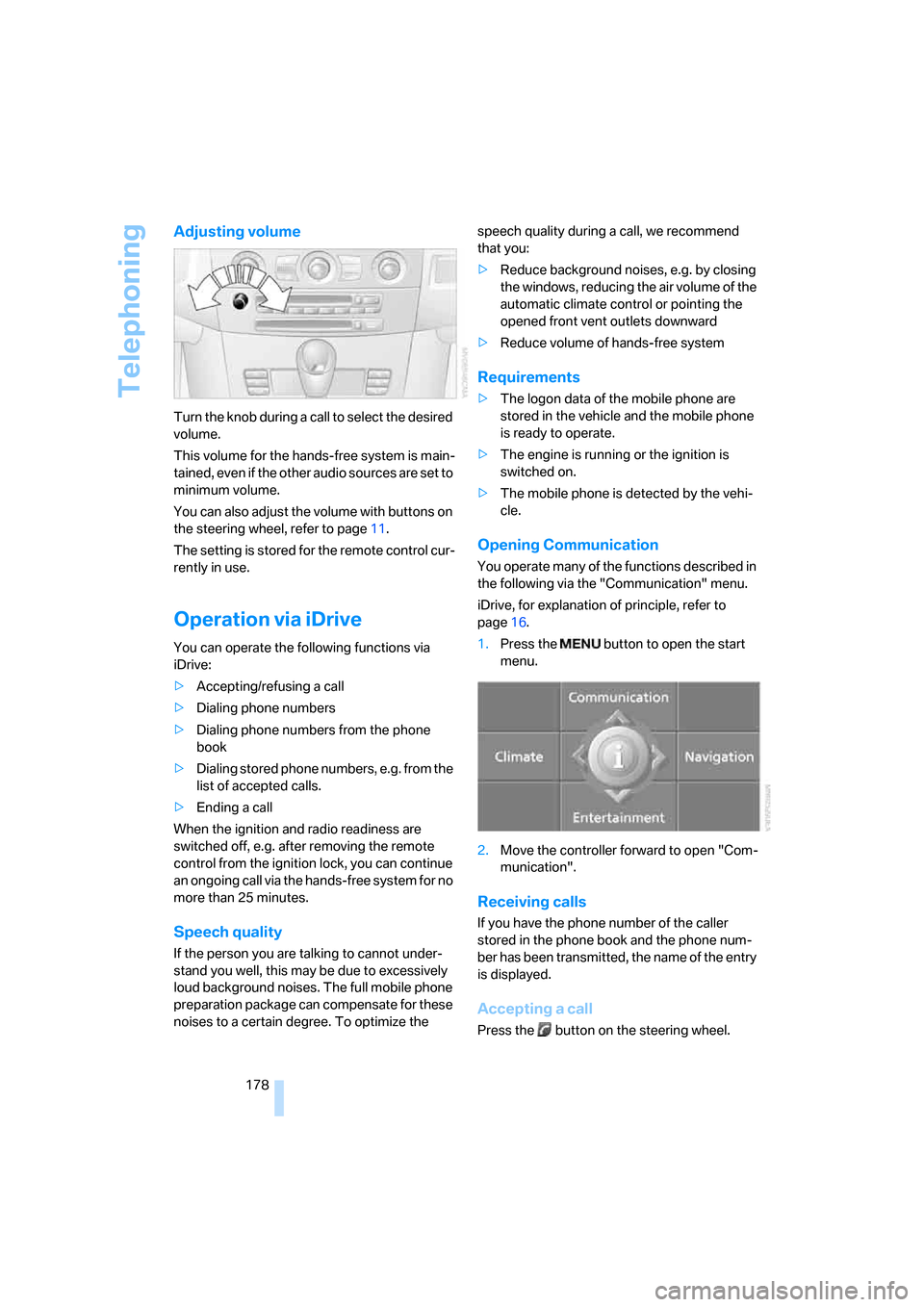
Turn the knob during a call to select the desired
volume.
This volume for the hands-free system is main-
tained, even if the other audio sources are set to
minimum volume.
You can also adjust the volume with buttons on
the steering wheel, refer to page11.
The setting is stored for the remote control cur-
rently in use.
Operation via iDrive
You can operate the following functions via
iDrive:
>Accepting/refusing a call
>Dialing phone numbers
>Dialing phone numbers from the phone
book
>Dialing stored phone numbers, e.g. from the
list of accepted calls.
>Ending a call
When the ignition and radio readiness are
switched off, e.g. after removing the remote
control from the ignition lock, you can continue
an ongoing call via the hands-free system for no
more than 25 minutes.
Speech quality
If the person you are talking to cannot under-
stand you well, this may be due to excessively
loud background noises. The full mobile phone
preparation package can compensate for these
noises to a certain degree. To optimize the speech quality during a call, we recommend
that you:
>Reduce background noises, e.g. by closing
the windows, reducing the air volume of the
automatic climate control or pointing the
opened front vent outlets downward
>Reduce volume of hands-free system
Requirements
>The logon data of the mobile phone are
stored in the vehicle and the mobile phone
is ready to operate.
>The engine is running or the ignition is
switched on.
>The mobile phone is detected by the vehi-
cle.
Opening Communication
You operate many of the functions described in
the following via the "Communication" menu.
iDrive, for explanation of principle, refer to
page16.
1.Press the button to open the start
menu.
2.Move the controller forward to open "Com-
munication".
Receiving calls
If you have the phone number of the caller
stored in the phone book and the phone num-
ber has been transmitted, the name of the entry
is displayed.
Accepting a call
Press the button on the steering wheel.
ba8_m5us.book Seite 178 Montag, 5. Februar 2007 12:03 12
Page 181 of 256
179
Entertainment
Reference
At a glance
Controls
Driving tips Communications
Navigation
Mobility
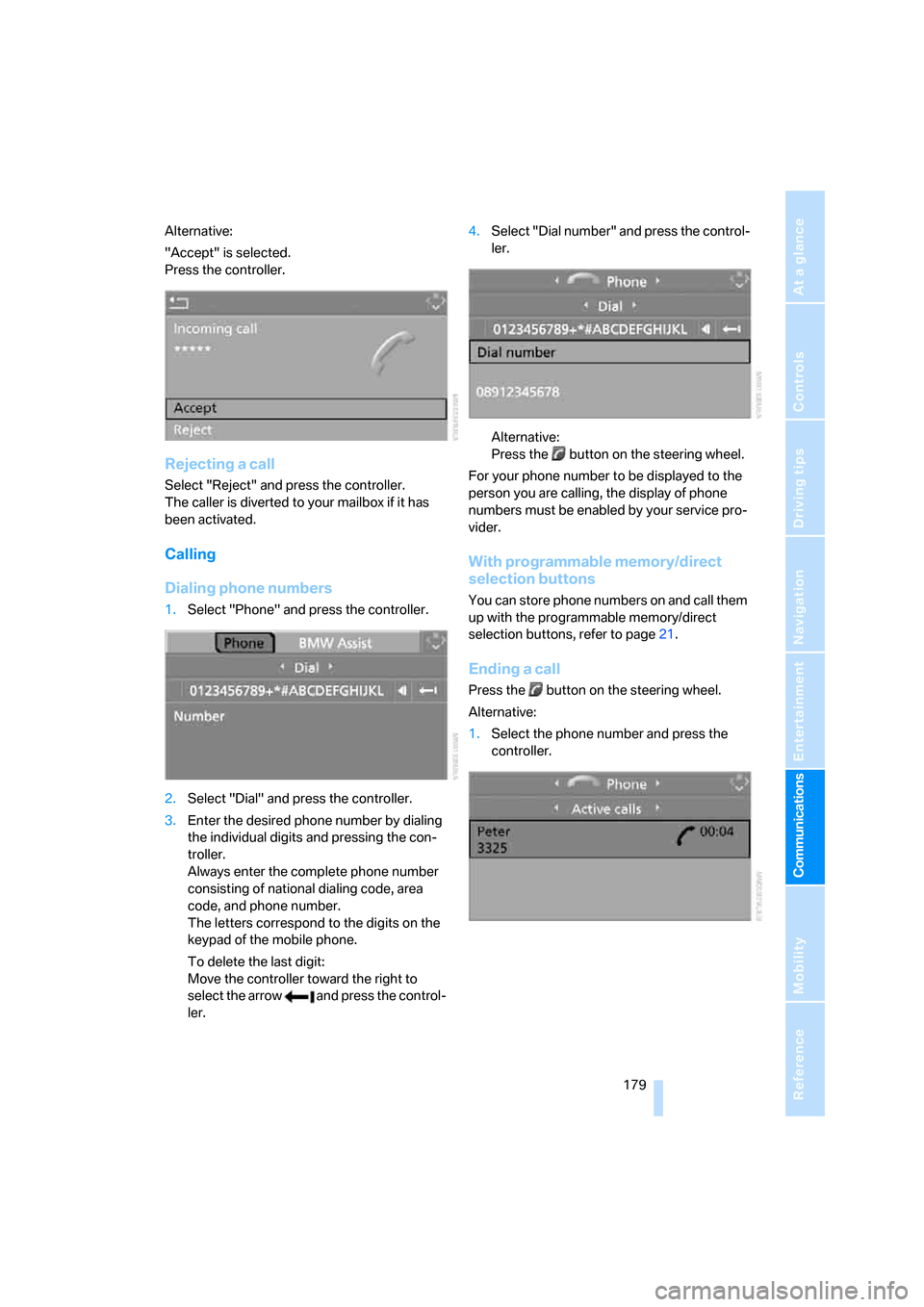
Alternative:
"Accept" is selected.
Press the controller.
Rejecting a call
Select "Reject" and press the controller.
The caller is diverted to your mailbox if it has
been activated.
Calling
Dialing phone numbers
1.Select "Phone" and press the controller.
2.Select "Dial" and press the controller.
3.Enter the desired phone number by dialing
the individual digits and pressing the con-
troller.
Always enter the complete phone number
consisting of national dialing code, area
code, and phone number.
The letters correspond to the digits on the
keypad of the mobile phone.
To delete the last digit:
Move the controller toward the right to
select the arrow and press the control-
ler.4.Select "Dial number" and press the control-
ler.
Alternative:
Press the button on the steering wheel.
For your phone number to be displayed to the
person you are calling, the display of phone
numbers must be enabled by your service pro-
vider.
With programmable memory/direct
selection buttons
You can store phone numbers on and call them
up with the programmable memory/direct
selection buttons, refer to page21.
Ending a call
Press the button on the steering wheel.
Alternative:
1.Select the phone number and press the
controller.
ba8_m5us.book Seite 179 Montag, 5. Februar 2007 12:03 12
Page 188 of 256
Telephoning
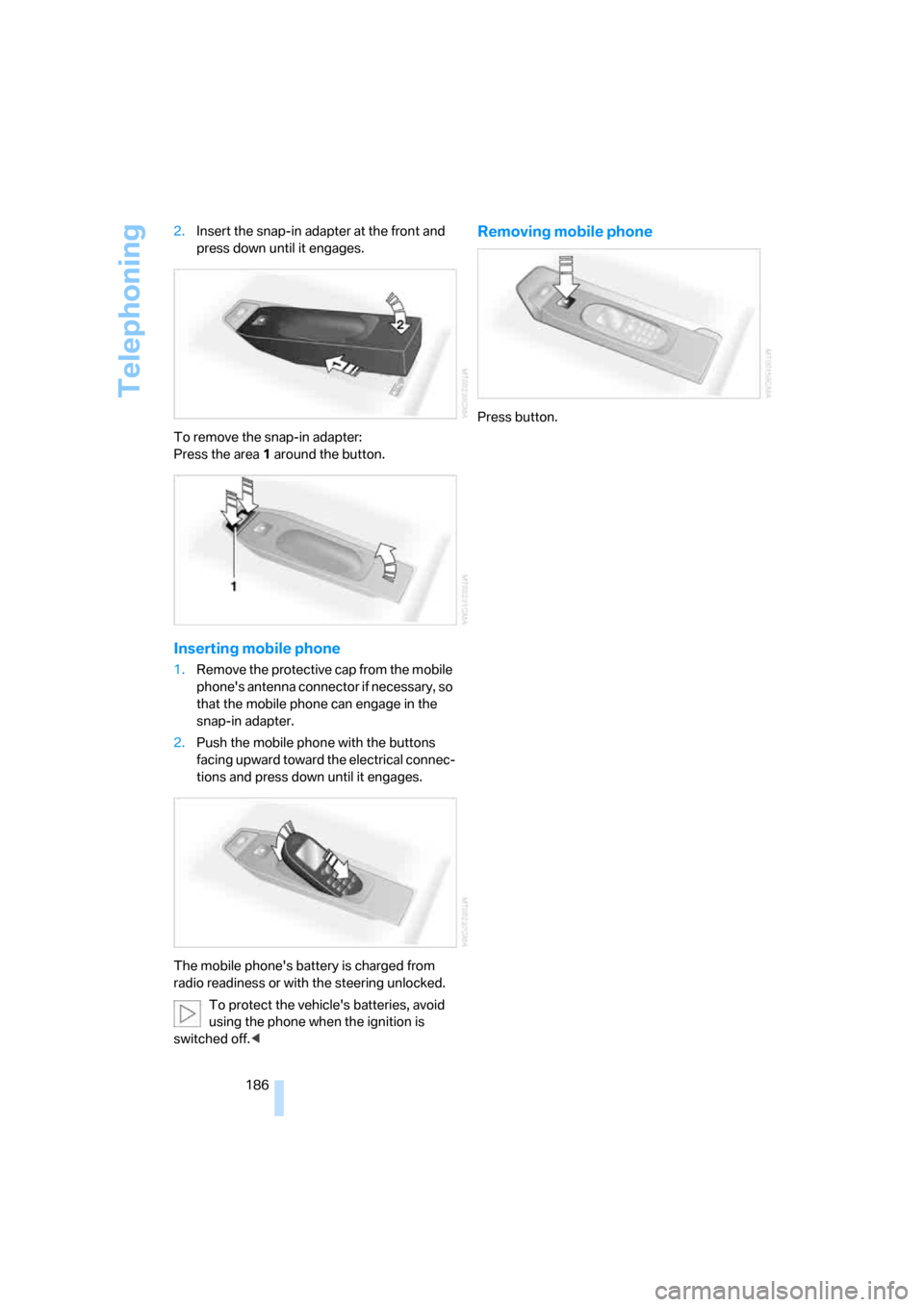
186 2.Insert the snap-in adapter at the front and
press down until it engages.
To remove the snap-in adapter:
Press the area 1 around the button.
Inserting mobile phone
1.Remove the protective cap from the mobile
phone's antenna connector if necessary, so
that the mobile phone can engage in the
snap-in adapter.
2.Push the mobile phone with the buttons
facing upward toward the electrical connec-
tions and press down until it engages.
The mobile phone's battery is charged from
radio readiness or with the steering unlocked.
To protect the vehicle's batteries, avoid
using the phone when the ignition is
switched off.<
Removing mobile phone
Press button.
ba8_m5us.book Seite 186 Montag, 5. Februar 2007 12:03 12
Page 234 of 256
Short commands of voice command system
232
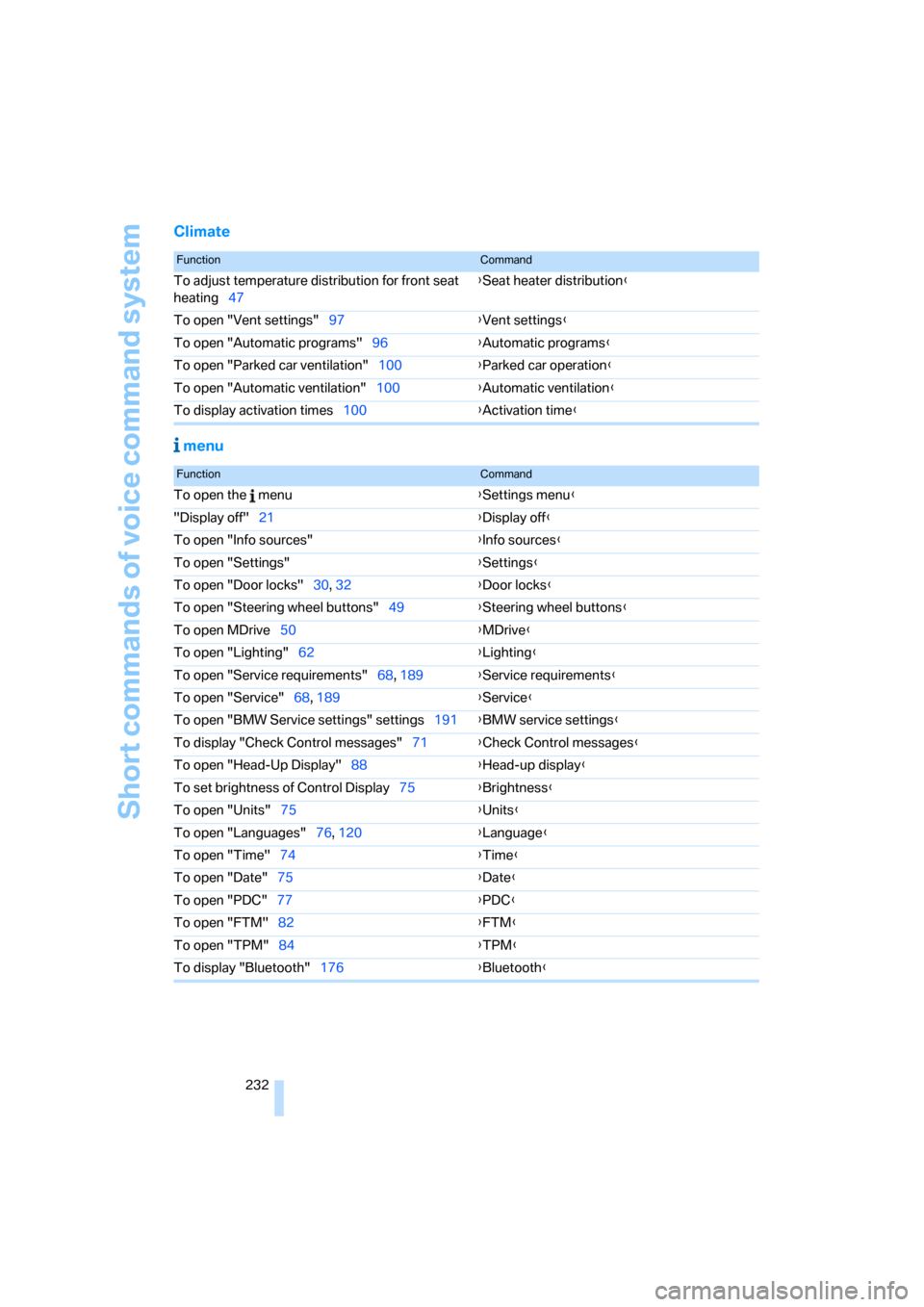
Climate
menu
FunctionCommand
To adjust temperature distribution for front seat
heating47{Seat heater distribution}
To open "Vent settings"97{Vent settings}
To open "Automatic programs"96{Automatic programs}
To open "Parked car ventilation"100{Parked car operation}
To open "Automatic ventilation"100{Automatic ventilation}
To display activation times100{Activation time}
FunctionCommand
To open the menu{Settings menu}
"Display off"21{Display off}
To open "Info sources"{Info sources}
To open "Settings"{Settings}
To open "Door locks"30, 32{Door locks}
To open "Steering wheel buttons"49{Steering wheel buttons}
To open MDrive50{MDrive}
To open "Lighting"62{Lighting}
To open "Service requirements"68, 189{Service requirements}
To open "Service"68, 189{Service}
To open "BMW Service settings" settings191{BMW service settings}
To display "Check Control messages"71{Check Control messages}
To open "Head-Up Display"88{Head-up display}
To set brightness of Control Display75{Brightness}
To open "Units"75{Units}
To open "Languages"76, 120{Language}
To open "Time"74{Time}
To open "Date"75{Date}
To open "PDC"77{PDC}
To open "FTM"
82{FTM}
To open "TPM"84{TPM}
To display "Bluetooth"176{Bluetooth}
ba8_m5us.book Seite 232 Montag, 5. Februar 2007 12:03 12
Page 238 of 256
Everything from A to Z
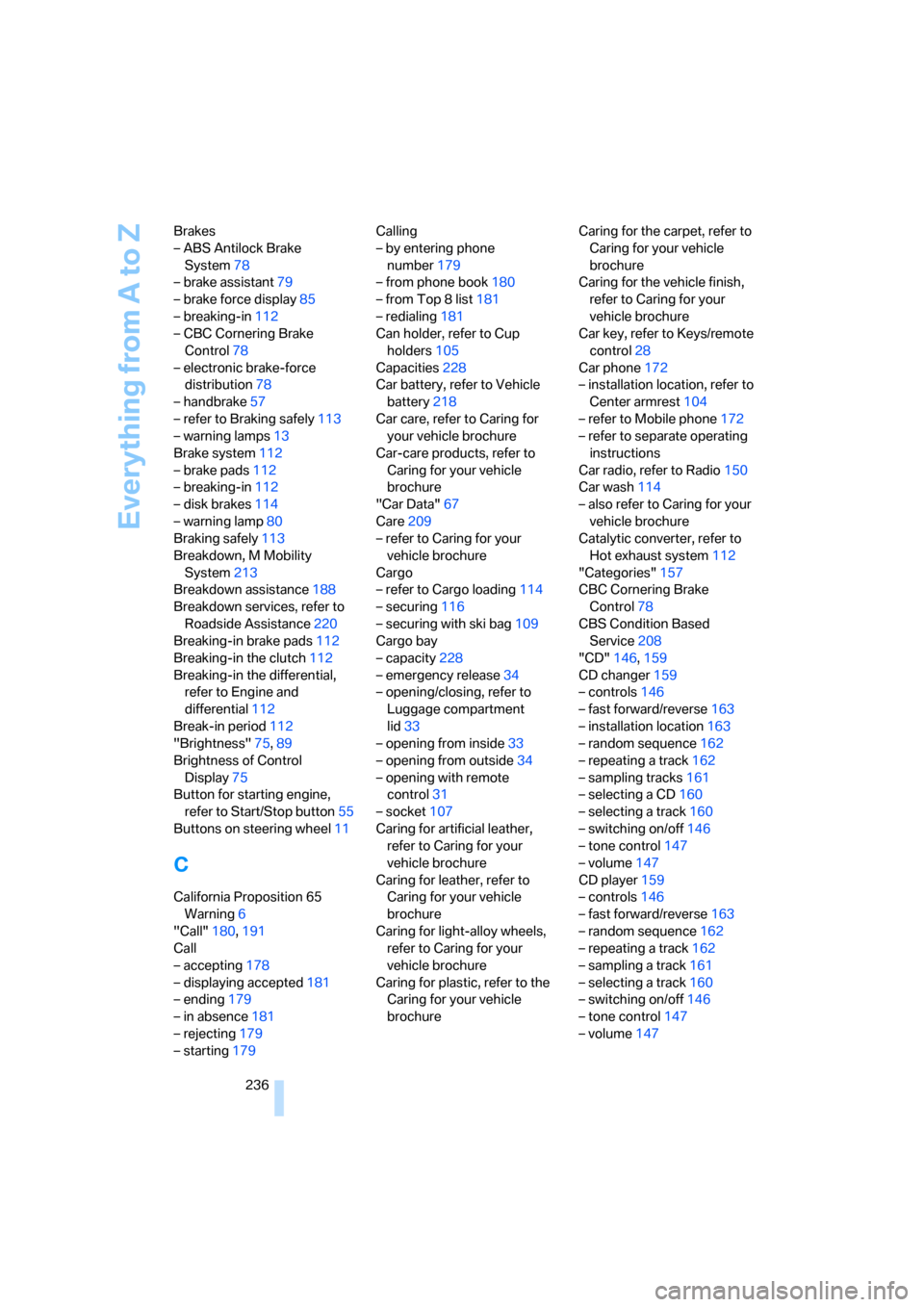
236 Brakes
– ABS Antilock Brake
System78
– brake assistant79
– brake force display85
– breaking-in112
– CBC Cornering Brake
Control78
– electronic brake-force
distribution78
– handbrake57
– refer to Braking safely113
– warning lamps13
Brake system112
– brake pads112
– breaking-in112
– disk brakes114
– warning lamp80
Braking safely113
Breakdown, M Mobility
System213
Breakdown assistance188
Breakdown services, refer to
Roadside Assistance220
Breaking-in brake pads112
Breaking-in the clutch112
Breaking-in the differential,
refer to Engine and
differential112
Break-in period112
"Brightness"75,89
Brightness of Control
Display75
Button for starting engine,
refer to Start/Stop button55
Buttons on steering wheel11
C
California Proposition 65
Warning6
"Call"180,191
Call
– accepting178
– displaying accepted181
– ending179
– in absence181
– rejecting179
– starting179Calling
– by entering phone
number179
– from phone book180
– from Top 8 list181
– redialing181
Can holder, refer to Cup
holders105
Capacities228
Car battery, refer to Vehicle
battery218
Car care, refer to Caring for
your vehicle brochure
Car-care products, refer to
Caring for your vehicle
brochure
"Car Data"67
Care209
– refer to Caring for your
vehicle brochure
Cargo
– refer to Cargo loading114
– securing116
– securing with ski bag109
Cargo bay
– capacity228
– emergency release34
– opening/closing, refer to
Luggage compartment
lid33
– opening from inside33
– opening from outside34
– opening with remote
control31
– socket107
Caring for artificial leather,
refer to Caring for your
vehicle brochure
Caring for leather, refer to
Caring for your vehicle
brochure
Caring for light-alloy wheels,
refer to Caring for your
vehicle brochure
Caring for plastic, refer to the
Caring for your vehicle
brochureCaring for the carpet, refer to
Caring for your vehicle
brochure
Caring for the vehicle finish,
refer to Caring for your
vehicle brochure
Car key, refer to Keys/remote
control28
Car phone172
– installation location, refer to
Center armrest104
– refer to Mobile phone172
– refer to separate operating
instructions
Car radio, refer to Radio150
Car wash114
– also refer to Caring for your
vehicle brochure
Catalytic converter, refer to
Hot exhaust system112
"Categories"157
CBC Cornering Brake
Control78
CBS Condition Based
Service208
"CD"146,159
CD changer159
– controls146
– fast forward/reverse163
– installation location163
– random sequence162
– repeating a track162
– sampling tracks161
– selecting a CD160
– selecting a track160
– switching on/off146
– tone control147
– volume147
CD player159
– controls146
– fast forward/reverse163
– random sequence162
– repeating a track162
– sampling a track161
– selecting a track160
– switching on/off146
– tone control147
– volume147
ba8_m5us.book Seite 236 Montag, 5. Februar 2007 12:03 12
Page 240 of 256
Everything from A to Z
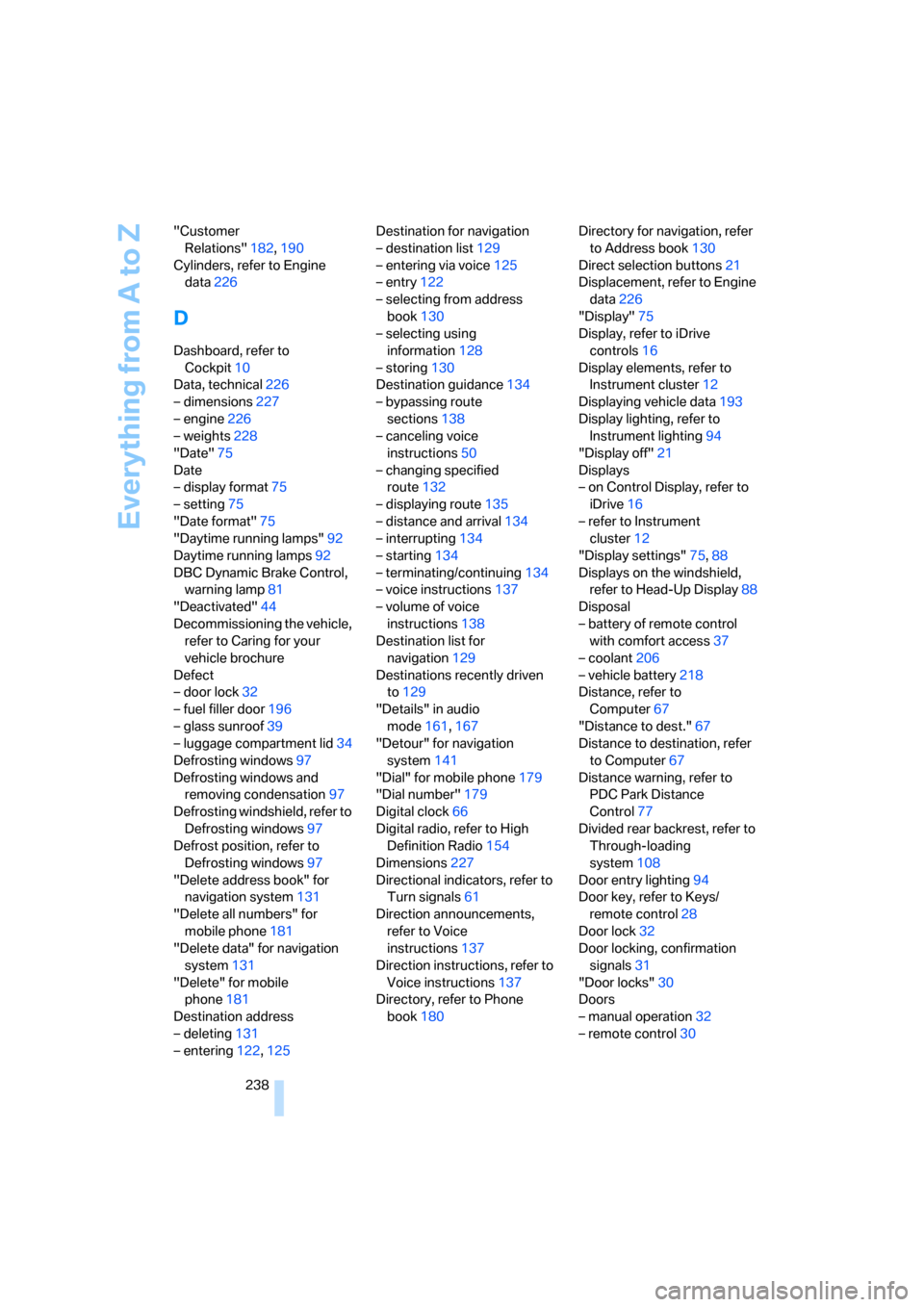
238 "Customer
Relations"182,190
Cylinders, refer to Engine
data226
D
Dashboard, refer to
Cockpit10
Data, technical226
– dimensions227
– engine226
– weights228
"Date"75
Date
– display format75
– setting75
"Date format"75
"Daytime running lamps"92
Daytime running lamps92
DBC Dynamic Brake Control,
warning lamp81
"Deactivated"44
Decommissioning the vehicle,
refer to Caring for your
vehicle brochure
Defect
– door lock32
– fuel filler door196
– glass sunroof39
– luggage compartment lid34
Defrosting windows97
Defrosting windows and
removing condensation97
Defrosting windshield, refer to
Defrosting windows97
Defrost position, refer to
Defrosting windows97
"Delete address book" for
navigation system131
"Delete all numbers" for
mobile phone181
"Delete data" for navigation
system131
"Delete" for mobile
phone181
Destination address
– deleting131
– entering122,125Destination for navigation
– destination list129
– entering via voice125
– entry122
– selecting from address
book130
– selecting using
information128
– storing130
Destination guidance134
– bypassing route
sections138
– canceling voice
instructions50
– changing specified
route132
– displaying route135
– distance and arrival134
– interrupting
134
– starting134
– terminating/continuing134
– voice instructions137
– volume of voice
instructions138
Destination list for
navigation129
Destinations recently driven
to129
"Details" in audio
mode161,167
"Detour" for navigation
system141
"Dial" for mobile phone179
"Dial number"179
Digital clock66
Digital radio, refer to High
Definition Radio154
Dimensions227
Directional indicators, refer to
Turn signals61
Direction announcements,
refer to Voice
instructions137
Direction instructions, refer to
Voice instructions137
Directory, refer to Phone
book180Directory for navigation, refer
to Address book130
Direct selection buttons21
Displacement, refer to Engine
data226
"Display"75
Display, refer to iDrive
controls16
Display elements, refer to
Instrument cluster12
Displaying vehicle data193
Display lighting, refer to
Instrument lighting94
"Display off"21
Displays
– on Control Display, refer to
iDrive16
– refer to Instrument
cluster12
"Display settings"75,88
Displays on the windshield,
refer to Head-Up Display88
Disposal
– battery of remote control
with comfort access37
– coolant206
– vehicle battery218
Distance, refer to
Computer67
"Distance to dest."67
Distance to destination, refer
to Computer67
Distance warning, refer to
PDC Park Distance
Control77
Divided rear backrest, refer to
Through-loading
system108
Door entry lighting94
Door key, refer to Keys/
remote control28
Door lock32
Door locking, confirmation
signals31
"Door locks"30
Doors
– manual operation32
– remote control30
ba8_m5us.book Seite 238 Montag, 5. Februar 2007 12:03 12
Page 241 of 256
Reference 239
At a glance
Controls
Driving tips
Communications
Navigation
Entertainment
Mobility
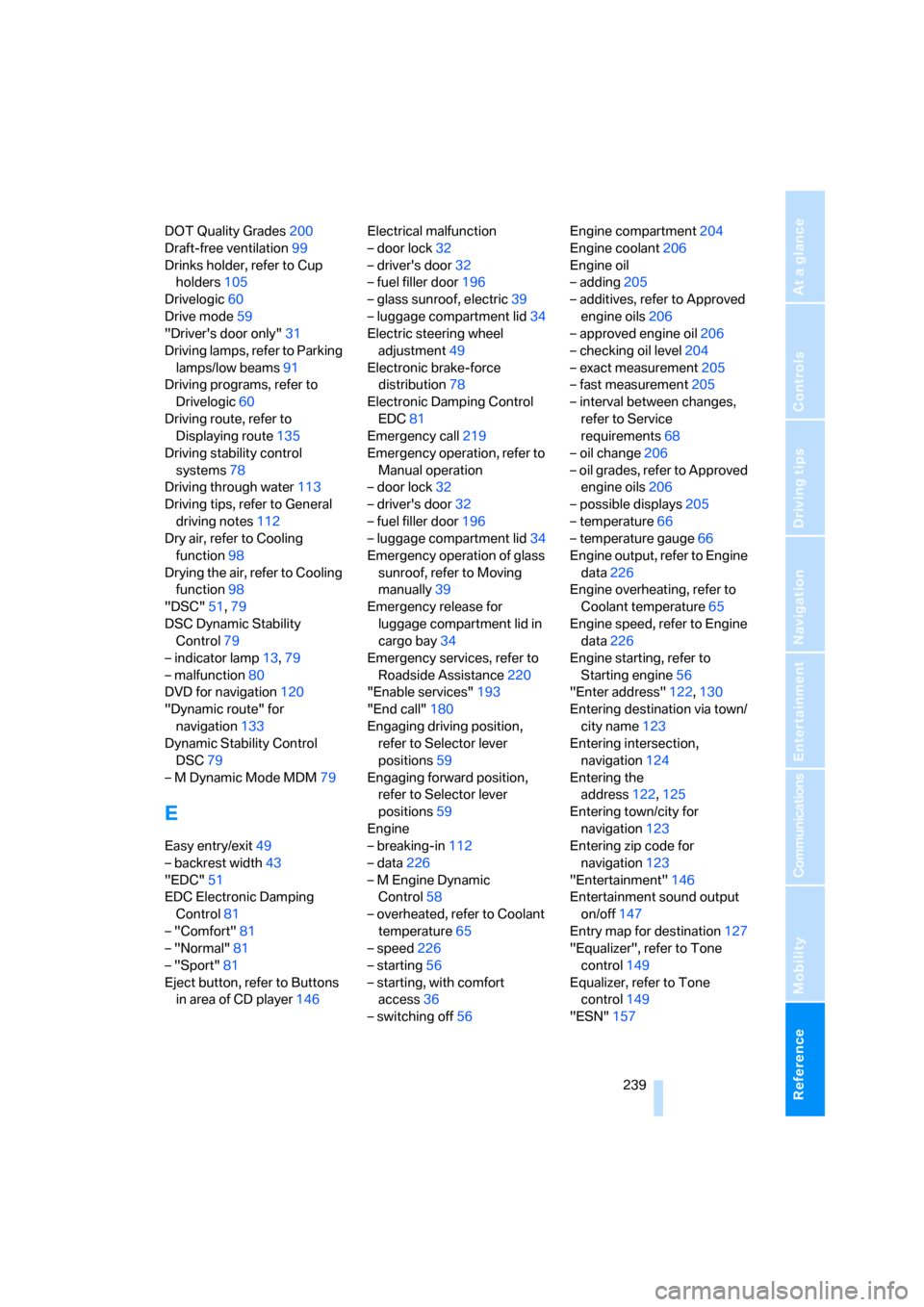
DOT Quality Grades200
Draft-free ventilation99
Drinks holder, refer to Cup
holders105
Drivelogic60
Drive mode59
"Driver's door only"31
Driving lamps, refer to Parking
lamps/low beams91
Driving programs, refer to
Drivelogic60
Driving route, refer to
Displaying route135
Driving stability control
systems78
Driving through water113
Driving tips, refer to General
driving notes112
Dry air, refer to Cooling
function98
Drying the air, refer to Cooling
function98
"DSC"51,79
DSC Dynamic Stability
Control79
– indicator lamp13,79
– malfunction80
DVD for navigation120
"Dynamic route" for
navigation133
Dynamic Stability Control
DSC79
– M Dynamic Mode MDM79
E
Easy entry/exit49
– backrest width43
"EDC"51
EDC Electronic Damping
Control81
– "Comfort"81
– "Normal"81
– "Sport"81
Eject button, refer to Buttons
in area of CD player146Electrical malfunction
– door lock32
– driver's door32
– fuel filler door196
– glass sunroof, electric39
– luggage compartment lid34
Electric steering wheel
adjustment49
Electronic brake-force
distribution78
Electronic Damping Control
EDC81
Emergency call219
Emergency operation, refer to
Manual operation
– door lock32
– driver's door32
– fuel filler door196
– luggage compartment lid34
Emergency operation of glass
sunroof, refer to Moving
manually39
Emergency release for
luggage compartment lid in
cargo bay34
Emergency services, refer to
Roadside Assistance220
"Enable services"193
"End call"180
Engaging driving position,
refer to Selector lever
positions59
Engaging forward position,
refer to Selector lever
positions59
Engine
– breaking-in112
– data226
– M Engine Dynamic
Control58
– overheated, refer to Coolant
temperature65
– speed226
– starting56
– starting, with comfort
access36
– switching off56Engine compartment204
Engine coolant206
Engine oil
– adding205
– additives, refer to Approved
engine oils206
– approved engine oil206
– checking oil level204
– exact measurement205
– fast measurement205
– interval between changes,
refer to Service
requirements68
– oil change206
– oil grades, refer to Approved
engine oils206
– possible displays205
– temperature66
– temperature gauge66
Engine output, refer to Engine
data226
Engine overheating, refer to
Coolant temperature65
Engine speed, refer to Engine
data226
Engine starting, refer to
Starting engine56
"Enter address"122,130
Entering destination via town/
city name123
Entering intersection,
navigation124
Entering the
address122,125
Entering town/city for
navigation123
Entering zip code for
navigation123
"Entertainment"146
Entertainment sound output
on/off147
Entry map for destination127
"Equalizer", refer to Tone
control149
Equalizer, refer to Tone
control149
"ESN"157
ba8_m5us.book Seite 239 Montag, 5. Februar 2007 12:03 12
Page 245 of 256
Reference 243
At a glance
Controls
Driving tips
Communications
Navigation
Entertainment
Mobility
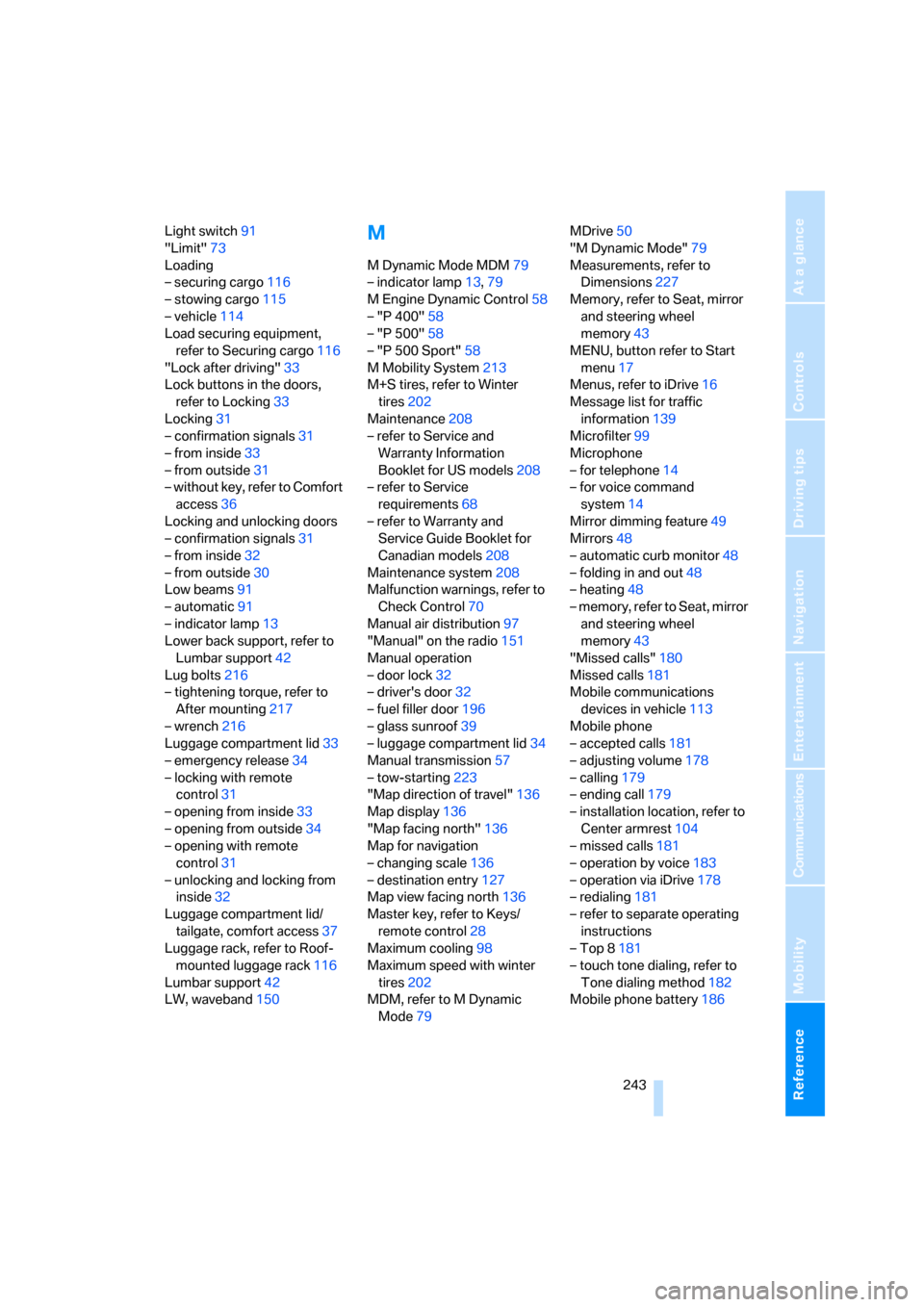
Light switch91
"Limit"73
Loading
– securing cargo116
– stowing cargo115
– vehicle114
Load securing equipment,
refer to Securing cargo116
"Lock after driving"33
Lock buttons in the doors,
refer to Locking33
Locking31
– confirmation signals31
– from inside33
– from outside31
– without key, refer to Comfort
access36
Locking and unlocking doors
– confirmation signals31
– from inside32
– from outside30
Low beams91
– automatic91
– indicator lamp13
Lower back support, refer to
Lumbar support42
Lug bolts216
– tightening torque, refer to
After mounting217
– wrench216
Luggage compartment lid33
– emergency release34
– locking with remote
control31
– opening from inside33
– opening from outside34
– opening with remote
control31
– unlocking and locking from
inside32
Luggage compartment lid/
tailgate, comfort access37
Luggage rack, refer to Roof-
mounted luggage rack116
Lumbar support42
LW, waveband150M
M Dynamic Mode MDM79
– indicator lamp13,79
M Engine Dynamic Control58
– "P 400"58
– "P 500"58
– "P 500 Sport"58
M Mobility System213
M+S tires, refer to Winter
tires202
Maintenance208
– refer to Service and
Warranty Information
Booklet for US models208
– refer to Service
requirements68
– refer to Warranty and
Service Guide Booklet for
Canadian models208
Maintenance system208
Malfunction warnings, refer to
Check Control70
Manual air distribution97
"Manual" on the radio151
Manual operation
– door lock32
– driver's door32
– fuel filler door196
– glass sunroof39
– luggage compartment lid34
Manual transmission57
– tow-starting223
"Map direction of travel"136
Map display136
"Map facing north"136
Map for navigation
– changing scale136
– destination entry127
Map view facing north136
Master key, refer to Keys/
remote control28
Maximum cooling98
Maximum speed with winter
tires202
MDM, refer to M Dynamic
Mode79MDrive50
"M Dynamic Mode"79
Measurements, refer to
Dimensions227
Memory, refer to Seat, mirror
and steering wheel
memory43
MENU, button refer to Start
menu17
Menus, refer to iDrive16
Message list for traffic
information139
Microfilter99
Microphone
– for telephone14
– for voice command
system14
Mirror dimming feature49
Mirrors48
– automatic curb monitor48
– folding in and out48
– heating48
– memory, refer to Seat, mirror
and steering wheel
memory43
"Missed calls"180
Missed calls181
Mobile communications
devices in vehicle113
Mobile phone
– accepted calls181
– adjusting volume178
– calling179
– ending call179
– installation location, refer to
Center armrest104
– missed calls181
– operation by voice183
– operation via iDrive178
– redialing181
– refer to separate operating
instructions
– Top 8181
– touch tone dialing, refer to
Tone dialing method182
Mobile phone battery186
ba8_m5us.book Seite 243 Montag, 5. Februar 2007 12:03 12
Page 246 of 256
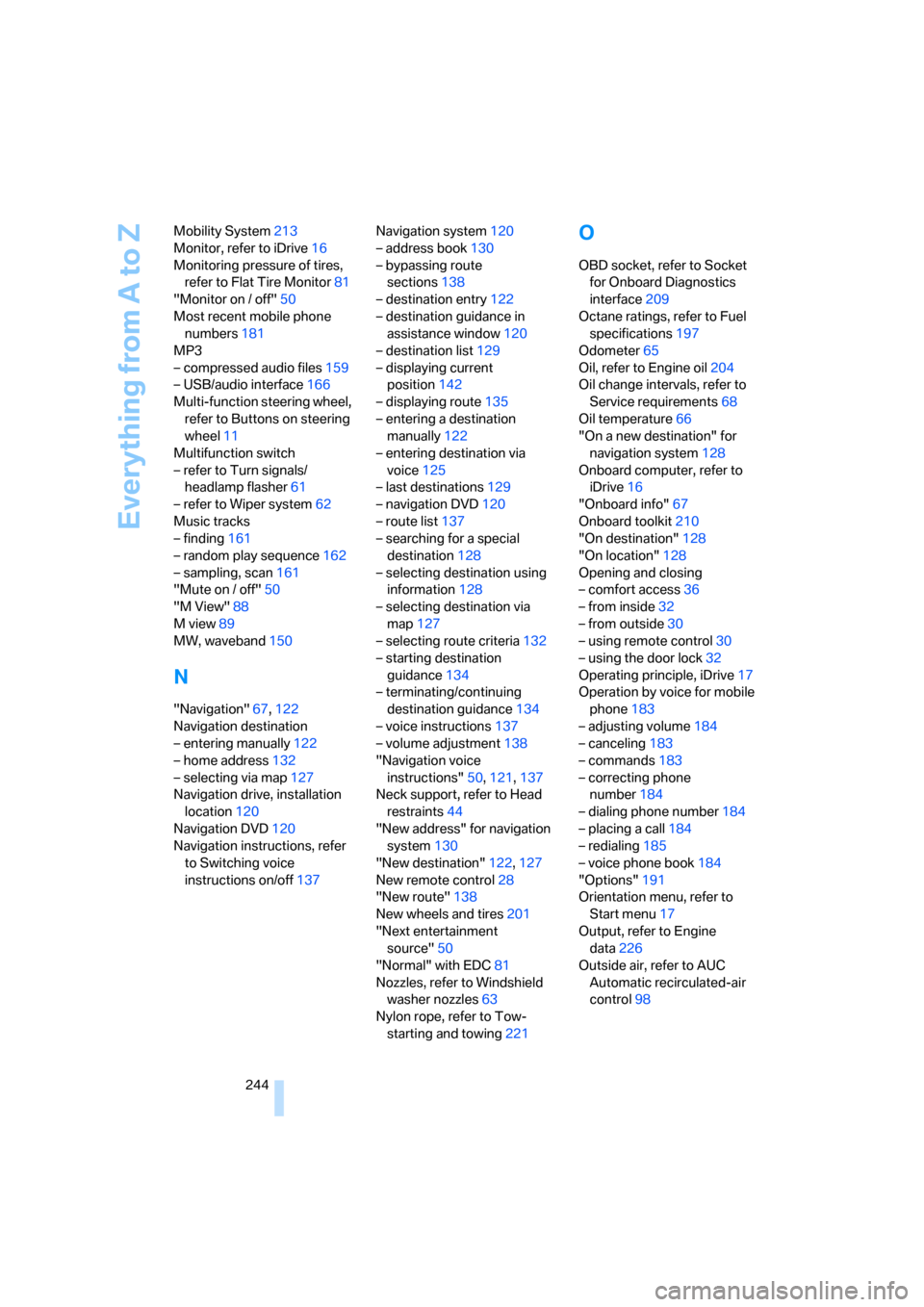
Everything from A to Z
244 Mobility System213
Monitor, refer to iDrive16
Monitoring pressure of tires,
refer to Flat Tire Monitor81
"Monitor on / off"50
Most recent mobile phone
numbers181
MP3
– compressed audio files159
– USB/audio interface166
Multi-function steering wheel,
refer to Buttons on steering
wheel11
Multifunction switch
– refer to Turn signals/
headlamp flasher61
– refer to Wiper system62
Music tracks
– finding161
– random play sequence162
– sampling, scan161
"Mute on / off"50
"M View"88
M view89
MW, waveband150
N
"Navigation"67,122
Navigation destination
– entering manually122
– home address132
– selecting via map127
Navigation drive, installation
location120
Navigation DVD120
Navigation instructions, refer
to Switching voice
instructions on/off137Navigation system120
– address book130
– bypassing route
sections138
– destination entry122
– destination guidance in
assistance window120
– destination list129
– displaying current
position142
– displaying route135
– entering a destination
manually122
– entering destination via
voice125
– last destinations129
– navigation DVD120
– route list137
– searching for a special
destination128
– selecting destination using
information128
– selecting destination via
map127
– selecting route criteria132
– starting destination
guidance134
– terminating/continuing
destination guidance134
– voice instructions137
– volume adjustment138
"Navigation voice
instructions"50,121,137
Neck support, refer to Head
restraints44
"New address" for navigation
system130
"New destination"122,127
New remote control28
"New route"138
New wheels and tires201
"Next entertainment
source"50
"Normal" with EDC81
Nozzles, refer to Windshield
washer nozzles
63
Nylon rope, refer to Tow-
starting and towing221
O
OBD socket, refer to Socket
for Onboard Diagnostics
interface209
Octane ratings, refer to Fuel
specifications197
Odometer65
Oil, refer to Engine oil204
Oil change intervals, refer to
Service requirements68
Oil temperature66
"On a new destination" for
navigation system128
Onboard computer, refer to
iDrive16
"Onboard info"67
Onboard toolkit210
"On destination"128
"On location"128
Opening and closing
– comfort access36
– from inside32
– from outside30
– using remote control30
– using the door lock32
Operating principle, iDrive17
Operation by voice for mobile
phone183
– adjusting volume184
– canceling183
– commands183
– correcting phone
number184
– dialing phone number184
– placing a call184
– redialing185
– voice phone book184
"Options"191
Orientation menu, refer to
Start menu17
Output, refer to Engine
data226
Outside air, refer to AUC
Automatic recirculated-air
control98
ba8_m5us.book Seite 244 Montag, 5. Februar 2007 12:03 12
Page 247 of 256
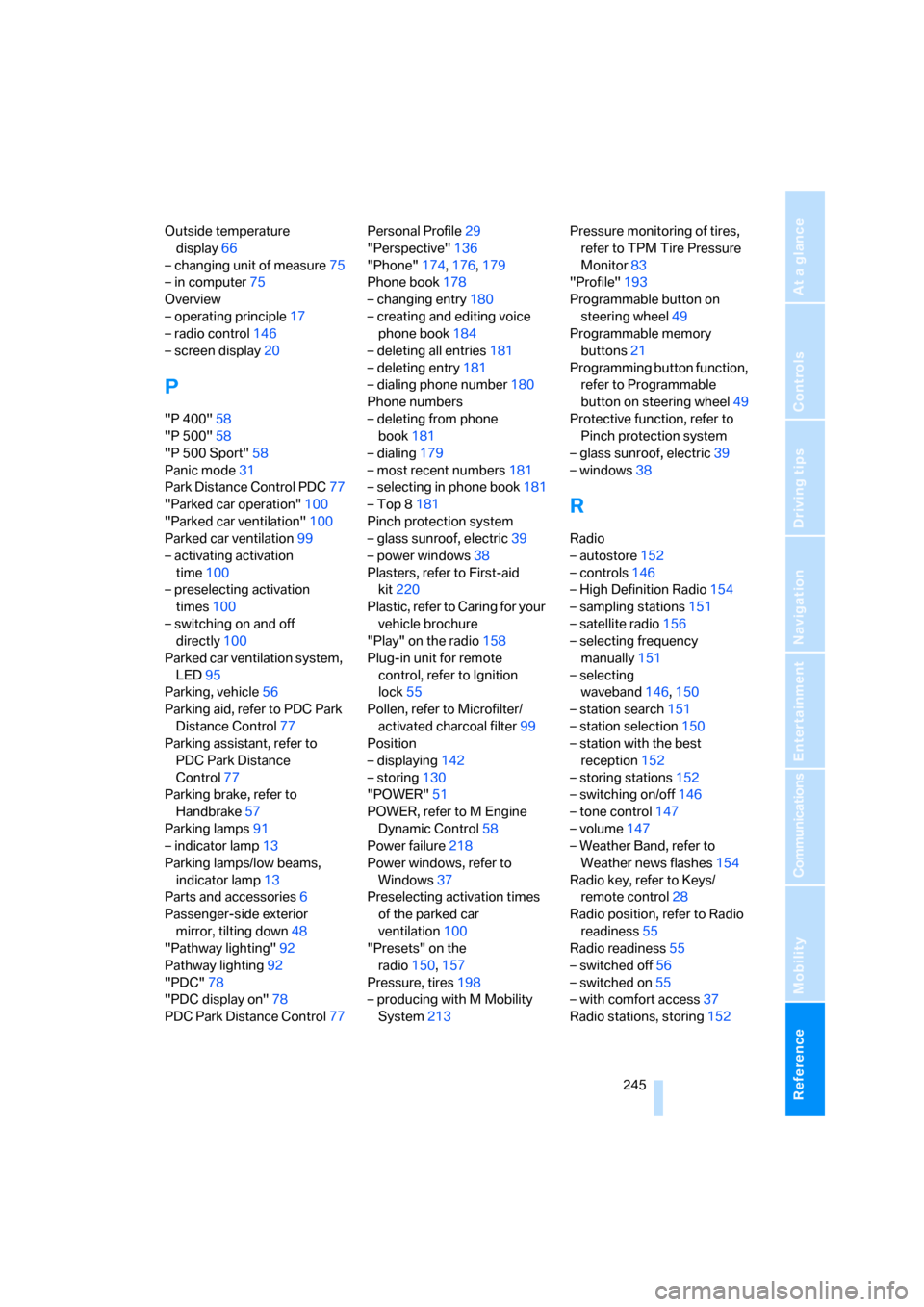
Reference 245
At a glance
Controls
Driving tips
Communications
Navigation
Entertainment
Mobility
Outside temperature
display66
– changing unit of measure75
– in computer75
Overview
– operating principle17
– radio control146
– screen display20
P
"P 400"58
"P 500"58
"P 500 Sport"58
Panic mode31
Park Distance Control PDC77
"Parked car operation"100
"Parked car ventilation"100
Parked car ventilation99
– activating activation
time100
– preselecting activation
times100
– switching on and off
directly100
Parked car ventilation system,
LED95
Parking, vehicle56
Parking aid, refer to PDC Park
Distance Control77
Parking assistant, refer to
PDC Park Distance
Control77
Parking brake, refer to
Handbrake57
Parking lamps91
– indicator lamp13
Parking lamps/low beams,
indicator lamp13
Parts and accessories6
Passenger-side exterior
mirror, tilting down48
"Pathway lighting"92
Pathway lighting92
"PDC"78
"PDC display on"78
PDC Park Distance Control77Personal Profile29
"Perspective"136
"Phone"174,176,179
Phone book178
– changing entry180
– creating and editing voice
phone book184
– deleting all entries181
– deleting entry181
– dialing phone number180
Phone numbers
– deleting from phone
book181
– dialing179
– most recent numbers181
– selecting in phone book181
– Top 8181
Pinch protection system
– glass sunroof, electric39
– power windows38
Plasters, refer to First-aid
kit220
Plastic, refer to Caring for your
vehicle brochure
"Play" on the radio158
Plug-in unit for remote
control, refer to Ignition
lock55
Pollen, refer to Microfilter/
activated charcoal filter99
Position
– displaying142
– storing130
"POWER"51
POWER, refer to M Engine
Dynamic Control58
Power failure218
Power windows, refer to
Windows37
Preselecting activation times
of the parked car
ventilation100
"Presets" on the
radio150,157
Pressure, tires198
– producing with M Mobility
System213Pressure monitoring of tires,
refer to TPM Tire Pressure
Monitor83
"Profile"193
Programmable button on
steering wheel49
Programmable memory
buttons21
Programming button function,
refer to Programmable
button on steering wheel49
Protective function, refer to
Pinch protection system
– glass sunroof, electric39
– windows38
R
Radio
– autostore152
– controls146
– High Definition Radio154
– sampling stations151
– satellite radio156
– selecting frequency
manually151
– selecting
waveband146,150
– station search151
– station selection150
– station with the best
reception152
– storing stations152
– switching on/off146
– tone control147
– volume147
– Weather Band, refer to
Weather news flashes154
Radio key, refer to Keys/
remote control28
Radio position, refer to Radio
readiness55
Radio readiness55
– switched off56
– switched on55
– with comfort access37
Radio stations, storing152
ba8_m5us.book Seite 245 Montag, 5. Februar 2007 12:03 12