engine oil BMW M5 SEDAN 2013 User Guide
[x] Cancel search | Manufacturer: BMW, Model Year: 2013, Model line: M5 SEDAN, Model: BMW M5 SEDAN 2013Pages: 230, PDF Size: 6.29 MB
Page 192 of 230
Low ambient temperatures
From the factory, types of oil are used for the
vehicle that can be employed in practically all
ambient temperatures.
If the vehicle is used for a longer period at tem‐
peratures below –4 ℉/–20 ℃, ask the service
center about suitable oil types.
Seite 188MobilityEngine oil188
Online Edition for Part no. 01 40 2 909 953 - VI/13
Engine oil change
The manufacturer of your vehicle recommends
having the engine oil changed by your service
center.
Page 194 of 230
MaintenanceVehicle equipment
All standard, country-specific and optional
equipment that is offered in the model series is
described in this chapter. Therefore, equip‐
ment is also described that is not available in a
vehicle, e. g., because of the selected optional
equipment or country variant. This also applies
for safety-related functions and systems.
BMW Maintenance System The maintenance system directs you to re‐
quired maintenance measures and thereby
supports you in maintaining road safety and
the operational reliability of the vehicle.
Condition Based Service
CBS
Sensors and special algorithms take into ac‐
count the driving conditions of your vehicle.
Based on this, Condition Based Service deter‐
mines the maintenance requirements.
The system makes it possible to adapt the
amount of maintenance you need to your user
profile.
Details on the service requirements, refer to
page 84, can be displayed on the Control Dis‐
play.
Service data in the remote control
Information on the required maintenance is
continuously stored in the remote control.
Your service center will read out this data and
suggest the right array of service procedures
for your vehicle.
Therefore, hand your service specialist the re‐
mote control with which the vehicle was driven
most recently.Storage periods
Storage periods during which the vehicle bat‐
tery was disconnected are not taken into ac‐
count.
If this occurs, have a service center update the
time-dependent maintenance procedures,
such as checking brake fluid and, if necessary,
changing the engine oil and the microfilter/
activated-charcoal filter.
Service history Perform maintenance work at the service cen‐
ter and have them recorded in the vehicle data.
The entries are like a service booklet of the
documentation of regular maintenance.
Displaying entered maintenance work on the
Control Display, refer to page 85.
Service and Warranty
Information Booklet for US
models and Warranty and
Service Guide Booklet for
Canadian models
Please consult your Service and Warranty In‐
formation Booklet for US models and Warranty
and Service Guide Booklet for Canadian mod‐
els for additional information on service re‐
quirements.
Maintenance and repair should be performed
by your service center. Make sure to have reg‐
ular maintenance procedures recorded in the
vehicle's Service and Warranty Information
Booklet for US models, and in the Warranty
and Service Guide Booklet for Canadian mod‐
els. These entries are proof of regular mainte‐
nance.Seite 190MobilityMaintenance190
Online Edition for Part no. 01 40 2 909 953 - VI/13
Page 209 of 230
CareVehicle equipmentAll standard, country-specific and optional
equipment that is offered in the model series is
described in this chapter. Therefore, equip‐
ment is also described that is not available in a
vehicle, e. g., because of the selected optional
equipment or country variant. This also applies
for safety-related functions and systems.
Car washes Hints Steam jets or high-pressure washers
When using steam jets or high-pressure
washers, hold them a sufficient distance away and use a maximum temperature of
140 ℉/60 ℃.
If the vehicle has a glass sunroof, ensure that a distance of at least 31.5 inches/80 cm is main‐
tained. Holding them too close or using exces‐
sively high pressures or temperatures can
cause damage or preliminary damage that may
then lead to long-term damage.
Follow the user's manual for the high-pressure
washer.◀
Cleaning sensors/cameras with high-
pressure washers
When using high-pressure washers, do not
spray the exterior sensors and cameras, e.g., Park Distance Control, for extended periods of
time and only from a distance of at least
12 in/30 cm.◀
Regularly remove foreign items such as leaves
in the area below the windshield when the
hood is raised.
Wash your vehicle frequently, particularly in
winter.Intense soiling and road salt can damage the
vehicle.
Automatic car washes
Hints
Note the following:▷Give preference to cloth car washes or
those that use soft brushes in order to
avoid paint damage.▷Make sure that the wheels and tires are not
damaged by the transport mechanisms.▷Fold in the exterior mirrors; otherwise, they
may be damaged, depending on the width
of the vehicle.▷Deactivate the rain sensor, refer to
page 70, to avoid unintentional wiper acti‐
vation.▷In some cases, an unintentional alarm can
be triggered by the interior motion sensor
of the alarm system. Follow the instruc‐
tions on avoiding an unintentional alarm,
refer to page 43.
Guide rails in car washes
Avoid car washes with guide rails higher
than 4 in/10 cm; otherwise, the vehicle body
could be damaged.◀
Before driving into a car wash In order to ensure that the vehicle can roll in a
car wash, take the following steps:
Manual transmission:
1.Drive into the car wash.2.Shift to neutral.3.Switch the engine off.4.Switch on the ignition.
Automatic transmission:
Seite 205CareMobility205
Online Edition for Part no. 01 40 2 909 953 - VI/13
Page 210 of 230
Double-clutch transmission:1.Drive into the car wash.2.Engage transmission position N.3.Switch the engine off.
In this way, the ignition remains switched
on, and a Check-Control message is dis‐
played.
Do not turn off the ignition in the car
wash
Do not turn off the ignition in the car wash;
otherwise, the transmission position P is
engaged and damages can result.◀
To start the engine:
1.Depress the brake pedal.2.Press the Start/Stop button.
Pressing the Start/Stop button without step‐
ping on the brake turns the ignition off.
The vehicle cannot be locked from the outside
when in transmission position N. A signal is
sounded when an attempt is made to lock the
vehicle.
Transmission position
Transmission position P is engaged automati‐
cally:
▷When the ignition is switched off.▷After approx. 15 minutes.
Headlamps
▷Do not rub dry and do not use abrasive or
caustic cleansers.▷Soak areas that have been soiled e.g. due
to insects, with shampoo and wash off with
water.▷Thaw ice with deicing spray; do not use an
ice scraper.
After washing the vehicle
After washing the vehicle, apply the brakes
briefly to dry them; otherwise, braking action
can be reduced and corrosion of the brake
discs can occur.
Completely remove all residues on the win‐
dows, to minimize loss of visibility due to
smearing and to reduce wiper noises and
wiper blade wear.
Vehicle care
Car care products BMW recommends using cleaning and care
products from BMW, since these have been
tested and approved.
Car care and cleaning products
Follow the instructions on the container.
When cleaning the interior, open the doors or
windows.
Only use products intended for cleaning vehi‐
cles.
Cleansers can contain substances that are
dangerous and harmful to your health.◀
Vehicle paint
Regular care contributes to driving safety and
value retention. Environmental influences in
areas with elevated air pollution or natural con‐
taminants, such as tree resin or pollen can af‐
fect the vehicle's paintwork. Tailor the fre‐
quency and extent of your car care to these
influences.
Aggressive substances, such as spilled fuel,
oil, grease or bird droppings, must be removed
immediately to prevent the finish from being
altered or discolored.
Leather care
Remove dust from the leather often, using a
cloth or vacuum cleaner.
Otherwise, particles of dust and road grime
chafe in pores and folds, and lead to increased
wear and premature degradation of the leather
surface.Seite 206MobilityCare206
Online Edition for Part no. 01 40 2 909 953 - VI/13
Page 220 of 230
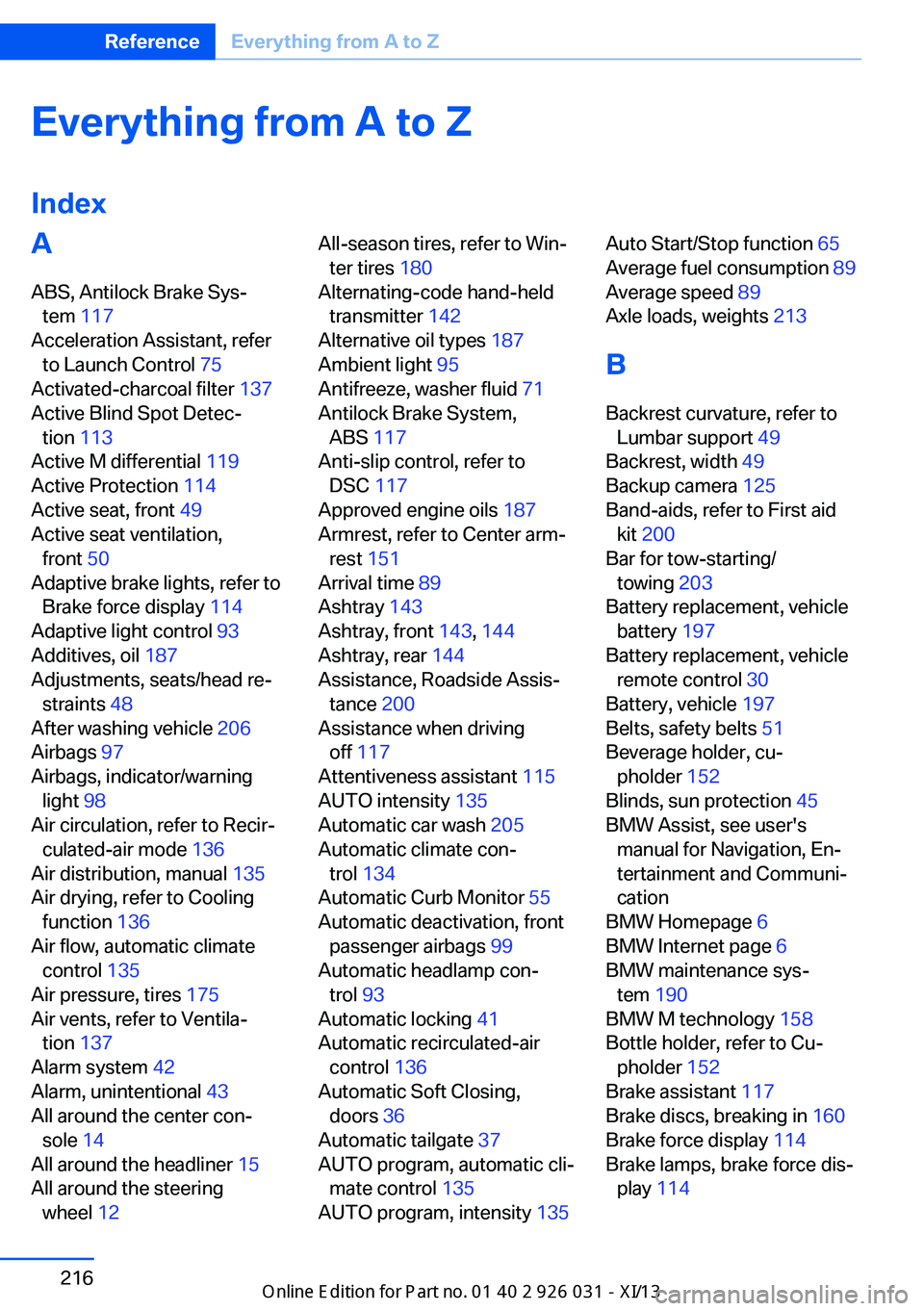
Everything from A to Z
IndexA ABS, Antilock Brake Sys‐ tem 117
Acceleration Assistant, refer to Launch Control 75
Activated-charcoal filter 137
Active Blind Spot Detec‐ tion 113
Active M differential 119
Active Protection 114
Active seat, front 49
Active seat ventilation, front 50
Adaptive brake lights, refer to Brake force display 114
Adaptive light control 93
Additives, oil 187
Adjustments, seats/head re‐ straints 48
After washing vehicle 206
Airbags 97
Airbags, indicator/warning light 98
Air circulation, refer to Recir‐ culated-air mode 136
Air distribution, manual 135
Air drying, refer to Cooling function 136
Air flow, automatic climate control 135
Air pressure, tires 175
Air vents, refer to Ventila‐ tion 137
Alarm system 42
Alarm, unintentional 43
All around the center con‐ sole 14
All around the headliner 15
All around the steering wheel 12 All-season tires, refer to Win‐
ter tires 180
Alternating-code hand-held transmitter 142
Alternative oil types 187
Ambient light 95
Antifreeze, washer fluid 71
Antilock Brake System, ABS 117
Anti-slip control, refer to DSC 117
Approved engine oils 187
Armrest, refer to Center arm‐ rest 151
Arrival time 89
Ashtray 143
Ashtray, front 143, 144
Ashtray, rear 144
Assistance, Roadside Assis‐ tance 200
Assistance when driving off 117
Attentiveness assistant 115
AUTO intensity 135
Automatic car wash 205
Automatic climate con‐ trol 134
Automatic Curb Monitor 55
Automatic deactivation, front passenger airbags 99
Automatic headlamp con‐ trol 93
Automatic locking 41
Automatic recirculated-air control 136
Automatic Soft Closing, doors 36
Automatic tailgate 37
AUTO program, automatic cli‐ mate control 135
AUTO program, intensity 135 Auto Start/Stop function 65
Average fuel consumption 89
Average speed 89
Axle loads, weights 213
B Backrest curvature, refer to Lumbar support 49
Backrest, width 49
Backup camera 125
Band-aids, refer to First aid kit 200
Bar for tow-starting/ towing 203
Battery replacement, vehicle battery 197
Battery replacement, vehicle remote control 30
Battery, vehicle 197
Belts, safety belts 51
Beverage holder, cu‐ pholder 152
Blinds, sun protection 45
BMW Assist, see user's manual for Navigation, En‐
tertainment and Communi‐
cation
BMW Homepage 6
BMW Internet page 6
BMW maintenance sys‐ tem 190
BMW M technology 158
Bottle holder, refer to Cu‐ pholder 152
Brake assistant 117
Brake discs, breaking in 160
Brake force display 114
Brake lamps, brake force dis‐ play 114 Seite 216ReferenceEverything from A to Z216
Online Edition for Part no. 01 40 2 909 953 - VI/13
Page 222 of 230
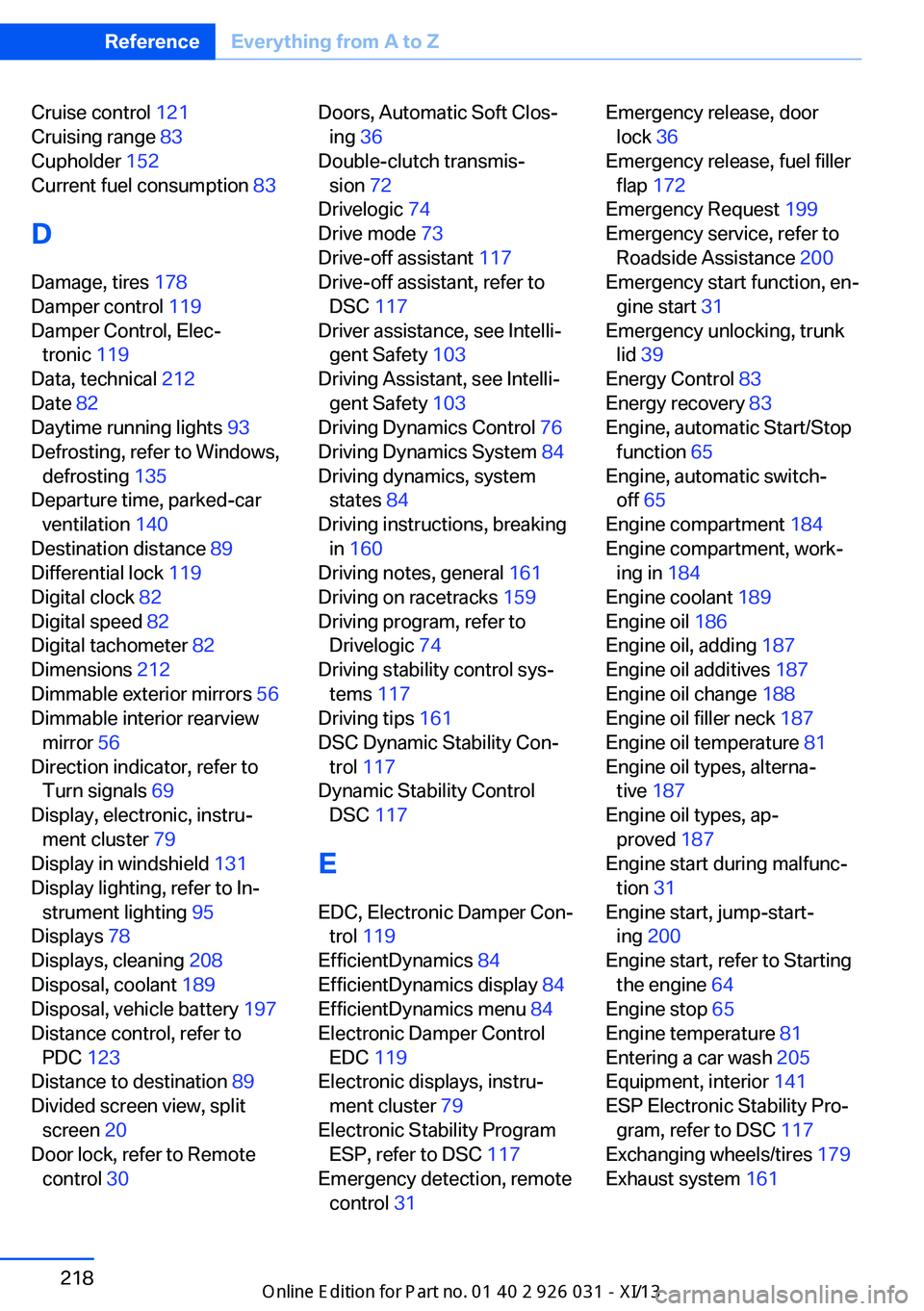
Cruise control 121
Cruising range 83
Cupholder 152
Current fuel consumption 83
D
Damage, tires 178
Damper control 119
Damper Control, Elec‐ tronic 119
Data, technical 212
Date 82
Daytime running lights 93
Defrosting, refer to Windows, defrosting 135
Departure time, parked-car ventilation 140
Destination distance 89
Differential lock 119
Digital clock 82
Digital speed 82
Digital tachometer 82
Dimensions 212
Dimmable exterior mirrors 56
Dimmable interior rearview mirror 56
Direction indicator, refer to Turn signals 69
Display, electronic, instru‐ ment cluster 79
Display in windshield 131
Display lighting, refer to In‐ strument lighting 95
Displays 78
Displays, cleaning 208
Disposal, coolant 189
Disposal, vehicle battery 197
Distance control, refer to PDC 123
Distance to destination 89
Divided screen view, split screen 20
Door lock, refer to Remote control 30 Doors, Automatic Soft Clos‐
ing 36
Double-clutch transmis‐ sion 72
Drivelogic 74
Drive mode 73
Drive-off assistant 117
Drive-off assistant, refer to DSC 117
Driver assistance, see Intelli‐ gent Safety 103
Driving Assistant, see Intelli‐ gent Safety 103
Driving Dynamics Control 76
Driving Dynamics System 84
Driving dynamics, system states 84
Driving instructions, breaking in 160
Driving notes, general 161
Driving on racetracks 159
Driving program, refer to Drivelogic 74
Driving stability control sys‐ tems 117
Driving tips 161
DSC Dynamic Stability Con‐ trol 117
Dynamic Stability Control DSC 117
E EDC, Electronic Damper Con‐ trol 119
EfficientDynamics 84
EfficientDynamics display 84
EfficientDynamics menu 84
Electronic Damper Control EDC 119
Electronic displays, instru‐ ment cluster 79
Electronic Stability Program ESP, refer to DSC 117
Emergency detection, remote control 31 Emergency release, door
lock 36
Emergency release, fuel filler flap 172
Emergency Request 199
Emergency service, refer to Roadside Assistance 200
Emergency start function, en‐ gine start 31
Emergency unlocking, trunk lid 39
Energy Control 83
Energy recovery 83
Engine, automatic Start/Stop function 65
Engine, automatic switch- off 65
Engine compartment 184
Engine compartment, work‐ ing in 184
Engine coolant 189
Engine oil 186
Engine oil, adding 187
Engine oil additives 187
Engine oil change 188
Engine oil filler neck 187
Engine oil temperature 81
Engine oil types, alterna‐ tive 187
Engine oil types, ap‐ proved 187
Engine start during malfunc‐ tion 31
Engine start, jump-start‐ ing 200
Engine start, refer to Starting the engine 64
Engine stop 65
Engine temperature 81
Entering a car wash 205
Equipment, interior 141
ESP Electronic Stability Pro‐ gram, refer to DSC 117
Exchanging wheels/tires 179
Exhaust system 161 Seite 218ReferenceEverything from A to Z218
Online Edition for Part no. 01 40 2 909 953 - VI/13
Page 223 of 230
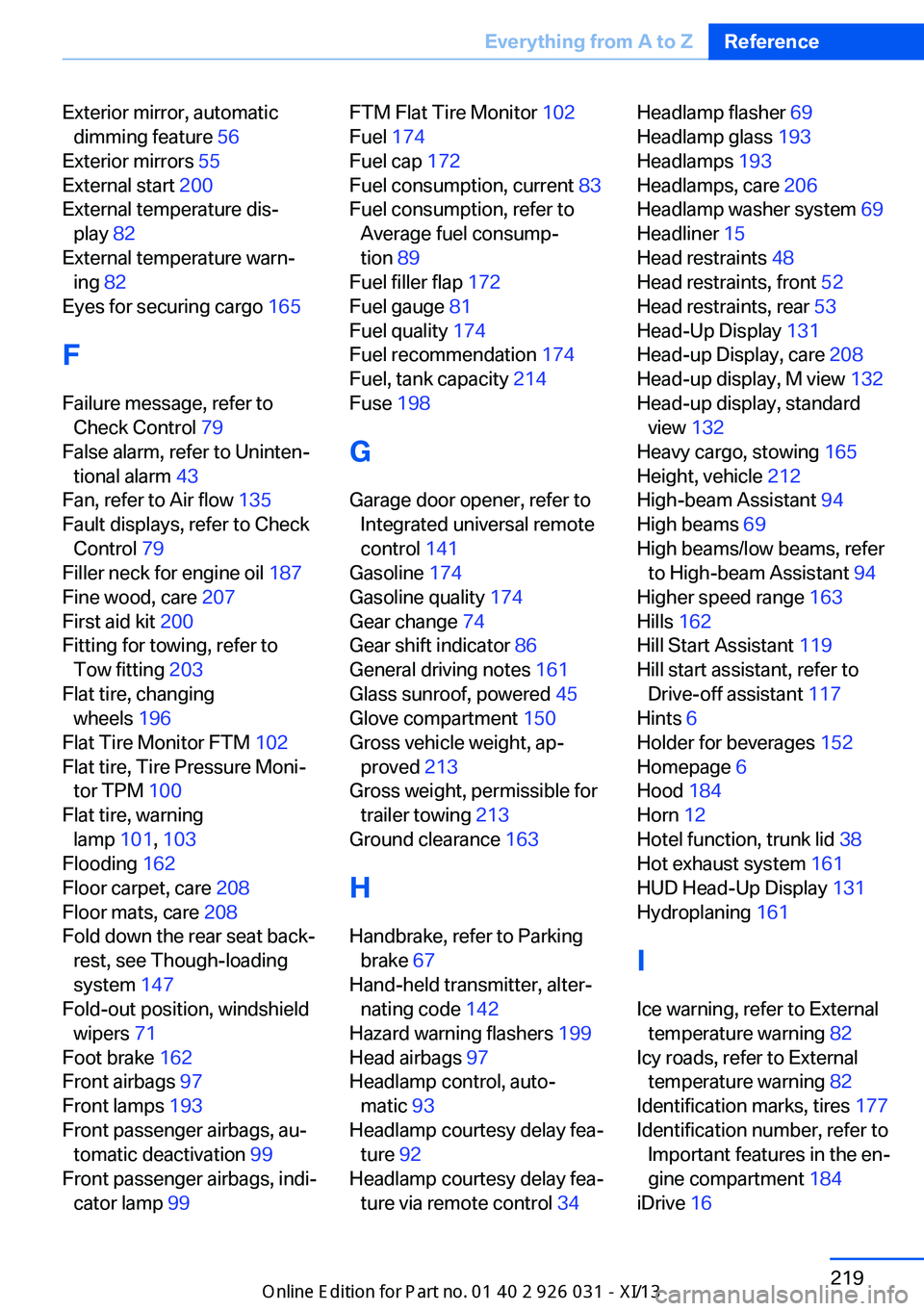
Exterior mirror, automaticdimming feature 56
Exterior mirrors 55
External start 200
External temperature dis‐ play 82
External temperature warn‐ ing 82
Eyes for securing cargo 165
F
Failure message, refer to Check Control 79
False alarm, refer to Uninten‐ tional alarm 43
Fan, refer to Air flow 135
Fault displays, refer to Check Control 79
Filler neck for engine oil 187
Fine wood, care 207
First aid kit 200
Fitting for towing, refer to Tow fitting 203
Flat tire, changing wheels 196
Flat Tire Monitor FTM 102
Flat tire, Tire Pressure Moni‐ tor TPM 100
Flat tire, warning lamp 101, 103
Flooding 162
Floor carpet, care 208
Floor mats, care 208
Fold down the rear seat back‐ rest, see Though-loading
system 147
Fold-out position, windshield wipers 71
Foot brake 162
Front airbags 97
Front lamps 193
Front passenger airbags, au‐ tomatic deactivation 99
Front passenger airbags, indi‐ cator lamp 99 FTM Flat Tire Monitor 102
Fuel 174
Fuel cap 172
Fuel consumption, current 83
Fuel consumption, refer to Average fuel consump‐
tion 89
Fuel filler flap 172
Fuel gauge 81
Fuel quality 174
Fuel recommendation 174
Fuel, tank capacity 214
Fuse 198
G
Garage door opener, refer to Integrated universal remote
control 141
Gasoline 174
Gasoline quality 174
Gear change 74
Gear shift indicator 86
General driving notes 161
Glass sunroof, powered 45
Glove compartment 150
Gross vehicle weight, ap‐ proved 213
Gross weight, permissible for trailer towing 213
Ground clearance 163
H
Handbrake, refer to Parking brake 67
Hand-held transmitter, alter‐ nating code 142
Hazard warning flashers 199
Head airbags 97
Headlamp control, auto‐ matic 93
Headlamp courtesy delay fea‐ ture 92
Headlamp courtesy delay fea‐ ture via remote control 34 Headlamp flasher 69
Headlamp glass 193
Headlamps 193
Headlamps, care 206
Headlamp washer system 69
Headliner 15
Head restraints 48
Head restraints, front 52
Head restraints, rear 53
Head-Up Display 131
Head-up Display, care 208
Head-up display, M view 132
Head-up display, standard view 132
Heavy cargo, stowing 165
Height, vehicle 212
High-beam Assistant 94
High beams 69
High beams/low beams, refer to High-beam Assistant 94
Higher speed range 163
Hills 162
Hill Start Assistant 119
Hill start assistant, refer to Drive-off assistant 117
Hints 6
Holder for beverages 152
Homepage 6
Hood 184
Horn 12
Hotel function, trunk lid 38
Hot exhaust system 161
HUD Head-Up Display 131
Hydroplaning 161
I Ice warning, refer to External temperature warning 82
Icy roads, refer to External temperature warning 82
Identification marks, tires 177
Identification number, refer to Important features in the en‐
gine compartment 184
iDrive 16 Seite 219Everything from A to ZReference219
Online Edition for Part no. 01 40 2 909 953 - VI/13
Page 225 of 230
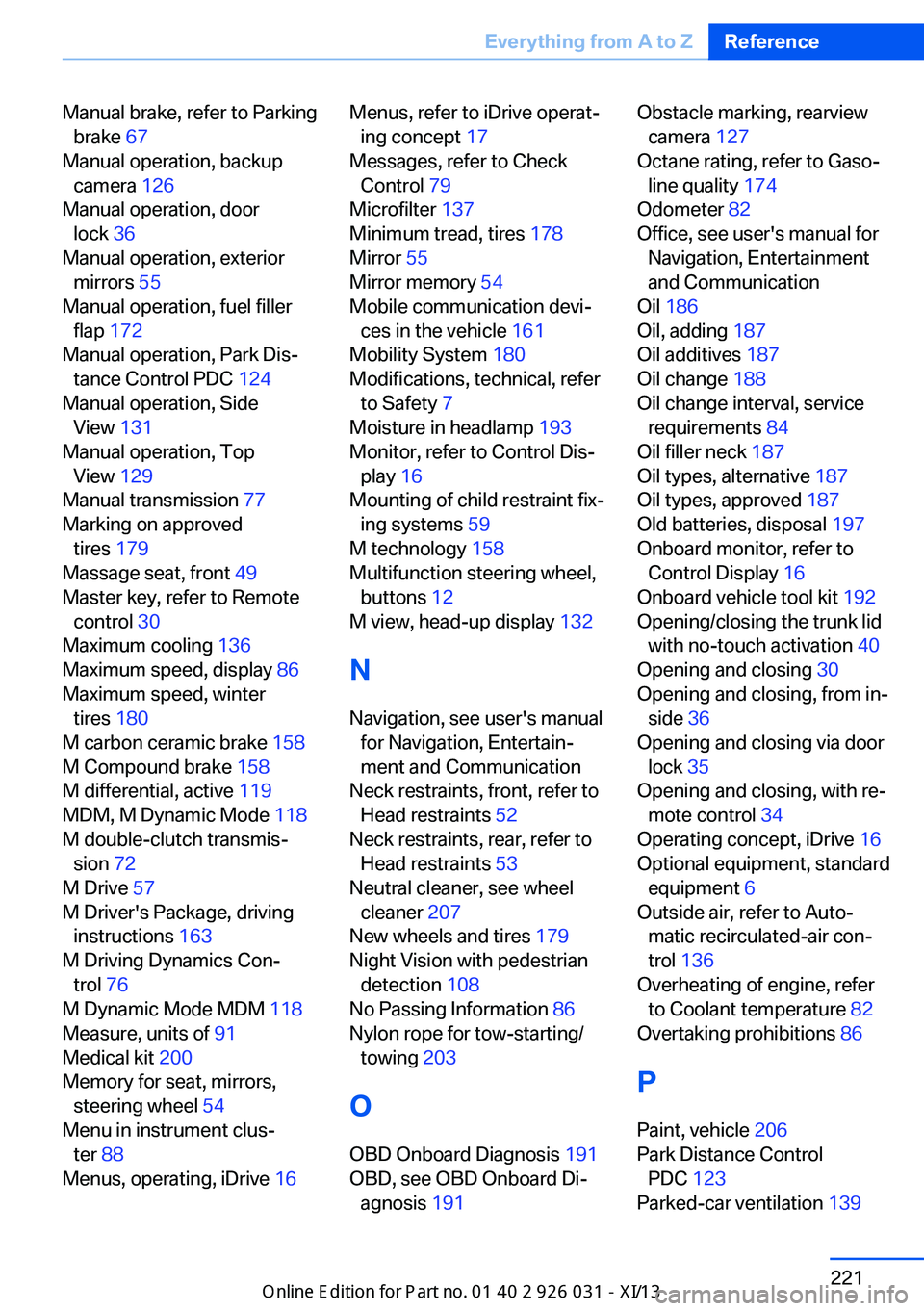
Manual brake, refer to Parkingbrake 67
Manual operation, backup camera 126
Manual operation, door lock 36
Manual operation, exterior mirrors 55
Manual operation, fuel filler flap 172
Manual operation, Park Dis‐ tance Control PDC 124
Manual operation, Side View 131
Manual operation, Top View 129
Manual transmission 77
Marking on approved tires 179
Massage seat, front 49
Master key, refer to Remote control 30
Maximum cooling 136
Maximum speed, display 86
Maximum speed, winter tires 180
M carbon ceramic brake 158
M Compound brake 158
M differential, active 119
MDM, M Dynamic Mode 118
M double-clutch transmis‐ sion 72
M Drive 57
M Driver's Package, driving instructions 163
M Driving Dynamics Con‐ trol 76
M Dynamic Mode MDM 118
Measure, units of 91
Medical kit 200
Memory for seat, mirrors, steering wheel 54
Menu in instrument clus‐ ter 88
Menus, operating, iDrive 16 Menus, refer to iDrive operat‐
ing concept 17
Messages, refer to Check Control 79
Microfilter 137
Minimum tread, tires 178
Mirror 55
Mirror memory 54
Mobile communication devi‐ ces in the vehicle 161
Mobility System 180
Modifications, technical, refer to Safety 7
Moisture in headlamp 193
Monitor, refer to Control Dis‐ play 16
Mounting of child restraint fix‐ ing systems 59
M technology 158
Multifunction steering wheel, buttons 12
M view, head-up display 132
N
Navigation, see user's manual for Navigation, Entertain‐
ment and Communication
Neck restraints, front, refer to Head restraints 52
Neck restraints, rear, refer to Head restraints 53
Neutral cleaner, see wheel cleaner 207
New wheels and tires 179
Night Vision with pedestrian detection 108
No Passing Information 86
Nylon rope for tow-starting/ towing 203
O OBD Onboard Diagnosis 191
OBD, see OBD Onboard Di‐ agnosis 191 Obstacle marking, rearview
camera 127
Octane rating, refer to Gaso‐ line quality 174
Odometer 82
Office, see user's manual for Navigation, Entertainment
and Communication
Oil 186
Oil, adding 187
Oil additives 187
Oil change 188
Oil change interval, service requirements 84
Oil filler neck 187
Oil types, alternative 187
Oil types, approved 187
Old batteries, disposal 197
Onboard monitor, refer to Control Display 16
Onboard vehicle tool kit 192
Opening/closing the trunk lid with no-touch activation 40
Opening and closing 30
Opening and closing, from in‐ side 36
Opening and closing via door lock 35
Opening and closing, with re‐ mote control 34
Operating concept, iDrive 16
Optional equipment, standard equipment 6
Outside air, refer to Auto‐ matic recirculated-air con‐
trol 136
Overheating of engine, refer to Coolant temperature 82
Overtaking prohibitions 86
P Paint, vehicle 206
Park Distance Control PDC 123
Parked-car ventilation 139 Seite 221Everything from A to ZReference221
Online Edition for Part no. 01 40 2 909 953 - VI/13
Page 227 of 230
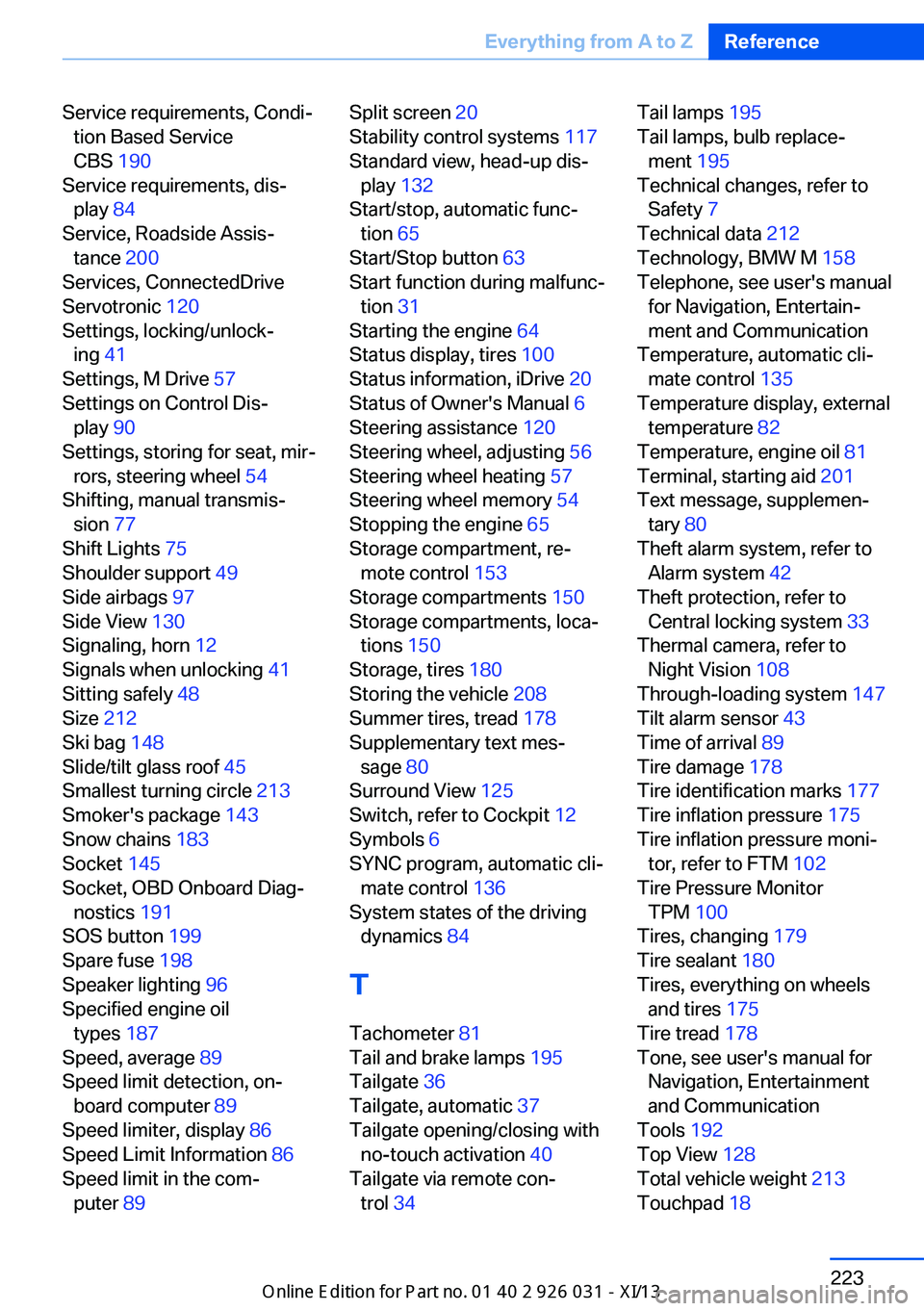
Service requirements, Condi‐tion Based Service
CBS 190
Service requirements, dis‐ play 84
Service, Roadside Assis‐ tance 200
Services, ConnectedDrive
Servotronic 120
Settings, locking/unlock‐ ing 41
Settings, M Drive 57
Settings on Control Dis‐ play 90
Settings, storing for seat, mir‐ rors, steering wheel 54
Shifting, manual transmis‐ sion 77
Shift Lights 75
Shoulder support 49
Side airbags 97
Side View 130
Signaling, horn 12
Signals when unlocking 41
Sitting safely 48
Size 212
Ski bag 148
Slide/tilt glass roof 45
Smallest turning circle 213
Smoker's package 143
Snow chains 183
Socket 145
Socket, OBD Onboard Diag‐ nostics 191
SOS button 199
Spare fuse 198
Speaker lighting 96
Specified engine oil types 187
Speed, average 89
Speed limit detection, on‐ board computer 89
Speed limiter, display 86
Speed Limit Information 86
Speed limit in the com‐ puter 89 Split screen 20
Stability control systems 117
Standard view, head-up dis‐ play 132
Start/stop, automatic func‐ tion 65
Start/Stop button 63
Start function during malfunc‐ tion 31
Starting the engine 64
Status display, tires 100
Status information, iDrive 20
Status of Owner's Manual 6
Steering assistance 120
Steering wheel, adjusting 56
Steering wheel heating 57
Steering wheel memory 54
Stopping the engine 65
Storage compartment, re‐ mote control 153
Storage compartments 150
Storage compartments, loca‐ tions 150
Storage, tires 180
Storing the vehicle 208
Summer tires, tread 178
Supplementary text mes‐ sage 80
Surround View 125
Switch, refer to Cockpit 12
Symbols 6
SYNC program, automatic cli‐ mate control 136
System states of the driving dynamics 84
T
Tachometer 81
Tail and brake lamps 195
Tailgate 36
Tailgate, automatic 37
Tailgate opening/closing with no-touch activation 40
Tailgate via remote con‐ trol 34 Tail lamps 195
Tail lamps, bulb replace‐ ment 195
Technical changes, refer to Safety 7
Technical data 212
Technology, BMW M 158
Telephone, see user's manual for Navigation, Entertain‐
ment and Communication
Temperature, automatic cli‐ mate control 135
Temperature display, external temperature 82
Temperature, engine oil 81
Terminal, starting aid 201
Text message, supplemen‐ tary 80
Theft alarm system, refer to Alarm system 42
Theft protection, refer to Central locking system 33
Thermal camera, refer to Night Vision 108
Through-loading system 147
Tilt alarm sensor 43
Time of arrival 89
Tire damage 178
Tire identification marks 177
Tire inflation pressure 175
Tire inflation pressure moni‐ tor, refer to FTM 102
Tire Pressure Monitor TPM 100
Tires, changing 179
Tire sealant 180
Tires, everything on wheels and tires 175
Tire tread 178
Tone, see user's manual for Navigation, Entertainment
and Communication
Tools 192
Top View 128
Total vehicle weight 213
Touchpad 18 Seite 223Everything from A to ZReference223
Online Edition for Part no. 01 40 2 909 953 - VI/13