USB port BMW M6 CONVERTIBLE 2012 User Guide
[x] Cancel search | Manufacturer: BMW, Model Year: 2012, Model line: M6 CONVERTIBLE, Model: BMW M6 CONVERTIBLE 2012Pages: 297, PDF Size: 12.09 MB
Page 234 of 297
software applications are displayed on the Con‐
trol Display.
Operation can be performed via iDrive.
Requirements▷The mobile phone is suitable.▷The cell phone operating system supports
the software applications of Apps.▷Software applications are installed on the
cell phone and ready to use.▷Corresponding mobile wireless contract.
Any additionally incurred costs are not a part
of Apps.▷Use only BMW approved software applica‐
tions; otherwise, it may result in malfunc‐
tions.
Information about suitable cell phones, available
software applications and their installation can
be found at www.bmw.com/connectivity or at
the service center.
Create the entries.
Make entries only when traffic and road
conditions allow. Otherwise, the vehicle occu‐
pants and other road users may be put in danger
because of the distraction from driving.
For reasons of safety, some software applica‐
tions are usable only while the vehicle is station‐
ary.◀
Use apps
1.Connect the cell phone via the snap-in
adapter or via the USB audio interface.2."ConnectedDrive"3.Select the desired software application.
Displaying status
Information about the currently available soft‐
ware applications can be displayed.
1."ConnectedDrive"2."BMW apps"PlugIn
Selected functions of the cell phone are dis‐
played on the Control Display. Operation can be
performed via iDrive.1.Connect cell phone via the snap-in adapter.2."ConnectedDrive"3."PlugIn"4."Activate PlugIn"5.Navigate to the displayed functions via the
controller and select, for example, a desired
category or track.
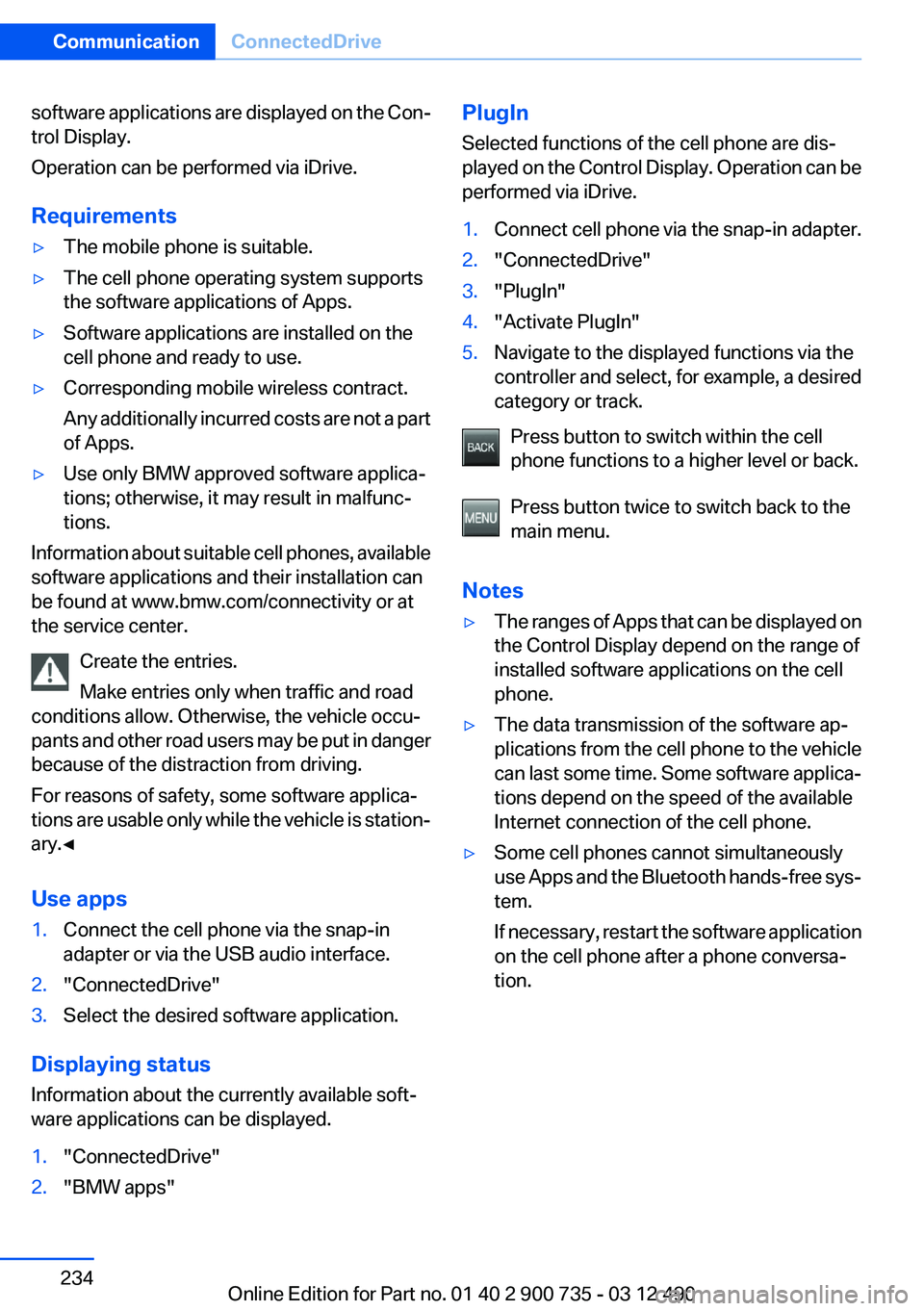
Press button to switch within the cell
phone functions to a higher level or back.
Press button twice to switch back to the
main menu.
Notes
▷The ranges of Apps that can be displayed on
the Control Display depend on the range of
installed software applications on the cell
phone.▷The data transmission of the software ap‐
plications from the cell phone to the vehicle
can last some time. Some software applica‐
tions depend on the speed of the available
Internet connection of the cell phone.▷Some cell phones cannot simultaneously
use Apps and the Bluetooth hands-free sys‐
tem.
If necessary, restart the software application
on the cell phone after a phone conversa‐
tion.Seite 234CommunicationConnectedDrive234
Online Edition for Part no. 01 40 2 900 735 - 03 12 490
Page 294 of 297
Tone 172
Tools 257
Top View 117
Total vehicle weight 275
Tow fitting 267
Towing 266
Town/city, navigation 153
Tow-starting 266
TPM Tire Pressure Moni‐ tor 99
Traffic bulletins, naviga‐ tion 164
Transmission positions 69
Transporting children safely 61
Tread, tires 244
Treble, tone 172
Trip computer 86
Triple turn signal activa‐ tion 74
Trip odometer 81
Trunk, cargo area partition 46
Trunk lid 38
Trunk lid, emergency unlock‐ ing 39
Trunk lid, hotel function 39
Trunk lid via remote con‐ trol 35
Turning circle 275
Turning circle lines, backup camera 115
Turn signals, front, bulb re‐ placement 258
Turn signals, operation 74
Turn signals, rear, bulb re‐ placement 259
U
Unintentional alarm 42
Units of measure 88
Universal remote control 130
Unlocking/locking from in‐ side 37
Unlocking/locking via door lock 37 Unlocking/locking with remote
control 34
Updates made after the edito‐ rial deadline 6
Updating software 202
Upholstery care 270
USB audio interface 195
USB interface 135
V
V8 high performance en‐ gine 140
Vehicle battery 261
Vehicle battery, replacing 261
Vehicle, breaking in 142
Vehicle care 269
Vehicle equipment 6
Vehicle identification number, refer to Identification number
in the engine compart‐
ment 250
Vehicle jack 260
Vehicle paint 269
Vehicle storage 271
Vehicle wash 268
Ventilation 128
Ventilation, refer to Parked-car ventilation 129
Version of the navigation data 167
Video playback 185
Video playback, iPhone 198
Video playback, snap-in adapter 198
Voice activation, mobile phone 214
Voice activation, short com‐ mands 277
Voice activation system 22
Volume, setting 172
W
Warning messages, refer to Check Control 78 Warning triangle 264
Washer fluid 76
Washer fluid reservoir, ca‐ pacity 276
Washer nozzles, wind‐ shield 76
Washer system 74
Washing, vehicle 268
Water on roads 143
Weather Band 177
Weights 275
Welcome lamps 90
Wheel base, vehicle 275
Wheels, changing 245
Wheels, everything on wheels and tires 241
Wheels, Flat Tire Monitor FTM 101
Wheels, Tire Pressure Monitor TPM 99
Width, vehicle 274
Wind deflector 49
Window defroster, rear 127
Windows, powered 42
Windshield, climate con‐ trol 143
Windshield washer fluid 76
Windshield washer noz‐ zles 76
Windshield washer system 74
Windshield wiper 74
Windshield wipers, fold-out position 76
Winter storage, care 271
Winter tires, suitable tires 246
Winter tires, tread 244
Wiper blades, replacing 257
Wiper fluid 76
Wiper system 74
Wood, care 271
Word match concept, naviga‐ tion 21
Wrench 257 Seite 294ReferenceEverything from A to Z294
Online Edition for Part no. 01 40 2 900 735 - 03 12 490