brake light BMW M6 COUPE 2007 E63 User Guide
[x] Cancel search | Manufacturer: BMW, Model Year: 2007, Model line: M6 COUPE, Model: BMW M6 COUPE 2007 E63Pages: 256, PDF Size: 8.11 MB
Page 117 of 256
Driving tips
115Reference
At a glance
Controls
Communications
Navigation
Entertainment
Mobility
Hot exhaust system
As in all vehicles, extremely high temper-
atures are generated in the exhaust sys-
tem. Do not remove the heat shields installed
adjacent to it, and never apply undercoating to
them. When driving, standing at idle and while
parking, take care to avoid possible contact
between the hot exhaust system and any highly
flammable materials such as hay, leaves, grass,
etc. Such contact could lead to a fire, and with it
the risk of serious property damage as well as
personal injury. Do not touch hot exhaust tail
pipes. Otherwise there is a risk of burns.<
Mobile communications devices in
vehicle
BMW advises against using mobile com-
munications devices, e.g. mobile phones,
inside the vehicle without a direct connection to
an external antenna. Otherwise, the vehicle
electronics and mobile communications device
can interfere with each other. In addition, there
is no assurance that the radiation emitted dur-
ing transmission will be conveyed out of the
vehicle interior.<
Hydroplaning
When driving on wet or slushy roads,
reduce road speed. If you do not, a wedge
of water can form between tires and road sur-
face. This phenomenon is referred to as hydro-
planing, and is characterized by a partial or
complete loss of contact between the tires and
the road surface, ultimately undermining your
ability to steer and brake the vehicle.<
The risk of hydroplaning increases as the tread
depth of the tires decreases, also refer to Mini-
mum tire tread on page199.
Driving through water
Do not drive through water on the road if it
is deeper than 1 ft/30 cm, and then only at
walking speed at the most. Otherwise, the vehi-
cle's engine, the electrical systems and the
transmission may be damaged.<
Starting off
On slopes
The starting assistant enables starting off on
slopes virtually without rolling back.
1.Hold the vehicle with the footbrake.
2.Make sure that the handbrake is released.
3.Release the footbrake and drive off quickly.
The starting assistant holds the vehicle
for approx. 1 second after releasing the
footbrake. Depending on the load, the vehicle
may also roll back slightly during this time.
After releasing the footbrake, drive off quickly,
otherwise the starting assistant no longer holds
the vehicle after approx. 1 second and it begins
to roll back.<
Start off quickly on slopes. Do not hold
the vehicle on a hill by pressing the accel-
erator, but apply the footbrake or handbrake
instead. Otherwise, overheating and heavy
wear can result in the area of the Sequential
Manual Transmission.<
To protect the clutch of the Sequential Manual
Transmission from overheating, the starting-off
behavior is changed under heavy loading, e.g. a
rapid succession of starts on slopes. This can
be noticed from shaking during starting off.
On a slippery surface
1.Select "P 400" program of M Engine
Dynamic Control, refer to page64.
2.Gently press accelerator pedal to prevent
wheels from spinning when starting off.
Clutch protection with manual
transmission
Be sure to avoid riding the clutch for longer peri-
ods.
Your BMW M6 is equipped with an overload
protection for the clutch. Riding the clutch for
longer periods is detected and the engine man-
agement system limits the engine speed to pro-
tect the clutch. This can result in the vehicle fail-
ing to accelerate when the clutch pedal is
partially depressed.
Page 118 of 256
Things to remember when driving
116
Braking safely
Your BMW is equipped with ABS as a standard
feature. In situations that require it, it is best to
brake with full force. Since the vehicle maintains
steering responsiveness, you can still avoid
possible obstacles with a minimum of steering
effort.
The pulsing of he brake pedal indicates that the
ABS is controlling braking.
In certain braking situations the perforated
brake rotors can cause operating noises which,
however, have not effect on the performance
and operating safety of the brake system.
Do not drive with your foot resting on the
brake pedal. Even light but consistent
pedal pressure can lead to high temperatures,
brake wear and possibly even brake failure.<
Driving in wet conditions
When driving on wet roads or in heavy rain, it is
a good idea to apply light pressure to the brake
pedal every few miles. Monitor traffic conditions
to ensure that this maneuver does not endan-
ger other road users. The heat generated in this
process helps dry the pads and rotors to ensure
that full braking efficiency will then be available
when you need it.
Hills
To prevent overheating and thus reduced
efficiency of the brake system, downshift
to a gear in which only minimal brake applica-
tions are needed when descending long or
steep downhill stretches. Even light but consis-
tent pressure on the brake pedal can lead to
high temperatures, brake wear and possibly
even brake failure.<
Sequential Manual Transmission: do not
drive in idle or with the engine switched
off, otherwise there will be no engine braking
action or support of the braking force and steer-
ing.
Manual transmission: do not drive with the
clutch depressed, in idle or with the engine
switched off, otherwise there will be no engine
braking action or support of the braking force
and steering.Never allow floor mats, carpets or any other
objects to protrude into the area of movement
of the pedals and impair their operation.<
Corrosion on brake rotors
When the vehicle is driven only occasionally,
during extended periods when the vehicle is not
used at all, and in operating conditions where
brake applications are less frequent, there is an
increased tendency for corrosion to form on
rotors, while contaminants accumulate on the
brake pads. This occurs because the minimum
pressure which must be exerted by the pads
during brake applications to clean the rotors is
not reached.
Should corrosion form on the brake rotors, the
brakes will tend to respond with a pulsating
effect that even extended application will fail to
cure.
When vehicle is parked
Condensation forms in the automatic climate
control during operation, and then exits under
the vehicle. Traces of condensed water under
the vehicle are therefore normal.
Before driving into a car wash
Fold in the exterior mirrors, refer to page52,
otherwise they could be damaged due to the
width of the vehicle.
General information on the care and mainte-
nance of your BMW is contained in the Caring
for your vehicle brochure.
Ground clearance
Ensure that sufficient ground clearance
is available. To drive down curbs, select
the "Sport" program of the EDC Electronic
Damping Control, refer to page84, to keep the
ground clearance as uniform as possible. Oth-
erwise, the vehicle may be damaged.<
Page 236 of 256
Everything from A to Z
234
Everything from A to Z
Index
"..." Identifies Control Display
texts used to select
individual functions, and
indicates where to find them
in the text.
A
ABS Antilock Brake
System81
– indicator/warning lamp83
Accepted calls178
Accessories6
Accident, refer to Emergency
call219
Activated-charcoal filter for
automatic climate
control103
Activating hour signal77
"Activation time" for parked-
car ventilation103
Adapter for spare key28
Adaptive brake lamps, refer to
Brake force display88
Adaptive Head Light96
"Add digits" for mobile
phone178
Additives
– coolant205
– engine oil, refer to Approved
engine oils205
"Address book" for navigation
system132
Address for navigation
– deleting133
– entering124,127
– selecting132
– storing132
– storing current position132
"Add to address book"131
"Add to destination
list"127,129Adjusting interior
temperature100
Adjusting thigh support47
Adjusting tone in audio mode,
refer to Tone control149
"After door opened"49
"After unlocking"49
Airbags89
– deactivating, refer to
Exception for front
passenger seat56
– indicator/warning lamp90
– indicator lamp for front
passenger airbags90
– sitting safely46
Air distribution
– automatic100
– manual101
Airing, refer to Ventilation102
Air outlets, refer to
Ventilation102
Air recirculation, refer to AUC
Automatic recirculated-air
control102
"Air recirculation on / off"53
Air supply, automatic climate
control99
Air volume
101
AKI, refer to Fuel
specifications195
Alarm system35
– avoiding unintentional
alarms36
– interior motion sensor36
– switching off alarm36
– switching off tilt alarm
sensor and interior motion
sensor36
– tilt alarm sensor36
"All channels"158
"All doors"30
All-season tires, refer to
Winter tires200"All stations", calling up with
radio152,155
Alterations, technical, refer to
For your own safety6
"AM", reception
range148,152
Antenna, refer to Caring for
your vehicle brochure
Antenna for mobile phone170
Antifreeze
– coolant205
– washer fluid66
Antilock Brake System
ABS81
– indicator/warning lamp83
Anti-theft alarm system, refer
to Alarm system35
Anti-theft system, refer to
Central locking system30
Approved axle loads, refer to
Weights228
Approved engine oils205
Approved gross vehicle
weight, refer to Weights228
Armrest, refer to Center
armrest107
Around the center console14
Around the steering wheel10
Arrival time
– refer to Computer70
– refer to Starting destination
guidance136
"Arrow display" for navigation
system137
Artificial leather, refer to
Caring for your vehicle
brochure
Ashtray108
Assist, refer to
BMW Assist185
Assistance systems, refer to
Driving stability control
systems81
Page 237 of 256
Reference 235
At a glance
Controls
Driving tips
Communications
Navigation
Entertainment
Mobility
Assistance window20
"Assist. window off"21
AUC Automatic recirculated-
air control102
"Audio"149,151,156
Audio148
– controls148
– switching on/off148
– tone control149
– volume149
Audio device, external107
Automatic
– air distribution100
– air volume100
– cruise control66
– headlamp control95
– recirculated-air control
AUC102
– service notification187
– steering wheel
adjustment48
– storing stations153
Automatic car washes116
– also refer to Caring for your
vehicle brochure
Automatic climate control99
– automatic air
distribution100
– convertible program100
– switching on and off102
– ventilation with vehicle
parked103
Automatic closing of doors,
refer to Automatic soft
closing34
Automatic curb monitor52
Automatic lighting
– refer to Automatic headlamp
control95
– refer to Daytime running
lamps96
– refer to Interior lamps97
– refer to Pathway lighting95
"Automatic programs"100
Automatic soft closing34
Automatic station search153
"Automatic ventilation"103AUTO program with
automatic climate
control100
"Autostore" on the
radio152,154
"AUX"148,167
AUX-In connection107,167
Average fuel consumption70
– setting units78
"Avoid ferries" for navigation
system135
"Avoid highways" for
navigation system134
Avoiding freeways for
navigation134
Avoiding unintentional
alarms36
"Avoid tollroads" for
navigation system135
Axle loads, refer to
Weights228
"A - Z"178
B
Backrest contour, refer to
Lumbar support47
Backrests, refer to Seats47
Backrest width adjustment47
Backup lamps, replacing
bulbs, refer to Tail
lamps211
"Balance", refer to Tone
control150
Band-aids, refer to First-aid
kit220
Bass, refer to Tone
control149
"Bass", tone control149
Battery
– jump starting220
– refer to Vehicle battery217
Battery replacement, remote
control for comfort
access38
BC button, refer to
Computer69
Being towed222
Belts, refer to Safety belts51Beverage holder, refer to Cup
holders108
Blower, refer to Air
volume101
"Bluetooth"172
"BMW Assist"186
BMW Assist185
– activating190
– breakdown assistance186
– contacting BMW Customer
Relations188
– displaying vehicle data191
– information service188
– services offered185
– TeleService187
– updating189
"BMW Contact"180
"BMW Contact
Numbers"180
BMW homepage4
BMW Maintenance
System207
"BMW Service settings"189
BMW website4
Bottle holder, refer to Cup
holders108
Bracket for telephone or
mobile phone, refer to Snap-
in adapter183
Brake assistant82
Brake force display88
Brake lamps
– replacing bulbs, refer to Tail
lamps211
– two-stage88
Brake rotors
– breaking-in114
– refer to Braking safely116
Brakes
– ABS Antilock Brake
System81
– brake force display88
– breaking-in114
– CBC Cornering Brake
Control81
– electronic brake-force
distribution81
– handbrake60
– refer to Braking safely116
Page 238 of 256
Everything from A to Z
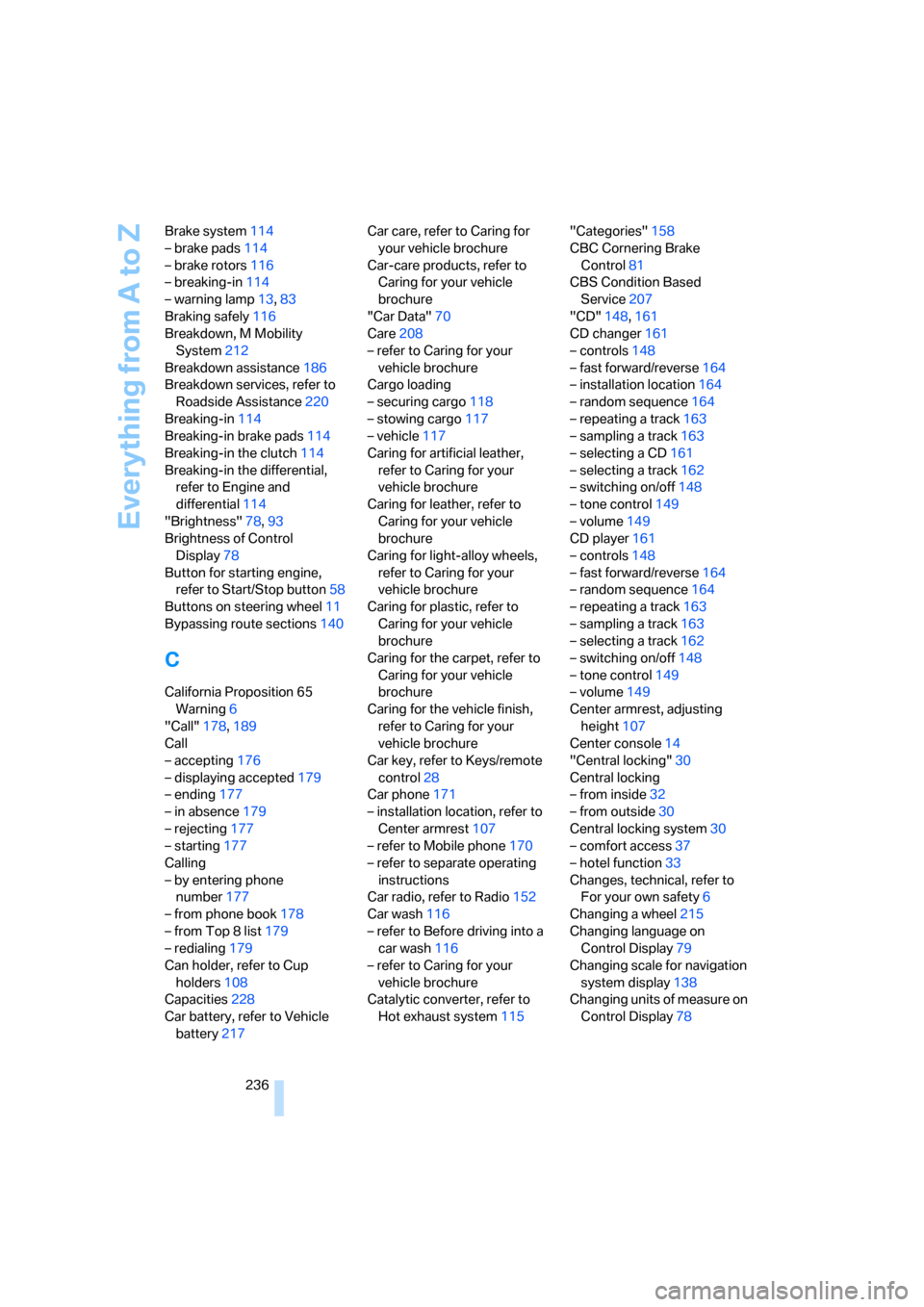
236 Brake system114
– brake pads114
– brake rotors116
– breaking-in114
– warning lamp13,83
Braking safely116
Breakdown, M Mobility
System212
Breakdown assistance186
Breakdown services, refer to
Roadside Assistance220
Breaking-in114
Breaking-in brake pads114
Breaking-in the clutch114
Breaking-in the differential,
refer to Engine and
differential114
"Brightness"78,93
Brightness of Control
Display78
Button for starting engine,
refer to Start/Stop button58
Buttons on steering wheel11
Bypassing route sections140
C
California Proposition 65
Warning6
"Call"178,189
Call
– accepting176
– displaying accepted179
– ending177
– in absence179
– rejecting177
– starting177
Calling
– by entering phone
number177
– from phone book178
– from Top 8 list179
– redialing179
Can holder, refer to Cup
holders108
Capacities228
Car battery, refer to Vehicle
battery217Car care, refer to Caring for
your vehicle brochure
Car-care products, refer to
Caring for your vehicle
brochure
"Car Data"70
Care208
– refer to Caring for your
vehicle brochure
Cargo loading
– securing cargo118
– stowing cargo117
– vehicle117
Caring for artificial leather,
refer to Caring for your
vehicle brochure
Caring for leather, refer to
Caring for your vehicle
brochure
Caring for light-alloy wheels,
refer to Caring for your
vehicle brochure
Caring for plastic, refer to
Caring for your vehicle
brochure
Caring for the carpet, refer to
Caring for your vehicle
brochure
Caring for the vehicle finish,
refer to Caring for your
vehicle brochure
Car key, refer to Keys/remote
control28
Car phone171
– installation location, refer to
Center armrest107
– refer to Mobile phone170
– refer to separate operating
instructions
Car radio, refer to Radio152
Car wash116
– refer to Before driving into a
car wash116
– refer to Caring for your
vehicle brochure
Catalytic converter, refer to
Hot exhaust system115"Categories"158
CBC Cornering Brake
Control
81
CBS Condition Based
Service207
"CD"148,161
CD changer161
– controls148
– fast forward/reverse164
– installation location164
– random sequence164
– repeating a track163
– sampling a track163
– selecting a CD161
– selecting a track162
– switching on/off148
– tone control149
– volume149
CD player161
– controls148
– fast forward/reverse164
– random sequence164
– repeating a track163
– sampling a track163
– selecting a track162
– switching on/off148
– tone control149
– volume149
Center armrest, adjusting
height107
Center console14
"Central locking"30
Central locking
– from inside32
– from outside30
Central locking system30
– comfort access37
– hotel function33
Changes, technical, refer to
For your own safety6
Changing a wheel215
Changing language on
Control Display79
Changing scale for navigation
system display138
Changing units of measure on
Control Display78
Page 239 of 256
Reference 237
At a glance
Controls
Driving tips
Communications
Navigation
Entertainment
Mobility
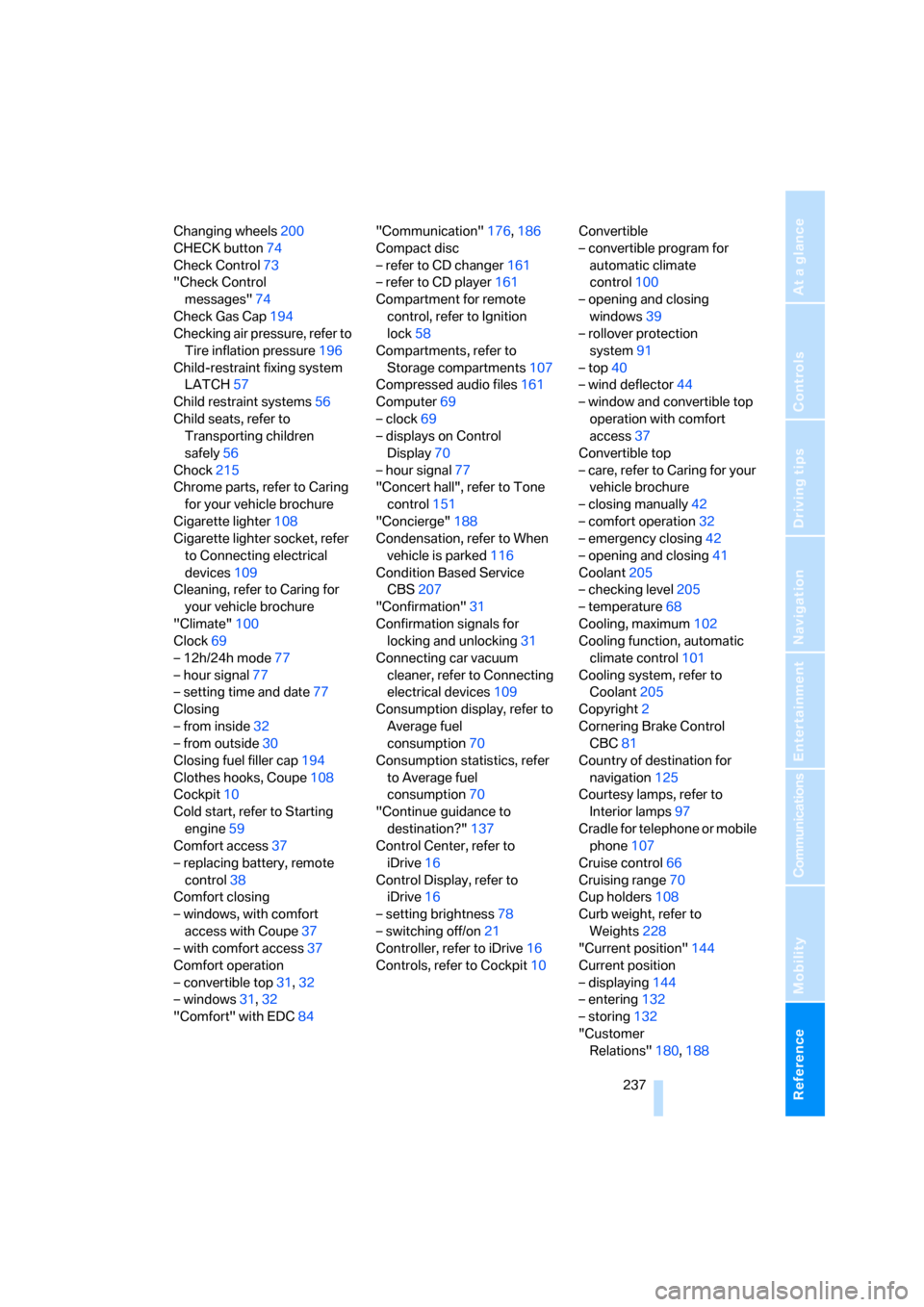
Changing wheels200
CHECK button74
Check Control73
"Check Control
messages"74
Check Gas Cap194
Checking air pressure, refer to
Tire inflation pressure196
Child-restraint fixing system
LATCH57
Child restraint systems56
Child seats, refer to
Transporting children
safely56
Chock215
Chrome parts, refer to Caring
for your vehicle brochure
Cigarette lighter108
Cigarette lighter socket, refer
to Connecting electrical
devices109
Cleaning, refer to Caring for
your vehicle brochure
"Climate"100
Clock69
– 12h/24h mode77
– hour signal77
– setting time and date77
Closing
– from inside32
– from outside30
Closing fuel filler cap194
Clothes hooks, Coupe108
Cockpit10
Cold start, refer to Starting
engine59
Comfort access37
– replacing battery, remote
control38
Comfort closing
– windows, with comfort
access with Coupe37
– with comfort access37
Comfort operation
– convertible top31,32
– windows31,32
"Comfort" with EDC84"Communication"176,186
Compact disc
– refer to CD changer161
– refer to CD player161
Compartment for remote
control, refer to Ignition
lock58
Compartments, refer to
Storage compartments107
Compressed audio files161
Computer69
– clock69
– displays on Control
Display
70
– hour signal77
"Concert hall", refer to Tone
control151
"Concierge"188
Condensation, refer to When
vehicle is parked116
Condition Based Service
CBS207
"Confirmation"31
Confirmation signals for
locking and unlocking31
Connecting car vacuum
cleaner, refer to Connecting
electrical devices109
Consumption display, refer to
Average fuel
consumption70
Consumption statistics, refer
to Average fuel
consumption70
"Continue guidance to
destination?"137
Control Center, refer to
iDrive16
Control Display, refer to
iDrive16
– setting brightness78
– switching off/on21
Controller, refer to iDrive16
Controls, refer to Cockpit10Convertible
– convertible program for
automatic climate
control100
– opening and closing
windows39
– rollover protection
system91
– top40
– wind deflector44
– window and convertible top
operation with comfort
access37
Convertible top
– care, refer to Caring for your
vehicle brochure
– closing manually42
– comfort operation32
– emergency closing42
– opening and closing41
Coolant205
– checking level205
– temperature68
Cooling, maximum102
Cooling function, automatic
climate control101
Cooling system, refer to
Coolant205
Copyright2
Cornering Brake Control
CBC81
Country of destination for
navigation125
Courtesy lamps, refer to
Interior lamps
97
Cradle for telephone or mobile
phone107
Cruise control66
Cruising range70
Cup holders108
Curb weight, refer to
Weights228
"Current position"144
Current position
– displaying144
– entering132
– storing132
"Customer
Relations"180,188
Page 240 of 256
Everything from A to Z
238
D
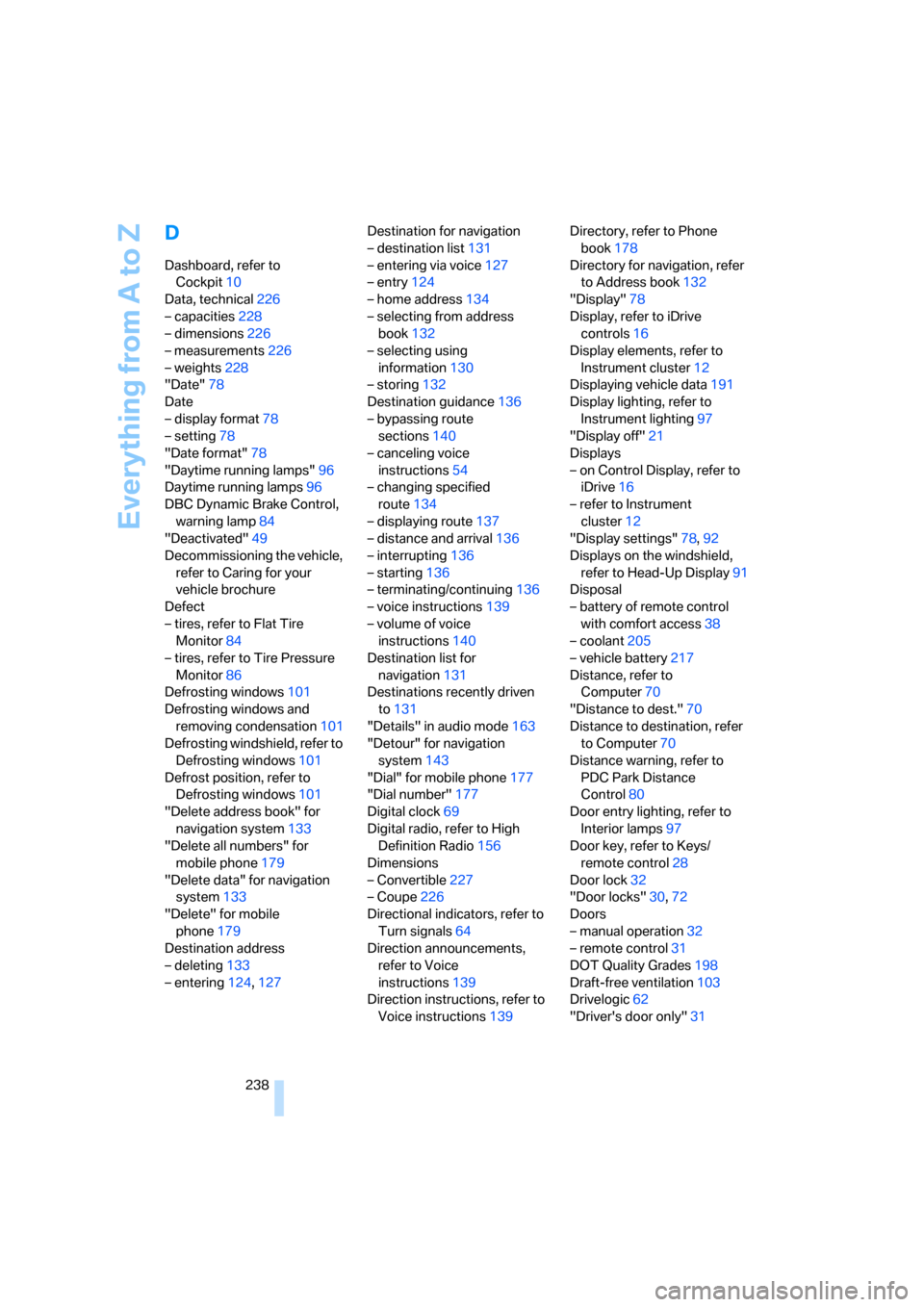
Dashboard, refer to
Cockpit10
Data, technical226
– capacities228
– dimensions226
– measurements226
– weights228
"Date"78
Date
– display format78
– setting78
"Date format"78
"Daytime running lamps"96
Daytime running lamps96
DBC Dynamic Brake Control,
warning lamp84
"Deactivated"49
Decommissioning the vehicle,
refer to Caring for your
vehicle brochure
Defect
– tires, refer to Flat Tire
Monitor84
– tires, refer to Tire Pressure
Monitor86
Defrosting windows101
Defrosting windows and
removing condensation101
Defrosting windshield, refer to
Defrosting windows101
Defrost position, refer to
Defrosting windows101
"Delete address book" for
navigation system133
"Delete all numbers" for
mobile phone179
"Delete data" for navigation
system133
"Delete" for mobile
phone179
Destination address
– deleting133
– entering124,127Destination for navigation
– destination list131
– entering via voice127
– entry124
– home address134
– selecting from address
book132
– selecting using
information130
– storing132
Destination guidance136
– bypassing route
sections140
– canceling voice
instructions54
– changing specified
route134
– displaying route137
– distance and arrival136
– interrupting136
– starting136
– terminating/continuing136
– voice instructions139
– volume of voice
instructions140
Destination list for
navigation131
Destinations recently driven
to131
"Details" in audio mode163
"Detour" for navigation
system143
"Dial" for mobile phone177
"Dial number"177
Digital clock69
Digital radio, refer to High
Definition Radio156
Dimensions
– Convertible227
– Coupe226
Directional indicators, refer to
Turn signals64
Direction announcements,
refer to Voice
instructions139
Direction instructions, refer to
Voice instructions139Directory, refer to Phone
book178
Directory for navigation, refer
to Address book132
"Display"78
Display, refer to iDrive
controls16
Display elements, refer to
Instrument cluster12
Displaying vehicle data191
Display lighting, refer to
Instrument lighting97
"Display off"21
Displays
– on Control Display, refer to
iDrive16
– refer to Instrument
cluster12
"Display settings"78,92
Displays on the windshield,
refer to Head-Up Display91
Disposal
– battery of remote control
with comfort access38
– coolant205
– vehicle battery217
Distance, refer to
Computer70
"Distance to dest."70
Distance to destination, refer
to Computer70
Distance warning, refer to
PDC Park Distance
Control80
Door entry lighting, refer to
Interior lamps
97
Door key, refer to Keys/
remote control28
Door lock32
"Door locks"30,72
Doors
– manual operation32
– remote control31
DOT Quality Grades198
Draft-free ventilation103
Drivelogic62
"Driver's door only"31
Page 242 of 256
Everything from A to Z
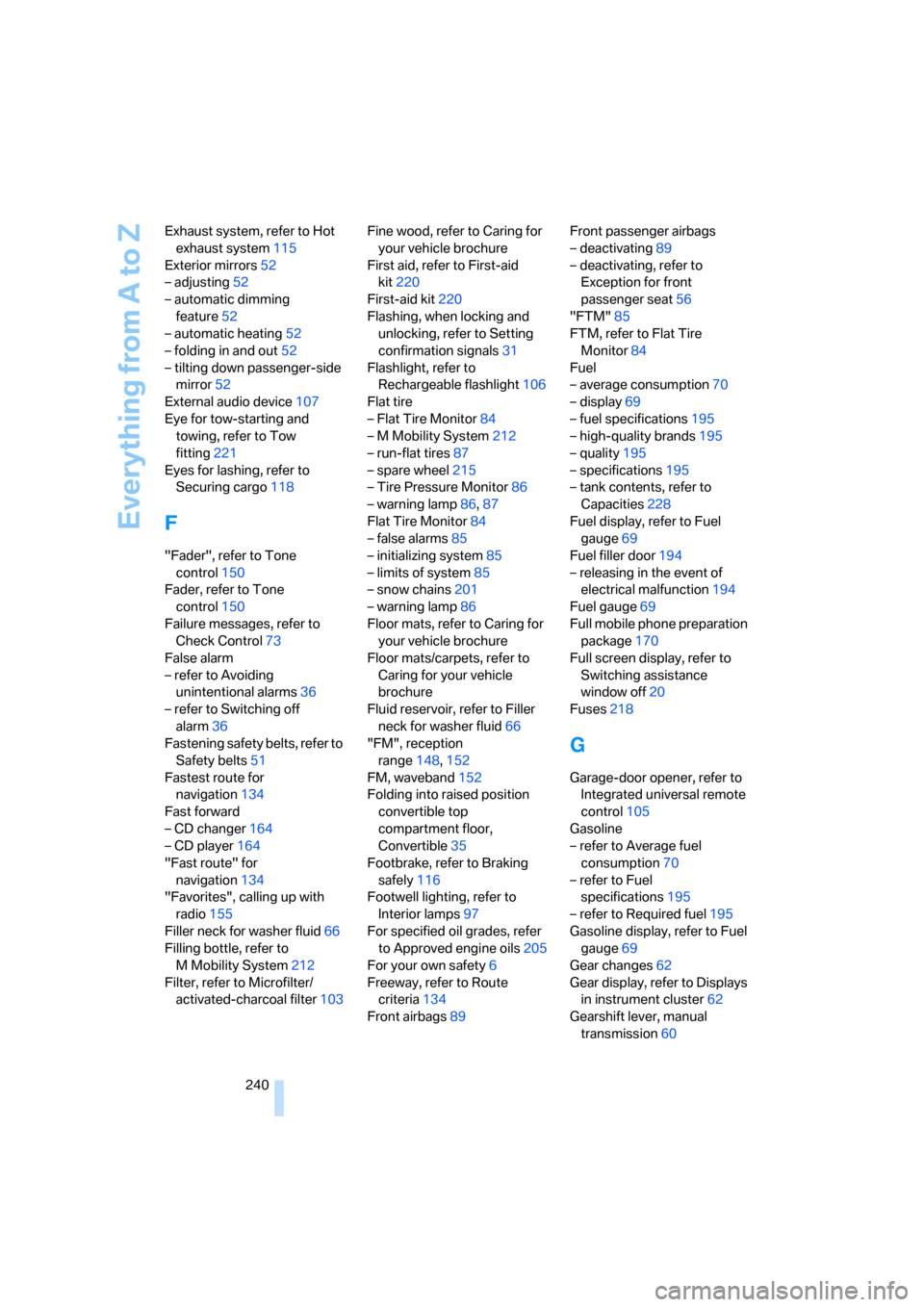
240 Exhaust system, refer to Hot
exhaust system115
Exterior mirrors52
– adjusting52
– automatic dimming
feature52
– automatic heating52
– folding in and out52
– tilting down passenger-side
mirror52
External audio device107
Eye for tow-starting and
towing, refer to Tow
fitting221
Eyes for lashing, refer to
Securing cargo118
F
"Fader", refer to Tone
control150
Fader, refer to Tone
control150
Failure messages, refer to
Check Control73
False alarm
– refer to Avoiding
unintentional alarms36
– refer to Switching off
alarm36
Fastening safety belts, refer to
Safety belts51
Fastest route for
navigation134
Fast forward
– CD changer164
– CD player164
"Fast route" for
navigation134
"Favorites", calling up with
radio155
Filler neck for washer fluid66
Filling bottle, refer to
M Mobility System212
Filter, refer to Microfilter/
activated-charcoal filter103Fine wood, refer to Caring for
your vehicle brochure
First aid, refer to First-aid
kit220
First-aid kit220
Flashing, when locking and
unlocking, refer to Setting
confirmation signals31
Flashlight, refer to
Rechargeable flashlight106
Flat tire
– Flat Tire Monitor84
– M Mobility System212
– run-flat tires87
– spare wheel215
– Tire Pressure Monitor86
– warning lamp86,87
Flat Tire Monitor84
– false alarms85
– initializing system85
– limits of system85
– snow chains201
– warning lamp86
Floor mats, refer to Caring for
your vehicle brochure
Floor mats/carpets, refer to
Caring for your vehicle
brochure
Fluid reservoir, refer to Filler
neck for washer fluid66
"FM", reception
range148,152
FM, waveband152
Folding into raised position
convertible top
compartment floor,
Convertible35
Footbrake, refer to Braking
safely116
Footwell lighting, refer to
Interior lamps97
For specified oil grades, refer
to Approved engine oils205
For your own safety6
Freeway, refer to Route
criteria134
Front airbags89Front passenger airbags
– deactivating89
– deactivating, refer to
Exception for front
passenger seat56
"FTM"85
FTM, refer to Flat Tire
Monitor84
Fuel
– average consumption70
– display69
– fuel specifications195
– high-quality brands195
– quality195
– specifications195
– tank contents, refer to
Capacities228
Fuel display, refer to Fuel
gauge69
Fuel filler door194
– releasing in the event of
electrical malfunction194
Fuel gauge69
Full mobile phone preparation
package170
Full screen display, refer to
Switching assistance
window off20
Fuses218
G
Garage-door opener, refer to
Integrated universal remote
control105
Gasoline
– refer to Average fuel
consumption70
– refer to Fuel
specifications195
– refer to Required fuel195
Gasoline display, refer to Fuel
gauge69
Gear changes62
Gear display, refer to Displays
in instrument cluster62
Gearshift lever, manual
transmission60
Page 243 of 256
Reference 241
At a glance
Controls
Driving tips
Communications
Navigation
Entertainment
Mobility
General driving notes114
Glove compartment106
– rechargeable flashlight106
GPS navigation, refer to
Navigation system122
Grills, refer to Ventilation102
Gross vehicle weight, refer to
Weights228
Ground clearance116
H
Handbrake60
– indicator lamp13,60
Hands-free system, refer to
Microphone14
Hazard warning flashers15
"HD radio"156
HD radio, refer to High
Definition Radio156
Head airbags89
Headlamp control,
automatic95
Headlamp flasher64
Headlamps
– care, refer to Caring for your
vehicle brochure
– cleaning, refer to Wiper
system65
– cleaning tank, refer to
Capacities228
– filler neck for washer
fluid203
– replacing bulbs209
Head Light, refer to Adaptive
Head Light96
Head restraints
– front49
– removing49
– sitting safely46
"Head-Up Display"54,92
Head-Up Display91
– default view92
– shift lights63
Heated
– mirrors52
– rear window101
– seats51Heater100
Heating
– exterior mirrors52
– interior99
– rear window101
– residual heat utilization102
– seats51
Heating with engine switched
off, refer to Residual
heat102
Heavy cargo, refer to Securing
cargo118
Height, refer to
Dimensions226
Height adjustment
– seats47
– steering wheel53
High beams97
– headlamp flasher97
– indicator lamp13
– replacing bulbs210
High Definition Radio156
High water, refer to Driving
through water115
Hills116
Holder for cups108
"Home address" for
navigation system134
Homepage of BMW4
Hood202
Horn10
Hotel function33
– unlocking manually34
Hot exhaust system115
"Hour memo"77
"House number" for
destination entry127
Hydraulic brake assistant,
refer to Brake assistant82
Hydroplaning115
– also refer to Minimum tread
depth199
I
IBOC, refer to High Definition
Radio156
Ice, refer to Outside
temperature warning69
ID3-Tag, refer to Information
about track162
Identification mark
– recommended tire
brands200
– tire coding198
Idle61
iDrive16
– adjusting brightness78
– assistance window20
– changing date and time77
– changing language79
– changing menu page19
– changing settings76
– changing units of measure
and display form78
– controller16
– controls16
– displays, menus17
– operating principle17
– selecting menu item19
– selecting or confirming
entry19
– start menu17
– status information20
– symbols18
Ignition58
– switched off59
– switched on58
Ignition key, refer to Keys/
remote control28
Ignition key position 1, refer to
Radio readiness58
Ignition key position 2, refer to
Ignition on58
Ignition lock58
– starting engine with comfort
access38
i menu17
Imprint2
Page 244 of 256
Everything from A to Z
242 Indicator/warning lamps
– ABS Antilock Brake
System83
– airbags90
– brake system83
– DSC13,82
– Flat Tire Monitor86
– handbrake13,60
– MDrive13,54
– M Dynamic Mode13,82
– parking lamps/low beams13
– safety belt warning51
– TPM Tire Pressure
Monitor87
Indicator and warning lamps,
overview13
Inflation pressure, refer to Tire
inflation pressure196
Inflation pressure monitoring
– refer to Flat Tire Monitor84
– refer to Tire Pressure
Monitor86
Info menu17
Information
– on another location130
– on current position130
– on town/city of
destination130
"Information" for navigation
system130
Information menu, refer to
imenu17
"Information on
destination"131
Information service188
"Info sources"72
Initializing
– Flat Tire Monitor85
– radio, refer to Storing
stations154
– refer to Power failure217
– seat, mirror and steering
wheel memory48
– time and date76
"Input map"129
Installation location
– CD changer164
– drive for navigation DVD122Instructions for navigation
system, refer to Voice
instructions139
Instrument cluster12
Instrument illumination, refer
to Instrument lighting97
Instrument lighting97
Instrument panel, refer to
Cockpit
10
Instrument panel, refer to
Instrument cluster12
Integrated key28
Integrated universal remote
control105
Interesting destination for
navigation130
"Interim time"76
Interior lamps97
– switching on with remote
control31
Interior motion sensor36
– switching off36
Interior rearview mirror,
automatic dimming
feature52
Intermittent wiper mode65
J
Jacking points216
Joystick, refer to iDrive16
Jump starting220
K
Keyless-Go, refer to Comfort
access37
Keyless opening and closing,
refer to Comfort access37
Key Memory, refer to Personal
Profile29
"Keypad"180
Keys28
– key-related settings, refer to
Personal Profile29
– spare key28
Kick-down, refer to Drive
mode62Knee airbags89
Knock control195
L
Lamps, refer to Parking lamps/
low beams95
Lamps and bulbs209
"Language / Units"78
– for navigation
system123,139
"Languages"79
– for navigation
system123,139
Lashing eyes, refer to
Securing cargo118
Last destinations, refer to
Destination list131
"Last seat pos."49
LATCH child restraint fixing
system57
LEDs light-emitting
diodes209
Length, refer to
Dimensions226
License plate lamps, replacing
bulbs212
Light-emitting diodes
LEDs209
Lighter108
"Lighting"65,96
Lighting
– instruments97
– lamps and bulbs209
– of the vehicle, refer to
Lamps95
Light switch95
"Limit"75
Loading, refer to Cargo
loading117
Load securing equipment,
refer to Securing cargo118
"Lock after driving"33
Lock buttons in the doors,
refer to Locking33