alarm BMW M6 COUPE 2014 F13M Owner's Manual
[x] Cancel search | Manufacturer: BMW, Model Year: 2014, Model line: M6 COUPE, Model: BMW M6 COUPE 2014 F13MPages: 222, PDF Size: 4.8 MB
Page 41 of 222
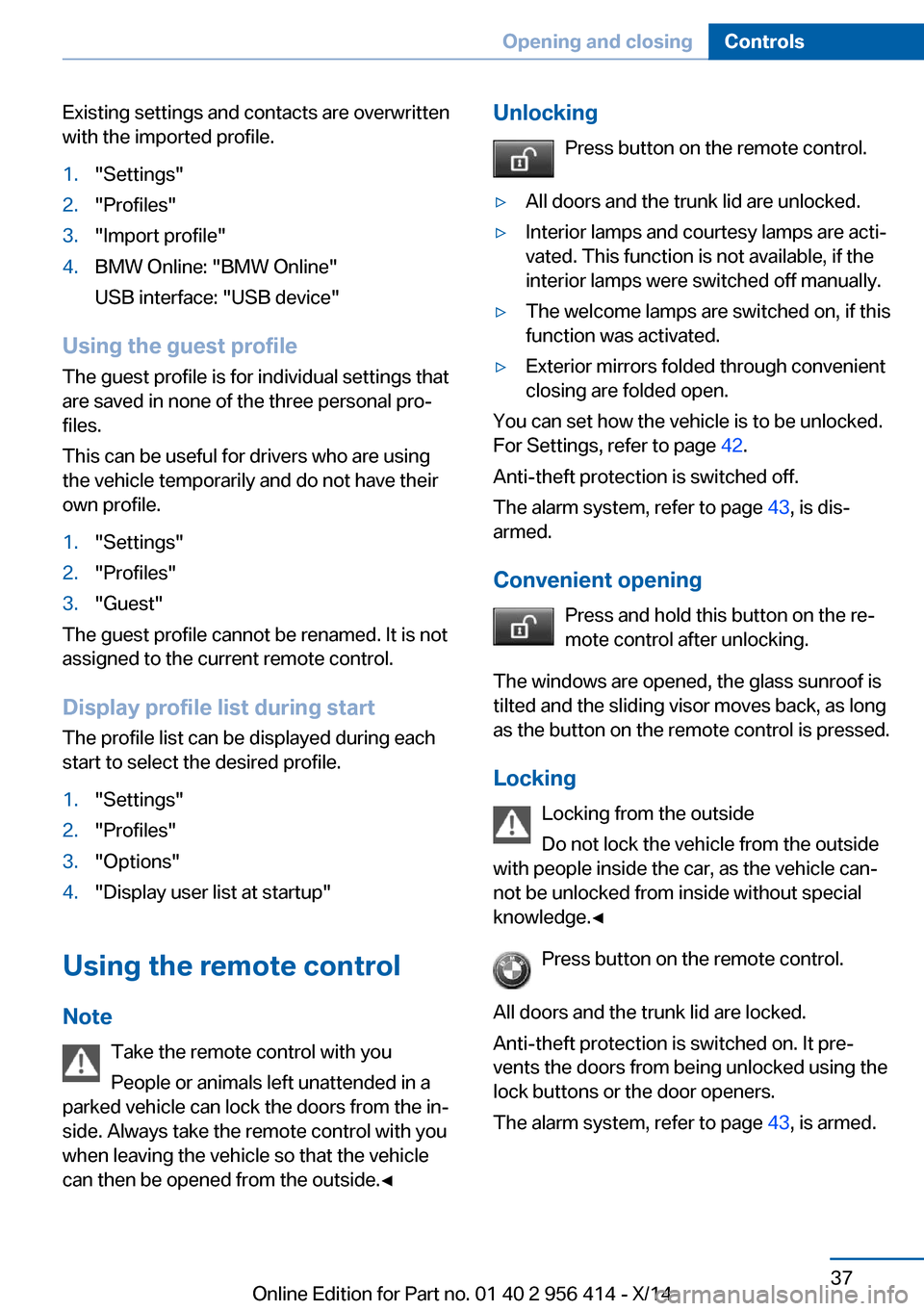
Existing settings and contacts are overwritten
with the imported profile.1."Settings"2."Profiles"3."Import profile"4.BMW Online: "BMW Online"
USB interface: "USB device"
Using the guest profile
The guest profile is for individual settings that
are saved in none of the three personal pro‐
files.
This can be useful for drivers who are using
the vehicle temporarily and do not have their
own profile.
1."Settings"2."Profiles"3."Guest"
The guest profile cannot be renamed. It is not
assigned to the current remote control.
Display profile list during start
The profile list can be displayed during each
start to select the desired profile.
1."Settings"2."Profiles"3."Options"4."Display user list at startup"
Using the remote control
Note Take the remote control with youPeople or animals left unattended in a
parked vehicle can lock the doors from the in‐
side. Always take the remote control with you
when leaving the vehicle so that the vehicle
can then be opened from the outside.◀
Unlocking
Press button on the remote control.▷All doors and the trunk lid are unlocked.▷Interior lamps and courtesy lamps are acti‐
vated. This function is not available, if the
interior lamps were switched off manually.▷The welcome lamps are switched on, if this
function was activated.▷Exterior mirrors folded through convenient
closing are folded open.
You can set how the vehicle is to be unlocked.
For Settings, refer to page 42.
Anti-theft protection is switched off.
The alarm system, refer to page 43, is dis‐
armed.
Convenient opening Press and hold this button on the re‐mote control after unlocking.
The windows are opened, the glass sunroof is
tilted and the sliding visor moves back, as long
as the button on the remote control is pressed.
Locking Locking from the outside
Do not lock the vehicle from the outside
with people inside the car, as the vehicle can‐
not be unlocked from inside without special knowledge.◀
Press button on the remote control.
All doors and the trunk lid are locked.
Anti-theft protection is switched on. It pre‐
vents the doors from being unlocked using the
lock buttons or the door openers.
The alarm system, refer to page 43, is armed.
Seite 37Opening and closingControls37
Online Edition for Part no. 01 40 2 956 414 - X/14
Page 42 of 222
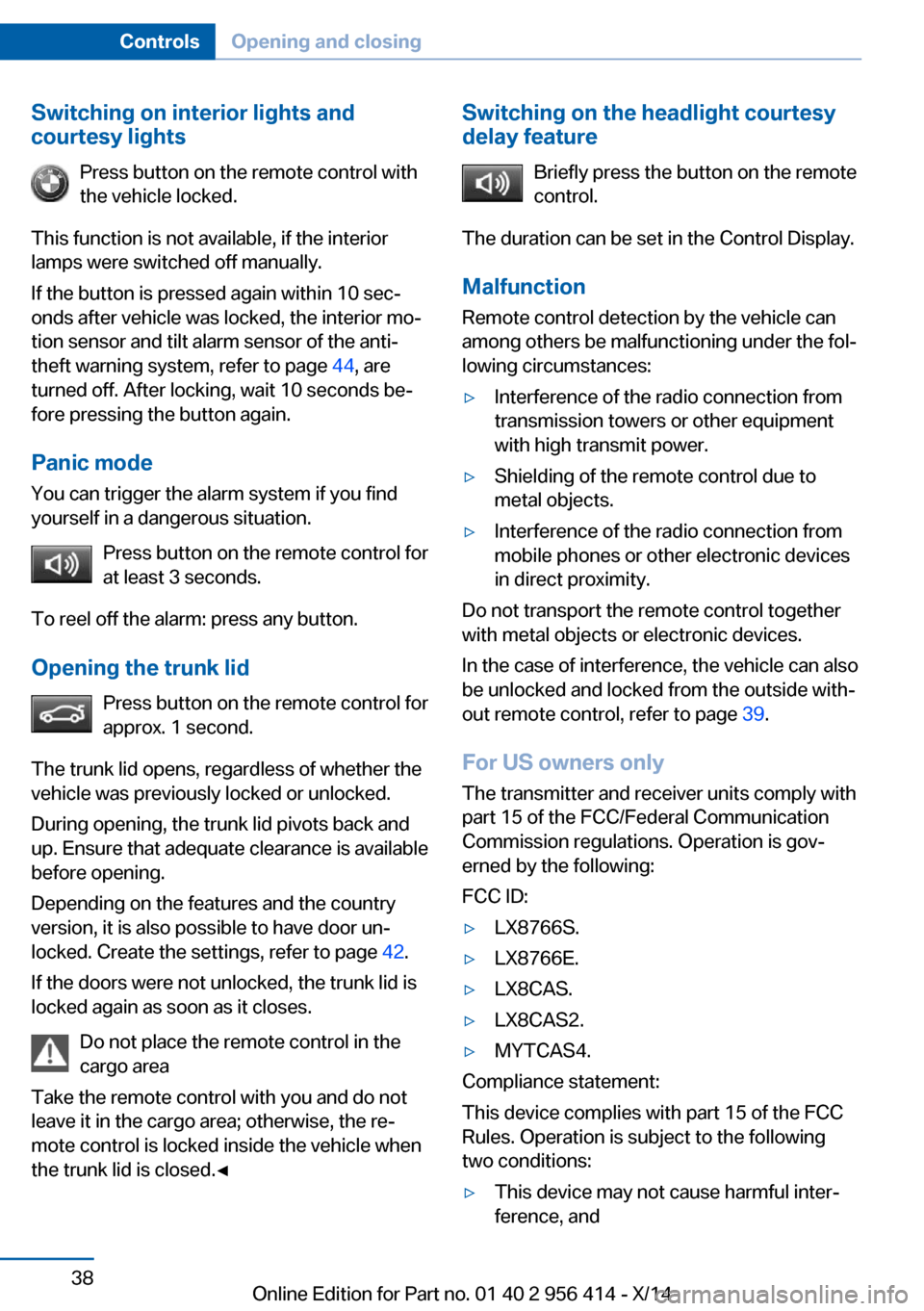
Switching on interior lights and
courtesy lights
Press button on the remote control with
the vehicle locked.
This function is not available, if the interior
lamps were switched off manually.
If the button is pressed again within 10 sec‐
onds after vehicle was locked, the interior mo‐
tion sensor and tilt alarm sensor of the anti-
theft warning system, refer to page 44, are
turned off. After locking, wait 10 seconds be‐
fore pressing the button again.
Panic mode
You can trigger the alarm system if you find
yourself in a dangerous situation.
Press button on the remote control for
at least 3 seconds.
To reel off the alarm: press any button.
Opening the trunk lid Press button on the remote control for
approx. 1 second.
The trunk lid opens, regardless of whether the
vehicle was previously locked or unlocked.
During opening, the trunk lid pivots back and
up. Ensure that adequate clearance is available
before opening.
Depending on the features and the country
version, it is also possible to have door un‐
locked. Create the settings, refer to page 42.
If the doors were not unlocked, the trunk lid is
locked again as soon as it closes.
Do not place the remote control in the
cargo area
Take the remote control with you and do not
leave it in the cargo area; otherwise, the re‐
mote control is locked inside the vehicle when
the trunk lid is closed.◀Switching on the headlight courtesy
delay feature
Briefly press the button on the remote
control.
The duration can be set in the Control Display.
Malfunction
Remote control detection by the vehicle can
among others be malfunctioning under the fol‐
lowing circumstances:▷Interference of the radio connection from
transmission towers or other equipment
with high transmit power.▷Shielding of the remote control due to
metal objects.▷Interference of the radio connection from
mobile phones or other electronic devices
in direct proximity.
Do not transport the remote control together
with metal objects or electronic devices.
In the case of interference, the vehicle can also
be unlocked and locked from the outside with‐
out remote control, refer to page 39.
For US owners only
The transmitter and receiver units comply with
part 15 of the FCC/Federal Communication
Commission regulations. Operation is gov‐
erned by the following:
FCC ID:
▷LX8766S.▷LX8766E.▷LX8CAS.▷LX8CAS2.▷MYTCAS4.
Compliance statement:
This device complies with part 15 of the FCC
Rules. Operation is subject to the following
two conditions:
▷This device may not cause harmful inter‐
ference, andSeite 38ControlsOpening and closing38
Online Edition for Part no. 01 40 2 956 414 - X/14
Page 43 of 222
▷this device must accept any interference
received, including interference that may
cause undesired operation.
Any unauthorized modifications or changes to
these devices could void the user's authority to
operate this equipment.
Without remote control
From the outside Locking from the outside
Do not lock the vehicle from the outside
with people inside the car, as the vehicle can‐
not be unlocked from inside without special
knowledge.◀
Remove the key before pulling the door
handle
Before pulling the outside door handle, remove
the key to avoid damaging the paintwork and
the key.◀
Unlock or lock the driver's door via the door
lock using the integrated key, refer to page 34.
In some vehicle equipment versions, only the
driver's door can be unlocked or locked via the
door lock. In this case, the other doors must be
unlocked or locked from the inside.
Alarm system
With some country versions, the alarm system
is not armed if the vehicle is locked with the
integrated key.
In some country-specific versions, the alarm
system is triggered when the vehicle is un‐
locked via the door lock.
In order to terminate this alarm, unlock vehicle
with the remote control or reel on the ignition,
if needed, through emergency detection of the
remote control, refer to page 35.
From the inside
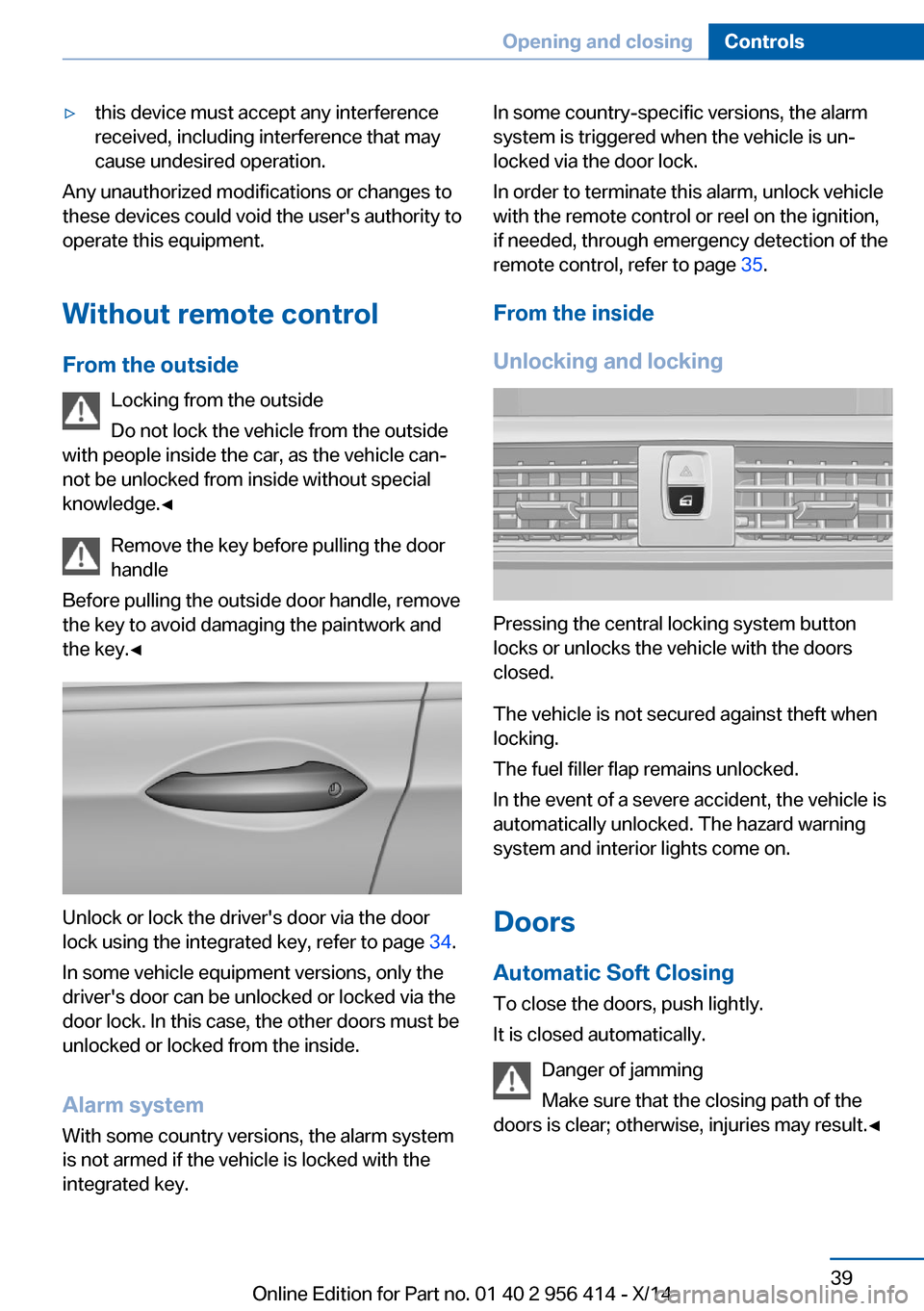
Unlocking and locking
Pressing the central locking system button
locks or unlocks the vehicle with the doors
closed.
The vehicle is not secured against theft when
locking.
The fuel filler flap remains unlocked.
In the event of a severe accident, the vehicle is
automatically unlocked. The hazard warning
system and interior lights come on.
Doors Automatic Soft Closing
To close the doors, push lightly.
It is closed automatically.
Danger of jamming
Make sure that the closing path of the
doors is clear; otherwise, injuries may result.◀
Seite 39Opening and closingControls39
Online Edition for Part no. 01 40 2 956 414 - X/14
Page 47 of 222
Confirmation signals from the vehicle
The settings are saved in the active profile, re‐
fer to page 35.1."Settings"2."Doors/key"3.Deactivate or activate the desired confir‐
mation signals.▷"Acoustic sig. lock/unlock"▷"Flash when lock/unlock"
Automatic locking
The settings are saved in the active profile, re‐fer to page 35.
1."Settings"2."Doors/key"3.Select the desired function:▷"Lock if no door is opened"
The vehicle locks automatically after a
short period of time if no door is
opened.▷"Lock after start driving"
The vehicle locks automatically after
you drive off.
Retrieving the seat, mirror, and
steering wheel settings
The driver's seat, exterior mirror, and steering
wheel position adjusted last will be stored for
the active profile.
When the vehicle is unlocked, these positions
are automatically retrieved if this function was
activated.
Pinch hazard when moving back the seat
If this function is used, first make sure
that the footwell behind the driver's seat is
empty. Otherwise, people might get injured or
objects damaged when the seat is moved
back.◀
The adjustment procedure is interrupted:
▷When a seat position reel is pressed.▷When a button of the seat, mirror, and
steering wheel memory is pressed briefly.
Activating the setting
1."Settings"2."Doors/key"3."Last seat position autom."
Alarm system
The conceptWhen the vehicle is locked, the vehicle alarm
system responds to:
▷Opening a door, the hood or the trunk lid.▷Movements in the interior.▷Changes in the vehicle tilt, e. g., during at‐
tempts at stealing a wheel or when towing
the car.▷Disconnected battery voltage.
The alarm system briefly signals tampering:
▷By sounding an acoustic alarm.▷By switching on the hazard warning sys‐
tem.▷By flashing the daytime running lights.
Arming and disarming the alarm
system
When you unlock or lock the vehicle, either
with the remote control, Comfort Access or at
the door lock the alarm system is disarmed or
armed at the same time.
Door lock and armed alarm systemUnlocking via the door lock will trigger the
alarm on some country-specific versions.
Trunk lid and armed alarm system The trunk lid can be opened even when the
alarm system is armed.
Seite 43Opening and closingControls43
Online Edition for Part no. 01 40 2 956 414 - X/14
Page 48 of 222
After the trunk lid is closed, it is locked and
monitored again when the doors are locked.
The hazard warning system flashes once.
Panic mode
You can trigger the alarm system if you find
yourself in a dangerous situation.
Press button on the remote control for
at least 3 seconds.
To reel off the alarm: press any button.
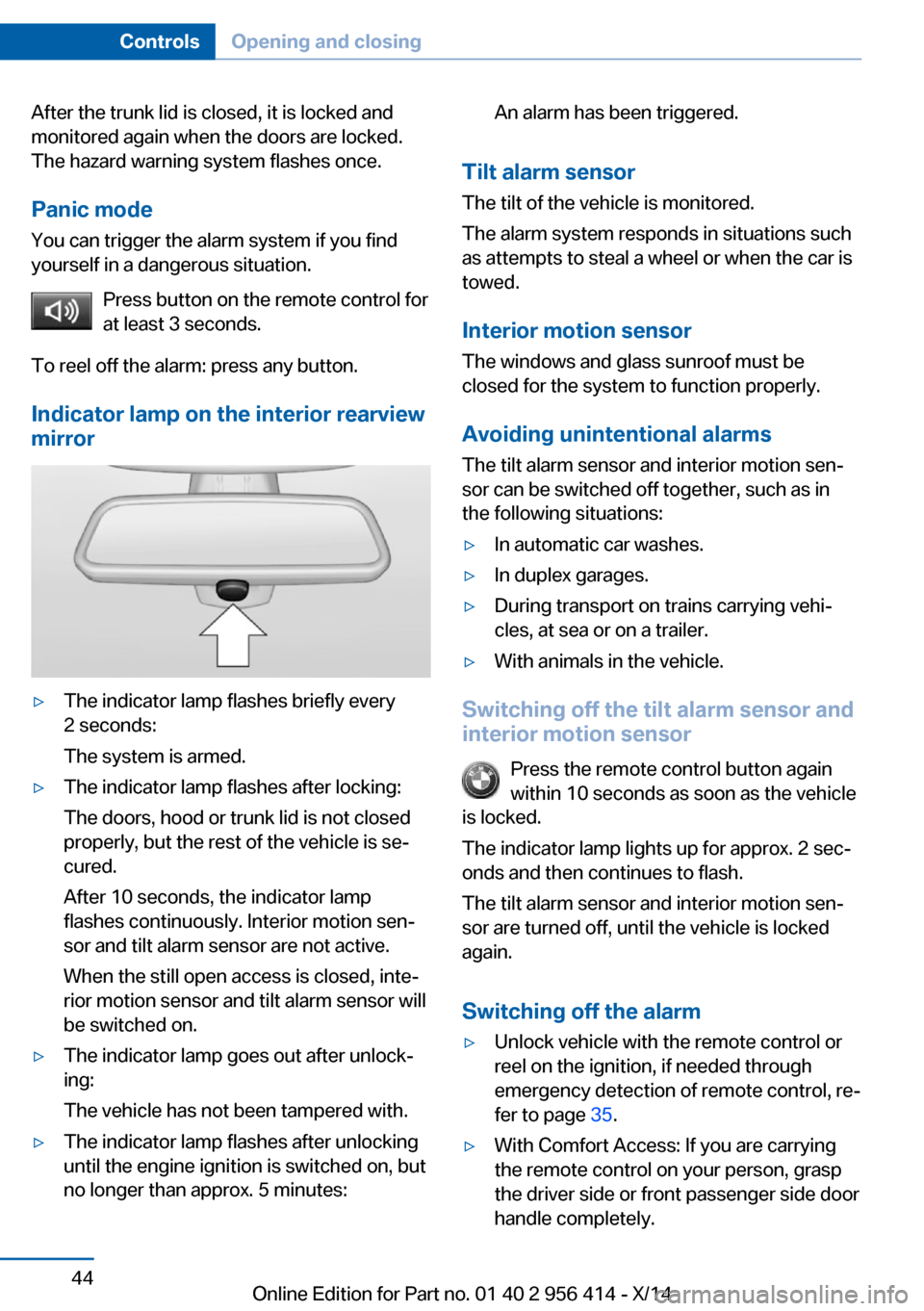
Indicator lamp on the interior rearview
mirror▷The indicator lamp flashes briefly every
2 seconds:
The system is armed.▷The indicator lamp flashes after locking:
The doors, hood or trunk lid is not closed
properly, but the rest of the vehicle is se‐
cured.
After 10 seconds, the indicator lamp
flashes continuously. Interior motion sen‐
sor and tilt alarm sensor are not active.
When the still open access is closed, inte‐
rior motion sensor and tilt alarm sensor will
be switched on.▷The indicator lamp goes out after unlock‐
ing:
The vehicle has not been tampered with.▷The indicator lamp flashes after unlocking
until the engine ignition is switched on, but
no longer than approx. 5 minutes:An alarm has been triggered.
Tilt alarm sensor
The tilt of the vehicle is monitored.
The alarm system responds in situations such
as attempts to steal a wheel or when the car is
towed.
Interior motion sensor The windows and glass sunroof must be
closed for the system to function properly.
Avoiding unintentional alarms The tilt alarm sensor and interior motion sen‐
sor can be switched off together, such as in
the following situations:
▷In automatic car washes.▷In duplex garages.▷During transport on trains carrying vehi‐
cles, at sea or on a trailer.▷With animals in the vehicle.
Switching off the tilt alarm sensor and
interior motion sensor
Press the remote control button again
within 10 seconds as soon as the vehicle
is locked.
The indicator lamp lights up for approx. 2 sec‐
onds and then continues to flash.
The tilt alarm sensor and interior motion sen‐
sor are turned off, until the vehicle is locked again.
Switching off the alarm
▷Unlock vehicle with the remote control or
reel on the ignition, if needed through
emergency detection of remote control, re‐
fer to page 35.▷With Comfort Access: If you are carrying
the remote control on your person, grasp
the driver side or front passenger side door
handle completely.Seite 44ControlsOpening and closing44
Online Edition for Part no. 01 40 2 956 414 - X/14
Page 112 of 222
Front-end collision warning
with City Braking function
The concept The ystem can help prevent accidents. If an
accident cannot be prevented, the system will
help reduce the collision speed.
The system sounds a warning before an immi‐
nent collision and actuates brakes independ‐
ently if needed.
The automatic braking intervention is done
with limited force and duration.
A camera in the area of the rearview mirror
controls the system.
The front-end collision warning is available
even if cruise control has been deactivated.
With the vehicle approaching another vehicle
intentionally the collision warning is delayed
avoiding false alarm.
Note Personal responsibility
The system does not serve as a substi‐
tute for the driver's personal judgment of the
traffic situation.
Be aware of the traffic situation and the vehi‐
cle's surroundings at all times, otherwise acci‐
dents are still possible despite all warnings.◀
General information
The system warns at two levels of an imminent
danger of collision at speeds from approx.
3 mph/5 km/h. Time of warnings may vary with
the current driving situation.
Appropriate braking kicks in at speeds of up to
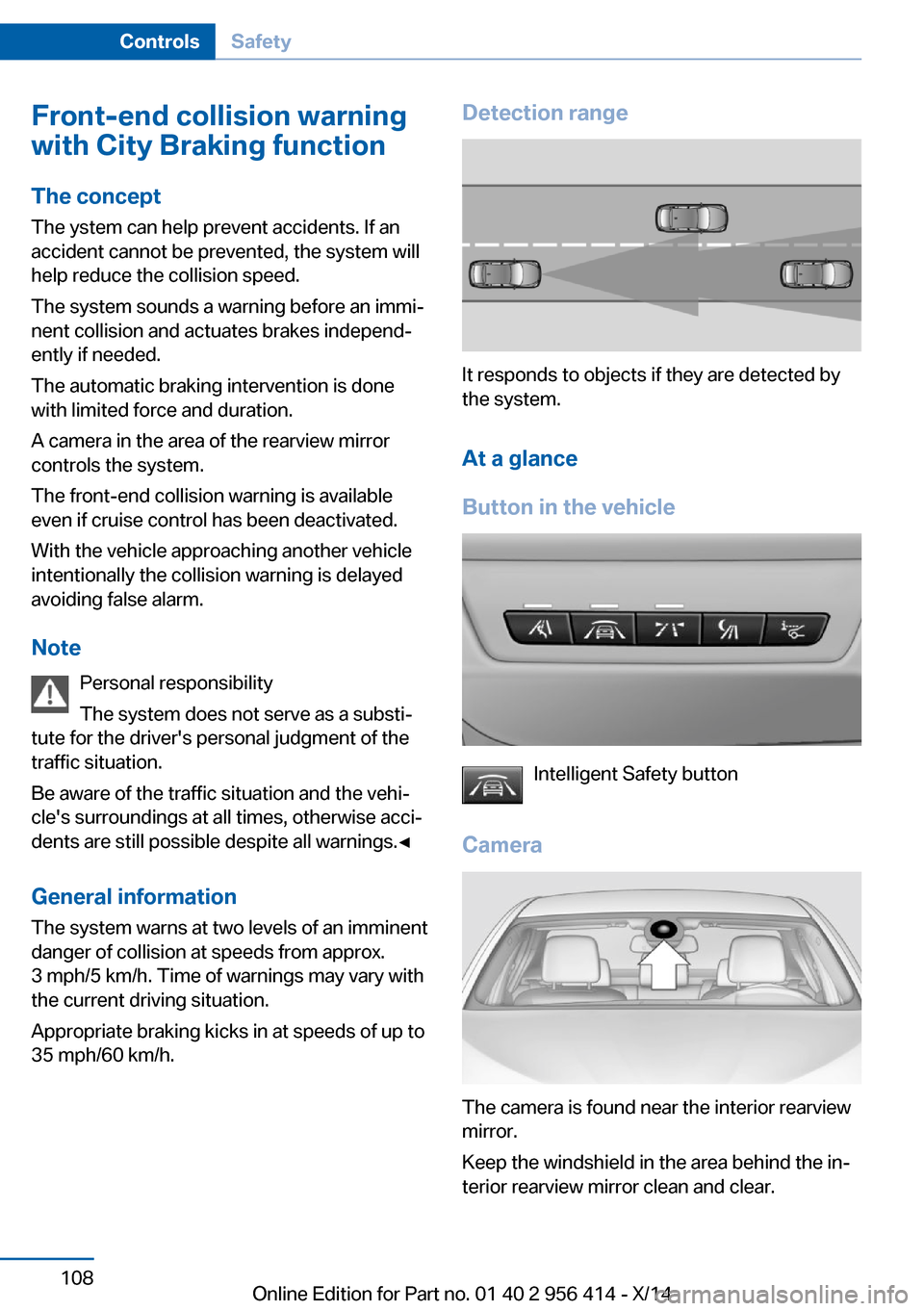
35 mph/60 km/h.Detection range
It responds to objects if they are detected by
the system.
At a glance
Button in the vehicle
Intelligent Safety button
Camera
The camera is found near the interior rearview
mirror.
Keep the windshield in the area behind the in‐
terior rearview mirror clean and clear.
Seite 108ControlsSafety108
Online Edition for Part no. 01 40 2 956 414 - X/14
Page 203 of 222
CareVehicle features and optionsThis chapter describes all standard, country-
specific and optional features offered with the
series. It also describes features that are not
necessarily available in your car, e. g., due to
the selected options or country versions. This
also applies to safety-related functions and
systems.
Car washes
General information
Regularly remove foreign objects such as
leaves in the area below the windshield when
the hood is raised.
Wash your vehicle frequently, particularly in
winter. Intense soiling and road salt can dam‐
age the vehicle.
Hints Steam jets or high-pressure washers
When using steam jets or high-pressure
washers, hold them a sufficient distance away
and use a maximum temperature of
140 ℉/60 ℃.
If the vehicle has a glass sunroof, ensure that a
distance of at least 31.5 inches/80 cm is main‐
tained. Holding them too close or using exces‐
sively high pressures or temperatures can
cause damage or preliminary damage that may
then lead to long-term damage.
Follow the user's manual for the high-pressure
washer.◀
Cleaning sensors/cameras with high-
pressure washers
When using high-pressure washers, do not
spray the exterior sensors and cameras, e.g.,
Park Distance Control, for extended periods oftime and only from a distance of at least
12 in/30 cm.◀
Automatic car washes
Hints Do not use high pressure washing sys‐
tems
With washing systems operating at high pres‐
sures and nozzle positions close to the win‐
dows, drops of water can penetrate.◀
Note the following:▷Give preference to cloth car washes or
those that use soft brushes in order to
avoid paint damage.▷Make sure that the wheels and tires are not
damaged by the transport mechanisms.▷Fold in the exterior mirrors; otherwise, they
may be damaged, depending on the width
of the vehicle.▷Deactivate the rain sensor, refer to
page 70, to avoid unintentional wiper acti‐
vation.▷In some cases, an unintentional alarm can
be triggered by the interior motion sensor
of the alarm system. Follow the instruc‐
tions on avoiding an unintentional alarm,
refer to page 44.
Guide rails in car washes
Avoid car washes with guide rails higher
than 4 in/10 cm; otherwise, the vehicle body
could be damaged.◀
Before driving into a car wash In order to ensure that the vehicle can roll in a
car wash, take the following steps:
Seite 199CareMobility199
Online Edition for Part no. 01 40 2 956 414 - X/14
Page 212 of 222
Everything from A to Z
IndexA ABS, Antilock Brake Sys‐ tem 122
Acceleration Assistant, refer to Launch Control 75
Activated-charcoal filter 140
Active Blind Spot Detec‐ tion 117
Active M differential 124
Active Protection 119
Active seat, front 50
Active seat ventilation, front 50
Adaptive brake lights, refer to Brake force display 119
Adaptive Light Control 96
Additives, oil 182
Adjusting, steering wheel 57
Adjustments, seats/head re‐ straints 48
After washing vehicle 200
Airbags 100
Airbags, indicator/warning light 101
Air circulation, refer to Recir‐ culated-air mode 139
Air, dehumidifying, refer to Cooling function 139
Air distribution, manual 138
Air flow, automatic climate control 139
Air outlets, see ventila‐ tion 141
Air pressure, tires 170
Alarm system 43
Alarm, unintentional 44
All around the center con‐ sole 16
All around the interior rear‐ view mirror 17 All around the steering
wheel 14
All-season tires, refer to Win‐ ter tires 175
Alternating-code hand-held transmitter 143
Alternative oil types 183
Ambient light 98
Animal detection, see Night Vision 113
Antifreeze, washer fluid 71
Antilock Brake System, ABS 122
Anti-slip control, refer to DSC 122
Approved axle load 206
Approved engine oils 183
Armrest, refer to Front center armrest 149
Arrival time 90
Ashtray 144
Assistance, Roadside Assis‐ tance 194
Assistance when driving off 122
Attentiveness assistant 119
AUTO intensity 138
Automatic car wash 199
Automatic Curb Monitor 55
Automatic deactivation, front- seat passenger airbags 102
Automatic headlight con‐ trol 96
Automatic locking 43
Automatic recirculated-air control 139
Automatic Soft Closing, doors 39
AUTO program, automatic cli‐ mate control 138
AUTO program, intensity 138 Auto Start/Stop function 65
Average fuel consumption 89
Average speed 89
Axle loads, weights 206
B Backrest curvature, refer to Lumbar support 49
Backrest, seats 48
Backrest, width 49
Band-aids, refer to First aid kit 194
Bar for tow-starting/ towing 197
Battery replacement, vehicle battery 191
Battery replacement, vehicle remote control 34
Battery, vehicle 191
Belts, safety belts 51
Beverage holder, cu‐ pholder 150
Blinds, sun protection 46
BMW Assist, see user's manual for Navigation, En‐
tertainment and Communi‐
cation
BMW maintenance sys‐ tem 185
BMW M technology 154
Bottle holder, refer to Cu‐ pholder 150
Brake assistant 122
Brake discs, break-in 156
Brake force display 119
Brake lights, adaptive 119
Brake lights, brake force dis‐ play 119
Brake lights, bulb replace‐ ment 189 Seite 208ReferenceEverything from A to Z208
Online Edition for Part no. 01 40 2 956 414 - X/14
Page 215 of 222
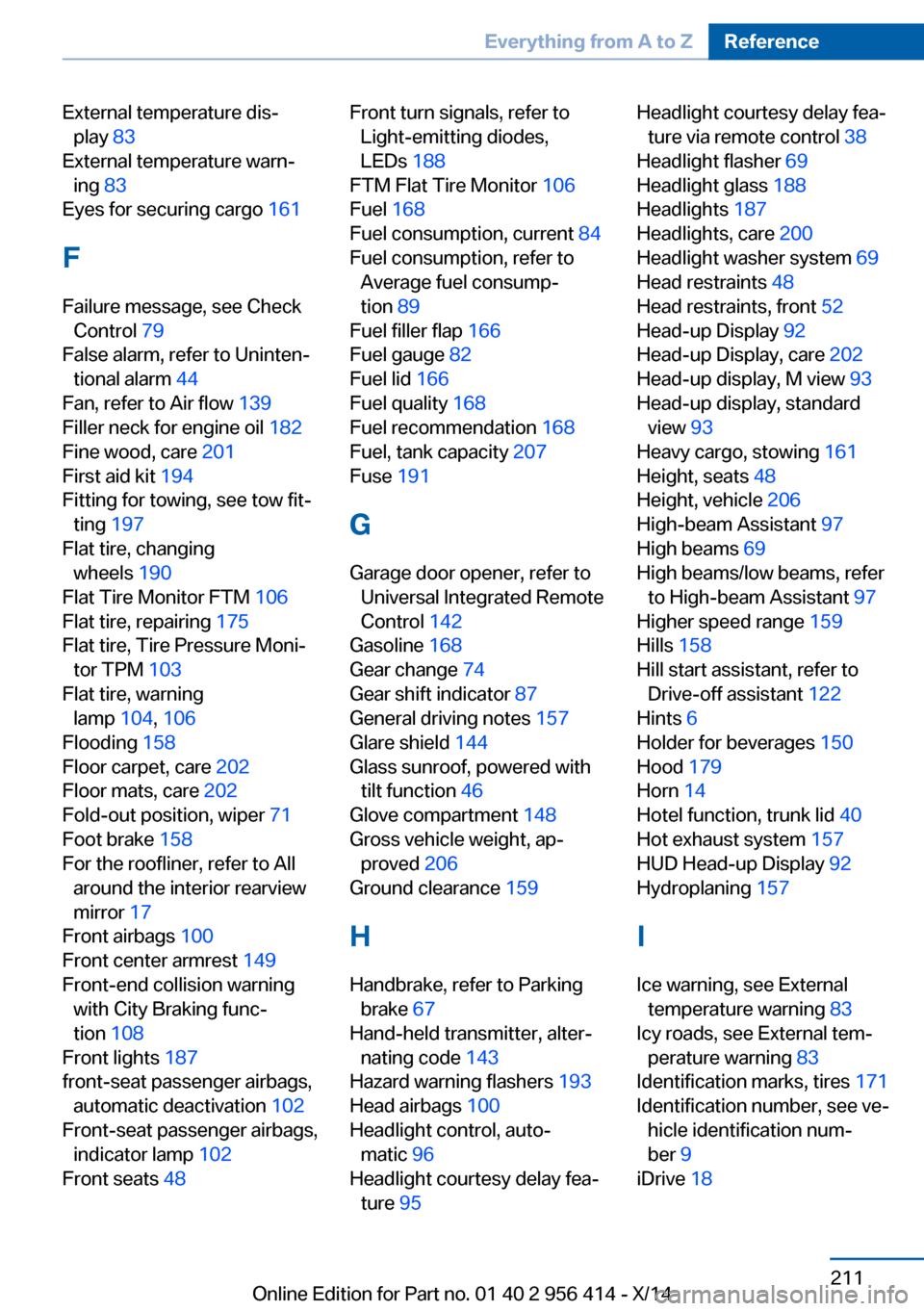
External temperature dis‐play 83
External temperature warn‐ ing 83
Eyes for securing cargo 161
F
Failure message, see Check Control 79
False alarm, refer to Uninten‐ tional alarm 44
Fan, refer to Air flow 139
Filler neck for engine oil 182
Fine wood, care 201
First aid kit 194
Fitting for towing, see tow fit‐ ting 197
Flat tire, changing wheels 190
Flat Tire Monitor FTM 106
Flat tire, repairing 175
Flat tire, Tire Pressure Moni‐ tor TPM 103
Flat tire, warning lamp 104, 106
Flooding 158
Floor carpet, care 202
Floor mats, care 202
Fold-out position, wiper 71
Foot brake 158
For the roofliner, refer to All around the interior rearview
mirror 17
Front airbags 100
Front center armrest 149
Front-end collision warning with City Braking func‐
tion 108
Front lights 187
front-seat passenger airbags, automatic deactivation 102
Front-seat passenger airbags, indicator lamp 102
Front seats 48 Front turn signals, refer to
Light-emitting diodes,
LEDs 188
FTM Flat Tire Monitor 106
Fuel 168
Fuel consumption, current 84
Fuel consumption, refer to Average fuel consump‐
tion 89
Fuel filler flap 166
Fuel gauge 82
Fuel lid 166
Fuel quality 168
Fuel recommendation 168
Fuel, tank capacity 207
Fuse 191
G
Garage door opener, refer to Universal Integrated Remote
Control 142
Gasoline 168
Gear change 74
Gear shift indicator 87
General driving notes 157
Glare shield 144
Glass sunroof, powered with tilt function 46
Glove compartment 148
Gross vehicle weight, ap‐ proved 206
Ground clearance 159
H
Handbrake, refer to Parking brake 67
Hand-held transmitter, alter‐ nating code 143
Hazard warning flashers 193
Head airbags 100
Headlight control, auto‐ matic 96
Headlight courtesy delay fea‐ ture 95 Headlight courtesy delay fea‐
ture via remote control 38
Headlight flasher 69
Headlight glass 188
Headlights 187
Headlights, care 200
Headlight washer system 69
Head restraints 48
Head restraints, front 52
Head-up Display 92
Head-up Display, care 202
Head-up display, M view 93
Head-up display, standard view 93
Heavy cargo, stowing 161
Height, seats 48
Height, vehicle 206
High-beam Assistant 97
High beams 69
High beams/low beams, refer to High-beam Assistant 97
Higher speed range 159
Hills 158
Hill start assistant, refer to Drive-off assistant 122
Hints 6
Holder for beverages 150
Hood 179
Horn 14
Hotel function, trunk lid 40
Hot exhaust system 157
HUD Head-up Display 92
Hydroplaning 157
I Ice warning, see External temperature warning 83
Icy roads, see External tem‐ perature warning 83
Identification marks, tires 171
Identification number, see ve‐ hicle identification num‐
ber 9
iDrive 18 Seite 211Everything from A to ZReference211
Online Edition for Part no. 01 40 2 956 414 - X/14
Page 216 of 222
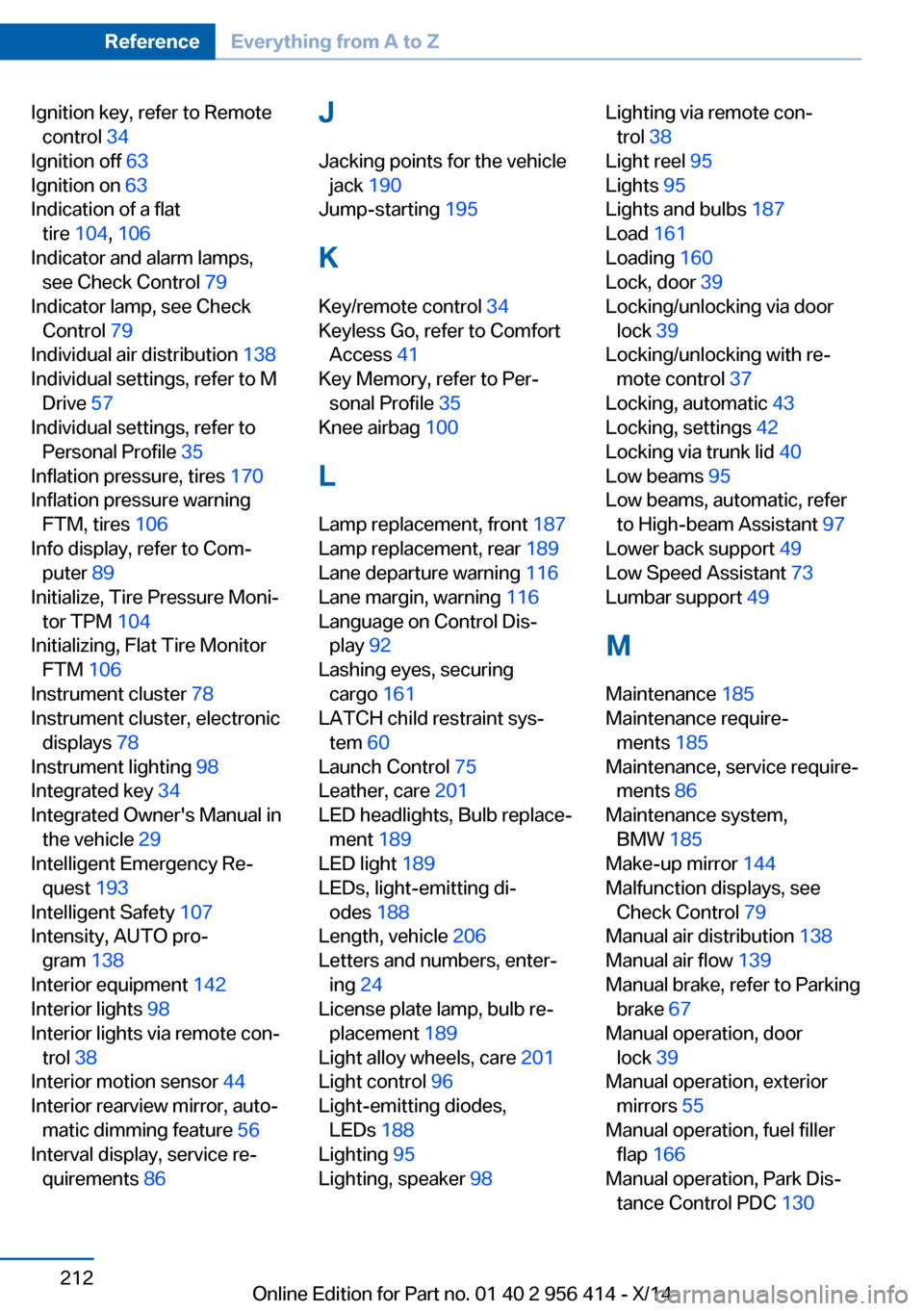
Ignition key, refer to Remotecontrol 34
Ignition off 63
Ignition on 63
Indication of a flat tire 104 , 106
Indicator and alarm lamps, see Check Control 79
Indicator lamp, see Check Control 79
Individual air distribution 138
Individual settings, refer to M Drive 57
Individual settings, refer to Personal Profile 35
Inflation pressure, tires 170
Inflation pressure warning FTM, tires 106
Info display, refer to Com‐ puter 89
Initialize, Tire Pressure Moni‐ tor TPM 104
Initializing, Flat Tire Monitor FTM 106
Instrument cluster 78
Instrument cluster, electronic displays 78
Instrument lighting 98
Integrated key 34
Integrated Owner's Manual in the vehicle 29
Intelligent Emergency Re‐ quest 193
Intelligent Safety 107
Intensity, AUTO pro‐ gram 138
Interior equipment 142
Interior lights 98
Interior lights via remote con‐ trol 38
Interior motion sensor 44
Interior rearview mirror, auto‐ matic dimming feature 56
Interval display, service re‐ quirements 86 J
Jacking points for the vehicle jack 190
Jump-starting 195
K
Key/remote control 34
Keyless Go, refer to Comfort Access 41
Key Memory, refer to Per‐ sonal Profile 35
Knee airbag 100
L Lamp replacement, front 187
Lamp replacement, rear 189
Lane departure warning 116
Lane margin, warning 116
Language on Control Dis‐ play 92
Lashing eyes, securing cargo 161
LATCH child restraint sys‐ tem 60
Launch Control 75
Leather, care 201
LED headlights, Bulb replace‐ ment 189
LED light 189
LEDs, light-emitting di‐ odes 188
Length, vehicle 206
Letters and numbers, enter‐ ing 24
License plate lamp, bulb re‐ placement 189
Light alloy wheels, care 201
Light control 96
Light-emitting diodes, LEDs 188
Lighting 95
Lighting, speaker 98 Lighting via remote con‐
trol 38
Light reel 95
Lights 95
Lights and bulbs 187
Load 161
Loading 160
Lock, door 39
Locking/unlocking via door lock 39
Locking/unlocking with re‐ mote control 37
Locking, automatic 43
Locking, settings 42
Locking via trunk lid 40
Low beams 95
Low beams, automatic, refer to High-beam Assistant 97
Lower back support 49
Low Speed Assistant 73
Lumbar support 49
M
Maintenance 185
Maintenance require‐ ments 185
Maintenance, service require‐ ments 86
Maintenance system, BMW 185
Make-up mirror 144
Malfunction displays, see Check Control 79
Manual air distribution 138
Manual air flow 139
Manual brake, refer to Parking brake 67
Manual operation, door lock 39
Manual operation, exterior mirrors 55
Manual operation, fuel filler flap 166
Manual operation, Park Dis‐ tance Control PDC 130 Seite 212ReferenceEverything from A to Z212
Online Edition for Part no. 01 40 2 956 414 - X/14