reset BMW MOTORRAD K 1200 GT 2006 Rider's Manual (in English)
[x] Cancel search | Manufacturer: BMW MOTORRAD, Model Year: 2006, Model line: K 1200 GT, Model: BMW MOTORRAD K 1200 GT 2006Pages: 172, PDF Size: 1.98 MB
Page 49 of 172
Tripmeter 1 (Trip I)
Tripmeter 2 (Trip II)
Tyre pressures (OE) for mo-
torcycles without on-board
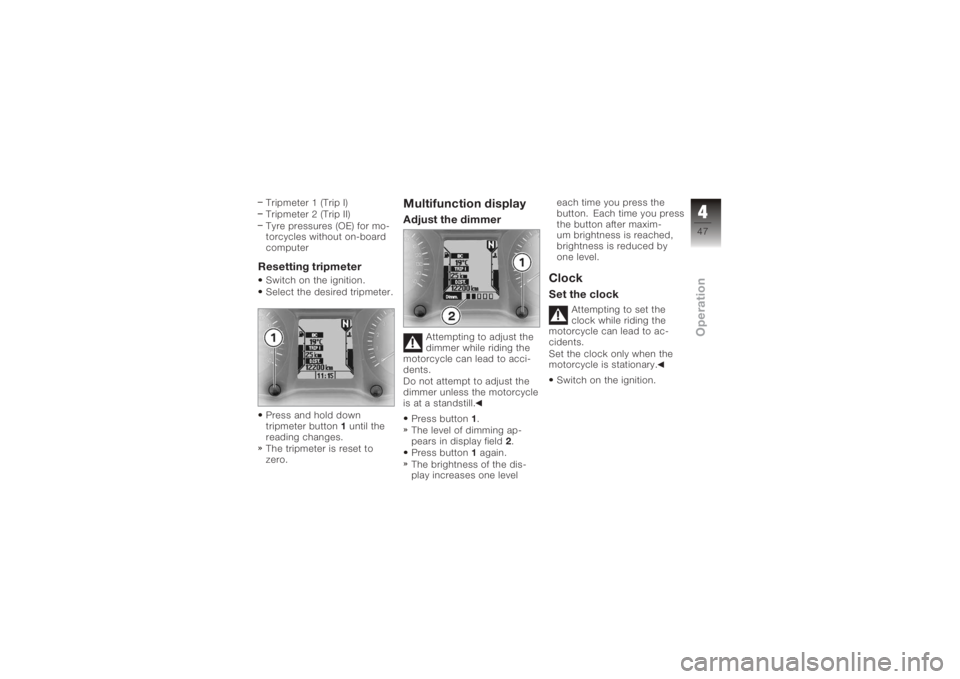
computerResetting tripmeterSwitch on the ignition.
Select the desired tripmeter.
Press and hold down
tripmeter button1until the
reading changes.
The tripmeter is reset to
zero.
Multifunction displayAdjust the dimmer
Attempting to adjust the
dimmer while riding the
motorcycle can lead to acci-
dents.
Do not attempt to adjust the
dimmer unless the motorcycle
is at a standstill.
Press button 1.
The level of dimming ap-
pears in display field 2.
Press button 1again.
The brightness of the dis-
play increases one level each time you press the
button. Each time you press
the button after maxim-
um brightness is reached,
brightness is reduced by
one level.
ClockSet the clock
Attempting to set the
clock while riding the
motorcycle can lead to ac-
cidents.
Set the clock only when the
motorcycle is stationary.
Switch on the ignition.
447zOperation
Page 53 of 172
Calculating average
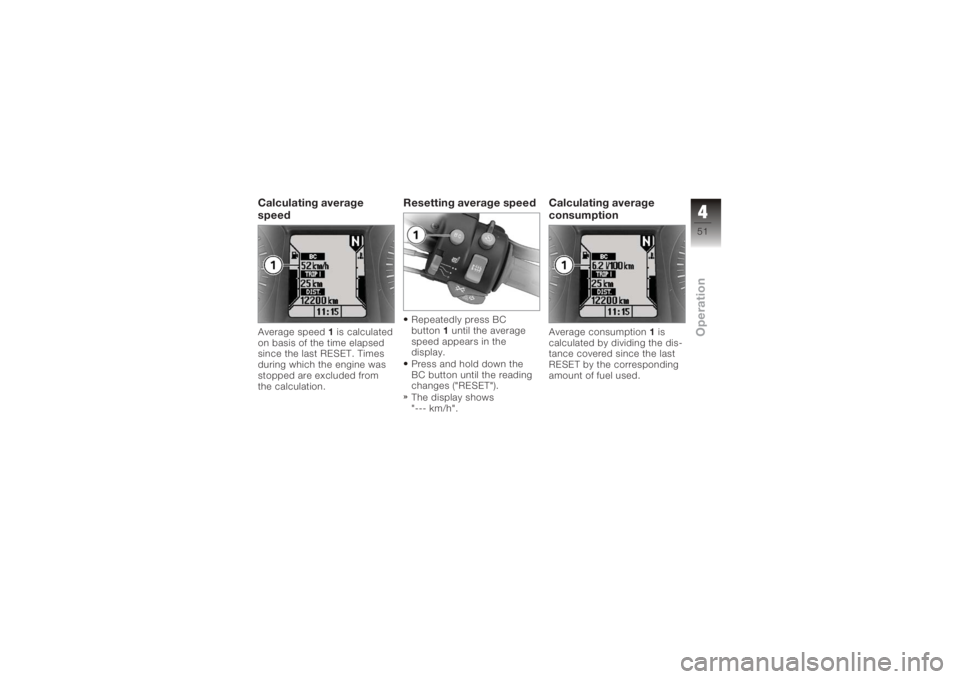
speedAverage speed1is calculated
on basis of the time elapsed
since the last RESET. Times
during which the engine was
stopped are excluded from
the calculation.
Resetting average speedRepeatedly press BC
button 1until the average
speed appears in the
display.
Press and hold down the
BC button until the reading
changes ("RESET").
The display shows
"--- km/h".
Calculating average
consumptionAverage consumption 1is
calculated by dividing the dis-
tance covered since the last
RESET by the corresponding
amount of fuel used.
451zOperation
Page 54 of 172
Reset average
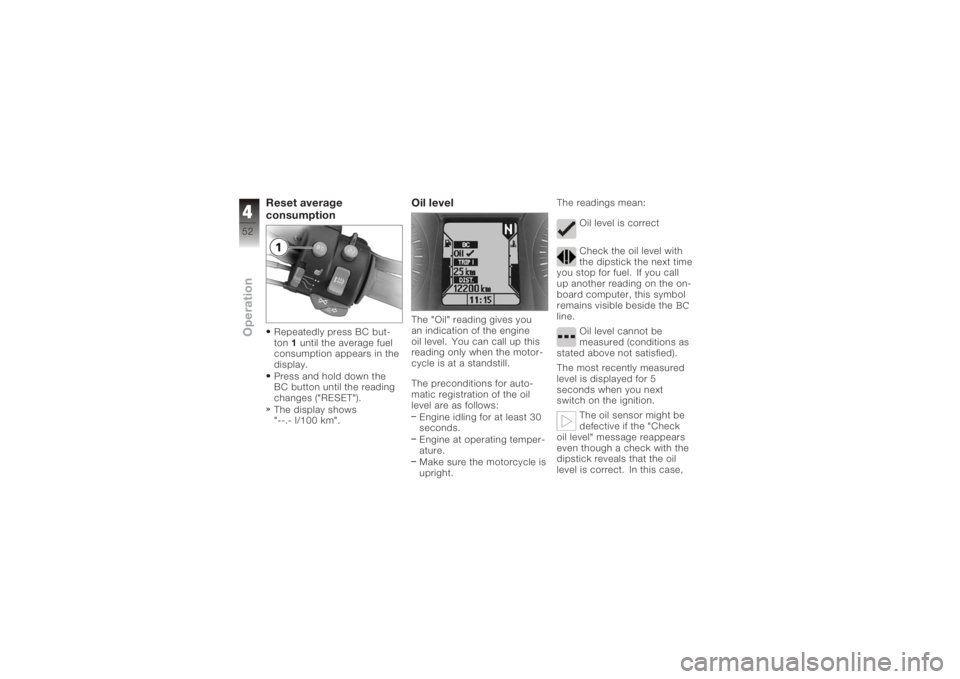
consumptionRepeatedly press BC but-
ton1until the average fuel
consumption appears in the
display.
Press and hold down the
BC button until the reading
changes ("RESET").
The display shows
"--.- l/100 km".
Oil levelThe "Oil" reading gives you
an indication of the engine
oil level. You can call up this
reading only when the motor-
cycle is at a standstill.
The preconditions for auto-
matic registration of the oil
level are as follows:
Engine idling for at least 30
seconds.
Engine at operating temper-
ature.
Make sure the motorcycle is
upright. The readings mean:
Oil level is correct
Check the oil level with
the dipstick the next time
you stop for fuel. If you call
up another reading on the on-
board computer, this symbol
remains visible beside the
BC
line.
Oil level cannot be
measured (conditions as
stated above not satisfied).
The most recently measured
level is displayed for 5
seconds when you next
switch on the ignition.
The oil sensor might be
defective if the "Check
oil level" message reappears
even though a check with the
dipstick reveals that the oil
level is correct. In this case,
452zOperation
Page 168 of 172

H
Handlebar fittingsGeneral view, left side, 16
General view, right side, 17
Handlebars Adjusting, 59
Hazard warning flashers, 16, 17
Switching off, 46
Switching on, 45
Headlight Adjusting headlight beam
throw, 61
High-beam headlight, 19
Low-beam headlight, 19
Side lights, 19
Helmet holder, 15, 68
High-beam headlight, 16 Telltale light, 23
Horn, 16
I
Idle Telltale light, 23 Ignition
Switching off, 43
Switching on, 43
Immobiliser Warning, 27
Instrument cluster Overview, 18
Sensor for lighting, 18
J
Jump start, 127
L
Laying up, 136
Lights Switch on the high-beam
headlight, 60
Switching off parking
lights, 61
Switching on parking
lights, 60
Switching on the low-beam
headlight, 60
Switching on the side
lights, 60 M
Maintenance
General instructions, 102
Intervals, 155
Multifunction display, 18 Adjust the dimmer, 47
Overview, 22
O
Odometer and tripmeters Odometer, 46
Resetting tripmeter, 47
Select the tripmeter, 46
On-board computer, 17 Oil level, 52
Range, 50
Reset average consump-
tion, 52
Resetting average
speed, 51
Selecting readings, 49
P
Parking, 82
Power socket, 11, 94
Pre-ride check, 79
11166zIndex