Instrument cluster lights BMW X1 2013 E84 User Guide
[x] Cancel search | Manufacturer: BMW, Model Year: 2013, Model line: X1, Model: BMW X1 2013 E84Pages: 299, PDF Size: 6.66 MB
Page 109 of 299
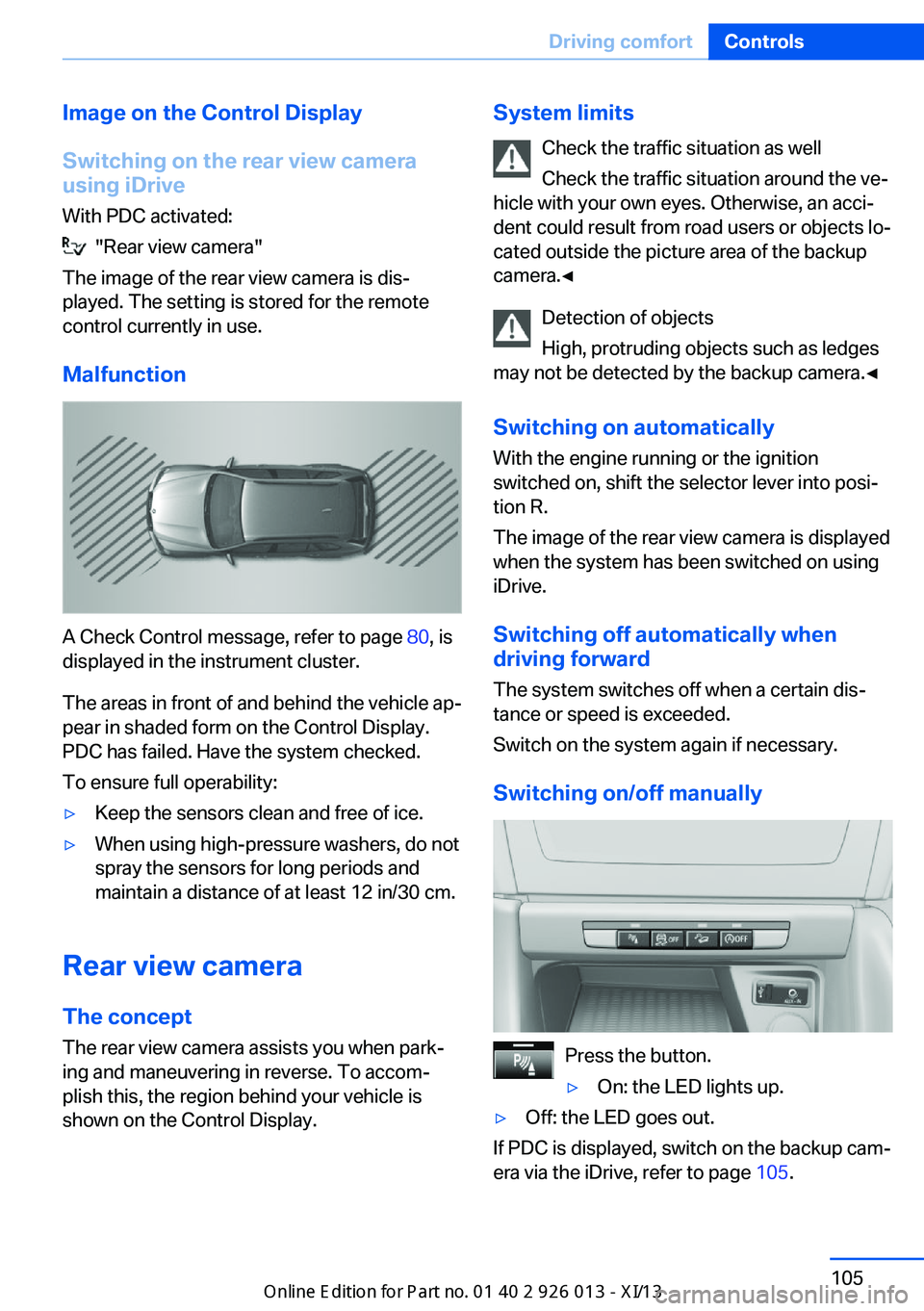
Image on the Control Display
Switching on the rear view camera
using iDrive
With PDC activated:
"Rear view camera"
The image of the rear view camera is dis‐
played. The setting is stored for the remote
control currently in use.
Malfunction
A Check Control message, refer to page 80, is
displayed in the instrument cluster.
The areas in front of and behind the vehicle ap‐
pear in shaded form on the Control Display.
PDC has failed. Have the system checked.
To ensure full operability:
▷Keep the sensors clean and free of ice.▷When using high-pressure washers, do not
spray the sensors for long periods and
maintain a distance of at least 12 in/30 cm.
Rear view camera
The concept The rear view camera assists you when park‐
ing and maneuvering in reverse. To accom‐
plish this, the region behind your vehicle is
shown on the Control Display.
System limits
Check the traffic situation as well
Check the traffic situation around the ve‐
hicle with your own eyes. Otherwise, an acci‐
dent could result from road users or objects lo‐
cated outside the picture area of the backup
camera.◀
Detection of objects
High, protruding objects such as ledges
may not be detected by the backup camera.◀
Switching on automatically With the engine running or the ignition
switched on, shift the selector lever into posi‐
tion R.
The image of the rear view camera is displayed
when the system has been switched on using
iDrive.
Switching off automatically when
driving forward
The system switches off when a certain dis‐
tance or speed is exceeded.
Switch on the system again if necessary.
Switching on/off manually
Press the button.
▷On: the LED lights up.▷Off: the LED goes out.
If PDC is displayed, switch on the backup cam‐
era via the iDrive, refer to page 105.
Seite 105Driving comfortControls105
Online Edition for Part no. 01 40 2 911 269 - VI/13
Page 142 of 299
Use coasting conditions
When approaching a red light, take your foot
off the accelerator and let the vehicle coast to
a halt.
On a downhill gradient, take your foot off the
accelerator and let the vehicle roll.
The flow of fuel is interrupted while coasting.
Switch off the engine during longer stops
Switch off the engine during longer stops, e.g.,
at traffic lights, railroad crossings or in traffic
congestion.
Automatic Engine Start/Stop Function The Automatic Start/Stop Function of your ve‐
hicle automatically switches off the engine
during a stop. Additional information on the
Automatic Engine Start/Stop Function, refer to
page 59.
If the engine is stopped and then started again,
fuel consumption and emissions drop com‐
pared to an engine that runs permanently.
Stopping the engine even for just a few sec‐
onds can result in savings.
Use of this system can cause premature wear
on certain vehicle components.
In addition, fuel consumption depends on
other factors as well, such as driving style, road
conditions, maintenance, and environmental
factors.
Switch off any functions that
are not currently needed
Functions such as seat heating and the rear
window defroster require a lot of energy and
consume additional fuel, especially in city and
stop-and-go traffic.
Therefore, switch off these functions if they
are not actually needed.Have maintenance carried
out
Have vehicles maintained regularly to achieve
optimal vehicle economy and operating life.
Have the maintenance carried out by your
service center.
Please also note the BMW Maintenance Sys‐
tem, refer to page 247.
ECO PRO
The concept ECO PRO supports the driver in achieving high
fuel economy. Engine control and comfort
functions, such as the climate control system,
are adjusted accordingly.
In addition, situation-related information can
be displayed that helps the driver achieve
lower fuel consumption.
The resulting range extension can be dis‐
played in the instrument cluster.
Activating ECO PRO Press the button; the LED above the
button lights up.
ECO PRO appears in the instrument cluster
and DSC is activated if necessary.
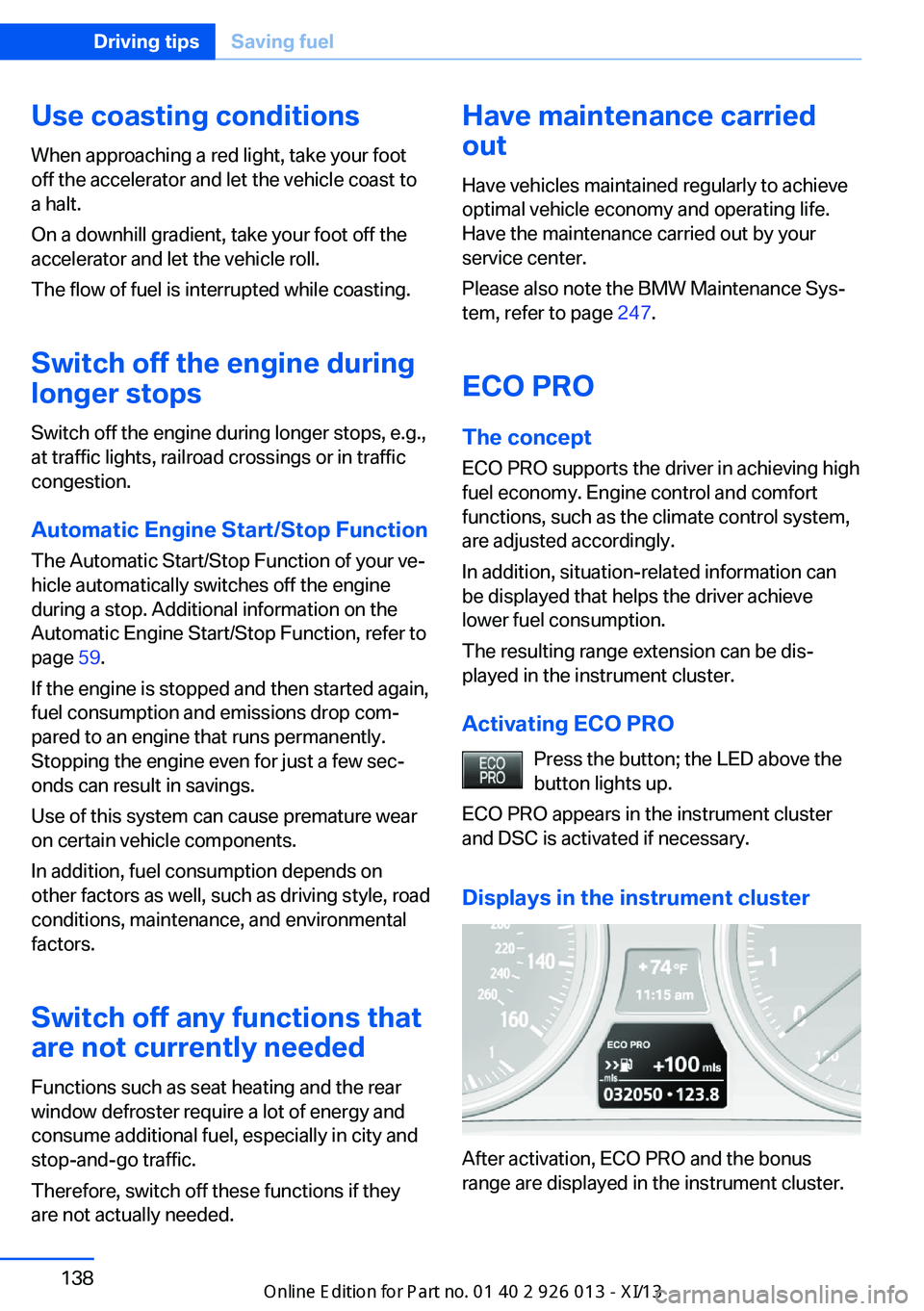
Displays in the instrument cluster
After activation, ECO PRO and the bonus
range are displayed in the instrument cluster.
Seite 138Driving tipsSaving fuel138
Online Edition for Part no. 01 40 2 911 269 - VI/13
Page 287 of 299
Cruise control 101
Cruise control– Malfunction 103
Cupholder 125
Curb weight, refer to Weights 270
Current fuel consumption 72
Current location, storing 146
Curve lights, refer to Adaptive Light Control 84
D
Dashboard lighting, refer to Instrument lighting 87
Dashboard, refer to Cock‐ pit 12
Data, technical 270
Date
– Date format 77– Setting 76
Daytime running lights 84
Daytime running lights, bulb replacement 252
Defroster
– Rear window 111
Destination entry via the ad‐
dress book 146
Destination guidance 153
Destination guidance with in‐ termediate destinations 151
Destination input, naviga‐ tion 144
Digital clock 71
Digital compass 115
Digital radio 167
Dimming mirrors 50
Directional indicators, refer to Turn signals 62
Display lighting, refer to In‐ strument lighting 87
Displays and controls 12
Displays, care 266
Displays, cleaning 266
Displays, refer to Instrument cluster 14
Disposal, coolant 246
Disposal, vehicle battery 255
Distance warning, refer to Park Distance Control
PDC 103
Divided rear seat backrest, re‐ fer to Enlarging the cargo
area 118
Divided screen view, split screen 22
Door key, refer to Remote control with integrated
key 30
Door lock 34
Doors, manual operation 34
Doors, unlocking and locking– Confirmation signals 33– From the inside 35– From the outside 32
DOT Quality Grades 237
Downhill control 99
Draft-free ventilation 111
Drive-off assistant 100
Driving away on inclines, refer to Drive-off assistant 100
Driving notes, breaking in 130
Driving notes, general 130
Driving on poor roads 132
Driving stability control sys‐ tems 97
Driving through water 131
Driving tips, refer to Driving notes 130
Dry air, refer to Cooling func‐ tion 110
DSC Dynamic Stability Con‐ trol 97
DTC Dynamic Traction Con‐ trol 98
DTMF suffix dialing 202
DVD/CD 174
DVDs, storing 179
DVD, video 176
Dynamic destination guid‐ ance 160
Dynamic Stability Control DSC 97
Dynamic Traction Control
DTC 98
E
ECO PRO 138
ECO PRO display 138
ECO PRO driving mode 138
ECO PRO mode 138
EfficientDynamics, refer to Saving fuel 137
Electrical malfunction– Door lock 34– Driver's door 34– Fuel filler flap 229– Tailgate 36
Electric seat adjustment 45
Electronic brake-force distri‐ bution 97
Electronic engine oil level check 243
Electronic Stability Program ESP, refer to Dynamic Sta‐
bility Control DSC 97
Emergency activation
– Automatic transmission, re‐
fer to Overriding selector
lever lock 67
Emergency operation
– Door lock, refer to Manual
operation 34
Emergency operation, fuel
filler flap, unlocking man‐
ually 229
Emergency Request 257
Emergency service, refer to Roadside Assistance 258
Energy-conscious driving, re‐ fer to Current fuel consump‐
tion 72
Energy, saving
– Automatic Engine Start/
Stop Function 59
Energy, saving, refer to Sav‐
ing fuel 137
Engine, breaking in 130
Engine compartment 242
Seite 283Everything from A to ZReference283
Online Edition for Part no. 01 40 2 911 269 - VI/13