interior lights BMW X1 2015 E84 User Guide
[x] Cancel search | Manufacturer: BMW, Model Year: 2015, Model line: X1, Model: BMW X1 2015 E84Pages: 297, PDF Size: 7.01 MB
Page 266 of 297
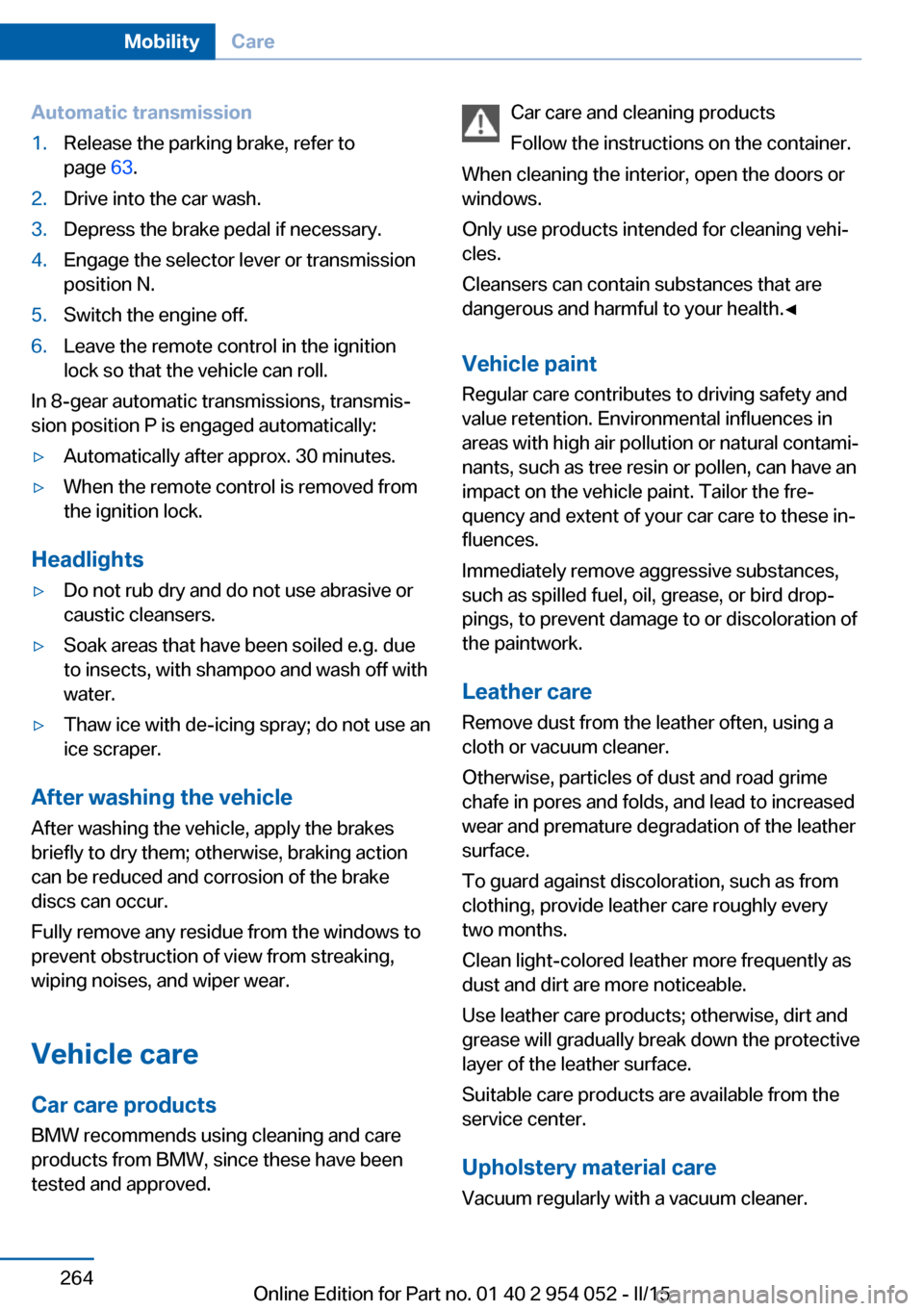
Automatic transmission1.Release the parking brake, refer to
page 63.2.Drive into the car wash.3.Depress the brake pedal if necessary.4.Engage the selector lever or transmission
position N.5.Switch the engine off.6.Leave the remote control in the ignition
lock so that the vehicle can roll.
In 8-gear automatic transmissions, transmis‐
sion position P is engaged automatically:
▷Automatically after approx. 30 minutes.▷When the remote control is removed from
the ignition lock.
Headlights
▷Do not rub dry and do not use abrasive or
caustic cleansers.▷Soak areas that have been soiled e.g. due
to insects, with shampoo and wash off with
water.▷Thaw ice with de-icing spray; do not use an
ice scraper.
After washing the vehicle
After washing the vehicle, apply the brakes
briefly to dry them; otherwise, braking action
can be reduced and corrosion of the brake
discs can occur.
Fully remove any residue from the windows to
prevent obstruction of view from streaking,
wiping noises, and wiper wear.
Vehicle careCar care productsBMW recommends using cleaning and care
products from BMW, since these have been
tested and approved.
Car care and cleaning products
Follow the instructions on the container.
When cleaning the interior, open the doors or
windows.
Only use products intended for cleaning vehi‐
cles.
Cleansers can contain substances that are
dangerous and harmful to your health.◀
Vehicle paint Regular care contributes to driving safety and
value retention. Environmental influences in
areas with high air pollution or natural contami‐
nants, such as tree resin or pollen, can have an
impact on the vehicle paint. Tailor the fre‐
quency and extent of your car care to these in‐
fluences.
Immediately remove aggressive substances,
such as spilled fuel, oil, grease, or bird drop‐
pings, to prevent damage to or discoloration of
the paintwork.
Leather care
Remove dust from the leather often, using a
cloth or vacuum cleaner.
Otherwise, particles of dust and road grime
chafe in pores and folds, and lead to increased
wear and premature degradation of the leather
surface.
To guard against discoloration, such as from
clothing, provide leather care roughly every
two months.
Clean light-colored leather more frequently as
dust and dirt are more noticeable.
Use leather care products; otherwise, dirt and
grease will gradually break down the protective
layer of the leather surface.
Suitable care products are available from the
service center.
Upholstery material care Vacuum regularly with a vacuum cleaner.Seite 264MobilityCare264
Online Edition for Part no. 01 40 2 954 052 - II/15
Page 282 of 297
Everything from A to Z
IndexA ABS, Antilock Brake Sys‐ tem 99
Accident, refer to Emergency Request, initiating 257
Acoustic signal, refer to Check Control 82
Activated charcoal filter with automatic climate con‐
trol 113
Adaptive brake lights, refer to Brake force display 98
Adaptive Light Control 86
Additional telephone 198
Additives, coolant 246
Additives, engine oil 245
After washing vehicle 264
Airbags 90
Airbags, indicator/warning light 93
Air circulation, refer to Recir‐ culated air mode 112
Air conditioning mode, auto‐ matic climate control 110
Air conditioning mode, venti‐ lation 113
Air distribution, auto‐ matic 111
Air distribution, manual 111
Air drying, refer to Cooling function 112
Air flow rate 112
Airing, refer to Ventila‐ tion 113
Air pressure, refer to Tire in‐ flation pressure 232
Air supply, automatic climate control 110
Air supply, ventilation 113 Air vents, refer to Ventila‐
tion 113
Alarm system 41
Alarm system, avoiding unin‐ tentional alarms 42
Alarm system, ending an alarm 41
Alarm system, interior motion sensor 42
Alarm system, tilt alarm sen‐ sor 42
All around the headliner 19
ALL program 112
All-season tires, refer to Win‐ ter tires 240
All-wheel drive, refer to xDrive 101
Alternating-code hand-held transmitter 116
AM/FM station 168
Announcement, navigation, see Spoken instruc‐
tions 157
Antifreeze, coolant 246
Antifreeze, washer fluid 67
Antilock Brake System, ABS 99
Anti-slip control, refer to Dy‐ namic Stability Control
DSC 99
Anti-theft protection 34
Appointments 214
Approved axle loads, refer to Weights 270
Approved engine oils 245
Approved gross vehicle weight, refer to
Weights 270
Armrest, refer to Center arm‐ rest 126 Arrival time, refer to Com‐
puter 76
Ashtray 119
Assistance with driving off, refer to Drive-off assis‐
tant 102
Assistance with starting en‐ gine, refer to Jump-start‐
ing 258
Audio device, external 126
Audio playback 177
Audio playback, Blue‐ tooth 189
Automatic, air distribu‐ tion 111
Automatic, air flow rate 111
Automatic car wash 263
Automatic climate con‐ trol 110
Automatic climate control, automatic air distribu‐
tion 111
Automatic, cruise control 103
Automatic Curb Monitor 51
Automatic headlight con‐ trol 86
Automatic recirculated air control 112
Automatic Start/Stop func‐ tion 61
Automatic transmission with Steptronic 67, 70
Automatic transmission with Steptronic, interlock 67
Automatic transmission with Steptronic, kickdown 68, 70
Automatic transmission with Steptronic, overriding selec‐
tor lever lock 69
AUTO program with auto‐ matic climate control 111 Seite 280ReferenceEverything from A to Z280
Online Edition for Part no. 01 40 2 954 052 - II/15
Page 286 of 297
Emergency operation, doorlock, refer to Manual opera‐
tion 37
Emergency operation, fuel filler flap, unlocking man‐
ually 229
Emergency Request 257
Energy-conscious driving, re‐ fer to Current fuel consump‐
tion 74
Energy, saving, Automatic Start/Stop function 61
Energy, saving, refer to Sav‐ ing fuel 139
Engine, breaking in 132
Engine compartment 242
Engine coolant, refer to Cool‐ ant 246
Engine oil, adding 245
Engine oil, additives, refer to Approved engine oils 245
Engine oil, alternative oil types 245
Engine oil, BMW maintenance system 247
Engine oil change intervals, refer to Service require‐
ments 80
Engine oil, checking the level 243
Engine oil, filling ca‐ pacity 271
Engine oil temperature 74
Engine oil types, alterna‐ tive 245
Engine oil types, ap‐ proved 245
Engine, overheating, refer to Coolant temperature 74
Engine start, assistance 258
Engine, starting 60
Engine, starting, Comfort Ac‐ cess 39
Engine, starting, Start/Stop button 59 Engine, stopping, Start/Stop
button 59
Engine, switching off 61
Environmentally friendly driv‐ ing, refer to Current fuel
consumption 74
Equalizer 166
Equipment, interior 115
ESP Electronic Stability Pro‐ gram, refer to Dynamic Sta‐
bility Control DSC 99
Exchanging wheels/tires 239
Exhaust system 133
Exterior mirrors 51
Exterior mirrors, adjusting 51
Exterior mirrors, automatic dimming 52
Exterior mirrors, automatic heating 52
Exterior mirrors, folding in and out 52
External audio device 126
External devices 186
External temperature dis‐ play 73
External temperature display, changing the unit of meas‐
ure 77
External temperature display, on computer 77
External temperature warn‐ ing 73
Eyes for securing cargo 137
F
Fader 166
Failure messages, refer to Check Control 82
False alarm, avoiding uninten‐ tional alarms 42
False alarm, ending an alarm 41
Fastening safety belts, refer to Safety belts 48 Fault messages, refer to
Check Control 82
Filling capacities 271
Filter, refer to Microfilter/acti‐ vated-charcoal filter with au‐
tomatic climate control 113
Fine wood, care 265
First aid kit 258
Fitting for towing 261
Flashing when locking/ unlocking 35
Flat Tire Monitor FTM 93
Flat Tire Monitor FTM, snow chains 241
Flat tire, run-flat tires 241
Flat tire, Tire Pressure Moni‐ tor TPM 95
Flat tire, warning light 94, 96
Flat tire, wheel change 255
Flooding, refer to Driving through water 133
Floor carpet, care 265
Floor mats, care 265
FM/AM station 168
Fog lamps, indicator lamp 88
Fog lights 88
Foldable rear seat back‐ rest 121
Folding sun visor 119
Foot brake 133
Footwell lights, refer to Inte‐ rior lights 89
For your own safety 7
Four-wheel drive, refer to xDrive 101
Front airbags 90
Front fog lights 88
Front passenger airbags, de‐ activating 91
FTM Flat Tire Monitor 93
Fuel 230
Fuel, additives 230
Fuel, average consump‐ tion 75
Fuel cap 228
Fuel cap, closing 228 Seite 284ReferenceEverything from A to Z284
Online Edition for Part no. 01 40 2 954 052 - II/15
Page 288 of 297
IIce warning, refer to External temperature warning 73
Icy roads, refer to External temperature warning 73
Identification marks, tires 237
Identification number, refer to Engine compartment 242
iDrive 20
iDrive, changing settings 79
iDrive, changing the date and time 78
iDrive, changing the lan‐ guage 79
iDrive, changing the units of measure and display for‐
mat 77
iDrive, setting the bright‐ ness 80
Ignition 60
Ignition key position 1, refer to Radio ready state 59
Ignition key position 2, refer to Ignition on 60
Ignition key, refer to Remote control with integrated
key 32
Ignition lock 59
Ignition, switched off 60
Ignition, switched on 60
Indication of a flat tire 94, 96
Indicator and warning lights 17
Individual settings, refer to Personal Profile 32
Inflation pressure monitor, re‐ fer to Flat Tire Monitor 93
Inflation pressure, refer to Tire inflation pressure 232
Information on the navigation data 144
Initialization after power fail‐ ure 256
Initializing– Refer to Setting the time
and date 78Initializing, compass, refer to
Calibrating 118
Initializing, Flat Tire Monitor FTM 93
Initializing panoramic glass sunroof 45
Initializing, Tire Pressure Monitor TPM 96
Inside brake lamps, bulb re‐ placement 254
Installation location, tele‐ phone 126
Instrument cluster 16
Instrument lighting 89
Instrument panel, refer to In‐ strument cluster 16
Instruments, refer to Cock‐ pit 14
Integrated key 32
Integrated universal remote control 115
Interactive map 151
Interior equipment 115
Interior lights 89
Interior lights, remote con‐ trol 35
Interior mirror 52
Interior motion sensor 42
Interior rearview mirror, auto‐ matic dimming 52
Interior rearview mirror, com‐ pass 117
Interior temperature, setting, automatic climate con‐
trol 110
Interlock, refer to Disengag‐ ing the remote control 67
Intermediate destina‐ tions 153
Internet page 6
Intersection, entering for navi‐ gation 147 J
Jacking points for the vehicle jack 255
Jack, refer to Vehicle jack 255
Joystick, refer to Selector lever 70
Jump-starting 258
K
Keyless Go, refer to Comfort Access 39
Keyless opening and closing, refer to Comfort Access 39
Key Memory, refer to Per‐ sonal Profile 32
Key, refer to Integrated key/ remote control 32
Kickdown, automatic trans‐ mission with Step‐
tronic 68, 70
Knee airbag 90
Knocking control 230
L Label, run-flat tire 241
Lamp and bulb replacement, light replacement 250
Lamps 85
Lamps, automatic headlight control 86
Lamps, High-beam Assis‐ tant 87
Lamps, replacing, refer to Lamp and bulb replace‐
ment 250
Language, changing on the Control Display 79
Lap-and-shoulder belt, refer to Safety belts 48
Lashing eyes, securing cargo 137 Seite 286ReferenceEverything from A to Z286
Online Edition for Part no. 01 40 2 954 052 - II/15
Page 289 of 297
LATCH child restraint fixingsystem 55
Leather, care 264
LEDs, light-emitting di‐ odes 250
Length, refer to Dimen‐ sions 270
Letters and numbers, enter‐ ing 25
License plate lamp, bulb re‐ placement 255
Light-alloy wheels, care 265
Light-emitting diodes, LEDs 250
Lighter 119
Lighting– Instruments 89
Lighting, light and bulb re‐
placement 250
Lighting, vehicle, refer to Lamps 85
Lights, parking lamps/low beams 85
Light switch 85
Limit, refer to Speed limit 83
Load 137
Loading 136
Lock buttons, doors, refer to Locking 37
Locking from the inside 37
Locking from the outside 34
Locking, setting the confirma‐ tion signals 35
Locking the vehicle from the inside 37
Locking without remote con‐ trol, refer to Comfort Ac‐
cess 39
Locks, doors, and win‐ dows 57
Longlife oils, alternative oil types 245
Longlife oils, refer to Ap‐ proved engine oils 245
Low beams 85
Low beams, automatic 86
Low beams, automatic, refer
to High-beam Assistant 87
Low beams, bulb replace‐ ment 251
Lower back support, refer to Lumbar support 47
Luggage rack, rear luggage rack 138
Luggage rack, refer to Roof- mounted luggage rack 138
Lumbar support 47
M
Main inspection, refer to Service requirements 80
Maintenance 247
Maintenance, refer to Service booklet
Maintenance, refer to Service requirements 80
Maintenance require‐ ments 247
Maintenance system BMW 247
Makeup mirror 119
Malfunction, automatic trans‐ mission with Steptronic 69
Malfunction, door lock 37
Malfunction, fuel filler flap 229
Malfunction, tailgate 38
Malfunction warnings, refer to Check Control 82
Manual air distribution 111
Manual mode, automatic transmission with Step‐
tronic 68, 71
Manual operation, door lock 37
Manual operation, driver's door 37
Manual operation, fuel filler flap 229 Manual operation, selector
lever lock, automatic trans‐
mission 69
Manual seat adjustment 46
Map, destination entry 151
Map display in black and white 160
Map in split screen 159
Map view 157
Marking on approved tires 240
Master key, refer to Remote control with integrated
key 32
Maximum cooling 111
Maximum speed, winter tires 240
Medical kit, refer to First aid kit 258
Memory, refer to Seat and mirror memory 50
Menus, operating, iDrive 20
Menus, refer to iDrive operat‐ ing concept 21
Message list, traffic bulle‐ tins 159
Messages 212
Microfilter, with automatic cli‐ mate control 113
Minimum tread, tires 239
Mirror, memory, refer to Seat and mirror memory 50
Mirrors 51
Mirrors– Automatic Curb Monitor 51
Mirrors, folding in and out 52
Mirrors, heating 52
Mirrors, interior mirror 52
Mobile communication devi‐ ces in the vehicle 133
Mobile phone, installation lo‐ cation, refer to Center arm‐
rest 126
Mobile phone, refer to Tele‐ phone 198
Modifications, technical, refer to Safety 7
Seite 287Everything from A to ZReference287
Online Edition for Part no. 01 40 2 954 052 - II/15