climate control BMW X1 SDRIVE28I 2013 User Guide
[x] Cancel search | Manufacturer: BMW, Model Year: 2013, Model line: X1 SDRIVE28I, Model: BMW X1 SDRIVE28I 2013Pages: 291, PDF Size: 6.58 MB
Page 128 of 291
Ensure that the floor mats are securely fastened
again when they are returned after being re‐
moved, such as for cleaning.◀
Driving in wet conditions
When roads are wet or there is heavy rain, briefly
exert gentle pressure on the brake pedal every
few miles.
Ensure that this action does not endanger other
road users.
The heat generated in this process helps dry the
brake discs and pads.
In this way braking efficiency will be available
when you need it.
Hills
Drive long or steep downhill gradients in the gear
in which the least braking is required. Otherwise,
the brake system may overheat, resulting in a
reduction in the brake system efficiency.
You can increase the engine's braking effect by
shifting down, going all the way to first gear, if
necessary.
Downshifting in manual mode of the automatic
transmission, refer to page 63.
Avoid load on the brakes
Avoid placing excessive load on the brake
system. Light but consistent brake pressure can
lead to high temperatures, brake wear and pos‐
sibly even brake failure.◀
Do not drive in neutral
Do not drive in neutral or with the engine
stopped, as doing so disables engine braking. In
addition, steering and brake assist is unavailable
with the engine stopped.◀
Brake disc corrosion
Corrosion on the brake discs and contamination
on the brake pads are furthered by:▷Low mileage.▷Extended periods when the vehicle is not
used at all.▷Infrequent use of the brakes.
Corrosion occurs when the minimum pressure
that must be exerted by the pads during brake
applications to clean the discs is not reached.
Should corrosion form on the brake discs, the
brakes will tend to respond with a pulsating ef‐
fect that generally cannot be corrected.
Condensation under the parked vehicle
When using the automatic climate control, con‐
densation water develops that exits underneath
the vehicle.
Therefore, traces of condensed water under the
vehicle are normal.
Driving on poor roads
BMW X1 combines an all-wheel drive system
with the advantages of a normal passenger car.
Do not drive on unpaved terrain
Do not drive on unpaved terrain, as other‐
wise the vehicle may be damaged.◀
For your own safety and the safety of passen‐
gers and the vehicle, adhere to the following
points:
▷Familiarize yourself with the vehicle before
driving; never take risks.▷Adjust speeds according to road conditions.
The steeper and rougher the road surface is,
the lower the speed should be.▷When driving on steep uphill and downhill
grades: the engine oil and coolant should be
filled nearly to the MAX mark.▷Use Hill Descent Control HDC, refer to
page 96, on steep downhill grades.▷Watch for stones, holes, and other obstacles
and drive around these where possible.Seite 128Driving tipsThings to remember when driving128
Online Edition for Part no. 01 40 2 914 595 - VI/12
Page 134 of 291

Use coasting conditions
When approaching a red light, take your foot off
the accelerator and let the vehicle coast to a halt.
On a downhill gradient, take your foot off the ac‐
celerator and let the vehicle roll.
The flow of fuel is interrupted while coasting.
Switch off the engine during
longer stops
Switch off the engine during longer stops, e.g.,
at traffic lights, railroad crossings or in traffic
congestion.
Fuel savings are already achieved after the en‐
gine is turned off for as little as 4 seconds.
Automatic Engine Start/Stop Function
The Automatic Start/Stop Function of your ve‐
hicle automatically switches off the engine dur‐
ing a stop. Additional information on the Auto‐
matic Engine Start/Stop Function, refer to
page 56.
If the engine is stopped and then started again,
fuel consumption and emissions drop com‐
pared to an engine that runs permanently. Stop‐
ping the engine even for just a few seconds can
result in savings.
Use of this system can cause premature wear on
certain vehicle components.
In addition, fuel consumption depends on other
factors as well, such as driving style, road con‐
ditions, maintenance, and environmental fac‐
tors.
Switch off any functions that
are not currently needed
Functions such as seat heating and the rear win‐
dow defroster require a lot of energy and con‐
sume additional fuel, especially in city and stop-
and-go traffic.Therefore, switch off these functions if they are
not actually needed.
Have maintenance carried out
Have vehicles maintained regularly to achieve
optimal vehicle economy and operating life.
Have the maintenance carried out by your serv‐
ice center.
Please also note the BMW Maintenance Sys‐
tem, refer to page 243.
ECO PRO
The concept
ECO PRO supports the driver in achieving high
fuel economy. Engine control and comfort func‐
tions, such as the climate control system, are
adjusted accordingly.
In addition, situation-related information can be
displayed that helps the driver achieve lower fuel
consumption.
The resulting range extension can be displayed
in the instrument cluster.
Activating ECO PRO Press the button; the LED above the
button lights up.
ECO PRO appears in the instrument cluster and
DSC is activated if necessary.Seite 134Driving tipsSaving fuel134
Online Edition for Part no. 01 40 2 914 595 - VI/12
Page 135 of 291
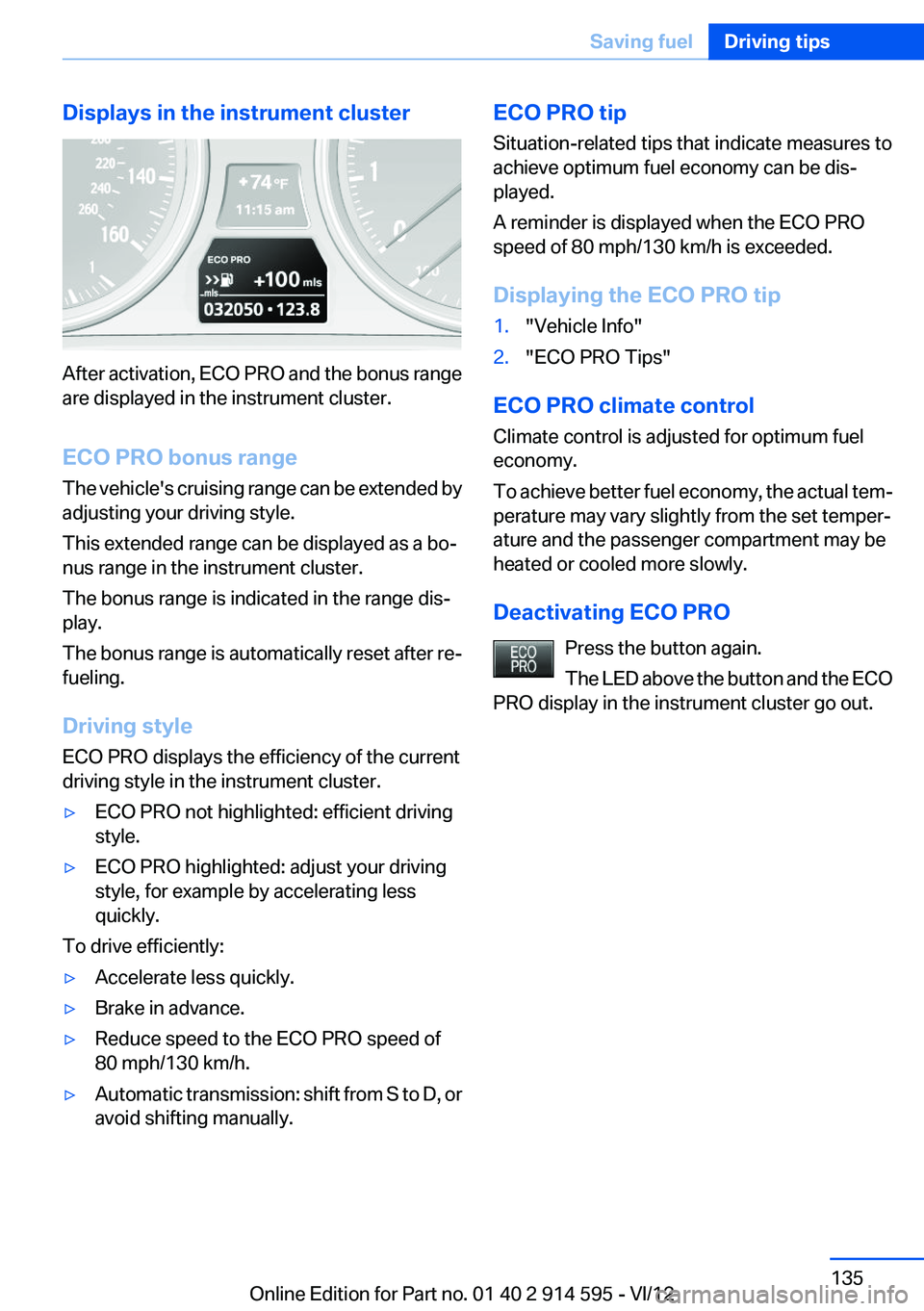
Displays in the instrument cluster
After activation, ECO PRO and the bonus range
are displayed in the instrument cluster.
ECO PRO bonus range
The vehicle's cruising range can be extended by
adjusting your driving style.
This extended range can be displayed as a bo‐
nus range in the instrument cluster.
The bonus range is indicated in the range dis‐
play.
The bonus range is automatically reset after re‐
fueling.
Driving style
ECO PRO displays the efficiency of the current
driving style in the instrument cluster.
▷ECO PRO not highlighted: efficient driving
style.▷ECO PRO highlighted: adjust your driving
style, for example by accelerating less
quickly.
To drive efficiently:
▷Accelerate less quickly.▷Brake in advance.▷Reduce speed to the ECO PRO speed of
80 mph/130 km/h.▷Automatic transmission: shift from S to D, or
avoid shifting manually.ECO PRO tip
Situation-related tips that indicate measures to
achieve optimum fuel economy can be dis‐
played.
A reminder is displayed when the ECO PRO
speed of 80 mph/130 km/h is exceeded.
Displaying the ECO PRO tip1."Vehicle Info"2."ECO PRO Tips"
ECO PRO climate control
Climate control is adjusted for optimum fuel
economy.
To achieve better fuel economy, the actual tem‐
perature may vary slightly from the set temper‐
ature and the passenger compartment may be
heated or cooled more slowly.
Deactivating ECO PRO Press the button again.
The LED above the button and the ECO
PRO display in the instrument cluster go out.
Seite 135Saving fuelDriving tips135
Online Edition for Part no. 01 40 2 914 595 - VI/12
Page 234 of 291
depends upon the actual conditions of their use,
however, and may depart significantly from the
norm due to variations in driving habits, service
practices and differences in road characteristics
and climate.
Traction
The traction grades, from highest to lowest, are
AA, A, B, and C.
Those grades represent the tire’s ability to stop
on wet pavement as measured under controlled
conditions on specified government test surfa‐
ces of asphalt and concrete. A tire marked C may
have poor traction performance.
The traction grade assigned to this tire is based
on straight-ahead braking traction tests, and
does not include acceleration, cornering, hydro‐
planing, or peak traction characteristics.
Temperature
The temperature grades are A, the highest, B,
and C, representing the tire’s resistance to the
generation of heat and its ability to dissipate
heat when tested under controlled conditions
on a specified indoor laboratory test wheel. Sus‐
tained high temperature can cause the material
of the tire to degenerate and reduce tire life, and
excessive temperature can lead to sudden tire
failure. The grade C corresponds to a level of
performance which all passenger car tires must
meet under the Federal Motor Vehicle Safety
Standard No. 109. Grades B and A represent
higher levels of performance on the laboratory
test wheel than the minimum required by law.
Temperature grade for this tire
The temperature grade for this tire is es‐
tablished for a tire that is properly inflated and
not overloaded. Excessive speed, underinfla‐
tion, or excessive loading, either separately or in
combination, can cause heat buildup and pos‐
sible tire failure.◀RSC – Run-flat tires
The symbol identifying run-flat tires is a circle
with the letters RSC on the sidewall, refer to
page 236.
M+S
Winter and all-season tires.
These have better winter properties than
summer tires.
XL
Designation for specially reinforced tires.
Tire tread
Summer tires
Do not drive with a tire tread depth of less than
0.12 in/3 mm.
There is an increased danger of hydroplaning if
the tread depth is less than 0.12 in/3 mm.
Winter tires
Do not drive with a tire tread depth of less than
0.16 in/4 mm.
Below a tread depth of 0.16 in/4 mm, tires are
less suitable for winter operation.
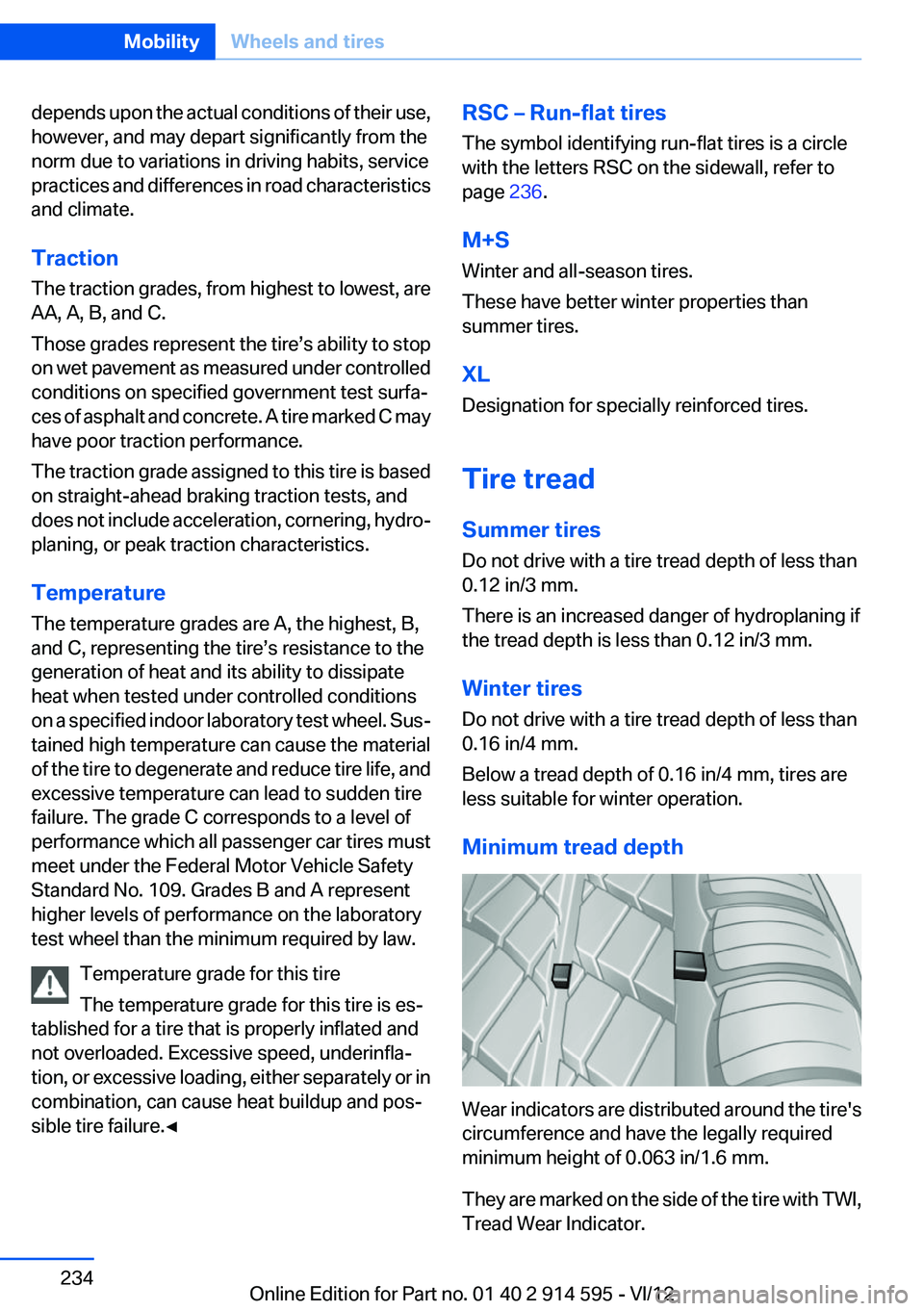
Minimum tread depth
Wear indicators are distributed around the tire's
circumference and have the legally required
minimum height of 0.063 in/1.6 mm.
They are marked on the side of the tire with TWI,
Tread Wear Indicator.
Seite 234MobilityWheels and tires234
Online Edition for Part no. 01 40 2 914 595 - VI/12
Page 276 of 291
Everything from A to Z
IndexA
ABS, Antilock Brake Sys‐ tem 94
Accident, refer to Emergency Request, initiating 253
Acoustic signal, refer to Check Control 77
Activated charcoal filter with automatic climate con‐
trol 108
Adaptive brake lights, refer to Brake force display 93
Adaptive light control 81
Additional telephone 192
Additives, coolant 242
Additives, engine oil 241
After washing vehicle 260
Airbags 85
Airbags, indicator/warning light 88
Air circulation, refer to Recir‐ culated air mode 107
Air conditioning mode– Automatic climate con‐
trol 105– Ventilation 108
Air distribution
– Automatic 106– Manual 106
Air drying, refer to Cooling
function 107
Air flow rate 106
Airing, refer to Ventilation 108
Air pressure, refer to Tire infla‐ tion pressure 228
Air supply
– Automatic climate con‐
trol 105– Ventilation 108
Air vents
– Refer to Ventilation 108Alarm system 38
Alarm system– Avoiding unintentional
alarms 39– Ending an alarm 39– Interior motion sensor 39– Tilt alarm sensor 39
All around the headliner 17
ALL program 107
All-season tires, refer to Win‐ ter tires 236
All-wheel drive, refer to
xDrive 96
Alternating-code hand-held transmitter 111
AM/FM station 162
Announcement, navigation, refer to Spoken instruc‐
tions 151
Antifreeze, coolant 242
Antifreeze, washer fluid 61
Antilock Brake System, ABS 94
Anti-slip control, refer to Dy‐ namic Stability Control
DSC 94
Anti-theft protection 32
Appointments 209
Approved axle loads, refer to Weights 267
Approved engine oils 241
Approved gross vehicle weight, refer to Weights 267
Armrest, refer to Center arm‐ rest 120
Arrival time, refer to Com‐ puter 70
Ashtray 114
Assist 215
Assistance, Roadside Assis‐ tance 254
Assistance with driving off, re‐
fer to Drive-off assistant 97
Assistance with starting en‐ gine, refer to Jump-start‐
ing 255
Audio device, external 121
Audio playback 171
Audio playback, Blue‐ tooth 185
Automatic– Air distribution 106– Air flow rate 106
Automatic car wash 259
Automatic climate control
– Automatic air distribu‐
tion 106
Automatic, cruise control 98
Automatic Curb Monitor 48
Automatic Engine Start/Stop Function 56
Automatic headlamp con‐ trol 80, 81
Automatic recirculated air control 107
Automatic transmission with Steptronic 62, 64
Automatic transmission with
Steptronic
– Interlock 62– Kickdown 63, 64– Overriding selector lever
lock 64
AUTO program with automatic
climate control 106
AUX-IN port 121, 181
Average fuel consumption 70
Average fuel consumption
– Setting the units 72
Average speed 70
Average speed, refer to Com‐ puter 70
Seite 276ReferenceEverything from A to Z276
Online Edition for Part no. 01 40 2 914 595 - VI/12
Page 280 of 291
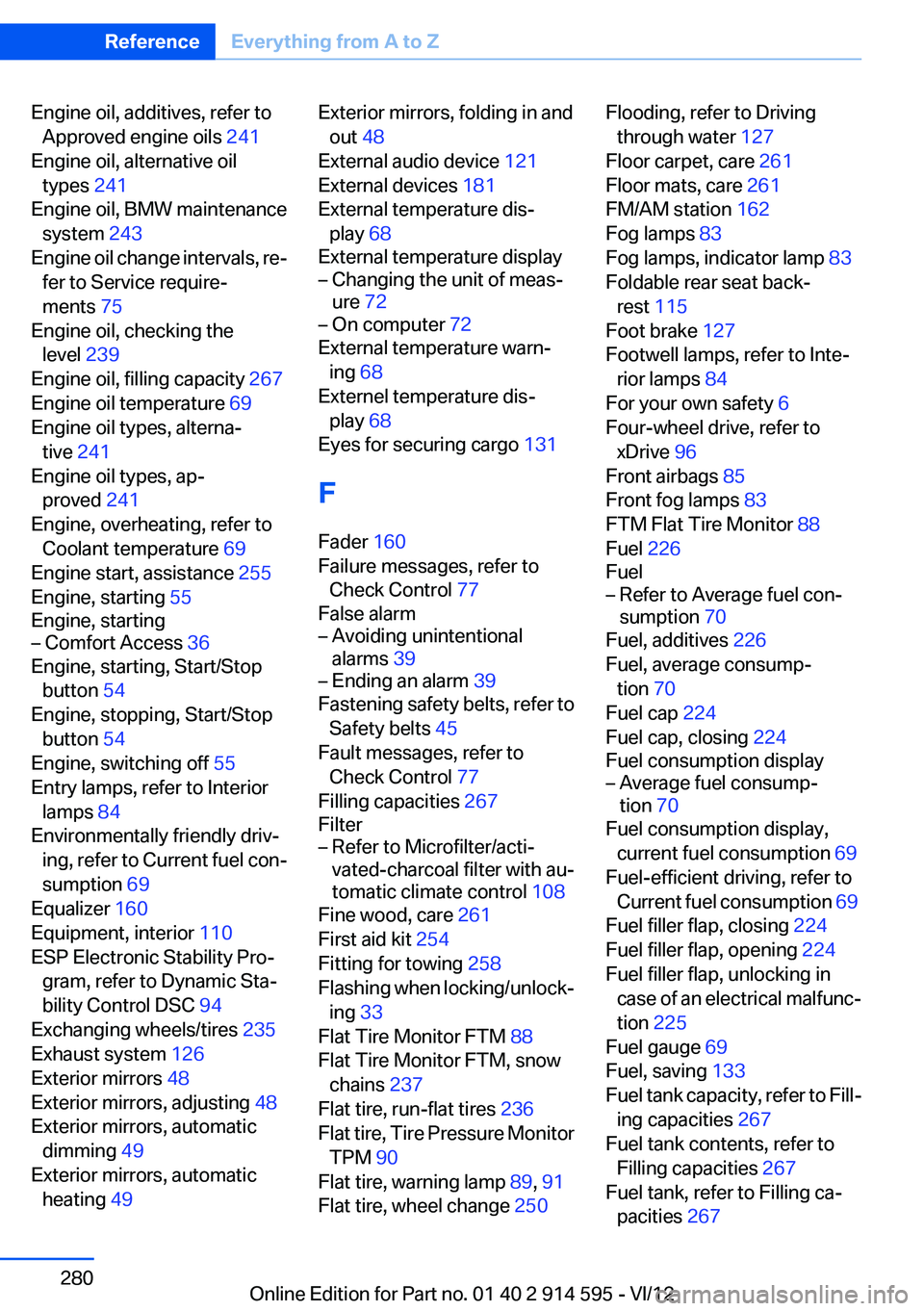
Engine oil, additives, refer toApproved engine oils 241
Engine oil, alternative oil types 241
Engine oil, BMW maintenance system 243
Engine oil change intervals, re‐ fer to Service require‐
ments 75
Engine oil, checking the level 239
Engine oil, filling capacity 267
Engine oil temperature 69
Engine oil types, alterna‐ tive 241
Engine oil types, ap‐ proved 241
Engine, overheating, refer to Coolant temperature 69
Engine start, assistance 255
Engine, starting 55
Engine, starting– Comfort Access 36
Engine, starting, Start/Stop
button 54
Engine, stopping, Start/Stop button 54
Engine, switching off 55
Entry lamps, refer to Interior lamps 84
Environmentally friendly driv‐ ing, refer to Current fuel con‐
sumption 69
Equalizer 160
Equipment, interior 110
ESP Electronic Stability Pro‐ gram, refer to Dynamic Sta‐
bility Control DSC 94
Exchanging wheels/tires 235
Exhaust system 126
Exterior mirrors 48
Exterior mirrors, adjusting 48
Exterior mirrors, automatic dimming 49
Exterior mirrors, automatic heating 49
Exterior mirrors, folding in and
out 48
External audio device 121
External devices 181
External temperature dis‐ play 68
External temperature display– Changing the unit of meas‐
ure 72– On computer 72
External temperature warn‐
ing 68
Externel temperature dis‐ play 68
Eyes for securing cargo 131
F
Fader 160
Failure messages, refer to Check Control 77
False alarm
– Avoiding unintentional
alarms 39– Ending an alarm 39
Fastening safety belts, refer to
Safety belts 45
Fault messages, refer to Check Control 77
Filling capacities 267
Filter
– Refer to Microfilter/acti‐
vated-charcoal filter with au‐
tomatic climate control 108
Fine wood, care 261
First aid kit 254
Fitting for towing 258
Flashing when locking/unlock‐ ing 33
Flat Tire Monitor FTM 88
Flat Tire Monitor FTM, snow chains 237
Flat tire, run-flat tires 236
Flat tire, Tire Pressure Monitor TPM 90
Flat tire, warning lamp 89, 91
Flat tire, wheel change 250
Flooding, refer to Driving
through water 127
Floor carpet, care 261
Floor mats, care 261
FM/AM station 162
Fog lamps 83
Fog lamps, indicator lamp 83
Foldable rear seat back‐ rest 115
Foot brake 127
Footwell lamps, refer to Inte‐ rior lamps 84
For your own safety 6
Four-wheel drive, refer to xDrive 96
Front airbags 85
Front fog lamps 83
FTM Flat Tire Monitor 88
Fuel 226
Fuel– Refer to Average fuel con‐
sumption 70
Fuel, additives 226
Fuel, average consump‐ tion 70
Fuel cap 224
Fuel cap, closing 224
Fuel consumption display
– Average fuel consump‐
tion 70
Fuel consumption display,
current fuel consumption 69
Fuel-efficient driving, refer to Current fuel consumption 69
Fuel filler flap, closing 224
Fuel filler flap, opening 224
Fuel filler flap, unlocking in case of an electrical malfunc‐
tion 225
Fuel gauge 69
Fuel, saving 133
Fuel tank capacity, refer to Fill‐ ing capacities 267
Fuel tank contents, refer to Filling capacities 267
Fuel tank, refer to Filling ca‐ pacities 267
Seite 280ReferenceEverything from A to Z280
Online Edition for Part no. 01 40 2 914 595 - VI/12
Page 282 of 291
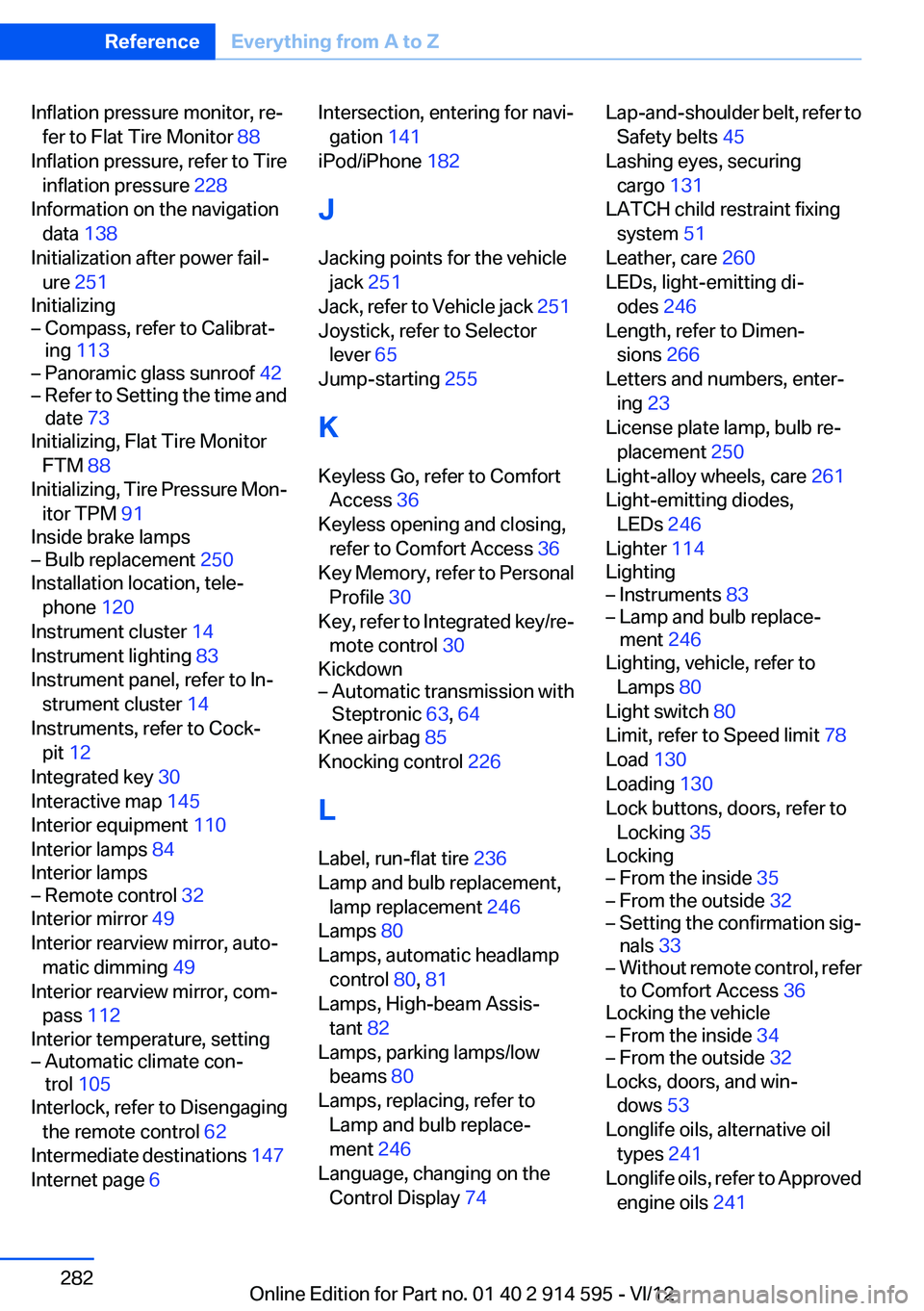
Inflation pressure monitor, re‐fer to Flat Tire Monitor 88
Inflation pressure, refer to Tire inflation pressure 228
Information on the navigation data 138
Initialization after power fail‐ ure 251
Initializing– Compass, refer to Calibrat‐
ing 113– Panoramic glass sunroof 42– Refer to Setting the time and
date 73
Initializing, Flat Tire Monitor
FTM 88
Initializing, Tire Pressure Mon‐ itor TPM 91
Inside brake lamps
– Bulb replacement 250
Installation location, tele‐
phone 120
Instrument cluster 14
Instrument lighting 83
Instrument panel, refer to In‐ strument cluster 14
Instruments, refer to Cock‐ pit 12
Integrated key 30
Interactive map 145
Interior equipment 110
Interior lamps 84
Interior lamps
– Remote control 32
Interior mirror 49
Interior rearview mirror, auto‐ matic dimming 49
Interior rearview mirror, com‐ pass 112
Interior temperature, setting
– Automatic climate con‐
trol 105
Interlock, refer to Disengaging
the remote control 62
Intermediate destinations 147
Internet page 6
Intersection, entering for navi‐
gation 141
iPod/iPhone 182
J
Jacking points for the vehicle jack 251
Jack, refer to Vehicle jack 251
Joystick, refer to Selector lever 65
Jump-starting 255
K
Keyless Go, refer to Comfort Access 36
Keyless opening and closing, refer to Comfort Access 36
Key Memory, refer to Personal Profile 30
Key, refer to Integrated key/re‐ mote control 30
Kickdown– Automatic transmission with
Steptronic 63, 64
Knee airbag 85
Knocking control 226
L
Label, run-flat tire 236
Lamp and bulb replacement, lamp replacement 246
Lamps 80
Lamps, automatic headlamp control 80, 81
Lamps, High-beam Assis‐ tant 82
Lamps, parking lamps/low beams 80
Lamps, replacing, refer to Lamp and bulb replace‐
ment 246
Language, changing on the Control Display 74
Lap-and-shoulder belt, refer to
Safety belts 45
Lashing eyes, securing cargo 131
LATCH child restraint fixing system 51
Leather, care 260
LEDs, light-emitting di‐ odes 246
Length, refer to Dimen‐ sions 266
Letters and numbers, enter‐ ing 23
License plate lamp, bulb re‐ placement 250
Light-alloy wheels, care 261
Light-emitting diodes, LEDs 246
Lighter 114
Lighting– Instruments 83– Lamp and bulb replace‐
ment 246
Lighting, vehicle, refer to
Lamps 80
Light switch 80
Limit, refer to Speed limit 78
Load 130
Loading 130
Lock buttons, doors, refer to Locking 35
Locking
– From the inside 35– From the outside 32– Setting the confirmation sig‐
nals 33– Without remote control, refer
to Comfort Access 36
Locking the vehicle
– From the inside 34– From the outside 32
Locks, doors, and win‐
dows 53
Longlife oils, alternative oil types 241
Longlife oils, refer to Approved engine oils 241
Seite 282ReferenceEverything from A to Z282
Online Edition for Part no. 01 40 2 914 595 - VI/12
Page 283 of 291
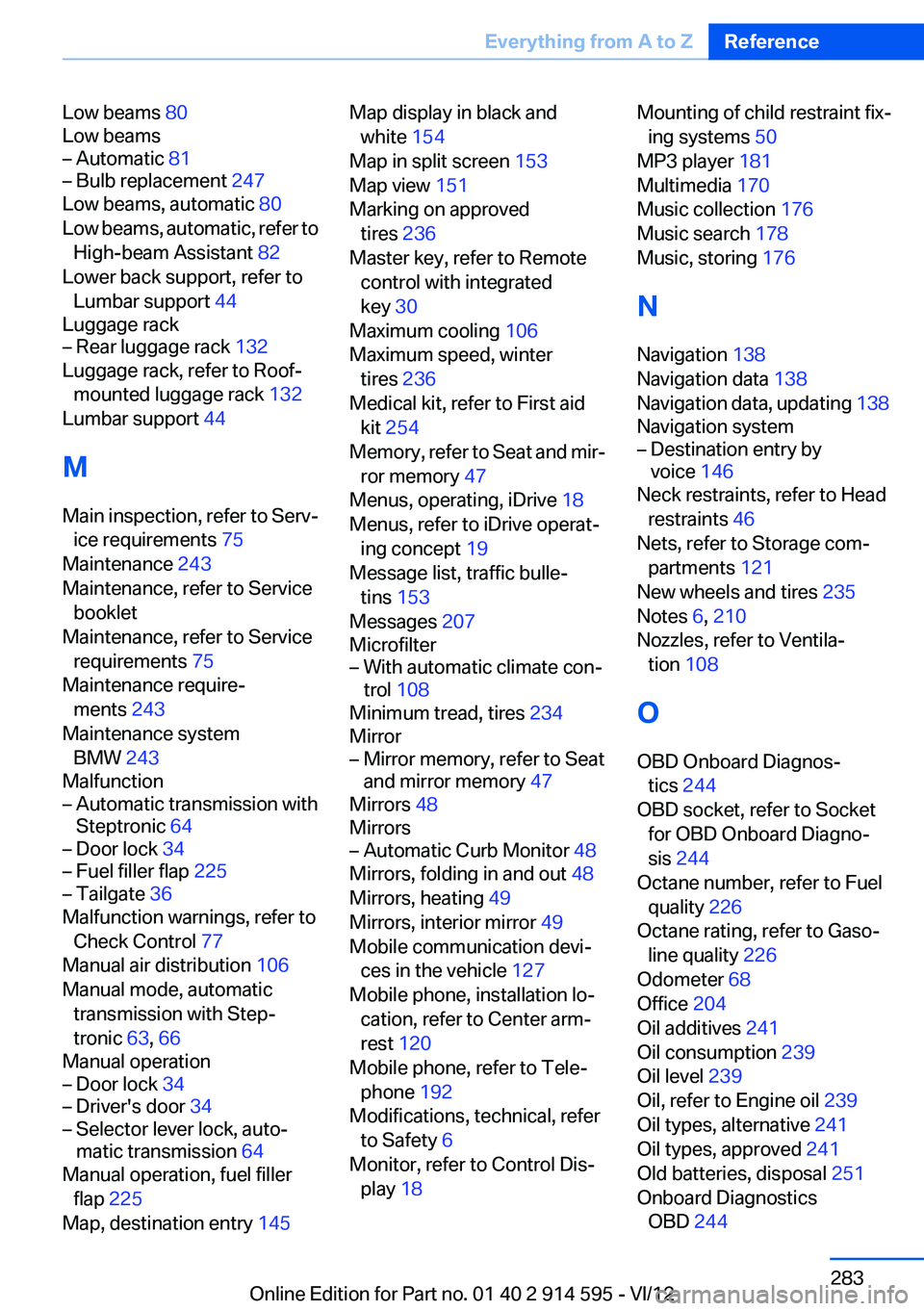
Low beams 80
Low beams– Automatic 81– Bulb replacement 247
Low beams, automatic 80
Low beams, automatic, refer to High-beam Assistant 82
Lower back support, refer to Lumbar support 44
Luggage rack
– Rear luggage rack 132
Luggage rack, refer to Roof-
mounted luggage rack 132
Lumbar support 44
M
Main inspection, refer to Serv‐ ice requirements 75
Maintenance 243
Maintenance, refer to Service booklet
Maintenance, refer to Service requirements 75
Maintenance require‐ ments 243
Maintenance system BMW 243
Malfunction
– Automatic transmission with
Steptronic 64– Door lock 34– Fuel filler flap 225– Tailgate 36
Malfunction warnings, refer to
Check Control 77
Manual air distribution 106
Manual mode, automatic transmission with Step‐
tronic 63, 66
Manual operation
– Door lock 34– Driver's door 34– Selector lever lock, auto‐
matic transmission 64
Manual operation, fuel filler
flap 225
Map, destination entry 145
Map display in black and
white 154
Map in split screen 153
Map view 151
Marking on approved tires 236
Master key, refer to Remote control with integrated
key 30
Maximum cooling 106
Maximum speed, winter tires 236
Medical kit, refer to First aid kit 254
Memory, refer to Seat and mir‐ ror memory 47
Menus, operating, iDrive 18
Menus, refer to iDrive operat‐ ing concept 19
Message list, traffic bulle‐ tins 153
Messages 207
Microfilter– With automatic climate con‐
trol 108
Minimum tread, tires 234
Mirror
– Mirror memory, refer to Seat
and mirror memory 47
Mirrors 48
Mirrors
– Automatic Curb Monitor 48
Mirrors, folding in and out 48
Mirrors, heating 49
Mirrors, interior mirror 49
Mobile communication devi‐ ces in the vehicle 127
Mobile phone, installation lo‐ cation, refer to Center arm‐
rest 120
Mobile phone, refer to Tele‐ phone 192
Modifications, technical, refer to Safety 6
Monitor, refer to Control Dis‐ play 18
Mounting of child restraint fix‐
ing systems 50
MP3 player 181
Multimedia 170
Music collection 176
Music search 178
Music, storing 176
N
Navigation 138
Navigation data 138
Navigation data, updating 138
Navigation system– Destination entry by
voice 146
Neck restraints, refer to Head
restraints 46
Nets, refer to Storage com‐ partments 121
New wheels and tires 235
Notes 6, 210
Nozzles, refer to Ventila‐ tion 108
O
OBD Onboard Diagnos‐ tics 244
OBD socket, refer to Socket for OBD Onboard Diagno‐
sis 244
Octane number, refer to Fuel quality 226
Octane rating, refer to Gaso‐ line quality 226
Odometer 68
Office 204
Oil additives 241
Oil consumption 239
Oil level 239
Oil, refer to Engine oil 239
Oil types, alternative 241
Oil types, approved 241
Old batteries, disposal 251
Onboard Diagnostics OBD 244
Seite 283Everything from A to ZReference283
Online Edition for Part no. 01 40 2 914 595 - VI/12
Page 284 of 291
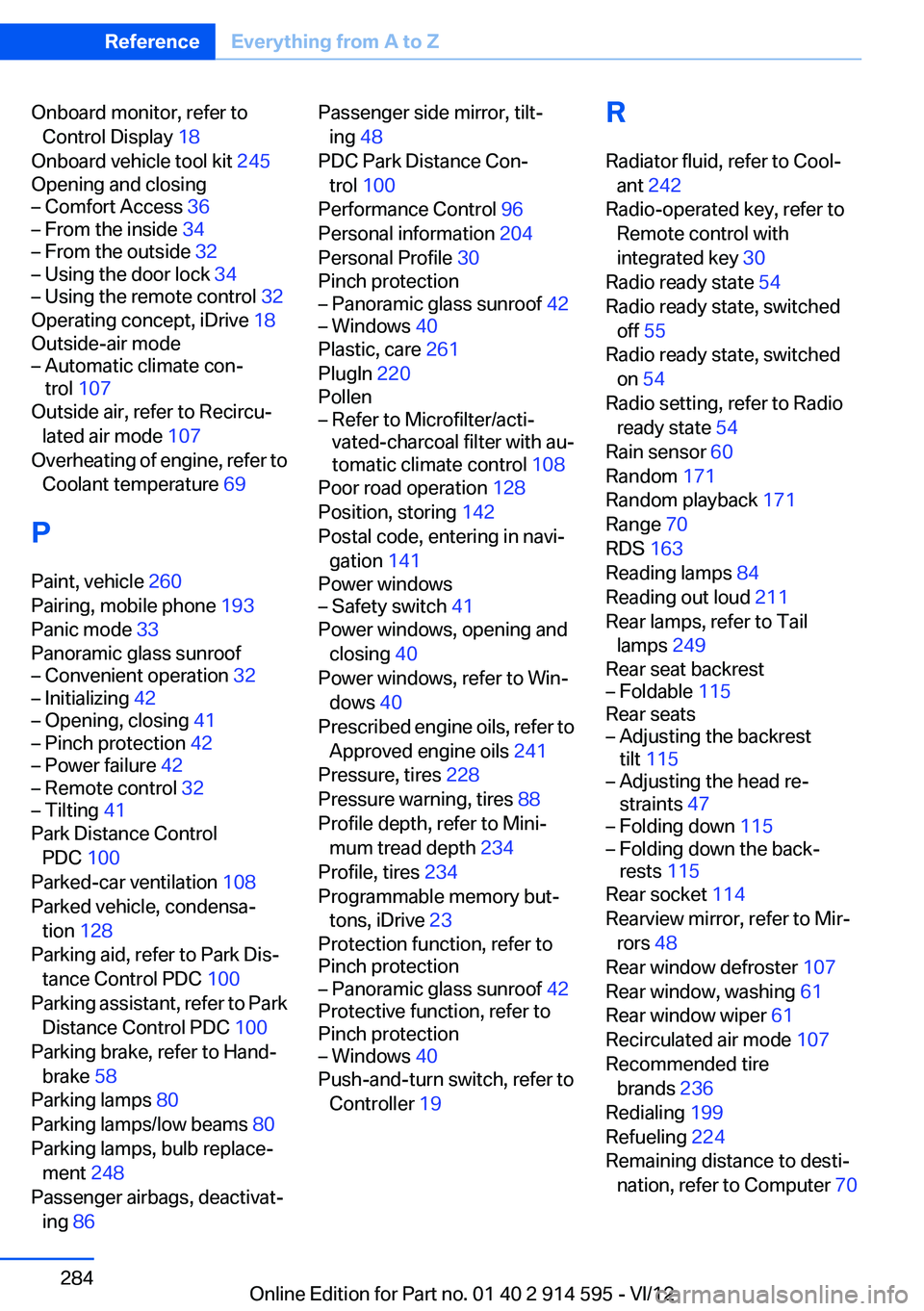
Onboard monitor, refer toControl Display 18
Onboard vehicle tool kit 245
Opening and closing– Comfort Access 36– From the inside 34– From the outside 32– Using the door lock 34– Using the remote control 32
Operating concept, iDrive 18
Outside-air mode
– Automatic climate con‐
trol 107
Outside air, refer to Recircu‐
lated air mode 107
Overheating of engine, refer to Coolant temperature 69
P
Paint, vehicle 260
Pairing, mobile phone 193
Panic mode 33
Panoramic glass sunroof
– Convenient operation 32– Initializing 42– Opening, closing 41– Pinch protection 42– Power failure 42– Remote control 32– Tilting 41
Park Distance Control
PDC 100
Parked-car ventilation 108
Parked vehicle, condensa‐ tion 128
Parking aid, refer to Park Dis‐ tance Control PDC 100
Parking assistant, refer to Park Distance Control PDC 100
Parking brake, refer to Hand‐ brake 58
Parking lamps 80
Parking lamps/low beams 80
Parking lamps, bulb replace‐ ment 248
Passenger airbags, deactivat‐ ing 86
Passenger side mirror, tilt‐
ing 48
PDC Park Distance Con‐ trol 100
Performance Control 96
Personal information 204
Personal Profile 30
Pinch protection– Panoramic glass sunroof 42– Windows 40
Plastic, care 261
PlugIn 220
Pollen
– Refer to Microfilter/acti‐
vated-charcoal filter with au‐
tomatic climate control 108
Poor road operation 128
Position, storing 142
Postal code, entering in navi‐ gation 141
Power windows
– Safety switch 41
Power windows, opening and
closing 40
Power windows, refer to Win‐ dows 40
Prescribed engine oils, refer to Approved engine oils 241
Pressure, tires 228
Pressure warning, tires 88
Profile depth, refer to Mini‐ mum tread depth 234
Profile, tires 234
Programmable memory but‐ tons, iDrive 23
Protection function, refer to
Pinch protection
– Panoramic glass sunroof 42
Protective function, refer to
Pinch protection
– Windows 40
Push-and-turn switch, refer to
Controller 19
R
Radiator fluid, refer to Cool‐ ant 242
Radio-operated key, refer to Remote control with
integrated key 30
Radio ready state 54
Radio ready state, switched off 55
Radio ready state, switched on 54
Radio setting, refer to Radio ready state 54
Rain sensor 60
Random 171
Random playback 171
Range 70
RDS 163
Reading lamps 84
Reading out loud 211
Rear lamps, refer to Tail lamps 249
Rear seat backrest– Foldable 115
Rear seats
– Adjusting the backrest
tilt 115– Adjusting the head re‐
straints 47– Folding down 115– Folding down the back‐
rests 115
Rear socket 114
Rearview mirror, refer to Mir‐ rors 48
Rear window defroster 107
Rear window, washing 61
Rear window wiper 61
Recirculated air mode 107
Recommended tire brands 236
Redialing 199
Refueling 224
Remaining distance to desti‐ nation, refer to Computer 70
Seite 284ReferenceEverything from A to Z284
Online Edition for Part no. 01 40 2 914 595 - VI/12
Page 287 of 291
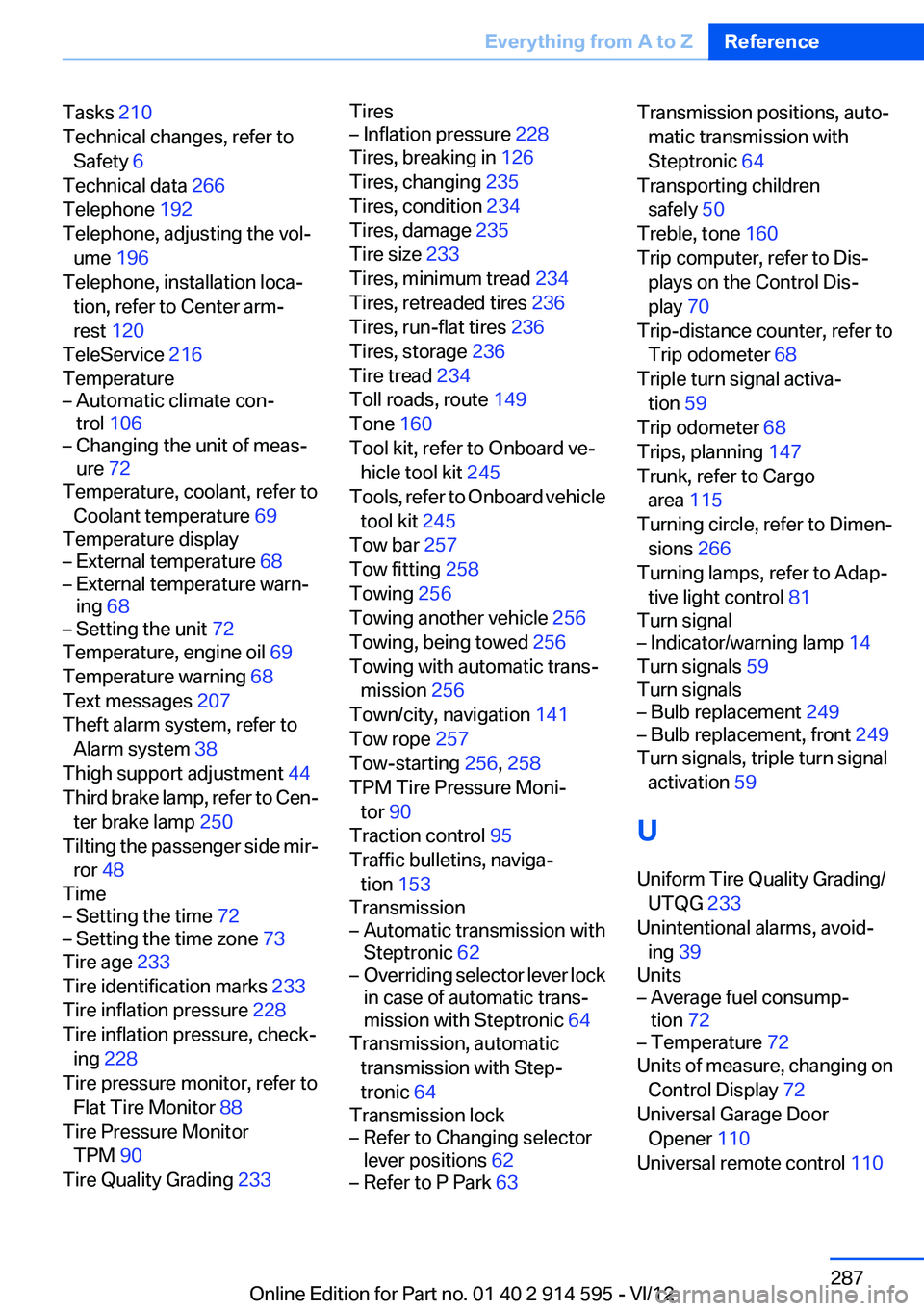
Tasks 210
Technical changes, refer to Safety 6
Technical data 266
Telephone 192
Telephone, adjusting the vol‐ ume 196
Telephone, installation loca‐ tion, refer to Center arm‐
rest 120
TeleService 216
Temperature– Automatic climate con‐
trol 106– Changing the unit of meas‐
ure 72
Temperature, coolant, refer to
Coolant temperature 69
Temperature display
– External temperature 68– External temperature warn‐
ing 68– Setting the unit 72
Temperature, engine oil 69
Temperature warning 68
Text messages 207
Theft alarm system, refer to Alarm system 38
Thigh support adjustment 44
Third brake lamp, refer to Cen‐ ter brake lamp 250
Tilting the passenger side mir‐ ror 48
Time
– Setting the time 72– Setting the time zone 73
Tire age 233
Tire identification marks 233
Tire inflation pressure 228
Tire inflation pressure, check‐ ing 228
Tire pressure monitor, refer to Flat Tire Monitor 88
Tire Pressure Monitor TPM 90
Tire Quality Grading 233
Tires– Inflation pressure 228
Tires, breaking in 126
Tires, changing 235
Tires, condition 234
Tires, damage 235
Tire size 233
Tires, minimum tread 234
Tires, retreaded tires 236
Tires, run-flat tires 236
Tires, storage 236
Tire tread 234
Toll roads, route 149
Tone 160
Tool kit, refer to Onboard ve‐ hicle tool kit 245
Tools, refer to Onboard vehicle tool kit 245
Tow bar 257
Tow fitting 258
Towing 256
Towing another vehicle 256
Towing, being towed 256
Towing with automatic trans‐ mission 256
Town/city, navigation 141
Tow rope 257
Tow-starting 256, 258
TPM Tire Pressure Moni‐ tor 90
Traction control 95
Traffic bulletins, naviga‐ tion 153
Transmission
– Automatic transmission with
Steptronic 62– Overriding selector lever lock
in case of automatic trans‐
mission with Steptronic 64
Transmission, automatic
transmission with Step‐
tronic 64
Transmission lock
– Refer to Changing selector
lever positions 62– Refer to P Park 63Transmission positions, auto‐
matic transmission with
Steptronic 64
Transporting children safely 50
Treble, tone 160
Trip computer, refer to Dis‐ plays on the Control Dis‐
play 70
Trip-distance counter, refer to Trip odometer 68
Triple turn signal activa‐ tion 59
Trip odometer 68
Trips, planning 147
Trunk, refer to Cargo area 115
Turning circle, refer to Dimen‐ sions 266
Turning lamps, refer to Adap‐ tive light control 81
Turn signal– Indicator/warning lamp 14
Turn signals 59
Turn signals
– Bulb replacement 249– Bulb replacement, front 249
Turn signals, triple turn signal
activation 59
U
Uniform Tire Quality Grading/ UTQG 233
Unintentional alarms, avoid‐ ing 39
Units
– Average fuel consump‐
tion 72– Temperature 72
Units of measure, changing on
Control Display 72
Universal Garage Door Opener 110
Universal remote control 110
Seite 287Everything from A to ZReference287
Online Edition for Part no. 01 40 2 914 595 - VI/12