change time BMW X3 2012 Owner's Manual
[x] Cancel search | Manufacturer: BMW, Model Year: 2012, Model line: X3, Model: BMW X3 2012Pages: 278, PDF Size: 10.15 MB
Page 172 of 278
Selecting a chapter using the buttonPress the button repeatedly until the
desired chapter is played.
Selecting a chapter using iDrive1."CD/Multimedia"2."CD/DVD"3.Select the desired DVD.4.Select the desired chapter.
Fast forward/reverse Press and hold the button.
Selecting the language
The languages that are available depend on the
DVD.
1."CD/Multimedia"2."CD/DVD"3.Select the desired DVD.4.Open "Options".5."Audio/language"6.Select the desired language.
Notes
CD/DVD player and changer Do not remove the cover
BMW CD/DVD players and changers are
officially designated Class 1 laser products. Do
not operate if the cover is damaged; otherwise,
severe eye damage may occur.◀
CDs and DVDs Use of CDs/DVDs
▷Do not use self-recorded CDs/DVDs
with labels applied, as these can be‐
come detached during playback due
to heat buildup and can cause irrepar‐
able damage to the device.▷Only use round CDs/DVDs with a standard
diameter of 4.7 in/12 cm and do not play
CDs/DVDs with an adapter, e.g., single CDs;
otherwise, the CDs or the adapter may jam
and no longer eject.▷Do not use combined CDs/DVDs, e.g., DVD
Plus, as the CDs/DVDs can jam and will no
longer eject.◀
General malfunctions
▷CD/DVD changers and players have been
optimized for performance in vehicles. In
some instances they may be more sensitive
to faulty CDs/DVDs than stationary devices
would be.▷If a CD/DVD cannot be played, first check
whether it has been inserted correctly.
Humidity
High levels of humidity can lead to condensation
on the CD/DVD or the laser's scan lens, and
temporarily prevent playback.
Malfunctions involving individual CDs/
DVDs
If malfunctions occur only with particular CDs/
DVDs, this can be due to one of the following
causes:
Home-recorded CDs/DVDs
▷Possible reasons for malfunctions with
home-recorded CDs/DVDs are inconsistent
data creation or recording processes, or
poor quality or old age of the blank CD/DVD.▷Only label CDs/DVDs on the upper side with
a pen intended for this purpose.
Damage
▷Avoid fingerprints, dust, scratches and
moisture.▷Store CDs/DVDs in a sleeve.▷Do not subject CDs/DVDs to temperatures
over 122 ℉/50 ℃, high humidity or direct
sunlight.Seite 172EntertainmentCD/multimedia172
Online Edition for Part no. 01 40 2 608 153 - 09 11 490
Page 176 of 278
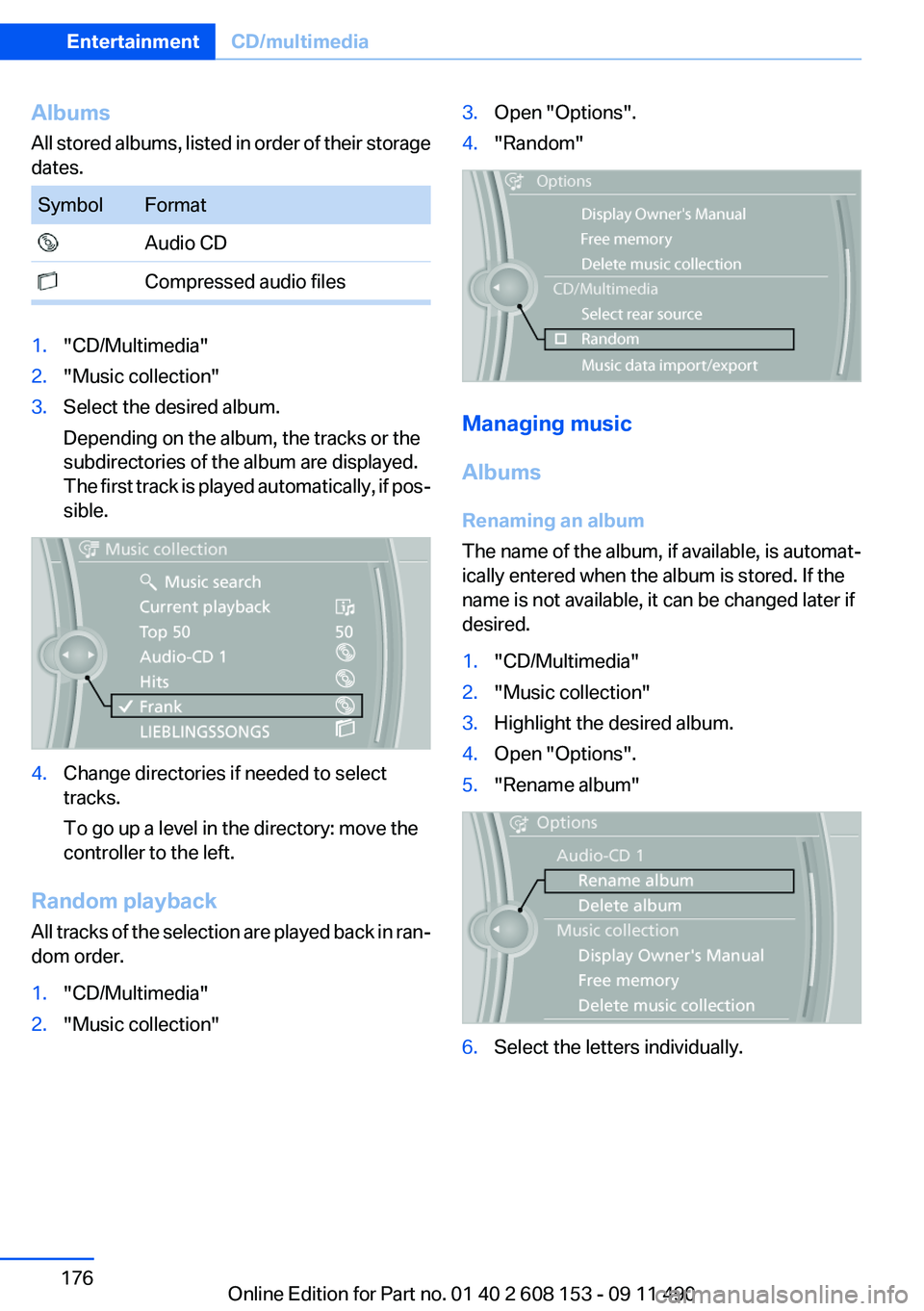
Albums
All stored albums, listed in order of their storage
dates.SymbolFormat Audio CD Compressed audio files1."CD/Multimedia"2."Music collection"3.Select the desired album.
Depending on the album, the tracks or the
subdirectories of the album are displayed.
The first track is played automatically, if pos‐
sible.4.Change directories if needed to select
tracks.
To go up a level in the directory: move the
controller to the left.
Random playback
All tracks of the selection are played back in ran‐
dom order.
1."CD/Multimedia"2."Music collection"3.Open "Options".4."Random"
Managing music
Albums
Renaming an album
The name of the album, if available, is automat‐
ically entered when the album is stored. If the
name is not available, it can be changed later if
desired.
1."CD/Multimedia"2."Music collection"3.Highlight the desired album.4.Open "Options".5."Rename album"6.Select the letters individually.Seite 176EntertainmentCD/multimedia176
Online Edition for Part no. 01 40 2 608 153 - 09 11 490
Page 183 of 278
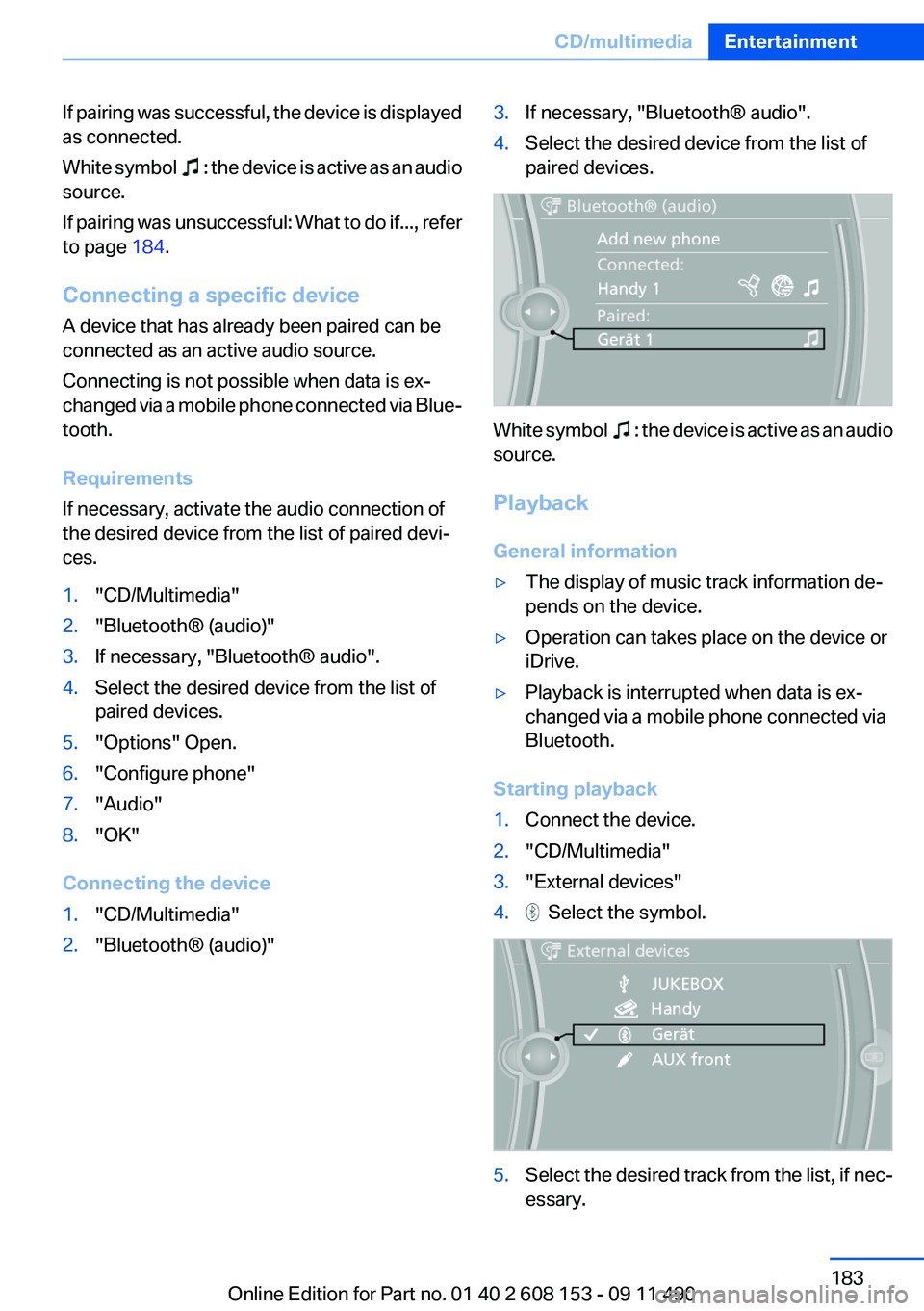
If pairing was successful, the device is displayed
as connected.
White symbol
: the device is active as an audio
source.
If pairing was unsuccessful: What to do if..., refer
to page 184.
Connecting a specific device
A device that has already been paired can be
connected as an active audio source.
Connecting is not possible when data is ex‐
changed via a mobile phone connected via Blue‐
tooth.
Requirements
If necessary, activate the audio connection of
the desired device from the list of paired devi‐
ces.
1."CD/Multimedia"2."Bluetooth® (audio)"3.If necessary, "Bluetooth® audio".4.Select the desired device from the list of
paired devices.5."Options" Open.6."Configure phone"7."Audio"8."OK"
Connecting the device
1."CD/Multimedia"2."Bluetooth® (audio)"3.If necessary, "Bluetooth® audio".4.Select the desired device from the list of
paired devices.
White symbol : the device is active as an audio
source.
Playback
General information
▷The display of music track information de‐
pends on the device.▷Operation can takes place on the device or
iDrive.▷Playback is interrupted when data is ex‐
changed via a mobile phone connected via
Bluetooth.
Starting playback
1.Connect the device.2."CD/Multimedia"3."External devices"4. Select the symbol.5.Select the desired track from the list, if nec‐
essary.Seite 183CD/multimediaEntertainment183
Online Edition for Part no. 01 40 2 608 153 - 09 11 490
Page 237 of 278
Lamp and bulb replacement
General information
Lamps and bulbs make an essential contribution
to vehicle safety.
The manufacturer of the vehicle recommends
that you entrust corresponding procedures to
the service center if you are unfamiliar with them
or they are not described here.
You can obtain a selection of replacement bulbs
at the service center.
Danger of burns
Only change bulbs when they are cool;
otherwise, there is the danger of getting
burned.◀
Working on the lighting system
When working on the lighting system, you
should always switch off the lights affected to
prevent short circuits.
To avoid possible injury or equipment damage
when replacing bulbs, observe any instructions
provided by the bulb manufacturer.◀
Do not perform work/bulb replacement on
xenon headlamps
Have any work on the xenon lighting system, in‐
cluding bulb replacement, performed only by a
service center. Due to the high voltage present
in the system, there is the danger of fatal injuries
if work is carried out improperly.◀
Do not touch the bulbs
Do not touch the glass of new bulbs with
your bare hands, as even minute amounts of
contamination will burn into the bulb's surface
and reduce its service life.
Use a clean tissue, cloth or something similar, or
hold the bulb by its base.◀
Light-emitting diodes (LEDs)
Light-emitting diodes installed behind a cover
serve as the light source for controls, display el‐
ements and other equipment.These light-emitting diodes, which are related
to conventional lasers, are officially designated
as Class 1 light-emitting diodes.
Do not remove the covers
Do not remove the covers, and never stare
into the unfiltered light for several hours; other‐
wise, irritation of the retina could result.◀
Headlamp glass
Condensation can form on the inside of the ex‐
ternal lamps in cool or humid weather. When
driving with the light switched on, the conden‐
sation evaporates after a short time. The head‐
lamp glasses do not need to be changed.
If the headlamps do not dim despite driving with
the light switched on, increasing humidity forms,
e. g. water droplets in the light, have the service
center check this.
Front lamps, bulb replacement
At a glance
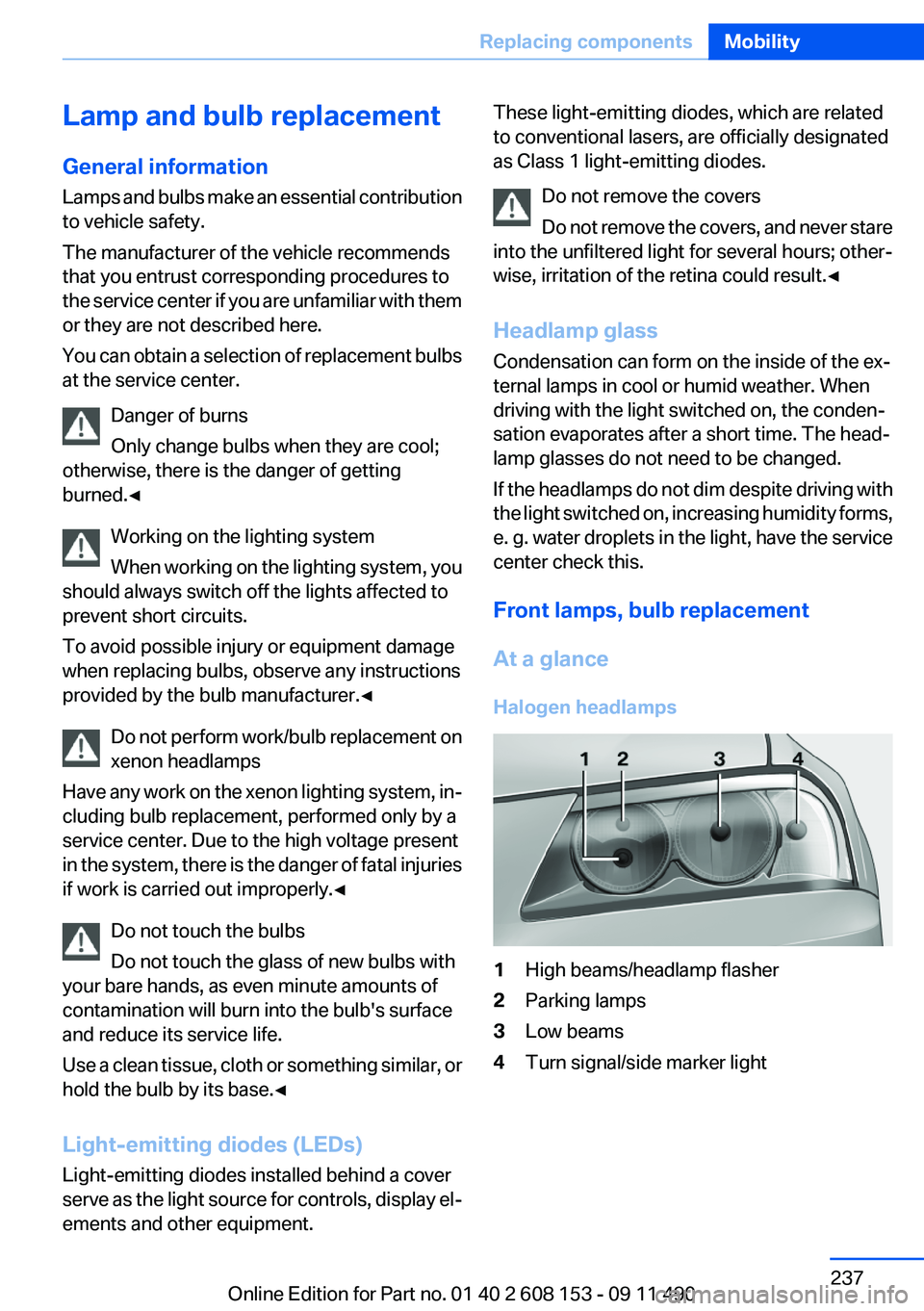
Halogen headlamps1High beams/headlamp flasher2Parking lamps3Low beams4Turn signal/side marker lightSeite 237Replacing componentsMobility237
Online Edition for Part no. 01 40 2 608 153 - 09 11 490
Page 269 of 278
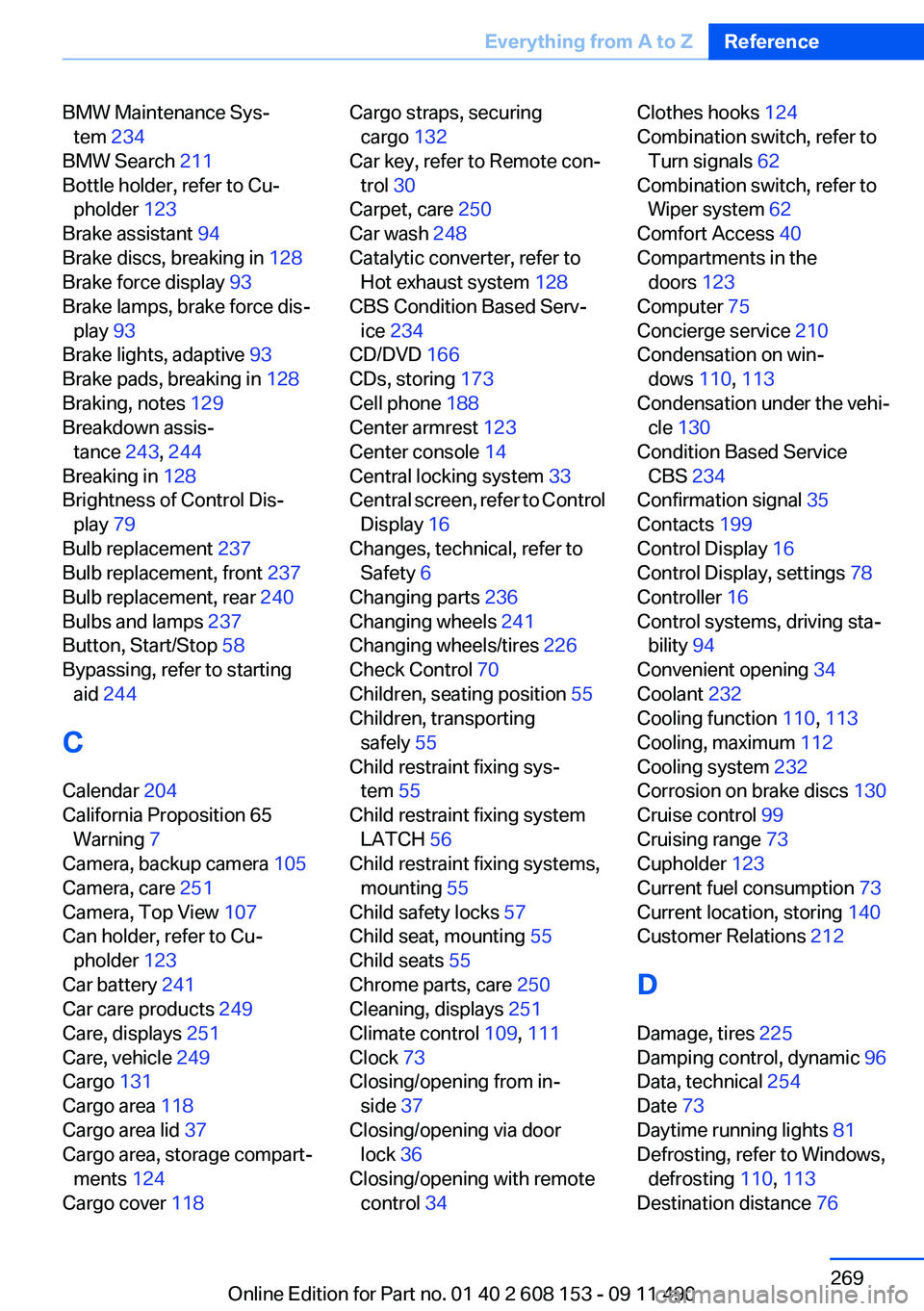
BMW Maintenance Sys‐tem 234
BMW Search 211
Bottle holder, refer to Cu‐ pholder 123
Brake assistant 94
Brake discs, breaking in 128
Brake force display 93
Brake lamps, brake force dis‐ play 93
Brake lights, adaptive 93
Brake pads, breaking in 128
Braking, notes 129
Breakdown assis‐ tance 243, 244
Breaking in 128
Brightness of Control Dis‐ play 79
Bulb replacement 237
Bulb replacement, front 237
Bulb replacement, rear 240
Bulbs and lamps 237
Button, Start/Stop 58
Bypassing, refer to starting aid 244
C
Calendar 204
California Proposition 65 Warning 7
Camera, backup camera 105
Camera, care 251
Camera, Top View 107
Can holder, refer to Cu‐ pholder 123
Car battery 241
Car care products 249
Care, displays 251
Care, vehicle 249
Cargo 131
Cargo area 118
Cargo area lid 37
Cargo area, storage compart‐ ments 124
Cargo cover 118 Cargo straps, securing
cargo 132
Car key, refer to Remote con‐ trol 30
Carpet, care 250
Car wash 248
Catalytic converter, refer to Hot exhaust system 128
CBS Condition Based Serv‐ ice 234
CD/DVD 166
CDs, storing 173
Cell phone 188
Center armrest 123
Center console 14
Central locking system 33
Central screen, refer to Control Display 16
Changes, technical, refer to Safety 6
Changing parts 236
Changing wheels 241
Changing wheels/tires 226
Check Control 70
Children, seating position 55
Children, transporting safely 55
Child restraint fixing sys‐ tem 55
Child restraint fixing system LATCH 56
Child restraint fixing systems, mounting 55
Child safety locks 57
Child seat, mounting 55
Child seats 55
Chrome parts, care 250
Cleaning, displays 251
Climate control 109, 111
Clock 73
Closing/opening from in‐ side 37
Closing/opening via door lock 36
Closing/opening with remote control 34 Clothes hooks 124
Combination switch, refer to Turn signals 62
Combination switch, refer to Wiper system 62
Comfort Access 40
Compartments in the doors 123
Computer 75
Concierge service 210
Condensation on win‐ dows 110, 113
Condensation under the vehi‐ cle 130
Condition Based Service CBS 234
Confirmation signal 35
Contacts 199
Control Display 16
Control Display, settings 78
Controller 16
Control systems, driving sta‐ bility 94
Convenient opening 34
Coolant 232
Cooling function 110, 113
Cooling, maximum 112
Cooling system 232
Corrosion on brake discs 130
Cruise control 99
Cruising range 73
Cupholder 123
Current fuel consumption 73
Current location, storing 140
Customer Relations 212
D
Damage, tires 225
Damping control, dynamic 96
Data, technical 254
Date 73
Daytime running lights 81
Defrosting, refer to Windows, defrosting 110, 113
Destination distance 76 Seite 269Everything from A to ZReference269
Online Edition for Part no. 01 40 2 608 153 - 09 11 490
Page 273 of 278
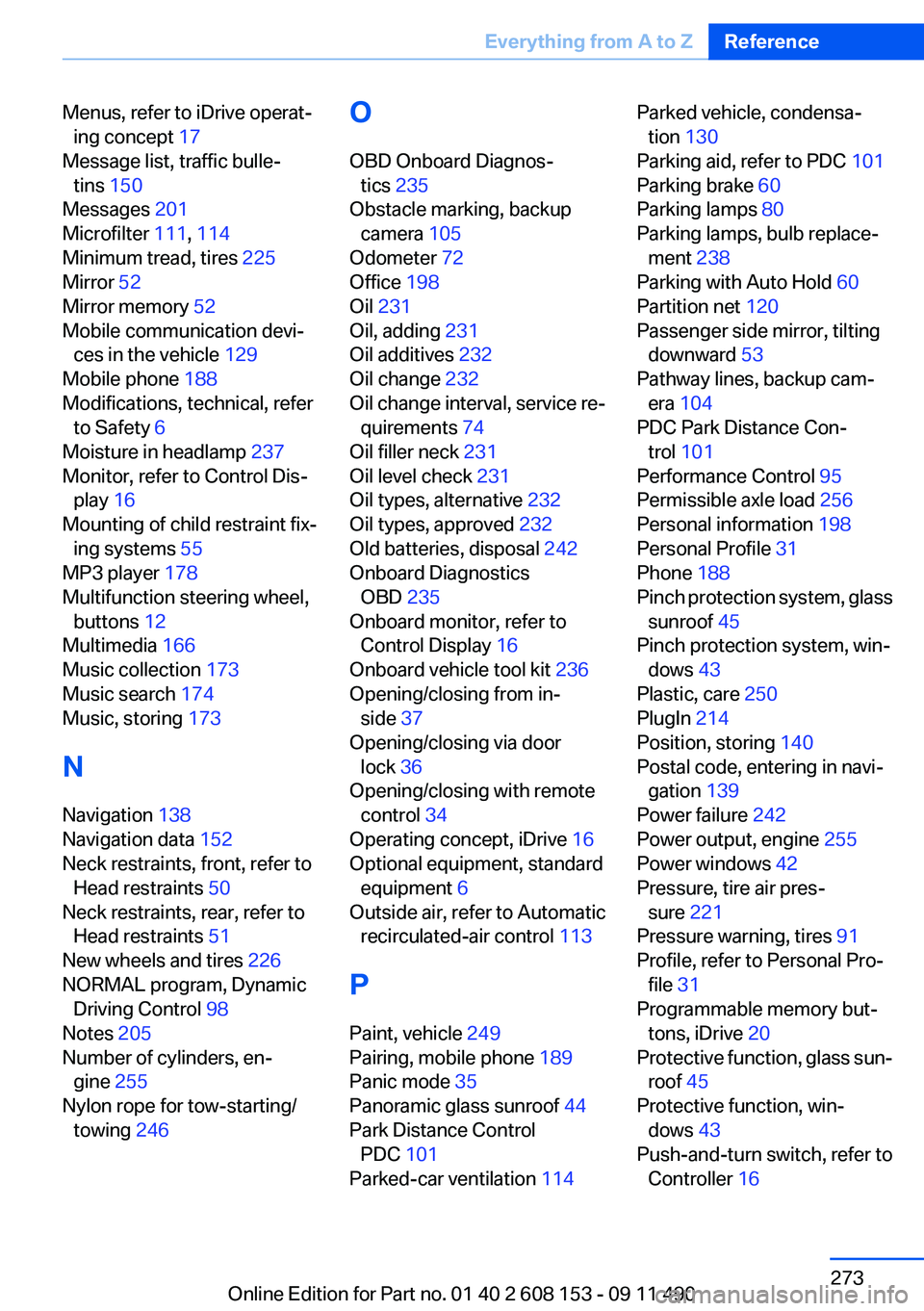
Menus, refer to iDrive operat‐ing concept 17
Message list, traffic bulle‐ tins 150
Messages 201
Microfilter 111, 114
Minimum tread, tires 225
Mirror 52
Mirror memory 52
Mobile communication devi‐ ces in the vehicle 129
Mobile phone 188
Modifications, technical, refer to Safety 6
Moisture in headlamp 237
Monitor, refer to Control Dis‐ play 16
Mounting of child restraint fix‐ ing systems 55
MP3 player 178
Multifunction steering wheel, buttons 12
Multimedia 166
Music collection 173
Music search 174
Music, storing 173
N
Navigation 138
Navigation data 152
Neck restraints, front, refer to Head restraints 50
Neck restraints, rear, refer to Head restraints 51
New wheels and tires 226
NORMAL program, Dynamic Driving Control 98
Notes 205
Number of cylinders, en‐ gine 255
Nylon rope for tow-starting/ towing 246 O
OBD Onboard Diagnos‐ tics 235
Obstacle marking, backup camera 105
Odometer 72
Office 198
Oil 231
Oil, adding 231
Oil additives 232
Oil change 232
Oil change interval, service re‐ quirements 74
Oil filler neck 231
Oil level check 231
Oil types, alternative 232
Oil types, approved 232
Old batteries, disposal 242
Onboard Diagnostics OBD 235
Onboard monitor, refer to Control Display 16
Onboard vehicle tool kit 236
Opening/closing from in‐ side 37
Opening/closing via door lock 36
Opening/closing with remote control 34
Operating concept, iDrive 16
Optional equipment, standard equipment 6
Outside air, refer to Automatic recirculated-air control 113
P
Paint, vehicle 249
Pairing, mobile phone 189
Panic mode 35
Panoramic glass sunroof 44
Park Distance Control PDC 101
Parked-car ventilation 114 Parked vehicle, condensa‐
tion 130
Parking aid, refer to PDC 101
Parking brake 60
Parking lamps 80
Parking lamps, bulb replace‐ ment 238
Parking with Auto Hold 60
Partition net 120
Passenger side mirror, tilting downward 53
Pathway lines, backup cam‐ era 104
PDC Park Distance Con‐ trol 101
Performance Control 95
Permissible axle load 256
Personal information 198
Personal Profile 31
Phone 188
Pinch protection system, glass sunroof 45
Pinch protection system, win‐ dows 43
Plastic, care 250
PlugIn 214
Position, storing 140
Postal code, entering in navi‐ gation 139
Power failure 242
Power output, engine 255
Power windows 42
Pressure, tire air pres‐ sure 221
Pressure warning, tires 91
Profile, refer to Personal Pro‐ file 31
Programmable memory but‐ tons, iDrive 20
Protective function, glass sun‐ roof 45
Protective function, win‐ dows 43
Push-and-turn switch, refer to Controller 16 Seite 273Everything from A to ZReference273
Online Edition for Part no. 01 40 2 608 153 - 09 11 490
Page 275 of 278
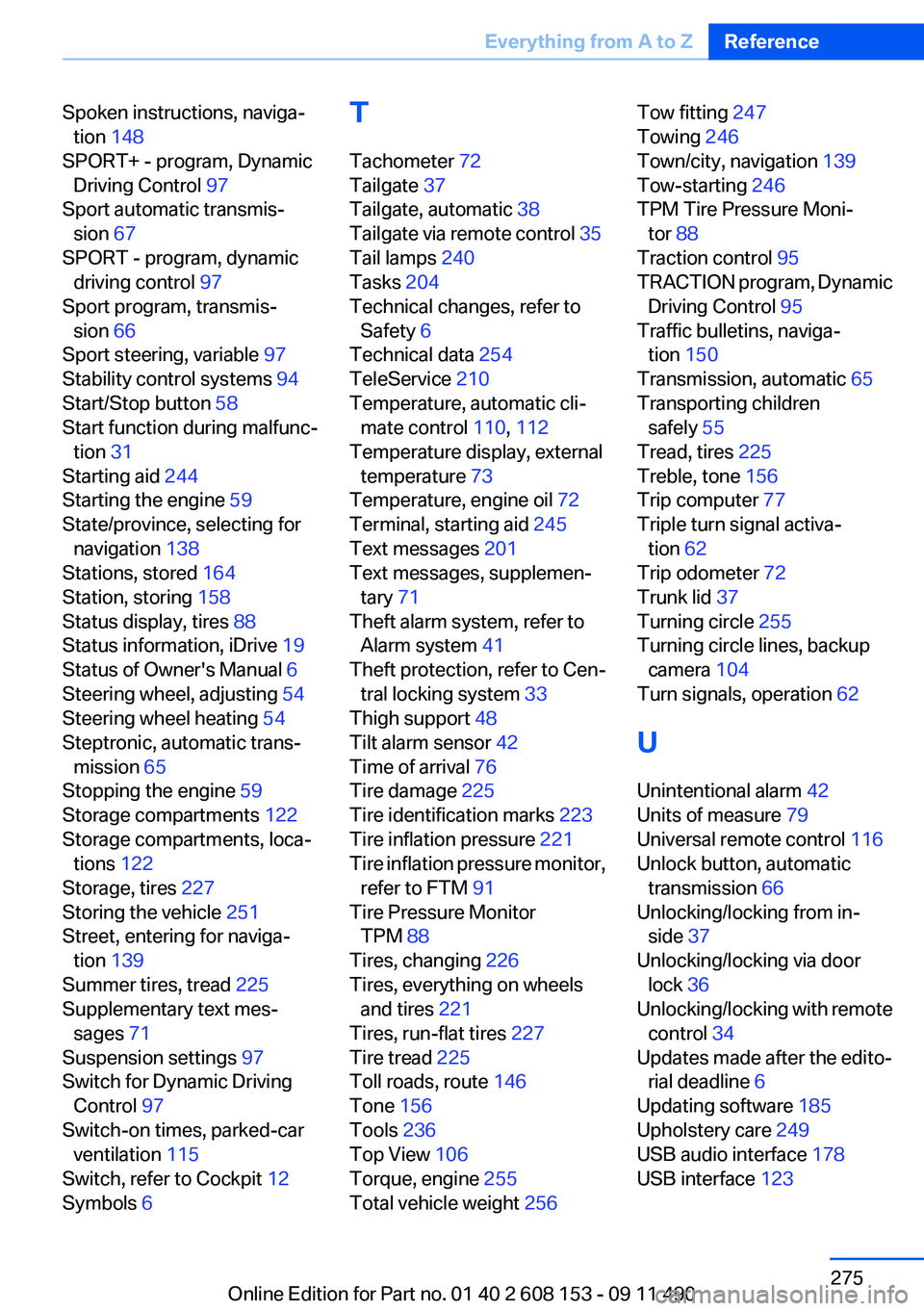
Spoken instructions, naviga‐tion 148
SPORT+ - program, Dynamic Driving Control 97
Sport automatic transmis‐ sion 67
SPORT - program, dynamic driving control 97
Sport program, transmis‐ sion 66
Sport steering, variable 97
Stability control systems 94
Start/Stop button 58
Start function during malfunc‐ tion 31
Starting aid 244
Starting the engine 59
State/province, selecting for navigation 138
Stations, stored 164
Station, storing 158
Status display, tires 88
Status information, iDrive 19
Status of Owner's Manual 6
Steering wheel, adjusting 54
Steering wheel heating 54
Steptronic, automatic trans‐ mission 65
Stopping the engine 59
Storage compartments 122
Storage compartments, loca‐ tions 122
Storage, tires 227
Storing the vehicle 251
Street, entering for naviga‐ tion 139
Summer tires, tread 225
Supplementary text mes‐ sages 71
Suspension settings 97
Switch for Dynamic Driving Control 97
Switch-on times, parked-car ventilation 115
Switch, refer to Cockpit 12
Symbols 6 T
Tachometer 72
Tailgate 37
Tailgate, automatic 38
Tailgate via remote control 35
Tail lamps 240
Tasks 204
Technical changes, refer to Safety 6
Technical data 254
TeleService 210
Temperature, automatic cli‐ mate control 110, 112
Temperature display, external temperature 73
Temperature, engine oil 72
Terminal, starting aid 245
Text messages 201
Text messages, supplemen‐ tary 71
Theft alarm system, refer to Alarm system 41
Theft protection, refer to Cen‐ tral locking system 33
Thigh support 48
Tilt alarm sensor 42
Time of arrival 76
Tire damage 225
Tire identification marks 223
Tire inflation pressure 221
Tire inflation pressure monitor, refer to FTM 91
Tire Pressure Monitor TPM 88
Tires, changing 226
Tires, everything on wheels and tires 221
Tires, run-flat tires 227
Tire tread 225
Toll roads, route 146
Tone 156
Tools 236
Top View 106
Torque, engine 255
Total vehicle weight 256 Tow fitting 247
Towing 246
Town/city, navigation 139
Tow-starting 246
TPM Tire Pressure Moni‐ tor 88
Traction control 95
TRACTION program, Dynamic Driving Control 95
Traffic bulletins, naviga‐ tion 150
Transmission, automatic 65
Transporting children safely 55
Tread, tires 225
Treble, tone 156
Trip computer 77
Triple turn signal activa‐ tion 62
Trip odometer 72
Trunk lid 37
Turning circle 255
Turning circle lines, backup camera 104
Turn signals, operation 62
U
Unintentional alarm 42
Units of measure 79
Universal remote control 116
Unlock button, automatic transmission 66
Unlocking/locking from in‐ side 37
Unlocking/locking via door lock 36
Unlocking/locking with remote control 34
Updates made after the edito‐ rial deadline 6
Updating software 185
Upholstery care 249
USB audio interface 178
USB interface 123 Seite 275Everything from A to ZReference275
Online Edition for Part no. 01 40 2 608 153 - 09 11 490