windshield BMW X3 2015 F25 Owner's Guide
[x] Cancel search | Manufacturer: BMW, Model Year: 2015, Model line: X3, Model: BMW X3 2015 F25Pages: 257, PDF Size: 5.26 MB
Page 158 of 257
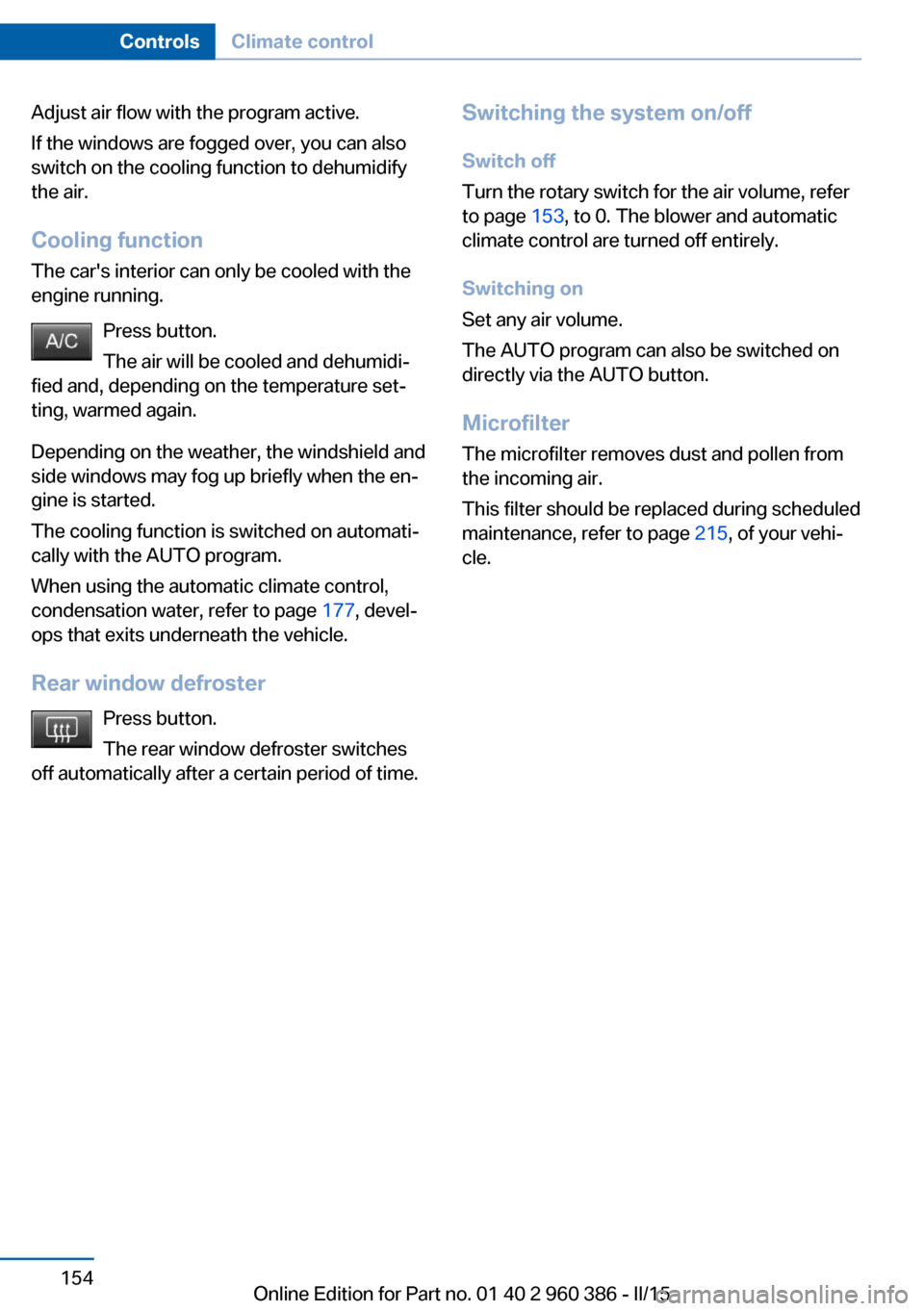
Adjust air flow with the program active.
If the windows are fogged over, you can also
switch on the cooling function to dehumidify
the air.
Cooling function
The car's interior can only be cooled with the
engine running.
Press button.
The air will be cooled and dehumidi‐
fied and, depending on the temperature set‐
ting, warmed again.
Depending on the weather, the windshield and
side windows may fog up briefly when the en‐
gine is started.
The cooling function is switched on automati‐
cally with the AUTO program.
When using the automatic climate control,
condensation water, refer to page 177, devel‐
ops that exits underneath the vehicle.
Rear window defroster Press button.
The rear window defroster switches
off automatically after a certain period of time.Switching the system on/off
Switch off
Turn the rotary switch for the air volume, refer
to page 153, to 0. The blower and automatic
climate control are turned off entirely.
Switching on
Set any air volume.
The AUTO program can also be switched on
directly via the AUTO button.
Microfilter
The microfilter removes dust and pollen from
the incoming air.
This filter should be replaced during scheduled
maintenance, refer to page 215, of your vehi‐
cle.Seite 154ControlsClimate control154
Online Edition for Part no. 01 40 2 960 386 - II/15
Page 160 of 257
Do not rapidly switch between different tem‐
perature settings. Otherwise, the automatic cli‐
mate control will not have sufficient time to ad‐
just the set temperature.
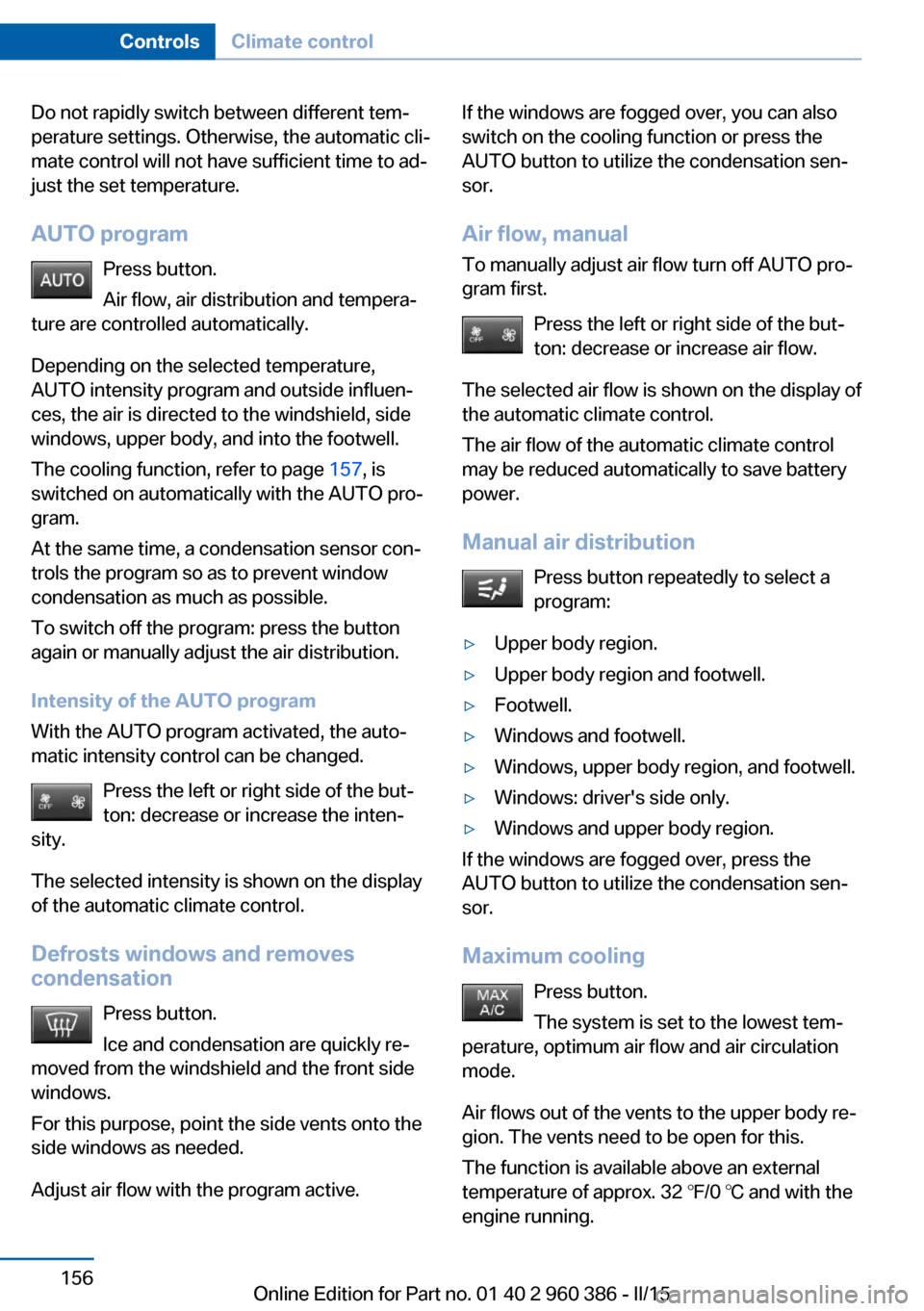
AUTO program Press button.
Air flow, air distribution and tempera‐
ture are controlled automatically.
Depending on the selected temperature,
AUTO intensity program and outside influen‐ ces, the air is directed to the windshield, side
windows, upper body, and into the footwell.
The cooling function, refer to page 157, is
switched on automatically with the AUTO pro‐
gram.
At the same time, a condensation sensor con‐
trols the program so as to prevent window
condensation as much as possible.
To switch off the program: press the button
again or manually adjust the air distribution.
Intensity of the AUTO program
With the AUTO program activated, the auto‐
matic intensity control can be changed.
Press the left or right side of the but‐
ton: decrease or increase the inten‐
sity.
The selected intensity is shown on the display
of the automatic climate control.
Defrosts windows and removes
condensation
Press button.
Ice and condensation are quickly re‐
moved from the windshield and the front side
windows.
For this purpose, point the side vents onto the
side windows as needed.
Adjust air flow with the program active.If the windows are fogged over, you can also
switch on the cooling function or press the
AUTO button to utilize the condensation sen‐
sor.
Air flow, manual
To manually adjust air flow turn off AUTO pro‐
gram first.
Press the left or right side of the but‐
ton: decrease or increase air flow.
The selected air flow is shown on the display of
the automatic climate control.
The air flow of the automatic climate control
may be reduced automatically to save battery
power.
Manual air distribution Press button repeatedly to select a
program:▷Upper body region.▷Upper body region and footwell.▷Footwell.▷Windows and footwell.▷Windows, upper body region, and footwell.▷Windows: driver's side only.▷Windows and upper body region.
If the windows are fogged over, press the
AUTO button to utilize the condensation sen‐
sor.
Maximum cooling Press button.
The system is set to the lowest tem‐
perature, optimum air flow and air circulation
mode.
Air flows out of the vents to the upper body re‐
gion. The vents need to be open for this.
The function is available above an external
temperature of approx. 32 ℉/0 ℃ and with the
engine running.
Seite 156ControlsClimate control156
Online Edition for Part no. 01 40 2 960 386 - II/15
Page 161 of 257
Adjust air flow with the program active.
Automatic recirculated-air control/
recirculated-air mode
You may respond to unpleasant odors or pollu‐
tants in the immediate environment by tempo‐
rarily suspending the supply of outside air. The
system then recirculates the air currently
within the vehicle.
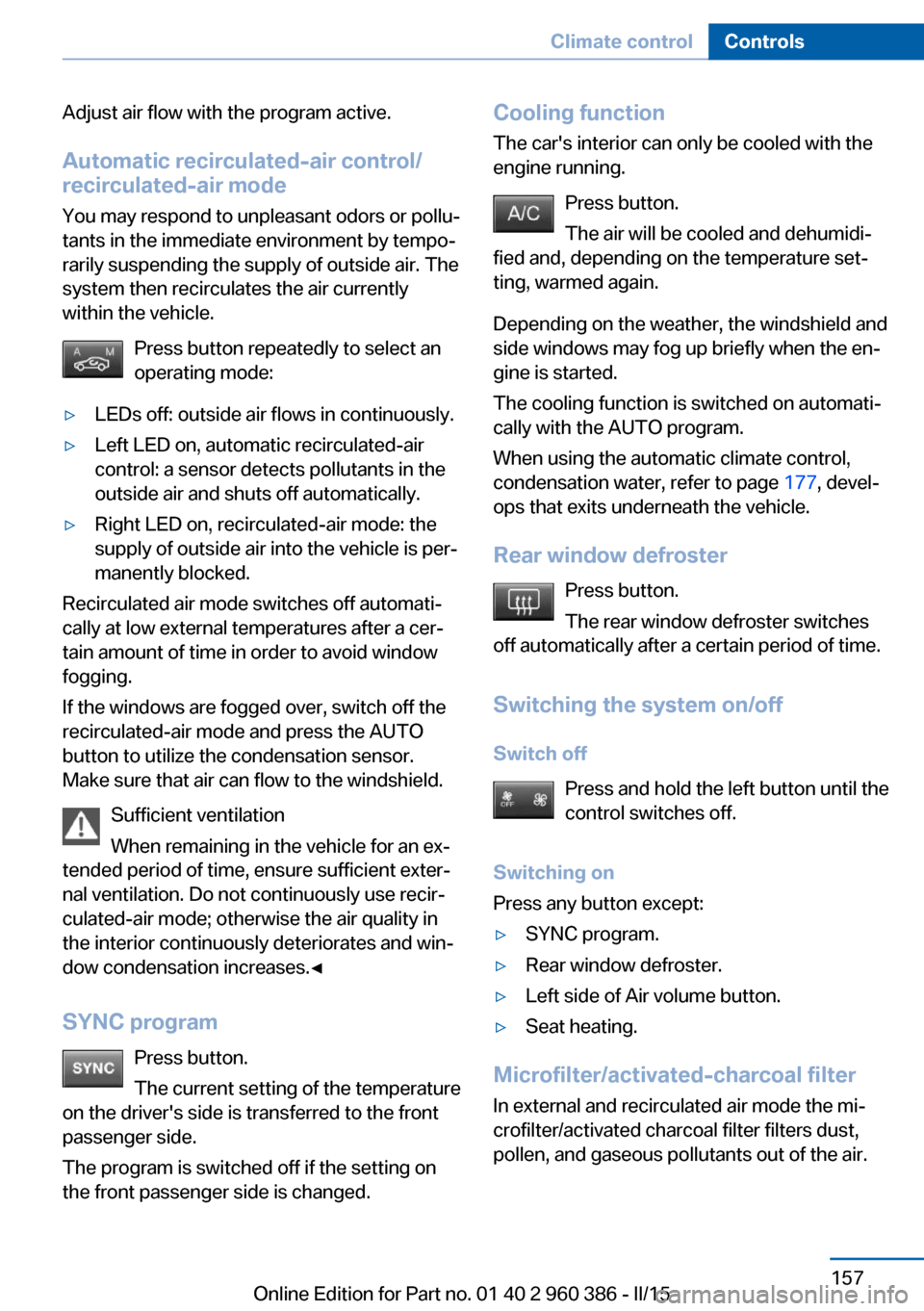
Press button repeatedly to select an
operating mode:▷LEDs off: outside air flows in continuously.▷Left LED on, automatic recirculated-air
control: a sensor detects pollutants in the
outside air and shuts off automatically.▷Right LED on, recirculated-air mode: the
supply of outside air into the vehicle is per‐
manently blocked.
Recirculated air mode switches off automati‐
cally at low external temperatures after a cer‐
tain amount of time in order to avoid window
fogging.
If the windows are fogged over, switch off the
recirculated-air mode and press the AUTO
button to utilize the condensation sensor.
Make sure that air can flow to the windshield.
Sufficient ventilation
When remaining in the vehicle for an ex‐
tended period of time, ensure sufficient exter‐
nal ventilation. Do not continuously use recir‐
culated-air mode; otherwise the air quality in
the interior continuously deteriorates and win‐
dow condensation increases.◀
SYNC program Press button.
The current setting of the temperature
on the driver's side is transferred to the front
passenger side.
The program is switched off if the setting on
the front passenger side is changed.
Cooling function
The car's interior can only be cooled with the
engine running.
Press button.
The air will be cooled and dehumidi‐
fied and, depending on the temperature set‐
ting, warmed again.
Depending on the weather, the windshield and
side windows may fog up briefly when the en‐
gine is started.
The cooling function is switched on automati‐
cally with the AUTO program.
When using the automatic climate control,
condensation water, refer to page 177, devel‐
ops that exits underneath the vehicle.
Rear window defroster Press button.
The rear window defroster switches
off automatically after a certain period of time.
Switching the system on/off Switch off Press and hold the left button until the
control switches off.
Switching on
Press any button except:▷SYNC program.▷Rear window defroster.▷Left side of Air volume button.▷Seat heating.
Microfilter/activated-charcoal filter
In external and recirculated air mode the mi‐
crofilter/activated charcoal filter filters dust,
pollen, and gaseous pollutants out of the air.
Seite 157Climate controlControls157
Online Edition for Part no. 01 40 2 960 386 - II/15
Page 221 of 257
Replacing componentsVehicle features and optionsThis chapter describes all standard, country-
specific and optional features offered with the
series. It also describes features that are not
necessarily available in your car, e. g., due to
the selected options or country versions. This
also applies to safety-related functions and
systems. The respectively applicable country
provisions must be observed when using the
respective features and systems.
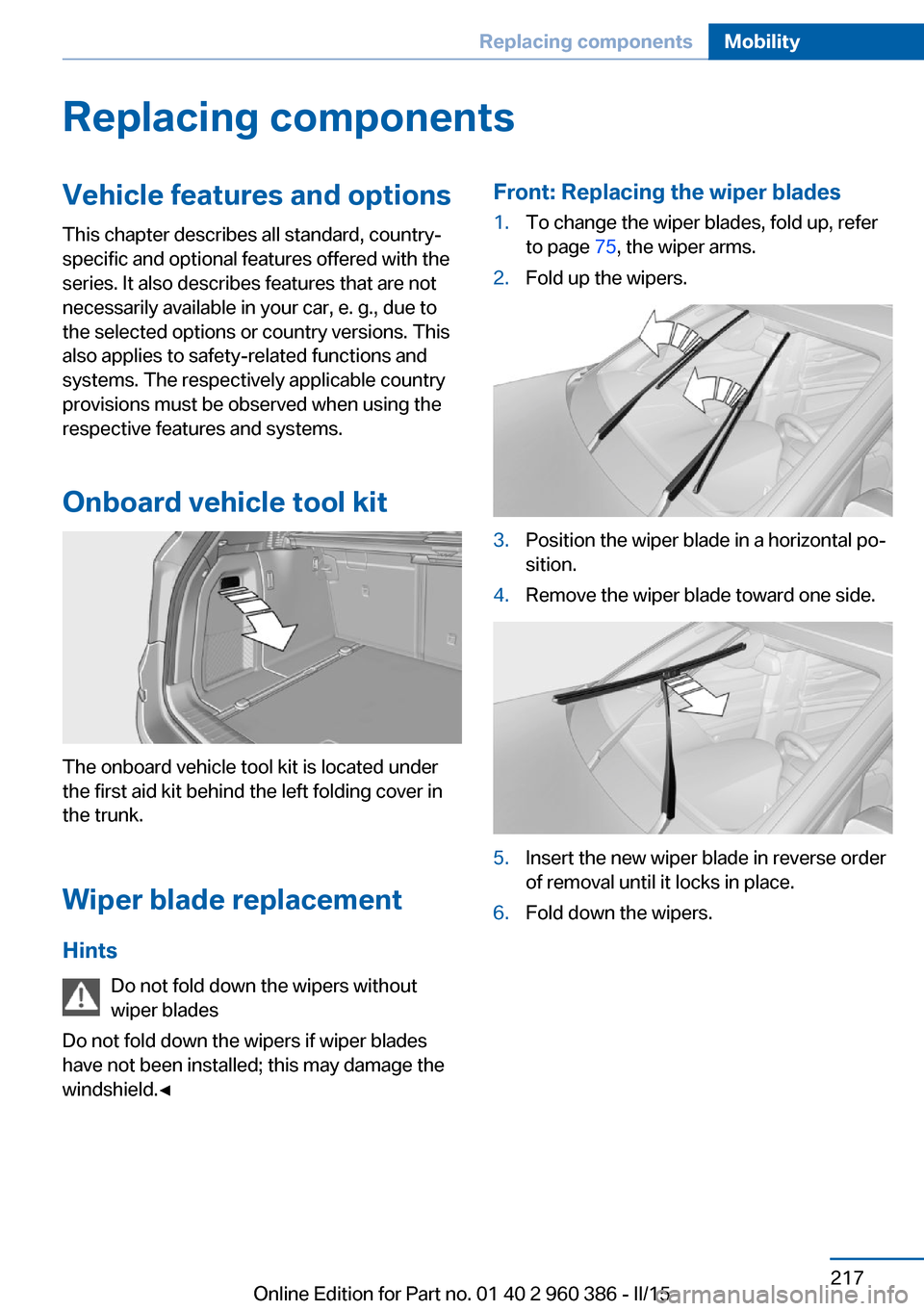
Onboard vehicle tool kit
The onboard vehicle tool kit is located under
the first aid kit behind the left folding cover in
the trunk.
Wiper blade replacement
Hints Do not fold down the wipers without
wiper blades
Do not fold down the wipers if wiper blades
have not been installed; this may damage the
windshield.◀
Front: Replacing the wiper blades1.To change the wiper blades, fold up, refer
to page 75, the wiper arms.2.Fold up the wipers.3.Position the wiper blade in a horizontal po‐
sition.4.Remove the wiper blade toward one side.5.Insert the new wiper blade in reverse order
of removal until it locks in place.6.Fold down the wipers.Seite 217Replacing componentsMobility217
Online Edition for Part no. 01 40 2 960 386 - II/15
Page 235 of 257
CareVehicle features and optionsThis chapter describes all standard, country-
specific and optional features offered with the
series. It also describes features that are not
necessarily available in your car, e. g., due to
the selected options or country versions. This
also applies to safety-related functions and
systems. The respectively applicable country
provisions must be observed when using the
respective features and systems.
Car washes General information
Regularly remove foreign objects such as
leaves in the area below the windshield when
the hood is raised.
Wash your vehicle frequently, particularly in
winter. Intense soiling and road salt can dam‐
age the vehicle.
Hints Steam jets or high-pressure washers
When using steam jets or high-pressure
washers, hold them a sufficient distance away
and use a maximum temperature of
140 ℉/60 ℃.
If the vehicle has a glass sunroof, ensure that a
distance of at least 31.5 inches/80 cm is main‐
tained. Holding them too close or using exces‐
sively high pressures or temperatures can
cause damage or preliminary damage that may
then lead to long-term damage.
Follow the user's manual for the high-pressure
washer.◀Cleaning sensors/camera lenses with
high-pressure washers
When using high-pressure washers, do not
spray the sensors and camera lenses on the
outside of the vehicle for long periods and
maintain a distance of at least 12 in/30 cm.◀
Automatic car washes
Hints▷Give preference to cloth car washes or
those that use soft brushes in order to
avoid paint damage.▷Make sure that the wheels and tires are not
damaged by the transport mechanisms.▷Fold in the exterior mirrors; otherwise, they
may be damaged, depending on the width
of the vehicle.▷Deactivate the rain sensor, refer to
page 74, to avoid unintentional wiper acti‐
vation.▷In some cases, an unintentional alarm can
be triggered by the interior motion sensor
of the alarm system. Follow the instruc‐
tions on avoiding an unintentional alarm,
refer to page 47.
Guide rails in car washes
Avoid car washes with guide rails higher
than 4 in/10 cm; otherwise, the vehicle body
could be damaged.◀
Before driving into a car wash In order to ensure that the vehicle can roll in a
car wash, take the following steps:
Steptronic transmission:
1.Drive into the car wash.2.Engage selector lever position N.Seite 231CareMobility231
Online Edition for Part no. 01 40 2 960 386 - II/15
Page 248 of 257
Connecting electrical devi‐ces 163
Continued driving with a flat tire 105 , 108
Control Display 18
Control Display, settings 92
Controller 18, 19
Control systems, driving sta‐ bility 123
Convenient opening with the remote control 37
Coolant 213
Coolant level 213
Coolant temperature 85
Cooling function 154, 157
Cooling, maximum 156
Cooling system 213
Cornering light 96
Corrosion on brake discs 177
Cosmetic mirror 162
Courtesy lamps during un‐ locking 37
Courtesy lamps with the vehi‐ cle locked 38
Cruise control 137
Cruise control, active with Stop & Go 130
Cruising range 85
Cupholder 169
Current fuel consumption 86
D
Damage, tires 202
Damping control, dy‐ namic 126
Data, technical 238
Date 85
Daytime running lights 96
Daytime running lights, bulb replacement 219
Defrosting, refer to Windows, defrosting 153, 156
Dehumidifying, air 154, 157
Deleting personal data 25
Deletion of personal data 25 Destination distance 90
Diesel exhaust fluid, at low temperatures 194
Diesel exhaust fluid, having refilled 194
Diesel exhaust fluid, on mini‐ mum 194
Diesel exhaust fluid, replen‐ ishing yourself 194
Diesel particulate filter 175
Digital clock 85
Dimensions 238
Dimmable exterior mirrors 60
Dimmable interior rearview mirror 60
Direction indicator, refer to Turn signals 72
Display, electronic, instru‐ ment cluster 80
Display in windshield 93
Display lighting, refer to In‐ strument lighting 98
Displays, cleaning 234
Disposal, coolant 214
Disposal, vehicle battery 224
Distance control, refer to PDC 139
Distance to destination 90
Divided screen view, split screen 23
Door lock 39
Door lock, refer to Remote control 34
Downhill control 125
Drive-off assistant 128
Drive-off assistant, refer to DSC 123
Driving Dynamics Con‐ trol 126
Driving instructions, break- in 174
Driving mode 126
Driving notes, general 175
Driving on bad roads 174
Driving stability control sys‐ tems 123 Driving tips 175
DSC Dynamic Stability Con‐ trol 123
DTC Dynamic Traction Con‐ trol 124
Dynamic Damping Con‐ trol 126
Dynamic Stability Control DSC 123
Dynamic Traction Control DTC 124
E
ECO PRO 182
ECO PRO, bonus range 183
ECO PRO display 182
ECO PRO driving mode 182
ECO PRO mode 182
ECO PRO Tip - driving in‐ struction 184
EfficientDynamics 184
Electronic displays, instru‐ ment cluster 80
Electronic oil measure‐ ment 210
Electronic Stability Program ESP, refer to DSC 123
Emergency detection, remote control 35
Emergency release, fuel filler flap 190
Emergency Request 226
Emergency start function, en‐ gine start 35
Emergency unlocking, trans‐ mission lock 78
Energy Control 86
Energy recovery 86
Engine, automatic Start/Stop function 68
Engine, automatic switch- off 68
Engine compartment 208
Engine compartment, work‐ ing in 208 Seite 244ReferenceEverything from A to Z244
Online Edition for Part no. 01 40 2 960 386 - II/15
Page 255 of 257
Wheel cleaner 233
Wheels, changing 202
Wheels, everything on wheels and tires 197
Wheels, Flat Tire Monitor FTM 106
Wheels, Tire Pressure Moni‐ tor TPM 103
Window defroster, rear 154, 157
Windows, powered 48
Windshield washer fluid 75
Windshield washer noz‐ zles 74
Windshield washer sys‐ tem 73
Windshield wiper 73
Winter diesel 193
Winter storage, care 234
Winter tires, suitable tires 203
Winter tires, tread 201
Wiper 73
Wiper blades, replacing 217
Wiper fluid 75
Wiper, fold-out position 75
Wiper system 73
Wood, care 233
Word match concept, naviga‐ tion 25
Wrench, see Onboard vehicle tool kit 217
X
xDrive 125
Xenon headlights, bulb re‐ placement 220 Seite 251Everything from A to ZReference251
Online Edition for Part no. 01 40 2 960 386 - II/15