dead BMW X3 2017 Owners Manual
[x] Cancel search | Manufacturer: BMW, Model Year: 2017, Model line: X3, Model: BMW X3 2017Pages: 265, PDF Size: 5.37 MB
Page 3 of 265
X3Owner's Manual for the vehicle
Thank you for choosing a BMW.
The more familiar you are with your vehicle, the better control
you will have on the road. We therefore strongly suggest:
Read this Owner's Manual before starting off in your new BMW.
Also use the Integrated Owner's Manual in your vehicle. It con‐
tains important information on vehicle operation that will help
you make full use of the technical features available in your
BMW. The manual also contains information designed to en‐
hance operating reliability and road safety, and to contribute to
maintaining the value of your BMW.
Any updates made after the editorial deadline can be found in
the appendix of the printed Owner's Manual for the vehicle.
You can find supplementary information in the additional bro‐
chures in the onboard literature.
We wish you a safe and enjoyable trip.
The Owner's Manual is available in many countries as an app.
Additional information on the Internet:
www.bmw.com/bmw_drivers_guide
Online Edition for Part no. 01 40 2 969 976 - II/16
Page 6 of 265
InformationUsing this Owner's ManualOrientation
The fastest way to find information on a partic‐
ular topic is by using the index.
An initial overview of the vehicle is provided in
the first chapter.
Updates made after the editorialdeadline
Due to updates after the editorial deadline, dif‐
ferences may exist between the printed Own‐
er's Manual and the following Owner's Man‐
uals:▷Integrated Owner's Manual in the vehicle.▷Online Owner's Manual.▷BMW Driver’s Guide app.
Notes on updates can be found in the appen‐
dix of the printed Owner's Manual for the vehi‐
cle.
Owner's Manual for Navigation,
Entertainment, Communication
Owner's Manual for Navigation, Entertainment,
and Communication can be obtained as
printed book from the service center.
The topics of Navigation, Entertainment, and
Communication can also be called up via the
following media:
▷Integrated Owner's Manual on the Control
Display.▷BMW Driver’s Guide app.
Additional sources of
information
A dealer’s service center will be glad to answer
additional questions at any time.
Internet
Information on BMW, for example, on technol‐ogy, is available on the Internet:
www.bmwusa.com.
BMW Driver’s Guide App The Owner's Manual is available
in many countries as an app. Ad‐
ditional information on the Inter‐
net:
www.bmw.com/bmw_drivers_guide
Symbols and displays
Symbols in the Owner's Manual
Indicates precautions that must be followed
precisely in order to avoid the possibility of
personal injury and serious damage to the
vehicle.
◄ Marks the end of a specific item of
information.
Refers to measures that can be taken to
help protect the environment.
"..." Identifies display texts in vehicle used to
select individual functions.
›...‹ Verbal instructions to use with the voice
activation system.
››...‹‹ Identifies the answers generated by the
voice activation system.
Action steps Action steps to be carried out are presented as
numbered list. The steps must be carried out
in the defined order.
1.First action step.2.Second action step.Seite 6Information6
Online Edition for Part no. 01 40 2 969 976 - II/16
Page 7 of 265
Enumerations
Enumerations without mandatory order or al‐
ternative possibilities are presented as list with
bullet points.▷First possibility.▷Second possibility.
Symbols on vehicle components
Indicates that you should consult the
relevant section of this Owner's Manual for
information on a particular part or assembly.
Vehicle features and options
This Owner's Manual describes all models and
all standard, country-specific and optional
equipment that is offered in the model series.
Therefore, in this Owner's Manual, we also de‐
scribe and illustrate features that are not avail‐
able in your vehicle, for example, because of
the selected optional features or the country-
specific version.
This also applies to safety-related functions
and systems.
The respectively applicable country provisions
must be observed when using the respective
features and systems.
For any options and equipment not described
in this Owner's Manual, refer to the Supple‐
mentary Owner's Manuals.
On right-hand drive vehicles, some control ele‐ ments are arranged differently from what is
shown in the illustrations.
Status of the Owner's
Manual
Basic information
The manufacturer of your vehicle pursues a
policy of constant development that is con‐
ceived to ensure that our vehicles continue to
embody the highest quality and safety stand‐
ards. In rare cases, therefore, the features de‐
scribed in this Owner's Manual may differ from
those in your vehicle.
Updates made after the editorial
deadline
Due to updates after the editorial deadline, dif‐
ferences may exist between the printed Own‐
er's Manual and the following Owner's Man‐
uals:▷Integrated Owner's Manual in the vehicle.▷Online Owner's Manual.▷BMW Driver’s Guide app.
Notes on updates can be found in the appen‐
dix of the printed Owner's Manual for the vehi‐
cle.
Own safety
Warranty
Your vehicle is technically configured for the
operating conditions and registration require‐
ments applying in the country of first delivery
also known as homologation. If your vehicle is
to be operated in a different country it might be
necessary to adapt your vehicle to potentially
differing operating conditions and permit re‐
quirements. If your vehicle does not comply
with the homologation requirements in a cer‐
tain country you may not be able to lodge war‐
ranty claims for your vehicle there. Further in‐
formation on warranty is available from a
dealer’s service center.
Maintenance and repairs
Advanced technology, e.g., the use of modern
materials and high-performance electronics,
requires suitable maintenance and repair work.
The manufacturer of the vehicle recommends
that you entrust corresponding procedures to
a BMW dealer’s service center. If you choose
to use another service facility, BMW recom‐
mends use of a facility that performs work, e.g.
Seite 7Information7
Online Edition for Part no. 01 40 2 969 976 - II/16
Page 91 of 265
Service requirements
The concept After the ignition is turned on the instrument
cluster briefly displays available driving dis‐
tance or time to the next scheduled mainte‐
nance.
A service advisor can read out the current
service requirements from your remote con‐
trol.
Display
Detailed information on service
requirements
More information on the scope of service re‐
quired can be displayed on the Control Dis‐
play.1."Vehicle info"2."Vehicle status"3. "Service required"
Required maintenance procedures and le‐
gally mandated inspections are displayed.4.Select an entry to call up detailed informa‐
tion.
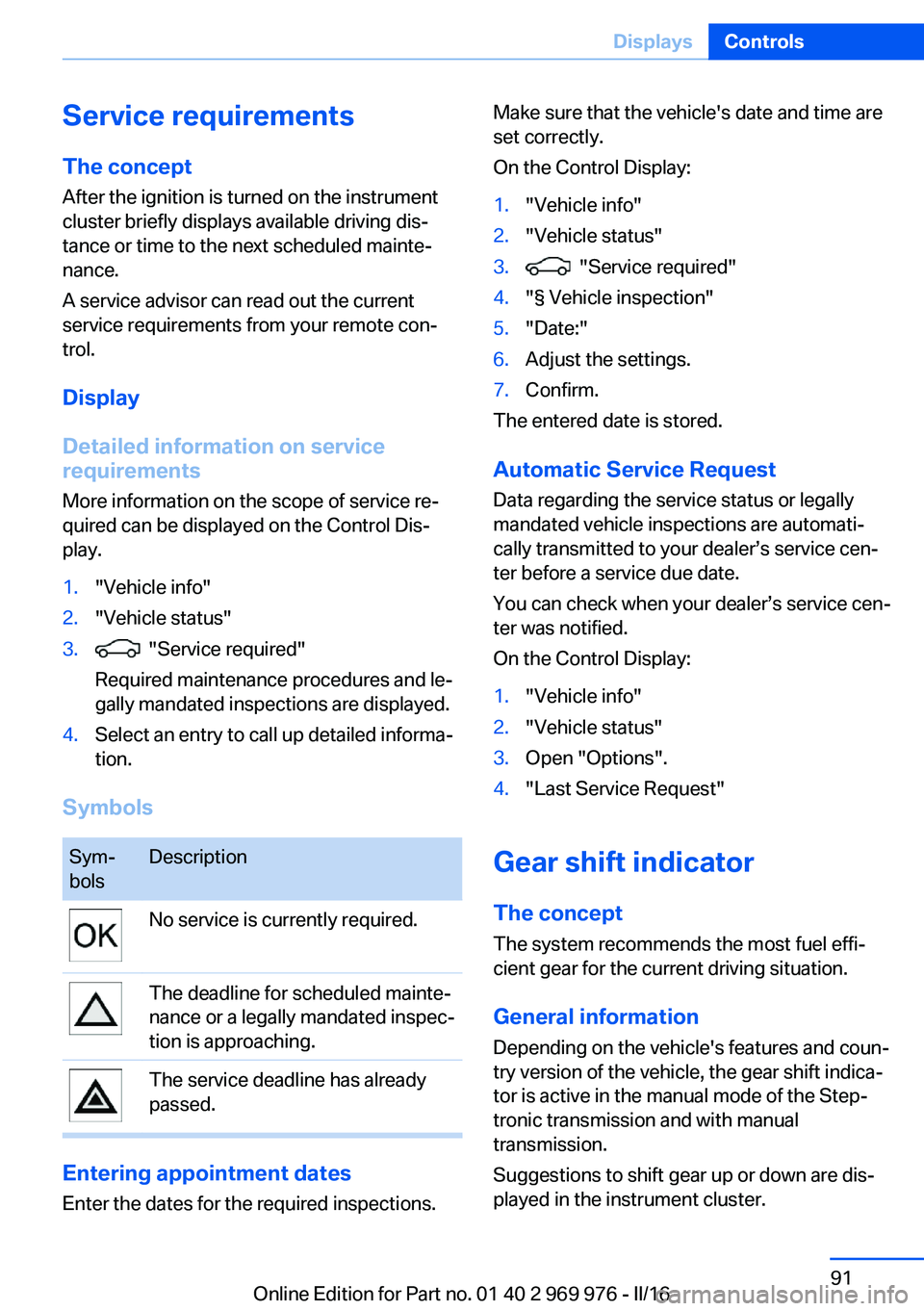
Symbols
Sym‐
bolsDescriptionNo service is currently required.The deadline for scheduled mainte‐
nance or a legally mandated inspec‐
tion is approaching.The service deadline has already
passed.
Entering appointment dates
Enter the dates for the required inspections.
Make sure that the vehicle's date and time are
set correctly.
On the Control Display:1."Vehicle info"2."Vehicle status"3. "Service required"4."§ Vehicle inspection"5."Date:"6.Adjust the settings.7.Confirm.
The entered date is stored.
Automatic Service Request
Data regarding the service status or legally
mandated vehicle inspections are automati‐
cally transmitted to your dealer’s service cen‐
ter before a service due date.
You can check when your dealer’s service cen‐
ter was notified.
On the Control Display:
1."Vehicle info"2."Vehicle status"3.Open "Options".4."Last Service Request"
Gear shift indicator
The conceptThe system recommends the most fuel effi‐
cient gear for the current driving situation.
General information
Depending on the vehicle's features and coun‐
try version of the vehicle, the gear shift indica‐
tor is active in the manual mode of the Step‐
tronic transmission and with manual
transmission.
Suggestions to shift gear up or down are dis‐
played in the instrument cluster.
Seite 91DisplaysControls91
Online Edition for Part no. 01 40 2 969 976 - II/16
Page 253 of 265
AppendixAny updates to the Owner's Manual of the ve‐
hicle are listed here.
Updates made after the
editorial deadline
These chapters of the printed Owner's Manual
contain updates made after the editorial dead‐
line.▷Storage compartments: Storage compart‐
ments in the cargo area.Seite 253AppendixReference253
Online Edition for Part no. 01 40 2 969 976 - II/16
Page 262 of 265
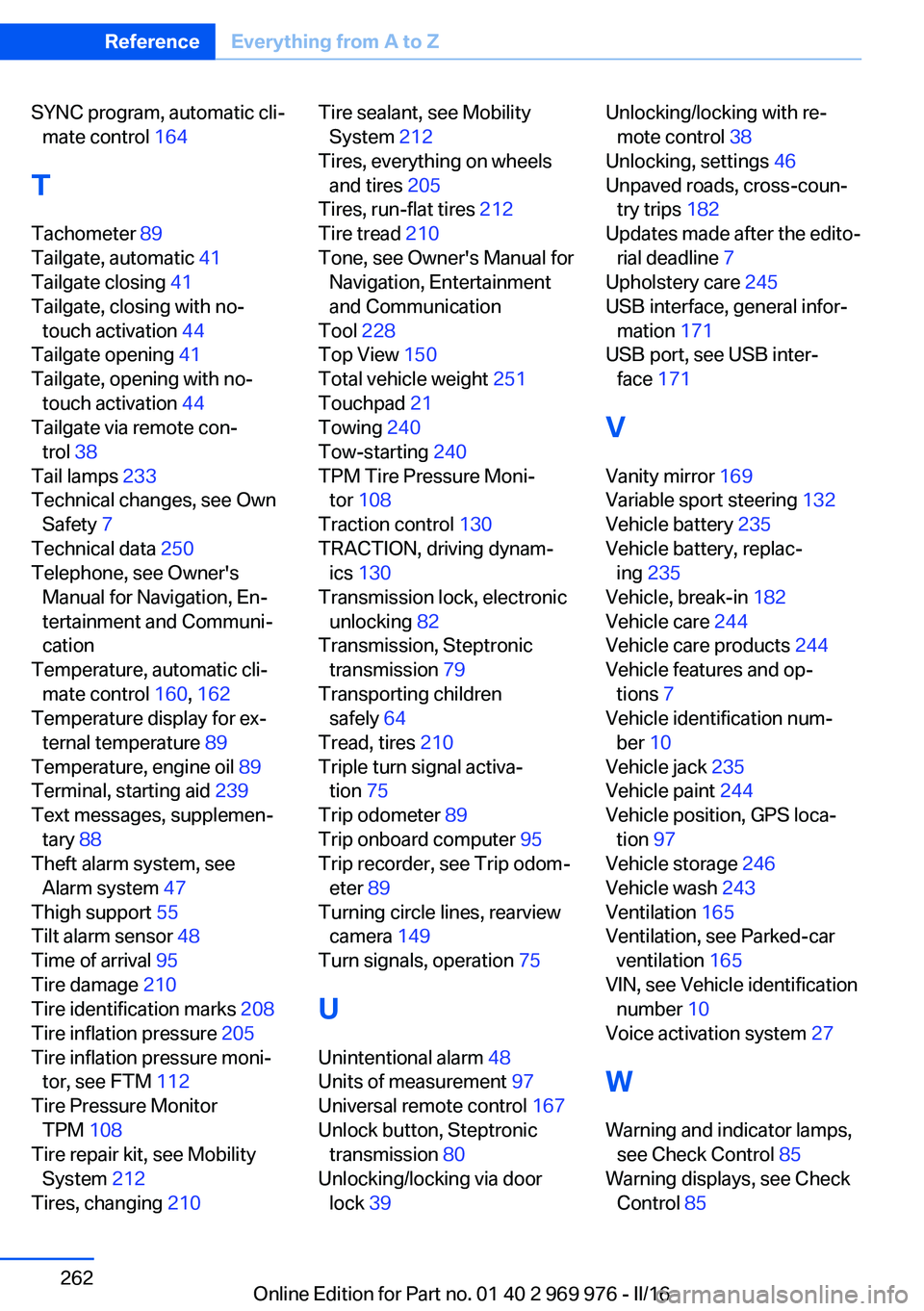
SYNC program, automatic cli‐mate control 164
T Tachometer 89
Tailgate, automatic 41
Tailgate closing 41
Tailgate, closing with no- touch activation 44
Tailgate opening 41
Tailgate, opening with no- touch activation 44
Tailgate via remote con‐ trol 38
Tail lamps 233
Technical changes, see Own Safety 7
Technical data 250
Telephone, see Owner's Manual for Navigation, En‐
tertainment and Communi‐
cation
Temperature, automatic cli‐ mate control 160, 162
Temperature display for ex‐ ternal temperature 89
Temperature, engine oil 89
Terminal, starting aid 239
Text messages, supplemen‐ tary 88
Theft alarm system, see Alarm system 47
Thigh support 55
Tilt alarm sensor 48
Time of arrival 95
Tire damage 210
Tire identification marks 208
Tire inflation pressure 205
Tire inflation pressure moni‐ tor, see FTM 112
Tire Pressure Monitor TPM 108
Tire repair kit, see Mobility System 212
Tires, changing 210 Tire sealant, see Mobility
System 212
Tires, everything on wheels and tires 205
Tires, run-flat tires 212
Tire tread 210
Tone, see Owner's Manual for Navigation, Entertainment
and Communication
Tool 228
Top View 150
Total vehicle weight 251
Touchpad 21
Towing 240
Tow-starting 240
TPM Tire Pressure Moni‐ tor 108
Traction control 130
TRACTION, driving dynam‐ ics 130
Transmission lock, electronic unlocking 82
Transmission, Steptronic transmission 79
Transporting children safely 64
Tread, tires 210
Triple turn signal activa‐ tion 75
Trip odometer 89
Trip onboard computer 95
Trip recorder, see Trip odom‐ eter 89
Turning circle lines, rearview camera 149
Turn signals, operation 75
U
Unintentional alarm 48
Units of measurement 97
Universal remote control 167
Unlock button, Steptronic transmission 80
Unlocking/locking via door lock 39 Unlocking/locking with re‐
mote control 38
Unlocking, settings 46
Unpaved roads, cross-coun‐ try trips 182
Updates made after the edito‐ rial deadline 7
Upholstery care 245
USB interface, general infor‐ mation 171
USB port, see USB inter‐ face 171
V
Vanity mirror 169
Variable sport steering 132
Vehicle battery 235
Vehicle battery, replac‐ ing 235
Vehicle, break-in 182
Vehicle care 244
Vehicle care products 244
Vehicle features and op‐ tions 7
Vehicle identification num‐ ber 10
Vehicle jack 235
Vehicle paint 244
Vehicle position, GPS loca‐ tion 97
Vehicle storage 246
Vehicle wash 243
Ventilation 165
Ventilation, see Parked-car ventilation 165
VIN, see Vehicle identification number 10
Voice activation system 27
W Warning and indicator lamps, see Check Control 85
Warning displays, see Check Control 85 Seite 262ReferenceEverything from A to Z262
Online Edition for Part no. 01 40 2 969 976 - II/16