BMW X3 2023 User Guide
X3 2023
BMW
BMW
https://www.carmanualsonline.info/img/1/58659/w960_58659-0.png
BMW X3 2023 User Guide
Page 228 of 416
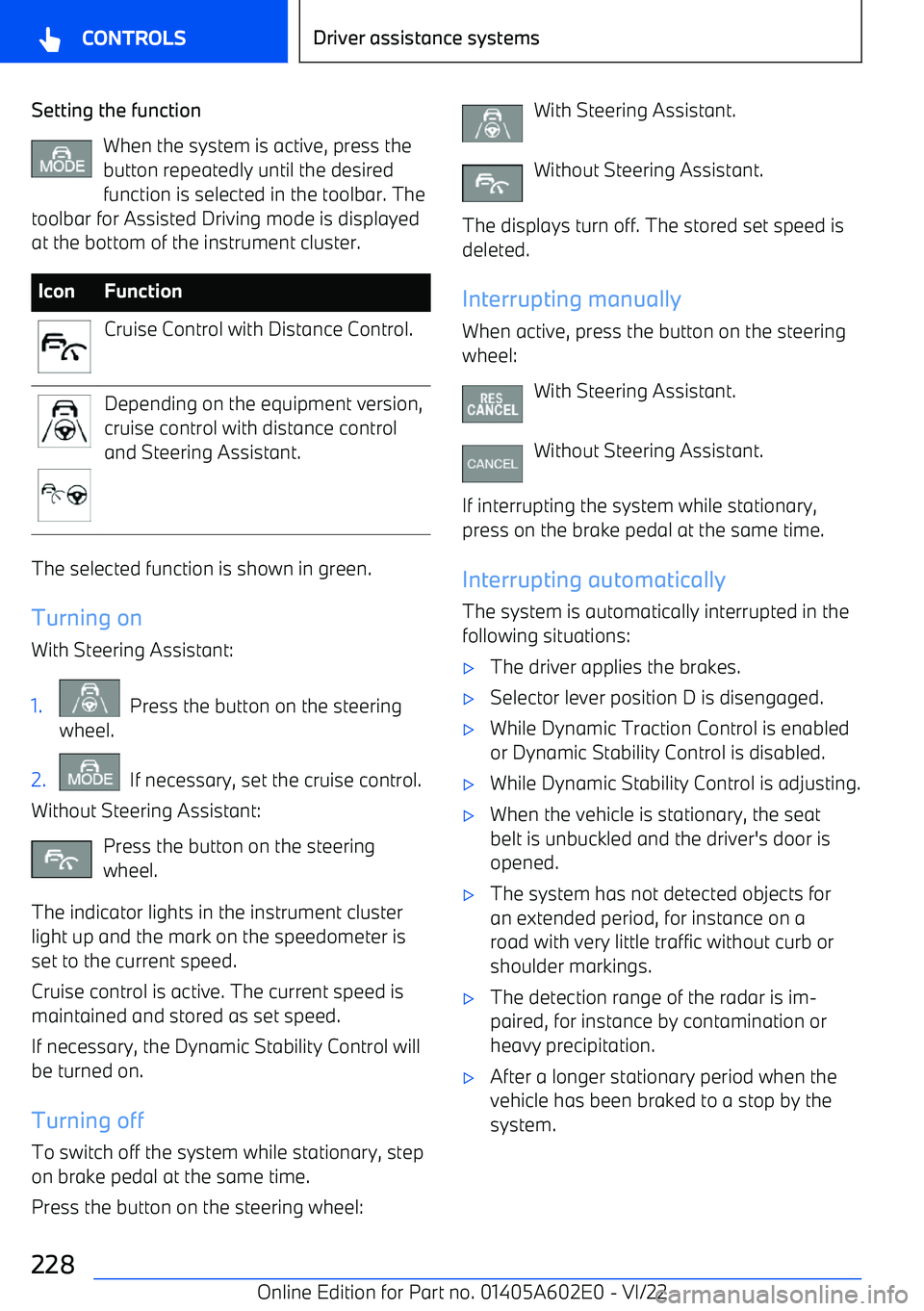
Setting the functionWhen the system is active, press the
button repeatedly until the desired function is selected in the toolbar. The
toolbar for Assisted Driving mode is displayed
at the bottom of the instrument cluster.IconFunctionCruise Control with Distance Control.Depending on the equipment version,
cruise control with distance control
and Steering Assistant.
The selected function is shown in green.
Turning on
With Steering Assistant:
1. Press the button on the steering
wheel.2. If necessary, set the cruise control.
Without Steering Assistant:
Press the button on the steering
wheel.
The indicator lights in the instrument cluster light up and the mark on the speedometer is
set to the current speed.
Cruise control is active. The current speed is
maintained and stored as set speed.
If necessary, the Dynamic Stability Control willbe turned on.
Turning off
To switch off the system while stationary, step on brake pedal at the same time.
Press the button on the steering wheel:
With Steering Assistant.
Without Steering Assistant.
The displays turn off. The stored set speed is deleted.
Interrupting manually When active, press the button on the steering
wheel:
With Steering Assistant.
Without Steering Assistant.
If interrupting the system while stationary,
press on the brake pedal at the same time.
Interrupting automatically The system is automatically interrupted in the
following situations:
Page 316 of 416
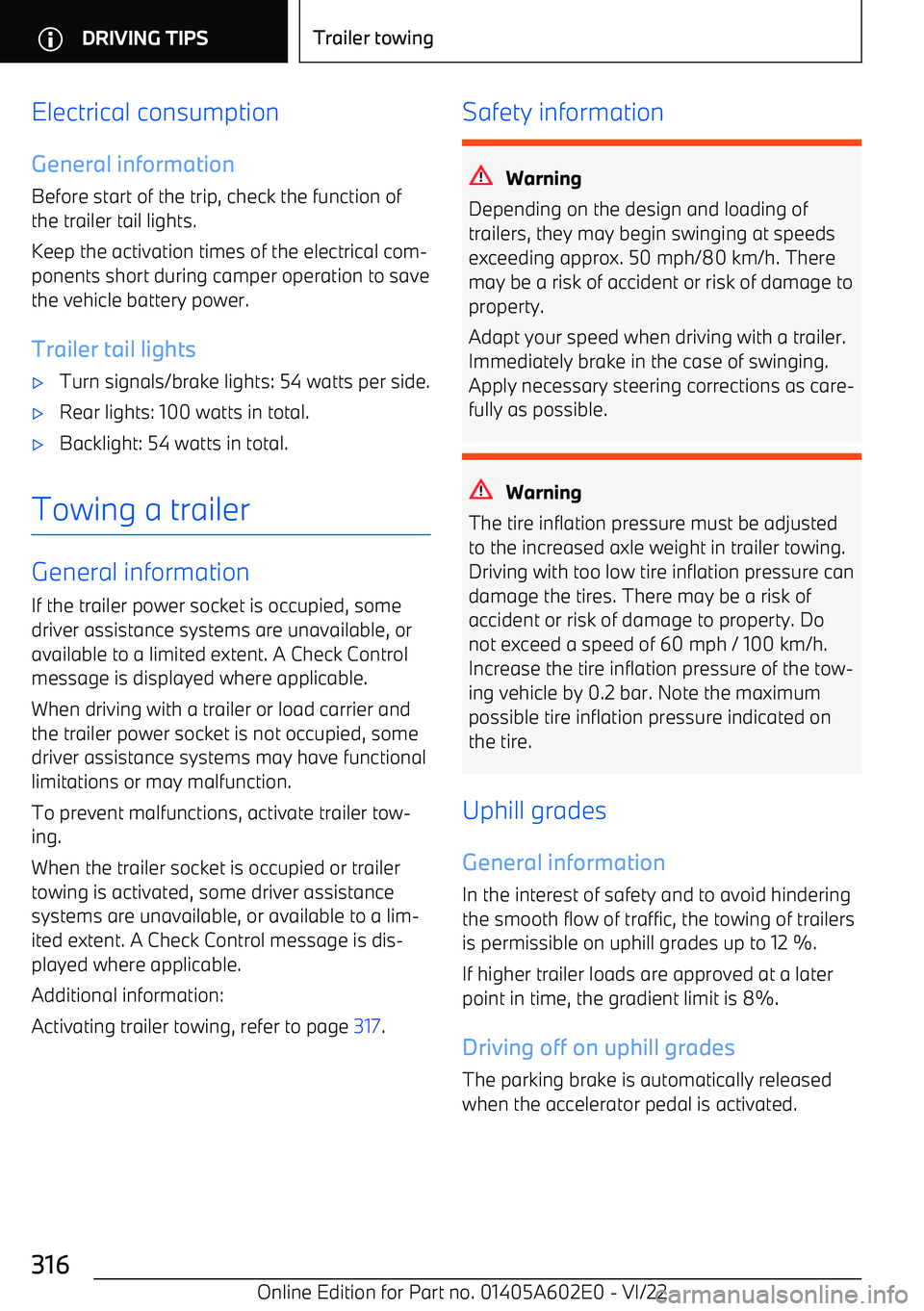
Electrical consumption
General information Before start of the trip, check the function ofthe trailer tail lights.
Keep the activation times of the electrical com
Page 373 of 416
4.Insert the new wiper blade and press it onuntil it you hear it snap into the holder.5.Fold in the wipers.
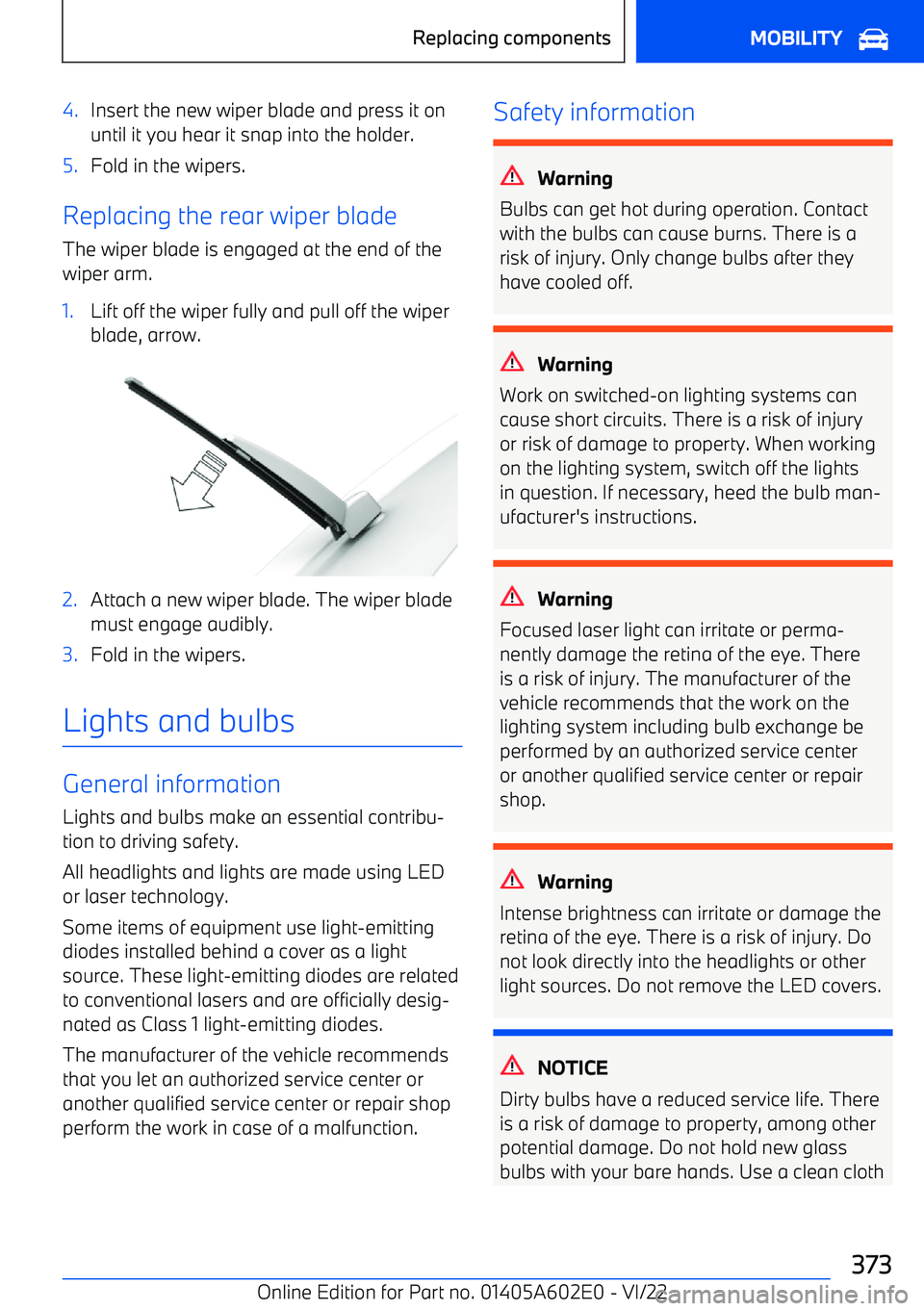
Replacing the rear wiper blade
The wiper blade is engaged at the end of the
wiper arm.
1.Lift off the wiper fully and pull off the wiper blade, arrow.2.Attach a new wiper blade. The wiper blade
must engage audibly.3.Fold in the wipers.
Lights and bulbs
General information
Lights and bulbs make an essential contribu
Page 374 of 416
or something similar, or hold the bulb by its
base.
Headlight glass
The inside of the headlight glass can fog up
in cool or humid weather. When driving with the lights switched on, the condensation evap
Page 408 of 416
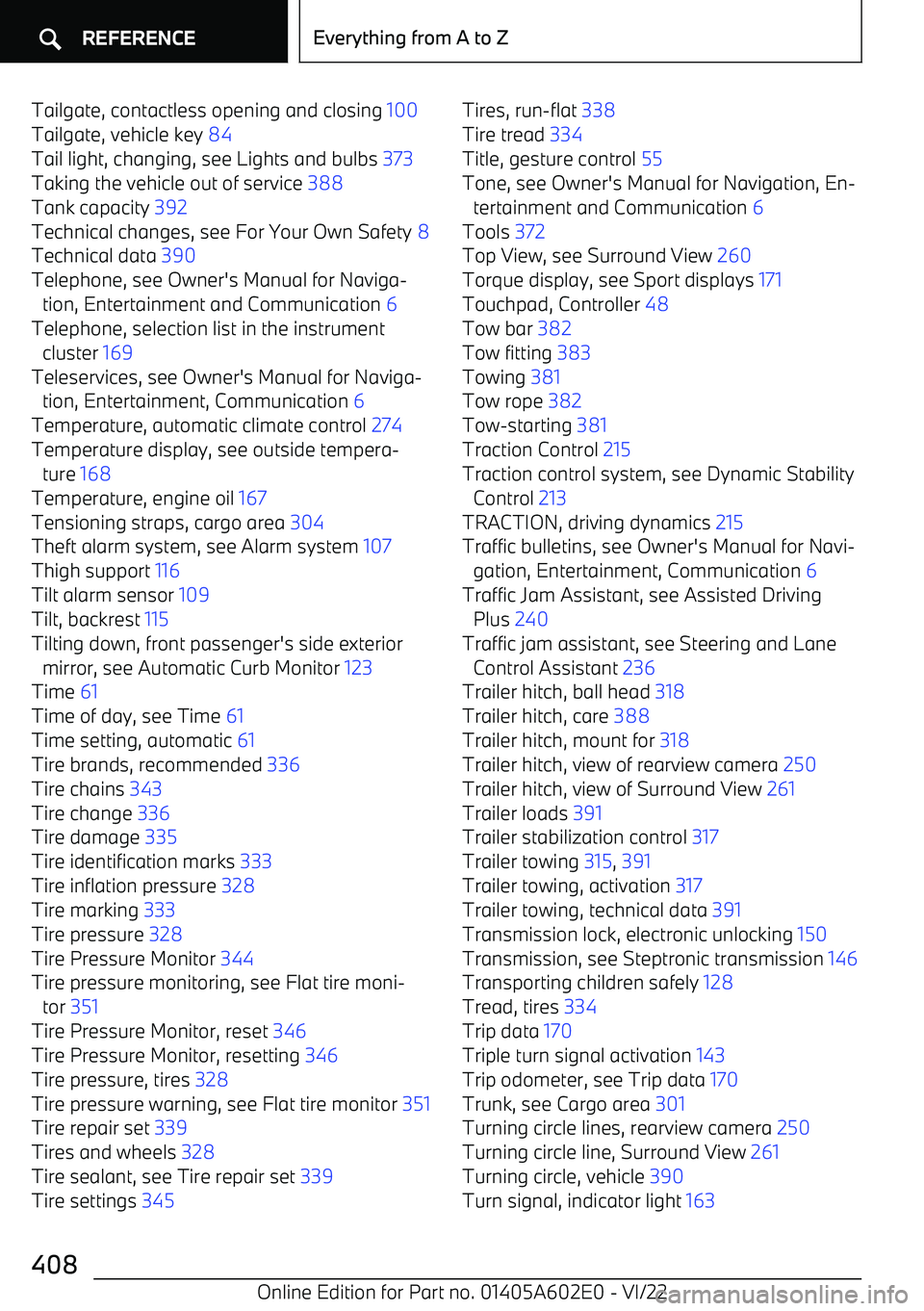
Tailgate, contactless opening and closing 100
Tailgate, vehicle key 84
Tail light, changing, see Lights and bulbs 373
Taking the vehicle out of service 388
Tank capacity 392
Technical changes, see For Your Own Safety 8
Technical data 390
Telephone, see Owner
Page 409 of 416
Turn signal, replacing bulbs, see Lights andbulbs 373
Turn signals, high beams, headlight flasher 142
U Ultrasonic sensors, see Sensors of the vehi
Page 410 of 416
Water on roads 312
Water, see Condensation water under the parked vehicle 313
Web page 7
Website, see Internet 7
Weights 391
Welcome Light Carpet, see Welcome light 176
Welcome light during unlocking 82
Welcome lights 176
Welcome screen, driver profiles 67
Wheelbase 390
Wheel base, vehicle 390
Wheel change 354
Wheels and tires 328
Wheels and tires, exchange 336
Widgets, iDrive 43
Widgets, instrument cluster 156, 157
Width, vehicle 390
Wi