BMW X3 2023 User Guide
X3 2023
BMW
BMW
https://www.carmanualsonline.info/img/1/58659/w960_58659-0.png
BMW X3 2023 User Guide
Page 199 of 416
Warning function
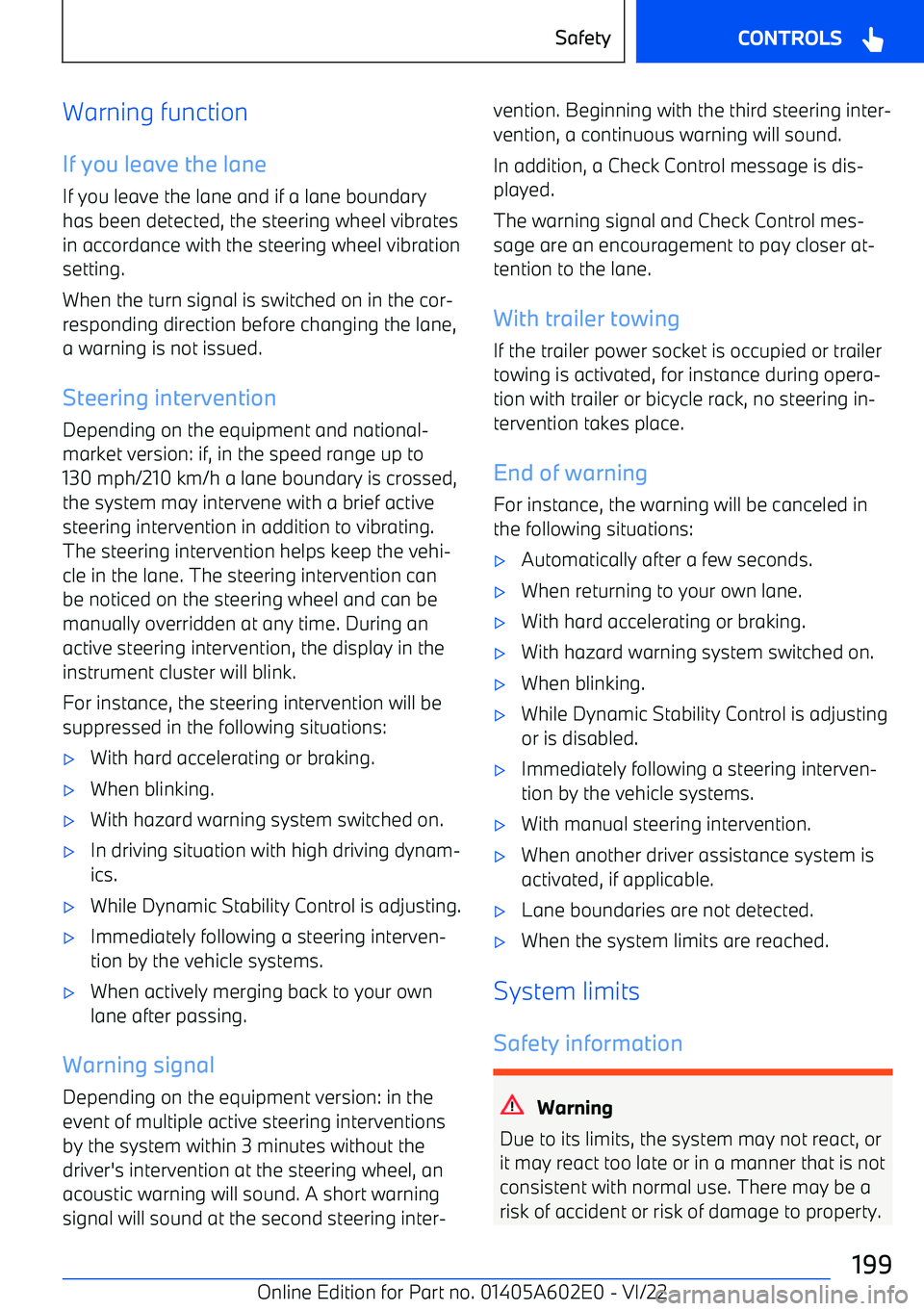
If you leave the lane If you leave the lane and if a lane boundaryhas been detected, the steering wheel vibratesin accordance with the steering wheel vibrationsetting.
When the turn signal is switched on in the cor
Page 208 of 416
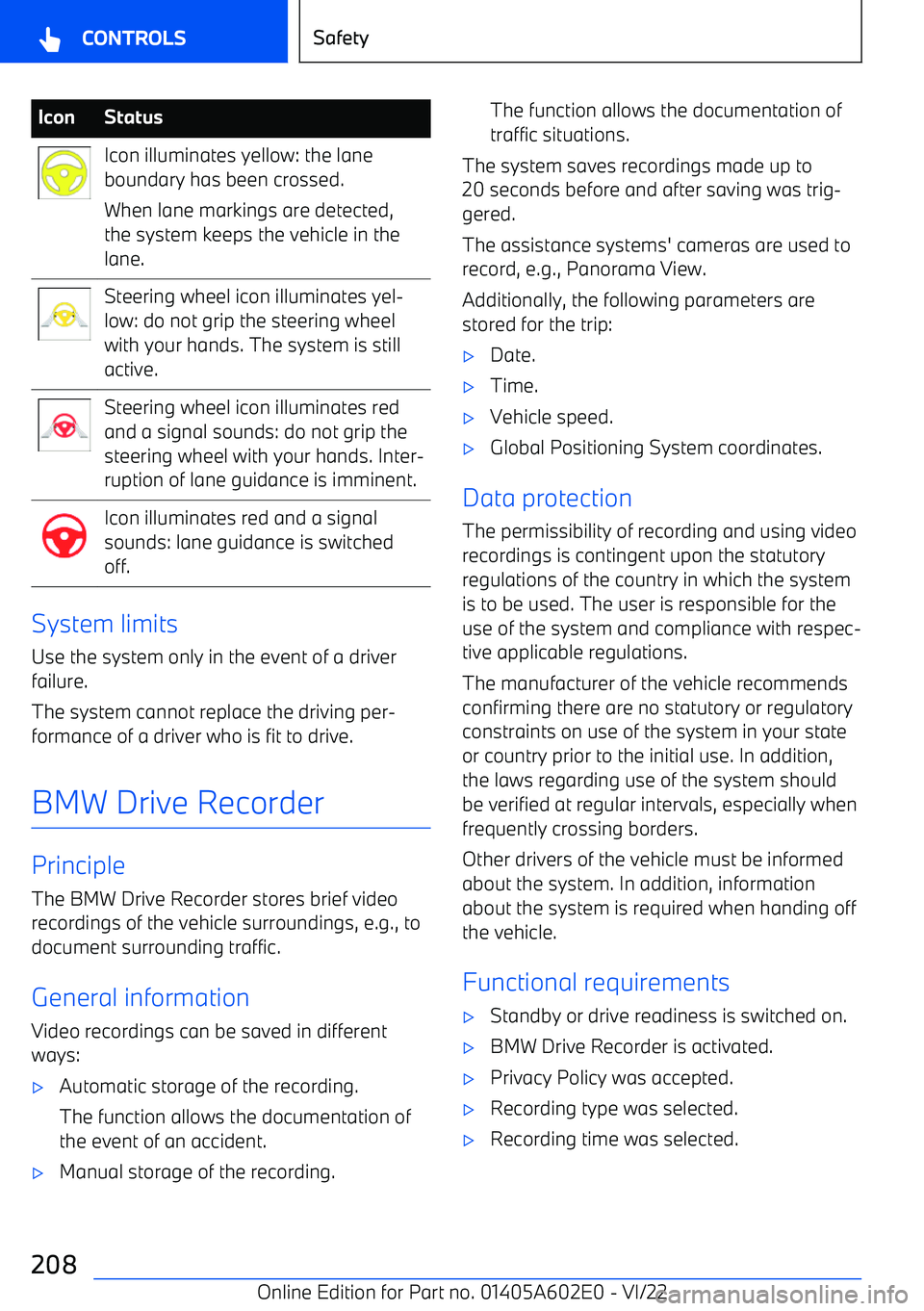
IconStatusIcon illuminates yellow: the lane
boundary has been crossed.
When lane markings are detected,
the system keeps the vehicle in the
lane.Steering wheel icon illuminates yel
Page 226 of 416
in some situations, for instance on downhill oruphill grades.
Active Cruise Control withStop&Go function
Principle Using the Cruise Control, a desired speed and
a distance to a vehicle ahead can be adjusted using the buttons on the steering wheel.
General information
The system maintains the set speed on clear
roads. The vehicle accelerates or brakes auto
Page 228 of 416
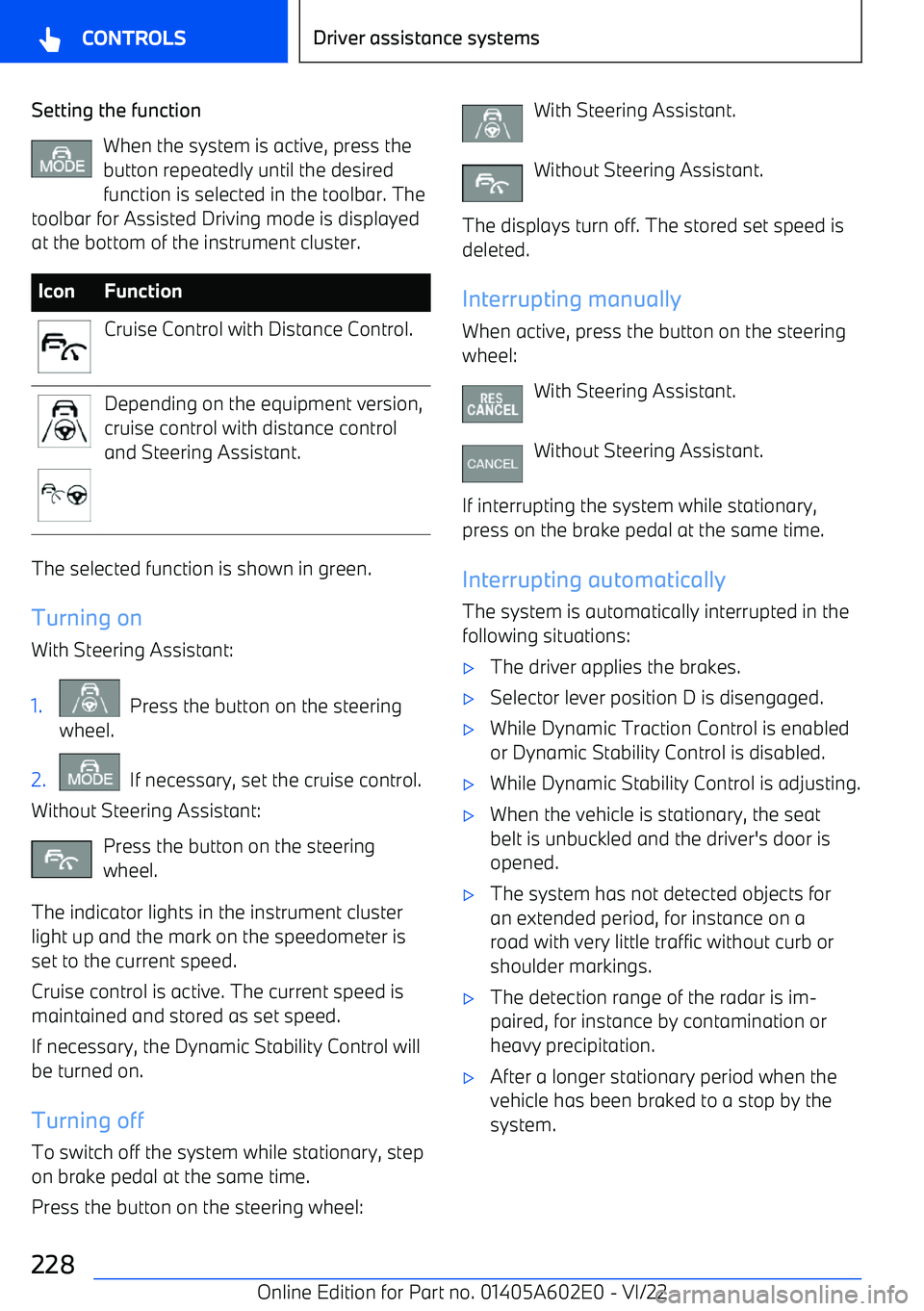
Setting the functionWhen the system is active, press the
button repeatedly until the desired function is selected in the toolbar. The
toolbar for Assisted Driving mode is displayed
at the bottom of the instrument cluster.IconFunctionCruise Control with Distance Control.Depending on the equipment version,
cruise control with distance control
and Steering Assistant.
The selected function is shown in green.
Turning on
With Steering Assistant:
1. Press the button on the steering
wheel.2. If necessary, set the cruise control.
Without Steering Assistant:
Press the button on the steering
wheel.
The indicator lights in the instrument cluster light up and the mark on the speedometer is
set to the current speed.
Cruise control is active. The current speed is
maintained and stored as set speed.
If necessary, the Dynamic Stability Control willbe turned on.
Turning off
To switch off the system while stationary, step on brake pedal at the same time.
Press the button on the steering wheel:
With Steering Assistant.
Without Steering Assistant.
The displays turn off. The stored set speed is deleted.
Interrupting manually When active, press the button on the steering
wheel:
With Steering Assistant.
Without Steering Assistant.
If interrupting the system while stationary,
press on the brake pedal at the same time.
Interrupting automatically The system is automatically interrupted in the
following situations:
Page 238 of 416
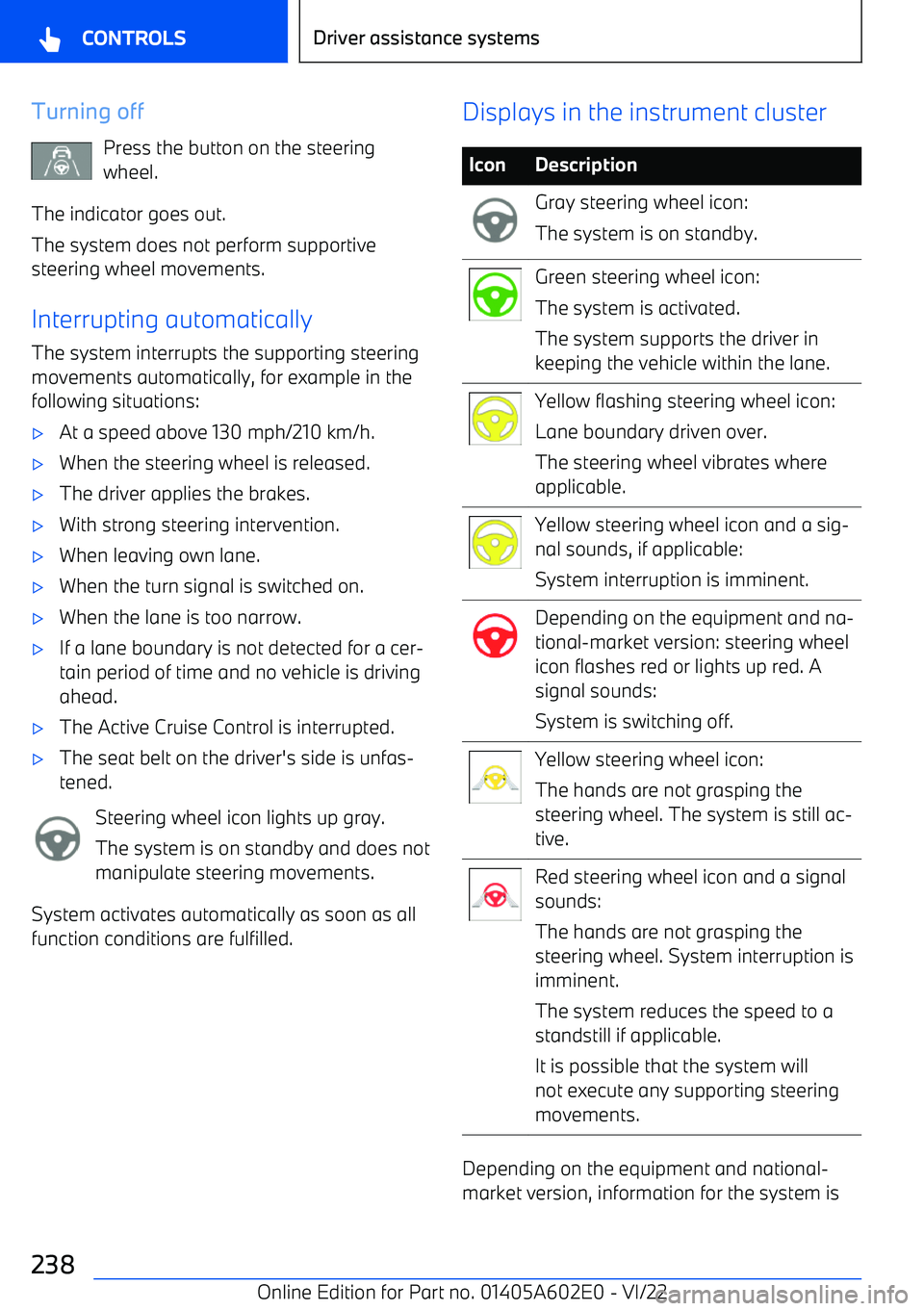
Turning offPress the button on the steering
wheel.
The indicator goes out.
The system does not perform supportive
steering wheel movements.
Interrupting automatically
The system interrupts the supporting steering
movements automatically, for example in the
following situations:
Page 251 of 416
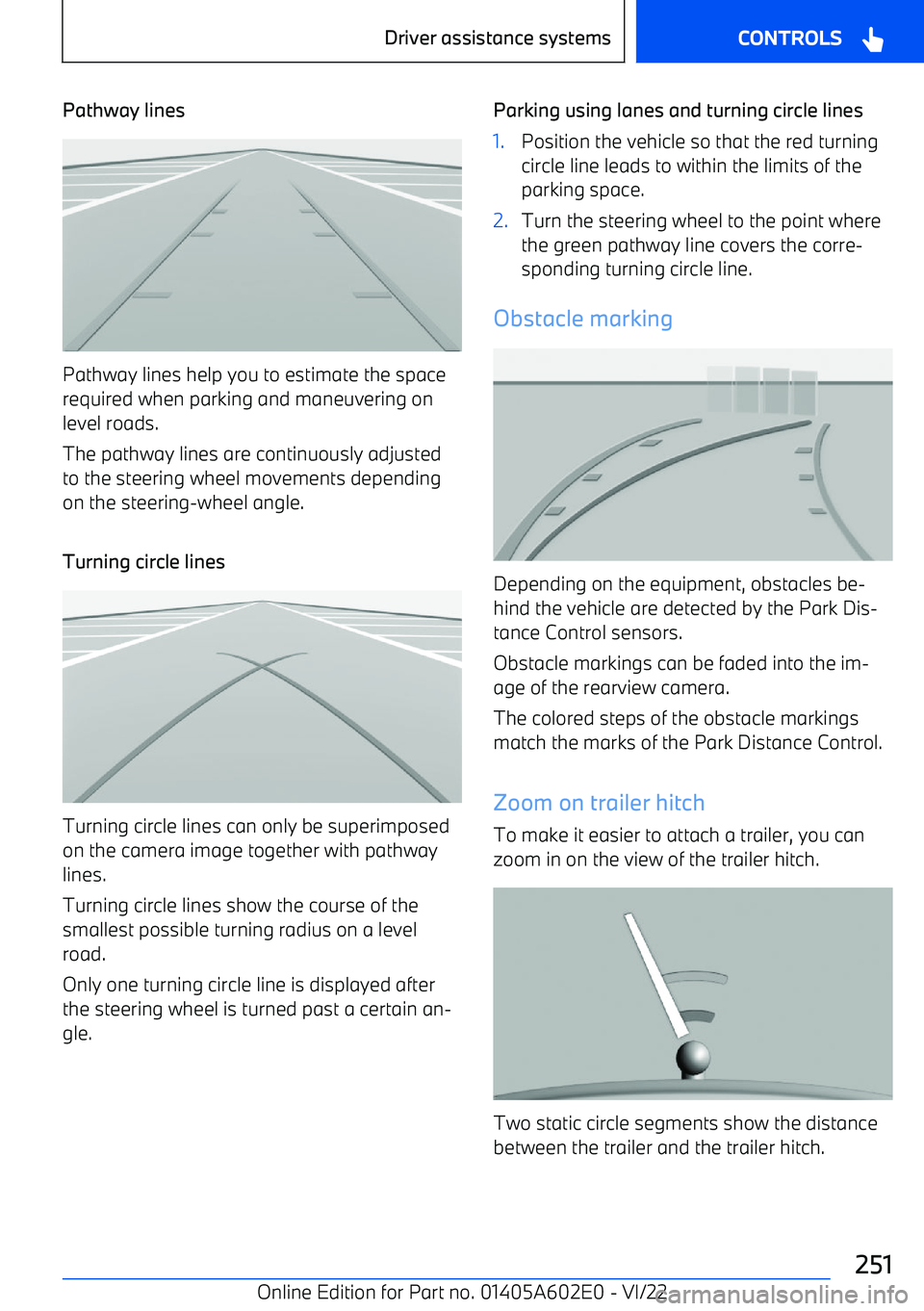
Pathway lines
Pathway lines help you to estimate the space
required when parking and maneuvering on level roads.
The pathway lines are continuously adjusted to the steering wheel movements depending
on the steering
Page 263 of 416
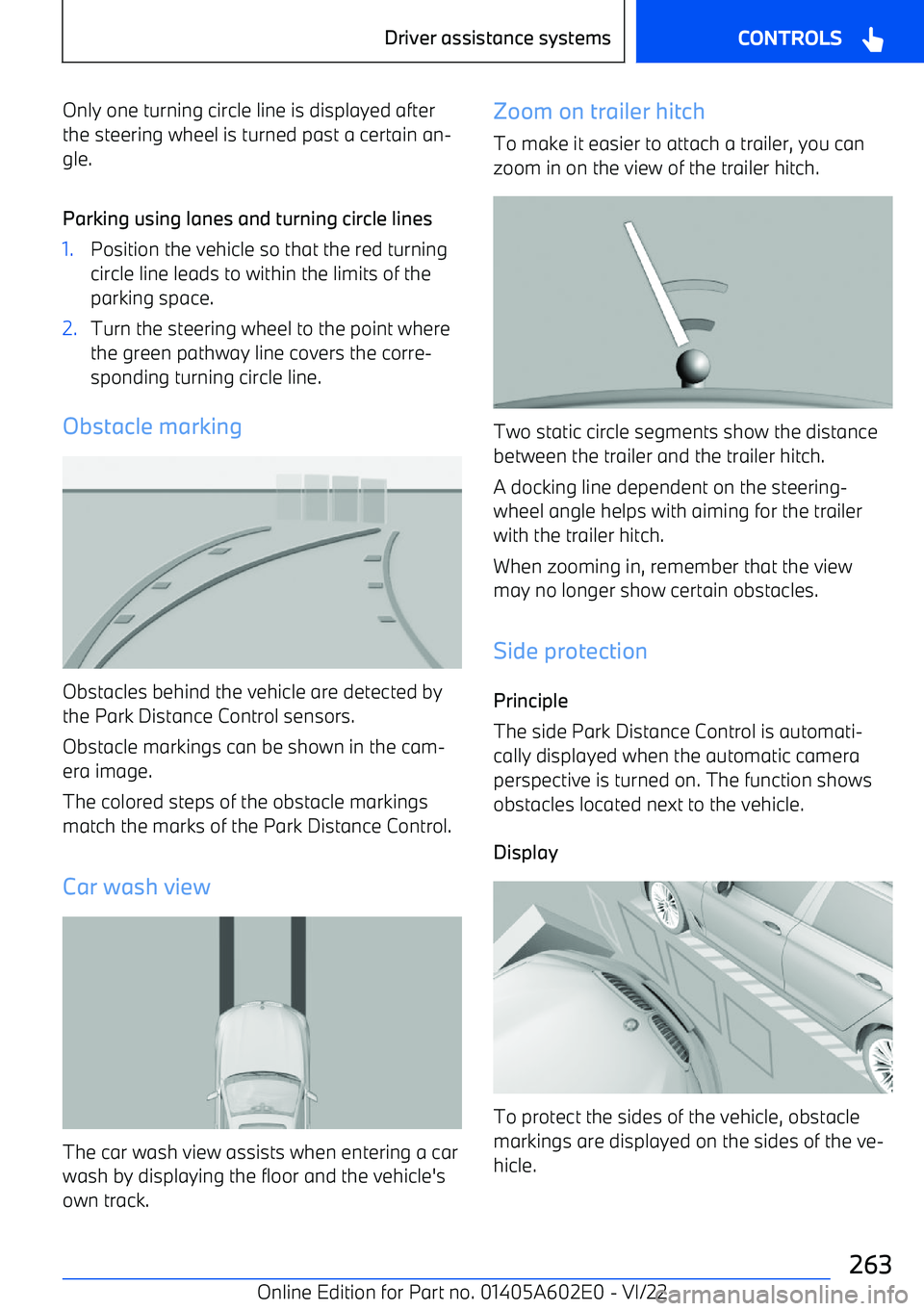
Only one turning circle line is displayed after
the steering wheel is turned past a certain an
Page 396 of 416
Breakdown assistance 377
Breaking in 310
Break recommendation, see Fatigue alert 211
Brightness, Control Display 63
Button, central locking system 97
Button, Hill Descent Control 216
Buttons on the steering wheel 30
Button, SOS, see Intelligent emergency call 379
Button, Start/Stop 134
Bypassing, see Jump