window BMW X3 XDRIVE 35I 2014 Owner's Manual
[x] Cancel search | Manufacturer: BMW, Model Year: 2014, Model line: X3 XDRIVE 35I, Model: BMW X3 XDRIVE 35I 2014Pages: 208, PDF Size: 5.21 MB
Page 128 of 208
Air flow, manualTo be able to manually adjust the air flow,
switch off the AUTO program first.
Press the left or right side of the but‐
ton: decrease or increase air flow.
The selected air flow is shown on the display of
the automatic climate control.
The air flow of the automatic climate control
may be reduced automatically to save battery
power.
Automatic recirculated-air control/
recirculated-air mode
You can respond to unpleasant odors or pollu‐
tants in the immediate environment by tempo‐
rarily suspending the supply of outside air. The
system then recirculates the air currently
within the vehicle.
Press the button repeatedly to select
an operating mode:▷LEDs off: outside air flows in continuously.▷Left LED on, automatic recirculated-air
control: a sensor detects pollutants in the
outside air and controls the shutoff auto‐
matically.▷Right LED on, recirculated-air mode: the
supply of outside air into the vehicle is per‐
manently blocked.
If the windows are fogged over, switch off the
recirculated-air mode and press the AUTO
button to utilize the condensation sensor.
Make sure that air can flow onto the wind‐
shield.
Continuous recirculated-air mode
The recirculated-air mode should not be
used for an extended period of time, as the air
quality inside the vehicle deteriorates stead‐
ily.◀
ALL program
Press the button.
The current setting or later settings of
the temperature on the driver's side are trans‐
ferred to the front passenger side.
The program is switched off if the settings on
the front passenger side are changed.
Defrosting windows and removing condensation
Press the button.
Ice and condensation are quickly re‐
moved from the windshield and the front side
windows.
The air volume can be adjusted when the pro‐
gram is active.
If the windows are fogged over, you can also
switch on the cooling function or press the
AUTO button to utilize the condensation sen‐
sor.
Cooling function
The passenger compartment can only be
cooled with the engine running.
Press the button.
The air is cooled and dehumidified
and – depending on the temperature setting –
warmed again.
Depending on the weather, the windshield may
fog up briefly when the engine is started.
The cooling function is switched on automati‐
cally with the AUTO program.
When using the automatic climate control,
condensation water, refer to page 146, devel‐
ops that exits underneath the vehicle.
Rear window defroster Press the button.
The rear window defroster switches
off automatically after a certain period of time.Seite 128ControlsClimate control128
Online Edition for Part no. 01 40 2 911 041 - VI/13
Page 129 of 208
Switching the system on/off
Switching off Press and hold the left button until the
control switches off.
Switching on
Press any button except:▷ALL program.▷Rear window defroster.▷Left side of Air volume button.▷Seat heating.
Microfilter/activated-charcoal filter
In external and recirculated air mode the mi‐
crofilter/activated charcoal filter filters dust,
pollen, and gaseous pollutants out of the air.
This filter should be replaced during scheduled
maintenance, refer to page 172, of your vehi‐
cle.
Ventilation
Front ventilation
▷Lever for changing the air flow direction,
arrow 1.▷Thumbwheels for opening and closing the
vents continuously, arrows 2.▷Thumbwheel to vary the temperature, ar‐
row 3.
Toward blue: colder.Toward red: warmer.
Adjusting the ventilation
▷Ventilation for cooling:
Adjust the vent to direct the air in your di‐
rection, such as if the vehicle interior is hot
from the sun.▷Draft-free ventilation:
Adjust the vent to let the air flow past you.
Ventilation in the rear
▷Thumbwheel for continuous opening and
closing of the vents, arrow 1.▷Thumbwheel to vary the temperature, ar‐
row 2.
Toward blue: colder.
Toward red: warmer.▷Lever for changing the air flow direction,
arrow 3.
Parked-car ventilation
The concept The parked-car ventilation ventilates the vehi‐
cle interior and lowers its temperature, if nec‐
essary.
The system can be switched on and off at any
external temperature, either directly or by us‐
ing two preset switch-on times. It remains
switched on for 30 minutes.
Open the vents to allow air to flow out.
Seite 129Climate controlControls129
Online Edition for Part no. 01 40 2 911 041 - VI/13
Page 144 of 208
Things to remember when drivingVehicle equipment
All standard, country-specific and optional
equipment that is offered in the model series is
described in this chapter. Therefore, equip‐
ment is also described that is not available in a
vehicle, e. g., because of the selected optional
equipment or country variant. This also applies
for safety-related functions and systems.
Breaking-in period General information Moving parts need to be broken in to adjust to
each other.
The following instructions will help achieve a
long vehicle life and good economy.
Engine and differential Always obey the official speed limit.
Up to 1,200 miles/2,000 km
Do not exceed the maximum engine and road
speed:▷For gasoline engine 4,500 rpm and
100 mph/160 km/h.
Avoid full load or kickdown under all circum‐
stances.
From 1,200 miles/2,000 km The engine and vehicle speed can gradually be
increased.
Tires
Due to technical factors associated with their
manufacture, tires do not achieve their full
traction potential until after an initial breaking-
in period.
Drive conservatively for the first
200 miles/300 km.
Brake system
Brakes require an initial break-in period of ap‐
prox. 300 miles/500 km to achieve optimized
contact and wear patterns between brake
discs and brake pads. Drive moderately during
this break-in period.
Following part replacement
The same breaking in procedures should be
observed if any of the components mentioned
above have to be renewed in the course of the
vehicle's operating life.
General driving notes
Closing the tailgate Drive with the tailgate closed
Only drive with the tailgate closed; other‐
wise, in the event of an accident or braking and
evasive maneuvers, passengers and other road
users may be injured, and the vehicle may be
damaged. In addition, exhaust fumes may en‐
ter the passenger compartment.◀
If driving with the tailgate open cannot be avoided:▷Close all windows and the glass sunroof.▷Greatly increase the blower speed.▷Drive moderately.
Hot exhaust system
Hot exhaust system
High temperatures are generated in the
exhaust system.
Do not remove the heat shields installed and
never apply undercoating to them. Make sure
that flammable materials, e. g. hay, leaves,
grass, etc. do not come in contact with the hot
exhaust system during driving, while in idle po‐
Seite 144Driving tipsThings to remember when driving144
Online Edition for Part no. 01 40 2 911 041 - VI/13
Page 150 of 208
Saving fuelVehicle equipmentAll standard, country-specific and optional
equipment that is offered in the model series is
described in this chapter. Therefore, equip‐
ment is also described that is not available in a
vehicle, e. g., because of the selected optional
equipment or country variant. This also applies
for safety-related functions and systems.
General information Your vehicle contains advanced technology for
the reduction of fuel consumption and emis‐
sions.
Fuel consumption depends on a number of dif‐
ferent factors.
The implementation of certain measures, driv‐
ing style and regular maintenance can have an
influence on fuel consumption and on the envi‐
ronmental impact.
Remove unnecessary cargoAdditional weight increases fuel consumption.
Remove attached parts
following use
Remove auxiliary mirrors, roof or rear luggage
racks which are no longer required following
use.
Attached parts on the vehicle impair the aero‐
dynamics and increase the fuel consumption.Close the windows and glass
sunroof
Driving with the glass sunroof and windows
open results in increased air resistance and
raises fuel consumption.
Tires General information
Tires can affect fuel consumption values in
various ways, for instance fuel consumption
can be influenced by the size of the tires.
Check the tire inflation pressure
regularly
Check and, if necessary, correct the tire infla‐
tion pressure at least twice a month and before
starting on a long trip.
Low tire inflation pressure increases rolling re‐
sistance and thus raises fuel consumption and
tire wear.
Drive away without delay Do not wait for the engine to warm-up while
the vehicle remains stationary. Start driving
right away, but at moderate engine speeds.
This is the fastest way for the cold engine to
reach its operating temperature.
Look well ahead when
driving
Avoid unnecessary acceleration and braking.
By maintaining a suitable distance to the vehi‐
cle driving ahead of you.
Driving smoothly and looking ahead reduces
fuel consumption.Seite 150Driving tipsSaving fuel150
Online Edition for Part no. 01 40 2 911 041 - VI/13
Page 151 of 208
Use coasting conditions
When approaching a red light, take your foot
off the accelerator and let the vehicle coast to
a halt.
On a downhill gradient, take your foot off the
accelerator and let the vehicle roll.
The flow of fuel is interrupted while coasting.
Switch off the engine during longer stops
Switch off the engine during longer stops, e.g.,
at traffic lights, railroad crossings or in traffic
congestion.
Automatic Engine Start/Stop Function The Auto Start/Stop function of your vehicle
automatically switches off the engine during a
stop.
If the engine is switched off and then restarted
rather than leaving the engine running con‐
stantly, fuel consumption and emissions are
reduced. Savings can begin within a few sec‐
onds of switching off the engine.
Using this system can cause certain compo‐
nents of the vehicle to become worn prema‐
turely.
In addition, fuel consumption is also deter‐
mined by other factors, such as driving style,
road conditions, maintenance or environmental
factors.
Switch off any functions that
are not currently needed
Functions such as seat heating and the rear
window defroster require a lot of energy and
consume additional fuel, especially in city and
stop-and-go traffic.
Therefore, switch off these functions if they
are not actually needed.Have maintenance carried
out
Have vehicles maintained regularly to achieve
optimal vehicle economy and operating life.
Have the maintenance carried out by your
service center.
Please also note the BMW Maintenance Sys‐
tem, refer to page 172.
ECO PRO
The concept ECO PRO supports a driving style that saves
on fuel consumption. For this purpose, the en‐
gine control and comfort functions, e. g. the
climate control output, are adjusted.
The extension of the range that is achieved as
a result can be displayed in the instrument
cluster.
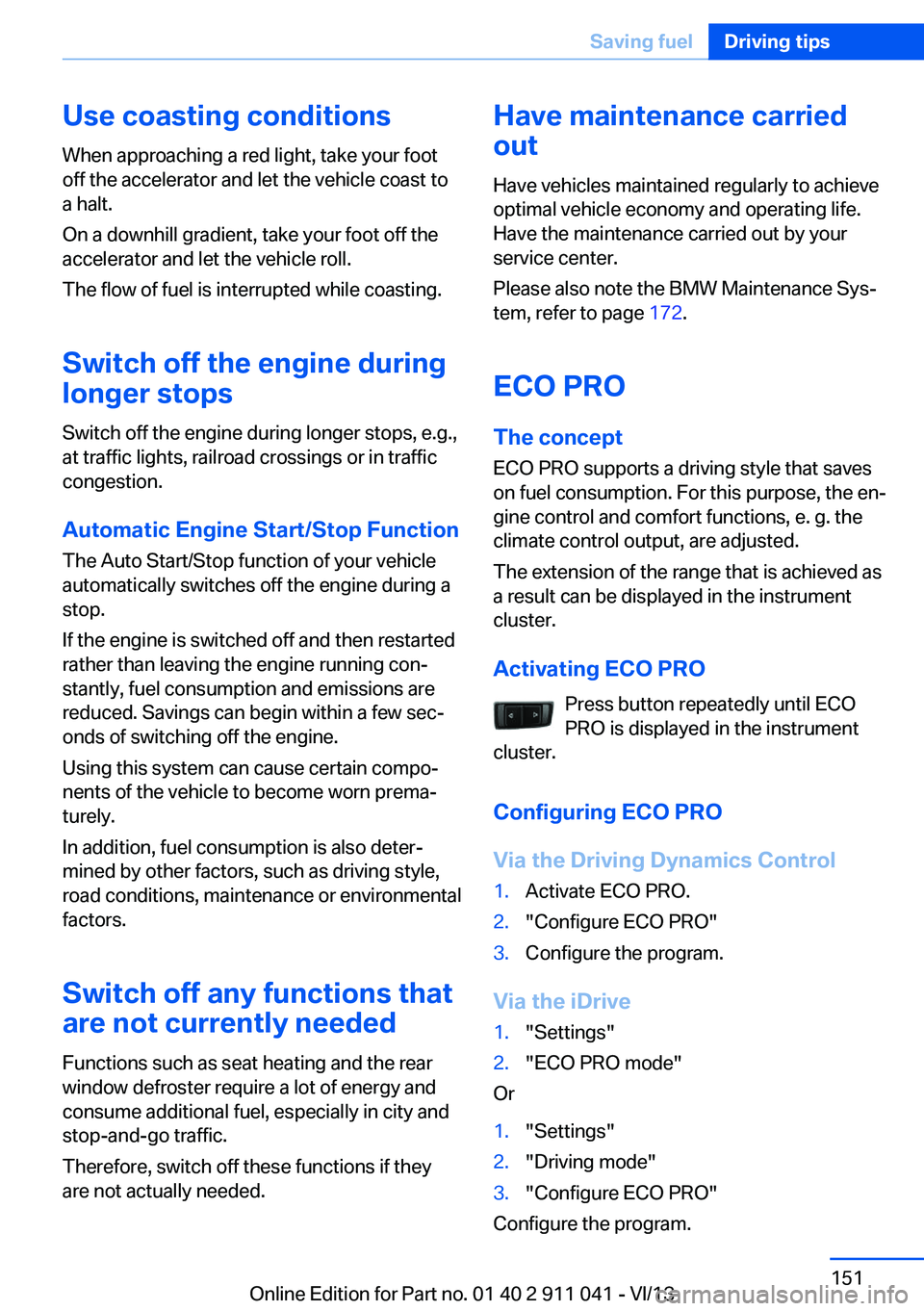
Activating ECO PRO Press button repeatedly until ECO
PRO is displayed in the instrument
cluster.
Configuring ECO PRO
Via the Driving Dynamics Control1.Activate ECO PRO.2."Configure ECO PRO"3.Configure the program.
Via the iDrive
1."Settings"2."ECO PRO mode"
Or
1."Settings"2."Driving mode"3."Configure ECO PRO"
Configure the program.
Seite 151Saving fuelDriving tips151
Online Edition for Part no. 01 40 2 911 041 - VI/13
Page 188 of 208
Do not turn off the ignition in the car
wash
Do not turn off the ignition in the car wash;
otherwise, the transmission position P is
engaged and damages can result.◀
To start the engine:
1.Depress the brake pedal.2.Press the Start/Stop button.
Pressing the Start/Stop button without step‐
ping on the brake turns the ignition off.
The vehicle cannot be locked from the outside
when in transmission position N. A signal is
sounded when an attempt is made to lock the
vehicle.
Transmission position
Transmission position P is engaged automati‐
cally:
▷When the ignition is switched off.▷After approx. 15 minutes.
Headlamps
▷Do not rub dry and do not use abrasive or
caustic cleansers.▷Soak areas that have been soiled e.g. due
to insects, with shampoo and wash off with
water.▷Thaw ice with deicing spray; do not use an
ice scraper.
After washing the vehicle
After washing the vehicle, apply the brakes
briefly to dry them; otherwise, braking action
can be reduced and corrosion of the brake
discs can occur.
Completely remove all residues on the win‐
dows, to minimize loss of visibility due to
smearing and to reduce wiper noises and
wiper blade wear.
Vehicle care
Car care productsBMW recommends using cleaning and care
products from BMW, since these have been
tested and approved.
Car care and cleaning products
Follow the instructions on the container.
When cleaning the interior, open the doors or
windows.
Only use products intended for cleaning vehi‐ cles.
Cleansers can contain substances that are
dangerous and harmful to your health.◀
Vehicle paint Regular care contributes to driving safety and
value retention. Environmental influences in
areas with elevated air pollution or natural con‐
taminants, such as tree resin or pollen can af‐
fect the vehicle's paintwork. Tailor the fre‐
quency and extent of your car care to these
influences.
Aggressive substances, such as spilled fuel,
oil, grease or bird droppings, must be removed
immediately to prevent the finish from being
altered or discolored.
Leather care
Remove dust from the leather often, using a
cloth or vacuum cleaner.
Otherwise, particles of dust and road grime
chafe in pores and folds, and lead to increased
wear and premature degradation of the leather
surface.
To guard against discoloration, such as from
clothing, provide leather care roughly every
two months.
Clean light-colored leather more frequently be‐
cause soiling on such surfaces is substantially
more visible.Seite 188MobilityCare188
Online Edition for Part no. 01 40 2 911 041 - VI/13
Page 200 of 208
Data, technical 194
Date 81
Daytime running lights 90
Defrosting, refer to Windows, defrosting 125, 128
Dehumidifying, air 125
Destination distance 86
Digital clock 81
Dimensions 194
Dimmable exterior mirrors 55
Dimmable interior rearview mirror 56
Direction indicator, refer to Turn signals 67
Display, electronic, instru‐ ment cluster 76
Display in windshield 122
Display lighting, refer to In‐ strument lighting 92
Displays 74
Displays, cleaning 190
Disposal, coolant 171
Disposal, vehicle battery 181
Distance control, refer to PDC 115
Distance to destination 86
Divided screen view, split screen 21
Door lock, refer to Remote control 32
Downhill control 108
Drive-off assistant, refer to DSC 107
Driving experience switch 110
Driving instructions, breaking in 144
Driving mode 110
Driving notes, general 144
Driving on bad roads 146
Driving stability control sys‐ tems 107
Driving tips 144
DSC Dynamic Stability Con‐ trol 107 DTC Dynamic Traction Con‐
trol 108
Dynamic Damping Con‐ trol 109
Dynamic Stability Control DSC 107
Dynamic Traction Control DTC 108
E
ECO PRO 151
ECO PRO, bonus range 152
ECO PRO display 151
ECO PRO driving mode 151
ECO PRO mode 151
ECO PRO Tip - driving in‐ struction 152
EfficientDynamics 153
Electronic displays, instru‐ ment cluster 76
Electronic Stability Program ESP, refer to DSC 107
Emergency detection, remote control 33
Emergency release, door lock 37
Emergency release, fuel filler flap 156
Emergency Request 182
Emergency service, refer to Roadside Assistance 183
Emergency start function, en‐ gine start 33
Energy Control 81
Energy recovery 82
Engine, automatic Start/Stop function 63
Engine, automatic switch- off 63
Engine compartment 167
Engine compartment, work‐ ing in 167
Engine coolant 171
Engine oil 169
Engine oil, adding 170 Engine oil additives 170
Engine oil change 170
Engine oil filler neck 170
Engine oil temperature 80
Engine oil types, alterna‐ tive 170
Engine oil types, ap‐ proved 170
Engine start during malfunc‐ tion 33
Engine start, jump-start‐ ing 183
Engine start, refer to Starting the engine 62
Engine stop 62
Engine temperature 80
Entering a car wash 187
Equipment, interior 131
ESP Electronic Stability Pro‐ gram, refer to DSC 107
Exchanging wheels/tires 164
Exhaust system 144
Exterior mirror, automatic dimming feature 55
Exterior mirrors 54
External start 183
External temperature dis‐ play 81
External temperature warn‐ ing 81
Eyes for securing cargo 148
F
Failure message, refer to Check Control 78
False alarm, refer to Uninten‐ tional alarm 44
Fan, refer to Air flow 125, 128
Fault displays, refer to Check Control 78
Filler neck for engine oil 170
Fine wood, care 189
First aid kit 183 Seite 200ReferenceEverything from A to Z200
Online Edition for Part no. 01 40 2 911 041 - VI/13
Page 202 of 208
Initializing, Flat Tire MonitorFTM 101
Instrument cluster 74
Instrument cluster, electronic displays 76
Instrument lighting 92
Integrated key 32
Integrated universal remote control 131
Intelligent Emergency Re‐ quest 182
Intensity, AUTO pro‐ gram 127
Interior equipment 131
Interior lamps 93
Interior lamps via remote con‐ trol 36
Interior motion sensor 44
Interior rearview mirror 56
Interior rearview mirror, auto‐ matic dimming feature 56
Internet page 6
Interval display, service re‐ quirements 82
J Jacking points for the vehicle jack 180
Joystick, automatic transmis‐ sion 71
Jump-starting 183
K
Key/remote control 32
Keyless Go, refer to Comfort Access 41
Key Memory, refer to Per‐ sonal Profile 33
Kickdown, automatic trans‐ mission 71
Knee airbag 94 L
Lamp replacement 175
Lamp replacement, front 176
Lamp replacement, rear 178
Lamps 89
Lamps and bulbs 175
Lane departure warning 104
Lane margin, warning 104
Language on Control Dis‐ play 88
Lashing eyes, securing cargo 148
LATCH child restraint fixing system 58
Leather, care 188
LEDs, light-emitting di‐ odes 175
Length, vehicle 195
Letters and numbers, enter‐ ing 22
Light alloy wheels, care 189
Light control 90
Light-emitting diodes, LEDs 175
Lighting 89
Lighting via remote con‐ trol 36
Light switch 89
Load 147
Loading 147
Lock, door 37
Locking/unlocking from in‐ side 38
Locking/unlocking via door lock 37
Locking/unlocking with re‐ mote control 35
Locking, automatic 42
Locking, central 35
Locking, settings 42
Locking via tailgate 39
Lock, power window 45
Locks, doors, and win‐ dows 60
Low beams 89 Low beams, automatic, refer
to High-beam Assistant 91
Lower back support 50
Luggage rack, refer to Roof- mounted luggage rack 149
Lumbar support 50
M
Maintenance 172
Maintenance require‐ ments 172
Maintenance, service require‐ ments 82
Maintenance system, BMW 172
Malfunction displays, refer to Check Control 78
Manual air distribu‐ tion 124, 127
Manual air flow 125, 128
Manual brake, refer to Parking brake 65
Manual mode, transmis‐ sion 72
Manual operation, door lock 37
Manual operation, exterior mirrors 55
Manual operation, fuel filler flap 156
Manual operation, Park Dis‐ tance Control PDC 116
Manual operation, rearview camera 118
Manual operation, Top View 121
Marking on approved tires 164
Marking, run-flat tires 165
Master key, refer to Remote control 32
Maximum cooling 127
Maximum speed, display 83
Maximum speed, winter tires 165 Seite 202ReferenceEverything from A to Z202
Online Edition for Part no. 01 40 2 911 041 - VI/13
Page 203 of 208
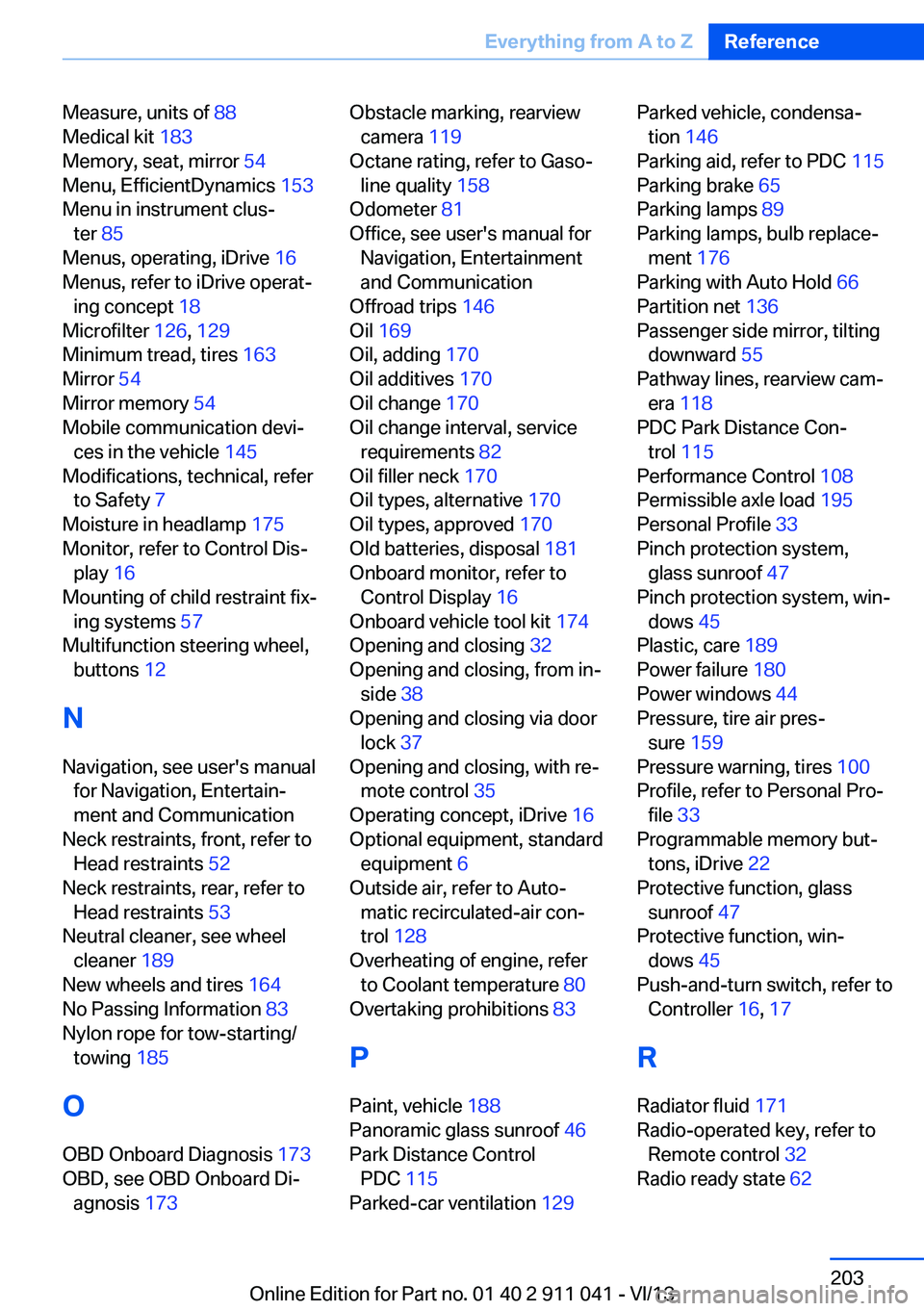
Measure, units of 88
Medical kit 183
Memory, seat, mirror 54
Menu, EfficientDynamics 153
Menu in instrument clus‐ ter 85
Menus, operating, iDrive 16
Menus, refer to iDrive operat‐ ing concept 18
Microfilter 126, 129
Minimum tread, tires 163
Mirror 54
Mirror memory 54
Mobile communication devi‐ ces in the vehicle 145
Modifications, technical, refer to Safety 7
Moisture in headlamp 175
Monitor, refer to Control Dis‐ play 16
Mounting of child restraint fix‐ ing systems 57
Multifunction steering wheel, buttons 12
N Navigation, see user's manual for Navigation, Entertain‐
ment and Communication
Neck restraints, front, refer to Head restraints 52
Neck restraints, rear, refer to Head restraints 53
Neutral cleaner, see wheel cleaner 189
New wheels and tires 164
No Passing Information 83
Nylon rope for tow-starting/ towing 185
O OBD Onboard Diagnosis 173
OBD, see OBD Onboard Di‐ agnosis 173 Obstacle marking, rearview
camera 119
Octane rating, refer to Gaso‐ line quality 158
Odometer 81
Office, see user's manual for Navigation, Entertainment
and Communication
Offroad trips 146
Oil 169
Oil, adding 170
Oil additives 170
Oil change 170
Oil change interval, service requirements 82
Oil filler neck 170
Oil types, alternative 170
Oil types, approved 170
Old batteries, disposal 181
Onboard monitor, refer to Control Display 16
Onboard vehicle tool kit 174
Opening and closing 32
Opening and closing, from in‐ side 38
Opening and closing via door lock 37
Opening and closing, with re‐ mote control 35
Operating concept, iDrive 16
Optional equipment, standard equipment 6
Outside air, refer to Auto‐ matic recirculated-air con‐
trol 128
Overheating of engine, refer to Coolant temperature 80
Overtaking prohibitions 83
P Paint, vehicle 188
Panoramic glass sunroof 46
Park Distance Control PDC 115
Parked-car ventilation 129 Parked vehicle, condensa‐
tion 146
Parking aid, refer to PDC 115
Parking brake 65
Parking lamps 89
Parking lamps, bulb replace‐ ment 176
Parking with Auto Hold 66
Partition net 136
Passenger side mirror, tilting downward 55
Pathway lines, rearview cam‐ era 118
PDC Park Distance Con‐ trol 115
Performance Control 108
Permissible axle load 195
Personal Profile 33
Pinch protection system, glass sunroof 47
Pinch protection system, win‐ dows 45
Plastic, care 189
Power failure 180
Power windows 44
Pressure, tire air pres‐ sure 159
Pressure warning, tires 100
Profile, refer to Personal Pro‐ file 33
Programmable memory but‐ tons, iDrive 22
Protective function, glass sunroof 47
Protective function, win‐ dows 45
Push-and-turn switch, refer to Controller 16, 17
R Radiator fluid 171
Radio-operated key, refer to Remote control 32
Radio ready state 62 Seite 203Everything from A to ZReference203
Online Edition for Part no. 01 40 2 911 041 - VI/13
Page 204 of 208
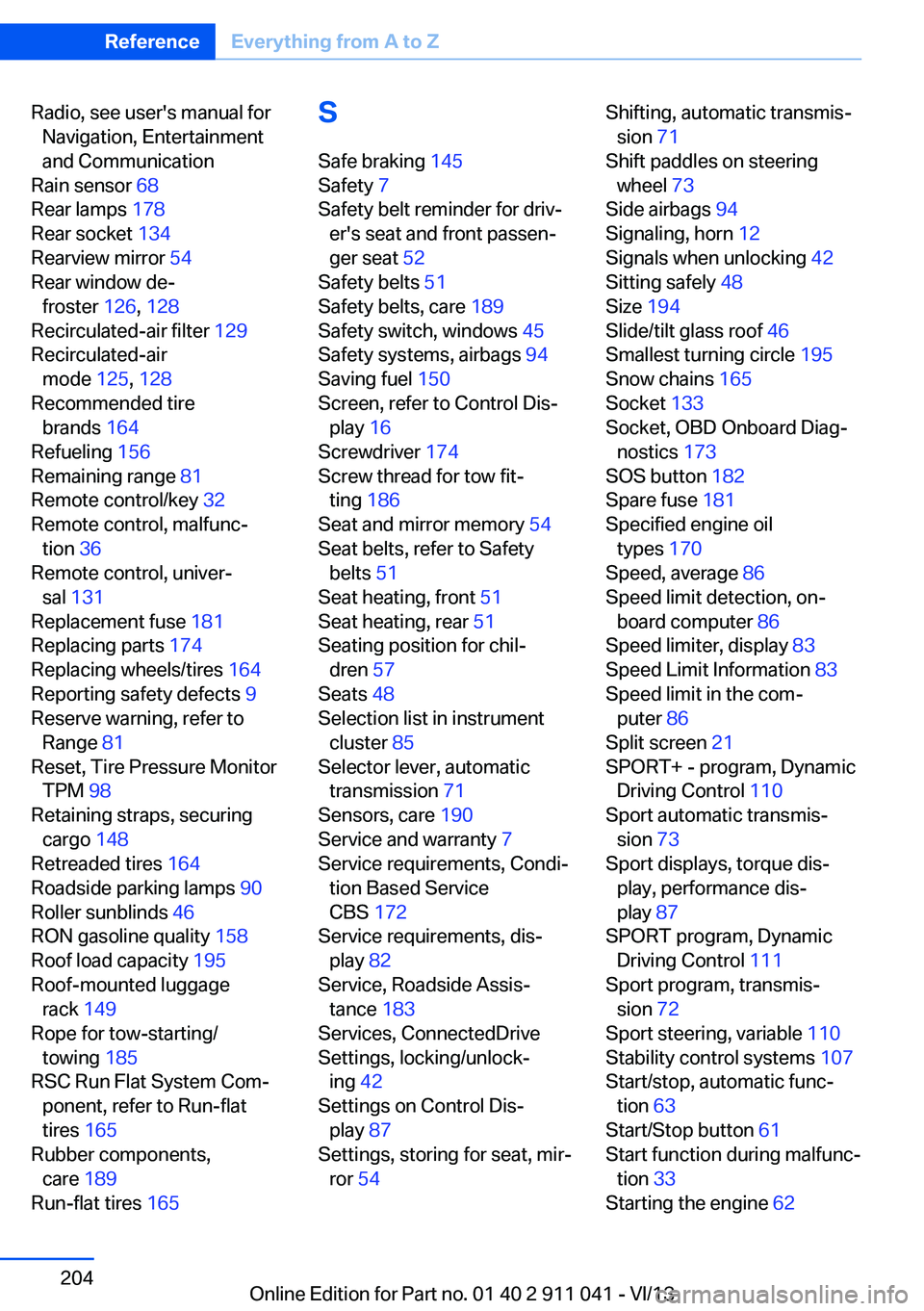
Radio, see user's manual forNavigation, Entertainment
and Communication
Rain sensor 68
Rear lamps 178
Rear socket 134
Rearview mirror 54
Rear window de‐ froster 126, 128
Recirculated-air filter 129
Recirculated-air mode 125, 128
Recommended tire brands 164
Refueling 156
Remaining range 81
Remote control/key 32
Remote control, malfunc‐ tion 36
Remote control, univer‐ sal 131
Replacement fuse 181
Replacing parts 174
Replacing wheels/tires 164
Reporting safety defects 9
Reserve warning, refer to Range 81
Reset, Tire Pressure Monitor TPM 98
Retaining straps, securing cargo 148
Retreaded tires 164
Roadside parking lamps 90
Roller sunblinds 46
RON gasoline quality 158
Roof load capacity 195
Roof-mounted luggage rack 149
Rope for tow-starting/ towing 185
RSC Run Flat System Com‐ ponent, refer to Run-flat
tires 165
Rubber components, care 189
Run-flat tires 165 S
Safe braking 145
Safety 7
Safety belt reminder for driv‐ er's seat and front passen‐
ger seat 52
Safety belts 51
Safety belts, care 189
Safety switch, windows 45
Safety systems, airbags 94
Saving fuel 150
Screen, refer to Control Dis‐ play 16
Screwdriver 174
Screw thread for tow fit‐ ting 186
Seat and mirror memory 54
Seat belts, refer to Safety belts 51
Seat heating, front 51
Seat heating, rear 51
Seating position for chil‐ dren 57
Seats 48
Selection list in instrument cluster 85
Selector lever, automatic transmission 71
Sensors, care 190
Service and warranty 7
Service requirements, Condi‐ tion Based Service
CBS 172
Service requirements, dis‐ play 82
Service, Roadside Assis‐ tance 183
Services, ConnectedDrive
Settings, locking/unlock‐ ing 42
Settings on Control Dis‐ play 87
Settings, storing for seat, mir‐ ror 54 Shifting, automatic transmis‐
sion 71
Shift paddles on steering wheel 73
Side airbags 94
Signaling, horn 12
Signals when unlocking 42
Sitting safely 48
Size 194
Slide/tilt glass roof 46
Smallest turning circle 195
Snow chains 165
Socket 133
Socket, OBD Onboard Diag‐ nostics 173
SOS button 182
Spare fuse 181
Specified engine oil types 170
Speed, average 86
Speed limit detection, on‐ board computer 86
Speed limiter, display 83
Speed Limit Information 83
Speed limit in the com‐ puter 86
Split screen 21
SPORT+ - program, Dynamic Driving Control 110
Sport automatic transmis‐ sion 73
Sport displays, torque dis‐ play, performance dis‐
play 87
SPORT program, Dynamic Driving Control 111
Sport program, transmis‐ sion 72
Sport steering, variable 110
Stability control systems 107
Start/stop, automatic func‐ tion 63
Start/Stop button 61
Start function during malfunc‐ tion 33
Starting the engine 62 Seite 204ReferenceEverything from A to Z204
Online Edition for Part no. 01 40 2 911 041 - VI/13