unlocking doors BMW X3 XDRIVE 35I 2014 Owners Manual
[x] Cancel search | Manufacturer: BMW, Model Year: 2014, Model line: X3 XDRIVE 35I, Model: BMW X3 XDRIVE 35I 2014Pages: 208, PDF Size: 5.21 MB
Page 35 of 208
▷Navigation: map views, route criteria, voice
output on/off.▷Park Distance Control PDC: adjusting the
signal tone volume.▷Radio: stored stations, station listened to
last, special settings.▷Rearview camera: selection of functions
and type of display.▷Language on the Control Display.▷Lane departure warning: last setting, on/
off.▷Daytime running lights: current setting.▷Triple turn signal activation.▷Locking the vehicle: after a brief period or
after starting to drive.
Central locking system
The concept The central locking system becomes active
when the driver's door is closed.
The system simultaneously engages and re‐
leases the locks on the following:
▷Doors.▷Tailgate.▷Fuel filler flap.
Operating from the outside
▷Via the remote control.▷Via the door handles of the driver's and
front passenger doors.▷Via the button on the tailgate.
The following takes place simultaneously
when locking/unlocking the vehicle via the re‐
mote control:
▷Depending on how the vehicle is equipped,
the theft protection is activated/deacti‐
vated. Theft protection prevents the doors
from being unlocked using the lock but‐
tons or the door opener.▷The welcome lamps, interior lamps and
courtesy lamps are switched on and off.▷The alarm system, refer to page 43, is
armed or disarmed.
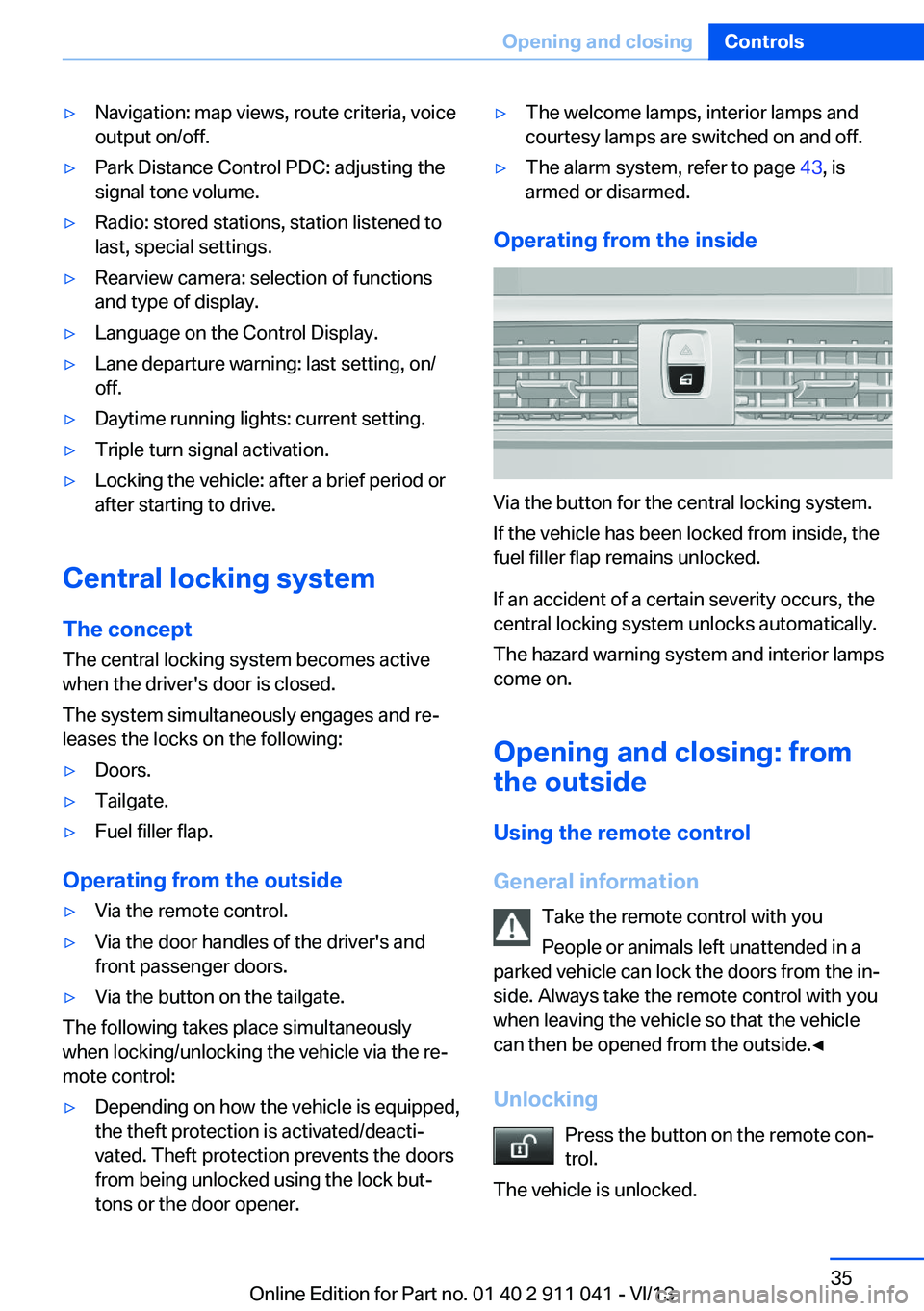
Operating from the inside
Via the button for the central locking system.
If the vehicle has been locked from inside, the
fuel filler flap remains unlocked.
If an accident of a certain severity occurs, the
central locking system unlocks automatically.
The hazard warning system and interior lamps
come on.
Opening and closing: from
the outside
Using the remote control
General information Take the remote control with you
People or animals left unattended in a
parked vehicle can lock the doors from the in‐
side. Always take the remote control with you
when leaving the vehicle so that the vehicle
can then be opened from the outside.◀
Unlocking Press the button on the remote con‐
trol.
The vehicle is unlocked.
Seite 35Opening and closingControls35
Online Edition for Part no. 01 40 2 911 041 - VI/13
Page 38 of 208
Opening and closing: from
the inside
Locking and unlocking
Pressing the buttons locks and unlocks the
doors and the tailgate when the front doors are
closed, but they are not secured against theft.
The fuel filler flap remains unlocked.
Unlocking and opening
▷Either unlock the doors together using the
button for the central locking system and
then pull the door handle above the arm‐
rest or▷Pull the door opener twice individually on
each door: the first time unlocks the door,
the second time opens it.
Tailgate
Opening
The tailgate pivots back and up when it opens.
Ensure that adequate clearance is available
before opening.
Provide edge protection
Sharp or angular objects can hit the rear
window while driving and damage the heating
wires of the rear window. Provide edge protec‐
tion.◀
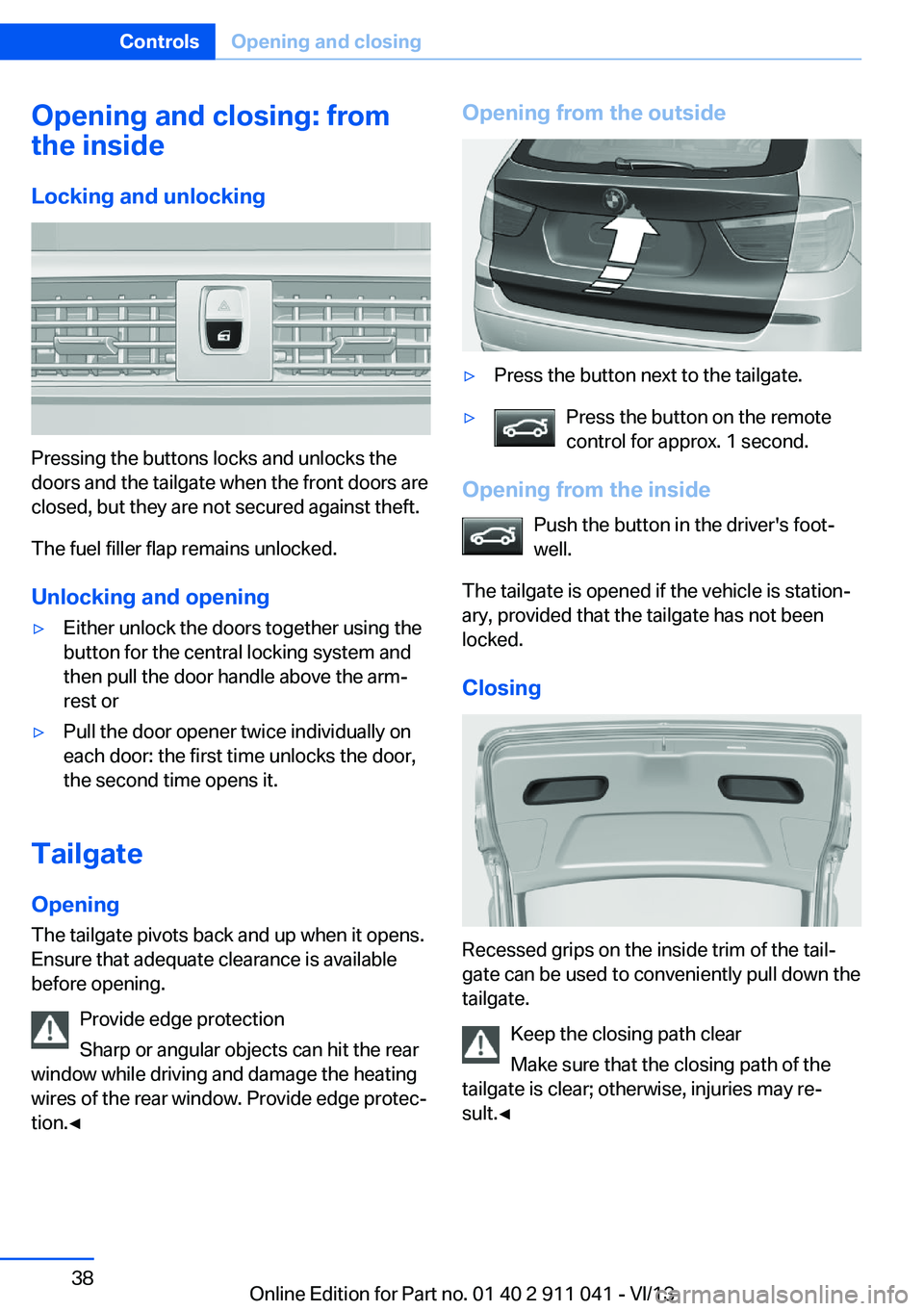
Opening from the outside▷Press the button next to the tailgate.▷Press the button on the remote
control for approx. 1 second.
Opening from the inside
Push the button in the driver's foot‐
well.
The tailgate is opened if the vehicle is station‐
ary, provided that the tailgate has not been
locked.
Closing
Recessed grips on the inside trim of the tail‐
gate can be used to conveniently pull down the
tailgate.
Keep the closing path clear
Make sure that the closing path of the
tailgate is clear; otherwise, injuries may re‐
sult.◀
Seite 38ControlsOpening and closing38
Online Edition for Part no. 01 40 2 911 041 - VI/13
Page 42 of 208
Monitor the closing process
Monitor the closing process to ensure
that no one becomes trapped.◀
Unlocking the tailgate separately
Press the button on the exterior of the tailgate.
This corresponds to pressing the
but‐
ton on the remote control.
Do not place the remote control in the
cargo area
Take the remote control with you and do not
leave it in the cargo area; otherwise, the re‐
mote control is locked inside the vehicle when
the tailgate is closed.◀
Malfunction
Comfort Access may not function properly if it
experiences interference from external sour‐
ces such as mobile phones, metal objects,
overhead power lines, transmission towers,
etc.
In this case, open or close the vehicle using the
buttons on the remote control or use the
integrated key in the door lock.
Adjusting
Unlocking The setting is stored for the remote control
currently in use.
1."Settings"2."Doors/key"3. Select symbol or "Unlock button:".4.Select the desired function:▷"Driver's door only"
Only the driver's door and the fuel filler
flap are unlocked. Pressing again un‐
locks the entire vehicle.▷"All doors"
The entire vehicle is unlocked.Depending on how the vehicle is equipped
or the country-specific variant, you can set
whether the doors are also unlocked with
the
button on the remote control.
Confirmation signals from the vehicle
1."Settings"2."Doors/key"3.Deactivate or activate the desired confir‐
mation signals.▷"Acoustic sig. lock/unlock"▷"Flash when lock/unlock"
Automatic locking
The setting is stored for the remote control
currently in use.
1."Settings"2."Doors/key"3.Select the desired function:▷"Lock if no door opened"
The vehicle locks automatically after a
short period of time if a door is not
opened.▷"Lock after start driving"
The vehicle locks automatically after
you drive away.
Retrieving the seat and mirror settings
The driver's seat and exterior mirror positions
used last are stored for the remote control cur‐
rently in use.
When the vehicle is unlocked, these positions
are automatically retrieved if this function was
activated.
Pinch hazard when moving back the seat
If this function is used, first make sure
that the footwell behind the driver's seat is
empty. Otherwise, people can be injured or ob‐
jects damaged when the seat is moved back.◀
The adjustment procedure is interrupted:
Seite 42ControlsOpening and closing42
Online Edition for Part no. 01 40 2 911 041 - VI/13
Page 44 of 208
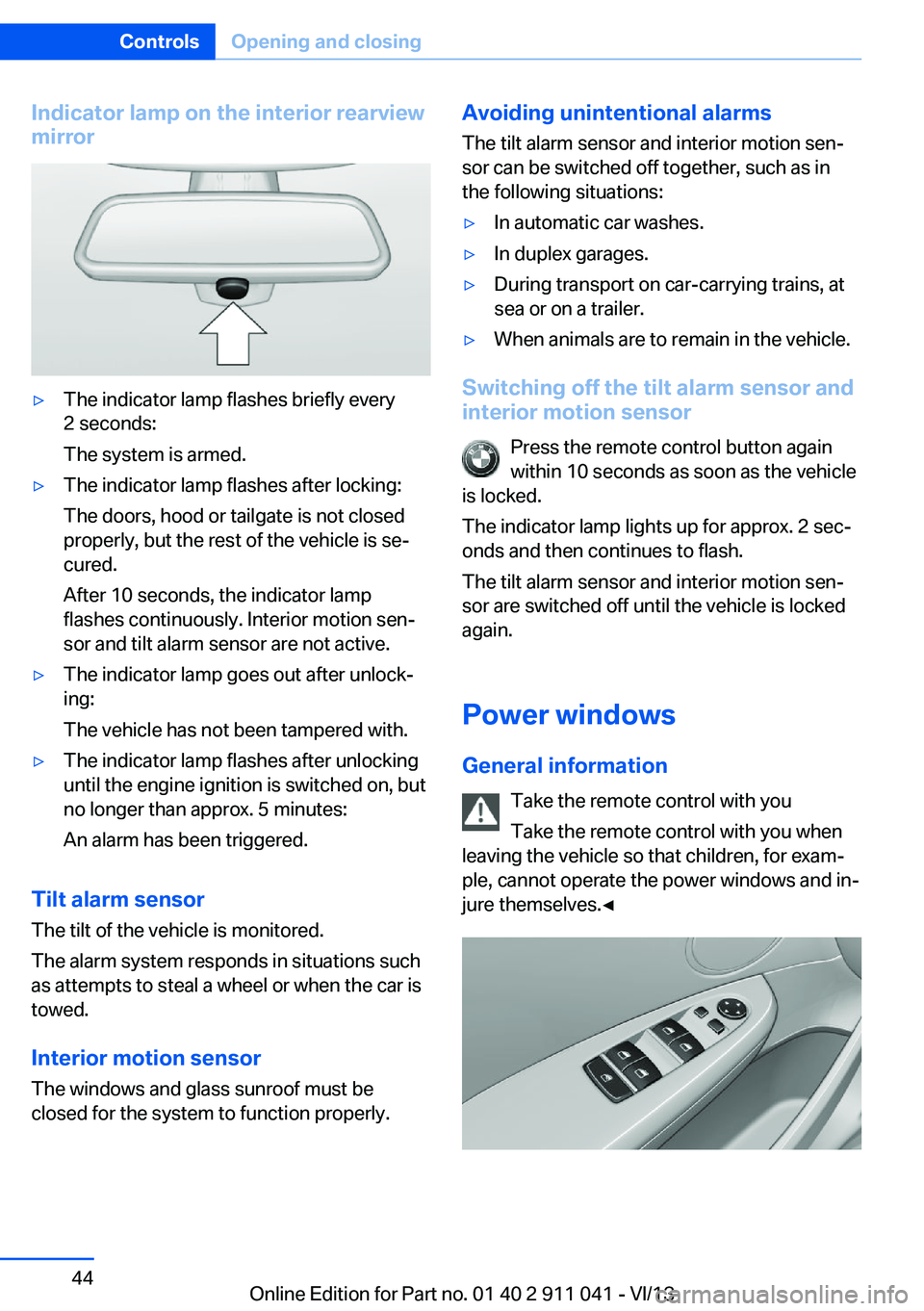
Indicator lamp on the interior rearview
mirror▷The indicator lamp flashes briefly every
2 seconds:
The system is armed.▷The indicator lamp flashes after locking:
The doors, hood or tailgate is not closed
properly, but the rest of the vehicle is se‐
cured.
After 10 seconds, the indicator lamp
flashes continuously. Interior motion sen‐
sor and tilt alarm sensor are not active.▷The indicator lamp goes out after unlock‐
ing:
The vehicle has not been tampered with.▷The indicator lamp flashes after unlocking
until the engine ignition is switched on, but
no longer than approx. 5 minutes:
An alarm has been triggered.
Tilt alarm sensor The tilt of the vehicle is monitored.
The alarm system responds in situations such
as attempts to steal a wheel or when the car is
towed.
Interior motion sensor The windows and glass sunroof must be
closed for the system to function properly.
Avoiding unintentional alarms
The tilt alarm sensor and interior motion sen‐
sor can be switched off together, such as in
the following situations:▷In automatic car washes.▷In duplex garages.▷During transport on car-carrying trains, at
sea or on a trailer.▷When animals are to remain in the vehicle.
Switching off the tilt alarm sensor and
interior motion sensor
Press the remote control button again
within 10 seconds as soon as the vehicle
is locked.
The indicator lamp lights up for approx. 2 sec‐
onds and then continues to flash.
The tilt alarm sensor and interior motion sen‐
sor are switched off until the vehicle is locked
again.
Power windows
General information Take the remote control with you
Take the remote control with you when
leaving the vehicle so that children, for exam‐
ple, cannot operate the power windows and in‐
jure themselves.◀
Seite 44ControlsOpening and closing44
Online Edition for Part no. 01 40 2 911 041 - VI/13
Page 202 of 208
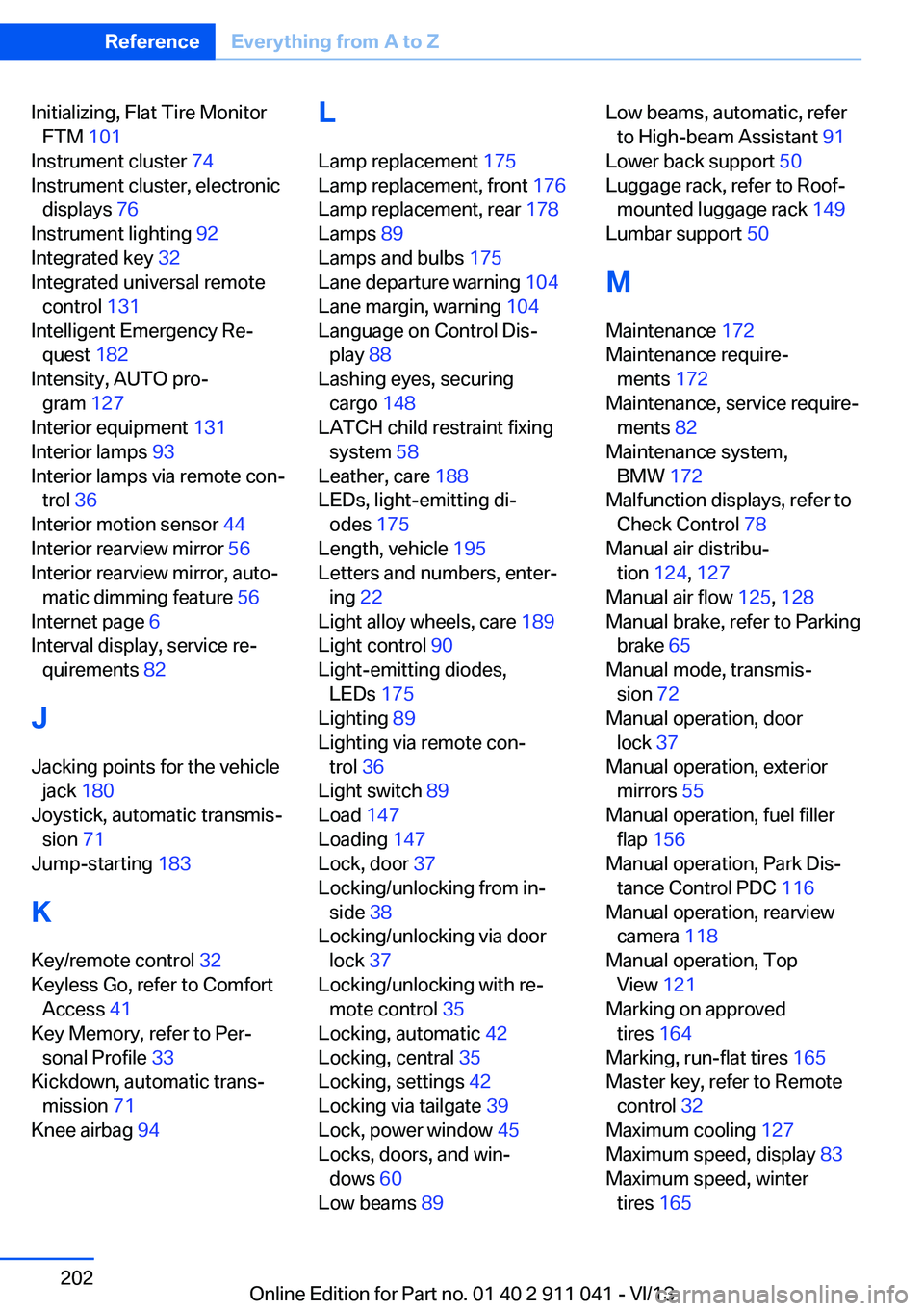
Initializing, Flat Tire MonitorFTM 101
Instrument cluster 74
Instrument cluster, electronic displays 76
Instrument lighting 92
Integrated key 32
Integrated universal remote control 131
Intelligent Emergency Re‐ quest 182
Intensity, AUTO pro‐ gram 127
Interior equipment 131
Interior lamps 93
Interior lamps via remote con‐ trol 36
Interior motion sensor 44
Interior rearview mirror 56
Interior rearview mirror, auto‐ matic dimming feature 56
Internet page 6
Interval display, service re‐ quirements 82
J Jacking points for the vehicle jack 180
Joystick, automatic transmis‐ sion 71
Jump-starting 183
K
Key/remote control 32
Keyless Go, refer to Comfort Access 41
Key Memory, refer to Per‐ sonal Profile 33
Kickdown, automatic trans‐ mission 71
Knee airbag 94 L
Lamp replacement 175
Lamp replacement, front 176
Lamp replacement, rear 178
Lamps 89
Lamps and bulbs 175
Lane departure warning 104
Lane margin, warning 104
Language on Control Dis‐ play 88
Lashing eyes, securing cargo 148
LATCH child restraint fixing system 58
Leather, care 188
LEDs, light-emitting di‐ odes 175
Length, vehicle 195
Letters and numbers, enter‐ ing 22
Light alloy wheels, care 189
Light control 90
Light-emitting diodes, LEDs 175
Lighting 89
Lighting via remote con‐ trol 36
Light switch 89
Load 147
Loading 147
Lock, door 37
Locking/unlocking from in‐ side 38
Locking/unlocking via door lock 37
Locking/unlocking with re‐ mote control 35
Locking, automatic 42
Locking, central 35
Locking, settings 42
Locking via tailgate 39
Lock, power window 45
Locks, doors, and win‐ dows 60
Low beams 89 Low beams, automatic, refer
to High-beam Assistant 91
Lower back support 50
Luggage rack, refer to Roof- mounted luggage rack 149
Lumbar support 50
M
Maintenance 172
Maintenance require‐ ments 172
Maintenance, service require‐ ments 82
Maintenance system, BMW 172
Malfunction displays, refer to Check Control 78
Manual air distribu‐ tion 124, 127
Manual air flow 125, 128
Manual brake, refer to Parking brake 65
Manual mode, transmis‐ sion 72
Manual operation, door lock 37
Manual operation, exterior mirrors 55
Manual operation, fuel filler flap 156
Manual operation, Park Dis‐ tance Control PDC 116
Manual operation, rearview camera 118
Manual operation, Top View 121
Marking on approved tires 164
Marking, run-flat tires 165
Master key, refer to Remote control 32
Maximum cooling 127
Maximum speed, display 83
Maximum speed, winter tires 165 Seite 202ReferenceEverything from A to Z202
Online Edition for Part no. 01 40 2 911 041 - VI/13