key BMW X5 3.0I 2002 Owner's Guide
[x] Cancel search | Manufacturer: BMW, Model Year: 2002, Model line: X5 3.0I, Model: BMW X5 3.0I 2002Pages: 185, PDF Size: 2.7 MB
Page 79 of 185
79n
OverviewControlsMaintenanceRepairsDataIndex
Check Control >CHECK LOWBEAM LIGHTS
CHECK SIDE LIGHTS
CHECK REAR LIGHTS
CHECK FRONT FOGLAMPS
CHECK LICPLATE LIGHT
CHECK HIGHBEAM LIGHT
CHECK BACK UP LIGHTS
Defective bulb or circuit, refer to
page 153 or consult a BMW Sports
Activity Vehicle center
>TRANS. FAILSAFE PROG
Please consult the nearest
BMW Sports Activity Vehicle center,
refer to page 68
>CHECK BRAKE LININGS
Have the brake pads inspected by
your BMW Sports Activity Vehicle
center, refer to page 135
>CHECK COOLANT LEVEL
Coolant too low, top off at the next
opportunity, refer to page 145
>ENGINE FAILSAFE PROG
There is a fault in the engine's elec-
tronic control system.
You can continue to drive with
reduced engine output or engine
speed. Have the system checked by
your BMW Sports Activity Vehicle
center.
Displays after completion of trip All of the malfunctions registered during
the trip appear consecutively when the
ignition key is turned to position 0.
The following displays will appear when
appropriate:
>LIGHTS ON
>KEY IN IGNITION LOCK
>CHECK ENGINE OIL LEV
Add engine oil at the next opportunity
(next stop to refuel), refer to
page 143.
This display appears when you open
the driver's door after parking the
vehicle. A supplementary gong is also
heard.
Status messages remain available for a
period of approx. three minutes after
the display goes out and the key is
removed from the ignition lock. Press
the CHECK button 3. If there were
multiple messages, press the CHECK
button repeatedly to view them all in
sequence.
To check the Check Control Press the CHECK button 3 with the
ignition key in position 2:
CHECK CONTROL OK appears in the
display.
No malfunctions are present in the
monitored systems.Computer You can find a description of the
computer on pages 80 and 86 as well
as in the Owner's Manual for the
Onboard Computer.
You can have the Check Control
and computer messages
displayed in a different language.<
Page 80 of 185
80n
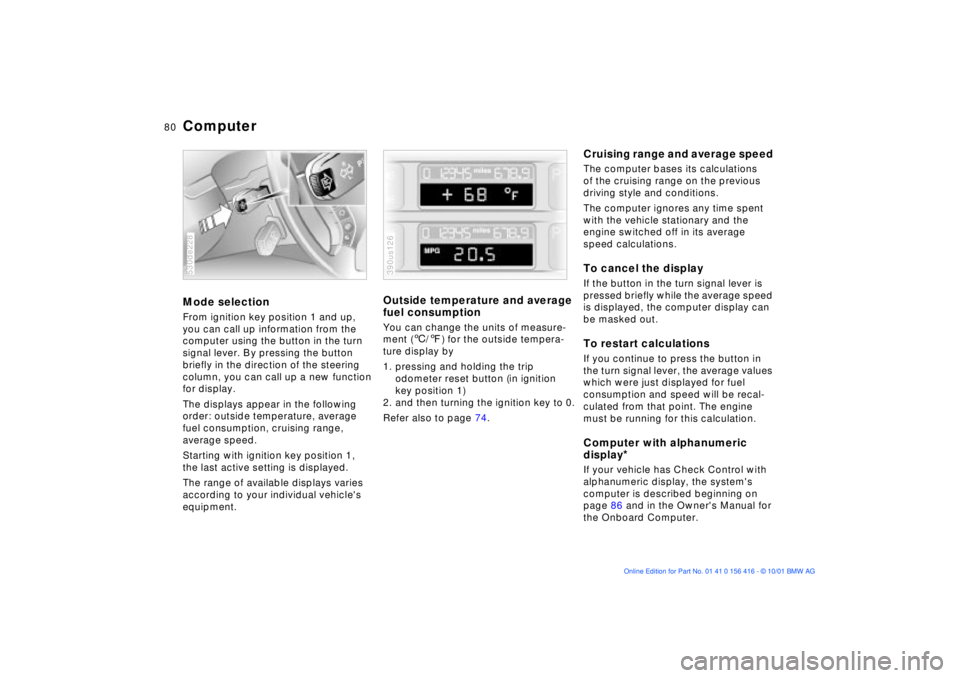
ComputerMode selection From ignition key position 1 and up,
you can call up information from the
computer using the button in the turn
signal lever. By pressing the button
briefly in the direction of the steering
column, you can call up a new function
for display.
The displays appear in the following
order: outside temperature, average
fuel consumption, cruising range,
average speed.
Starting with ignition key position 1,
the last active setting is displayed.
The range of available displays varies
according to your individual vehicle's
equipment.530de228
Outside temperature and average
fuel consumption You can change the units of measure-
ment (6/7) for the outside tempera-
ture display by
1. pressing and holding the trip
odometer reset button (in ignition
key position 1)
2. and then turning the ignition key to 0.
Refer also to page 74.390us126
Cruising range and average speed The computer bases its calculations
of the cruising range on the previous
driving style and conditions.
The computer ignores any time spent
with the vehicle stationary and the
engine switched off in its average
speed calculations.To cancel the display If the button in the turn signal lever is
pressed briefly while the average speed
is displayed, the computer display can
be masked out. To restart calculationsIf you continue to press the button in
the turn signal lever, the average values
which were just displayed for fuel
consumption and speed will be recal-
culated from that point. The engine
must be running for this calculation.Computer with alphanumeric
display
*
If your vehicle has Check Control with
alphanumeric display, the system's
computer is described beginning on
page 86 and in the Owner's Manual for
the Onboard Computer.
Page 84 of 185
84n
Digital clock in the MIDReminder signalYou can program a reminder signal
(Memo) to be heard every hour, so that
you are sure not to miss a news
broadcast .
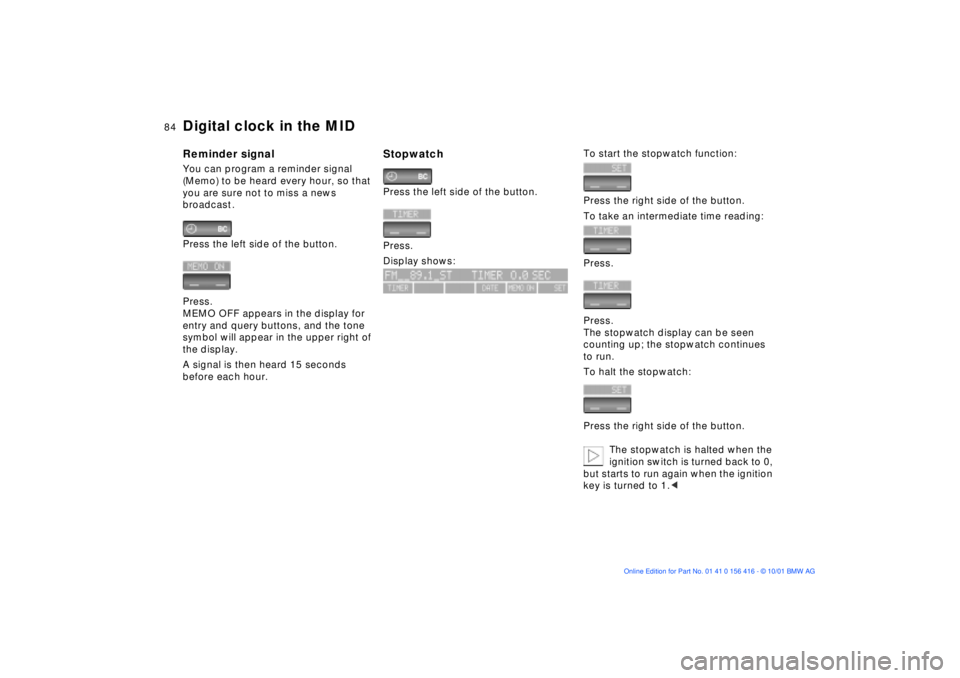
Press the left side of the button.
Press.
MEMO OFF appears in the display for
entry and query buttons, and the tone
symbol will appear in the upper right of
the display.
A signal is then heard 15 seconds
before each hour.
Stopwatch Press the left side of the button.
Press.
Display shows:
To start the stopwatch function:
Press the right side of the button.
To take an intermediate time reading:
Press.
Press.
The stopwatch display can be seen
counting up; the stopwatch continues
to run.
To halt the stopwatch:
Press the right side of the button.
The stopwatch is halted when the
ignition switch is turned back to 0,
but starts to run again when the ignition
key is turned to 1.<
Page 85 of 185
85n
OverviewControlsMaintenanceRepairsDataIndex
Digital clock in the MIDEnter the switch-on times for the
independent ventilation
*
You can enter two different switch-on
times.
The ventilation will shut off
automatically after 30 minutes.
Please follow the instructions for
operating the independent ventila-
tion that start on page 112.<
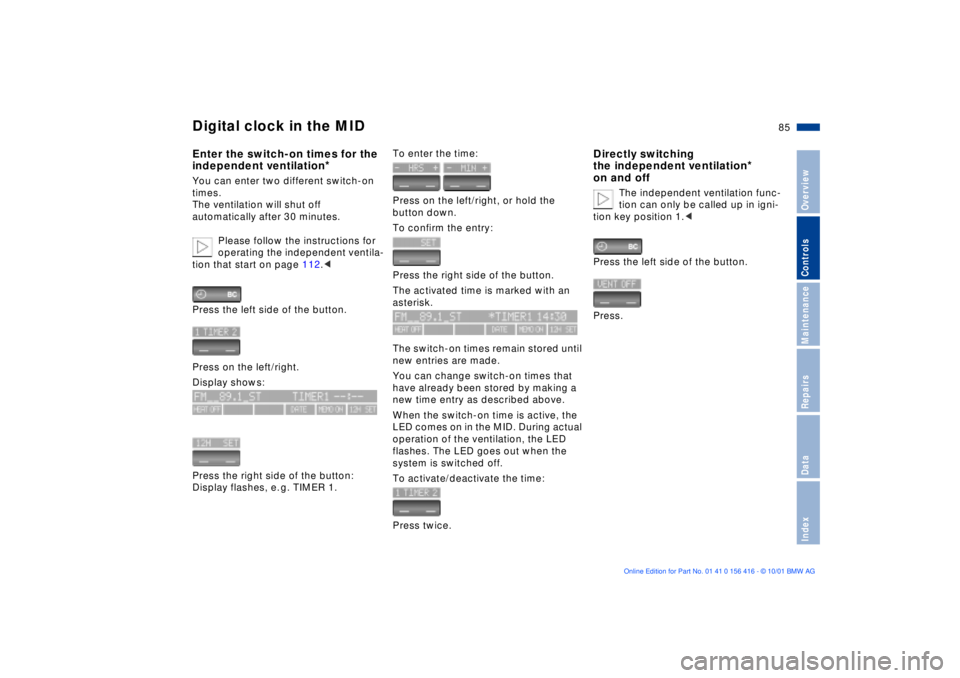
Press the left side of the button.
Press on the left/right.
Display shows:
Press the right side of the button:
Display flashes, e. g. TIMER 1.
To enter the time:
Press on the left/right, or hold the
button down.
To confirm the entry:
Press the right side of the button.
The activated time is marked with an
asterisk.
The switch-on times remain stored until
new entries are made.
You can change switch-on times that
have already been stored by making a
new time entry as described above.
When the switch-on time is active, the
LED comes on in the MID. During actual
operation of the ventilation, the LED
flashes. The LED goes out when the
system is switched off.
To activate/deactivate the time:
Press twice.
Directly switching
the independent ventilation
*
on and off
The independent ventilation func-
tion can only be called up in igni-
tion key position 1.<
Press the left side of the button.
Press.
Page 89 of 185
89n
OverviewControlsMaintenanceRepairsDataIndex
Computer
** * * in the MID
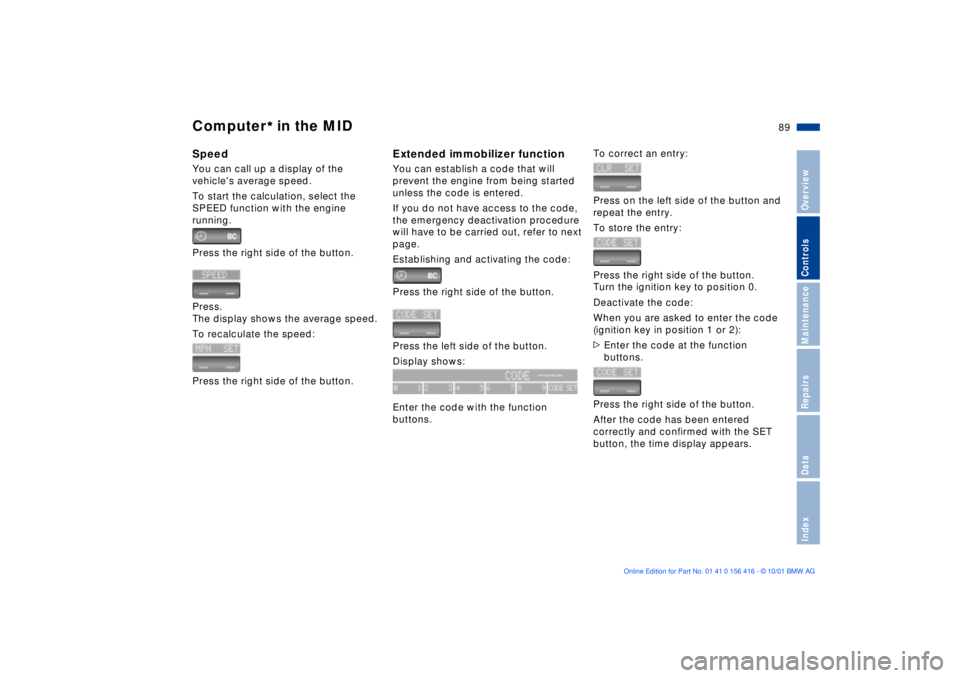
Speed You can call up a display of the
vehicle's average speed.
To start the calculation, select the
SPEED function with the engine
running.
Press the right side of the button.
Press.
The display shows the average speed.
To recalculate the speed:
Press the right side of the button.
Extended immobilizer functionYou can establish a code that will
prevent the engine from being started
unless the code is entered.
If you do not have access to the code,
the emergency deactivation procedure
will have to be carried out, refer to next
page.
Establishing and activating the code:
Press the right side of the button.
Press the left side of the button.
Display shows:
Enter the code with the function
buttons.
To correct an entry:
Press on the left side of the button and
repeat the entry.
To store the entry:
Press the right side of the button.
Turn the ignition key to position 0.
Deactivate the code:
When you are asked to enter the code
(ignition key in position 1 or 2):
>Enter the code at the function
buttons.
Press the right side of the button.
After the code has been entered
correctly and confirmed with the SET
button, the time display appears.
Page 90 of 185
90n
Computer
** * * in the MID
After three incorrect code entries, or
three attempts to start the engine
without a code entry, the alarm will
sound for 30 seconds on vehicles fitted
with an alarm system.
Deactivating the alarm in an
emergency:
If you have forgotten the code, proceed
as follows:
1. Disconnect the battery, wait approx.
2 minutes, then reconnect it. Note
that on vehicles with an alarm
system, the alarm will sound
2. Set the ignition key to position 1:
The time display will count down for
the next ten minutes
3. After ten minutes, start the engine.
If the code becomes available
again in the meantime, it can be
entered during the waiting period after
pressing the CODE button.<
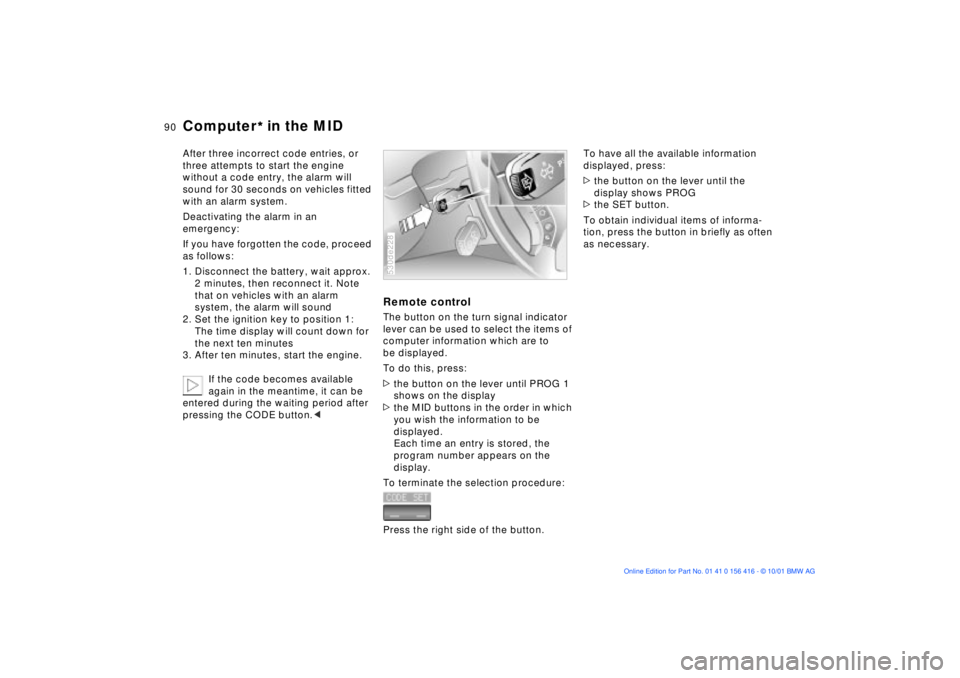
Remote control The button on the turn signal indicator
lever can be used to select the items of
computer information which are to
be displayed.
To do this, press:
>the button on the lever until PROG 1
shows on the display
>the MID buttons in the order in which
you wish the information to be
displayed.
Each time an entry is stored, the
program number appears on the
display.
To terminate the selection procedure:
Press the right side of the button.530de228
To have all the available information
displayed, press:
>the button on the lever until the
display shows PROG
>the SET button.
To obtain individual items of informa-
tion, press the button in briefly as often
as necessary.
Page 91 of 185
91n
OverviewControlsMaintenanceRepairsDataIndex
The concept The PDC assists you when you are
parking. Acoustical signals inform you
of the distance to an obstacle. To do
this, four ultrasonic sensors in the front
and rear bumpers each measure the
distance to the nearest object. The
detection range of the front sensors
and the two sensors located at the
ends of the rear bumper is approxi-
mately 2 ft (60 cm), while the rear
center sensors can detect objects to a
distance of roughly 5 ft (1.50 m).Automatic functionThe system starts to operate auto-
matically about one second after you
select reverse with the ignition key in
position 2.
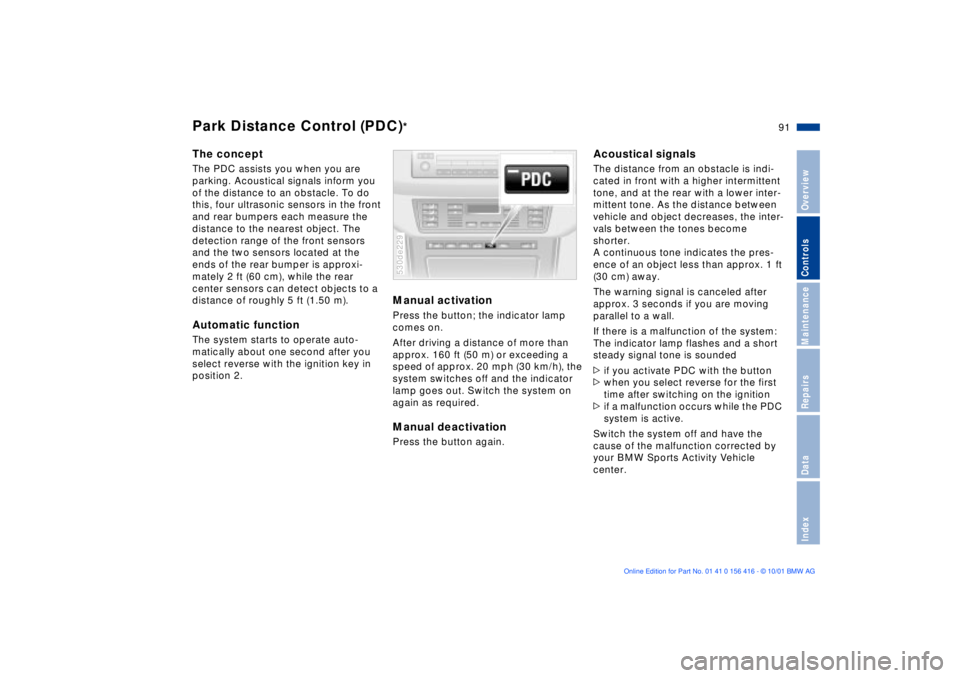
Manual activation Press the button; the indicator lamp
comes on.
After driving a distance of more than
approx. 160 ft (50 m) or exceeding a
speed of approx. 20 mph (30 km/h), the
system switches off and the indicator
lamp goes out. Switch the system on
again as required. Manual deactivationPress the button again. 530de229
Acoustical signals The distance from an obstacle is indi-
cated in front with a higher intermittent
tone, and at the rear with a lower inter-
mittent tone. As the distance between
vehicle and object decreases, the inter-
vals between the tones become
shorter.
A continuous tone indicates the pres-
ence of an object less than approx. 1 ft
(30 cm) away.
The warning signal is canceled after
approx. 3 seconds if you are moving
parallel to a wall.
If there is a malfunction of the system:
The indicator lamp flashes and a short
steady signal tone is sounded
>if you activate PDC with the button
>when you select reverse for the first
time after switching on the ignition
>if a malfunction occurs while the PDC
system is active.
Switch the system off and have the
cause of the malfunction corrected by
your BMW Sports Activity Vehicle
center.
Park Distance Control (PDC)
*
Page 97 of 185
97n
OverviewControlsMaintenanceRepairsDataIndex
Variable Ride Height on both axles
*
LoweringAvailable with key in position 2.
From "Standard" to "Access":
1. Press button 2 while traveling at less
than approx. 50 mph (80 km/h). The
system enters its preselection mode.
The preselection mode is canceled
>by pressing button 1
>automatically once the vehicle
exceeds a speed of approx.
50 mph (80 km/h) or roughly
60 seconds after button 2 is
pressed
2. Reduce speed to below
approx. 15 mph (25 km/h) within
roughly 60 seconds after pressing
button 2.
When you press button 2 at
speeds below approx. 15 mph
(25 km/h) the system automatically
lowers the vehicle to the "Access"
level.<
From "Off-Road" to "Standard":
>Press button 2 or
>automatically once you exceed a
speed of approx. 30 mph (50 km/h).
Page 98 of 185
98n
Tire Pressure Monitor (RDC)*The conceptRDC monitors the tire pressures at all
four wheels, even when the vehicle is
moving. The system provides an alert
whenever the inflation pressure drops
significantly below the specified pres-
sure in one or more tires.
In order for the system to "learn" the
correct tire inflation pressure, check the
inflation pressures in all tires, refer to
the table on page 27 and make any
necessary corrections. Then activate
the system.
This indicator lamp in the instru-
ment cluster or the Check
Control will inform you if the tire
pressure is not correct.
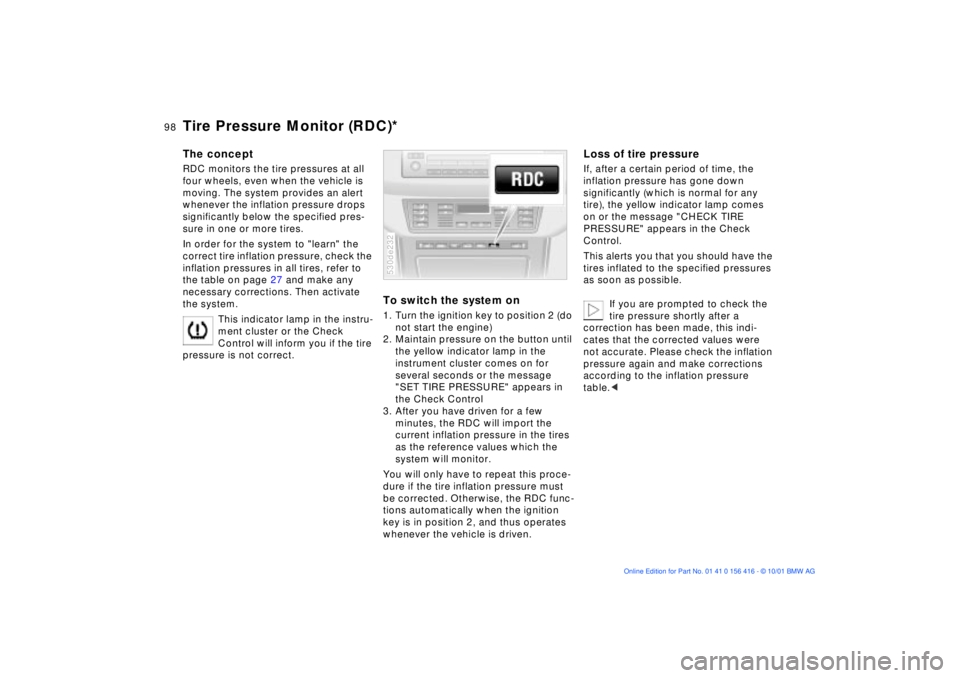
To switch the system on1. Turn the ignition key to position 2 (do
not start the engine)
2. Maintain pressure on the button until
the yellow indicator lamp in the
instrument cluster comes on for
several seconds or the message
"SET TIRE PRESSURE" appears in
the Check Control
3. After you have driven for a few
minutes, the RDC will import the
current inflation pressure in the tires
as the reference values which the
system will monitor.
You will only have to repeat this proce-
dure if the tire inflation pressure must
be corrected. Otherwise, the RDC func-
tions automatically when the ignition
key is in position 2, and thus operates
whenever the vehicle is driven.530de232
Loss of tire pressureIf, after a certain period of time, the
inflation pressure has gone down
significantly (which is normal for any
tire), the yellow indicator lamp comes
on or the message "CHECK TIRE
PRESSURE" appears in the Check
Control.
This alerts you that you should have the
tires inflated to the specified pressures
as soon as possible.
If you are prompted to check the
tire pressure shortly after a
correction has been made, this indi-
cates that the corrected values were
not accurate. Please check the inflation
pressure again and make corrections
according to the inflation pressure
table.<
Page 100 of 185
100n
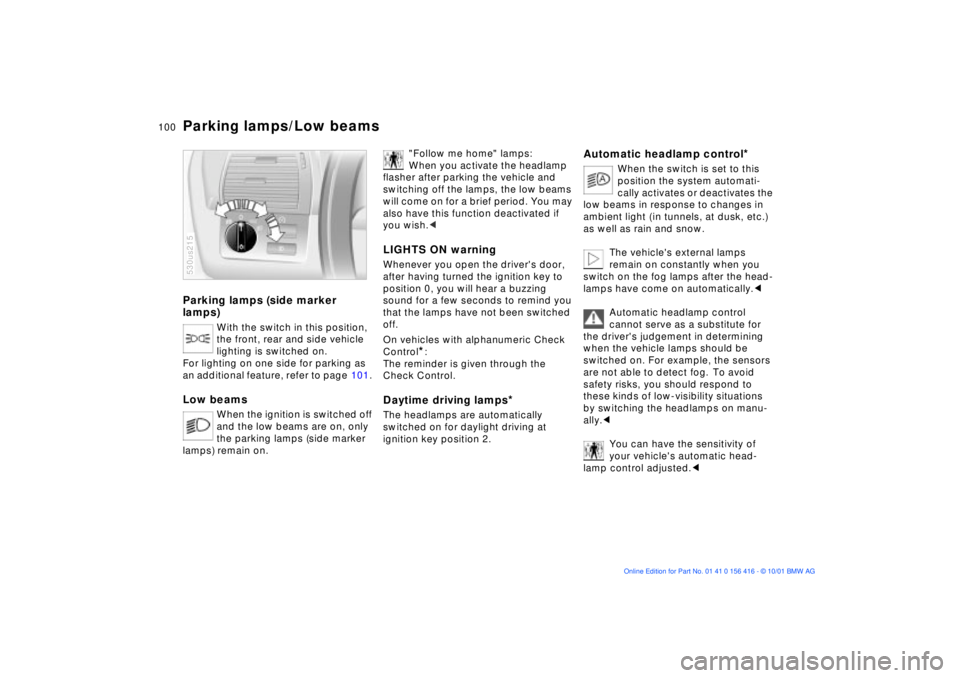
Parking lamps (side marker
lamps)
With the switch in this position,
the front, rear and side vehicle
lighting is switched on.
For lighting on one side for parking as
an additional feature, refer to page 101.
Low beams
When the ignition is switched off
and the low beams are on, only
the parking lamps (side marker
lamps) remain on.
530us215
"Follow me home" lamps:
When you activate the headlamp
flasher after parking the vehicle and
switching off the lamps, the low beams
will come on for a brief period. You may
also have this function deactivated if
you wish.<
LIGHTS ON warningWhenever you open the driver's door,
after having turned the ignition key to
position 0, you will hear a buzzing
sound for a few seconds to remind you
that the lamps have not been switched
off.
On vehicles with alphanumeric Check
Control
*:
The reminder is given through the
Check Control.
Daytime driving lamps
*
The headlamps are automatically
switched on for daylight driving at
ignition key position 2.
Automatic headlamp control
*
When the switch is set to this
position the system automati-
cally activates or deactivates the
low beams in response to changes in
ambient light ( in tunnels, at dusk, etc.)
as well as rain and snow.
The vehicle's external lamps
remain on constantly when you
switch on the fog lamps after the head-
lamps have come on automatically.<
Automatic headlamp control
cannot serve as a substitute for
the driver's judgement in determining
when the vehicle lamps should be
switched on. For example, the sensors
are not able to detect fog. To avoid
safety risks, you should respond to
these kinds of low-visibility situations
by switching the headlamps on manu-
ally.<
You can have the sensitivity of
your vehicle's automatic head-
lamp control adjusted.<
Parking lamps/Low beams